Key Takeaways
- Open Notebook is a free, open-source alternative to NotebookLM built by developer Luis Novo
- It supports multiple LLM providers including OpenAI, Anthropic, Groq, Mistral, DeepSeek, and OpenRouter
- Users can self-host the tool, keeping sensitive documents entirely offline
Why NotebookLM Users Are Looking Elsewhere
NotebookLM started as a Google research experiment exploring retrieval-augmented generation (RAG). The idea was simple: ground a large language model strictly on your uploaded documents rather than its general training data. Upload PDFs, paste URLs, and chat with an AI that actually knows your material.
The tool grew into a full Google product. It earned praise for features like Audio Overview, which turns documents into podcast-style conversations. But NotebookLM comes with limits baked in. Queries always run through Google's cheapest Gemini model. The system prompts for summaries and audio content are set by Google, not you. The podcast hosts are always the same two voices.
For users who want more control over their AI workflows, or who handle sensitive data that shouldn't touch Google's servers, these constraints matter.
Enter Open Notebook
Open Notebook is a project by developer Luis Novo, available freely on GitHub. It replicates NotebookLM's core workflow: upload sources, chat with them, ask questions, generate summaries, and create podcasts. The key difference is what it doesn't include.
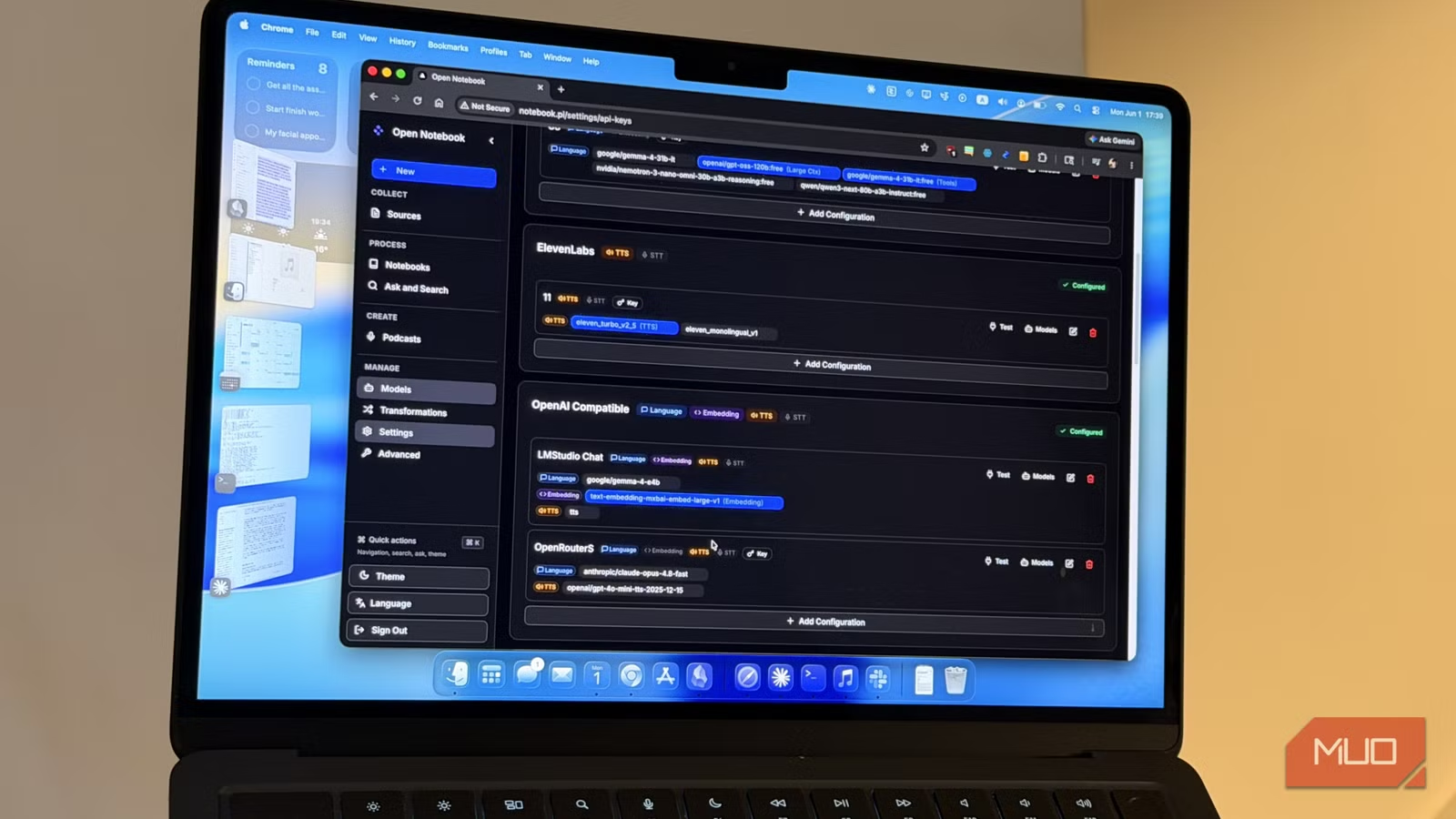
Open Notebook is an interface, not a bundled AI service. It provides the code to handle document ingestion, RAG pipelines, and output generation. But it ships with no AI models. You bring your own.
“Open-source isn't just about code—it's about sovereignty over your own knowledge base, which is what NotebookLM lacks.”
— Luis Novo, Developer of Open Notebook
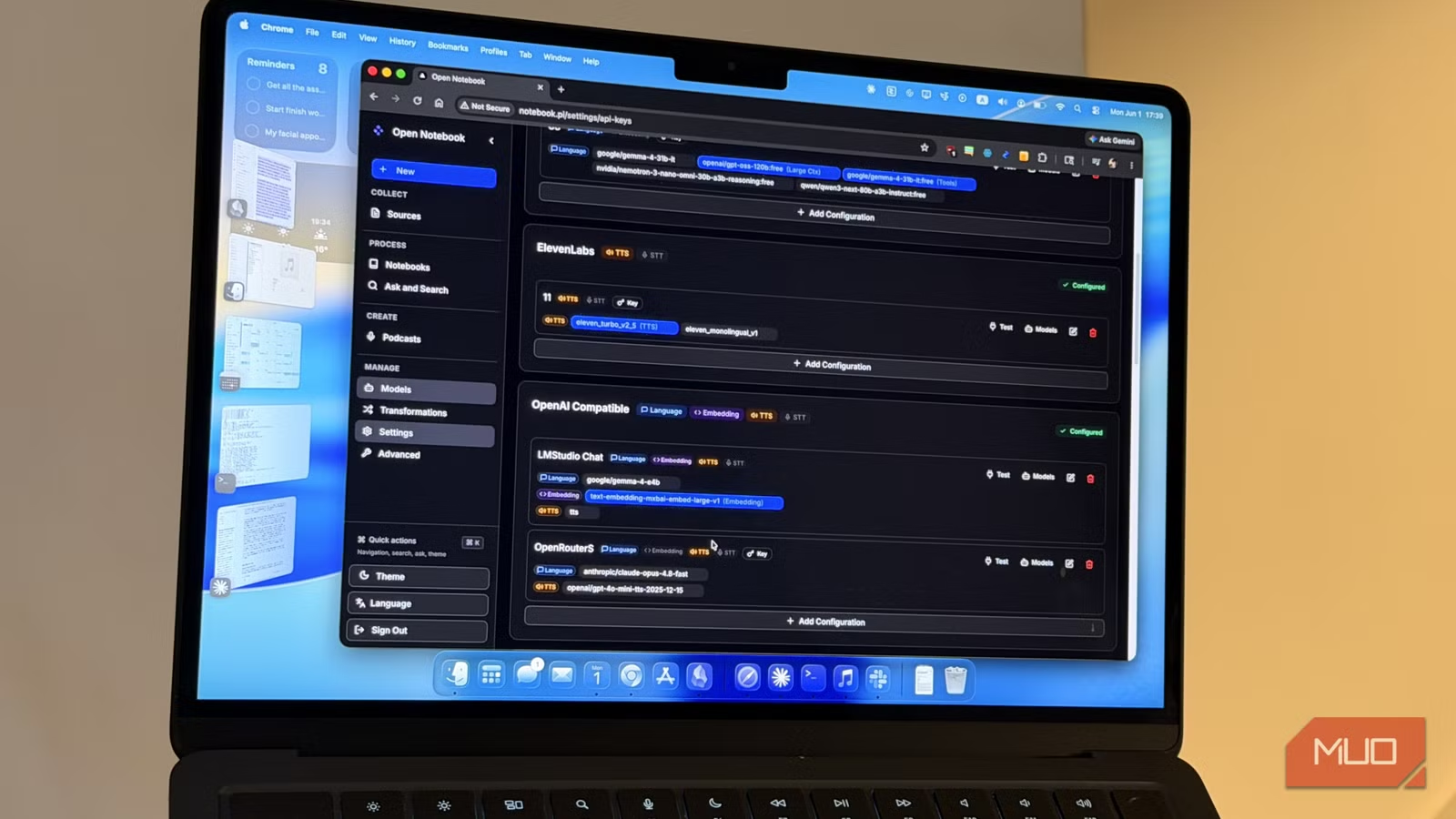
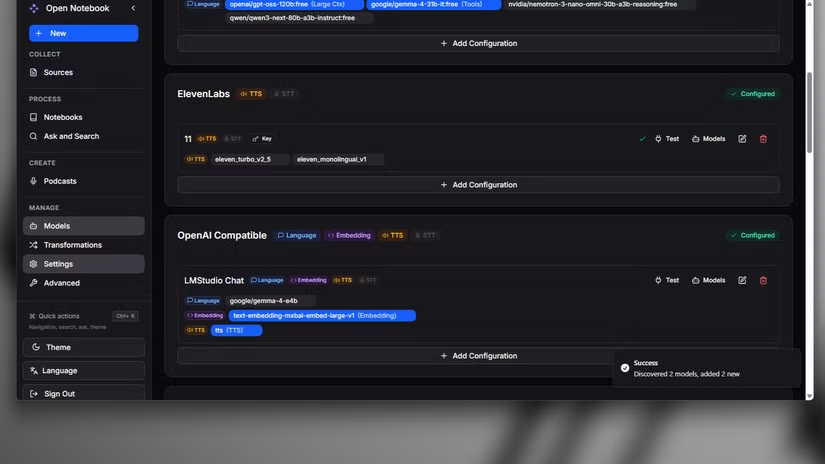
This means you can connect Open Notebook to providers like OpenAI, Anthropic, Groq, Mistral, DeepSeek, or Azure. It also supports OpenRouter, which gives you access to dozens of models through a single API key with pay-as-you-go pricing. For those running local models, any OpenAI-compatible endpoint works too.
The Case for Self-Hosting
Reddit communities like r/LocalLLaMA and r/selfhosted have been debating this tradeoff for months. The convenience of NotebookLM's polished interface and one-click podcasts is real. But so are concerns about uploading confidential research, legal documents, or proprietary business data to Google's servers.
Open Notebook addresses this by running entirely on your own hardware. Your documents never leave your machine unless you explicitly route them through a cloud API. For organizations with strict data governance requirements, this distinction is significant.
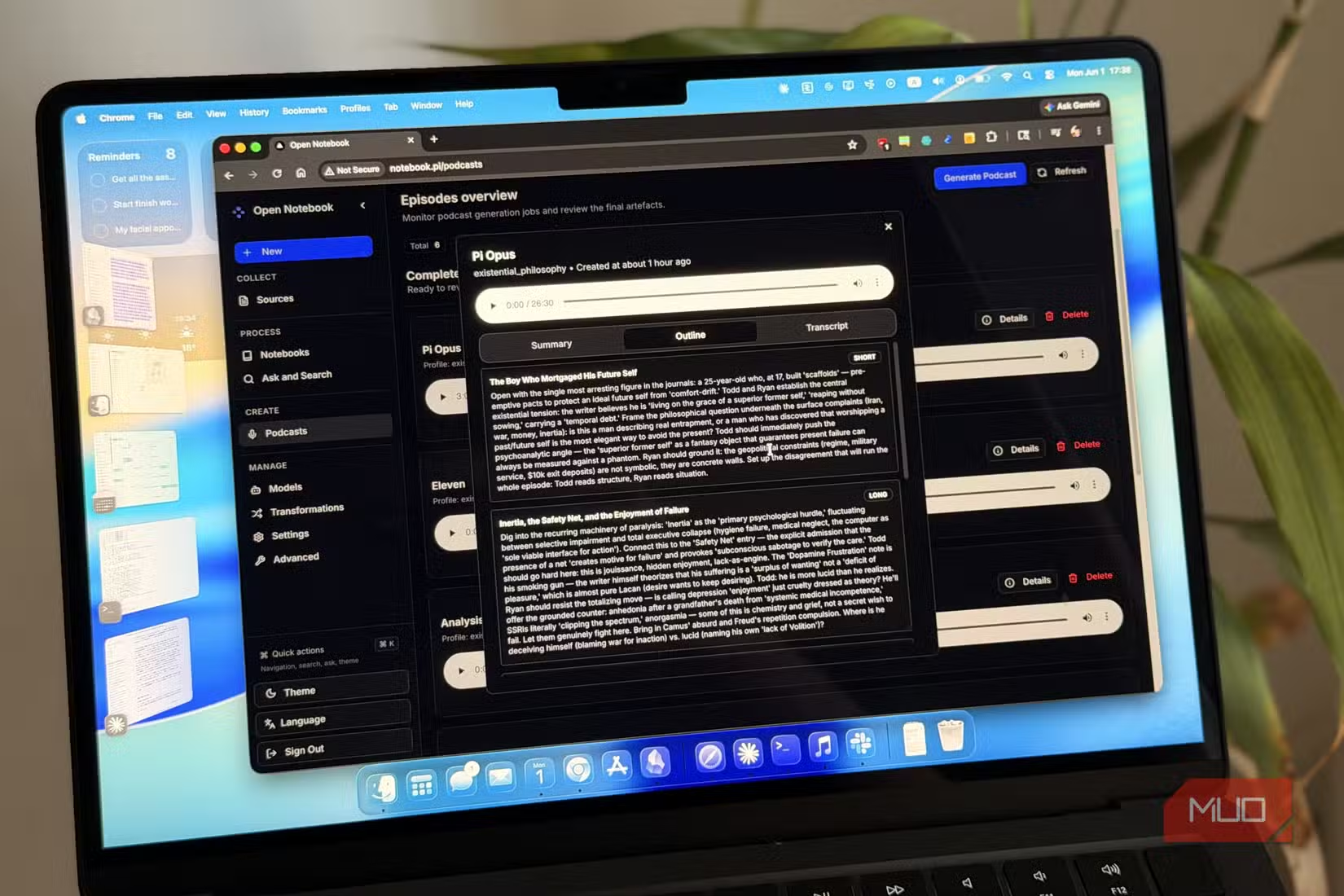
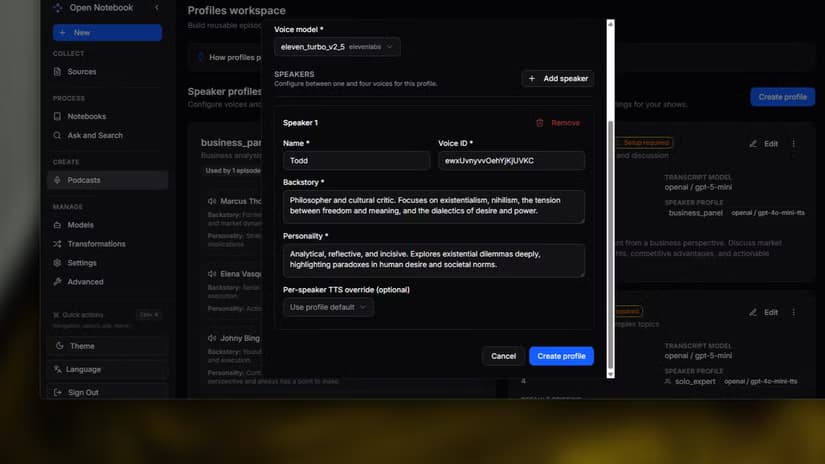
The tool also lets you customize text-to-speech settings for podcast generation. Unlike NotebookLM's fixed voice pair, you can add custom speakers and choose your own TTS providers.
Practical Setup and Trade-offs
Open Notebook requires more setup than signing into NotebookLM. You'll need to deploy it locally or on a server, configure your chosen LLM providers, and manage API keys. This is not a plug-and-play tool for casual users.
✅ Pros
- • Full control over which LLM models process your data
- • Self-hosting keeps sensitive documents offline
- • Supports dozens of providers through OpenRouter
- • Customizable TTS voices for podcast generation
❌ Cons
- • Requires technical setup and server maintenance
- • No bundled AI models, so you'll pay for API usage separately
- • Less polished interface compared to NotebookLM
- • Single maintainer project, so updates depend on one developer
The tradeoff is control versus convenience. NotebookLM works out of the box. Open Notebook works the way you want it to, but you have to build that configuration yourself.
Who Should Consider This
Open Notebook makes sense for researchers handling sensitive data, legal teams reviewing confidential documents, or anyone who wants to experiment with different LLMs for RAG workflows. If you're comfortable with Docker and API configuration, the learning curve is manageable.
For users who just want to upload a PDF and get an instant podcast, NotebookLM remains the easier choice. Google's infrastructure handles the complexity, and the Audio Overview feature is genuinely impressive for turning raw documents into listenable content.
The real value of Open Notebook isn't that it's better than NotebookLM. It's that it exists at all. One developer built a credible alternative to a Google product, and anyone can fork it, modify it, or extend it. That's what open source makes possible.
Logicity's Take
Frequently Asked Questions
Is Open Notebook free to use?
The software itself is free and open-source. However, you'll need to pay for API usage if you connect it to commercial LLM providers like OpenAI or Anthropic.
Can Open Notebook generate podcasts like NotebookLM?
Yes. It supports podcast generation with customizable TTS voices, so you're not limited to NotebookLM's fixed host pair.
Do I need coding experience to set up Open Notebook?
Some technical comfort is required. You'll need to deploy the application and configure API keys for your chosen LLM providers.
Which AI models work with Open Notebook?
It supports OpenAI, Anthropic, Groq, Mistral, DeepSeek, Azure, OpenRouter, and any OpenAI-compatible endpoint, including local models.
Need Help Implementing This?
Source: MakeUseOf
Manaal Khan
Tech & Innovation Writer
Produced with AI assistance and reviewed by the Logicity editorial team. Learn more in our Editorial Policy.






