Key Takeaways
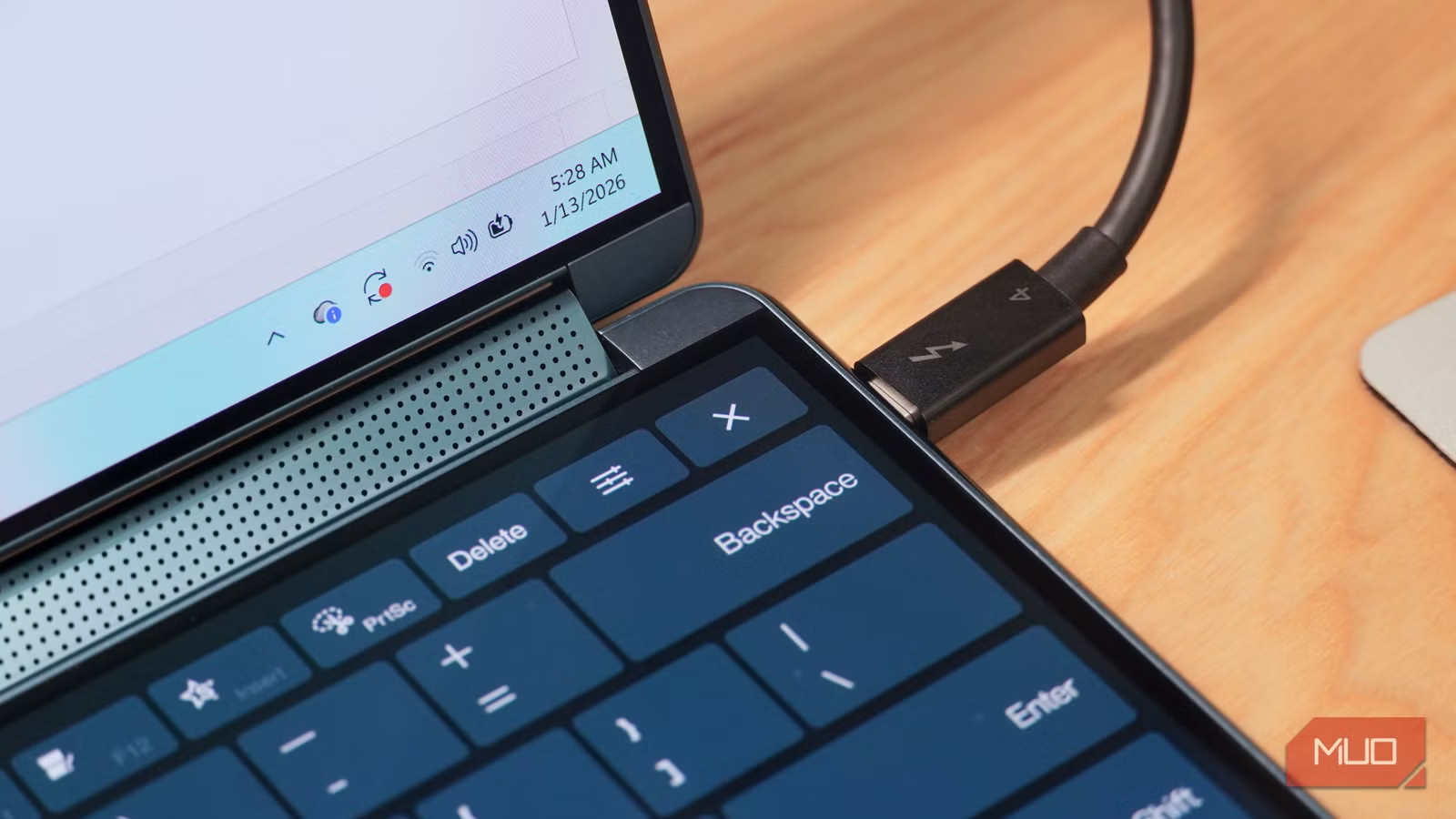
- XLR cables use balanced audio with electromagnetic interference cancellation that USB-C lacks
- HDMI's eARC and Audio Return Channel have no USB-C equivalent for home theater setups
- Toslink's fiber-optic transmission eliminates ground loop noise that plagues copper-based USB-C
USB-C has conquered nearly everything. Phones, laptops, tablets, cameras, even the EU's regulatory apparatus. But physics doesn't care about convenience mandates. Several cable types do things USB-C physically cannot, and no amount of alt-modes or specification revisions will change that.
Brady Snyder at MakeUseOf spent years converting his entire workflow to USB-C, including modding an iPod Classic and hunting down USB-C-charging camera batteries. His conclusion? Five cable types remain irreplaceable for anyone serious about audio, video, or networking.
Why XLR cables win for professional audio
Musicians, recording studios, and audiophiles use XLR cables for a reason USB-C cannot match: balanced audio transmission. XLR's three-pin setup (ground, positive, negative) actively cancels electromagnetic interference. The cable itself is thick, durable, and locks into place.
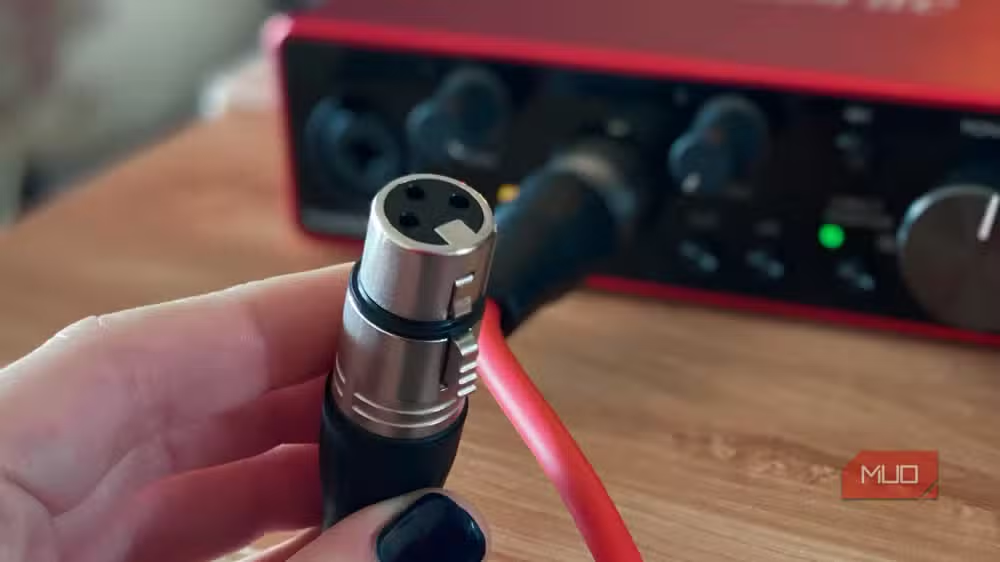
XLR runs clean audio for roughly 100 feet before signal degradation becomes a concern. USB-C is thinner, unbalanced, has no locking mechanism, and cannot cover those distances. For a live venue or studio where cables snake across rooms, XLR isn't a preference. It's a requirement.
HDMI's exclusive features USB-C cannot touch
The USB Implementers Forum tried. DisplayPort Alt Mode works fine for monitors, and it's baked into the USB4 standard. But HDMI Alt Mode? That failed completely. No consumer cables supporting HDMI Alt Mode ever shipped.
The features that didn't make the jump matter for home theater. Audio Return Channel (ARC) and enhanced ARC (eARC) let HDMI cables send audio bidirectionally while simultaneously carrying video. One cable connects your TV to a soundbar or AV receiver and handles everything. No separate optical cable needed.
HDMI Ethernet Channel (HEC) adds 100Mbps bidirectional internet to that same cable. USB-C has no equivalent. If you're building a home theater, HDMI remains mandatory.
Toslink: fiber optics beat copper for interference
Optical audio cables (Toslink) solve a problem USB-C cannot: complete isolation from electromagnetic interference. Because Toslink uses fiber-optic light transmission rather than electrical signals, it eliminates ground loop noise. That's the hum, buzz, or hiss you hear from poorly isolated audio equipment.
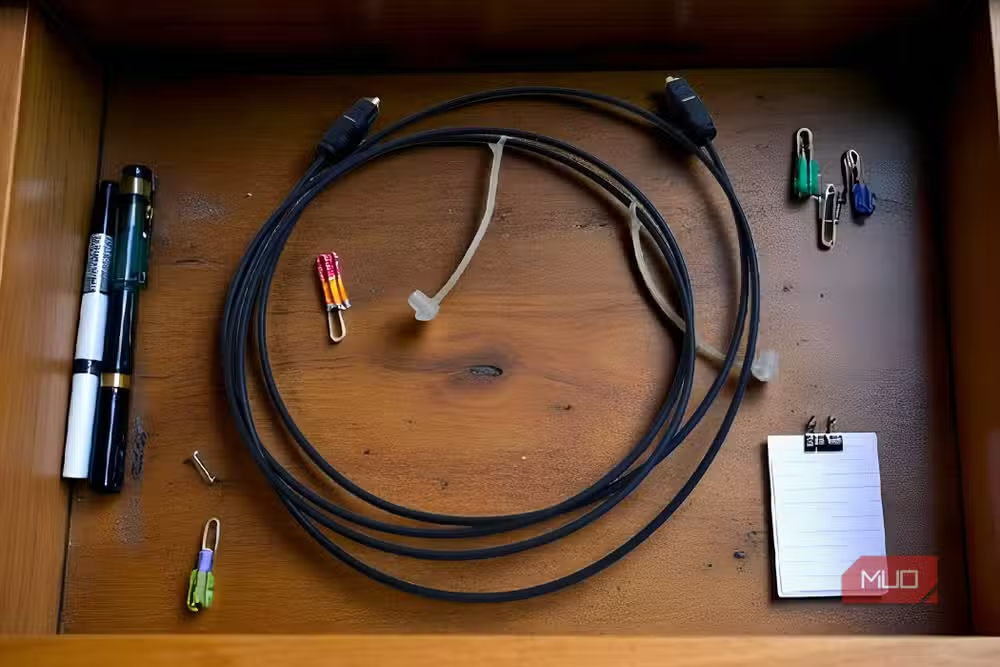
USB-C carries digital audio, yes. But it uses copper conductors susceptible to interference. When you need to send a digital signal without analog conversion between devices in electrically noisy environments, Toslink remains the clean path. HDMI's ARC feature has reduced Toslink's prevalence, but the cable still fills a niche USB-C cannot.
What about power cables and ethernet?
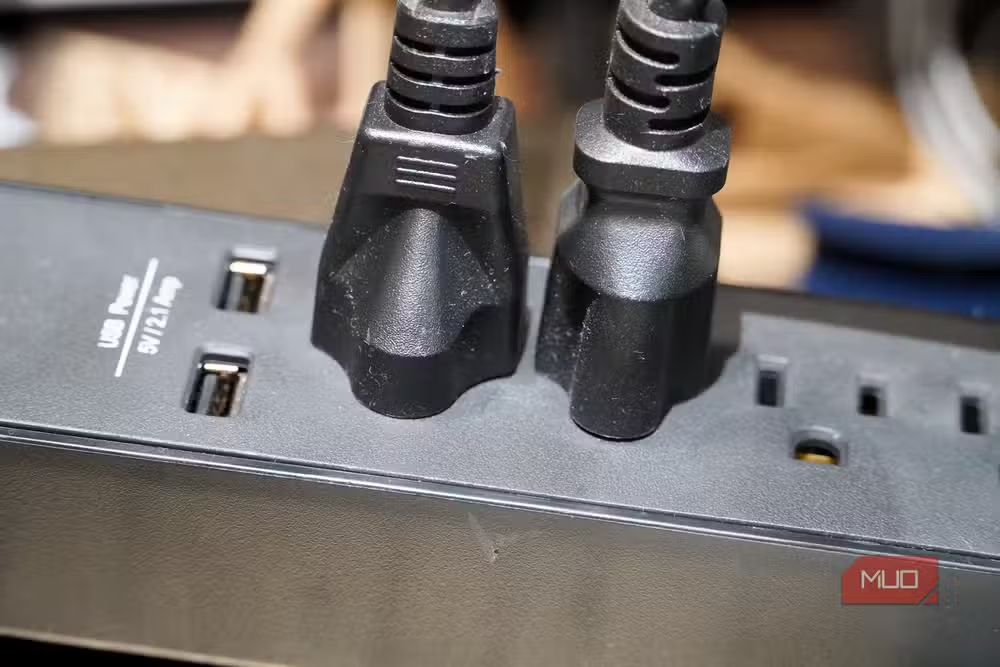
The source focuses on audio and video, but the same logic extends further. USB-C Power Delivery 3.1 tops out at 240 watts. That's fine for laptops, but gaming rigs, workstations, and appliances need more. High-voltage power cables aren't going anywhere.
Ethernet handles 2.5Gbps to 10Gbps over copper, and fiber runs circles around USB4's 80Gbps ceiling for infrastructure. These aren't failures of USB-C. They're simply different tools for different physics problems.
The real lesson: connectors aren't magic
USB-C standardization has made life easier. One charger for everything portable. One cable type to stock. But standardization doesn't override physics. Balanced audio requires balanced cables. Bidirectional ARC requires HDMI's protocol. Interference immunity requires fiber.
The five cables USB-C won't replace exist because they solve problems USB-C wasn't designed to solve. That's not a flaw. It's just the reality of specialized hardware.
Logicity's Take
The EU's USB-C mandate was about consumer convenience for portable devices, not technical superiority in every domain. Engineers building home studios, AV setups, or networked infrastructure should think of USB-C as a floor, not a ceiling. The real question for IT buyers: does your cable drawer reflect your actual needs, or just your tidiness preferences?
Frequently Asked Questions
Can USB-C replace XLR for recording?
No. USB-C lacks balanced audio transmission, locking connectors, and the ability to run clean signals over 100 feet. Professional recording environments need XLR's electromagnetic interference cancellation.
Why did HDMI Alt Mode for USB-C fail?
No consumer cables supporting HDMI Alt Mode ever reached the market. Features like ARC, eARC, and HDMI Ethernet Channel remain exclusive to native HDMI cables.
Is Toslink better than USB-C for audio?
For interference immunity, yes. Toslink uses fiber optics that eliminate ground loop noise. USB-C carries digital audio but uses copper conductors susceptible to electromagnetic interference.
What is the maximum power USB-C can deliver?
USB-C Power Delivery 3.1 Extended Power Range supports up to 240 watts. That covers laptops but falls short for gaming desktops, workstations, and most appliances.
Will USB4 eventually replace HDMI?
USB4 supports DisplayPort Alt Mode for video, but HDMI-exclusive features like eARC have no USB-C equivalent. Home theater setups still require HDMI cables.
Another look at specialized hardware where general-purpose solutions fall short
Need Help Implementing This?
Planning a studio, home theater, or infrastructure buildout? Our consulting team can audit your cable and connectivity requirements. Contact Logicity for a technical review.
Source: MakeUseOf
Huma Shazia
Senior AI & Tech Writer
Produced with AI assistance and reviewed by the Logicity editorial team. Learn more in our Editorial Policy.






