Key Takeaways
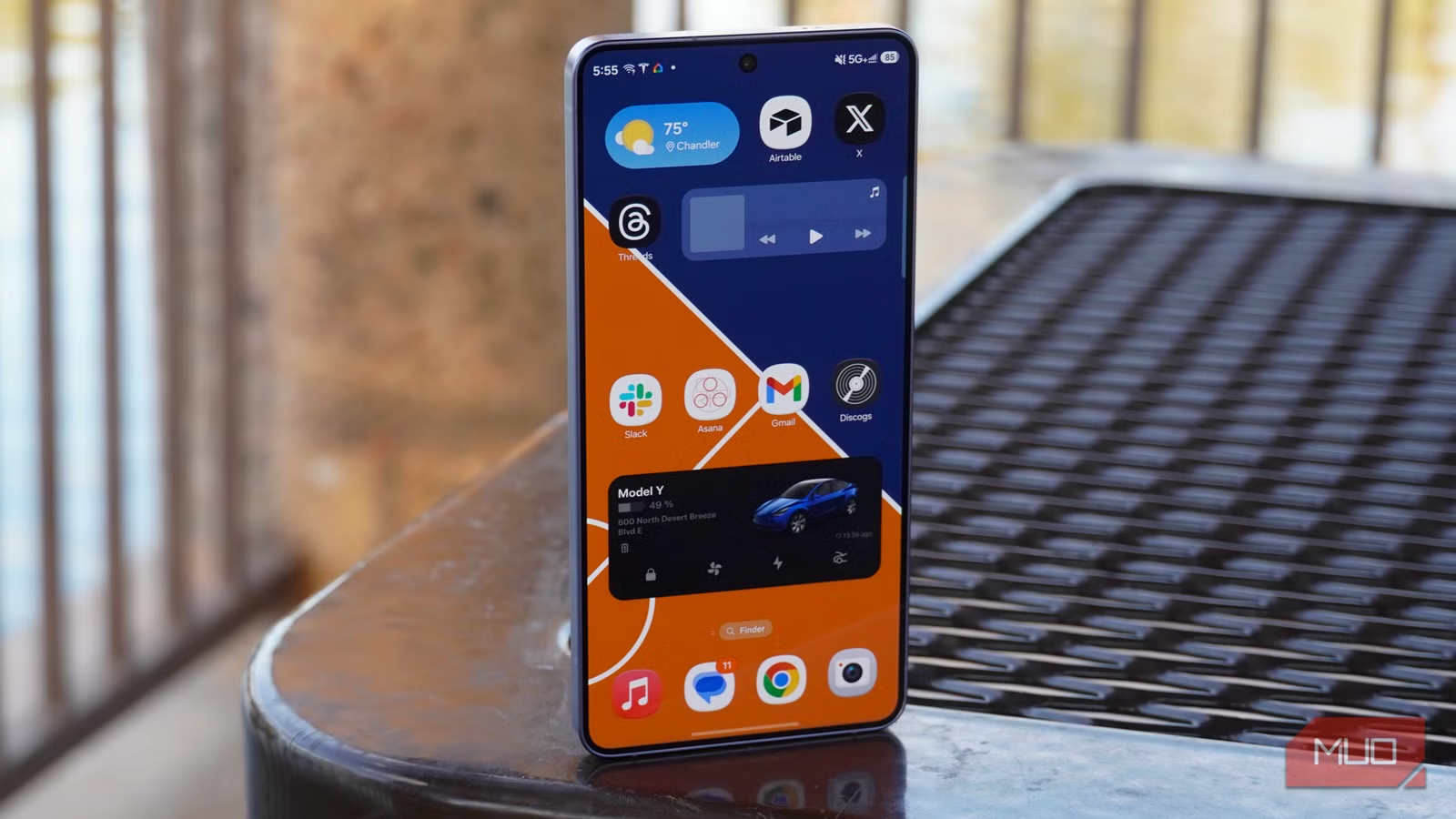
- Samsung Notes integrates deeply with One UI and offers AI-powered formatting, summarization, and PDF annotation
- Samsung Health tracks steps and activity using phone sensors alone, no smartwatch required
- Samsung Internet supports third-party add-ons and aggressive tracker blocking, outpacing Chrome in privacy features
A new Galaxy phone ships with over 50 pre-installed apps. Most users instinctively want to purge the bloat. That impulse is valid: roughly 12GB of storage on a typical 256GB device goes to system apps and One UI before you install a single thing. But four Samsung apps genuinely outperform their Google equivalents and deserve a second look before you reach for the disable button.
The core tension here is redundancy. Samsung competes directly with Google's services, so Galaxy owners end up with two browsers, two note apps, two wallets, two assistants. Power users on r/Android regularly share ADB-based debloat guides to strip out the duplicates. But casual users often find Samsung's versions more polished, because Samsung controls the hardware and can integrate features Google cannot.
Why is Samsung Notes better than Google Keep?
Samsung Notes is the standout. On an S26 Ultra, you can start writing with the S Pen before unlocking the phone. On other Galaxy models, the Edge Panel gives quick access on any screen. These aren't gimmicks; they remove friction from capturing ideas.
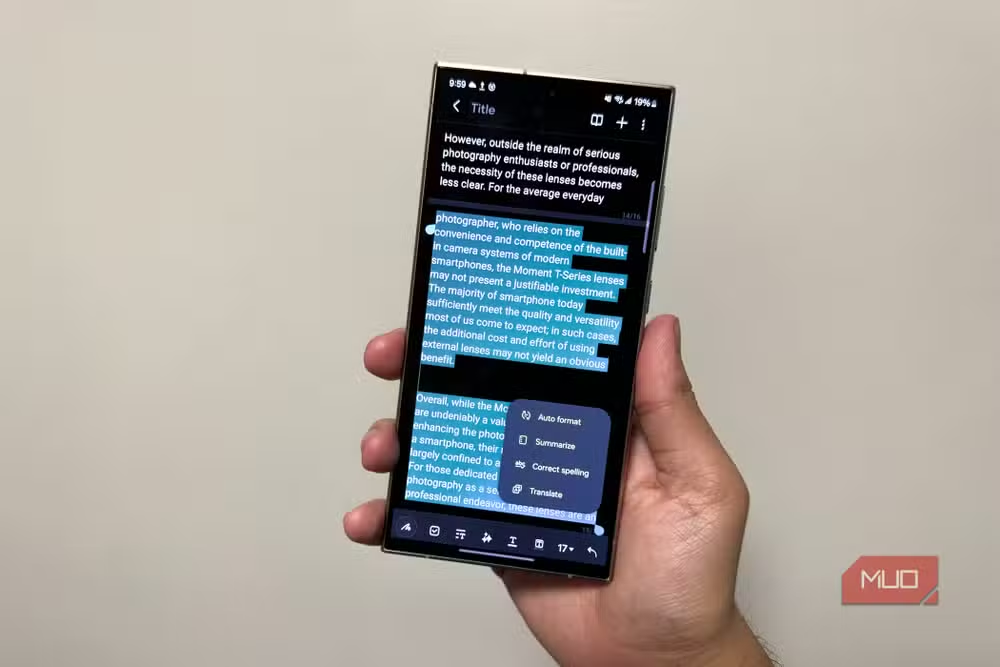
The AI features tip the scales further. Galaxy AI can reformat messy handwriting, summarize long passages, and fix spelling and grammar inline. Samsung Notes also doubles as a PDF viewer with annotation, highlighting, and signature support. The same AI tools work on PDFs.
The catch: Samsung Notes is mostly locked to Galaxy devices. If you switch brands frequently, your notes don't follow. A Windows version exists, so laptop sync works. But cross-platform Android users will find Google Keep more portable.
Does Samsung Health work without a smartwatch?
Yes. Samsung Health uses your phone's sensors to count steps, estimate distance, and calculate calories burned. You don't need a Galaxy Watch or any wearable. Set it up once, and tracking runs automatically in the background.
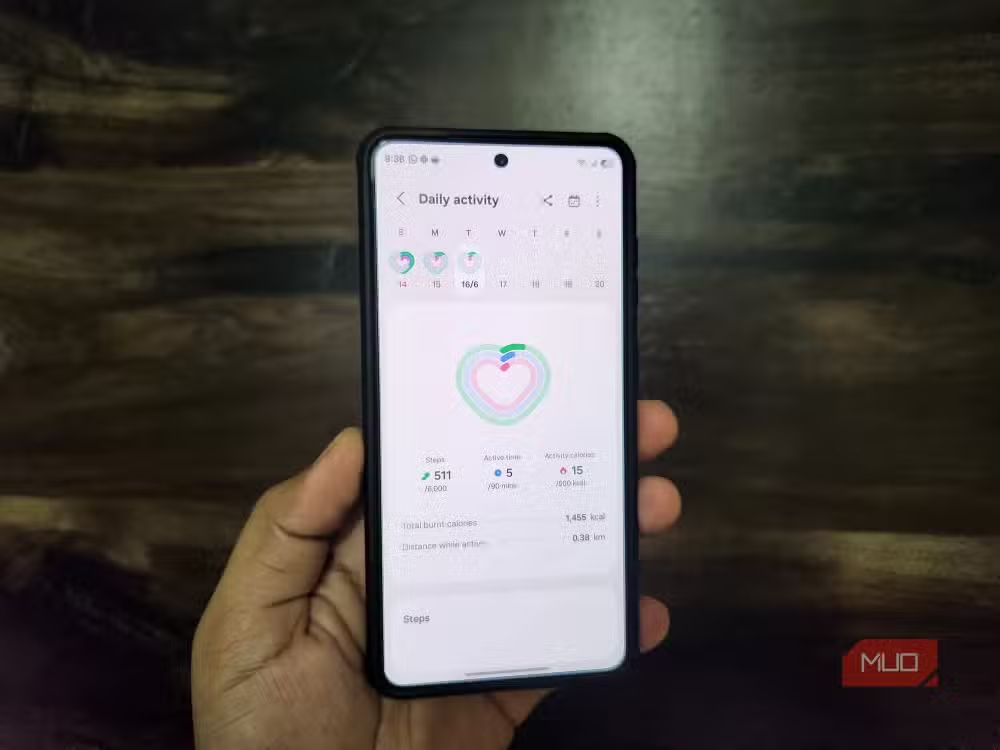
The data isn't as precise as a fitness tracker's. Your phone isn't always in your pocket, and it can't measure heart rate or sleep. But for anyone who wants a rough daily step count and activity trends without wearing another device, Samsung Health is useful and unobtrusive.
What can Samsung Wallet actually replace?
Samsung Wallet stores credit cards, debit cards, gift cards, boarding passes, digital IDs, and even passports. You can make tap-to-pay purchases and store your car's digital key. Swipe up from the lock screen or home screen to access it.
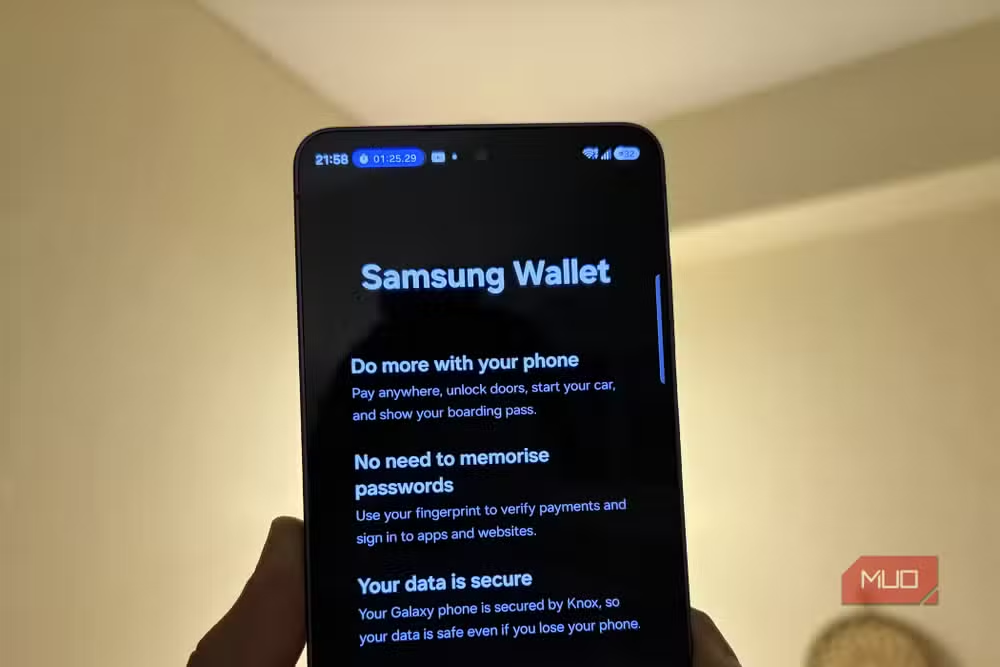
Even if contactless payments don't interest you, Samsung Wallet includes Samsung Pass, the default password manager. It saves login credentials and addresses, then autofills them using fingerprint or face unlock. That alone justifies keeping the app installed.
Is Samsung Internet better than Chrome?
Samsung Internet is the one Samsung app that isn't locked to Galaxy phones. It runs on any Android device and on Windows. The browser supports third-party add-ons for ad blocking, custom dark mode, and video subtitles. Galaxy AI can summarize and translate web pages.
Privacy is where Samsung Internet pulls ahead. It blocks trackers, pop-ups, redirects, and sneaky auto-downloads more aggressively than Chrome's defaults. For users who want a cleaner browsing experience without installing a separate ad blocker, it's worth trying.
The bloatware tradeoff
The frustration with Samsung's approach is real. As mobile systems researcher Dr. Sarah Chen puts it: "The biggest challenge with modern Android is no longer performance, but the 'serviceification' of the OS, where every pre-installed app acts as a gateway to an ecosystem you might not want."
Samsung's business model depends on users staying inside its ecosystem. Each pre-installed app nudges you toward Samsung services, Samsung accounts, and Samsung data collection. That's the cost. The benefit is tighter hardware-software integration than Google can achieve on non-Pixel devices.
For the remaining 40+ apps that came with your phone, the debloat instinct is probably correct. Bixby, Samsung Free, Game Launcher, AR Zone. Disable them if you don't use them. But Notes, Health, Wallet, and Internet have earned their storage footprint.
Another case where the obvious optimization backfires
Frequently Asked Questions
Can I completely uninstall Samsung pre-installed apps?
Most can only be disabled, not fully removed. True uninstallation typically requires ADB commands or rooting. Disabled apps stop running and hide from the app drawer but remain in the system partition.
How much storage do Samsung system apps use?
Approximately 12GB on a typical 256GB Galaxy device, including One UI and pre-installed apps. This varies by region and carrier additions.
Does Samsung Notes sync across devices?
Samsung Notes syncs to other Galaxy devices and Windows PCs via a Samsung account. It doesn't have official apps for iOS or non-Samsung Android phones.
Is Samsung Internet available on non-Samsung phones?
Yes. Samsung Internet is available on the Google Play Store for any Android device and also has a Windows version.
Does disabling Samsung apps improve battery life?
Marginally. Disabled apps don't run background processes, but most Samsung system apps are already optimized for minimal battery drain on Galaxy devices.
Logicity's Take
Samsung's ecosystem strategy creates genuine friction for users who switch devices or prefer Google's services. But unlike most bloatware, these four apps leverage Samsung's hardware control to deliver features Google can't match on third-party Android phones. The real problem isn't these apps. It's the other 46 that shipped alongside them.
Need Help Implementing This?
If you're deploying Galaxy devices across an organization and need guidance on MDM policies, app whitelisting, or debloating strategies that won't break enterprise features, reach out to Logicity for consulting recommendations.
Source: MakeUseOf
Huma Shazia
Senior AI & Tech Writer
Produced with AI assistance and reviewed by the Logicity editorial team. Learn more in our Editorial Policy.






