Key Takeaways
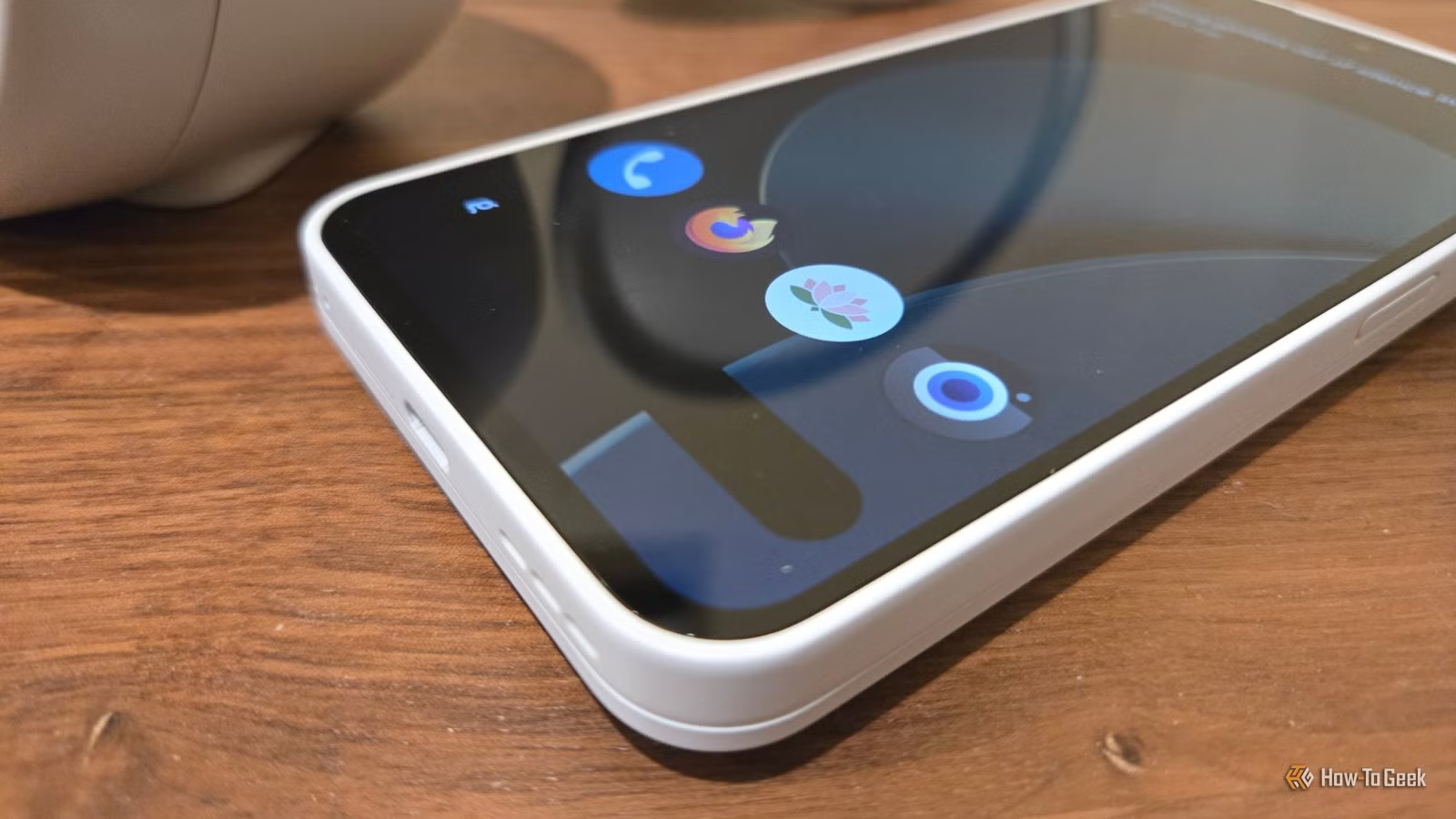
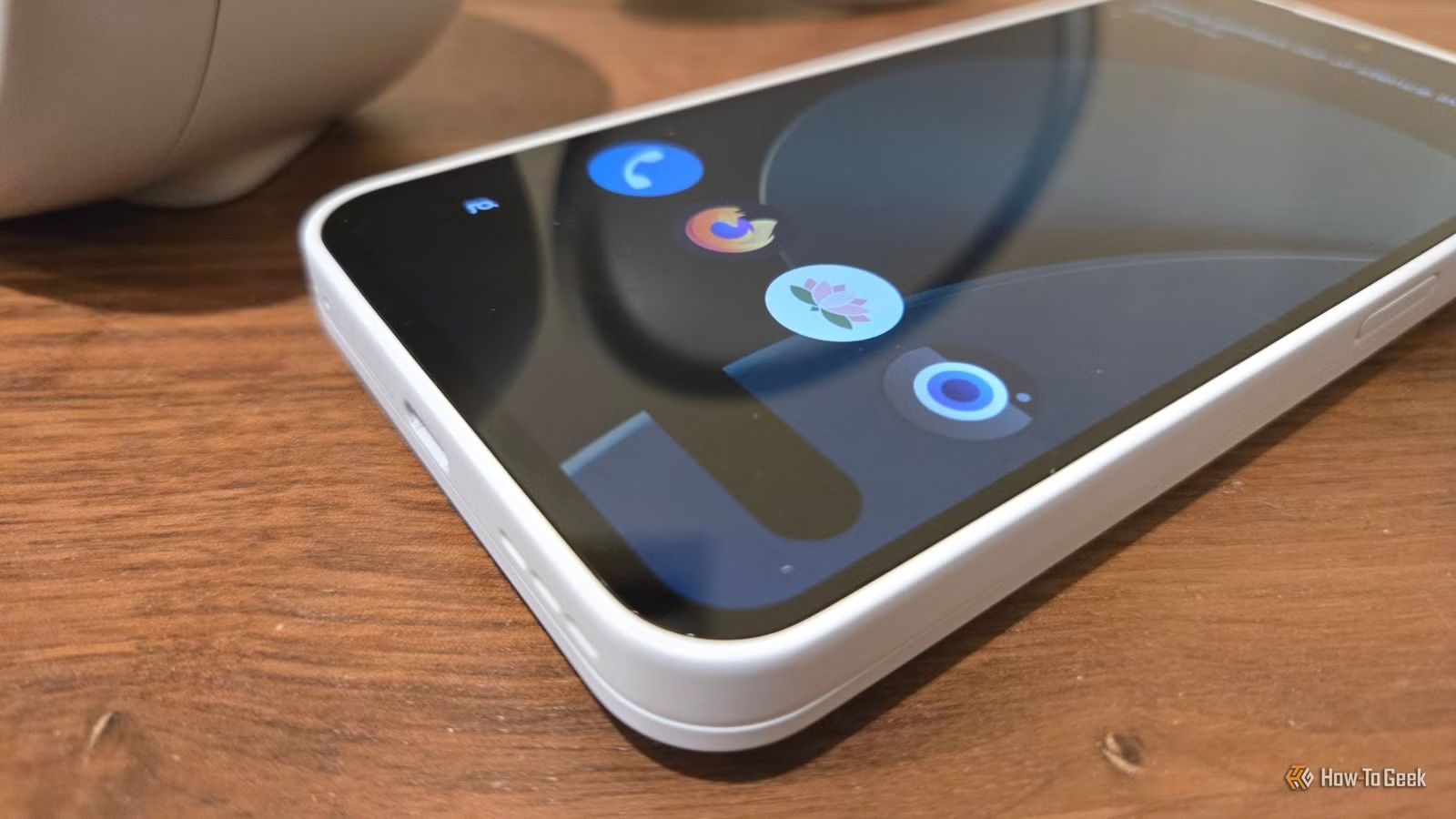
- Lawnchair is an open-source Pixel Launcher clone that lets you remove the Google search bar
- Material Files provides local network access that Google's Files app deliberately lacks
- 72% of Android users cite bloatware as a reason for switching to alternative apps
- The 'de-Googling' movement is growing as default Android apps become more aggressive about cloud services
Android's openness used to mean something. You could replace any app, customize any interface, and own your device. That promise has eroded. Google's default apps now push search, cloud storage, and subscriptions at every turn. The Pixel Launcher won't let you remove its search bar. Files by Google nags you about cloud backups. The operating system remains open in theory, but the experience ships locked down.
Bertel King, writing for How-To Geek, has identified four open-source apps that restore what Google took away. These aren't obscure developer tools. They're polished alternatives that look and feel like the apps they replace, minus the restrictions.
Lawnchair: The Pixel Launcher Without the Google Tax
The Pixel Launcher is clean and fast. It's also stubborn. For years, users complained about the At-a-Glance widget stuck in the top left corner. Google eventually let users disable it. But you still can't move it. And you definitely can't remove the Google search bar at the bottom.
That search bar exists because Google Search is half the reason Google invests in Android. If you've switched to DuckDuckGo, Kagi, or any other search engine, you're stuck looking at a widget you'll never use.
Lawnchair solves this. It's an open-source clone of the Pixel Launcher with one difference: you control it. Remove the search bar. Swap the search engine. Move widgets wherever you want. The name is a pun (Lawn-chair, Launcher), and the app delivers exactly what it promises: the same look, your rules.
Material Files: Local Network Access Google Ignores
Files by Google is designed for casual users who store everything in the cloud. It doesn't look or feel like the file manager on your laptop. More importantly, it can't access your local network. If you have a NAS, a home server, or just want to transfer files to your PC without USB cables, Google's file manager won't help.
Material Files fills this gap. It's a proper file manager with SMB/CIFS support for network drives, SFTP for secure transfers, and a desktop-class interface. You can browse, copy, and manage files on any device on your network. The app follows Material Design guidelines, so it feels native to Android while doing things Google's app refuses to do.
Why Google Locks Down the Defaults
Google's restrictions aren't bugs. They're business decisions. Every search through the Pixel Launcher feeds Google's ad revenue. Every file uploaded to Google Drive justifies subscription pricing. The company has steadily moved from a platform defined by user choice to what critics call a 'walled garden.'
“The tragedy of modern Android is that while the operating system remains open, the default experience has been locked behind a service layer designed to prioritize retention and data over user agency.”
— Elena Vance, Lead Developer at OpenDroid Collective
This shift has fueled a growing 'de-Googling' movement. Enthusiasts replace default apps with open-source alternatives that work offline, respect privacy, and don't push subscriptions. The movement has grown large enough to support hardware like the Murena Fairphone 6, which ships with open-source software from the operating system up.
The Scale of the Problem
With 3.1 billion active Android devices worldwide, even small frustrations affect millions of people. A survey found that 72% of Android users cite bloatware as a primary reason for switching to custom launchers or alternative apps. That's not a niche complaint. It's a market failure Google has chosen not to fix.
Discussion on Reddit's r/Android and Hacker News echoes these frustrations. Users point out that while Google's apps are convenient, they've become aggressive with 'dark patterns': non-removable search bars, cloud-nagging notifications, and subscription prompts. For power users, the convenience no longer justifies the loss of control.
Getting Started Without Google
You don't need a special phone or technical expertise. Both Lawnchair and Material Files are available on F-Droid, the open-source app repository, and can be installed on any Android device including Pixels. The process takes minutes: download the APK or add F-Droid as an app source, install, and set the app as your default.
King notes he runs these apps on a Murena Fairphone 6, where even the operating system is open-source. But the apps work just as well on a standard Pixel or Samsung device. The point isn't to abandon Google entirely. It's to reclaim control where Google refuses to give it.
Logicity's Take
Frequently Asked Questions
Can I install Lawnchair on a Samsung phone?
Yes. Lawnchair works on any Android device running Android 9 or later, including Samsung, OnePlus, and Pixel phones. Download it from F-Droid or the Play Store.
Is it safe to install apps from F-Droid?
F-Droid only hosts open-source apps where the code can be audited. Many security researchers consider it safer than the Play Store because apps can't hide malicious code.
Will removing Google's apps break my phone?
These apps don't remove Google's defaults. They replace them as your active launcher or file manager. You can switch back anytime in Settings.
Does Material Files work with Google Drive?
Material Files focuses on local and network storage. It supports SMB, SFTP, and FTP but not cloud services like Google Drive or Dropbox.
More open-source and free alternatives to paid software
Need Help Implementing This?
Source: How-To Geek
Manaal Khan
Tech & Innovation Writer
Produced with AI assistance and reviewed by the Logicity editorial team. Learn more in our Editorial Policy.