Key Takeaways
- Driver 610.47 officially removes the NVIDIA Control Panel after two decades of service
- The NVIDIA App merges Control Panel and GeForce Experience but hides some explanations and settings
- Power users report the new interface is less tweak-friendly for advanced display and 3D settings
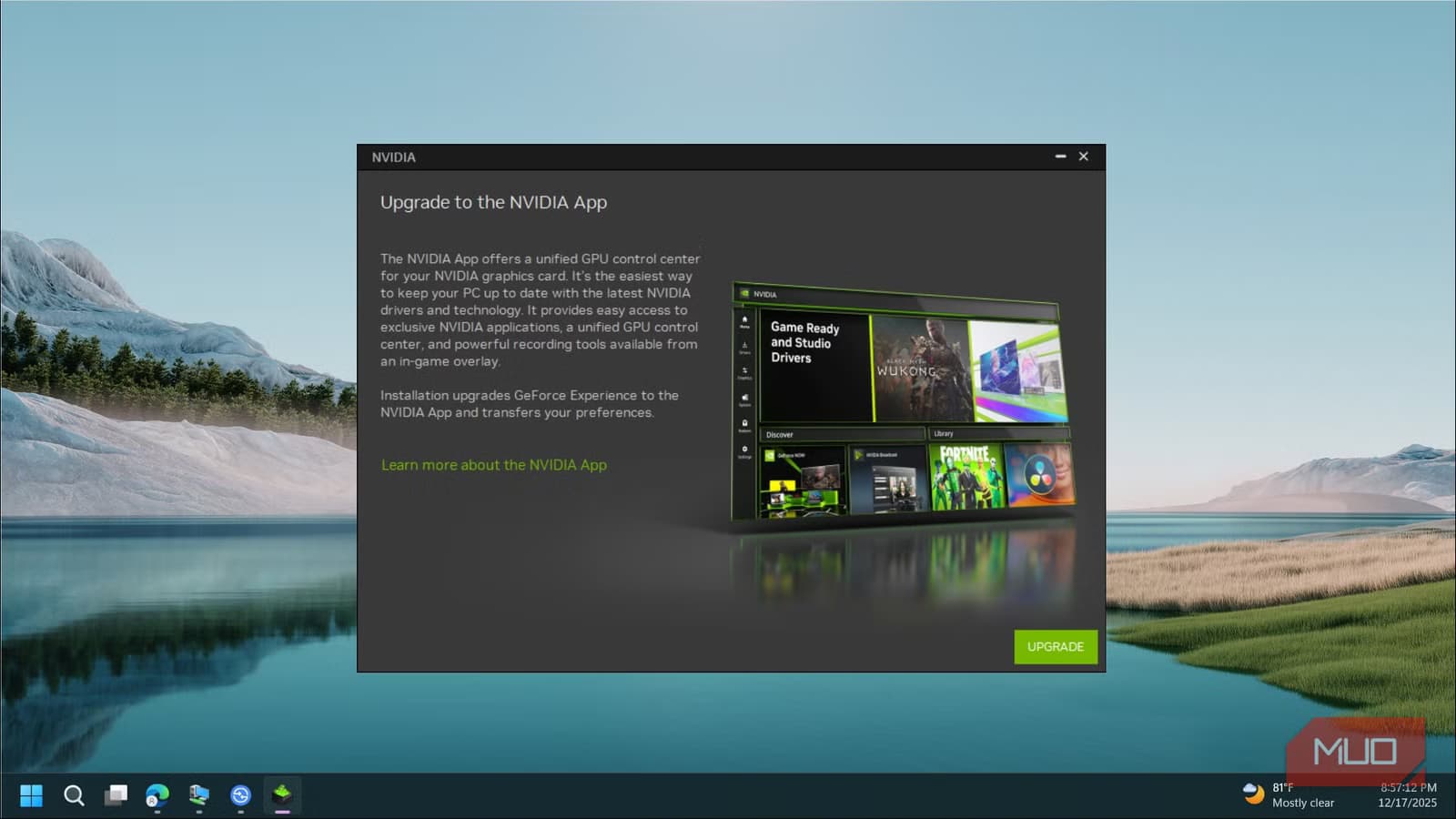
After 20 years, NVIDIA has pulled the plug on the Control Panel. With the release of Game Ready Driver 610.47, the utility that PC gamers and hardware enthusiasts relied on for two decades is gone. In its place: the NVIDIA App, version 11.0.8, which now handles everything from driver updates to custom resolutions.
The classic Control Panel looked like it belonged in Windows XP. It was stubbornly dated. But it worked. It gave users granular control over anisotropic filtering, vertical sync, multi-monitor layouts, and color profiles. For anyone who wanted to override game-specific graphics settings, it was the first stop.
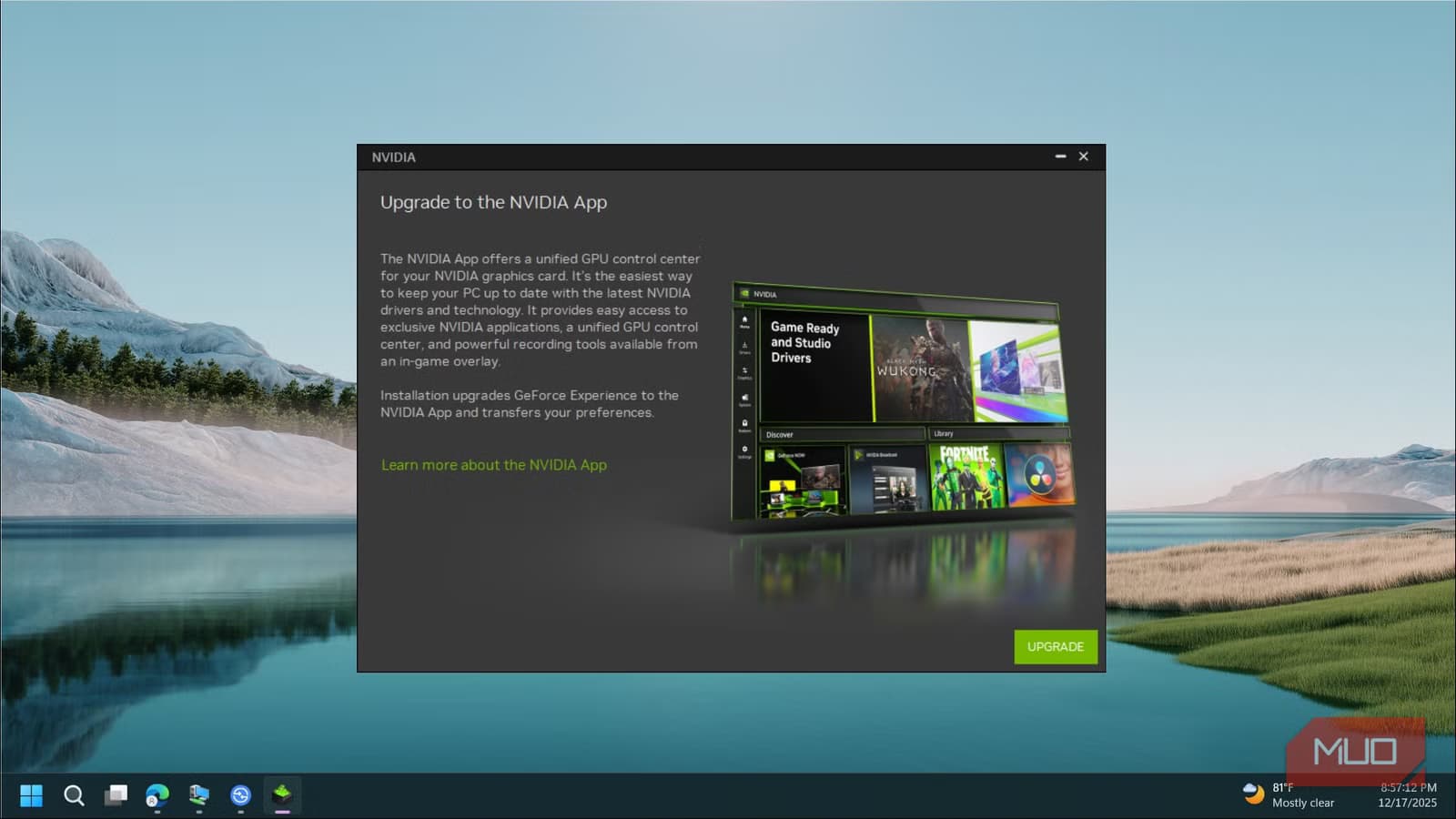
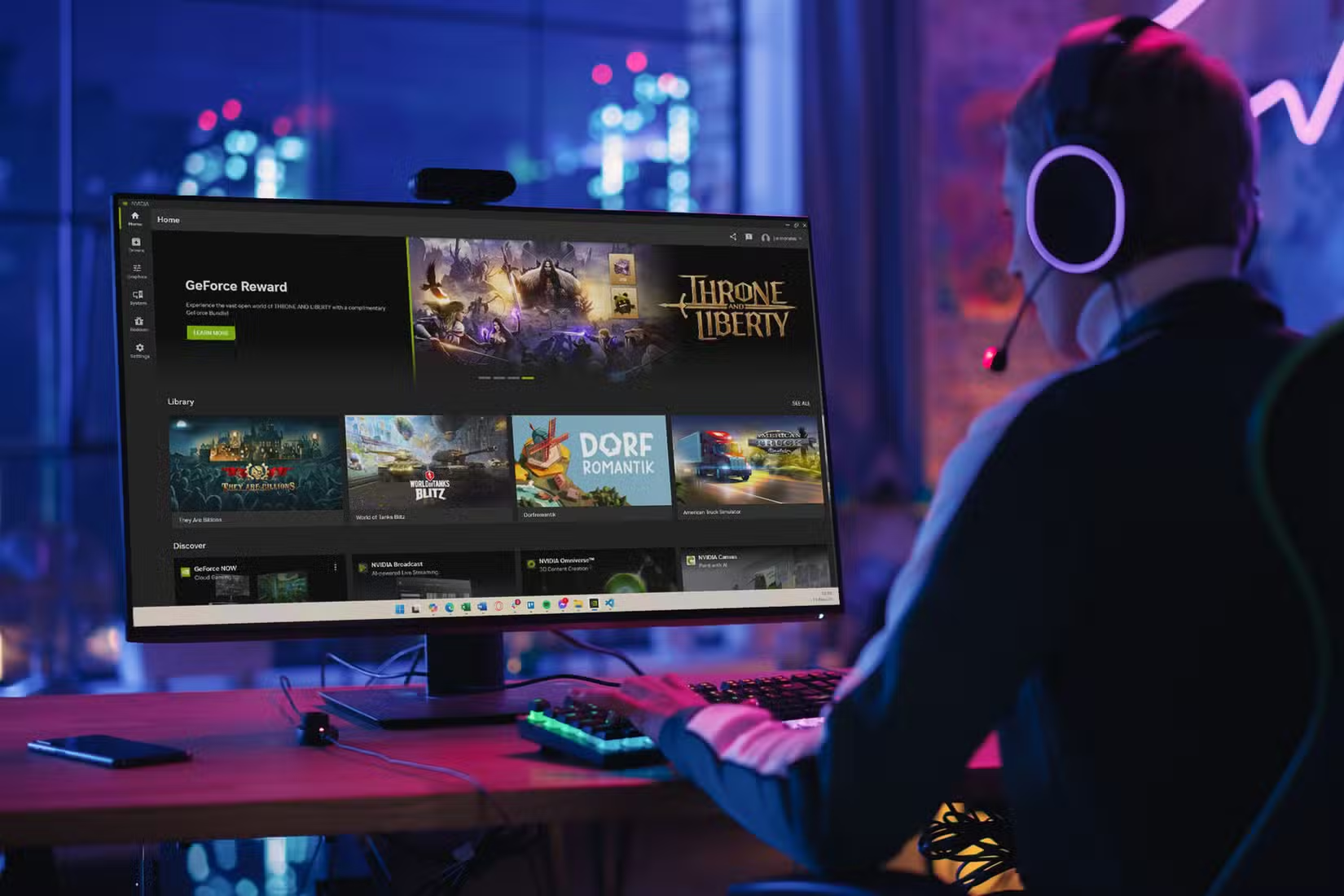
The NVIDIA App merges the old Control Panel and GeForce Experience into a single interface. It looks modern. It centralizes GPU tools. But the transition is mandatory now, and the unified software has rough edges that matter.
“The transition to the NVIDIA App marks a significant milestone in unifying our software ecosystem, moving toward a more modern, streamlined, and responsive interface for our users.”
— Jensen Huang, CEO of NVIDIA
1. Settings Explanations Need Work
The old Control Panel intimidated casual users. The new app doesn't fix that problem. It still offers tooltips explaining how each setting works, but they're harder to find. You have to hover over a small 'i' icon and click it to pull up information on specific functions.
For someone trying to understand the difference between texture filtering modes or figure out whether to enable triple buffering, the current setup adds friction. Inline explanations, or at least more prominent help text, would make a real difference for users who aren't already GPU-settings veterans.
2. The 'Manage 3D Settings' Menu Is Harder to Navigate
Community forums are buzzing about one specific pain point: the loss of the familiar 'Manage 3D Settings' interface. In the old Control Panel, this menu gave users a clear list of every graphics option, organized by application. You could set per-game overrides in seconds.
The NVIDIA App consolidates this functionality, but users report it's less 'tweak-friendly' for advanced setups. Settings are spread across different sections. Finding the right toggle takes more clicks than before. For power users who fine-tune settings across dozens of games, that adds up.
3. Driver Update Reliability Needs Improvement
One of the NVIDIA App's core jobs is keeping your drivers current. But user reports suggest the update process can be unreliable. Some users report failed downloads, stuck installations, or the app failing to detect new driver versions that are already available.
The Control Panel didn't handle driver updates. GeForce Experience did, and it had its own reliability issues over the years. The NVIDIA App was supposed to improve on that foundation. For users who previously downloaded drivers manually from NVIDIA's website to avoid GeForce Experience headaches, the mandatory switch feels like a step backward.
4. Advanced Display Configuration Could Be Clearer
Multi-monitor setups, custom resolutions, and color profile management were Control Panel staples. The NVIDIA App handles these tasks, but the interface doesn't surface them as clearly. Users who run complex display configurations report spending more time hunting for the right settings.
This is especially frustrating for professionals who rely on precise color calibration or content creators managing multiple monitors at different refresh rates. The settings exist in the NVIDIA App. They're just buried deeper than they need to be.
Logicity's Take
Community Reaction Is Mixed
Reddit and enthusiast forums show a split opinion. Some users appreciate the modern look and consolidated interface. Others miss the straightforward organization of the Control Panel. The most common complaint: the new app prioritizes aesthetics over function.
For users who spent years memorizing where every setting lived in the Control Panel, the forced transition means relearning workflows. That's not inherently bad. Software evolves. But the NVIDIA App needs to earn the trust the Control Panel built over two decades.
What Comes Next
NVIDIA will likely iterate on the app based on user feedback. The company has a history of responding to enthusiast complaints, even if slowly. For now, users making the transition should expect a learning curve. The settings you need are probably there. They're just not where you remember them.
Frequently Asked Questions
Can I still use the NVIDIA Control Panel?
No. Driver 610.47 removes the Control Panel for consumer installations. The NVIDIA App is now mandatory for managing GPU settings.
Does the NVIDIA App include all Control Panel features?
NVIDIA says the app includes equivalent functionality, but users report some settings are harder to find or access in the new interface.
What driver version removes the Control Panel?
Game Ready Driver 610.47 WHQL officially retires the Control Panel and requires users to switch to NVIDIA App version 11.0.8.
Why did NVIDIA retire the Control Panel?
NVIDIA wants a unified software experience. The NVIDIA App merges Control Panel and GeForce Experience into one tool for game optimization, recording, and driver management.
Another look at software transitions and adapting workflows to new tools
Need Help Implementing This?
Source: MakeUseOf
Huma Shazia
Senior AI & Tech Writer
Produced with AI assistance and reviewed by the Logicity editorial team. Learn more in our Editorial Policy.