Key Takeaways
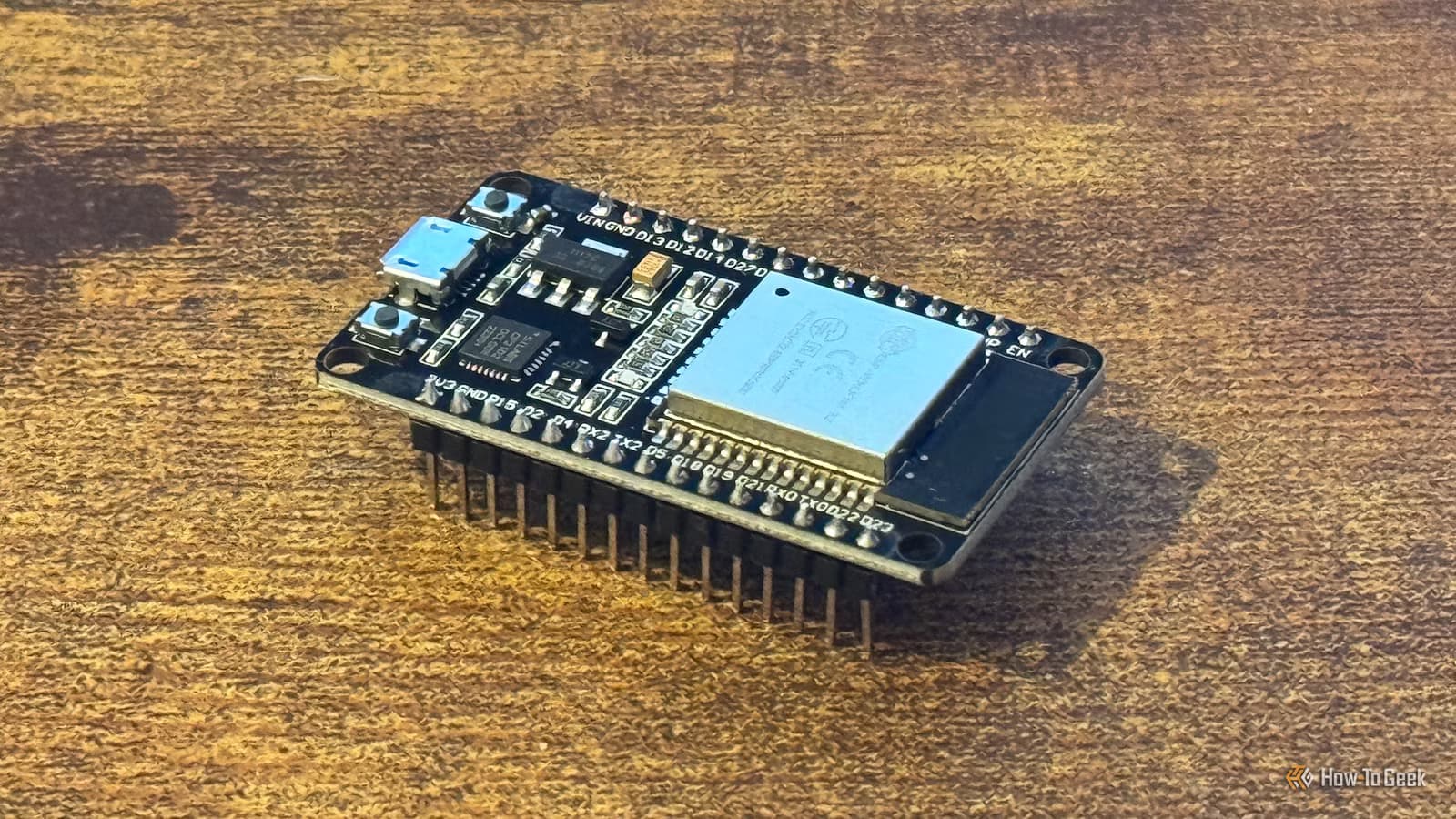
- ESP32 boards cost around $5 and can add Wi-Fi connectivity to printers that only support USB or SD card transfers
- Bambu printer owners can build real-time dashboards showing print progress without proprietary apps
- DIY upgrades can match or exceed features found on printers costing $400 or more
Budget 3D printers excel at one thing: printing. They skip the touchscreens, wireless connectivity, and smart monitoring that inflate prices on premium models. For makers who chose raw capability over bells and whistles, this tradeoff made sense at purchase time.
But what if you could add those features later for $5?
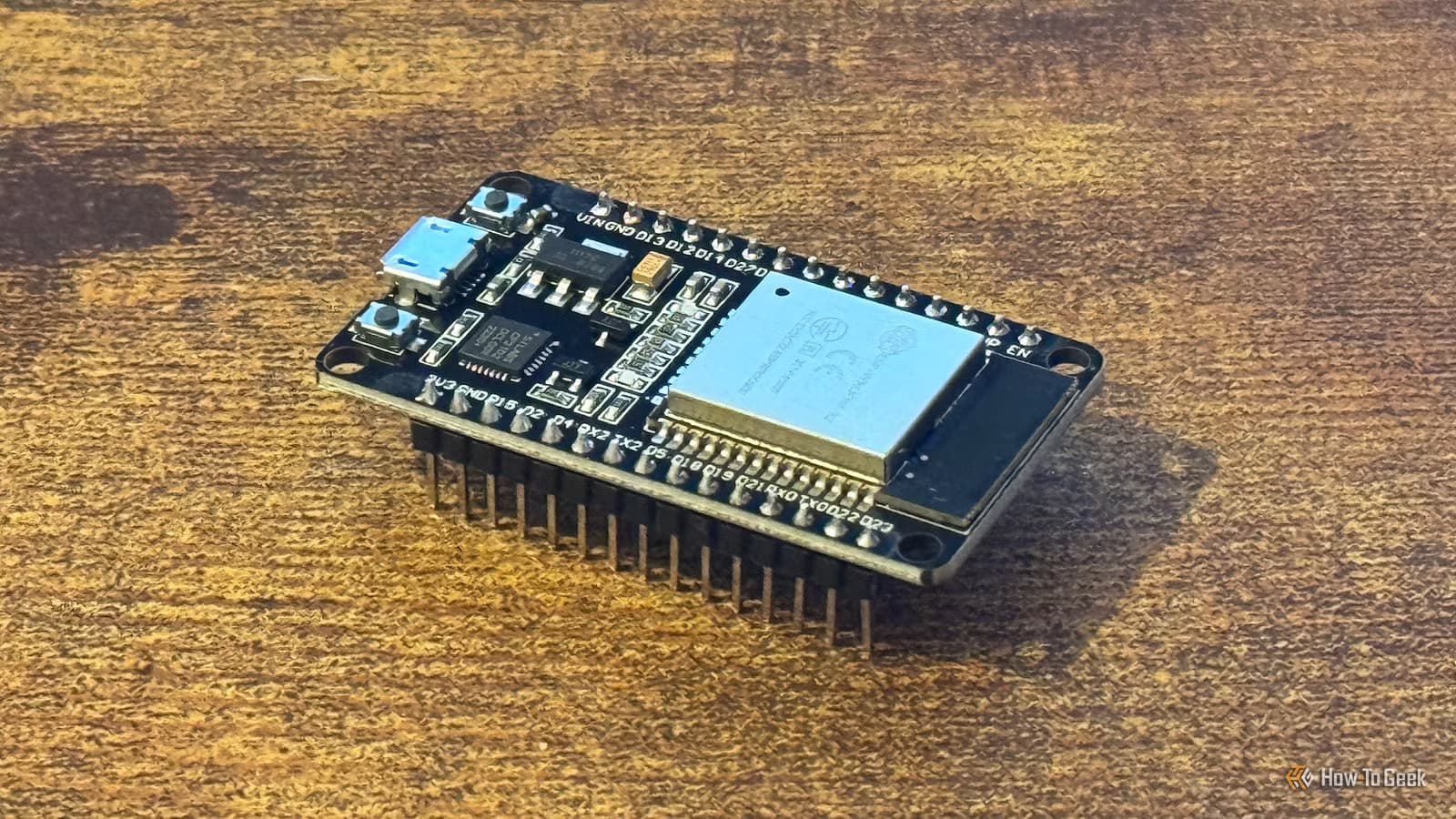
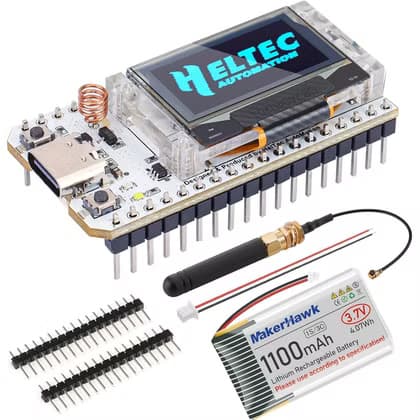
The ESP32 microcontroller has become the go-to board for DIY printer upgrades. It packs Wi-Fi, Bluetooth, and enough processing power to handle real-time data streaming. Paired with a few cheap components and some open-source firmware, it can turn a basic printer into something that rivals machines costing ten times more.
Add Wi-Fi to Any 3D Printer
The most requested upgrade is wireless printing. Many budget printers force you to either tether a laptop via USB or copy G-code files to an SD card. Both methods work, but they're tedious.
An ESP32 can bridge your printer to your home network. Once connected, you send print jobs from any device on the same Wi-Fi. No more sneakernet with SD cards.
The setup does have one catch. Since G-code streams to the printer in real time, any network interruption pauses the print. The printer waits for more instructions, which can affect print quality if your Wi-Fi is unreliable. Hackaday has detailed instructions for compatible printer models, and many users report the tradeoff is worth it for the convenience.
Build a Real-Time Dashboard for Bambu Printers
Bambu Lab printers already have network connectivity, but their monitoring options are locked to proprietary apps. An ESP32 can pull print data directly and display it on a small screen mounted wherever you want.
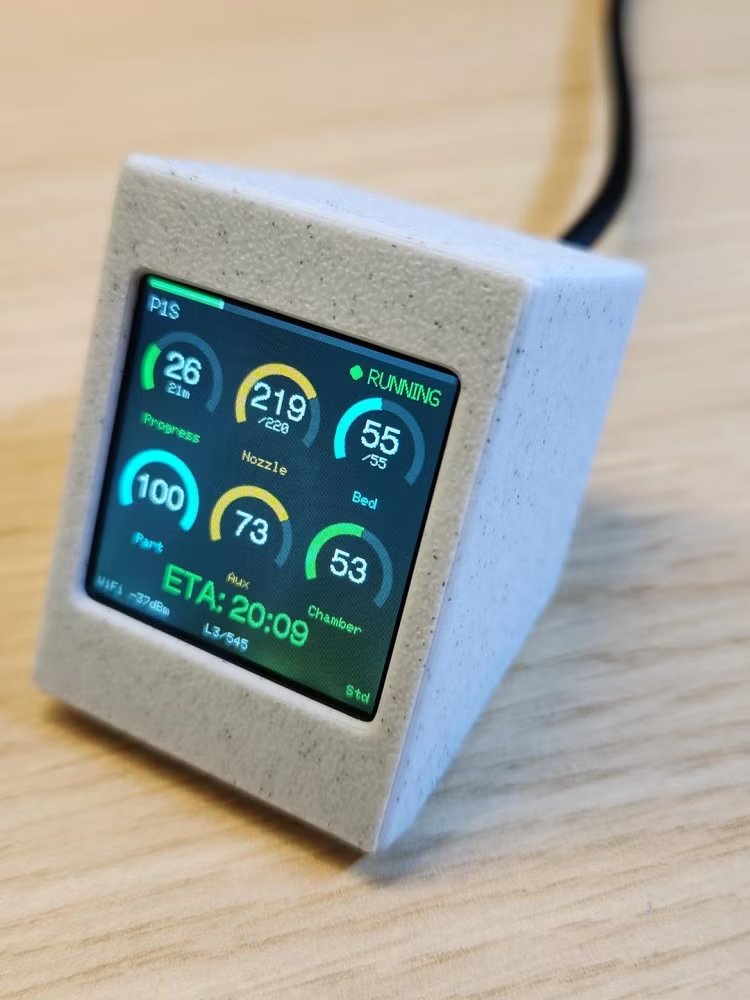
Reddit user AdvertisingFormal746 shared a build using the ESP32-S3 SuperMini that shows print progress, temperatures, and estimated completion time. The display updates in real time without needing to open an app or check your phone.
This type of project works because Bambu printers expose their status over the local network. The ESP32 polls this data and renders it on an attached OLED or TFT screen. Total parts cost runs around $10 to $15 depending on the display you choose.
Why ESP32 Instead of Raspberry Pi?
Raspberry Pi remains popular for printer management through OctoPrint, but it costs more and draws more power. A Pi 4 runs $35 to $55 before you add a power supply, SD card, and case. The ESP32 costs $5, runs on 5V USB power, and handles single-purpose tasks efficiently.
The tradeoff is complexity. OctoPrint gives you a full web interface, plugin ecosystem, and remote camera monitoring. ESP32 projects are more focused. They do one thing well instead of trying to be a complete printer management system.
For makers who already own a capable printer and just want to add specific features, the ESP32 path makes more sense. For those starting from scratch or wanting comprehensive remote management, Pi-based solutions remain the better choice.
Getting Started With ESP32 Printer Projects
Most ESP32 printer mods require basic soldering skills and comfort with flashing firmware. The Arduino IDE or PlatformIO handles the programming side. Open-source projects on GitHub provide the code. You print the enclosures on your existing printer.
- ESP32 DevKit boards run $5 to $8 on Amazon or AliExpress
- ESP32-S3 variants add USB-C and more GPIO pins for around $8
- Small OLED displays (128x64) cost $3 to $5
- Dupont wires and basic components add another $5 to $10
Total investment for most projects stays under $20. Compare that to buying a new printer with these features built in, where you're looking at $300 to $500 price jumps.
Beyond These Four Upgrades
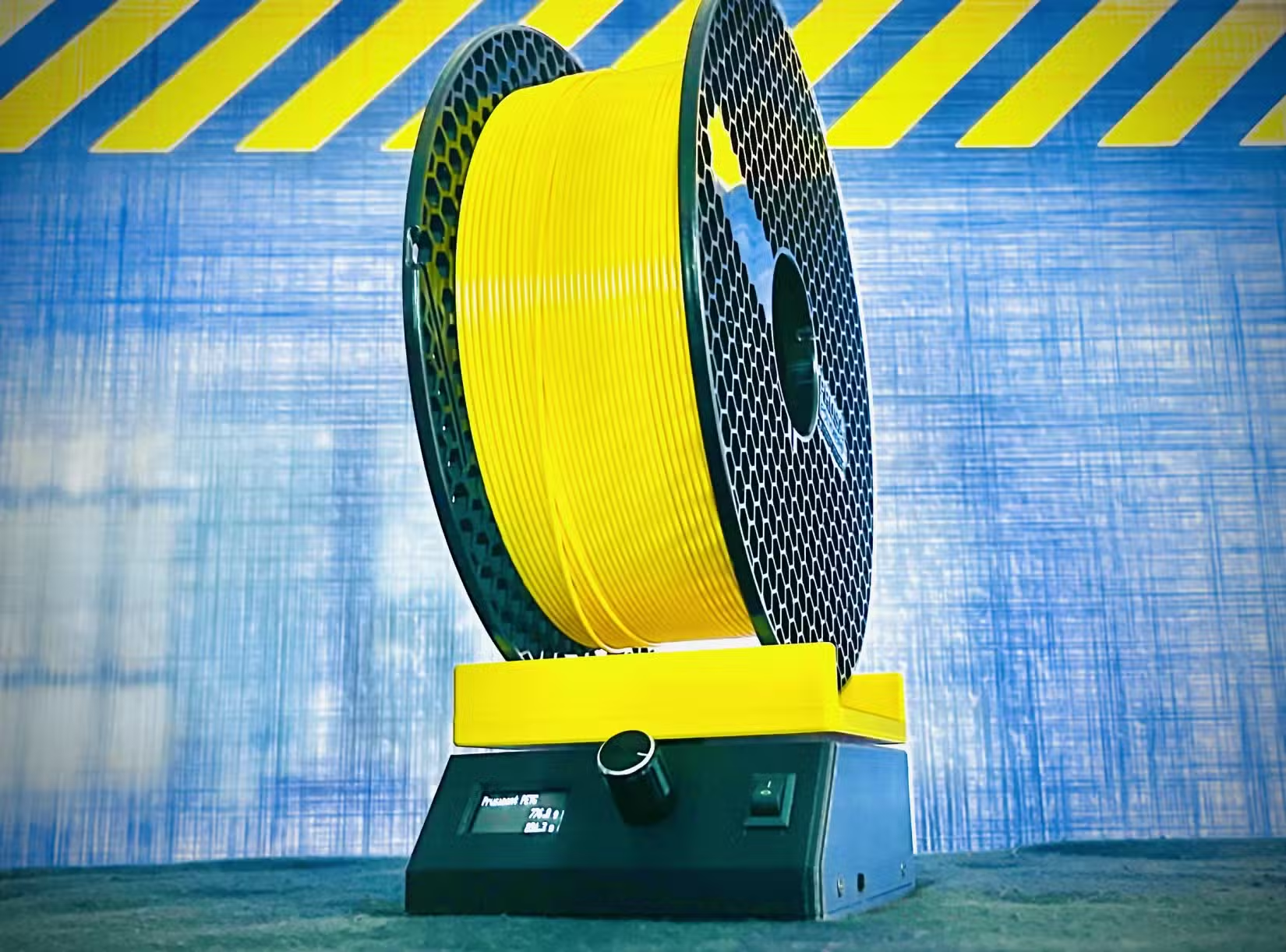
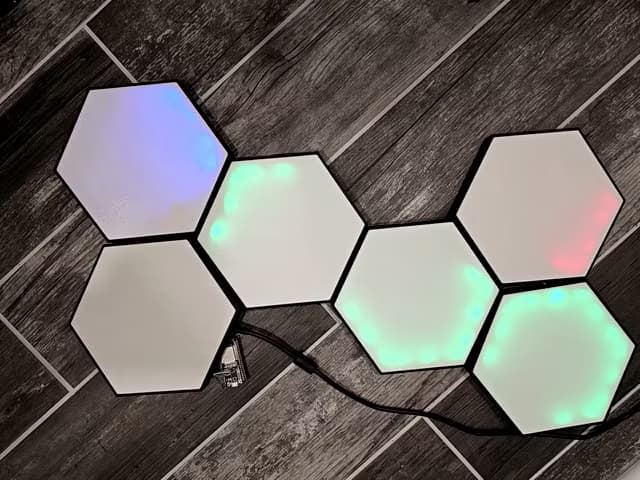
The ESP32 community has built dozens of other printer-related projects. Filament runout sensors, enclosure temperature monitors, and LED lighting controllers all run on the same cheap boards. Once you're comfortable with one project, expanding to others becomes straightforward.
The broader point is that 3D printing rewards tinkering. Your printer is itself a tool for making more tools. Adding an ESP32 to the mix extends that capability into electronics and networking.
Logicity's Take
Frequently Asked Questions
Will adding Wi-Fi via ESP32 void my printer warranty?
Possibly. If the mod requires opening the printer's control board housing or modifying internal wiring, most manufacturers would consider the warranty voided. External ESP32 setups that connect via USB typically don't affect warranty status.
Which printers are compatible with ESP32 Wi-Fi mods?
Printers running Marlin firmware generally work well. Check Hackaday and GitHub for compatibility lists. Bambu Lab, Creality, and Prusa models have active ESP32 mod communities.
How reliable is Wi-Fi printing compared to SD card?
SD card printing is more reliable since files are stored locally. Wi-Fi streaming can pause if your network drops, which may affect print quality. For critical prints, SD card remains the safer choice.
Do I need programming experience to build these projects?
Basic familiarity with Arduino IDE helps, but most projects provide pre-compiled firmware you can flash directly. Soldering and following wiring diagrams are the more important skills.
Another guide on repurposing affordable hardware for new uses
Need Help Implementing This?
Source: How-To Geek
Manaal Khan
Tech & Innovation Writer
Produced with AI assistance and reviewed by the Logicity editorial team. Learn more in our Editorial Policy.