Key Takeaways
- Free software often matches paid tools on features but adds daily friction that compounds over time
- The gap between free and paid shows most clearly when other people use your setup
- Streaming, cloud sync, and email services remain the hardest to replace with free alternatives
Rich Hein, a veteran tech journalist at How-To Geek, spent 2024 running an experiment most of us have considered: replacing every paid subscription with free or open source software. He swapped Microsoft 365 for LibreOffice, moved files to Syncthing instead of cloud storage, and cut overlapping streaming services. His monthly spend dropped. The experiment worked.
Then he started using everything.
After months of daily use, Hein found himself paying for three services again. Not because the free alternatives lacked features. They didn't. The problem was friction.
The Real Cost of Free Software
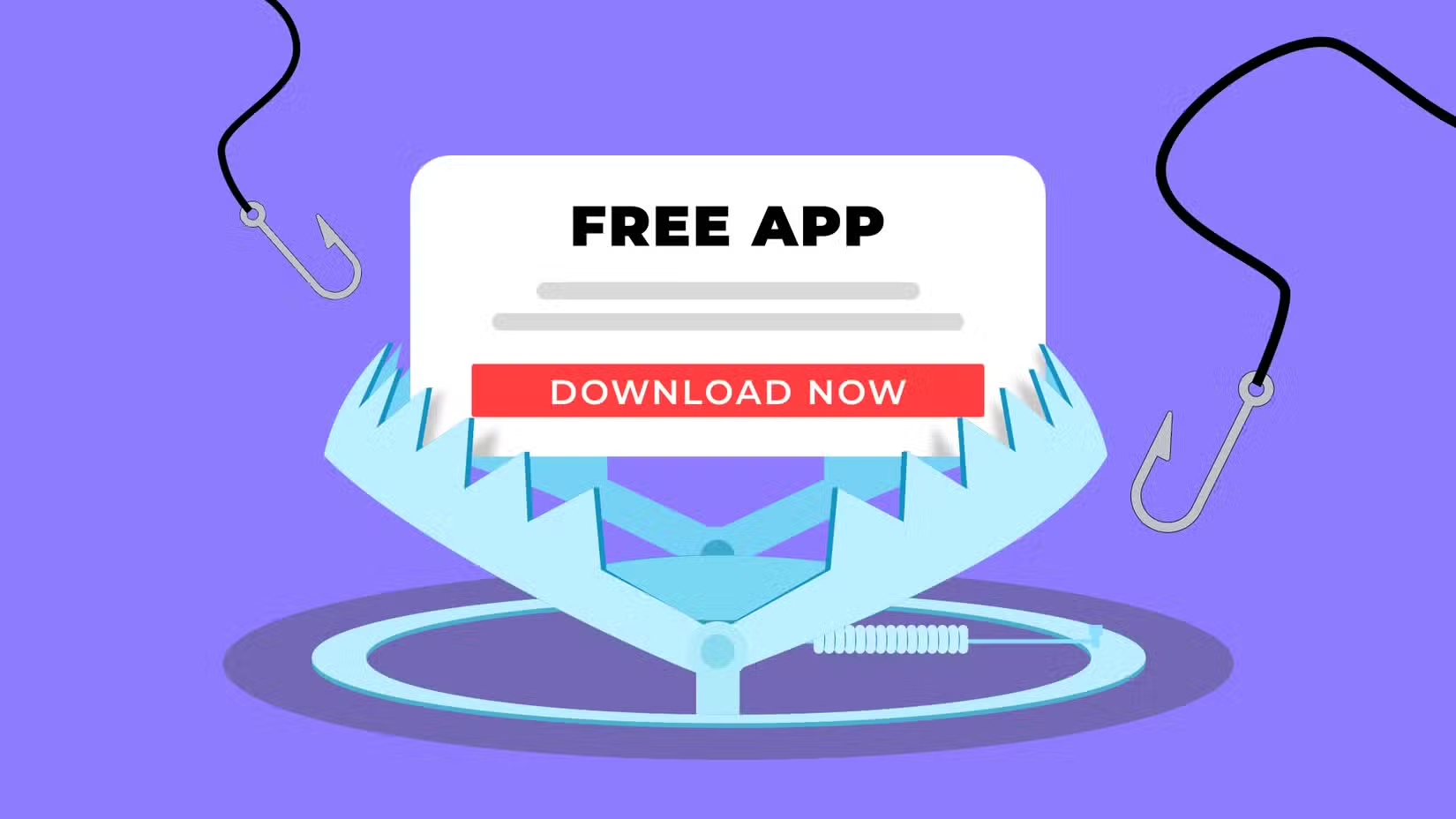
Hein's findings challenge the assumption that capability equals value. LibreOffice can do what Word does. Syncthing can move files like Dropbox. Jellyfin can stream media like Netflix. On a feature checklist, free software wins.
But feature lists don't account for the extra click to export a document in the right format. Or the slightly clunkier interface you navigate ten times a day. Or the gap in how different apps connect to each other.
"None of it sounds like a big deal, but it adds up fast when you're doing the same tasks over and over," Hein writes.
The friction compounds when other people enter the picture. What feels like a minor workaround for a tech-savvy user becomes a real barrier for someone who just wants things to work. Hein noted his wife doesn't want to think about file formats or app compatibility. She wants to open a document and edit it.
Why This Pattern Keeps Repeating
The services Hein kept paying for share a common trait: they handle complexity invisibly. Paid streaming services just play. Paid cloud storage just syncs. Paid email just works across every device and app without configuration.
Free alternatives often require you to become a system administrator for your own life. You're the one who troubleshoots sync conflicts, manages format compatibility, and explains to family members why something isn't working the way they expected.
For a single user with technical skills and patience, that tradeoff can make sense. For anyone sharing devices or accounts with less technical users, it rarely does.
Logicity's Take
What Actually Worked for Free
Not everything failed. Hein successfully cut redundant streaming services and subscriptions he barely used. The exercise forced a useful audit of what he actually needed versus what he was paying for out of habit.
The takeaway isn't that free software doesn't work. It's that free software works best when you're the only user and you're willing to absorb the friction yourself. The moment other people depend on your setup, or the moment you need seamless integration across devices, the math changes.
- LibreOffice handles document creation well but struggles with complex formatting from Microsoft files
- Syncthing works for file sync but requires more setup and monitoring than commercial cloud storage
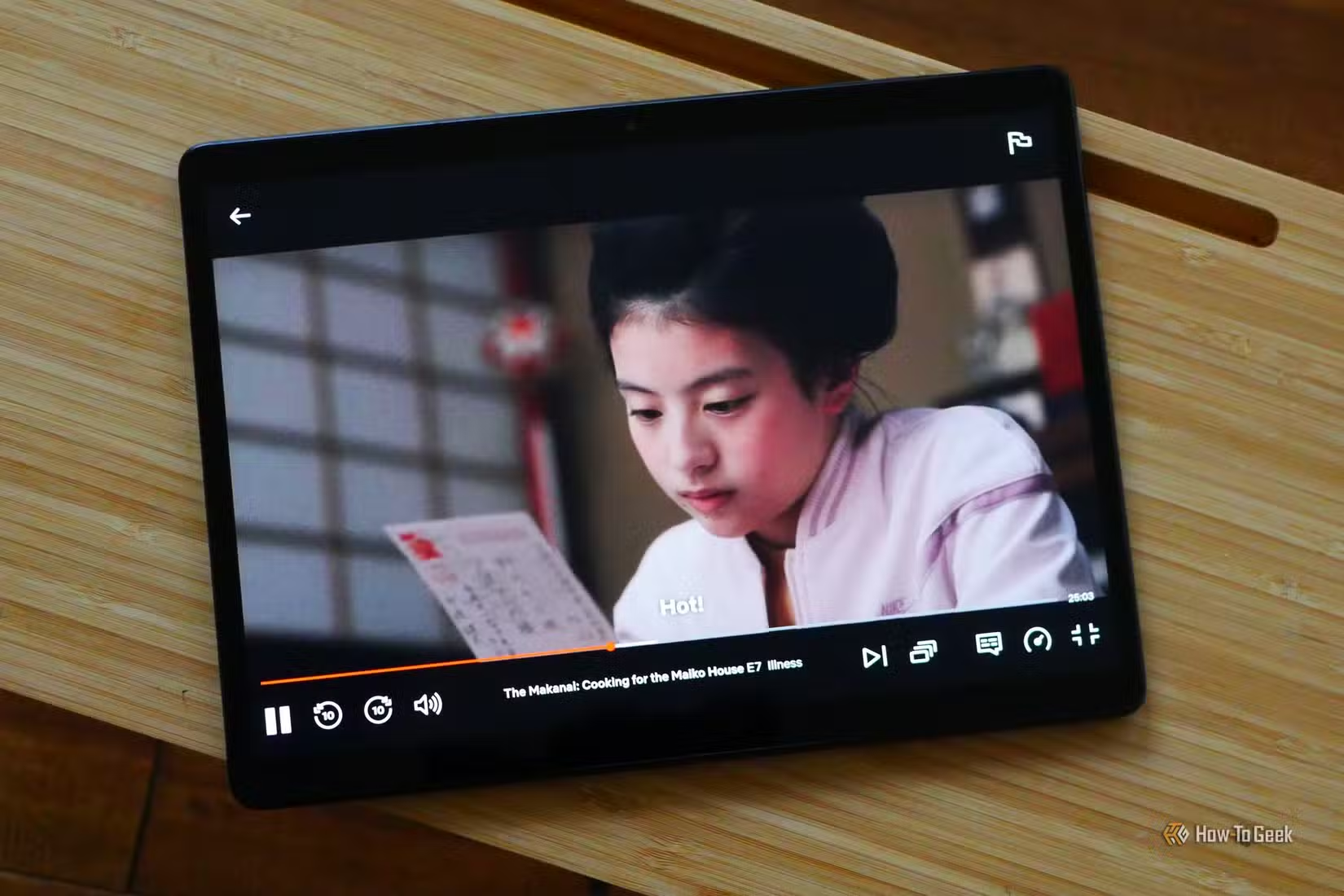
- Jellyfin and Plex can replace paid streaming for personal media libraries, not licensed content
Another look at where convenient tech creates hidden friction
The Calculation for Teams and Businesses
For business users, Hein's experiment offers a clear lesson. The cost of software isn't just the subscription fee. It's the time spent on workarounds, the support burden when things break, and the opportunity cost of using something that slows you down.
A $12 monthly subscription that saves 30 minutes of friction per week is $12 for 2 hours of reclaimed time. Most professionals bill more than $6 per hour.
Free software has a place in the stack. But treating "free" as automatically superior to "paid" ignores the real costs that show up in daily use.
Frequently Asked Questions
Can LibreOffice fully replace Microsoft 365?
For basic document creation, yes. For complex formatting, collaboration features, or seamless compatibility with Microsoft file formats, you'll encounter friction that adds up over time.
What free software is worth using long-term?
Tools where you're the only user and format compatibility doesn't matter work best. Personal media servers like Jellyfin, local file sync with Syncthing, and single-user productivity apps can replace paid alternatives.
Why do free alternatives feel harder to use?
Free software often matches paid tools on raw features but lacks polish, integration, and the invisible work that makes paid services feel seamless. That gap shows up as daily friction.
Is it worth switching to free software to save money?
It depends on your time value and technical tolerance. If you're willing to troubleshoot and work around limitations, free tools can save money. If friction costs you productivity, paid tools may be cheaper overall.
Need Help Implementing This?
Source: How-To Geek
Huma Shazia
Senior AI & Tech Writer
Produced with AI assistance and reviewed by the Logicity editorial team. Learn more in our Editorial Policy.






