Key Takeaways
- NotebookLM only works with content you upload, eliminating hallucinated facts from internet sources
- A concept overview prompt creates a skimmable list of every term and theory before deep studying begins
- The quality of NotebookLM output depends entirely on how you prompt it
Why NotebookLM Beats ChatGPT for Studying
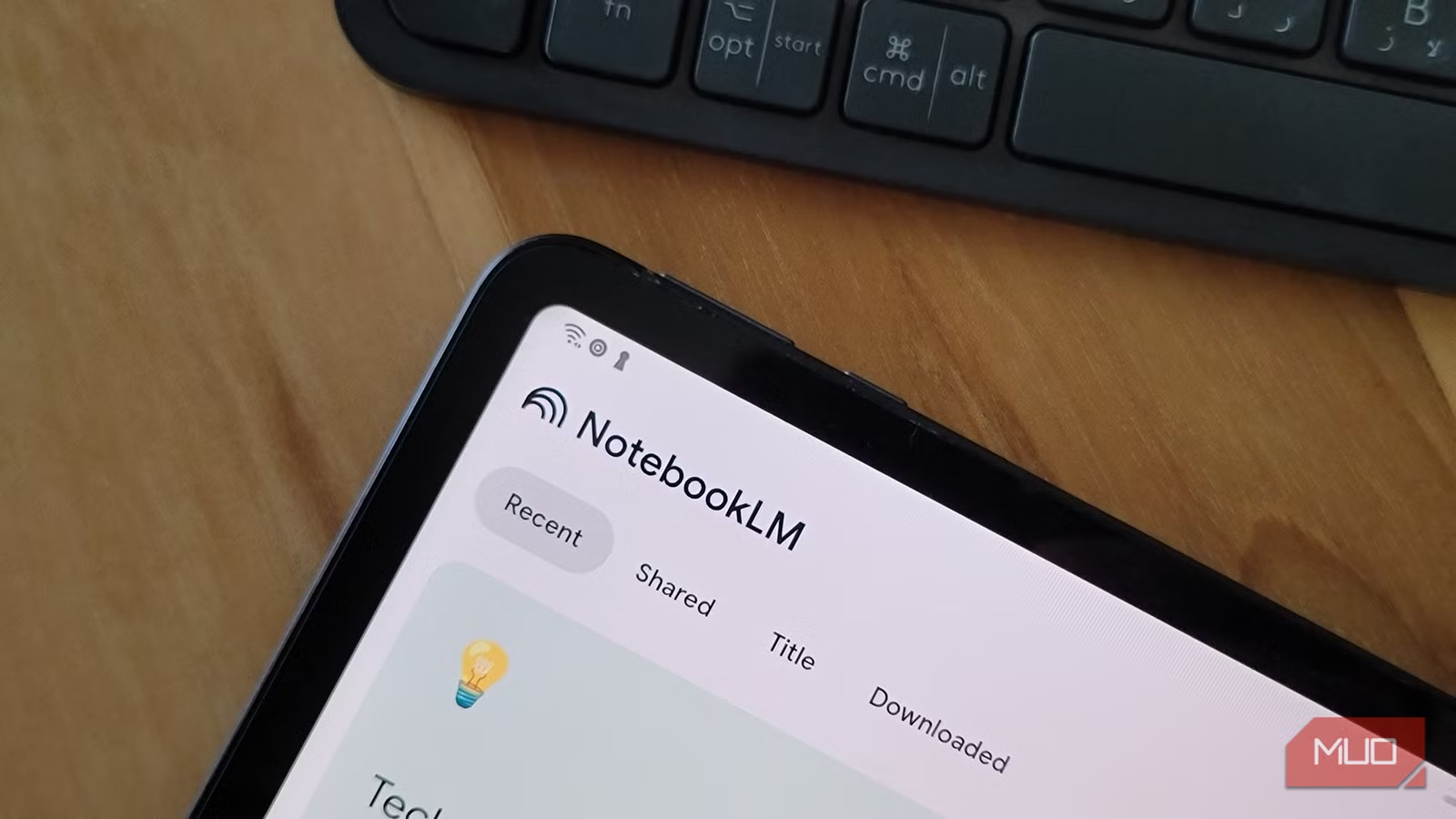
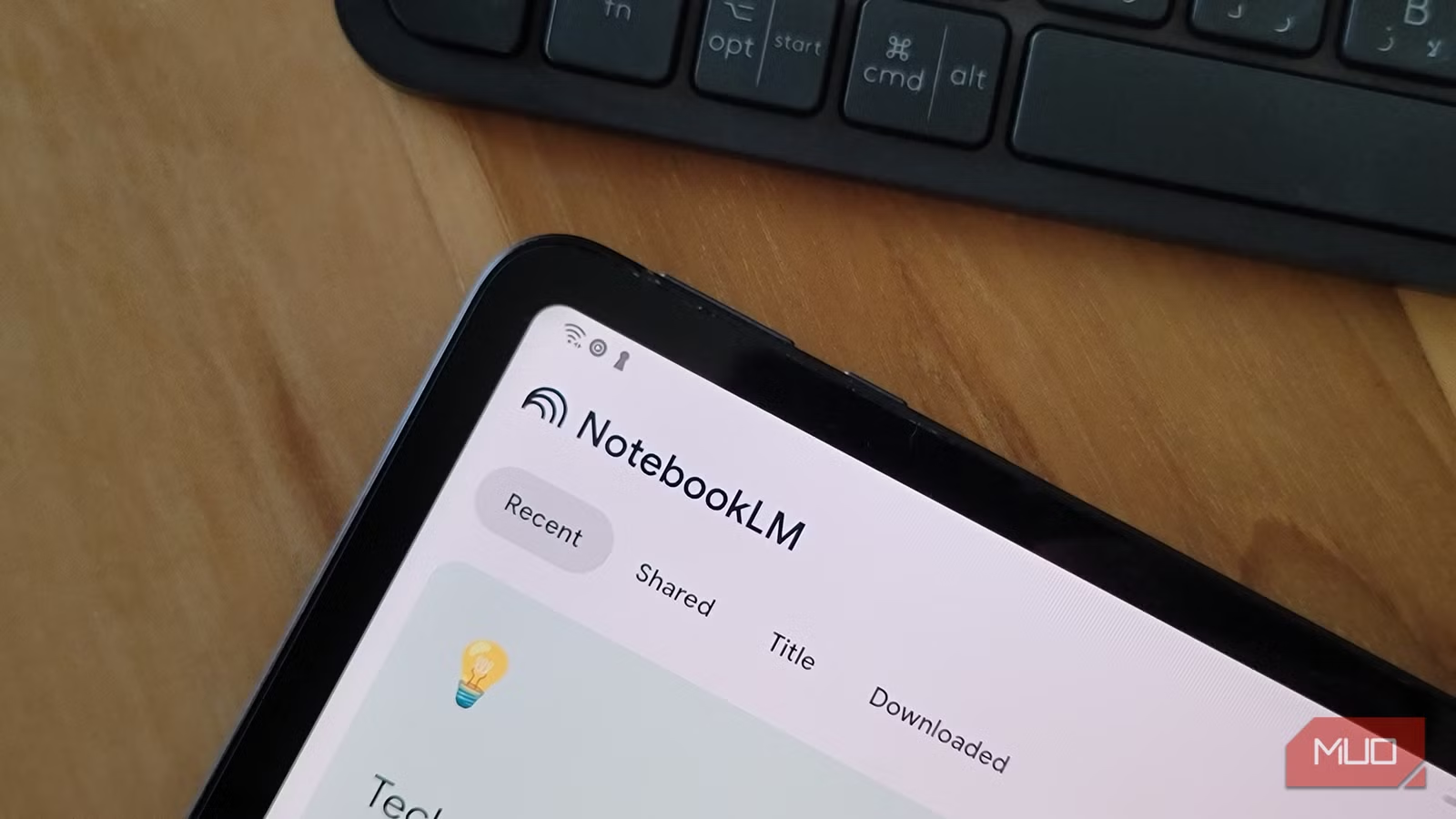
Google's NotebookLM differs from ChatGPT and other AI assistants in one key way: it only works with your content. You upload lecture notes, slides, readings, and YouTube resources. The AI then answers questions exclusively from that material.
This constraint is the feature. You won't get hallucinated facts pulled from the internet or generic explanations that miss how your specific course teaches a topic. The tool has been available since its Google Labs experiment days and has become a go-to resource for students who want AI help without AI fabrication.
But there's a catch. NotebookLM is only as useful as what you ask it. Prompting determines the quality of responses you get. Vague questions produce vague answers. Specific prompts produce study materials you can actually use.
Prompt 1: The Complete Concept Overview
Even when you don't fully understand a lecture, something sticks in your subconscious. When you revisit the concept later, that faint familiarity makes learning easier the second time. This first prompt replicates that effect before you start deep studying.
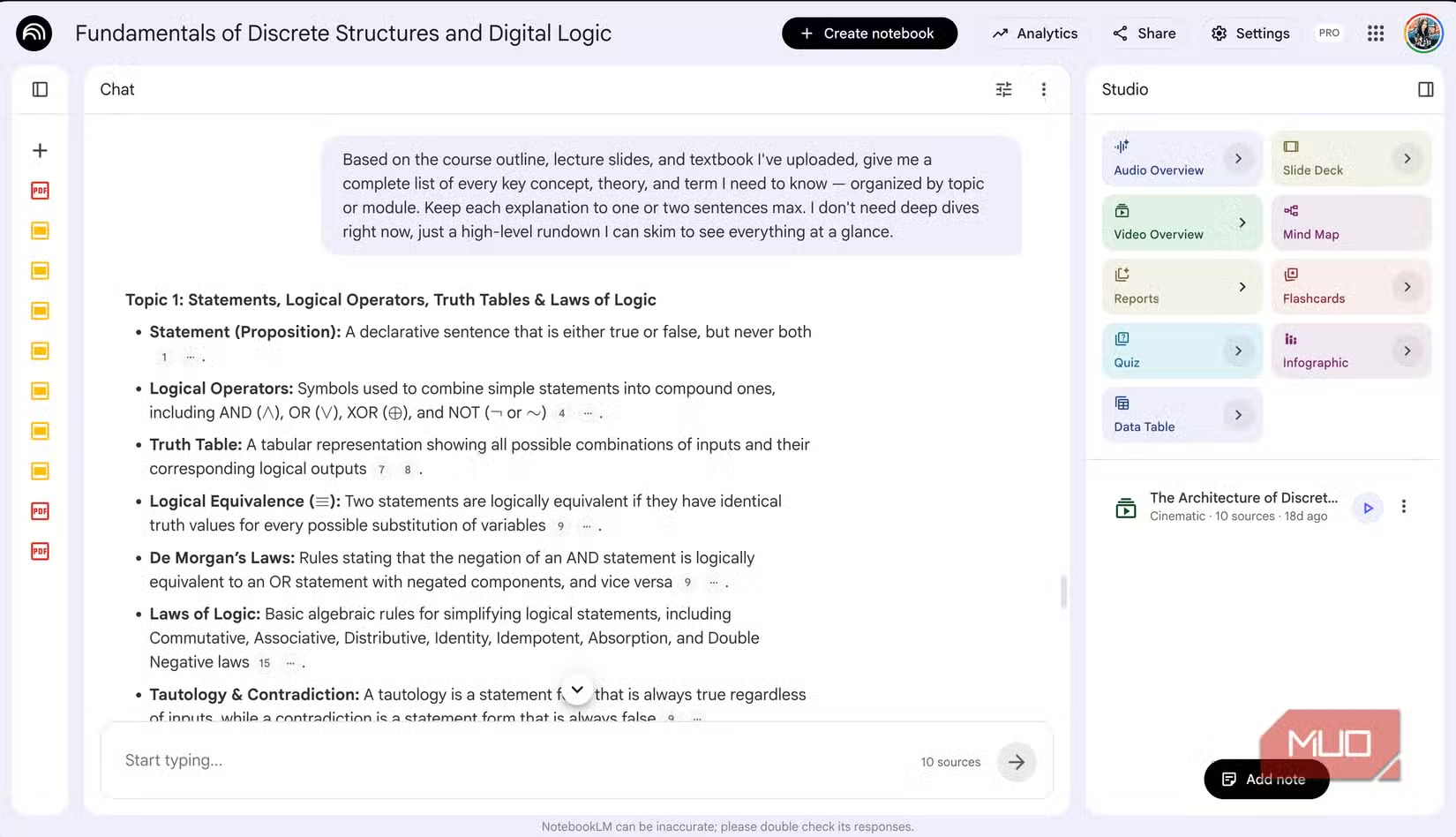
The goal is to generate a quick, skimmable rundown of every concept you need to know. Upload your course outline, lecture slides, and textbook. Then use this prompt:
Based on the course outline, lecture slides, and textbook I've uploaded, give me a complete list of every key concept, theory, and term I need to know — organized by topic or unit.This works like Ctrl+F for your entire course. Instead of hunting through 300 slides to find where your professor mentioned propositional logic, you get a structured overview that shows exactly what's covered and where concepts connect.
Building on the Foundation
Once you have the concept overview, you can prompt NotebookLM to expand any section. Ask it to explain the relationship between two topics. Request practice problems that test a specific skill. Have it generate flashcard-style question and answer pairs.
The key is treating the overview as a map. You know what territory you need to cover. Now you can navigate to specific areas and ask for deeper explanation or practice materials.
What Makes These Prompts Work
The effective prompts share common traits. They reference specific uploaded materials. They ask for organized output. They request actionable formats like lists, comparisons, or practice questions rather than open-ended explanations.
- Reference your uploaded content explicitly ("based on the lecture slides")
- Request structured output ("organized by topic")
- Ask for complete coverage ("every key concept")
- Specify the format you want ("list", "comparison", "practice questions")
Generic prompts like "explain this topic to me" produce generic responses. Prompts that specify scope, format, and source material produce study tools you can actually use at 3 AM before an exam.
Logicity's Take
NotebookLM solves a real problem: AI that makes things up. By constraining the model to your uploaded content, Google created something more useful than a general chatbot for anyone working with specific source material. The tool rewards users who learn to prompt well.
Practical Applications Beyond Studying
While this article focuses on exam prep, the same prompting principles apply to professional contexts. Upload meeting transcripts and ask for action items organized by team member. Feed in project documentation and request a gap analysis. Load research papers and ask for a comparative summary.
The underlying skill is the same: give NotebookLM clear instructions about what content to analyze and what format you want the output in.
Compare how different AI assistants handle practical coding tasks
Frequently Asked Questions
Is NotebookLM free to use?
Yes, NotebookLM is currently free through Google. You need a Google account to access it.
What file types can I upload to NotebookLM?
NotebookLM accepts PDFs, Google Docs, text files, and YouTube video links. You can upload multiple sources to a single notebook.
Does NotebookLM use information from the internet?
No. NotebookLM only generates responses based on the content you upload. It won't pull information from external sources.
How is NotebookLM different from ChatGPT?
ChatGPT draws on its training data and can browse the web. NotebookLM restricts itself to your uploaded documents, reducing hallucination risk for source-specific questions.
Need Help Implementing This?
Want to build AI-powered study tools or knowledge management systems for your team? Logicity covers the tools and techniques that work. Get in touch to discuss how AI assistants can fit into your workflows.
Source: MakeUseOf
Huma Shazia
Senior AI & Tech Writer
Produced with AI assistance and reviewed by the Logicity editorial team. Learn more in our Editorial Policy.