Key Takeaways
- Home Assistant can call your phone for critical alerts you might miss as notifications
- VoIP integration with FreePBX enables phone call automations from your smart home
- The same call feature doubles as an excuse generator to escape meetings
Home Assistant runs most smart homes from a single location. But the platform's real value shows up when you're not home. These projects extend your automation reach to wherever you happen to be.
Make Home Assistant Ring Your Phone for Urgent Alerts
Mobile notifications work fine for routine updates. They fail for emergencies. Even critical alerts that override silent mode often go unnoticed until too late.
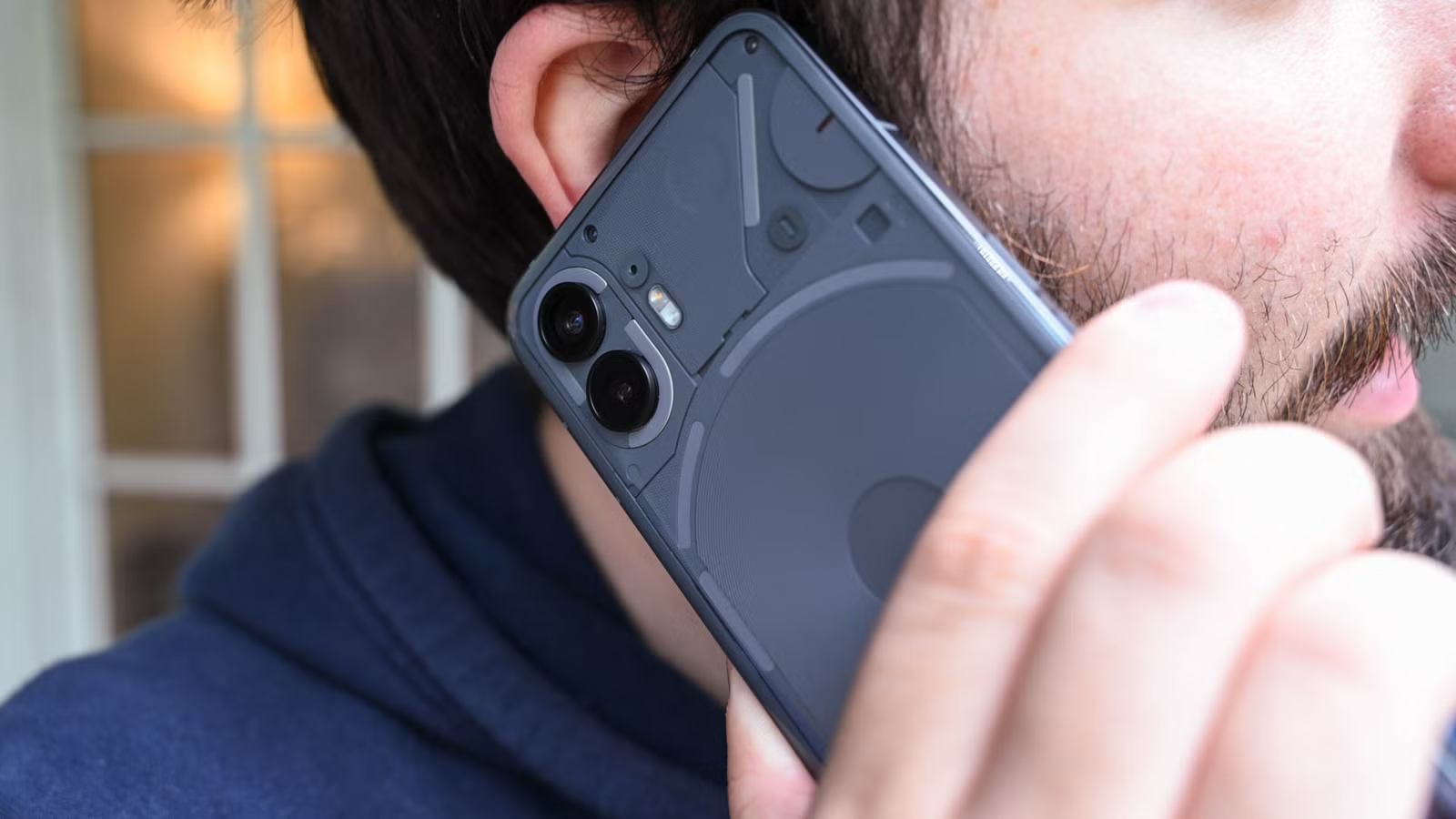
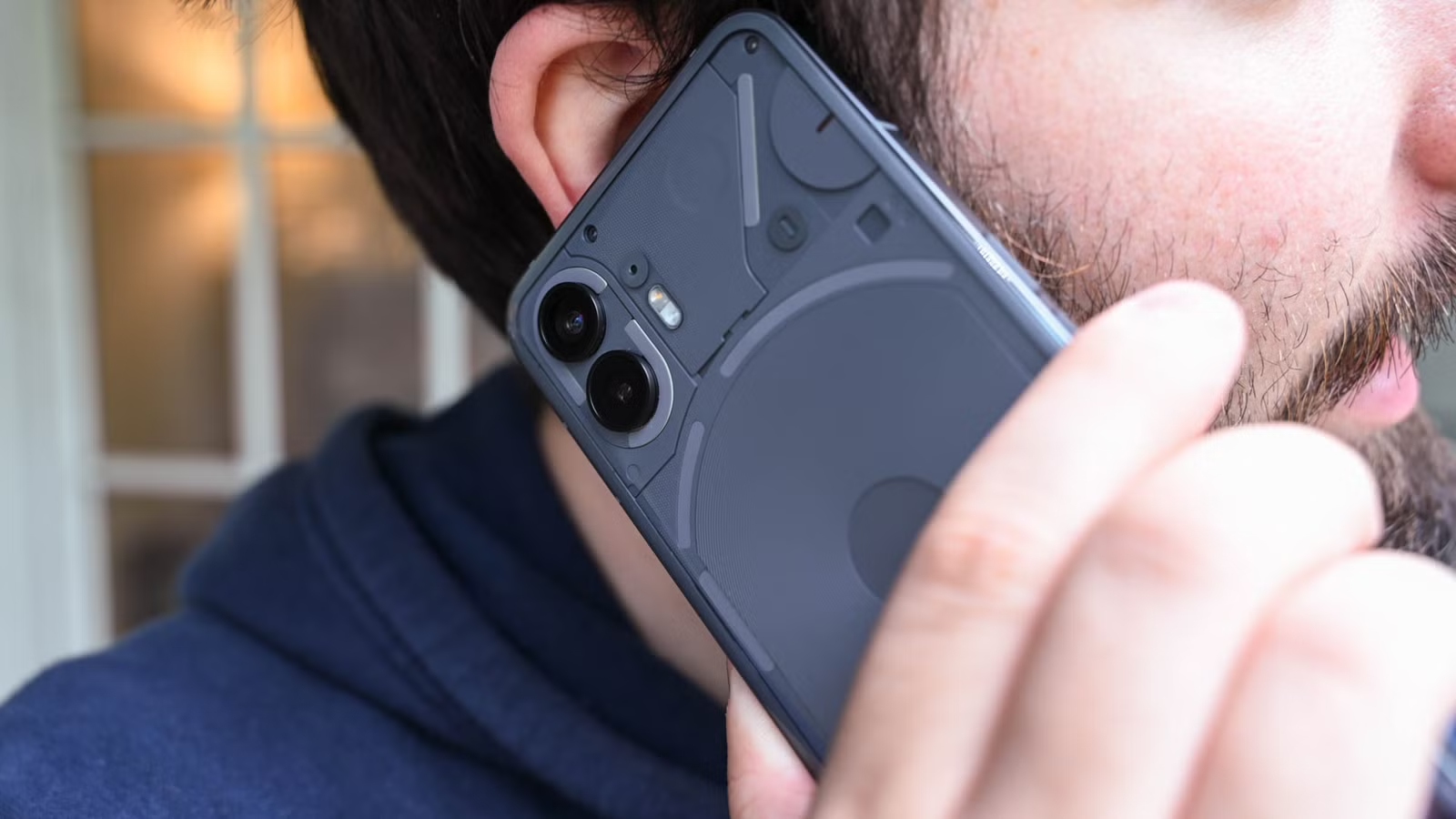
Phone calls solve this problem. A ringing phone demands attention in a way that a notification badge never will. The call persists longer than a push notification, giving you more time to notice something needs your attention.
When you answer, Home Assistant can play a pre-recorded message or use text-to-speech to read the alert aloud. Water leak detected in the basement. Smoke alarm triggered. Front door opened at 3 AM. Whatever matters most to you.
Setting Up VoIP for Home Assistant
This project requires Voice over Internet Protocol (VoIP) infrastructure. FreePBX is the most common choice for self-hosted setups. Once configured, you connect it to Home Assistant and create automations that trigger calls to your phone number.
The setup takes some effort, but the payoff is real. Use phone calls for situations that happen rarely but need immediate action. A water leak sensor is the obvious example. The sooner you know about flooding, the less damage you'll face.
The Meeting Escape Feature
Once you have Home Assistant calling your phone, you can trigger it manually through a phone shortcut. Need to exit a meeting that's running too long? Tap the shortcut. Your "urgent phone call" arrives on cue. Nobody needs to know your smart home is the one calling.
Get Home Assistant to Remember Where You Parked
Wandering a parking garage looking for your car wastes time and tests patience. Home Assistant can track your parking location automatically and guide you back when you're ready to leave.
This project uses location services and zone detection to note where you parked. When you leave your car, Home Assistant logs the GPS coordinates. Later, you can pull up the location and navigate back without retracing steps or clicking the key fob repeatedly.
The automation triggers when you leave a vehicle zone or when your phone disconnects from the car's Bluetooth. Either method captures the parking spot with enough accuracy to save you time in unfamiliar lots.
Hardware Options for These Projects
These projects run on any Home Assistant installation. If you're starting fresh, the Home Assistant Green is the official plug-and-play option. It measures 4.41 by 4.41 by 1.26 inches, weighs 12 ounces, and comes preconfigured. Price is $219 on Amazon.
Existing Raspberry Pi or x86 setups work equally well. The VoIP project needs more processing power than the parking tracker, but any modern Home Assistant host handles both without strain.
More weekend project ideas for hardware enthusiasts
Why This Matters
Smart home automation typically focuses on what happens inside your house. Lights turn on when you enter a room. Thermostats adjust when you leave. These projects flip that model around.
The phone call system addresses a genuine gap in smart home alerts. Push notifications are easy to implement but easy to miss. Phone calls are harder to set up but impossible to ignore. For the alerts that actually matter, the extra effort makes sense.
Logicity's Take
Frequently Asked Questions
What is FreePBX and why do I need it for Home Assistant phone calls?
FreePBX is open-source software that creates a phone system using Voice over IP (VoIP). It acts as the bridge between Home Assistant and your phone number, enabling automated calls.
Can Home Assistant track my car's location without additional hardware?
Yes. Home Assistant uses your phone's location services to detect when you park. No car-mounted GPS or OBD-II adapter is required for basic parking location tracking.
How much does Home Assistant Green cost?
The official Home Assistant Green hub costs $219 on Amazon. It's a prebuilt, plug-and-play solution that doesn't require separate software installation.
Will phone call alerts work when I'm traveling internationally?
Yes, as long as your phone can receive calls. The VoIP system calls your number regardless of your location. Standard international roaming rates may apply depending on your carrier.
Need Help Implementing This?
Source: How-To Geek
Huma Shazia
Senior AI & Tech Writer
Produced with AI assistance and reviewed by the Logicity editorial team. Learn more in our Editorial Policy.