Key Takeaways
- Perplexity handles real-time web research that NotebookLM can't do, then feeds verified sources back to it
- NotebookLM's flashcard export now works with Quizlet's spaced repetition for better long-term retention
- Obsidian keeps research notes structured and syncs with NotebookLM's source-based workflow
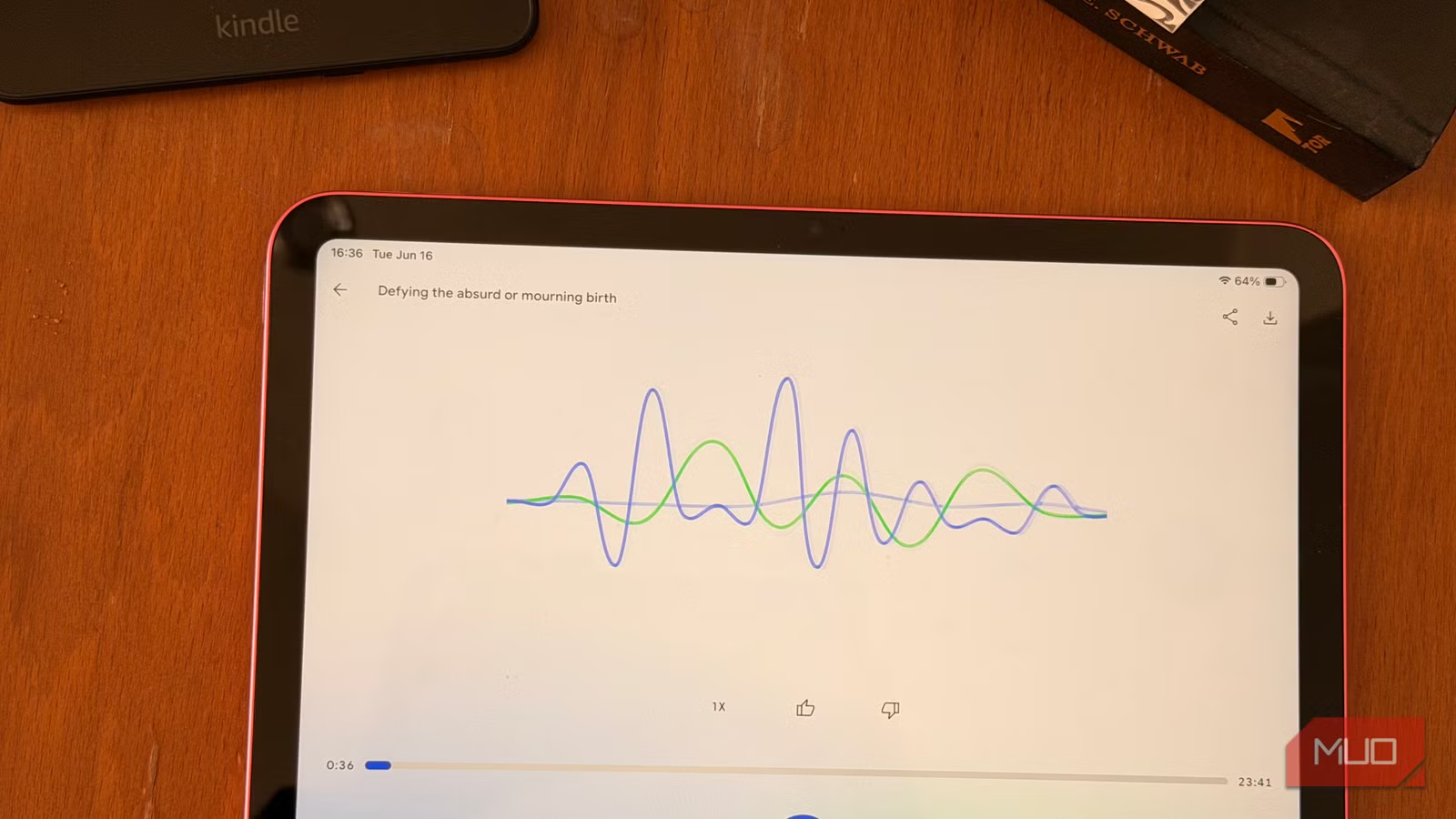
NotebookLM does one thing exceptionally well: it synthesizes whatever sources you feed it without hallucinating outside information. That same constraint is also its biggest limitation. The AI can't search the web, can't track your progress on learning, and won't organize your notes across projects. Three free tools fill those gaps.
Tech writer Tashreef Shareef has been using NotebookLM for everything from meal prep to car manual lookups. His workflow pairs Google's research assistant with Perplexity for web search, Quizlet for spaced repetition learning, and Obsidian for note organization. The combination turns NotebookLM from a single-purpose tool into something closer to a complete research stack.
Why NotebookLM needs Perplexity for real-time research
NotebookLM's core design choice is also its blind spot. It only works with sources you upload. Need context on a breaking news story or a product claim you just heard? NotebookLM can't help until you find and add that information yourself.
Perplexity fills that gap. The AI search engine pulls real-time information from the web and cites its sources, so you can verify accuracy before committing anything to your notebook. Shareef describes a common scenario: a video presenter mentions a product has "a catch" but doesn't explain it immediately. Rather than scrubbing through the entire video, he asks Perplexity.
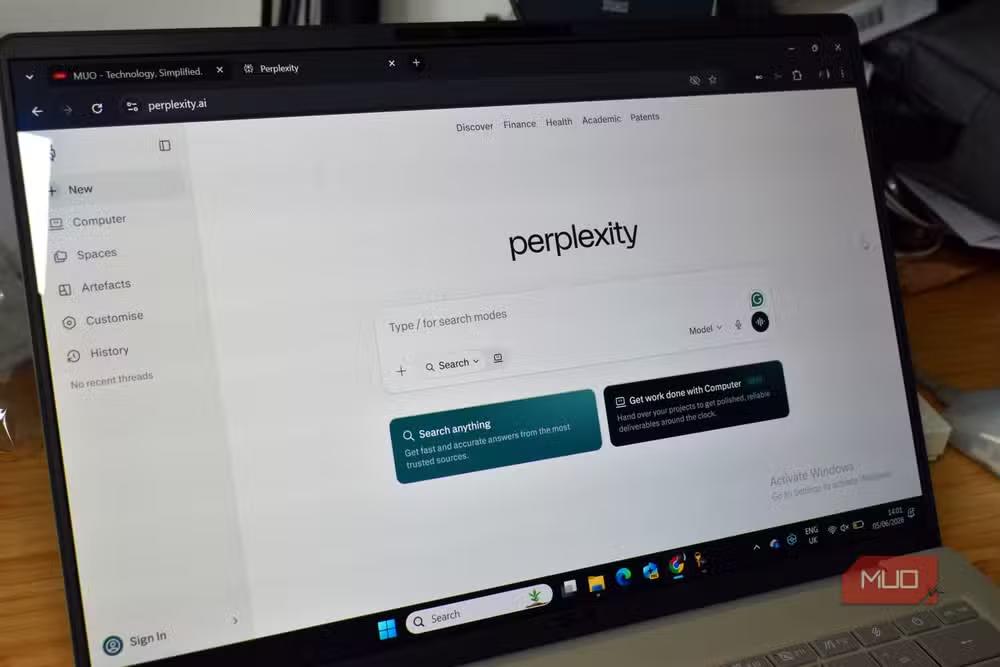
The workflow is straightforward. Use Perplexity to do initial research, inspect the sources it cites, pick the accurate ones, then copy those links into a new NotebookLM notebook. From there, NotebookLM's chatbot works only with that curated set. The output stays grounded because you've already verified the inputs.
This split makes sense because each tool excels at different things. Perplexity is fast at gathering and citing up-to-date web information but won't organize that research into polished outputs. NotebookLM structures, analyzes, and transforms curated sources into reports, slide decks, and content plans. Neither replaces the other.
How to export NotebookLM flashcards to Quizlet
NotebookLM added its own Quizlet-style flashcard generator, letting you set difficulty and card count. It works for quick memorization of key terms, dates, and concepts. But the feature stops there.
Quizlet's advantage is spaced repetition. The app shows cards you struggle with more frequently and spaces out ones you already know. Multiple studies have shown this method improves long-term retention significantly compared to standard drilling. Quizlet also offers Learn, Write, Spell, and game modes that NotebookLM doesn't match.
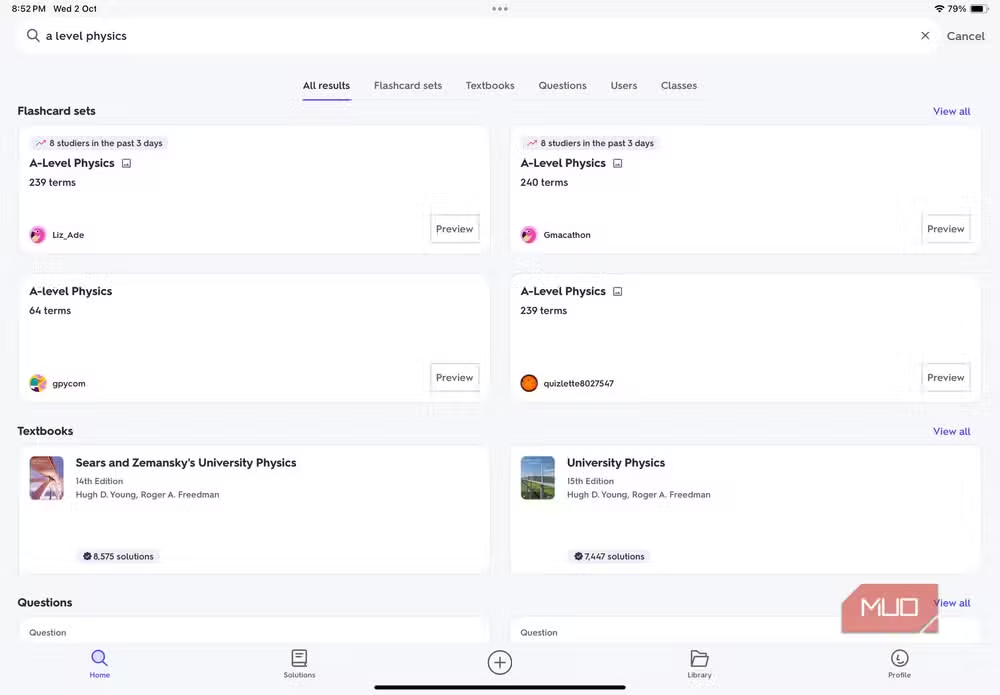
The bridge between them is a recent NotebookLM update: flashcard export as CSV. Shareef's process takes about a minute. Create a flashcard set in NotebookLM with a prompt specifying difficulty and focus area. Download the CSV. Log into Quizlet, create a new set, use the Import option, paste the raw text, match the separator symbol (usually comma or tab), and hit Import and Create.
The result is a study set grounded in your own research material but backed by Quizlet's learning algorithms. You can also access it offline through Quizlet's mobile app, which NotebookLM doesn't offer.
Obsidian keeps everything structured
Shareef mentions pairing NotebookLM with Obsidian notes "to make sense of them." Obsidian stores notes as plain markdown files locally, with bi-directional linking between notes. That structure helps when you're running multiple research projects or need to trace how ideas connect over time.
NotebookLM can import documents and websites, so you can pull in exported Obsidian notes when you need to synthesize them. The combination keeps research organized in Obsidian while using NotebookLM for heavy analysis and output generation.
What this workflow assumes
This three-tool stack works best for research-heavy users. Students, journalists, and content creators who need to absorb, verify, and organize large amounts of information will get the most from it. If you're using NotebookLM casually, the overhead probably isn't worth it.
There's also friction in moving between tools. Each export and import step is manual. No API connects Perplexity search results directly to NotebookLM notebooks, and Quizlet import requires copying and pasting. These aren't dealbreakers, but they add time.
Still, the combination addresses NotebookLM's three biggest gaps: no live web access, no learning science for retention, and no cross-project organization. All three companion tools are free at their base tiers.
Logicity's Take
Google could integrate most of this functionality directly into NotebookLM. Web search with source verification, spaced repetition flashcards, and a persistent note graph are table stakes for serious research tools. The fact that users are building these workflows manually suggests NotebookLM is still positioned as a demo of what's possible rather than a complete product. Expect Google to absorb some of these features, but for now, the DIY stack works.
Frequently Asked Questions
Can NotebookLM search the web on its own?
No. NotebookLM only works with sources you upload directly. It can't access live web information, which is why pairing it with Perplexity for real-time research makes sense.
How do you export NotebookLM flashcards to Quizlet?
NotebookLM now offers CSV export for flashcards. Download the file, then use Quizlet's Import feature to paste the raw text. Match the separator symbol (comma or tab) and create the set.
Is Perplexity free to use with NotebookLM?
Yes. Perplexity's free tier handles most basic research needs. You use it to find and verify sources, then manually add those links to NotebookLM.
Does NotebookLM have spaced repetition learning?
No. NotebookLM generates flashcards but doesn't track which ones you struggle with. Quizlet's spaced repetition algorithm handles that, which is why exporting cards there improves retention.
What's the advantage of using Obsidian with NotebookLM?
Obsidian stores notes locally with bi-directional linking, keeping research organized across projects. You can export Obsidian notes and import them into NotebookLM when you need AI-powered synthesis.
Need Help Implementing This?
Looking to build AI research workflows for your team? Logicity covers enterprise AI tooling, integrations, and best practices. Subscribe to our newsletter for practical guidance on implementing tools like NotebookLM at scale.
Source: MakeUseOf
Manaal Khan
Tech & Innovation Writer
Produced with AI assistance and reviewed by the Logicity editorial team. Learn more in our Editorial Policy.






