Key Takeaways
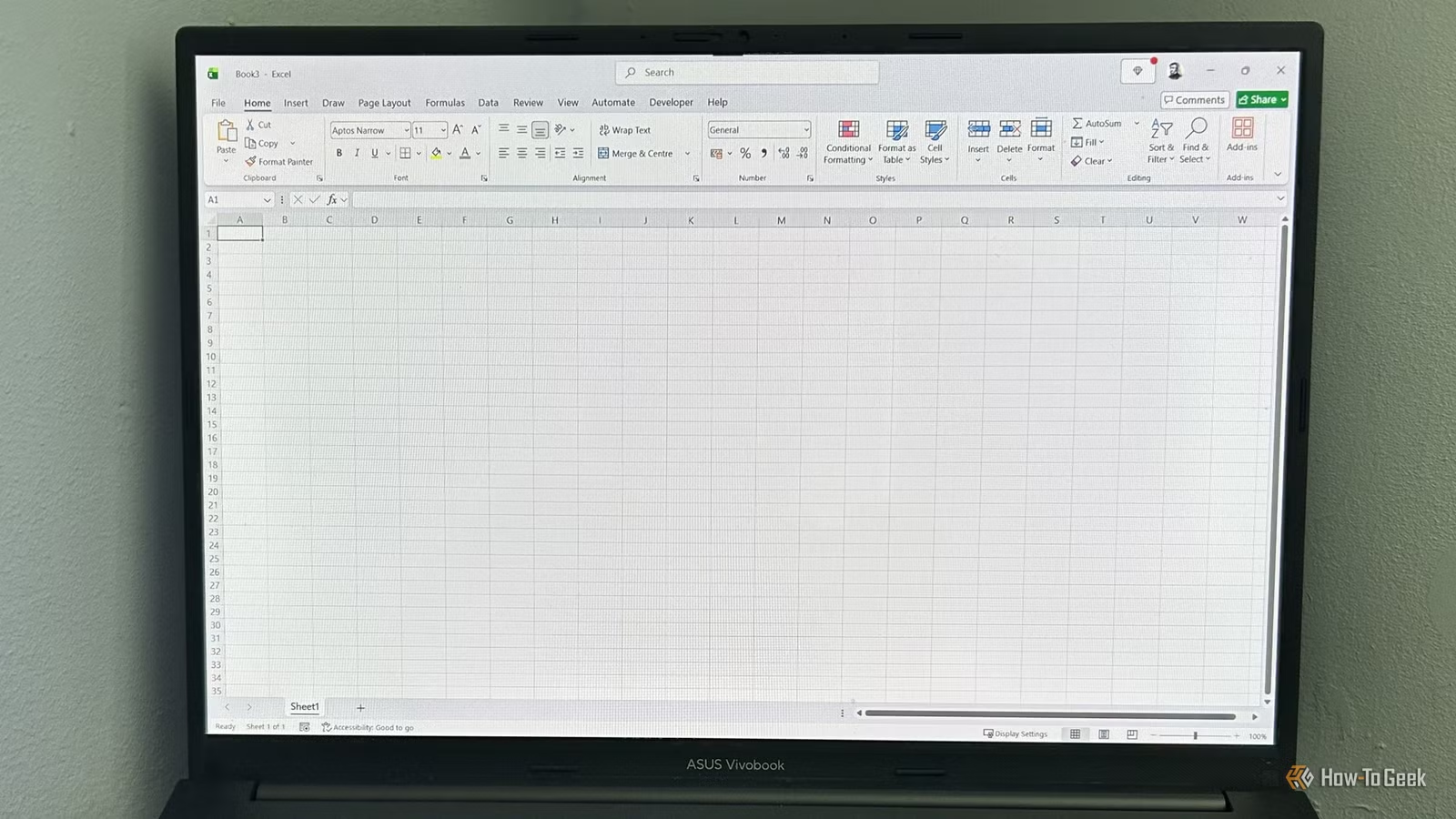
- An invoice tracker teaches Excel tables, SUMIF formulas, and conditional formatting in one practical build
- Data validation drop-downs enforce consistency and reduce manual errors in tracking spreadsheets
- Weekend projects beat tutorials because you retain skills when solving real problems
Three Excel beginner projects published by How-To Geek offer a practical alternative to passive tutorials: an invoice tracker, a job application log, and a product comparison table. Each can be built in under two hours and teaches core Excel skills, including tables, data validation, conditional formatting, and SUMIF formulas, through actual use rather than rote exercises.
The approach matters because retention from hands-on work far exceeds watching videos. You finish the weekend with a spreadsheet you might actually use, not just a certificate.
Why an invoice tracker is the right first project
Freelancers and small business owners know the pain: invoices pile up, some get paid, some don't, and tracking who owes what becomes guesswork. The invoice tracker project addresses this with five Excel techniques stacked into one workflow.
You start by creating a table with columns for ID, Client, Issue date, Due date, Amount, Status, Overdue days, and Notes. Converting the range to an Excel table (Ctrl+T) unlocks structured references and automatic row expansion. Format the date and currency columns appropriately, and name the table T_Invoices for cleaner formulas later.
Next comes data validation. Select the Status column, open Data Validation, choose List, and type "Paid, Unpaid" as the source. Now every status entry is a dropdown selection, not a free-text field prone to typos.
How the overdue formula works
The Overdue column uses a nested IF statement that checks two conditions. If the status is "Paid", return 0. Otherwise, if today's date exceeds the due date, return the difference. If neither applies, return 0.
The formula looks like this: =IF([@Status]="Paid", 0, IF(TODAY()>[@Due], TODAY()-[@Due], 0)). The [@Status] and [@Due] syntax references columns within the same table row, so the formula automatically applies to every invoice you add.
Conditional formatting completes the visual layer. Apply a gray font rule to rows where Status equals "Paid", and a red font rule to rows where Status is "Unpaid" AND Overdue is greater than zero. Paid invoices fade into the background. Late ones scream for attention.
Building a payment dashboard with SUMIF
Above the table, add a three-row summary. In cells A1 through A3, enter Paid, Unpaid, and Overdue. In B1, use =SUMIF(T_Invoices[Status], A1, T_Invoices[Amount]) to total all paid invoices. B2 gets the same formula pointing to A2. B3 sums amounts where Overdue is greater than zero: =SUMIF(T_Invoices[Overdue], ">0", T_Invoices[Amount]).
Format these cells as Accounting. You now have a live dashboard that updates as you mark invoices paid or add new rows.
Project 2: A self-updating job application log
Job hunting generates chaos fast. You apply to twelve companies, forget which ones you followed up with, and miss interview deadlines. The job application tracker solves this with the same techniques, just applied to a different problem.
Columns include Company, Role, Applied date, Status (dropdown: Applied, Interview, Offer, Rejected), Follow-up date, and Notes. Conditional formatting highlights interviews in green, offers in blue, and rejections in gray. A summary section counts applications by status using COUNTIF.
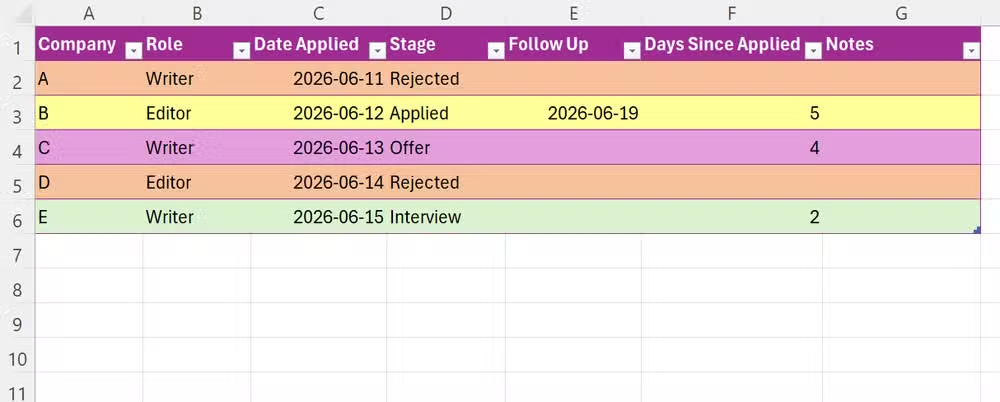
The key skill here is recognizing that the invoice tracker pattern, table plus dropdown plus conditional formatting plus summary formulas, transfers directly. Once you build one, the second takes half the time.
Project 3: A product comparison table
The third project is simpler but teaches a different muscle: structuring information for decision-making. Pick a purchase you're researching, say laptops, and create columns for Model, Price, RAM, Storage, Battery life, and a Weighted Score.
The Weighted Score column combines multiple criteria. You assign weights to each factor (price matters more than battery, for instance), normalize the values, and sum them. This introduces basic arithmetic formulas and cell referencing in a context where the output, a ranked list, is immediately useful.
What makes weekend projects effective
The projects share a common design: real utility, not toy examples. You build something you might keep open next week. That context matters because motivation sustains attention, and attention is where learning happens.
With over 750 million Excel users globally, the skill ceiling is high but the floor is accessible. These three projects sit just above the floor, easy enough to finish in a few hours, complex enough to introduce techniques that scale to harder problems.
Logicity's Take
Most Excel tutorials fail because they teach features in isolation. Knowing SUMIF exists is useless until you encounter a problem it solves. The invoice tracker inverts that sequence: you face the problem (who owes me money?), then discover the tool (SUMIF). Weekend projects are small enough to complete but real enough to remember. If you manage invoices, job applications, or purchasing decisions, one of these three will save you time within a week of building it.
Frequently Asked Questions
How long does it take to build the Excel invoice tracker?
About 45 minutes to an hour for a beginner. The steps involve creating a table, adding data validation, writing one nested IF formula, and setting up two conditional formatting rules.
Do I need Microsoft 365 for these Excel projects?
No. Excel 2019 or later supports all features used, including tables, SUMIF, and conditional formatting. Microsoft 365 adds cloud sync and coauthoring but is not required.
Can I use Google Sheets instead of Excel?
Yes, with minor syntax differences. Google Sheets supports tables (called named ranges), data validation dropdowns, and the same SUMIF and IF formulas.
What skills do these projects teach?
Excel tables, structured references, data validation lists, nested IF statements, TODAY() function, conditional formatting rules, and SUMIF/COUNTIF aggregation.
Where can I find the full step-by-step instructions?
The original How-To Geek article by Tony Phillips includes detailed screenshots and formula syntax for all three projects.
Another hands-on productivity tool guide for readers who learn by building
Need Help Implementing This?
Logicity covers productivity tools, automation, and technical how-tos for engineering teams. Subscribe to our newsletter for weekly guides, or contact us if your team needs custom Excel training or template development.
Source: How-To Geek
Huma Shazia
Senior AI & Tech Writer
Produced with AI assistance and reviewed by the Logicity editorial team. Learn more in our Editorial Policy.






