Key Takeaways
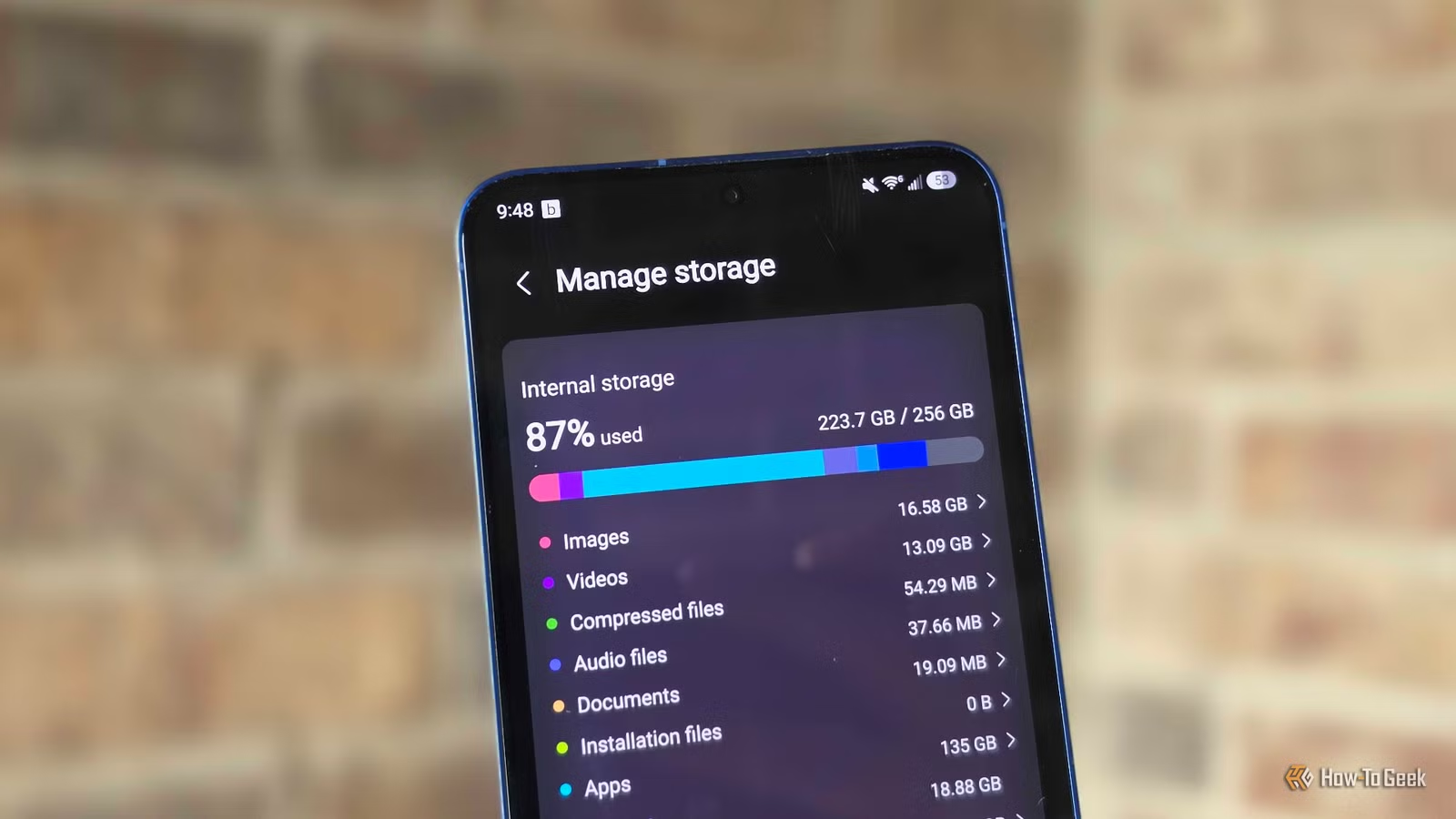
- Apps now consume 80-100GB of phone storage before you take a single photo
- Samsung, Google, and Apple all removed MicroSD slots, eliminating expandable storage
- 256GB may no longer be sufficient for flagship phones kept longer than one year
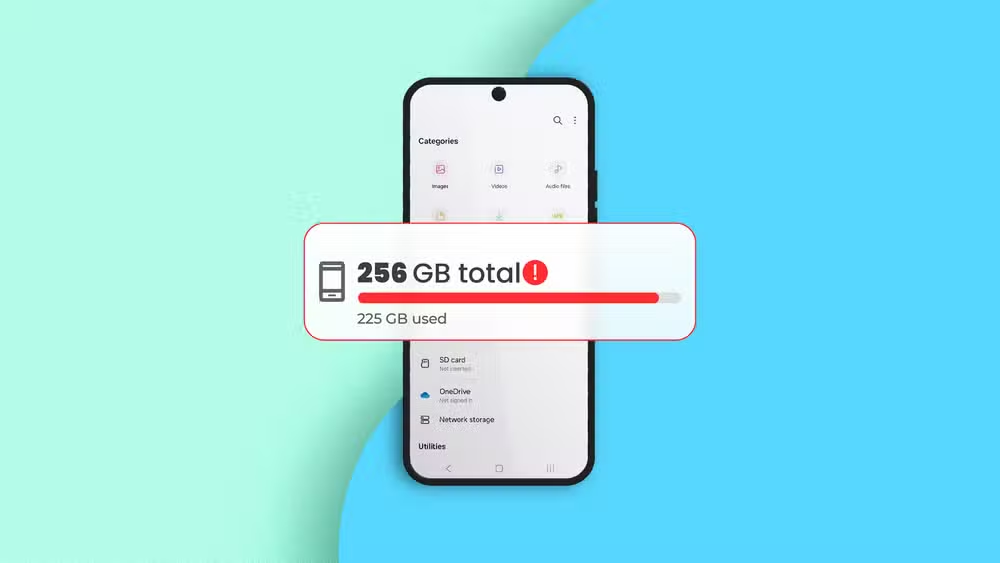
Phone storage is running out faster than ever, and the culprit isn't your photo library. Apps alone now consume 80 to 100GB on modern smartphones, leaving 256GB flagships gasping for space within months of purchase. The removal of MicroSD slots across Samsung, Google, and Apple devices has made this problem inescapable.
Cory Gunther, a senior tech author at How-To Geek, recently hit this wall for the first time despite a decade of careful storage management. His 256GB Galaxy S25+ is full. He deletes unused apps, practices what he calls "good digital hygiene," and culls photos immediately after taking them. None of it was enough.
"If it's happening to me, someone who's always been extremely vigilant," Gunther writes, "then surely I'm not alone."
Why did phone manufacturers remove MicroSD slots?
Samsung was the last major holdout. For years, Galaxy flagships shipped with MicroSD expansion, letting users add 256GB or 512GB cards for a fraction of what manufacturers charge for built-in storage. That ended with the Galaxy S21 series in 2021. Google Pixel phones have never offered expandable storage. iPhones haven't either.
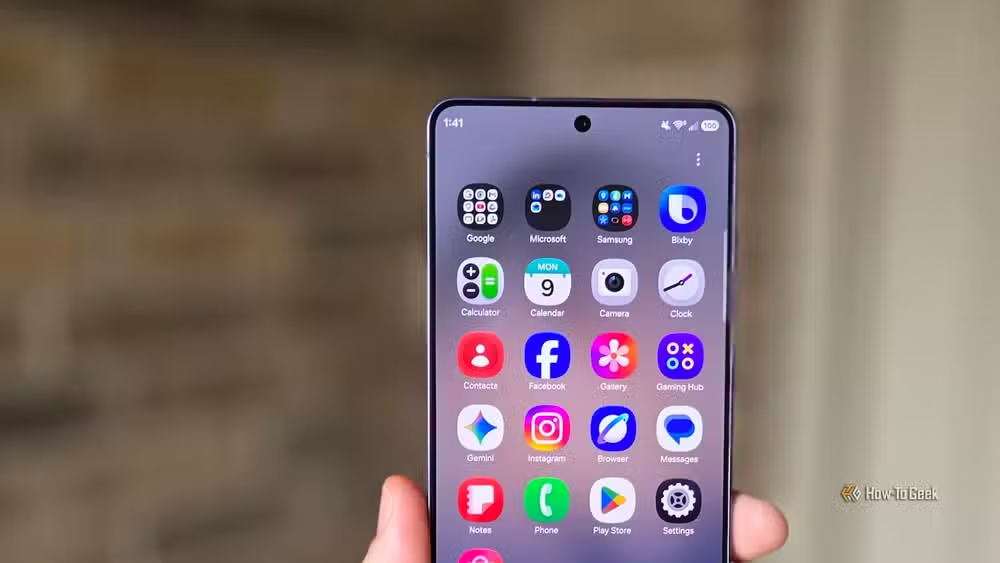
The official explanations varied: thinner designs, faster internal storage, better water resistance. The practical result is that users must now pay premium prices for storage tiers. A 512GB model often costs $100 to $200 more than the 256GB version. The 1TB option can push flagship prices past $1,300.
There's also the cloud storage angle. Without local expansion, users are nudged toward monthly subscriptions for Google One, iCloud, or Samsung Cloud. What was once a $30 SD card purchase becomes a recurring revenue stream.
Apps are the real storage hogs
Most people assume photos and videos fill their phones. That's increasingly wrong. Modern apps have ballooned in size. Social media apps, games, and productivity tools routinely exceed 500MB at install, then grow with cached data.
Gunther reports that apps alone occupy nearly 95GB on his phone despite actively deleting unused ones. Before you take a single photo, your phone is already committed to a substantial storage footprint from system files and essential apps.
Triple camera systems compound the problem. Flagship phones now shoot 4K and 8K video, capture 200MP photos, and store multiple versions of each shot for computational photography. AI features add more local processing and caching. The storage demands have scaled up while the base allocation stayed flat.
Is 256GB enough for a flagship phone in 2026?
For anyone planning to keep their phone longer than a year, probably not. The math is simple: if apps consume 80 to 100GB before you do anything else, a 256GB phone leaves you with roughly 150GB for photos, videos, downloads, and future app updates. Heavy users will hit that ceiling within 12 to 18 months.
Gunther found a hidden Samsung setting that freed 19GB, but even that wasn't enough. Deleting bloatware helped marginally. The fundamental problem is that storage demands have outpaced base storage options.
How-To Geek argued in 2024 that 128GB should be abandoned as a base option. Now the same case applies to 256GB for flagship devices. If you're spending $800 or more on a phone, 512GB should be the starting point.
What can you do if your phone is out of space?
Short-term fixes exist but don't solve the underlying issue. Clear app caches regularly. Offload photos and videos to a computer or external drive, not just cloud storage. Delete apps you haven't opened in three months. Check for duplicate files and failed downloads.
Some Android phones still support USB OTG, letting you connect external drives directly. It's clunky compared to the old MicroSD slot, but it works for bulk file transfers.
Long-term, you're facing a hardware decision. When upgrading, buy more storage than you think you need. The premium feels steep at purchase but cheaper than hitting the wall 18 months in.
Logicity's Take
The removal of MicroSD slots was framed as a design necessity, but it's also a pricing strategy. Manufacturers now capture the full margin on storage tiers rather than losing sales to $25 SD cards. Until competitive pressure forces change, expect base storage options to lag behind actual usage needs by at least one tier. Budget accordingly when buying your next phone.
Frequently Asked Questions
Why do apps take up so much phone storage?
Modern apps include high-resolution assets, offline caches, and frequent updates. Social media apps cache videos and images locally. Games download large asset packs. Even productivity apps store offline data. Combined, these can consume 80-100GB before you add personal files.
Which phones still have MicroSD card slots?
Most flagship phones from Samsung, Google, and Apple no longer include MicroSD slots. Some mid-range Android phones and rugged devices still offer expandable storage. Check specifications carefully before buying if this feature matters to you.
How can I free up storage space on my Android phone?
Clear app caches in Settings, delete unused apps, remove duplicate photos, and transfer large files to external storage. Some Samsung phones have a hidden storage cleaning feature in Device Care settings that can reclaim significant space.
Is 512GB enough storage for a smartphone?
For most users keeping a phone two to three years, 512GB provides adequate headroom. Power users who shoot extensive video, play large games, or download media offline should consider 1TB options where available.
Should I pay for cloud storage or buy a larger phone?
Cloud storage requires ongoing subscription fees and depends on internet access. A larger internal storage option is a one-time cost with no connectivity requirements. For most users, paying upfront for more storage is more economical over a three-year phone lifecycle.
Need Help Implementing This?
If you're an enterprise managing device procurement or mobile app deployment, storage constraints affect user productivity and support ticket volume. Contact Logicity for analysis on optimizing mobile device specifications for your workforce needs.
Source: How-To Geek
Manaal Khan
Tech & Innovation Writer
Produced with AI assistance and reviewed by the Logicity editorial team. Learn more in our Editorial Policy.






