Key Takeaways
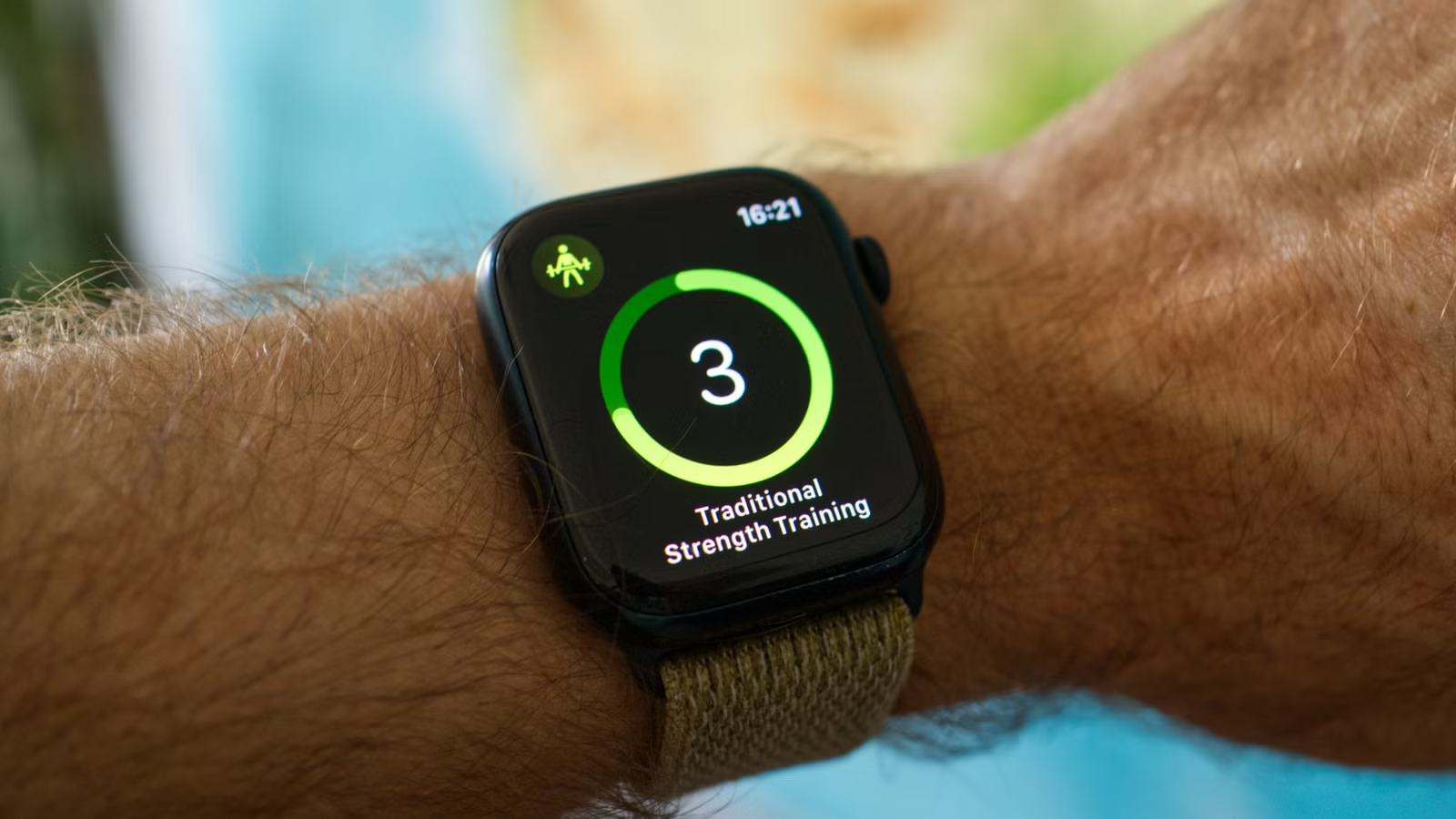
- Hold the iPhone ping button to flash your phone's LED in the dark
- Cinema Mode prevents screen wake but keeps haptic notifications active
- Tap the top edge of any screen to instantly scroll back to the top
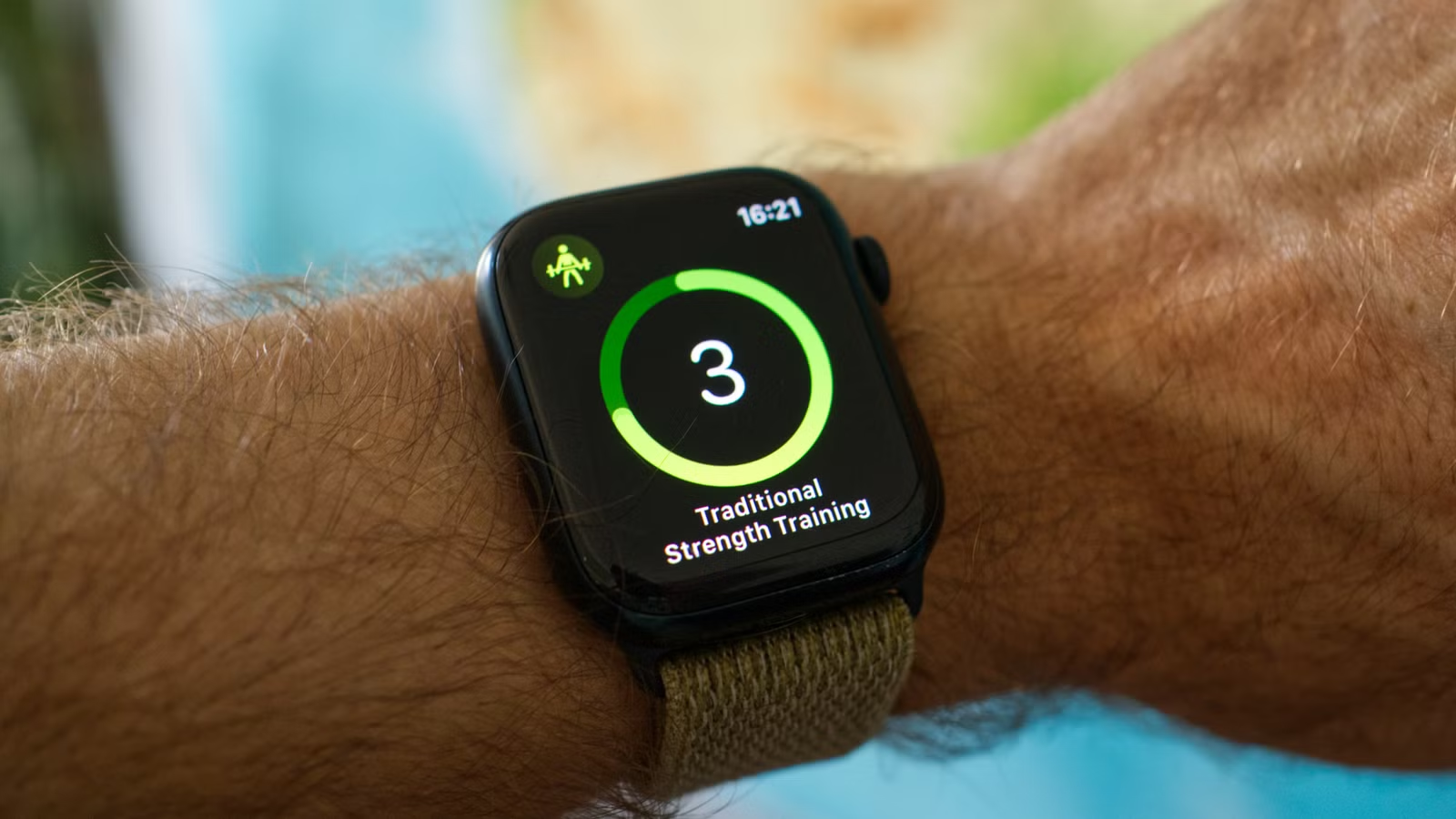
I've worn an Apple Watch daily for nearly ten years. That's roughly 3,500 days of tapping, swiping, and occasionally swearing at a 45mm screen. And somehow, I keep finding features I never knew existed.
Tim Brookes, Senior Editor at How-To Geek, recently compiled a list of tricks that took him years to discover. Many of these aren't buried in settings. They're hiding in plain sight, one long-press or swipe away from the interface you use every day.
“The true power of the Apple Watch isn't just in its health tracking, but in how it subtly removes the friction of interacting with the rest of your digital life.”
— Tim Brookes, Senior Editor at How-To Geek
Here's what most users miss.
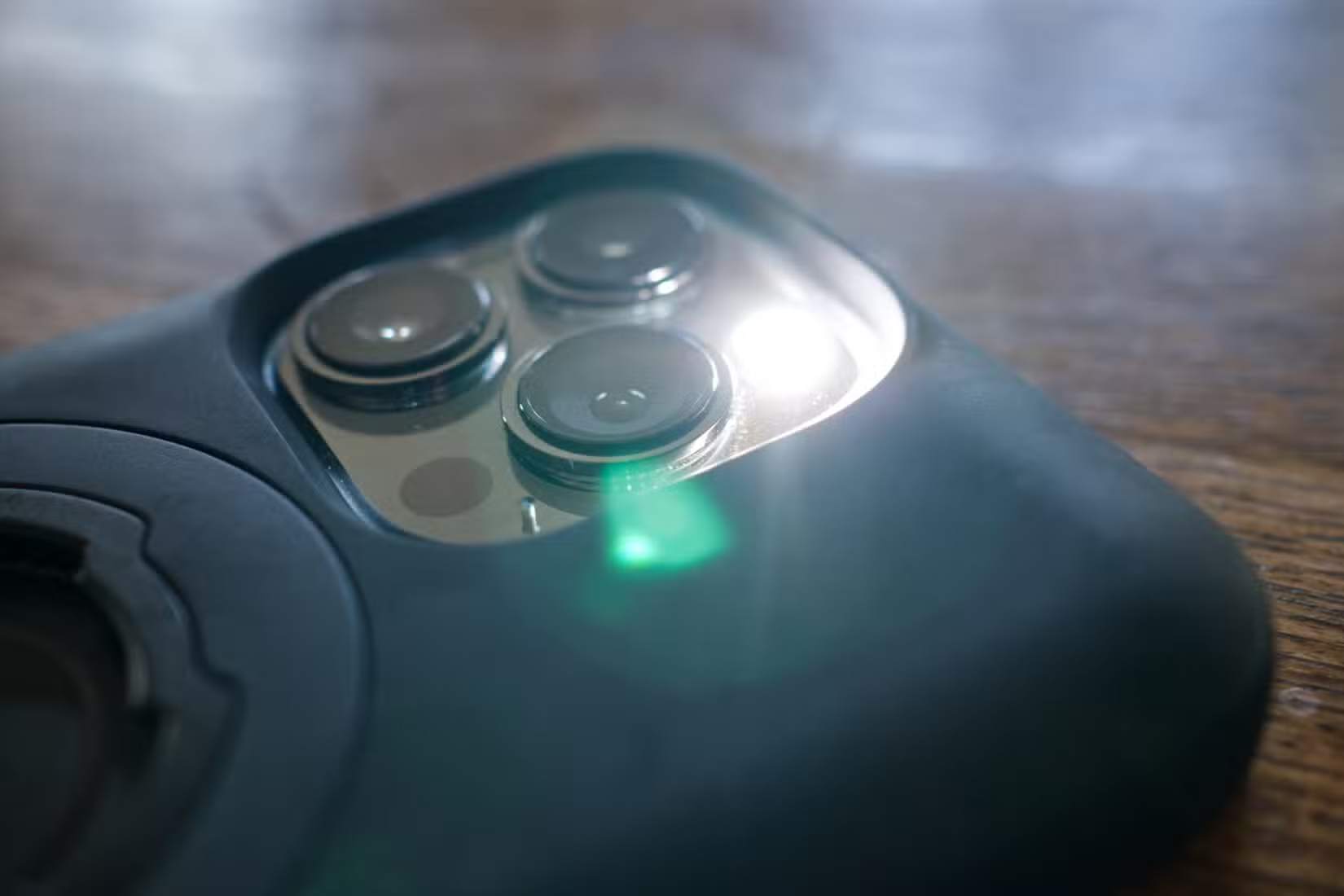
Flash Your iPhone's LED When You Can't Hear the Ping
You probably know the ping trick. Press the Side button (not the Digital Crown), tap the iPhone icon in Control Center, and your phone chirps. It's the feature that justifies the Apple Watch for half its owners.
But here's what most people miss: hold that button down instead of tapping it. Your iPhone's LED will flash repeatedly along with the sound. This works brilliantly in three situations. Finding your phone in a dark bedroom. Locating it at a loud concert where you'd never hear the chime. Or if you have hearing difficulties that make the high-pitched ping hard to detect.
Cinema Mode: Dark Without Disconnecting
Open Control Center and look for the theater masks icon. Tap it to enable Cinema Mode. This does something clever that Do Not Disturb doesn't. It disables raise-to-wake, so your screen won't light up when you move your arm. But haptic notifications still work. You'll feel the tap on your wrist, but the screen stays dark.
To check the time, you have to physically tap the screen or press the Digital Crown. And here's the elegant part: slowly rotate the Digital Crown to gradually increase brightness. Perfect for a dark theater or bedroom when you don't want to blind yourself.
Note that Cinema Mode only handles the screen. Notifications still arrive. For full silence, you'll need to stack this with Do Not Disturb or a Focus mode.
Tap-to-Top: Stop Scrolling Endlessly
This one migrated from iOS and nobody told anyone. Tap the very top edge of your Apple Watch screen to instantly jump to the top of any list or page. Works in Settings. Works in Messages. Works anywhere you've scrolled down and want to get back fast.
It's the same gesture iPhone users have known for years, but watchOS doesn't advertise it anywhere. Once you build the muscle memory, you'll wonder how you tolerated all that Digital Crown spinning.
Pin Your Most-Used Timers
If you set the same timers repeatedly, three minutes for tea, 20 minutes for a power nap, there's no reason to scroll through presets every time. Open the Timer app, find a timer you use often, and long-press it. You'll get an option to pin it. Pinned timers appear at the top of your list.
Mute for a Set Duration
You can mute your Watch for a specific time period rather than toggling silent mode on and off. This is useful for meetings, movies, or focus sessions where you know exactly how long you need silence.
Low Power Mode Scheduling
Low Power Mode extends battery life by limiting background activity, always-on display, and some health features. What many users don't realize is that you can schedule it. If you know your Watch needs to last through a long day or overnight, you can set Low Power Mode to activate automatically at certain times or battery levels.
Why These Features Stay Hidden
Apple's design philosophy prioritizes simplicity, which means the Watch's surface-level experience is clean and approachable. The trade-off is discoverability. Power-user features get buried behind long-presses, edge taps, and menu options that don't advertise themselves.
Reddit's r/AppleWatch community frequently surfaces complaints about this. Users report stumbling onto features like Palm to Mute or custom Focus triggers years after purchasing their device. The pattern is consistent: a user posts a trick, dozens reply with some variation of "I had no idea."
With an estimated 120 million active Apple Watch users globally, even a 10% improvement in feature awareness would mean millions of people getting more value from hardware they already own.
Logicity's Take
Quick Reference: All 12 Tricks
- Hold the iPhone ping button to flash the LED
- Enable Cinema Mode with the theater mask icon
- Rotate Digital Crown slowly in Cinema Mode for gradual brightness
- Tap the screen's top edge to scroll to top
- Long-press timers to pin them
- Set mute for a specific duration
- Schedule Low Power Mode
- Customize Control Center icon order
- Use Focus modes to filter notifications by context
- Palm to Mute: cover the screen with your palm to silence alerts
- Double Tap gestures on Series 9 and Ultra 2
- Precision Finding with iPhone integration
Frequently Asked Questions
How do I flash my iPhone LED from Apple Watch?
Open Control Center on your Apple Watch, then press and hold the iPhone ping button instead of tapping it. Your iPhone's LED will flash along with the audio ping.
What is Cinema Mode on Apple Watch?
Cinema Mode disables raise-to-wake so your screen stays dark when you move your arm. Haptic notifications still work. Tap the screen or Digital Crown to wake the display manually.
How do I scroll to the top on Apple Watch?
Tap the very top edge of your Apple Watch screen. This instantly scrolls any list or page back to the top, the same gesture that works on iPhone.
Can I pin frequently used timers on Apple Watch?
Yes. Open the Timer app, long-press any timer you use often, and select the pin option. Pinned timers appear at the top of your timer list.
Does Low Power Mode on Apple Watch disable health tracking?
Low Power Mode limits some background health features and disables always-on display to extend battery life. Core health tracking continues, but with reduced frequency.
More ways to add shortcuts to your daily routines
Need Help Implementing This?
Source: How-To Geek
Manaal Khan
Tech & Innovation Writer
Produced with AI assistance and reviewed by the Logicity editorial team. Learn more in our Editorial Policy.