5 Ways a $5 ESP32 Can Upgrade Your Home Network
Key Takeaways
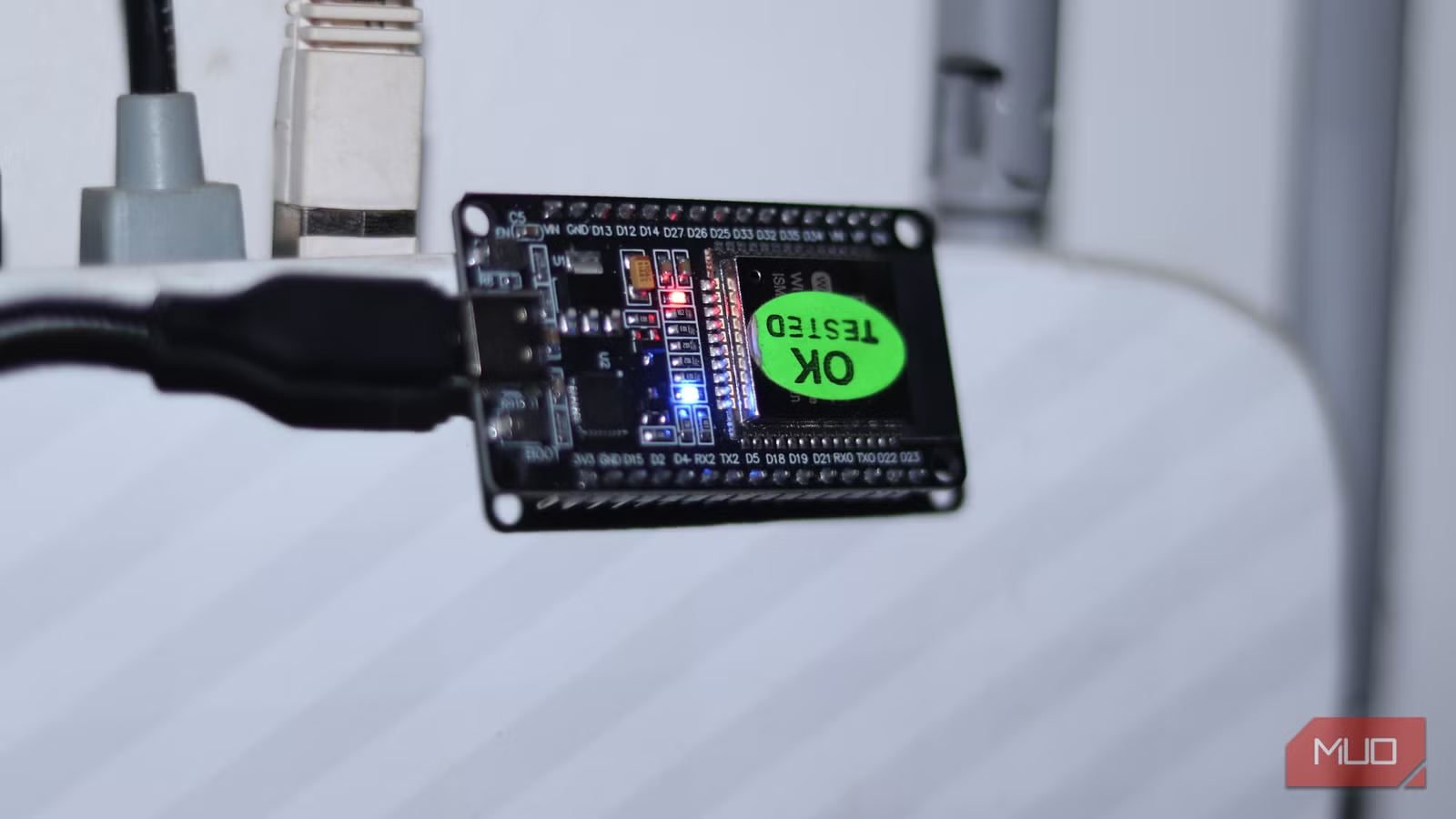
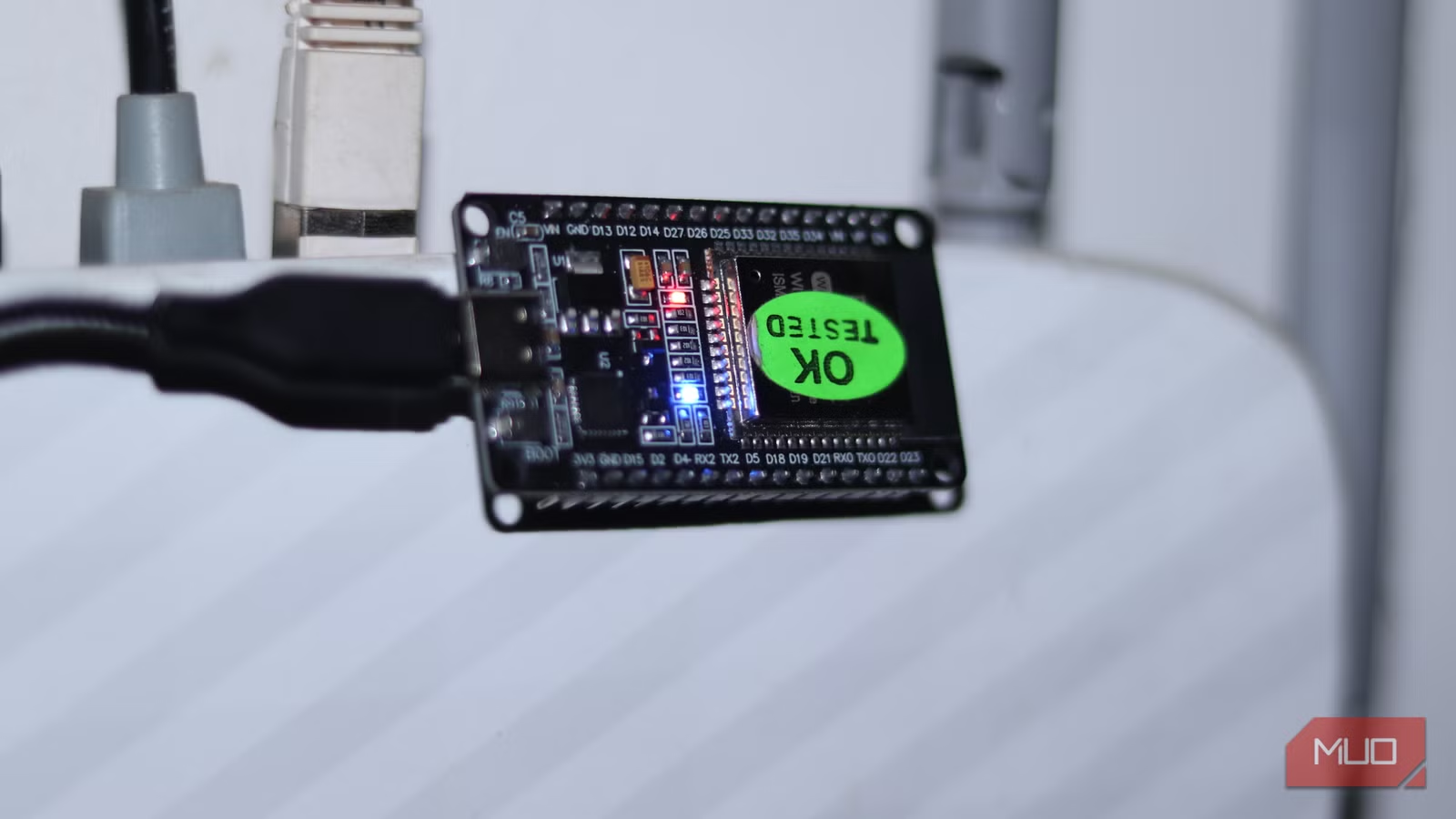
- An ESP32 can scan Wi-Fi networks and display signal strength, channel congestion, and MAC addresses
- You can turn an ESP32 into a network-level ad blocker without needing a Raspberry Pi
- The ESP32's dual Wi-Fi capability lets it work as a range extender for dead zones
A $5 Board With Serious Network Chops
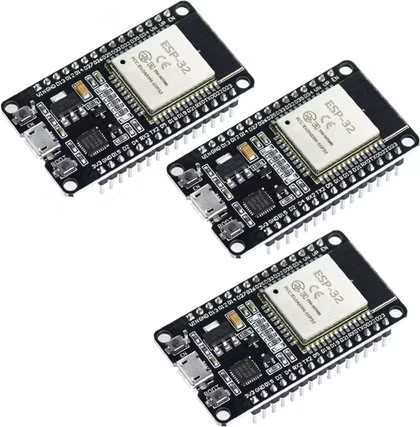
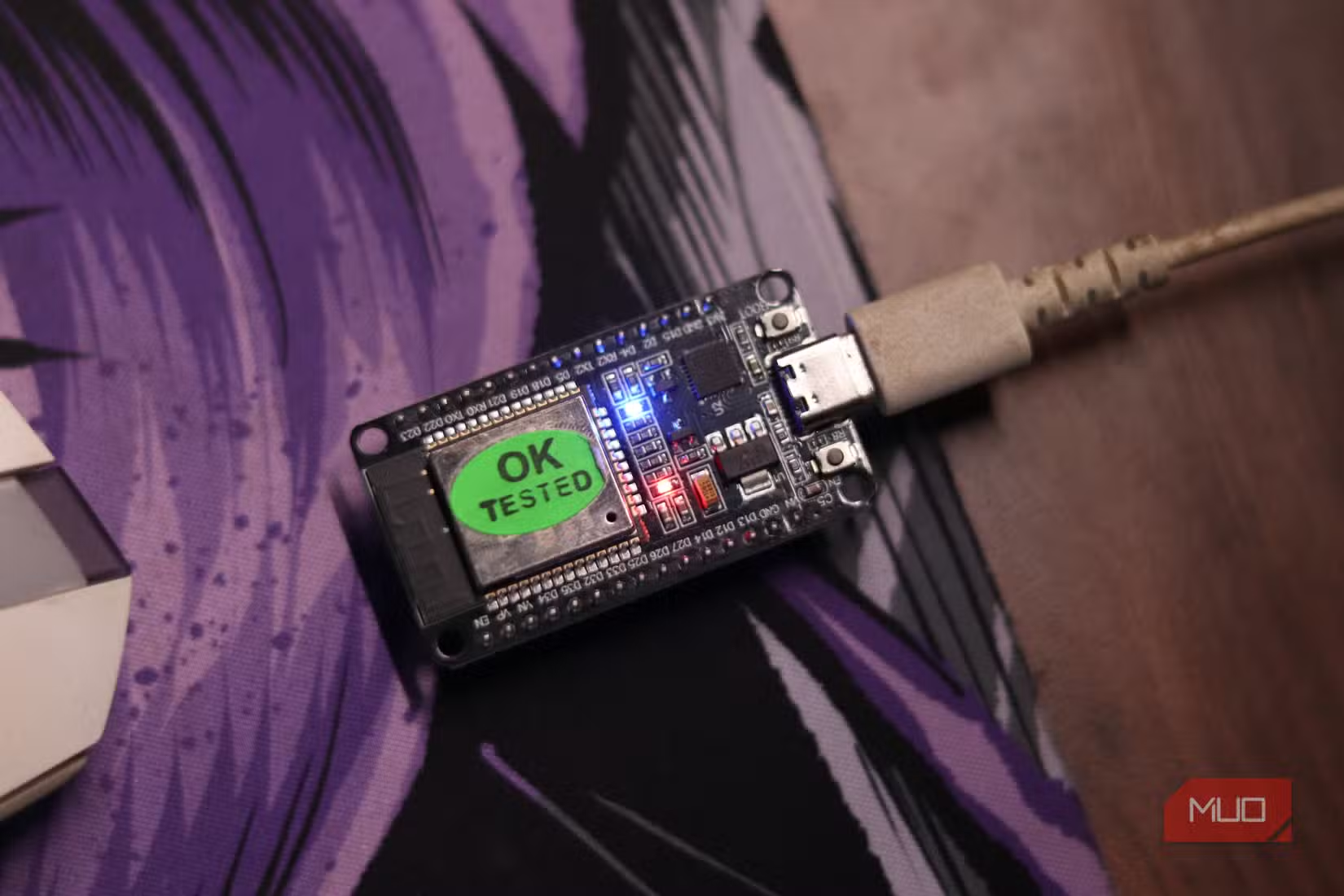
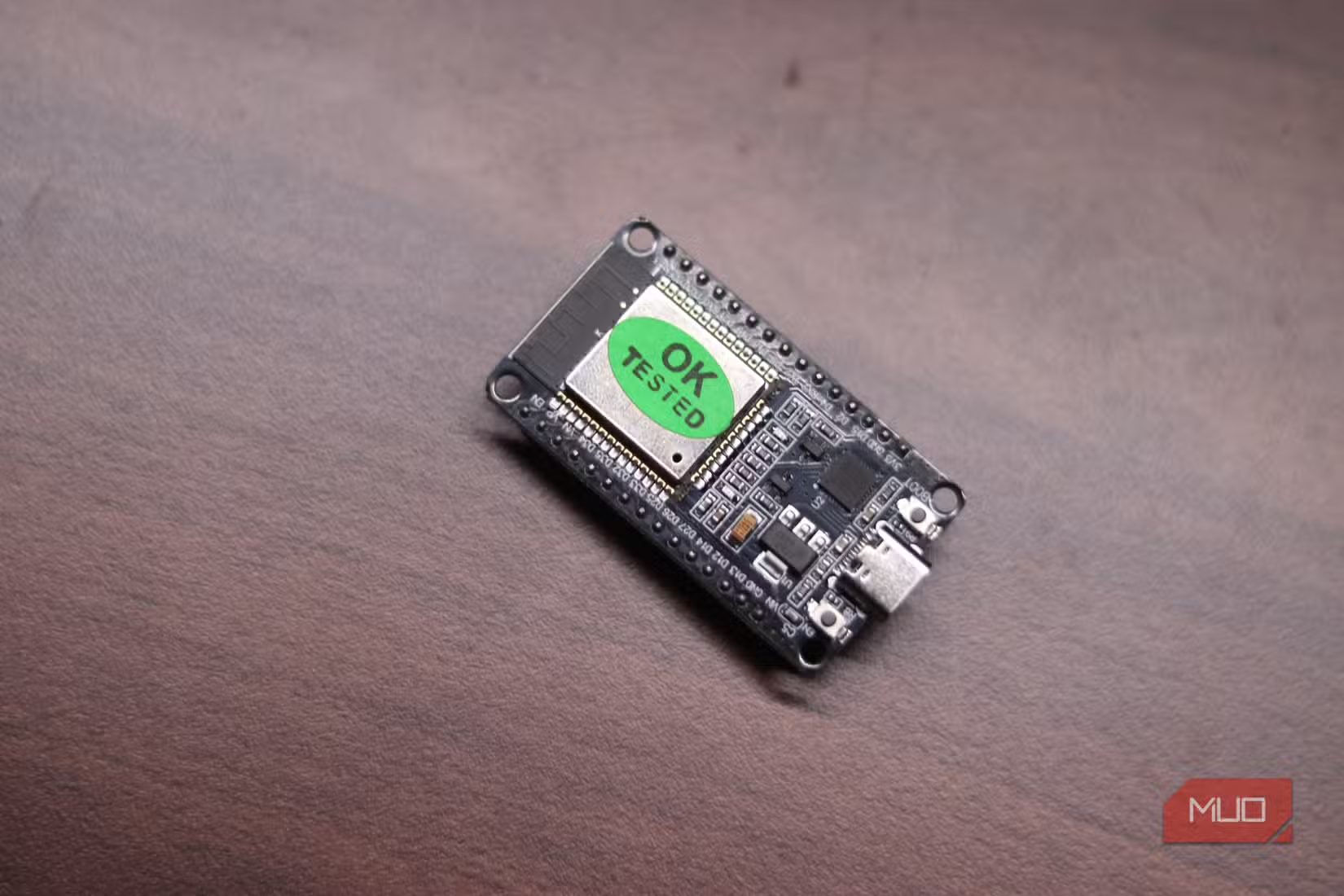
The ESP32 is a microcontroller that sells for around $5. Most tutorials teach you to blink an LED or read a temperature sensor. That undersells what this tiny board can actually do.
The ESP32 has built-in Wi-Fi and Bluetooth radios. That makes it useful for home networking tasks that would otherwise require a Raspberry Pi or dedicated hardware. You can fix Wi-Fi dead zones, scan for network congestion, block ads, and check whether devices are online. All with a board smaller than a credit card.
1. Scan and Map Your Wi-Fi
Wi-Fi analyzer apps exist for your phone, but an ESP32 can do the same job and run around the clock. Its built-in Wi-Fi radio scans every network in range and reports the SSID, RSSI signal strength, channel, authentication mode, and MAC address of each access point.
Set it up to log changes over time, and you can spot which channels are crowded. That tells you whether switching to a less congested channel will fix your slow speeds, or whether you actually need a mesh system.
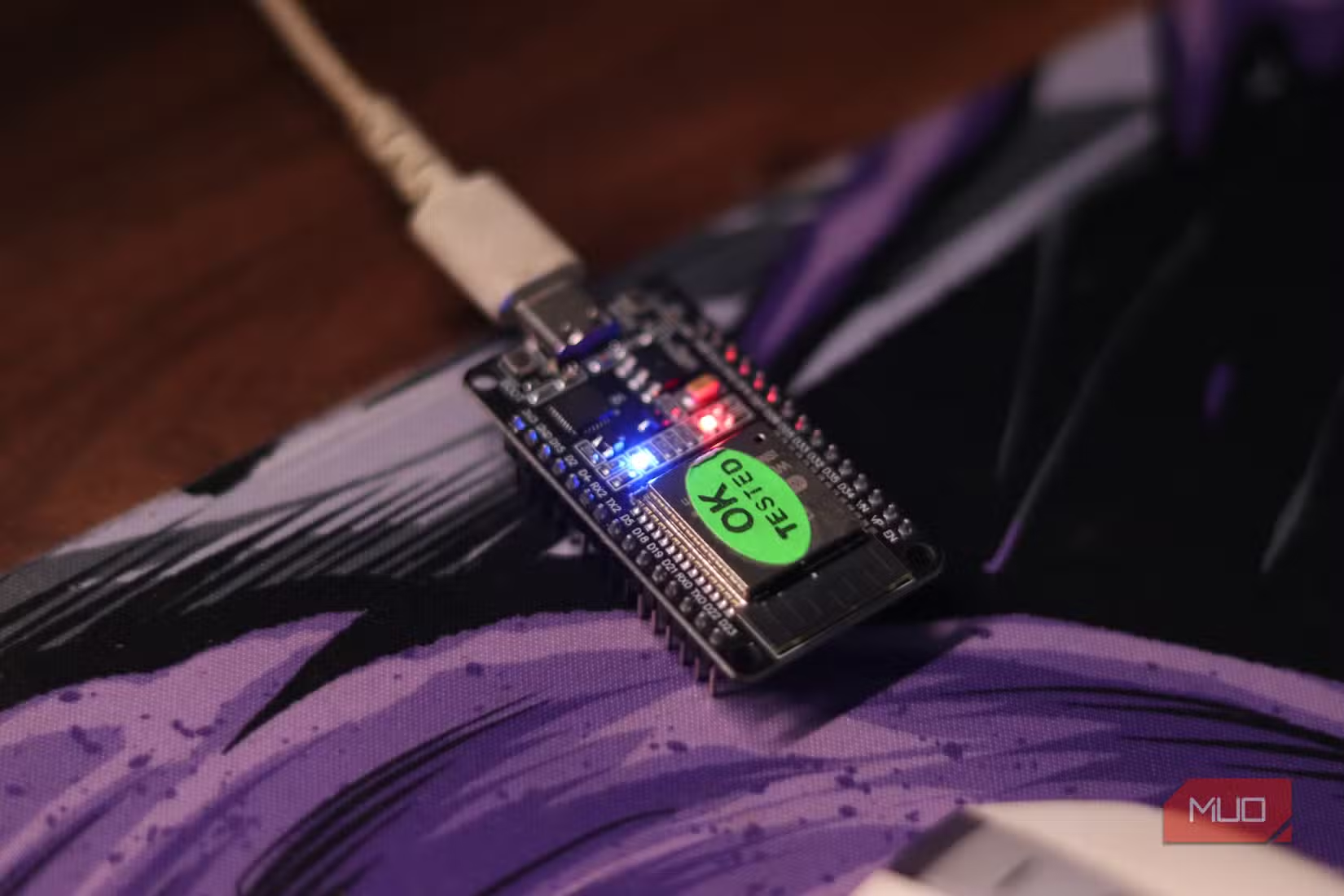
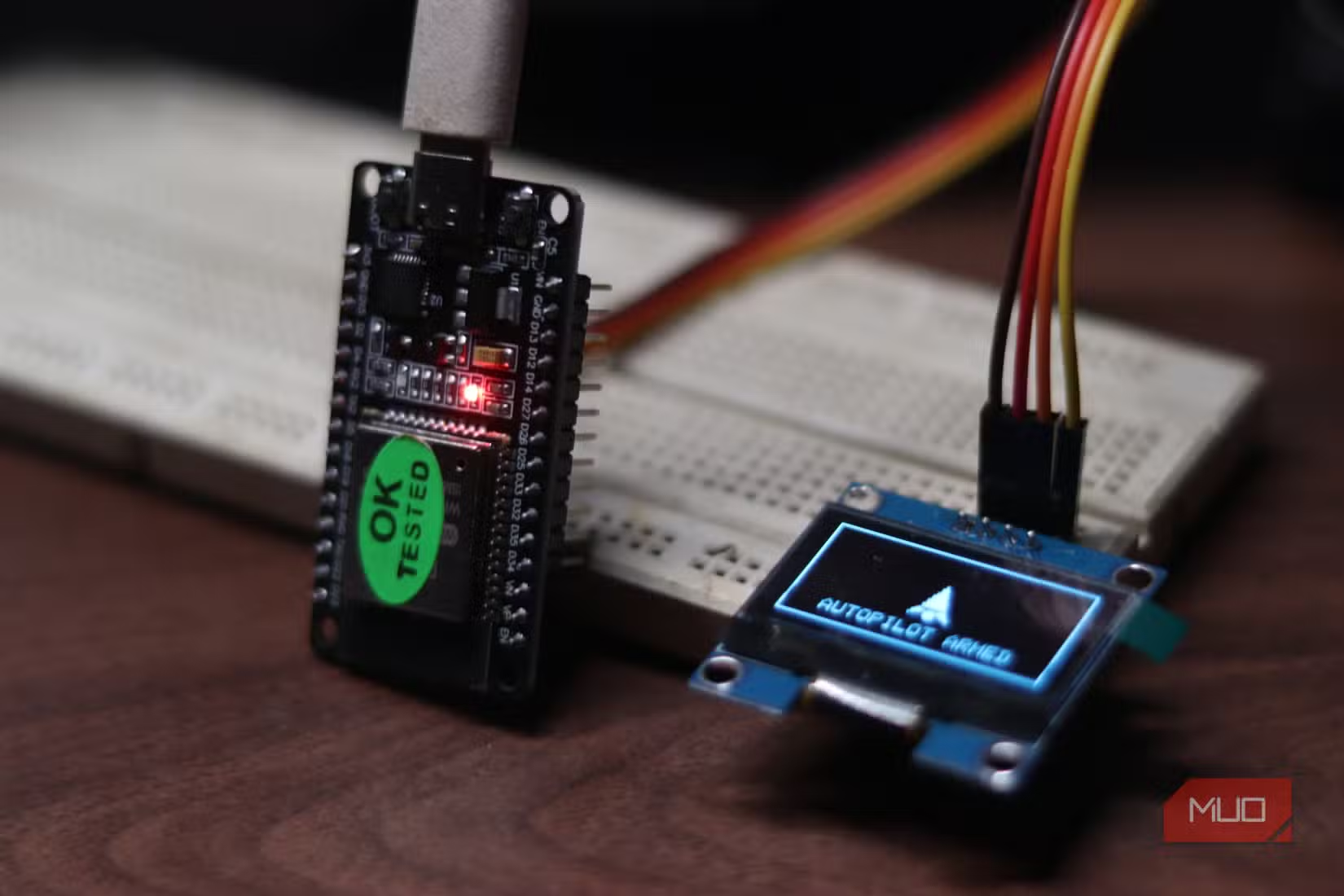
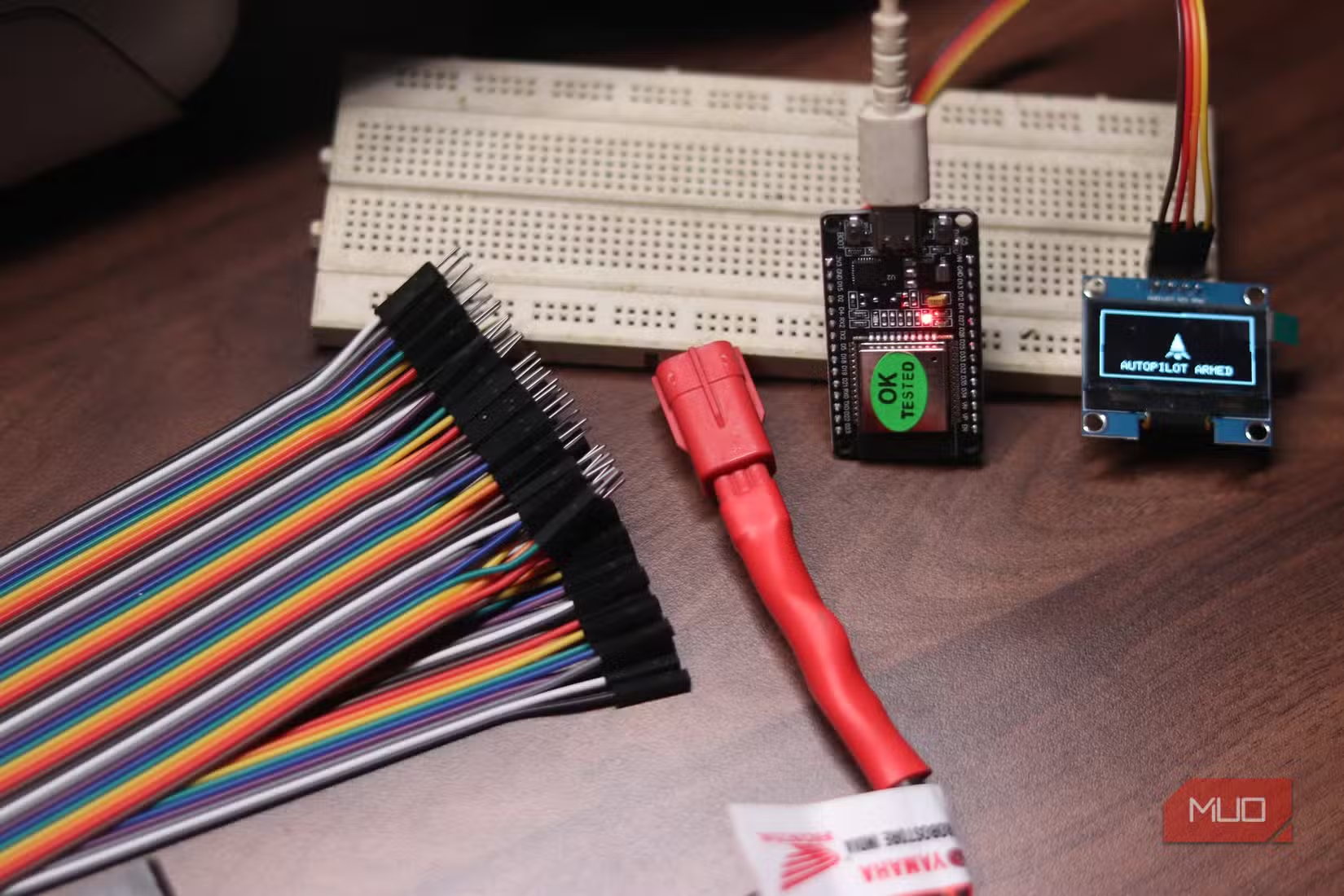
For extra portability, connect a small OLED display to the board. Leave it near a dead zone in your house to see real-time signal data.
2. Block Ads at the Network Edge
Pi-hole and AdGuard Home get all the attention for network-level ad blocking. Both require a Raspberry Pi or a spare computer. An ESP32 can do a simpler version of the same thing.
The board can run a DNS server that blocks requests to known ad and tracker domains before they load. It won't match the filtering power of a full Pi-hole setup, but it works for basic ad blocking on a home network. And it costs a fraction of the price.
More creative uses for hardware you already own
3. Extend Your Wi-Fi Range
The ESP32 can act as a NAT router. That means it can connect to your existing Wi-Fi network and broadcast its own secondary network. Devices connect to the ESP32, and the ESP32 forwards traffic to your main router.
This is useful for extending coverage to a garage, basement, or backyard. The setup takes about 15 minutes. You flash the NAT router firmware, configure your network credentials, and place the board where you need coverage.
Don't expect enterprise-grade throughput. The ESP32's Wi-Fi radio tops out around 20 Mbps in practice. But for IoT devices, security cameras, or basic browsing in a dead zone, that's plenty.
4. Monitor Device Presence
Want to know when a device joins or leaves your network? The ESP32 can ping specific IP addresses and log when they appear or disappear. This is handy for home automation. You can trigger actions when your phone connects to Wi-Fi, or get alerts when a specific device goes offline.
The board can also scan for Bluetooth devices, which is useful for detecting phones even when they're not connected to Wi-Fi.
5. Log Network Activity Over Time
Combine the scanning features with a microSD card or a connection to a home server, and the ESP32 becomes a lightweight network monitor. It can log which devices are active, track signal strength changes, and record when new networks appear in your area.
This data is useful for troubleshooting intermittent Wi-Fi issues. If your connection drops every evening, the logs might show a neighbor's network switching to your channel at the same time.
What You Need to Get Started
The hardware requirements are minimal. You need an ESP32 development board, which runs $5 to $10. A micro USB cable provides power. For display projects, a small OLED screen costs another $5.
- ESP32 development board ($5 to $10)
- Micro USB cable for power
- Optional: 0.96-inch OLED display ($5)
- Optional: microSD card module for logging
For software, you'll flash firmware using the Arduino IDE or PlatformIO. Most of the projects mentioned here have ready-made firmware you can download and flash without writing code.
Logicity's Take
Frequently Asked Questions
Frequently Asked Questions
Can an ESP32 replace a commercial Wi-Fi extender?
For light use, yes. The ESP32 tops out around 20 Mbps, which is fine for IoT devices and basic browsing. For streaming or heavy downloads, a dedicated extender will perform better.
Do I need to know how to code to use an ESP32 for these projects?
Not necessarily. Most of these projects have pre-built firmware you can flash using simple tools. You'll need to enter Wi-Fi credentials and basic settings, but no programming is required.
How much power does an ESP32 use?
An ESP32 typically draws 80 to 200 milliamps when Wi-Fi is active. That's less than one watt. Running it 24/7 costs pennies per year in electricity.
Is ESP32 ad blocking as effective as Pi-hole?
No. Pi-hole has more comprehensive blocklists and a full management interface. ESP32-based solutions are simpler and block common trackers, but won't match Pi-hole's filtering depth.
Where can I buy an ESP32 board?
Amazon, AliExpress, and electronics retailers like Adafruit and SparkFun sell ESP32 boards. The cheapest options are on AliExpress, though shipping takes longer.
Need Help Implementing This?
Source: MakeUseOf
Manaal Khan
Tech & Innovation Writer
مقالات ذات صلة
تصفح الكل
5 إعدادات في متصفحك تسرّب بياناتك حتى مع تفعيل VPN
ماذا لو أخبرتك أن متصفحك المفضل يسلّم عنوان IP الحقيقي وموقعك الفعلي وعادات تصفحك لأي موقع يطلبها، حتى مع تفعيل VPN؟ هذا بالضبط ما يحدث لملايين المستخدمين يومياً، ومنهم من يكتشف ذلك بالصدفة عند إجراء

كيف تعرض شاشة هاتف Android على التلفزيون مجاناً باستخدام Google Cast
هل تبحث عن طريقة لعرض شاشة هاتف Android على التلفزيون دون دفع أموال لتطبيقات مليئة بالإعلانات أو شراء كابلات HDMI؟ الحل موجود فعلياً داخل هاتفك: ميزة Google Cast المدمجة في نظام Android 16 تتيح لك بث

4 تطبيقات سامسونج تستحق البقاء على هاتفك Galaxy
يأتي هاتف Galaxy الجديد محملاً بأكثر من 50 تطبيقاً مُثبتاً مسبقاً، وليست جميعها ضرورية. لكن وسط هذا الكم من التطبيقات، تبرز أربعة تطبيقات سامسونج تستحق فعلاً أن تبقى على جهازك — بل قد تفضّلها على بدائ

استدعاءات يونيو 2026 للسيارات: Ford وHonda وToyota تسحب ملايين المركبات من الأسواق
سجّلت الهيئة الوطنية الأمريكية لسلامة المرور على الطرق السريعة NHTSA أكثر من 300 استدعاء للسلامة شملت أكثر من 100 شركة مصنّعة منذ بداية عام 2026، لكن استدعاءات يونيو 2026 للسيارات جاءت الأضخم والأخطر.
اقرأ أيضاً
iQOO Z11i يظهر في الصين: هاتف vivo Y60 بثوب جديد وبطارية 6,500 مللي أمبير
بدأت iQOO بالتشويق لهاتفها الجديد Z11i في السوق الصينية، ليُضاف إلى عائلة Z11 المتنامية التي باتت تضم نماذج عدة. الهاتف يأتي ببطارية ضخمة سعة 6,500 مللي أمبير، لكن تسريبات من منصة Weibo تشير إلى أنه ق

Honor Watch 6: بطارية تدوم 35 يوماً في ساعة تزن 68 غراماً فقط
كشفت Honor عن ساعتها الذكية الجديدة Honor Watch 6، وهي تطرح سؤالاً مباشراً على منافسيها: كيف تحشرون بطارية بسعة 980mAh في ساعة لا يتجاوز وزنها مع السوار 68 غراماً، وتجعلونها تدوم 35 يوماً كاملة؟ هذا ل

الإمارات تحظر وسائل التواصل الاجتماعي على من هم دون 15 عاماً: أول دولة عربية تتخذ هذه الخطوة
في خطوة تاريخية تضع الإمارات في طليعة الدول العربية، أعلنت الحكومة الإماراتية حظر وسائل التواصل الاجتماعي على الأطفال دون 15 عاماً حظراً فعلياً، لتصبح بذلك أول دولة عربية تتخذ إجراءً بهذا الحجم لحماية