10 Slack Shortcuts That Cut Through Notification Overload

Key Takeaways
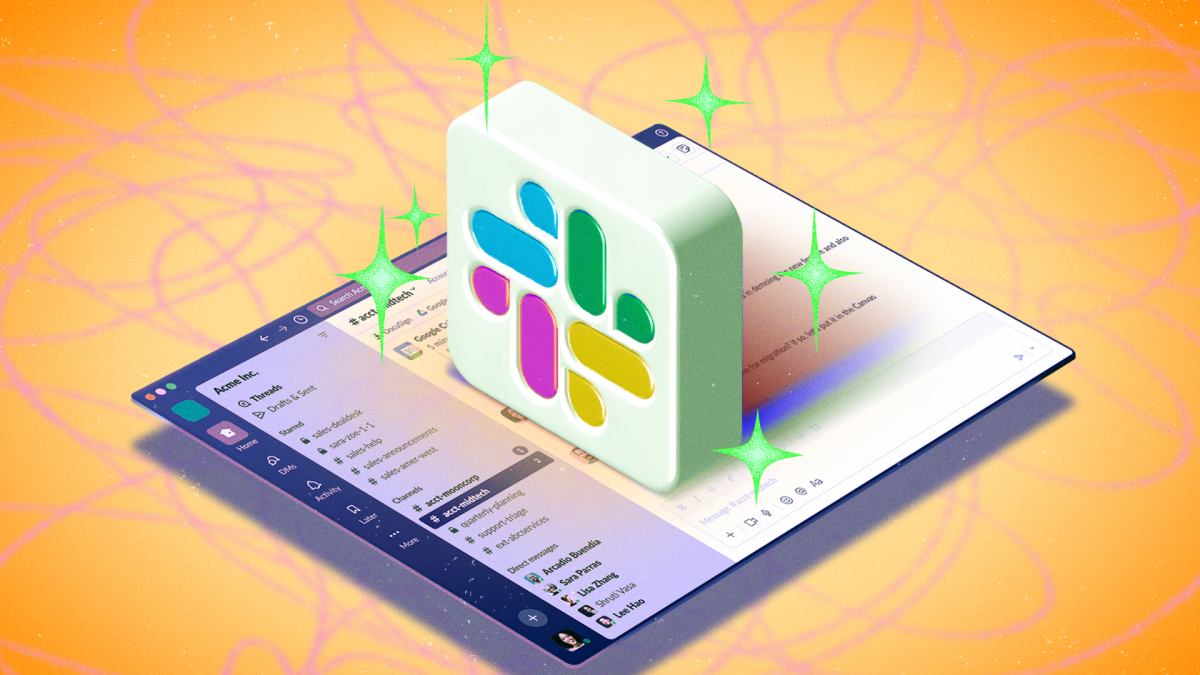
- Custom sidebar sections let paid users organize channels and DMs by project or team priority
- Slash commands provide quick access to apps and Slack actions without leaving the message field
- VIP contacts can break through Do Not Disturb mode for truly urgent communications
Slack handles an enormous volume of workplace communication. The average user switches between dozens of channels and direct messages daily. Most people treat it as a simple chat app. They're missing features that could cut notification fatigue and surface what actually matters.
Here are ten built-in Slack features that help you work faster and stay focused.
1. Create Custom Sidebar Sections
A long sidebar full of channels and DMs requires constant scrolling. Custom sections fix this by grouping related conversations together. You might create one section for your immediate team, another for a specific project, and a third for low-priority channels you check weekly.
On desktop, click the three dots next to Channels or Direct messages, then go to Create > Create section. Name the section, then open any channel or DM, tap the star icon, and move it to the right section.
This feature requires a paid plan. Free users can use the Filter and sort option (gear icon next to workspace name) to show or hide muted channels.
2. Use Slash Commands for Quick Actions
Slack's slash commands let you trigger actions directly from the message field. Type a forward slash to see the full list of available shortcuts.
Some useful examples: /drive creates a new Google Drive document. /dnd enables or disables Do Not Disturb. The available commands vary based on which apps are connected to your workspace, but Slack includes many built-in options.
3. Set a Notification Schedule
Stop Slack from buzzing your phone at 11 PM. You can set specific hours when notifications are allowed. Outside those hours, messages still arrive, but your devices stay silent.
On desktop, go to your profile photo > Preferences > Notifications, then scroll to Notification schedule. You can limit notifications to weekdays only, every day, or a custom schedule with specific time windows. Mobile users can find the same setting under profile photo > Notifications.
The /dnd slash command also works for quick toggles.
4. Mark Contacts as VIPs
Some messages need to reach you even when you're in focus mode. VIP contacts get priority treatment: their DMs and mentions appear in a dedicated section at the top of your sidebar.
Better still, you can allow VIP notifications to break through Do Not Disturb. Your CEO or a critical client can reach you while everyone else waits.
Set this up via profile photo > Preferences > VIP. Search for the person, app, or workflow you want to add.
5. Create Google Drive Documents Without Leaving Slack
If your workspace has the Google Drive integration, you can create new documents, sheets, or slides directly from Slack. Type /drive in any message field to start. The new file gets shared automatically with the channel or DM where you created it.
6. Filter Your Sidebar View
Free users who can't create custom sections still have options. The filter and sort settings let you hide muted channels from your sidebar entirely, reducing visual clutter. You can also sort by most recent activity or alphabetically.
Click the gear icon next to your workspace name to access these options.
7. Star Important Messages
When a message contains information you'll need later, star it. Starred messages live in a dedicated section you can access anytime. This beats scrolling through long channel histories to find that one link or decision.
8. Set Channel-Specific Notification Rules
Not every channel deserves the same notification treatment. High-priority project channels might need all-message alerts. Social channels might only need notifications when someone mentions you directly.
Right-click any channel name to access notification preferences. You can set rules per channel without changing your global settings.
9. Use App Integrations via Slash Commands
Connected apps often add their own slash commands. A project management tool might let you create tasks. A calendar app might let you schedule meetings. Type / to browse what's available in your workspace.
10. Automate Repetitive Workflows
Slack's Workflow Builder lets you automate common tasks without code. You can create workflows that post weekly reminders, collect standup updates, or route requests to the right channel. Access Workflow Builder from the Tools menu.
Logicity's Take
Paid vs. Free: What You Actually Get
Some of these features work on any plan. Slash commands, notification schedules, VIP contacts, and message starring are available to everyone. Custom sidebar sections require a paid workspace. If you're evaluating whether the upgrade is worth it, sidebar organization is one of the clearest quality-of-life improvements for heavy Slack users.
More practical tips for managing your digital workflow and security
Frequently Asked Questions
Are Slack sidebar sections available on free plans?
No. Custom sidebar sections require a paid Slack plan. Free users can use the Filter and sort option to organize their sidebar by hiding muted channels and sorting conversations.
How do I enable Do Not Disturb in Slack quickly?
Type /dnd in any message field. This slash command toggles Do Not Disturb on or off. You can also set a notification schedule in Preferences to automate quiet hours.
Can VIP contacts reach me when Do Not Disturb is on?
Yes. You can configure VIP contacts to break through Do Not Disturb mode. This ensures critical messages from specific people or apps still reach you during focus time.
What slash commands does Slack support?
Slack includes built-in commands like /dnd for Do Not Disturb and supports additional commands from connected apps. Type / in any message field to browse the full list available in your workspace.
How do I create documents directly from Slack?
If your workspace has the Google Drive integration, type /drive in any message field to create a new Google Doc, Sheet, or Slide. The file is automatically shared with that channel or DM.
Need Help Implementing This?
Source: Lifehacker
Manaal Khan
Tech & Innovation Writer
مقالات ذات صلة
تصفح الكل
5 إعدادات في متصفحك تسرّب بياناتك حتى مع تفعيل VPN
ماذا لو أخبرتك أن متصفحك المفضل يسلّم عنوان IP الحقيقي وموقعك الفعلي وعادات تصفحك لأي موقع يطلبها، حتى مع تفعيل VPN؟ هذا بالضبط ما يحدث لملايين المستخدمين يومياً، ومنهم من يكتشف ذلك بالصدفة عند إجراء

كيف تعرض شاشة هاتف Android على التلفزيون مجاناً باستخدام Google Cast
هل تبحث عن طريقة لعرض شاشة هاتف Android على التلفزيون دون دفع أموال لتطبيقات مليئة بالإعلانات أو شراء كابلات HDMI؟ الحل موجود فعلياً داخل هاتفك: ميزة Google Cast المدمجة في نظام Android 16 تتيح لك بث

4 تطبيقات سامسونج تستحق البقاء على هاتفك Galaxy
يأتي هاتف Galaxy الجديد محملاً بأكثر من 50 تطبيقاً مُثبتاً مسبقاً، وليست جميعها ضرورية. لكن وسط هذا الكم من التطبيقات، تبرز أربعة تطبيقات سامسونج تستحق فعلاً أن تبقى على جهازك — بل قد تفضّلها على بدائ

استدعاءات يونيو 2026 للسيارات: Ford وHonda وToyota تسحب ملايين المركبات من الأسواق
سجّلت الهيئة الوطنية الأمريكية لسلامة المرور على الطرق السريعة NHTSA أكثر من 300 استدعاء للسلامة شملت أكثر من 100 شركة مصنّعة منذ بداية عام 2026، لكن استدعاءات يونيو 2026 للسيارات جاءت الأضخم والأخطر.
اقرأ أيضاً

iQOO Z11i يظهر في الصين: هاتف vivo Y60 بثوب جديد وبطارية 6,500 مللي أمبير
بدأت iQOO بالتشويق لهاتفها الجديد Z11i في السوق الصينية، ليُضاف إلى عائلة Z11 المتنامية التي باتت تضم نماذج عدة. الهاتف يأتي ببطارية ضخمة سعة 6,500 مللي أمبير، لكن تسريبات من منصة Weibo تشير إلى أنه ق

Honor Watch 6: بطارية تدوم 35 يوماً في ساعة تزن 68 غراماً فقط
كشفت Honor عن ساعتها الذكية الجديدة Honor Watch 6، وهي تطرح سؤالاً مباشراً على منافسيها: كيف تحشرون بطارية بسعة 980mAh في ساعة لا يتجاوز وزنها مع السوار 68 غراماً، وتجعلونها تدوم 35 يوماً كاملة؟ هذا ل

الإمارات تحظر وسائل التواصل الاجتماعي على من هم دون 15 عاماً: أول دولة عربية تتخذ هذه الخطوة
في خطوة تاريخية تضع الإمارات في طليعة الدول العربية، أعلنت الحكومة الإماراتية حظر وسائل التواصل الاجتماعي على الأطفال دون 15 عاماً حظراً فعلياً، لتصبح بذلك أول دولة عربية تتخذ إجراءً بهذا الحجم لحماية