Key Takeaways
- Windows 11 Insiders can now position the taskbar on any screen edge, not just the bottom
- A new compact taskbar option helps users with smaller displays reclaim screen space
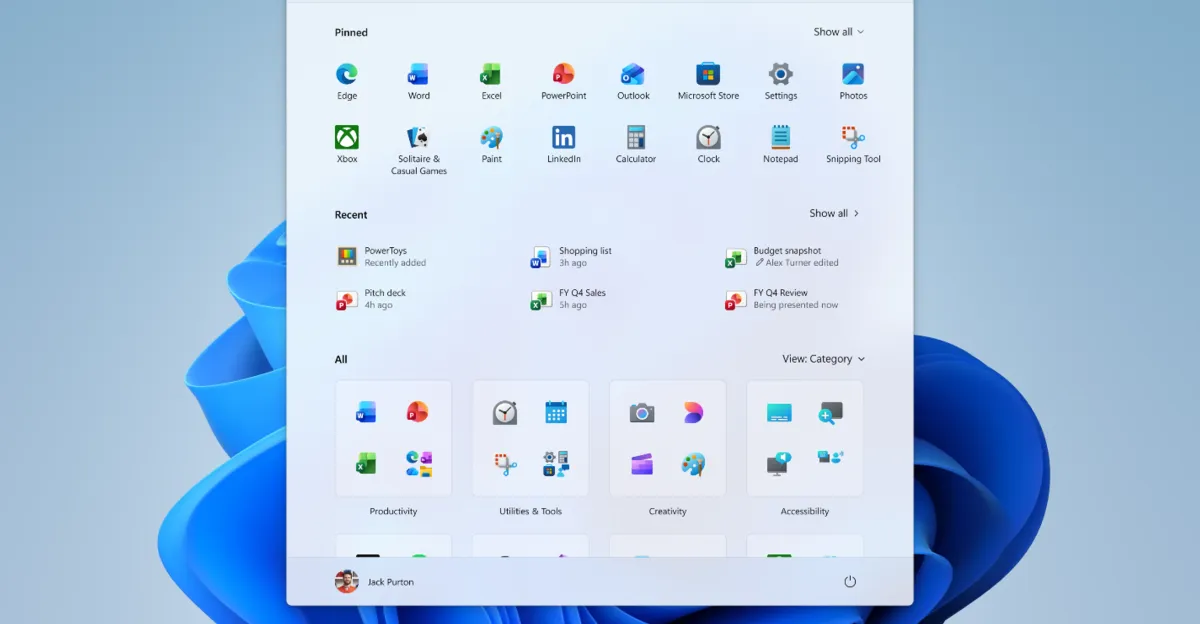
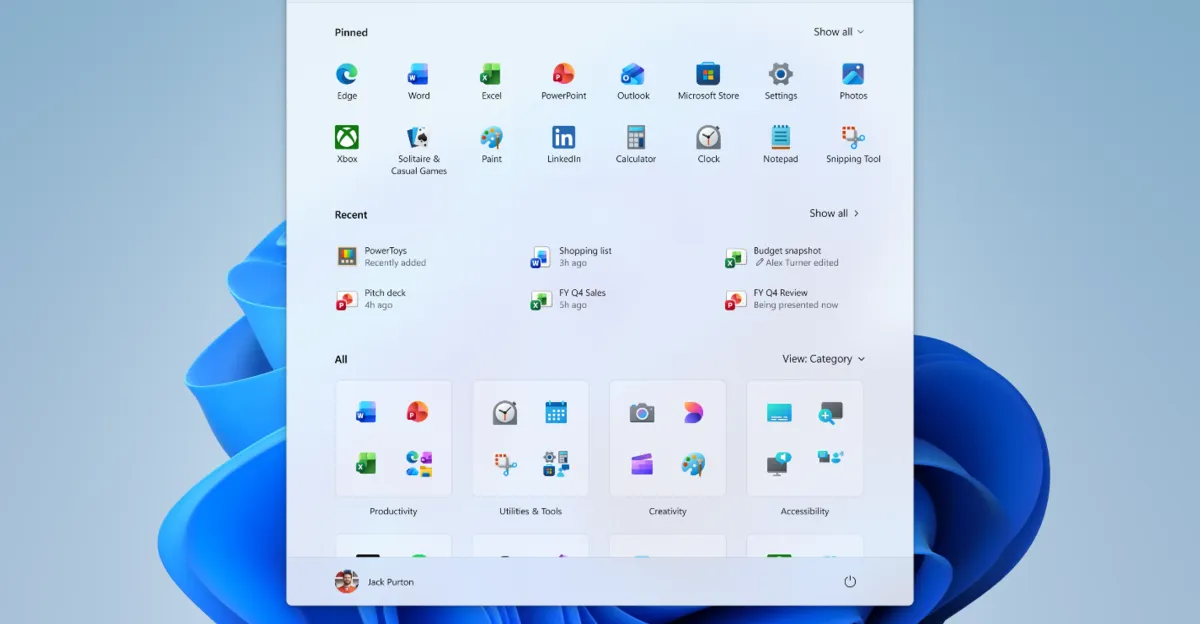
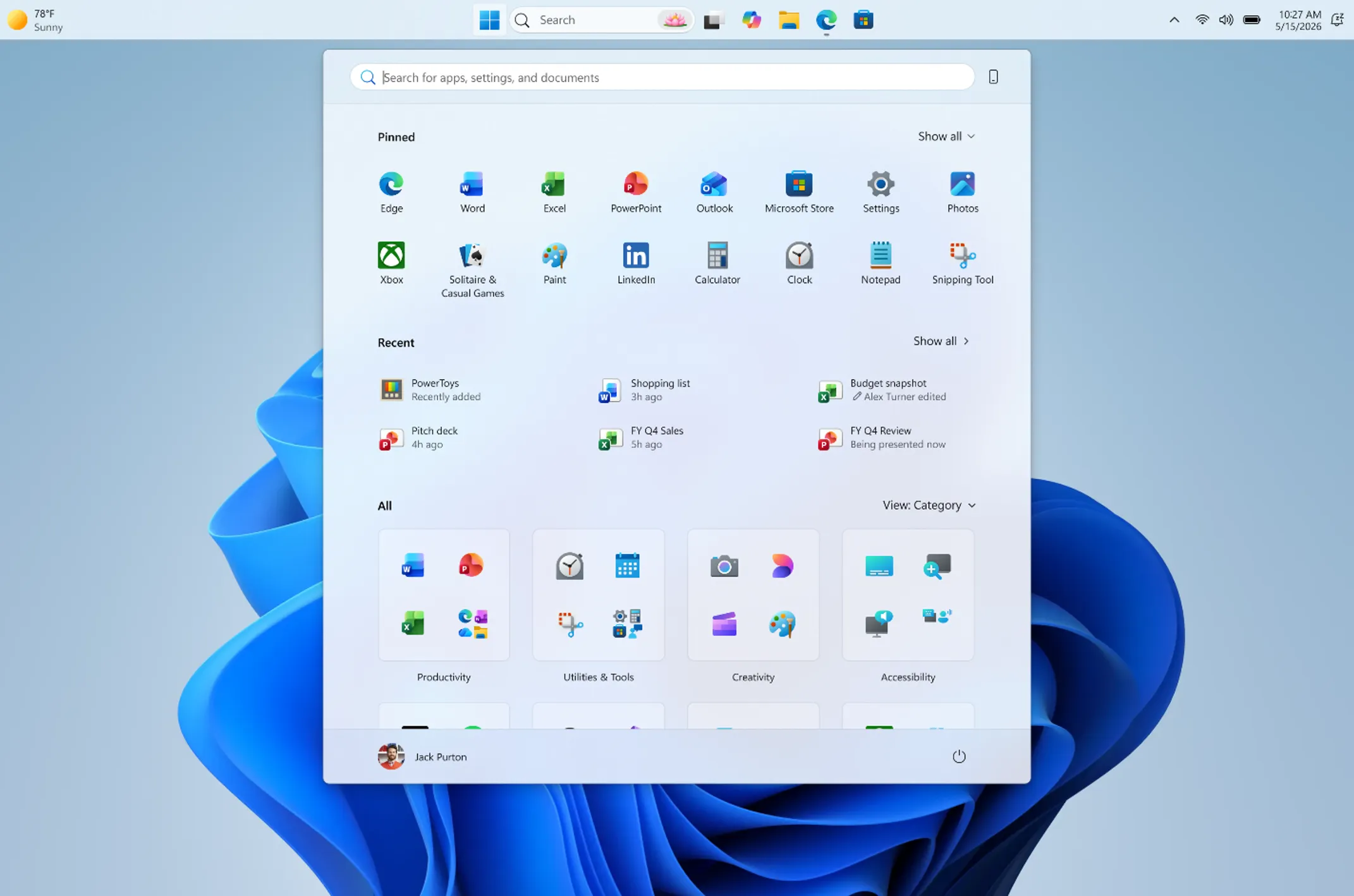
- The Start menu gets Small and Large size options plus toggles to hide Pinned, Recommended, and All sections
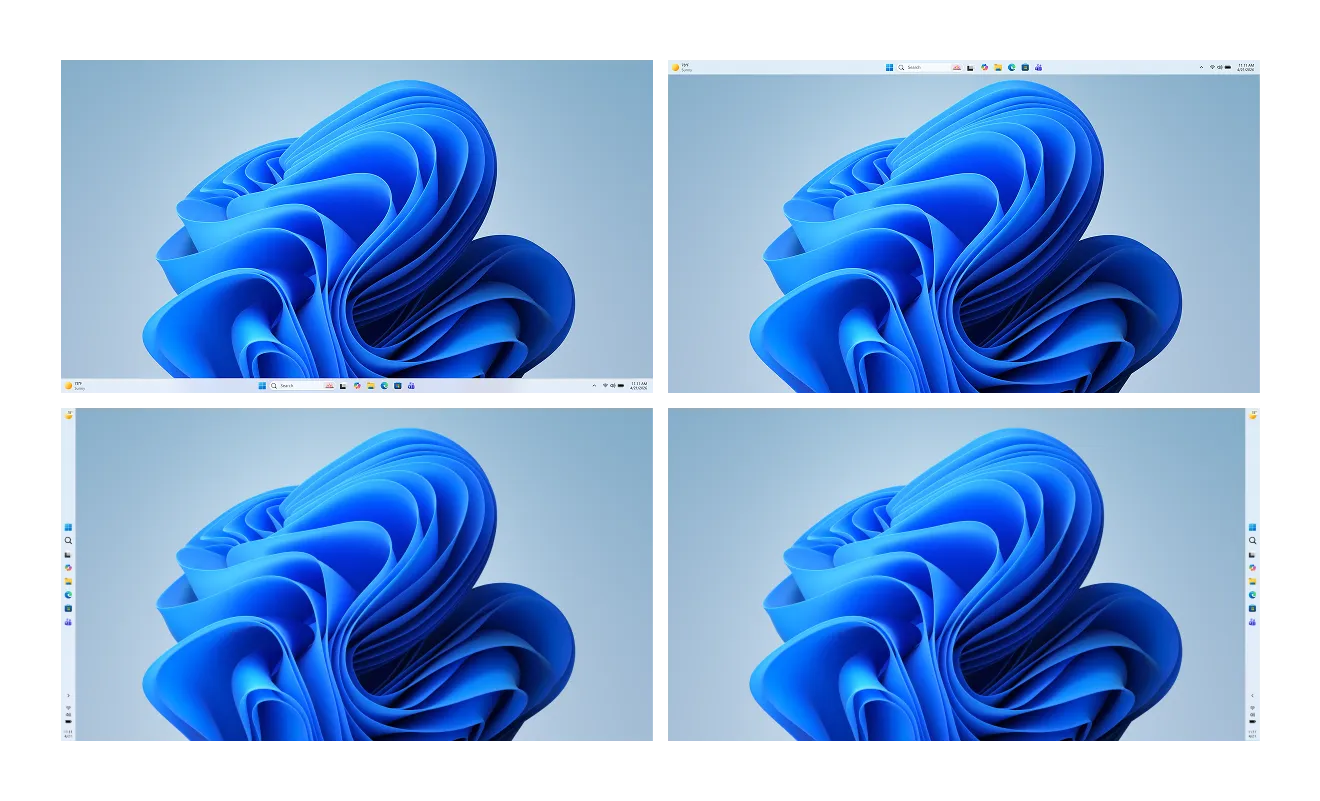
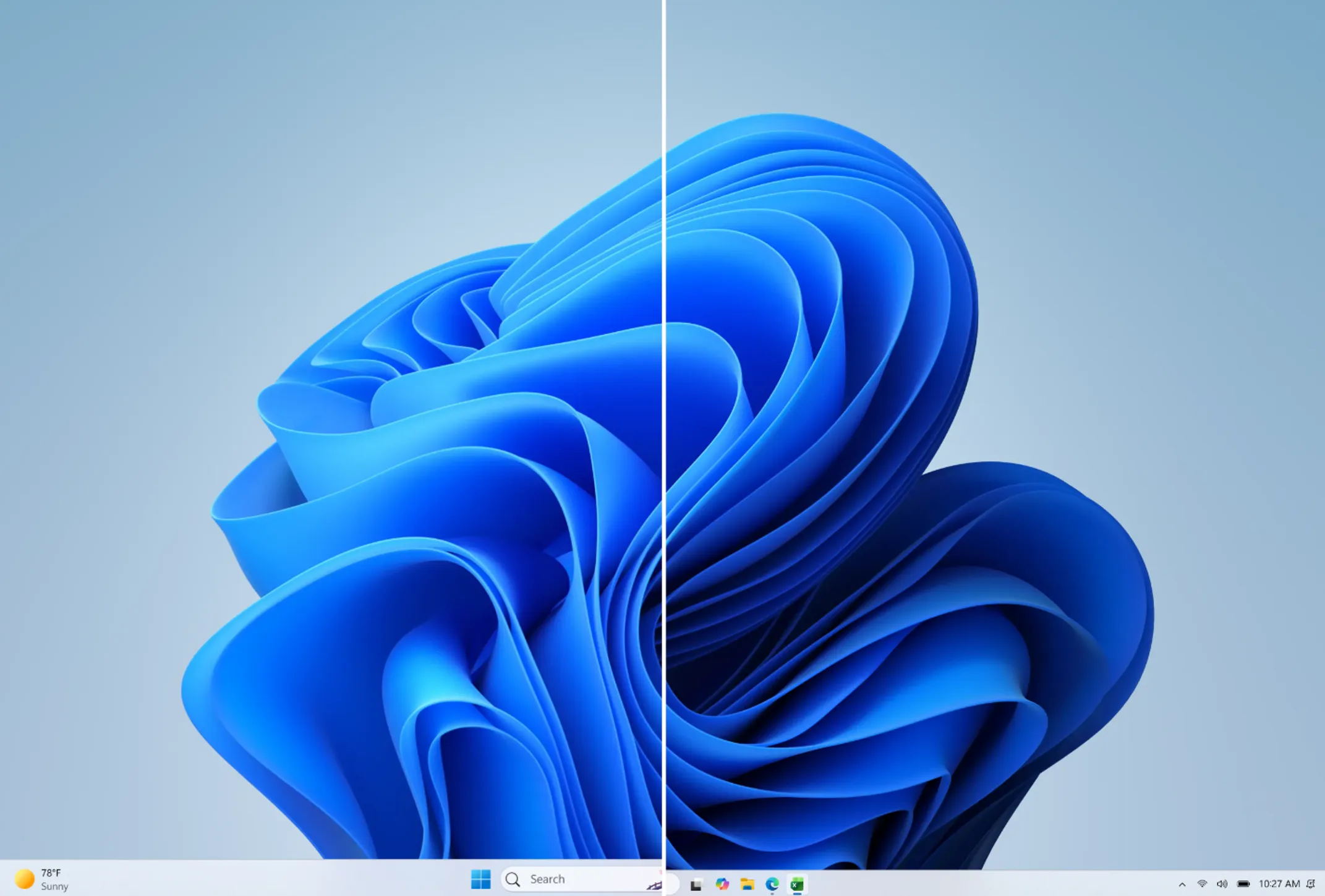
Microsoft is giving Windows 11 users something they've requested since launch day: the ability to move the taskbar. An update rolling out to Windows Insiders in the Experimental channel lets you place the taskbar on the bottom, top, left, or right side of the screen.
The update also introduces resizable Start menus and a smaller taskbar option. These changes represent Microsoft's clearest signal yet that it's listening to user feedback about Windows 11's rigid interface.
Taskbar Goes Where You Want It
The movable taskbar feature works exactly as you'd expect. You can dock it to any of the four screen edges. Icon alignment inside the taskbar adjusts accordingly, and the Start menu opens from wherever you placed it.
Microsoft first teased this feature in March as part of what it called efforts to "rebuild trust among users." The movable taskbar has been the most upvoted request in the Windows Feedback Hub for five consecutive years.
“Repositioning the taskbar is one of the top asks we've heard from you. We are introducing the ability to reposition it to the top or sides of your screen, making it easier to personalize your workspace.”
— Pavan Davuluri, EVP of Windows and Devices at Microsoft
Compact Mode for Smaller Screens
The update includes a smaller taskbar option. This compact mode should help users with smaller displays or those who simply want more vertical screen space for their work.
You can also choose between a "Small" or "Large" Start menu size. New toggles let you show or hide the "Pinned," "Recommended," and "All" sections. Microsoft is renaming "Recommended" to "Recent" because, as the company explains, it "better reflects what the section primarily shows, including recently installed apps and recently used files."
A privacy-focused addition: you can now hide your name and profile picture from the Start menu. Useful for screen sharing or presentations.
Five Years in the Making
These changes are part of Microsoft's internal "Windows K2" initiative, a 2026 roadmap focused on performance and restoring classic customization features. The original Windows 11 taskbar used a React-based framework that made repositioning technically difficult. Microsoft has since migrated the UI to native WinUI 3, finally enabling the flexibility users demanded.
“This is effectively a 'peace offering' to the power users who felt abandoned by the rigid UI of 2021.”
— Zac Bowden, Senior Editor at Windows Central
"We have talked about earning trust through steady and visible progress," Microsoft design director Diego Baca wrote in the announcement. "Start and taskbar are where that trust is tested most, every time you sit down at your PC."
When You Can Try It
These features are rolling out "in the coming weeks" to Windows Insiders in the Experimental channel. No word yet on when they'll reach the general public, but given the demand, Microsoft will likely prioritize getting them into stable builds.
Community reaction has been mixed between celebration and cynicism. One top comment on Hacker News noted that "it took Microsoft five years to implement a feature that has existed since 1995." Others are praising the new Compact Mode for significantly improving vertical screen real estate.
Logicity's Take
Microsoft removing taskbar customization in 2021 was a self-inflicted wound. Fixing it now is necessary, not praiseworthy. The real question: will Microsoft learn that taking away established features creates years of user resentment? The Windows K2 initiative suggests they got the message, but we'll see if it sticks.
Frequently Asked Questions
When will the movable taskbar come to regular Windows 11 users?
Microsoft hasn't announced a date. The feature is currently in the Experimental channel for Insiders, with rollout to stable builds expected later in 2026.
Can I move the taskbar to the left or right side of the screen?
Yes. The update supports all four positions: bottom, top, left, and right.
Does the smaller taskbar option affect functionality?
No. The compact taskbar provides the same features in a smaller footprint, giving you more screen space for applications.
Will these features work on Windows 10?
No. These updates are exclusive to Windows 11. Windows 10 already supports taskbar repositioning in its current form.
Another tech giant making controversial user experience decisions
Need Help Implementing This?
Rolling out Windows 11 across your organization or optimizing your team's desktop configurations? Reach out to Logicity for guidance on enterprise deployment strategies and user training resources.
Manaal Khan
Tech & Innovation Writer
Produced with AI assistance and reviewed by the Logicity editorial team. Learn more in our Editorial Policy.




