Key Takeaways
- Windows 11's new Shared Audio feature lets two Bluetooth LE headphones connect to one PC simultaneously
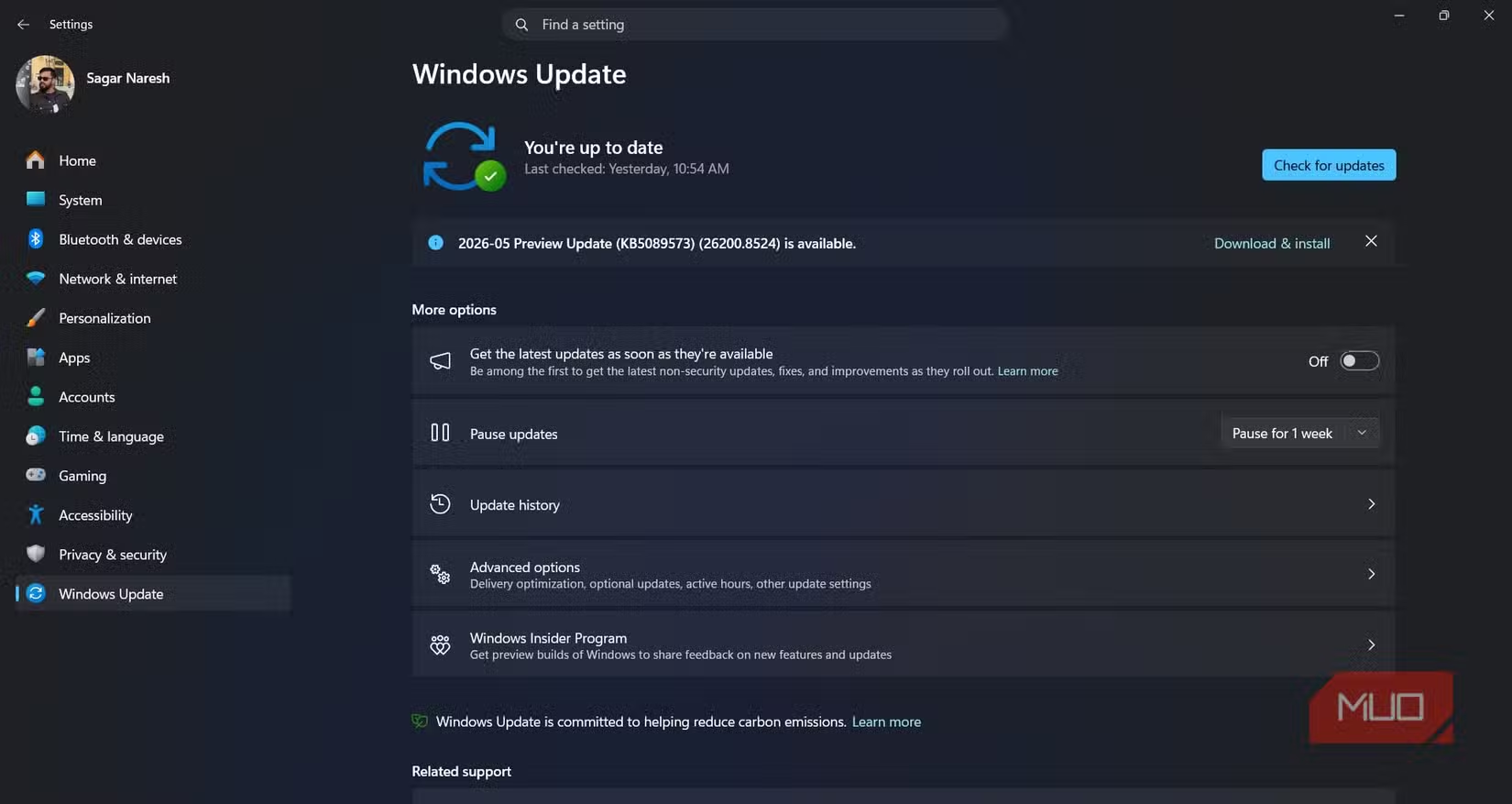
- The feature requires the KB5089573 preview update and Bluetooth 5.3 or newer
- Each listener gets independent volume control, and the LC3 codec improves audio quality while reducing battery drain
Microsoft's latest Windows 11 preview update finally lets two people listen to the same PC through separate Bluetooth headphones. The feature, called Shared Audio, ships with the KB5089573 update and eliminates the need for hardware splitters or third-party software that Windows users have relied on for years.
iPhone users have had this capability with AirPods for some time. Android flagships support it through various manufacturer skins. Windows? Until now, you needed a physical audio splitter or apps like Voicemeeter to route sound to multiple outputs. That workaround era is over.
How Windows 11 Shared Audio works
The feature runs on Bluetooth LE Audio, a newer wireless standard that handles multi-device streaming more efficiently than classic Bluetooth. Your PC's adapter needs to support Bluetooth 5.3 or higher. Once you've installed the KB5089573 update, the setup takes about 30 seconds.
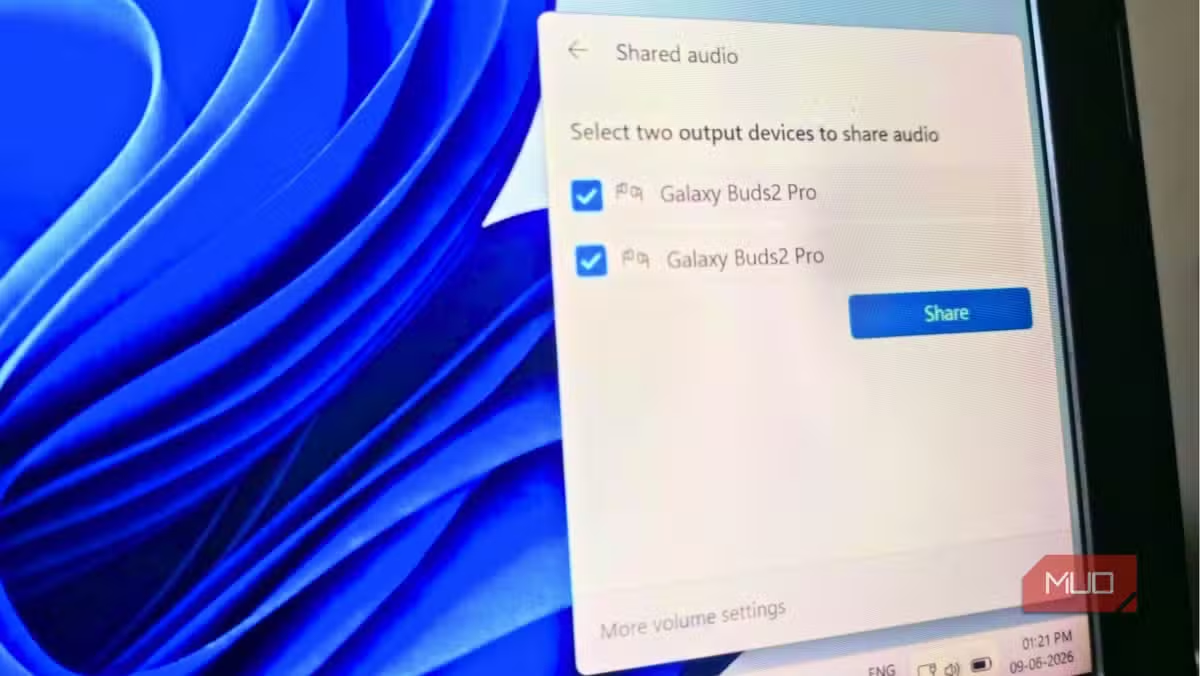
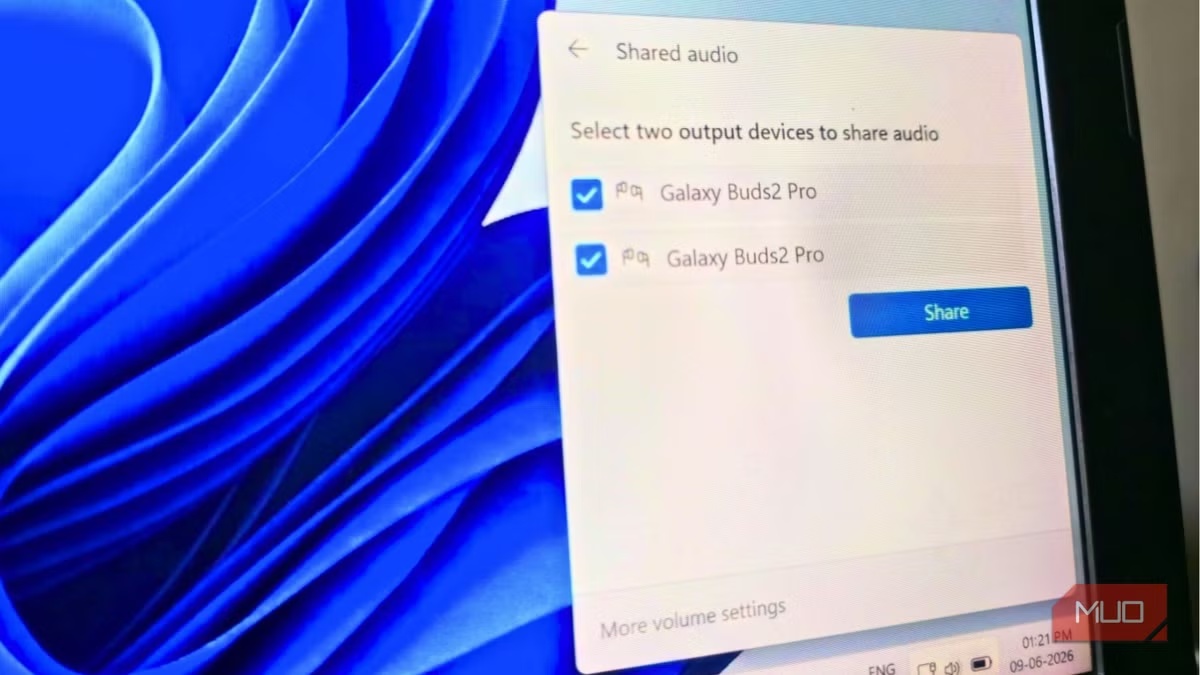
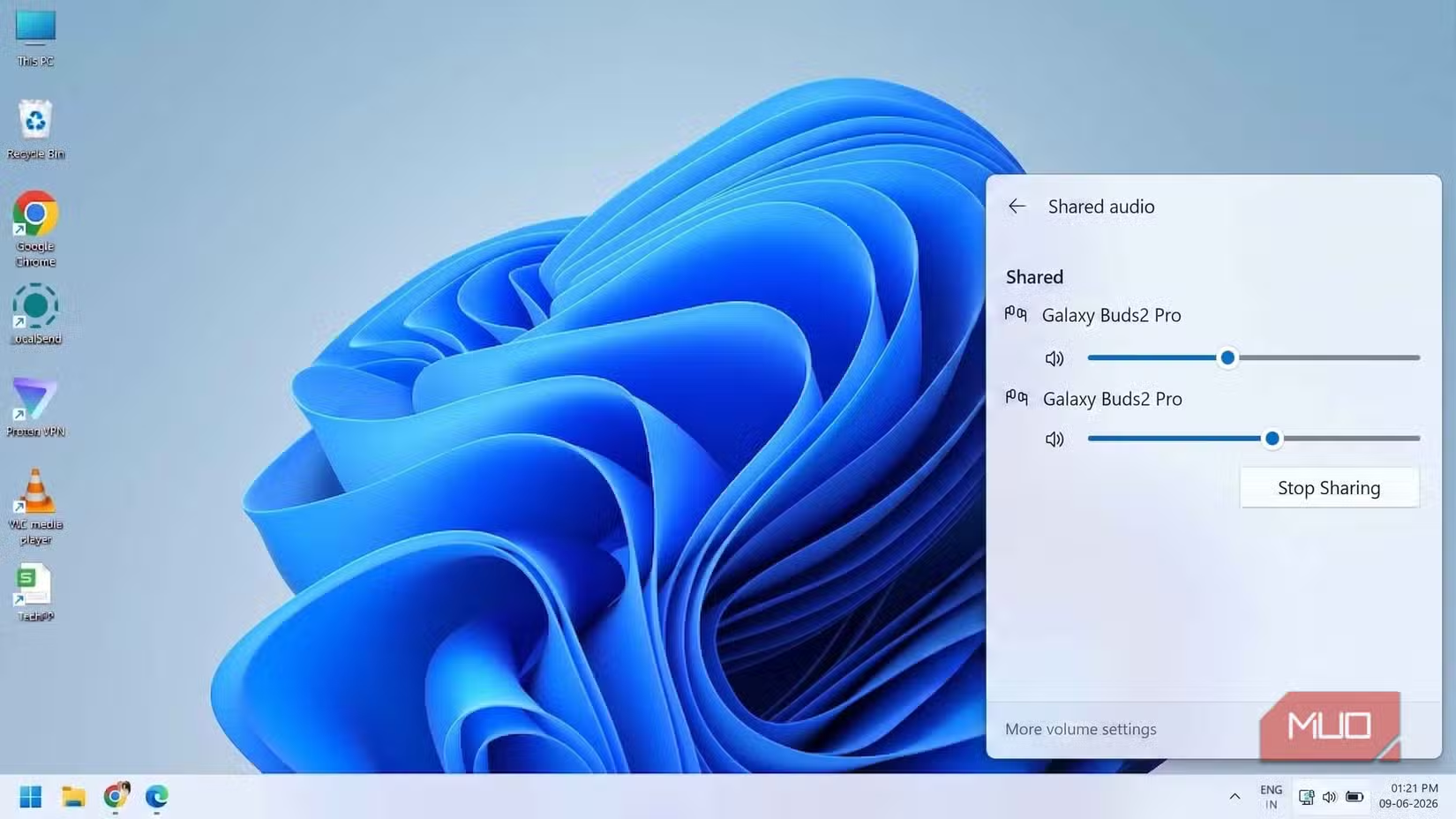
Open Windows Settings with Win + I, search for Shared Audio, and a new panel appears listing all compatible Bluetooth devices. Connect both pairs of earbuds, select them from the list, and hit Share. That's it. When you're done, press Stop Sharing to disconnect.
Each listener controls their own volume independently. One person can run their earbuds at 40% while the other blasts at full volume. The days of constantly negotiating audio levels with whoever you're sharing with are finished.
Why Bluetooth LE matters here
Bluetooth LE Audio isn't just about connecting two devices. It introduces LC3, a new codec that delivers better audio quality at lower bitrates than the older SBC codec that classic Bluetooth relied on. Translation: your headphones drain less battery, and sound quality stays consistent even when two devices share the same stream.
The catch? Your hardware needs to support the standard. Reddit and HackerNews threads discussing the update show a common complaint: older Bluetooth headphones and PC adapters won't work. You'll need earbuds that specifically support Bluetooth LE Audio, not just Bluetooth 5.0 or 5.1.
Practical uses beyond movie night
Long flights are the obvious scenario. Two people, one laptop, separate earbuds, stereo sound, no splitter cluttering the tray table. But accessibility is where this gets genuinely useful.
If someone in your household uses a hearing aid or assistive listening device that supports Bluetooth LE, they can now connect directly to the PC and adjust their own volume without affecting anyone else. That's a real quality-of-life improvement that doesn't require specialized equipment or configuration.
Shared gaming is another fit. Two players, one PC, each hearing the game audio through their own headset at their preferred levels. Co-op games, backseat gaming, or just watching someone else play becomes more comfortable.
What you need before enabling Shared Audio
- Windows 11 with the KB5089573 preview update installed
- A PC with Bluetooth 5.3 or newer adapter
- Two pairs of Bluetooth LE Audio-compatible headphones or earbuds
- Both devices paired to the PC before starting Shared Audio
If your PC shipped in the last two years, you likely have the right Bluetooth hardware. Older machines may need a USB Bluetooth 5.3 adapter. Check your Device Manager under Bluetooth to verify your adapter's version.
The hardware limitation nobody's talking about
Most of the excitement online focuses on the convenience. But there's a quiet hardware refresh implied here. Bluetooth LE Audio headphones only started appearing widely in 2024. If you bought earbuds before that, they probably don't support the standard, even if they're technically Bluetooth 5.0 devices.
Microsoft shipping this feature now suggests they're betting the installed base of compatible hardware has finally reached critical mass. For anyone still on older gear, this becomes one more reason to upgrade when your current earbuds wear out.
Another hidden hardware limitation that frustrates users
Frequently Asked Questions
Does Windows 11 Shared Audio work with any Bluetooth headphones?
No. Both pairs of headphones must support Bluetooth LE Audio, and your PC needs a Bluetooth 5.3 adapter. Older Bluetooth headphones won't work with this feature.
Can more than two people share audio on Windows 11?
Currently, the feature supports exactly two Bluetooth LE Audio devices simultaneously. Microsoft hasn't announced plans to expand this limit.
Is Windows 11 Shared Audio available now?
It's rolling out in the KB5089573 preview update. Users enrolled in Windows Insider or preview channels can access it now; general availability typically follows within weeks.
Does Shared Audio affect sound quality?
The Bluetooth LE Audio standard uses the LC3 codec, which actually improves quality at lower bitrates compared to classic Bluetooth's SBC codec. Quality should remain consistent even with two devices sharing the stream.
Logicity's Take
Microsoft is quietly catching up to a feature Apple and Android have offered for years, but the implementation is smarter than it looks. By building on Bluetooth LE Audio rather than a proprietary solution, Windows users aren't locked into a specific headphone brand. The real question: will manufacturers start advertising 'Windows Shared Audio compatible' on packaging? That would signal Microsoft has turned a catch-up feature into an ecosystem driver.
Need Help Implementing This?
If your organization is deploying Windows 11 devices and needs guidance on Bluetooth hardware compatibility or audio sharing policies, contact Logicity's enterprise consulting partners for a hardware audit and deployment roadmap.
Source: MakeUseOf
Manaal Khan
Tech & Innovation Writer
Produced with AI assistance and reviewed by the Logicity editorial team. Learn more in our Editorial Policy.