Key Takeaways
- Claude re-reads your entire conversation history with every new message, making long threads exponentially expensive
- The Claude Counter browser extension lets you track token usage in real time, even on the free plan
- Starting fresh chats every 15-20 messages and using Projects for persistent context can cut token consumption significantly
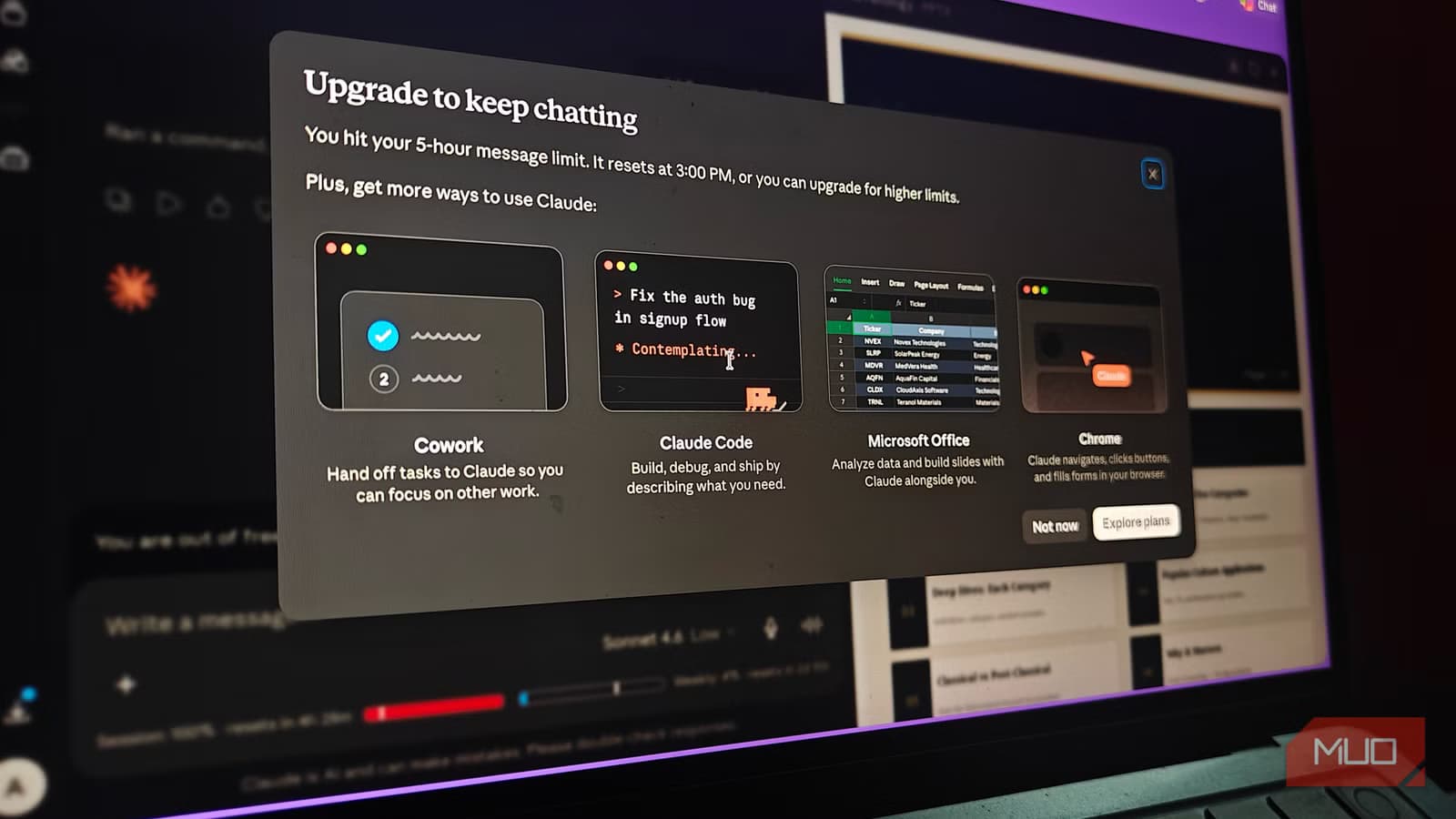
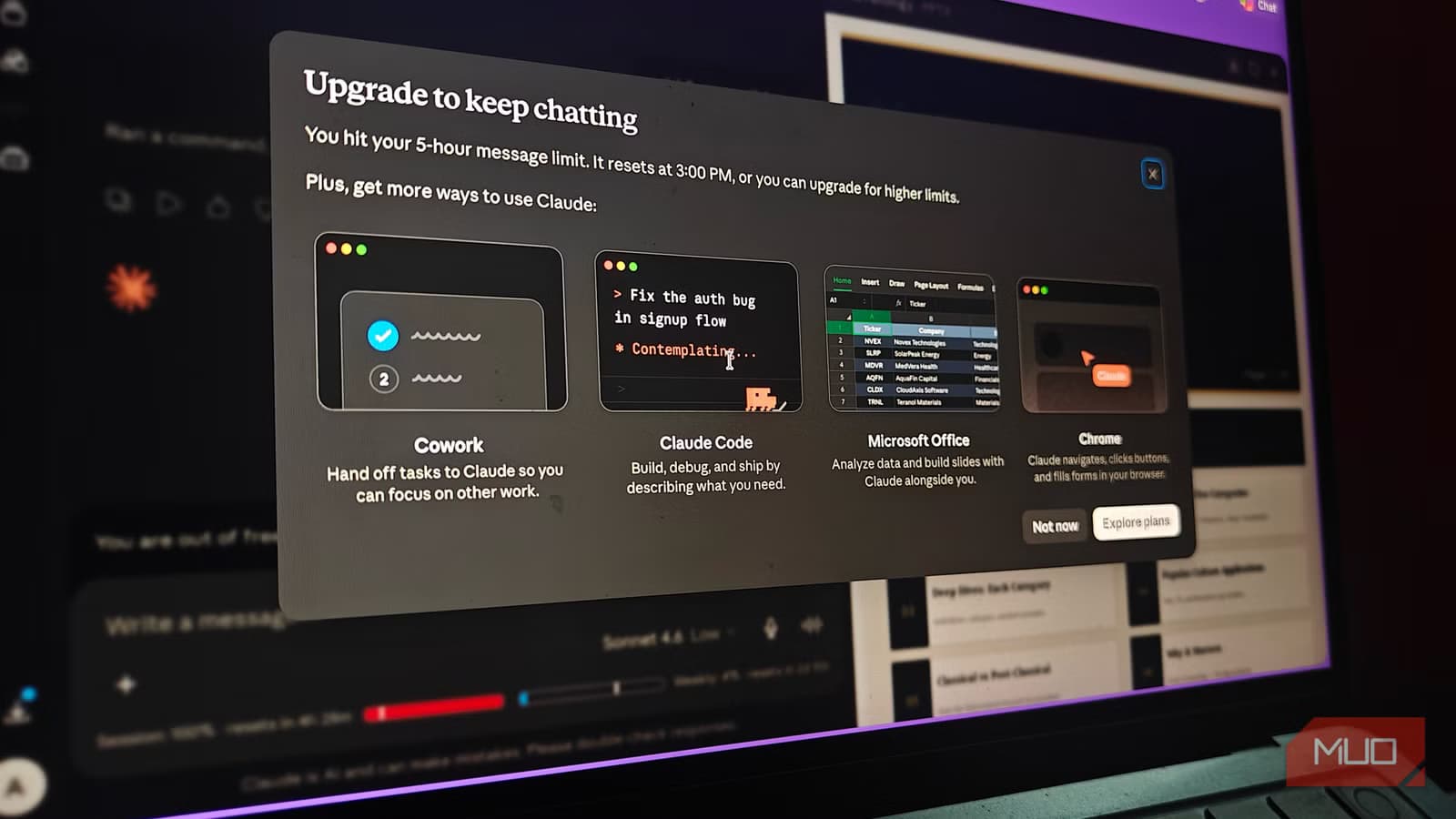
If you've hit Claude's usage limit and felt confused, you're not alone. Most users assume their long prompts are the problem. They're not. The real culprit is something most people never consider: the messages you already sent.
A MakeUseOf writer tracked his Claude token usage for a full week to understand what was draining his Pro subscription. The finding was counterintuitive. It wasn't the complexity of his requests or the length of his questions. It was the accumulated weight of entire conversation threads being re-processed with every single message.
Claude Re-reads Everything, Every Time
Here's how Claude actually works under the hood. Unlike a human conversation partner who remembers what you discussed, Claude operates on a stateless architecture. It doesn't retain memory between messages. Instead, it re-reads the entire conversation history each time you send something new.
This means a conversation that started with a 500-token exchange and grew to 20 messages isn't just consuming tokens for your latest question. It's consuming tokens for every previous message plus your new one. The cost compounds with each reply.
“Every time you interact with a model, it doesn't just read your new message—it re-reads the entire history of the chat. This is why long threads 'burn' your limit exponentially.”
— Anthropic Community Moderator
Claude Pro and Max plans offer a 200,000-token context window. That sounds enormous until you realize a 50-message conversation could easily consume 80,000 to 100,000 tokens in accumulated history. Your 51st message then costs you the full weight of everything before it.
Flying Blind on the Free Plan
One frustration the MakeUseOf writer highlighted: free plan users have no visibility into their token usage. The Usage tab only appears after you upgrade to Pro. Even then, you need to navigate to Account Settings, then Usage, which is impractical during active conversations.
This opacity leads to surprise limit hits. You're typing along, thinking you've been conservative, and suddenly Claude tells you to come back in a few hours.
The Extension That Shows What's Happening
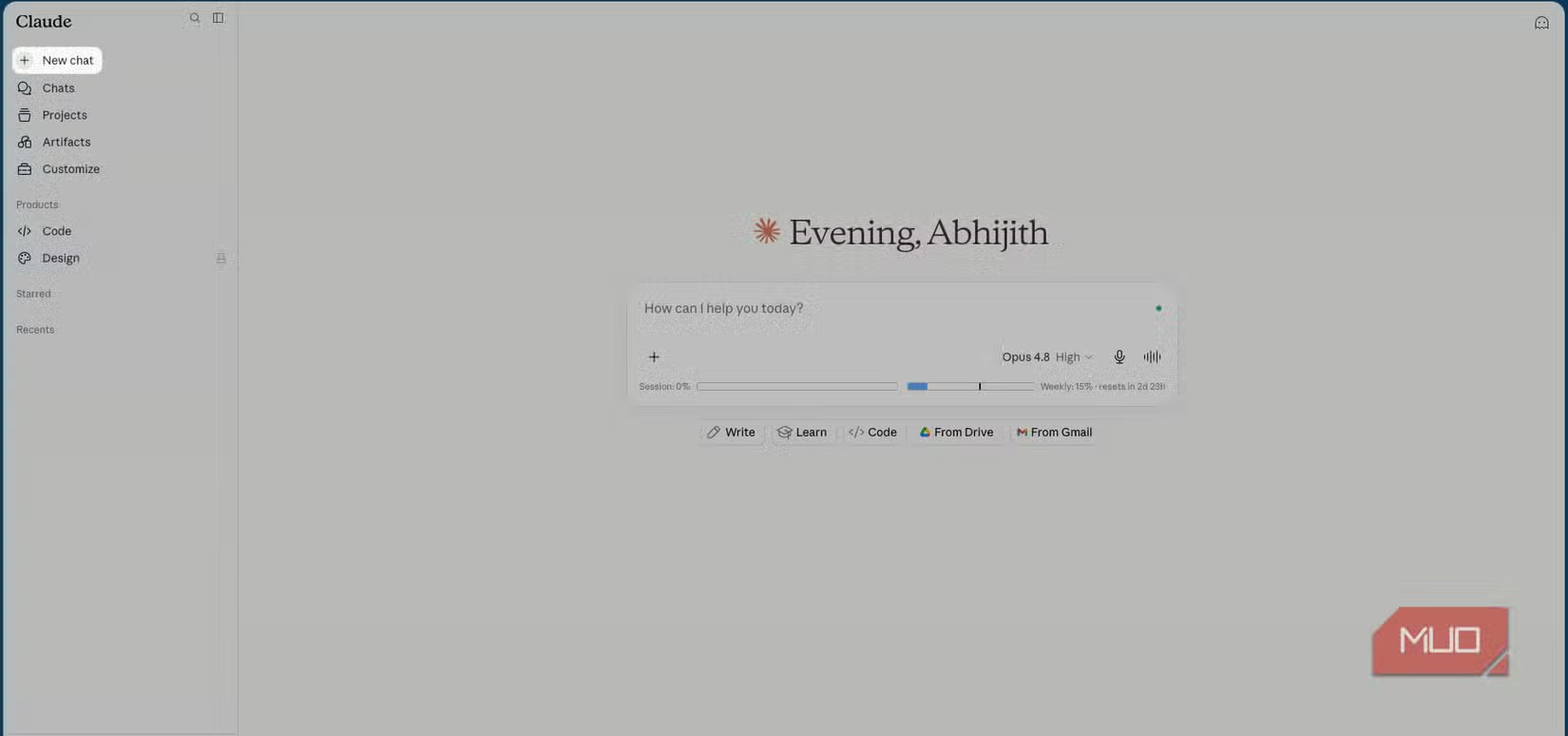
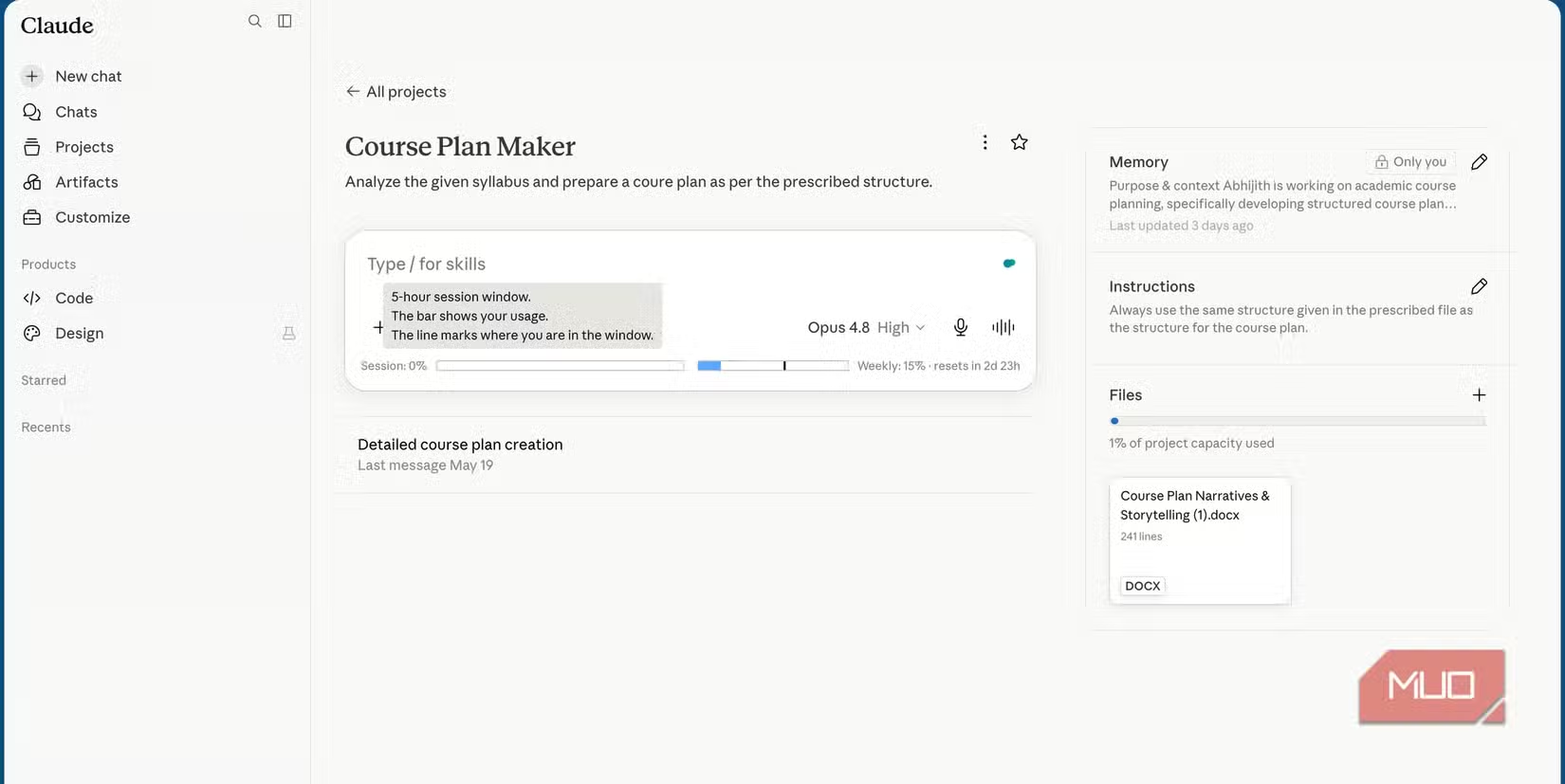
To get real visibility, the writer installed Claude Counter, a browser extension that displays token usage directly in the Claude interface. It shows session usage and weekly limits next to the chat box, making it impossible to miss where you stand.
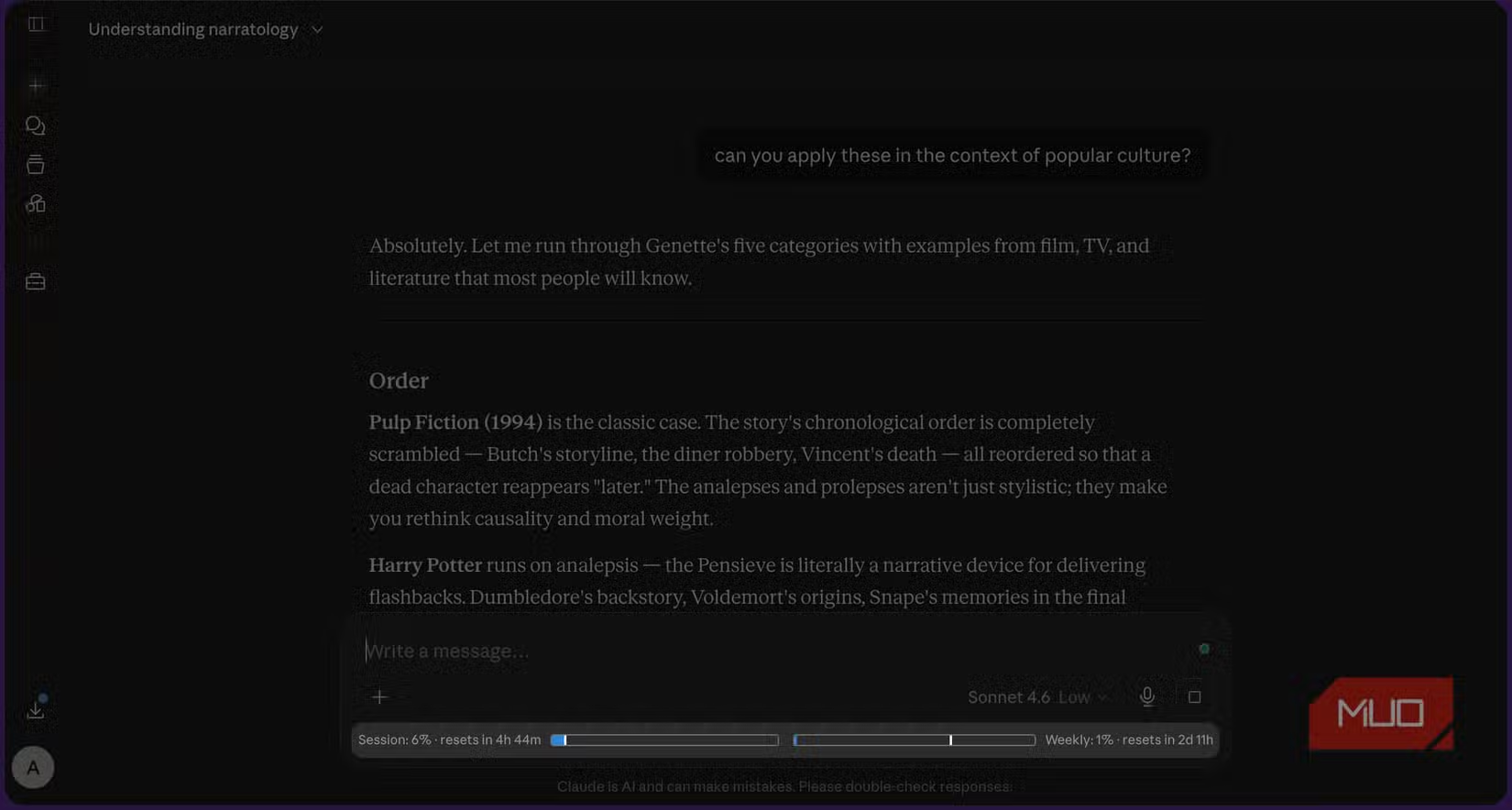
The extension works on both free and paid plans. Installation requires a few extra steps compared to typical extensions, but it's privacy-friendly and accurate. One caveat: the per-message token count feature currently doesn't work, though aggregate tracking still functions.
With Claude Counter running, the pattern became clear. Early in a conversation, token costs per message were low. Ten messages in, each exchange started consuming significantly more. By message 25 or 30, a single response could burn through what previously covered five exchanges.
Three Habits That Cut Token Waste
Understanding the problem suggests immediate fixes. Power users in Reddit communities have developed what they call "token hygiene" practices.
- Start fresh conversations every 15-20 messages. Rather than letting threads grow indefinitely, summarize what you've accomplished and begin a new chat. You lose some context but gain massive token savings.
- Edit your last message instead of sending corrections. If you notice a typo or want to rephrase, editing the previous message prevents adding another entry to the history that Claude will re-read forever after.
- Use Claude Projects for persistent context. Projects let you upload reference documents that Claude accesses without them counting against your per-message token load the same way conversation history does.
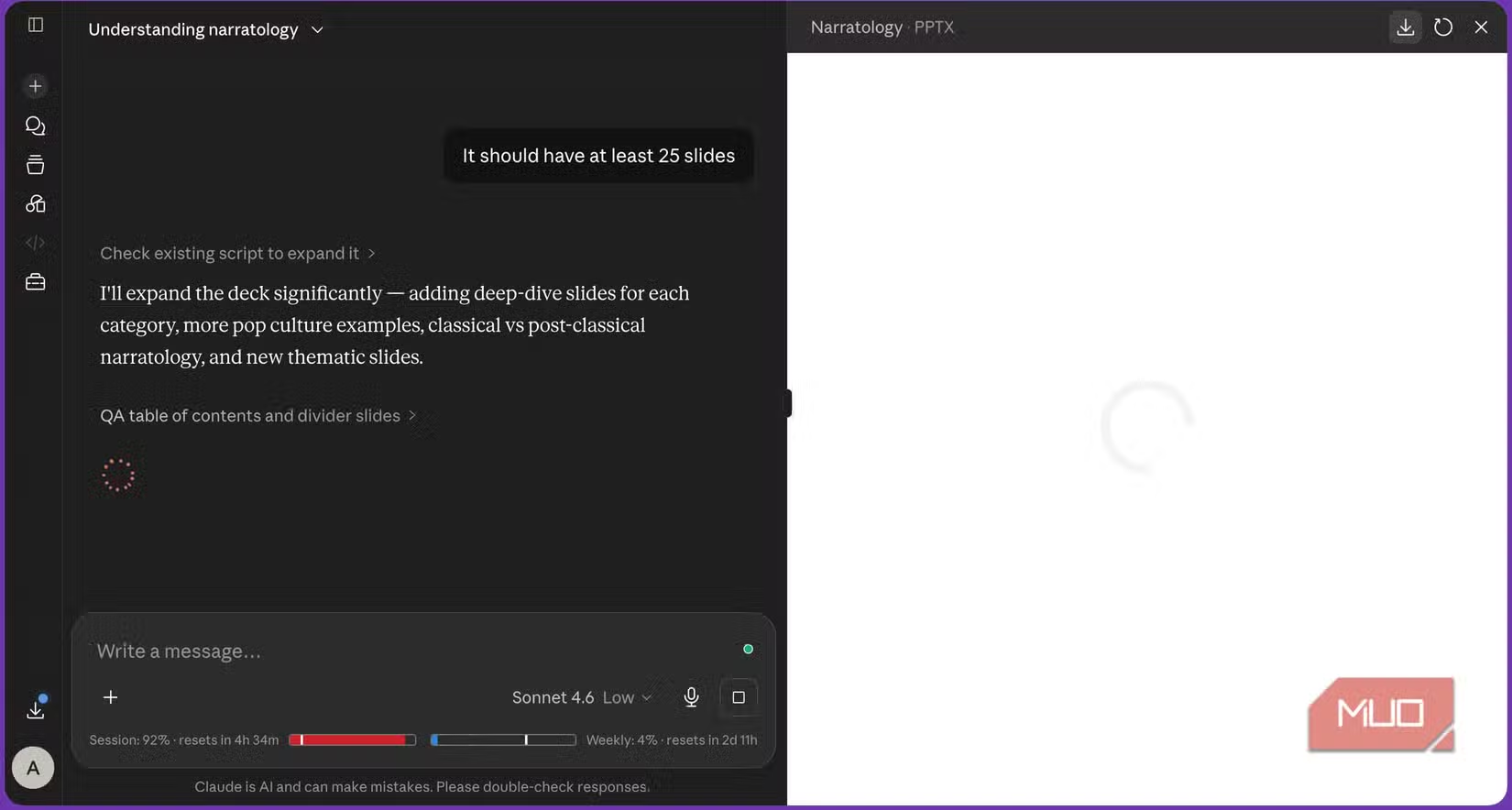
The third option deserves emphasis. If you're working on ongoing tasks, like coding a project or writing a long document, Projects let you maintain context without the compounding cost. Your reference materials stay accessible across conversations without being re-read as part of every message thread.
What the Numbers Actually Mean
Claude Pro users typically get around 45 messages per 5-hour window. But that number fluctuates based on how much text Claude processes per exchange. A short question in a fresh conversation might count as 0.5 messages toward your limit. The same question in a 40-message thread could count as 3 or 4.
This dynamic allocation explains why some users report hitting limits after 20 messages while others stretch to 60. The variable isn't how much you ask. It's how much accumulated context Claude has to carry.
The Bigger Picture for Heavy Users
For casual users, these details might not matter. You send a few messages a day, start new conversations naturally, and never hit limits. But for professionals using Claude for extended coding sessions, research, or document work, understanding the token economy changes how you structure your workflow.
Think of it like email threading versus separate emails. A 50-message thread is convenient for continuity but expensive for processing. Sometimes the smarter move is starting fresh with a summary of where you left off.

Logicity's Take
Compare how Claude's competitor is evolving its user experience
Frequently Asked Questions
Does Claude remember previous conversations?
No. Claude operates on a stateless architecture. It re-reads your entire conversation history with every new message rather than retaining memory between exchanges.
How can I see my Claude token usage on the free plan?
Install the Claude Counter browser extension. It displays token usage directly in the Claude interface and works on both free and paid plans.
Why does Claude hit my limit faster in long conversations?
Each message requires Claude to re-process the entire conversation history. A 30-message thread costs exponentially more tokens than the same number of messages spread across fresh conversations.
What's the best way to reduce Claude token consumption?
Start new conversations every 15-20 messages, edit previous messages instead of sending corrections, and use Claude Projects for persistent reference materials.
How many messages do Claude Pro users get?
Approximately 45 messages per 5-hour window, though this varies dynamically based on conversation length and attached documents.
Need Help Implementing This?
Source: MakeUseOf
Huma Shazia
Senior AI & Tech Writer
Produced with AI assistance and reviewed by the Logicity editorial team. Learn more in our Editorial Policy.