Key Takeaways
- A 1440p/120Hz monitor often outperforms a 4K/60Hz display for gaming
- Higher refresh rates reduce input lag and give competitive advantages
- Modern upscaling tech like DLSS makes lower resolutions look sharper
The Resolution Obsession
Everyone wants more pixels. The jump from 1080p to 4K feels like a clear upgrade. Sharper text, more detail in games, crisper UI elements. But according to MakeUseOf's Dave Meikleham, a tech journalist who has covered display technology since 2006, that pixel count comes with a trade-off most buyers ignore.
The issue is simple: most 4K monitors cap out at 60Hz. That means the screen refreshes 60 times per second. A 1440p panel running at 120Hz or 240Hz refreshes two to four times as often. For gaming, that difference matters more than the extra pixels.
Smoother Games at Higher Refresh Rates
Meikleham's argument starts with visual smoothness. A 120Hz or 240Hz screen displays more frames per second, which makes motion look fluid. Fast camera pans, quick character movements, and particle effects all render with less blur and stutter.
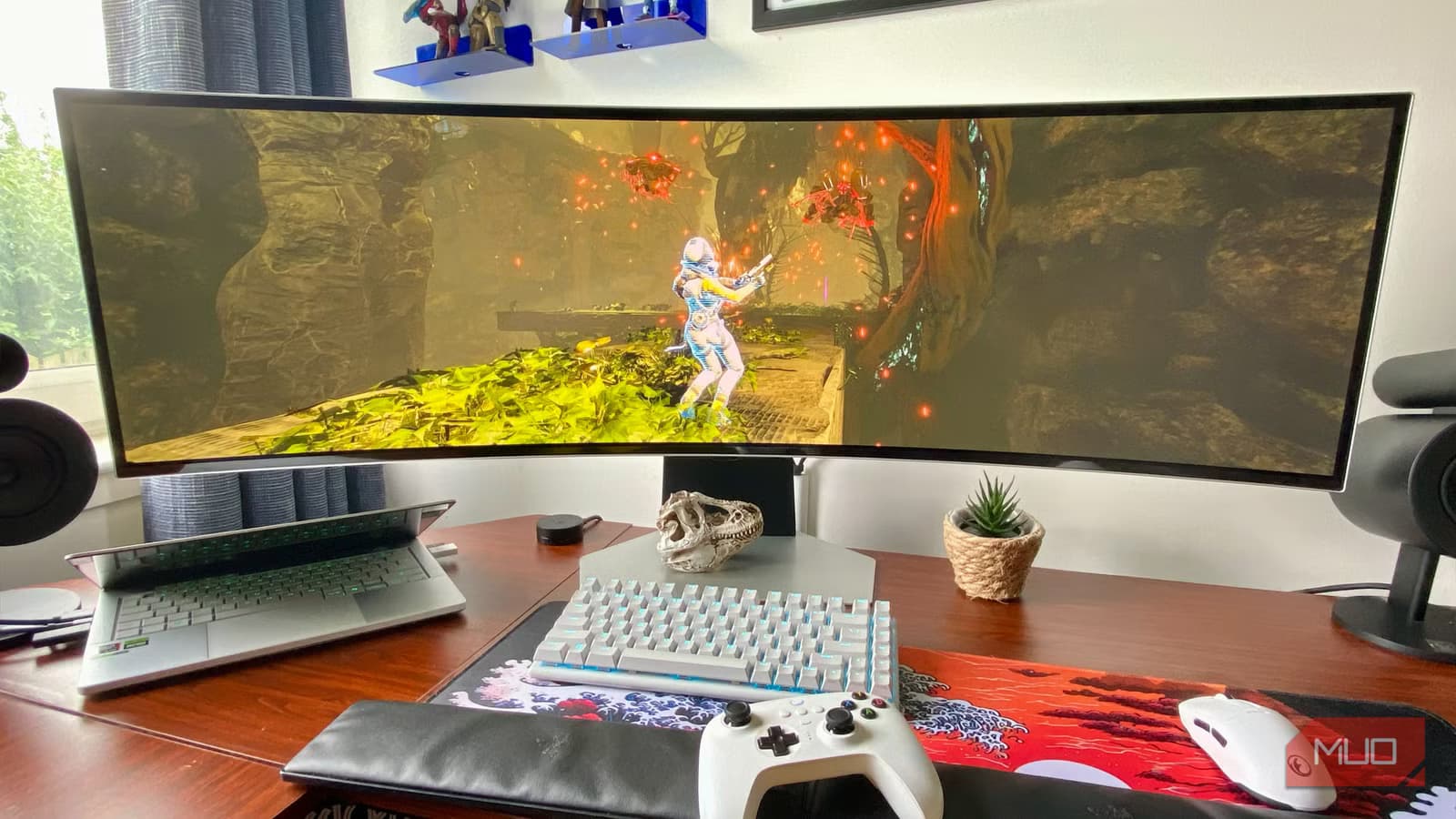
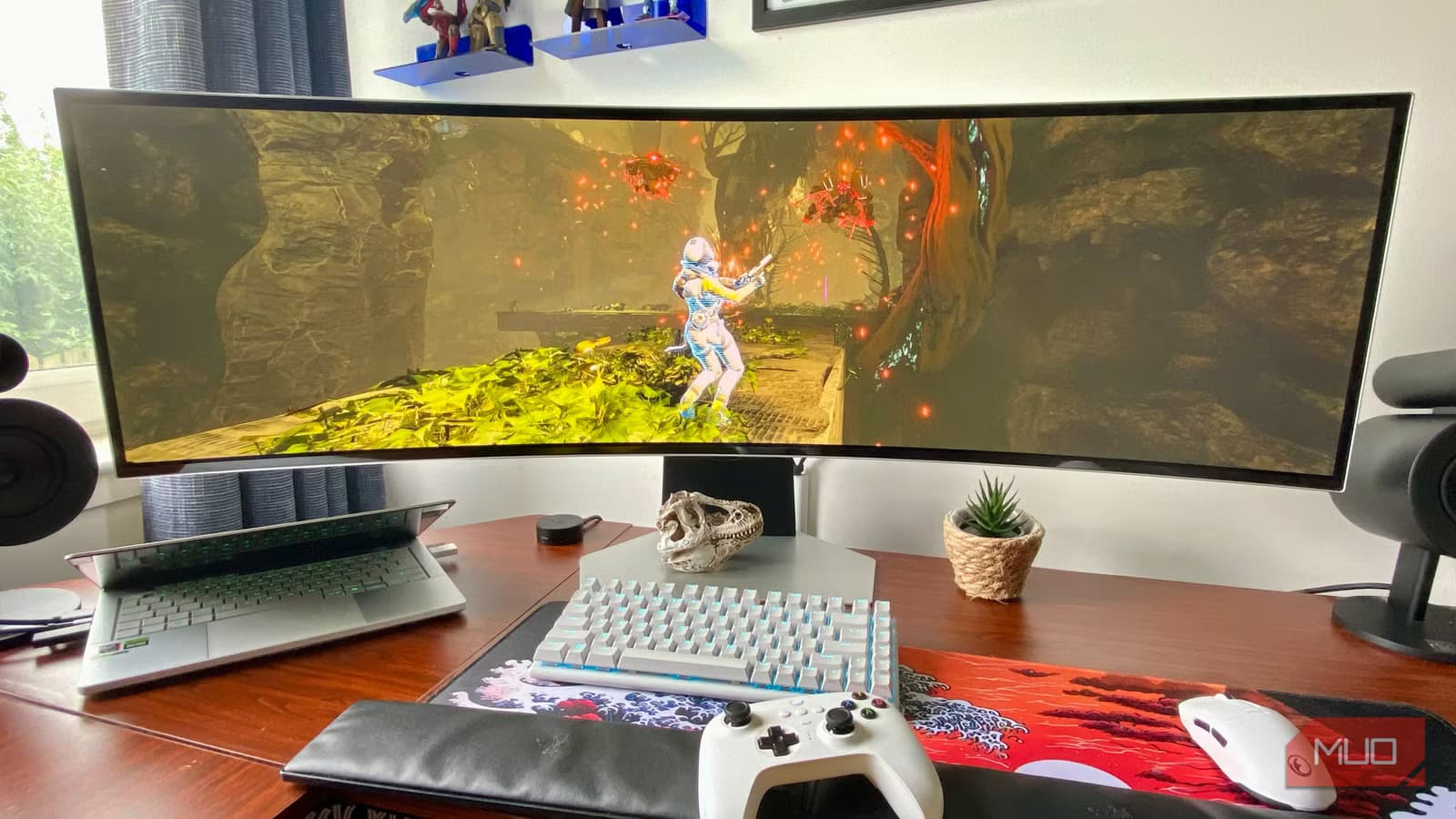
He sets a baseline: 1080p at 60 FPS is the minimum acceptable floor for modern gaming on PS5 or Xbox Series X. But for PC players, he recommends a 1440p/120Hz display over a 4K screen locked to 60Hz.
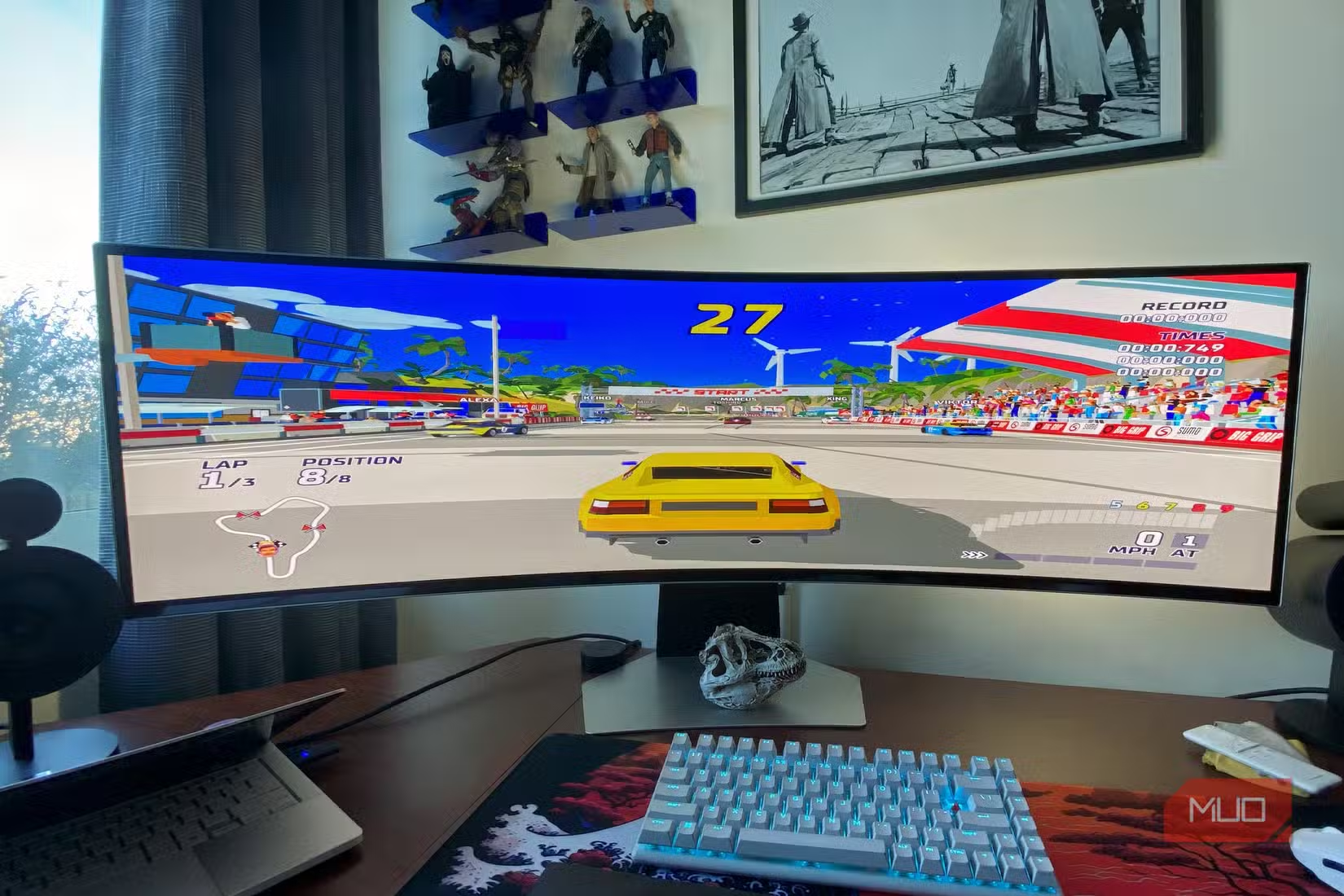
The logic applies to competitive gaming too. Games like Fortnite benefit from higher frame rates. A player on a 240Hz panel, assuming decent skills, will have a competitive edge over someone stuck at 60Hz. The motion clarity alone makes tracking targets easier.
Input Lag and Responsiveness
Beyond visual smoothness, higher refresh rates reduce input lag. When your screen updates more frequently, the delay between your mouse click or controller input and the on-screen response shrinks. Meikleham calls responsiveness "king" and argues it trumps 4K visuals.
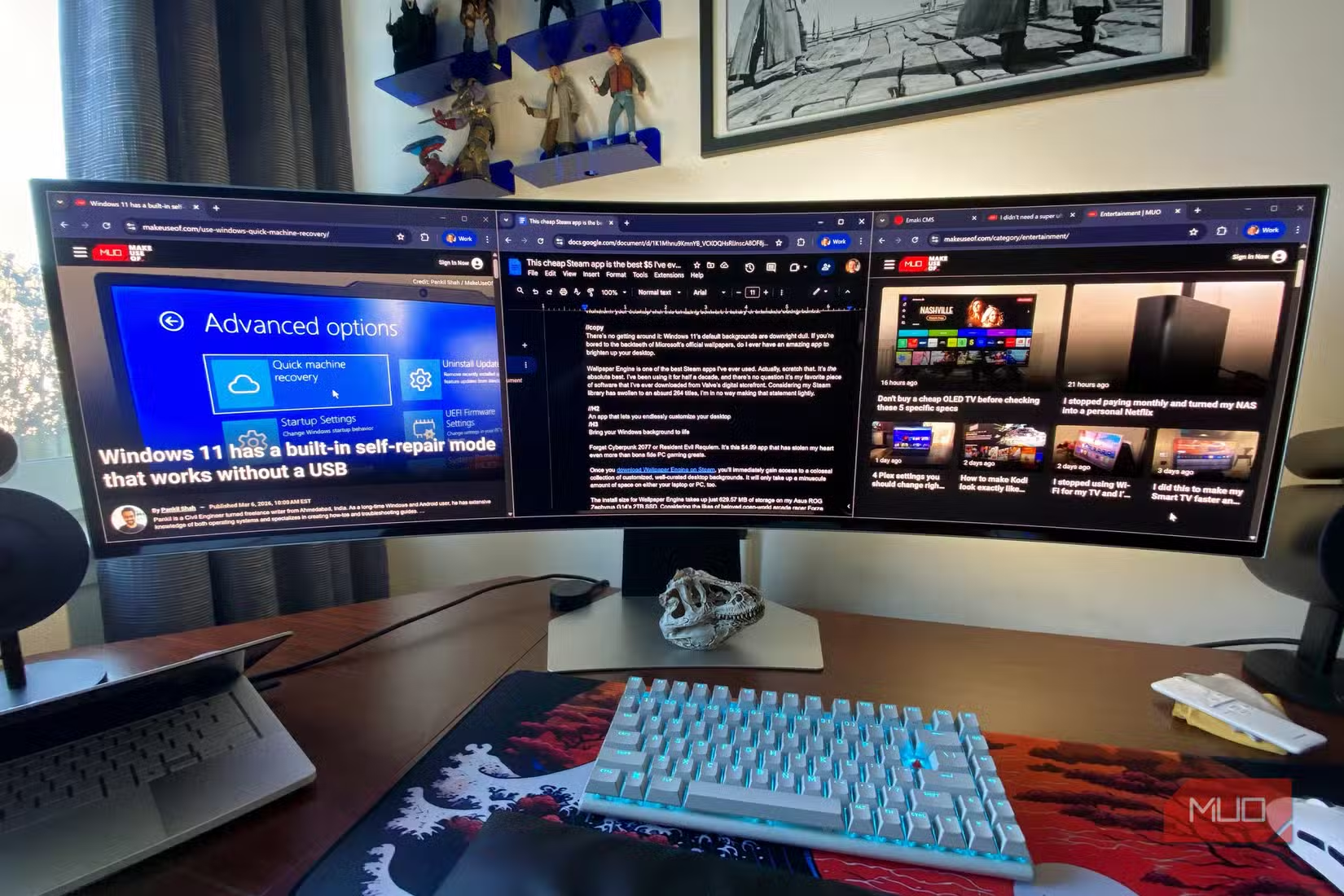
This matters beyond gaming too. Desktop navigation feels snappier. Scrolling through documents or web pages is smoother. Even dragging windows around the screen has less visual lag. If you work from home and use the same monitor for productivity and gaming, a high-refresh display serves both purposes.
Modern Upscaling Changes the Math
Meikleham mentions DLSS, Nvidia's AI-powered upscaling technology, as a factor in his thinking. DLSS renders games at lower internal resolutions and then upscales to your display's native resolution. The result looks close to native 4K but runs much faster.
This shifts the value equation. If DLSS (or AMD's FSR equivalent) can make 1440p look nearly as sharp as 4K, the extra pixels lose their advantage. You're better off putting your GPU's power toward higher frame rates instead of rendering more native pixels.
The Hardware Reality
Running games at 4K/120Hz or higher demands serious GPU power. Even current-gen graphics cards struggle to hit those numbers in graphically intensive titles. A 1440p/120Hz target is far more achievable, and most players won't notice the resolution difference from normal viewing distances.
Meikleham's laptop example makes this concrete: the device you're reading on might already run Fortnite at settings that beat the PS5's output. The bottleneck is rarely the display's resolution. It's the frame rate.

Logicity's Take
More display and device customization insights
When 4K Still Makes Sense
This advice isn't universal. If you primarily play slow-paced games like turn-based strategy or city builders, resolution matters more than refresh rate. The same applies to creative professionals who need pixel density for photo editing or video work.
But for shooters, racing games, action titles, and competitive multiplayer, the case for prioritizing refresh rate is strong. A smooth 120 FPS at 1440p beats a choppy 60 FPS at 4K.
Frequently Asked Questions
Is 144Hz better than 4K for gaming?
For fast-paced games, yes. A 1440p/144Hz monitor delivers smoother gameplay and lower input lag than a 4K/60Hz display. The visual difference in resolution is less noticeable than the improvement in motion clarity.
Can you notice the difference between 60Hz and 120Hz?
Most people notice immediately. Motion looks smoother, cursor movement feels snappier, and fast-moving game elements have less blur. The difference is more obvious in person than in screenshots or videos.
Do you need a powerful GPU for 120Hz gaming?
At 1440p, a mid-range GPU can hit 120 FPS in many games, especially with upscaling enabled. At 4K/120Hz, you'll need a high-end card. This is another reason 1440p/120Hz offers better value for most players.
Does refresh rate matter for productivity?
Yes. Higher refresh rates make scrolling, window dragging, and cursor movement feel smoother. It's less dramatic than in gaming, but noticeable once you're used to it.
Need Help Implementing This?
Source: MakeUseOf
Manaal Khan
Tech & Innovation Writer
Produced with AI assistance and reviewed by the Logicity editorial team. Learn more in our Editorial Policy.






