Key Takeaways
- Quick Tap uses accelerometer and gyroscope to detect double-taps on the phone's back panel
- Thick or shock-absorbent cases often interfere with Quick Tap's vibration detection
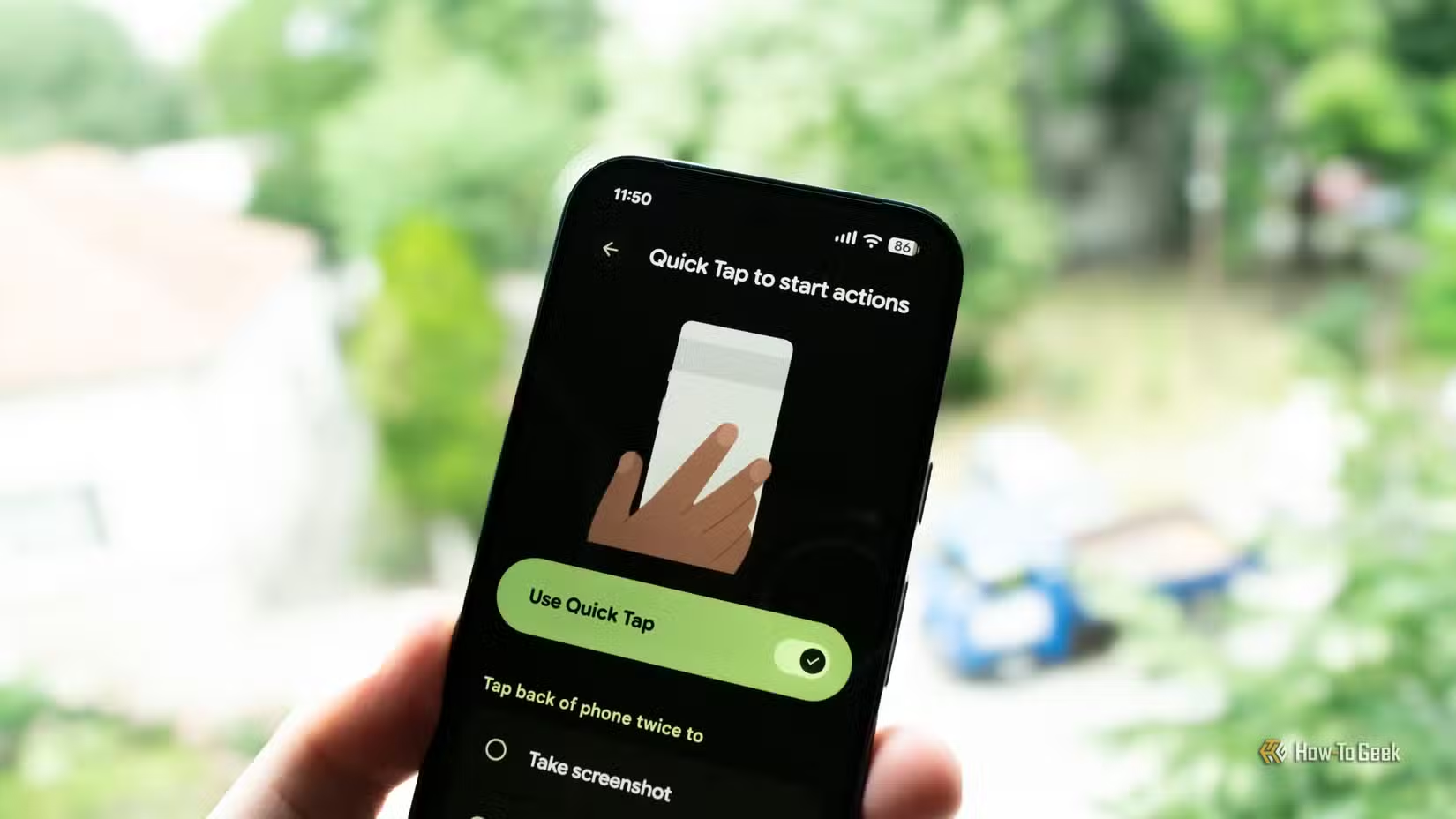
- Users can map Quick Tap to launch apps, take screenshots, or trigger other actions
The Case Against Cases
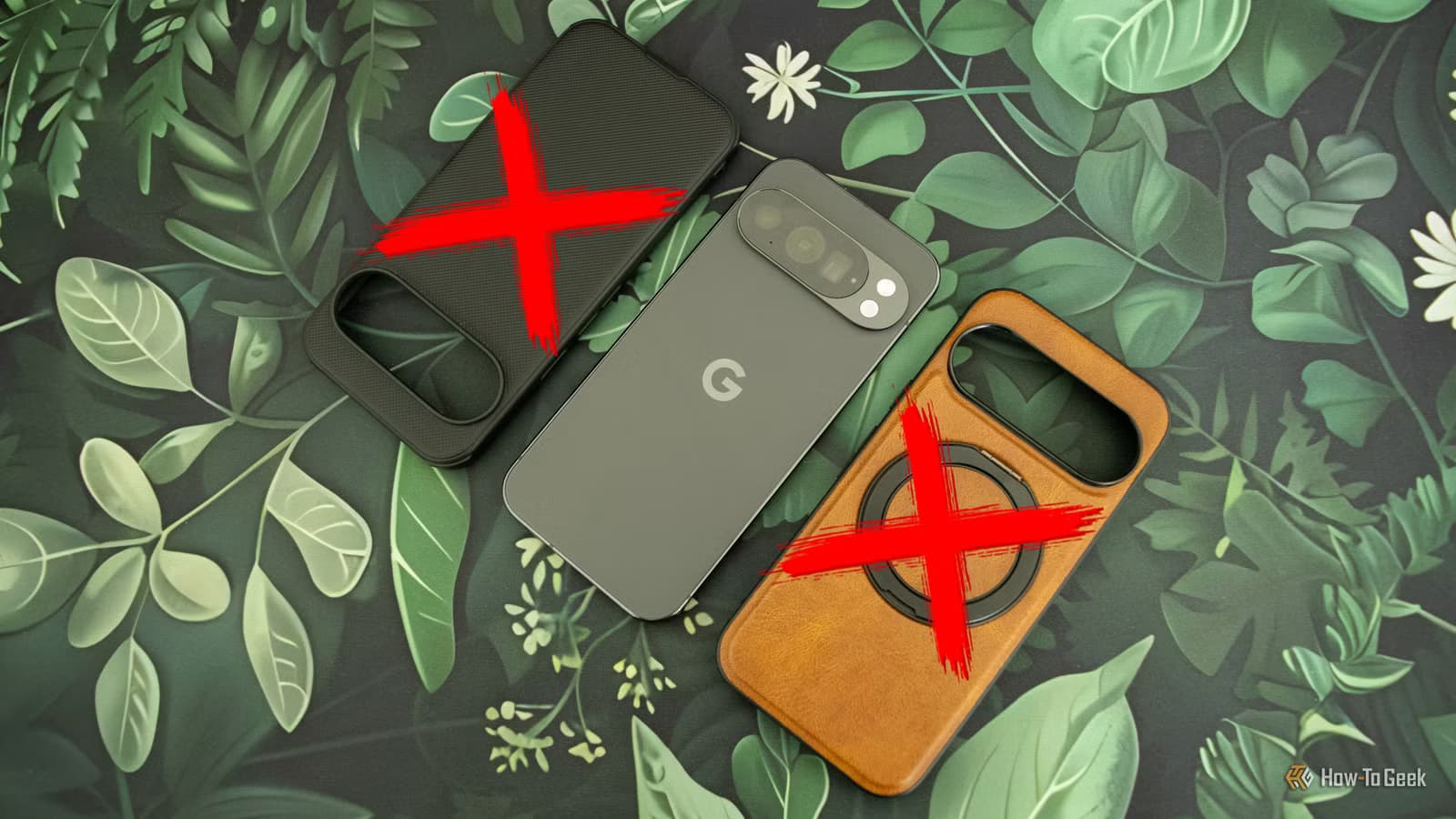
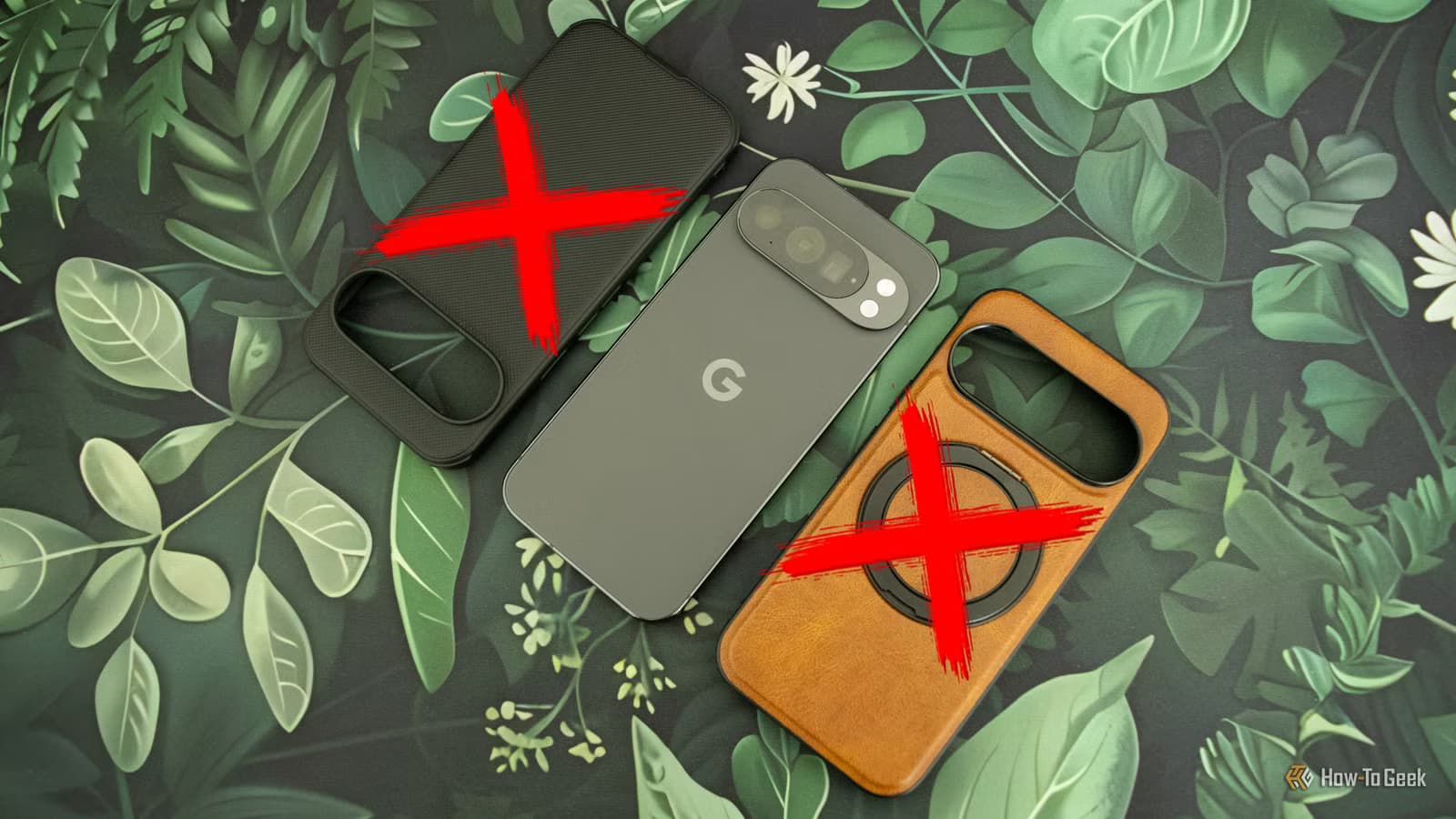
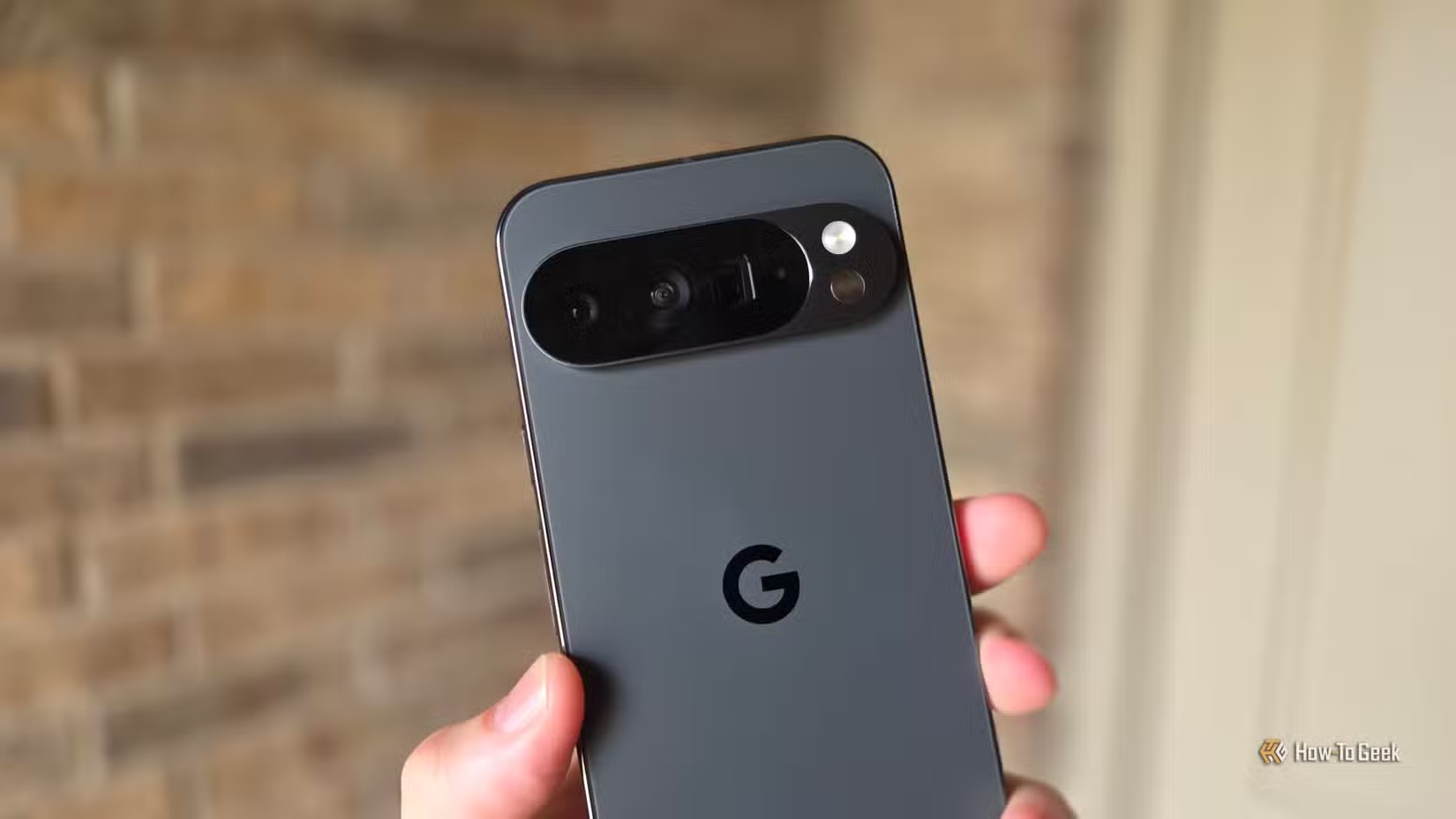
Goran Damnjanovic has used phone cases since 2005. His first smartphone was a Nokia 6600, and every device since has lived inside some form of protective shell. That streak ended with the Pixel 10 Pro.
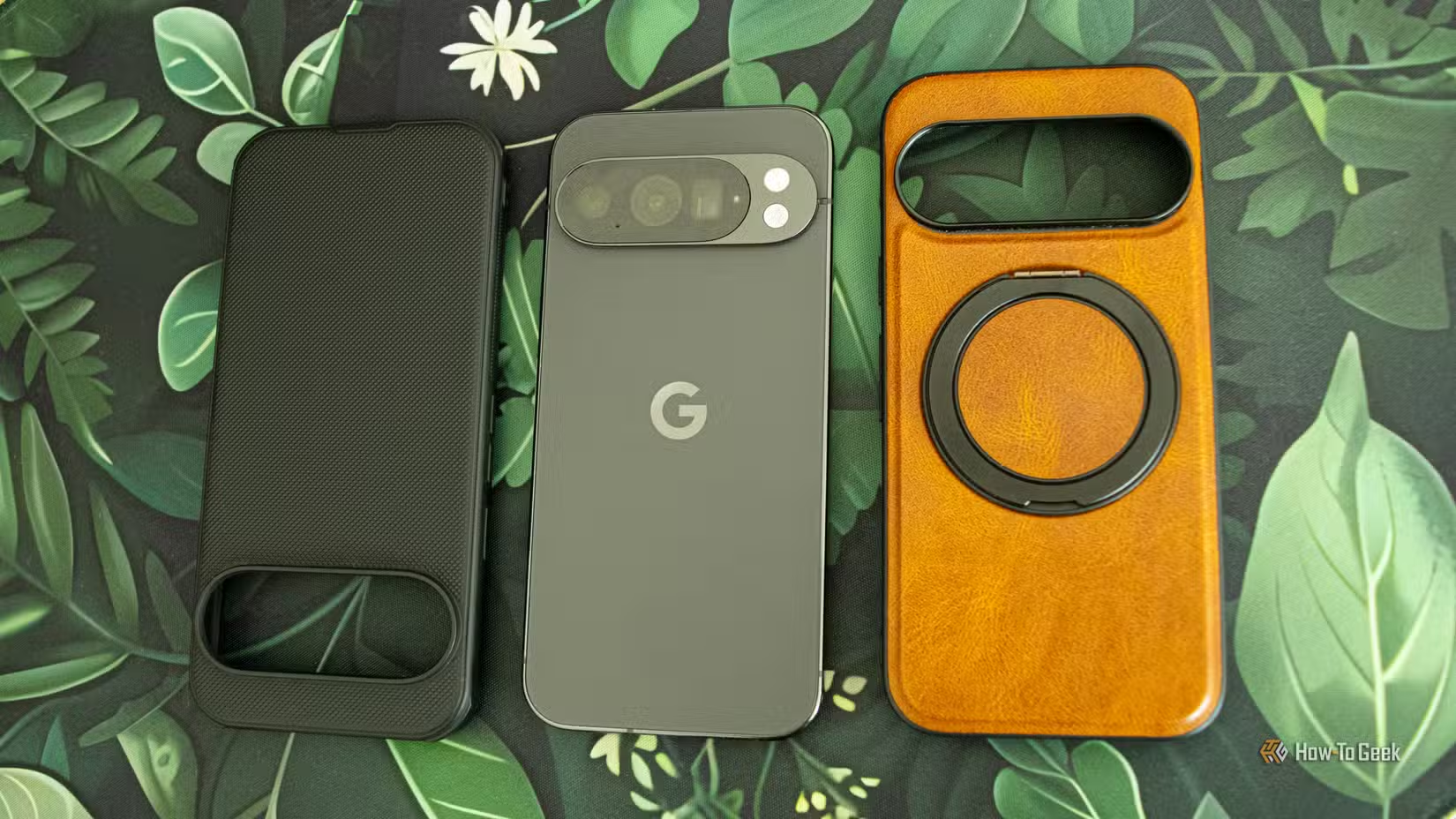
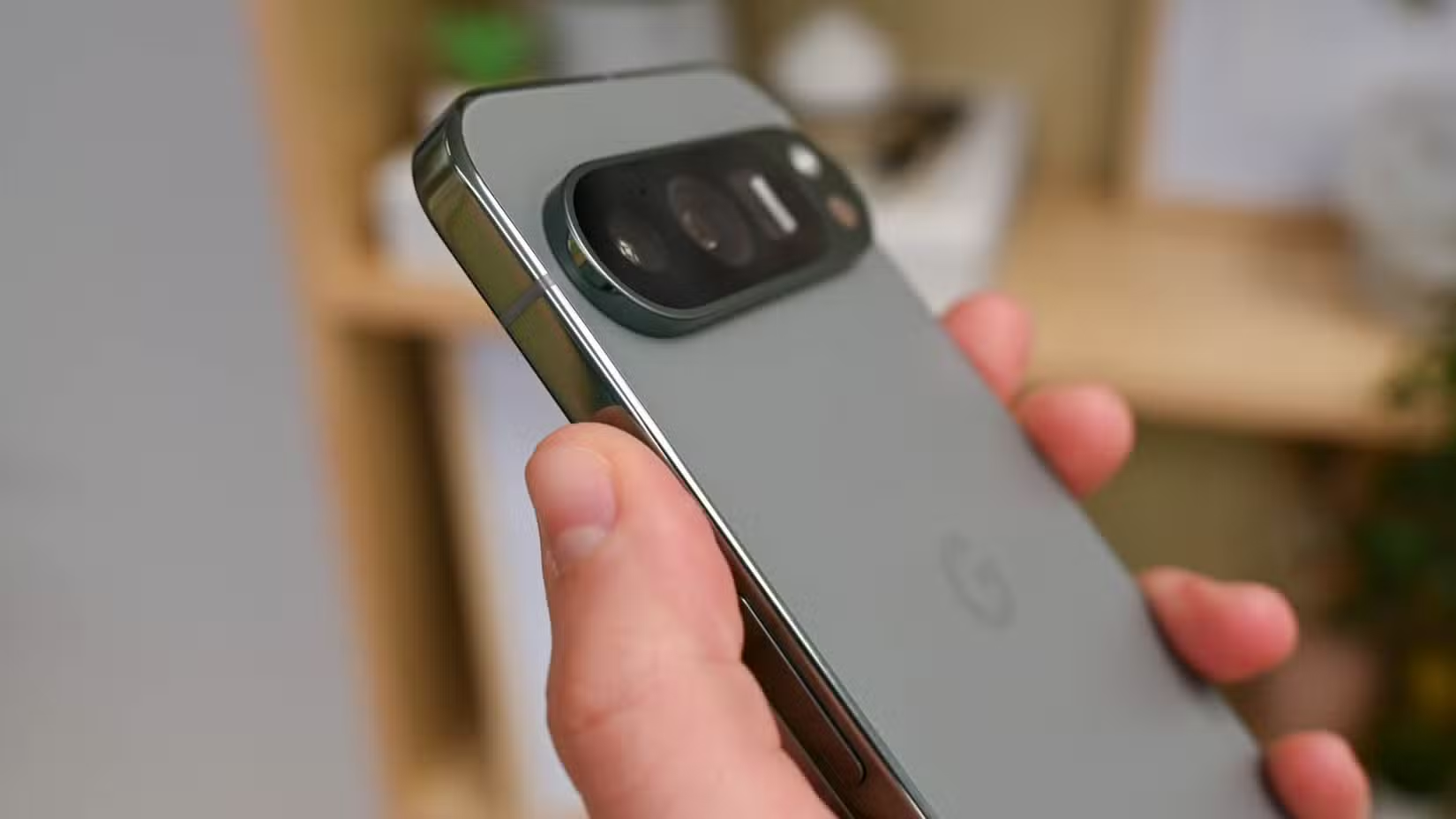
The culprit is Quick Tap, a gesture feature Google introduced in Android 12. Double-tap the back of your Pixel, and the phone triggers a preset action. Screenshots. Flashlight. Launch an app. Simple enough. But there's a catch: the feature relies on the phone's accelerometer and gyroscope to detect those taps. Thick cases dampen the vibrations, making Quick Tap inconsistent or completely unresponsive.
According to industry surveys, roughly 75% of smartphone users keep their devices in protective cases at all times. That majority is making a sensible choice. Phones are expensive and fragile. But for Quick Tap enthusiasts, protection comes at a cost.
How Quick Tap Actually Works
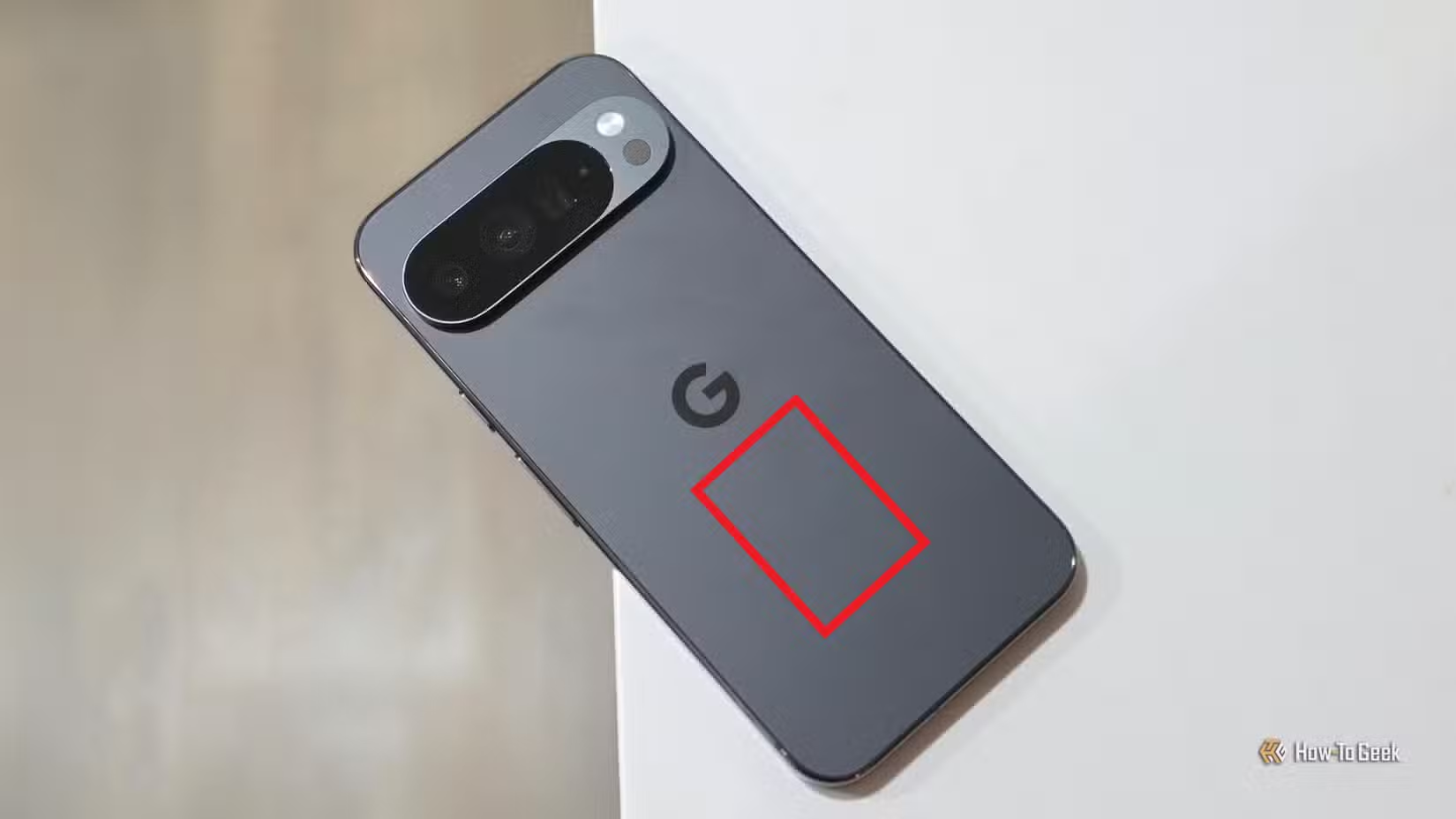
Quick Tap requires two consecutive taps on the back panel. The phone's motion sensors pick up the impact, interpret it as a deliberate gesture, and fire off whatever action you've configured. You can set it to take a screenshot, toggle the flashlight, open your camera, play or pause media, show notifications, or launch any app.
Damnjanovic settled on a workflow that rotates based on context. When he's out shopping, Quick Tap opens his bank's wallet app. (His bank doesn't support Google Wallet, so he needs the native app.) When he needs to grab multiple screenshots, he swaps the mapping temporarily. It's faster than the power-plus-volume-down combo.
"I use my bank's wallet app all the time," he writes, "and having it mapped to tapping the back of my phone is super handy because I can open it before I even land on the home screen."
The Trade-Off: Protection vs. Convenience
Quick Tap's reliability depends on direct contact. Bulky cases absorb the tap's impact before sensors can register it. Some users report success with ultra-thin "skin" cases, but the community consensus on Reddit's r/GooglePixel is clear: if you want Quick Tap to work consistently, go naked.
That's a tough sell for anyone who's ever watched their phone tumble toward concrete. But Damnjanovic has made peace with the risk. The convenience of instant app access outweighs his decade-long commitment to protection.
“Quick Tap isn't just a gimmick; it's a productivity multiplier that fundamentally changes how you interact with your device throughout the day.”
— Industry Analyst, Mobile Hardware Review
Workarounds for Case Users
Not everyone is willing to go caseless. The Pixel community has developed alternatives. The most popular is Tap, Tap, an open-source app on GitHub that gives users more control over sensitivity settings. It can detect taps through thicker cases by adjusting thresholds, though results vary by device and case material.
Other tips from Reddit users include tapping harder, positioning taps closer to the fingerprint sensor, and avoiding cases with air-cushion corners that absorb vibration. None of these are perfect solutions, but they help bridge the gap.
One Limitation Worth Noting
Quick Tap only works when the phone is unlocked. Damnjanovic gets around this by enabling Lift to check phone and Face Unlock. He can start tapping as he pulls the phone from his pocket, and by the time his face unlocks the device, the gesture registers. It's a small friction, but it's there.
✅ Pros
- • Instant access to any app or action with a double-tap
- • No need to navigate home screen or app drawer
- • Customizable for different workflows
❌ Cons
- • Works poorly or not at all with thick cases
- • Requires phone to be unlocked first
- • May trigger accidentally in pockets
Apple's approach to gesture-based shortcuts differs from Google's hardware taps
Logicity's Take
Frequently Asked Questions
What is Quick Tap on Google Pixel?
Quick Tap is a gesture feature that lets you double-tap the back of your Pixel phone to trigger actions like taking screenshots, opening apps, or toggling the flashlight.
Does Quick Tap work with a phone case?
It depends on the case. Thin cases may work, but thick or shock-absorbent cases often block the vibrations that Quick Tap's sensors need to detect taps.
How do I enable Quick Tap on my Pixel?
Go to Settings > System > Gestures > Quick Tap. Toggle it on and choose which action you want the double-tap to trigger.
Can I use Quick Tap when my phone is locked?
No. Quick Tap requires the phone to be unlocked first. Enabling Face Unlock or fingerprint unlock can speed up the process.
Need Help Implementing This?
Source: How-To Geek
Huma Shazia
Senior AI & Tech Writer
Produced with AI assistance and reviewed by the Logicity editorial team. Learn more in our Editorial Policy.






