Key Takeaways
- The 2.4GHz band has only three usable non-overlapping channels (1, 6, and 11), and most budget smart devices pile onto them
- Mixing brands increases the odds of accumulating cheap 2.4GHz-only devices that congest your network
- Solutions include upgrading your router, isolating IoT traffic on VLANs, or switching to Zigbee/Thread protocols
The Problem You Didn't Know You Had
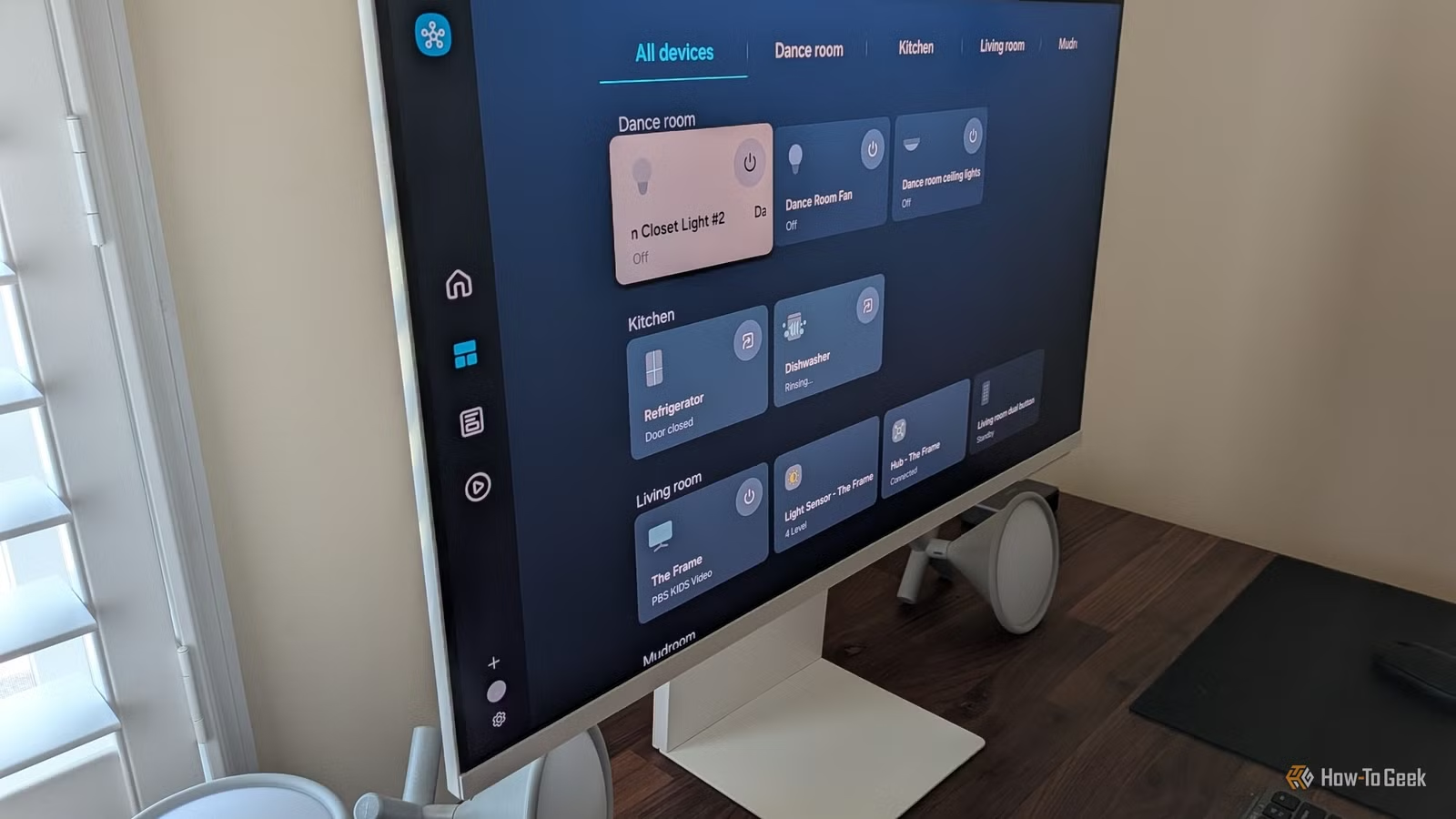
Your smart lights lag by two seconds. Your automations fire late. Devices randomly vanish from your app. And it always happens when you're showing off your setup to a friend. The culprit isn't bad hardware or a buggy app. It's your Wi-Fi, drowning under the weight of every smart device you've added over the years.
Most smart homes aren't built in a single weekend with a unified ecosystem. They evolve. A Ring doorbell here, some Philips Hue bulbs there, a few Wyze cameras, a random smart plug you grabbed on Prime Day. As long as everything claims compatibility with Alexa or Google Home, it should all work together. Right?
Not quite. Every one of those random-brand gadgets is piling onto your Wi-Fi. The more brands you mix, the messier it gets.
Every Cheap Device Is Shouting on the Same Channel
The 2.4GHz Wi-Fi band is where budget smart home gear lives. It has better range than 5GHz and punches through walls more easily. That makes it attractive for devices scattered throughout your home.
Here's the catch: that band only has three non-overlapping channels. Channels 1, 6, and 11. That's it. Everything else overlaps and creates interference.
Your smart plugs, bulbs, cameras, and sensors are all competing for those three channels. So are your Bluetooth devices. So is your neighbor's network. Even your microwave can interfere. When you buy from multiple brands, you're basically guaranteeing a pile of cheap 2.4GHz gadgets, all dumped into the most crowded frequency space in your house.
Your Router Might Be Making It Worse
Most routers default to "auto" channel selection. In theory, this helps avoid congestion. In practice, your router might hop between overlapping channels, briefly interfering with itself. When you have dozens of devices, this creates cascading problems.
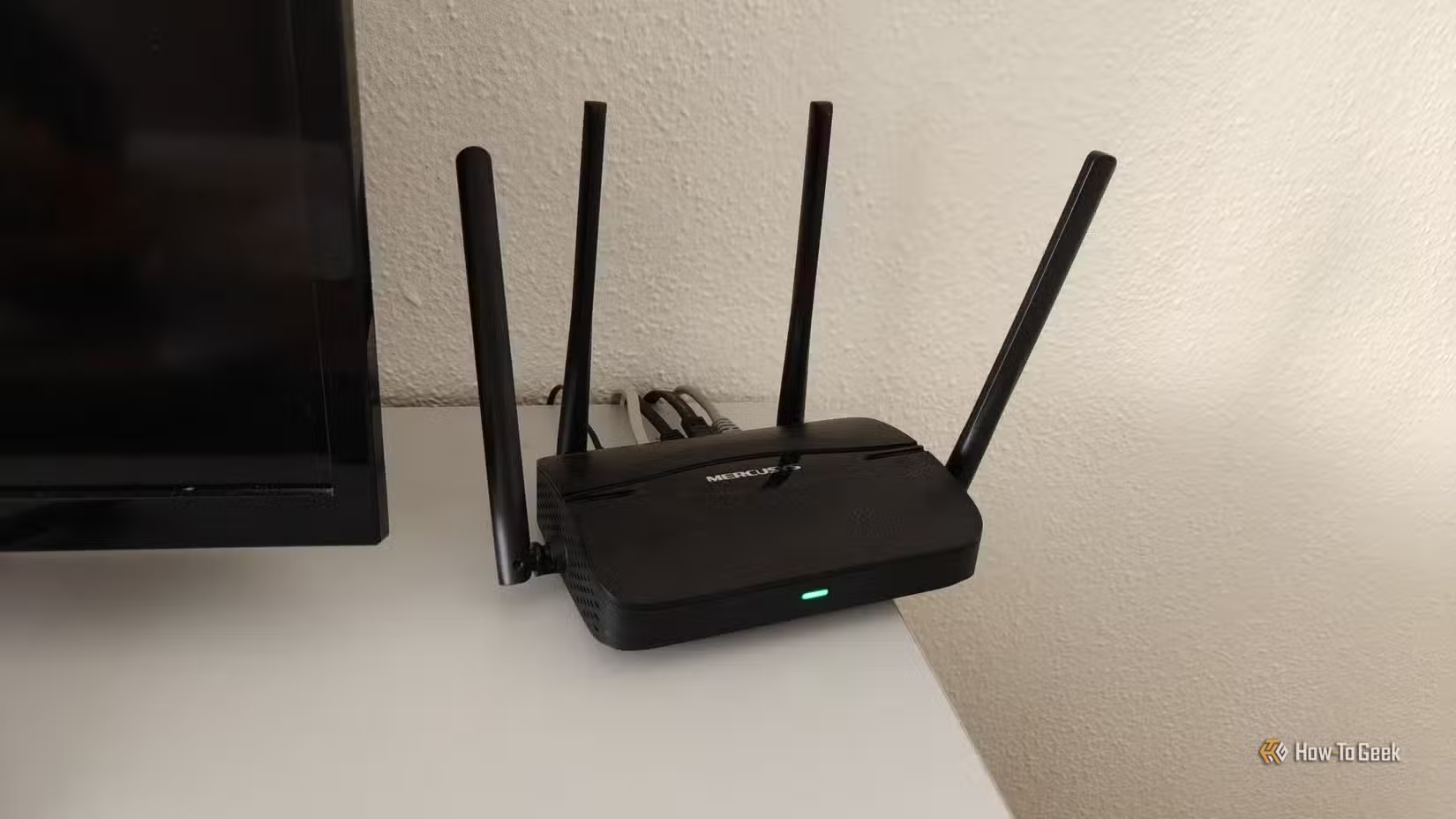
ISP-provided routers compound the issue. They're often designed for a handful of devices, not the 100+ connected gadgets in a modern smart home. When traffic spikes, they lack the processing power to keep everything running smoothly.
Reddit's r/Networking community frequently advises against ISP-supplied routers for smart homes. The recommendation: dedicated access points and VLANs to separate IoT traffic from streaming and gaming.
How to Fix Your Congested Smart Home Network
The good news: you don't need to rip out all your devices and start over. Several practical solutions can reduce or eliminate the congestion.
1. Manually Set Your Router to Channel 1, 6, or 11
Turn off auto-channel selection and pick one of the three non-overlapping channels. Use a Wi-Fi analyzer app to see which channel your neighbors are using least, then park your network there. This stops your router from hopping around and creating its own interference.
2. Upgrade Your Router
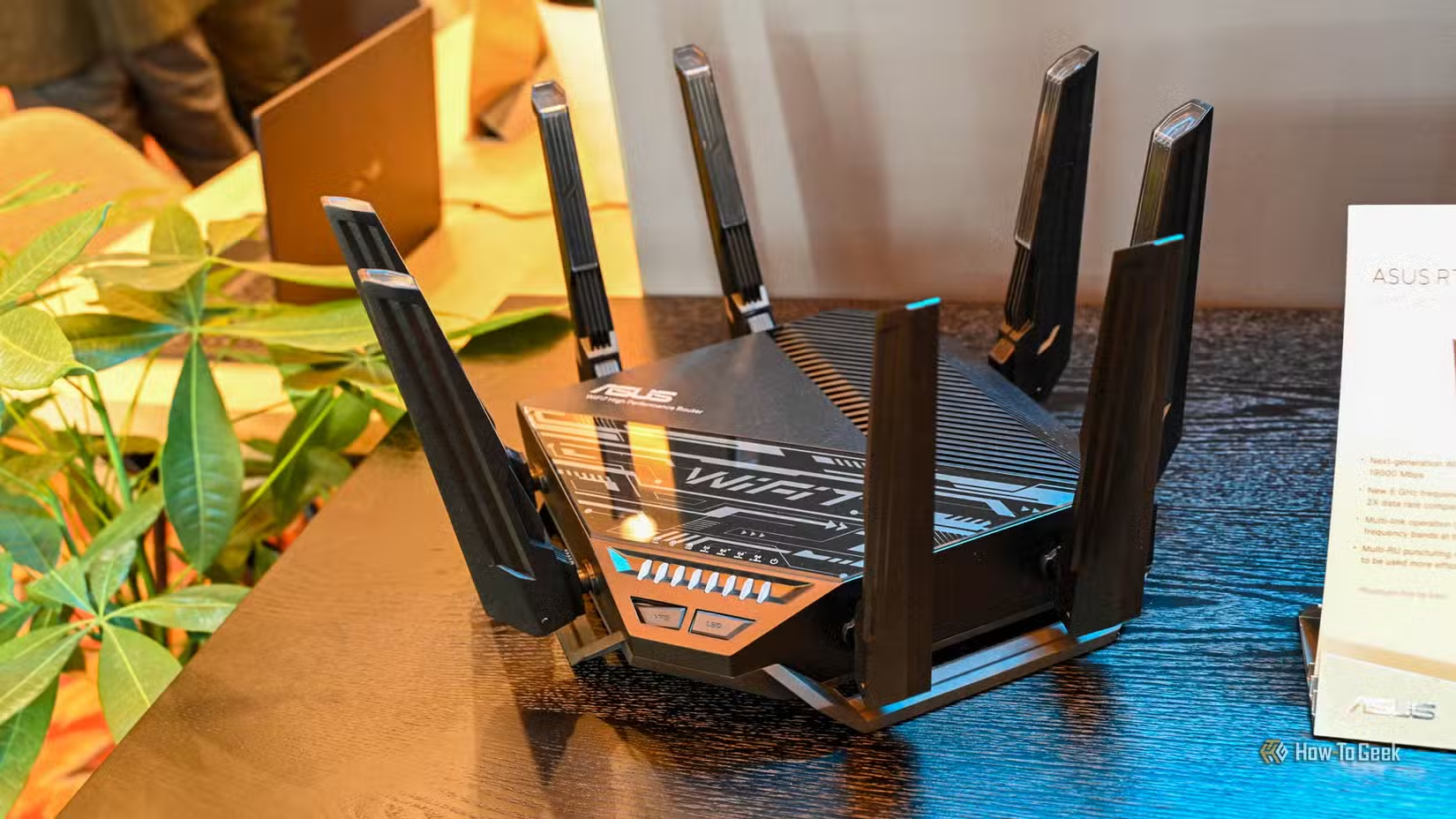
A modern router with better processing power can handle more simultaneous connections without choking. Look for models with dedicated IoT management features or the ability to create separate networks for different device types.
3. Create a Dedicated IoT VLAN
If your router supports it, set up a virtual LAN specifically for smart home devices. This isolates IoT traffic from your primary network, so your Netflix stream doesn't compete with your doorbell for bandwidth. Studies show this approach can reduce IoT device latency by around 25%.
4. Move to Non-Wi-Fi Protocols
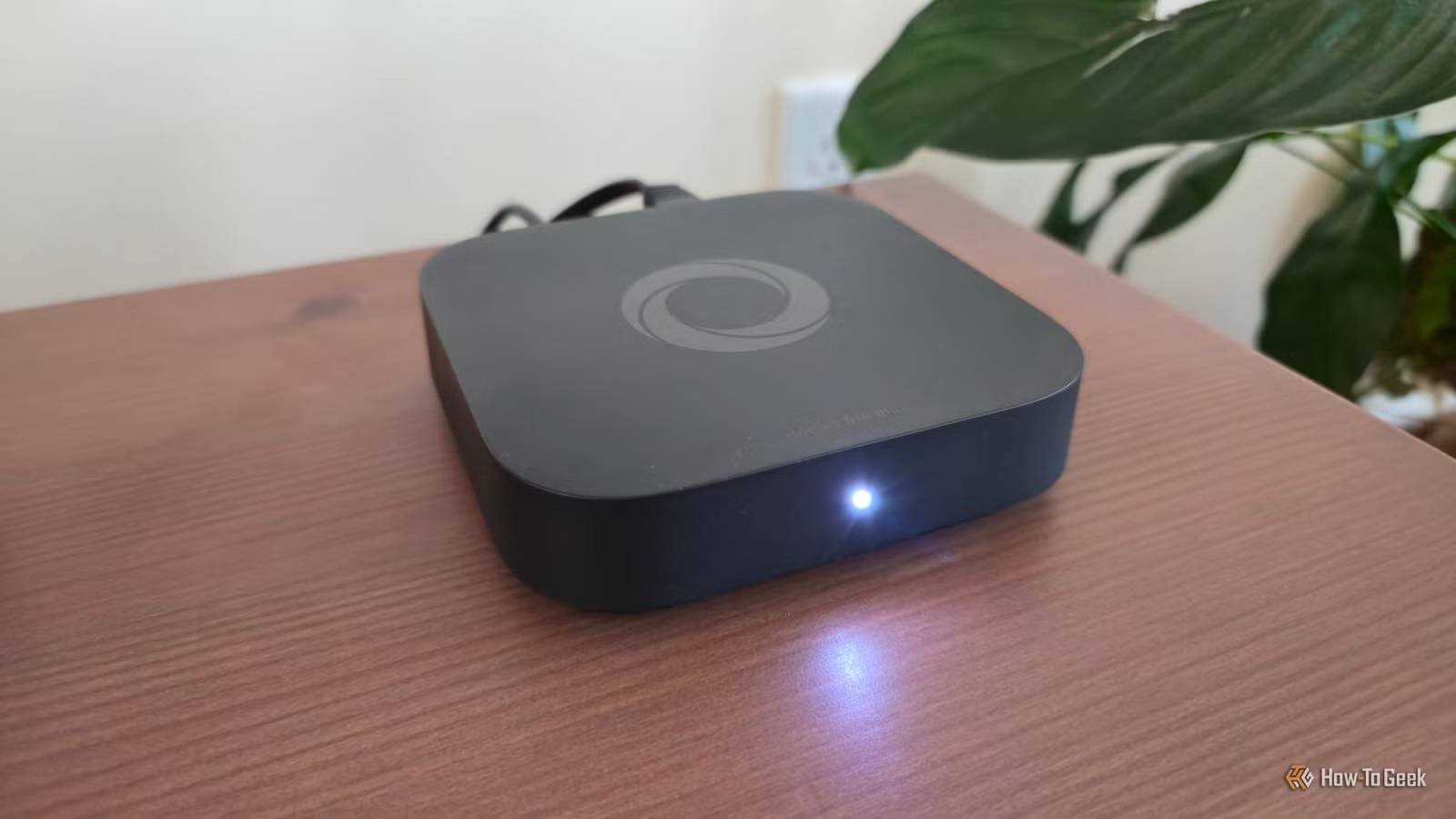
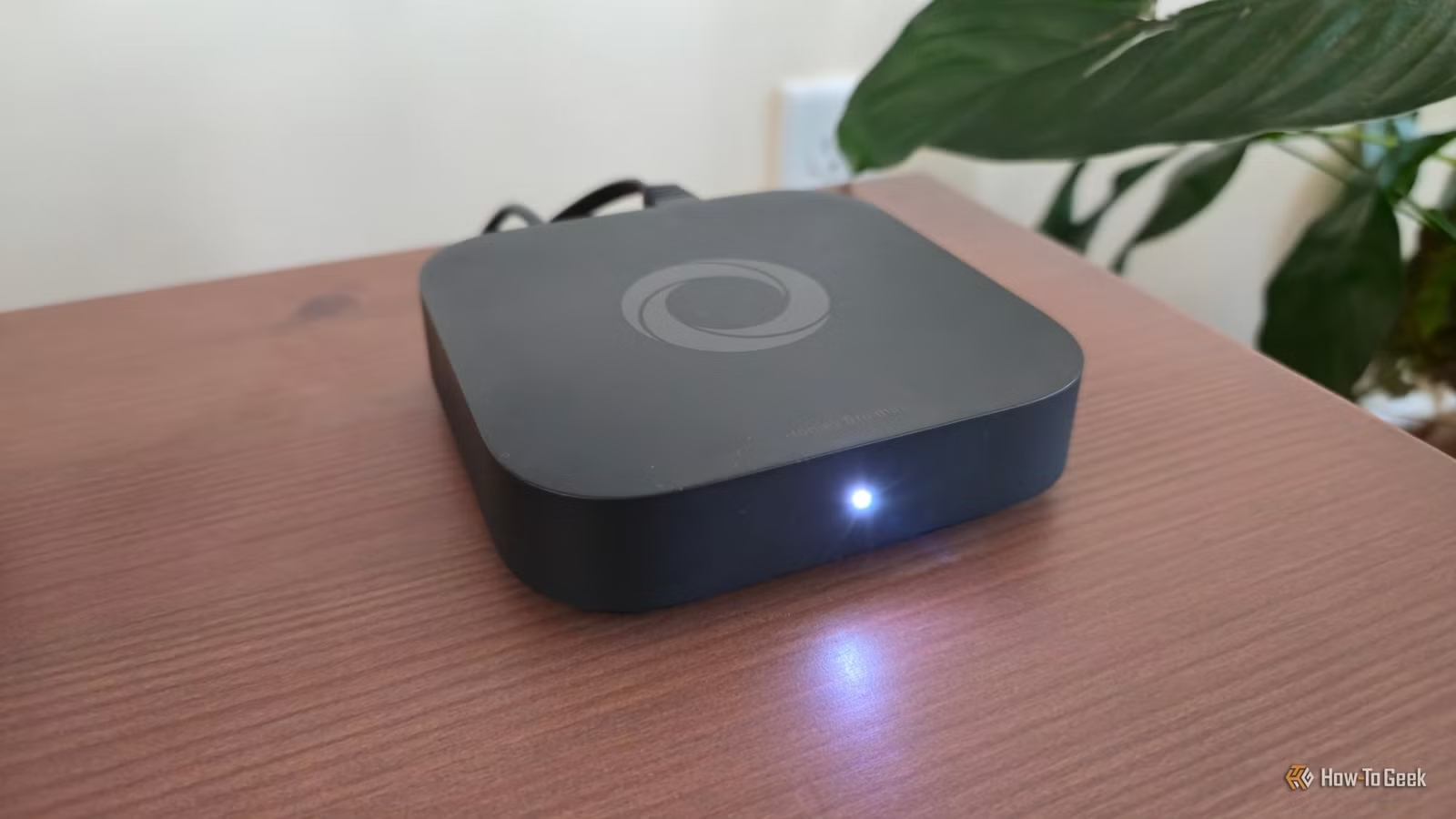
This is the nuclear option, but it's increasingly popular. Protocols like Zigbee, Z-Wave, and Thread don't use Wi-Fi at all. They operate on different frequencies and create their own mesh networks. You'll need a hub that supports these protocols, but once set up, your devices stop congesting your Wi-Fi entirely.
Reddit's r/HomeAutomation community highlights the transition to Zigbee, Z-Wave, and Thread as the definitive solution for high-density smart homes. The upfront cost is higher, but the long-term reliability improvement is significant.
The Case for Brand Consistency
None of this means you must throw out every device that doesn't match. But there's a real advantage to sticking with one ecosystem when possible. Unified brands often share the same hub, same protocols, and same app. That reduces the number of bridges and gateways competing for network resources.
If you're starting fresh or planning a major upgrade, consider choosing an ecosystem that supports Thread or Matter. These newer standards are designed for exactly this problem: letting devices from different manufacturers communicate without clogging your Wi-Fi.
Logicity's Take
Frequently Asked Questions
Why do smart home devices use 2.4GHz instead of 5GHz?
The 2.4GHz band has better range and wall penetration than 5GHz, making it ideal for devices scattered throughout a home. However, it's also more crowded because every legacy device defaults to it.
How many devices can a typical router handle?
ISP-provided routers often struggle with more than 20-30 active connections. Modern smart homes can have 100+ devices, far exceeding this capacity and causing slowdowns.
What is Thread and why does it matter for smart homes?
Thread is a low-power mesh networking protocol that operates independently of Wi-Fi. Devices using Thread communicate through their own network, reducing congestion on your Wi-Fi and improving reliability.
Will upgrading my internet speed fix smart home lag?
Usually not. Smart home lag is typically caused by local network congestion, not internet bandwidth. Your devices are fighting for airtime on your router, not waiting for data from the cloud.
Do I need to replace all my devices to fix this problem?
No. Start with router settings (manual channel selection), then consider network segmentation (VLANs). Only move to new protocols if simpler fixes don't resolve the issue.
Need Help Implementing This?
Source: How-To Geek
Manaal Khan
Tech & Innovation Writer
Produced with AI assistance and reviewed by the Logicity editorial team. Learn more in our Editorial Policy.