Key Takeaways
- Beginner-friendly distros prioritize Windows-like interfaces, which can delay learning Linux's actual strengths
- Most distros share the same core components; the differences are often cosmetic
- Command-line fluency unlocks workflow improvements that GUI tools cannot match
Beginner Linux distros like Mint and Ubuntu promise an easy on-ramp, but that hand-holding comes with a hidden cost. A veteran Linux user with two decades of experience argues that these "friendly" distributions delay the very skills that make Linux worth using in the first place. His conclusion: the training wheels kept him from riding faster.
David Delony, writing for How-To Geek, spent years on distributions designed to ease the Windows-to-Linux transition. The result was a workflow that never clicked. Only after switching to Debian and embracing the command line did his daily computing finally make sense.
What makes a distro "beginner-friendly"?
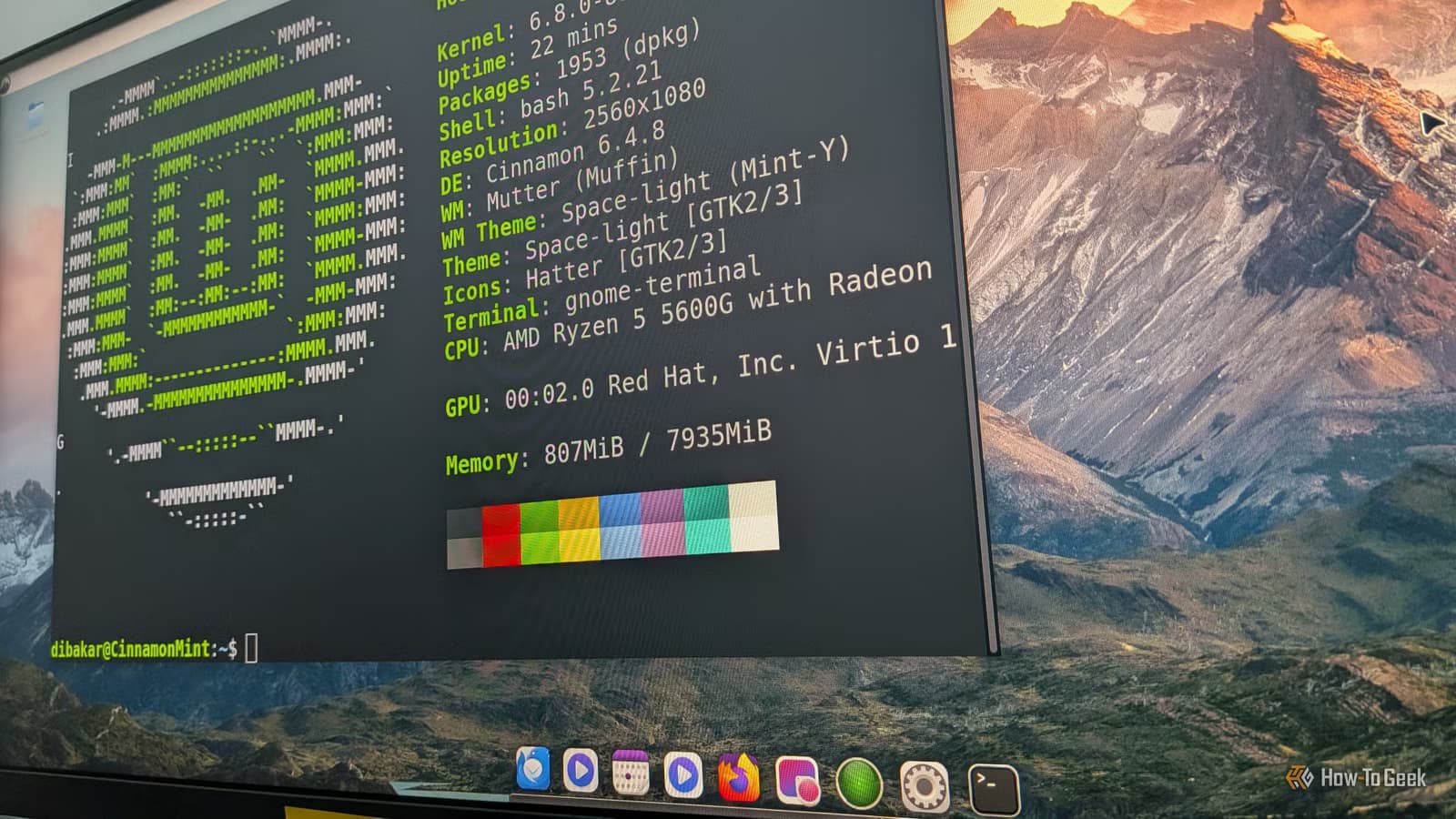
In the Linux world, "beginner-friendly" is usually code for "Windows clone." These distros ship with a taskbar on the bottom, a file manager that mimics Explorer, and a suite of apps meant to feel familiar. The goal is obvious: reduce friction for switchers. If it looks like Windows, maybe people will stay.
That logic ignores what makes Unix-like systems different. The desktop is just another program. You can swap it out for a different environment, run a minimal window manager, or skip the GUI entirely. Servers routinely do. Many early Linux distros booted to a text console because PCs lacked the memory to run X11 smoothly. That flexibility remains a core feature, not a legacy quirk.
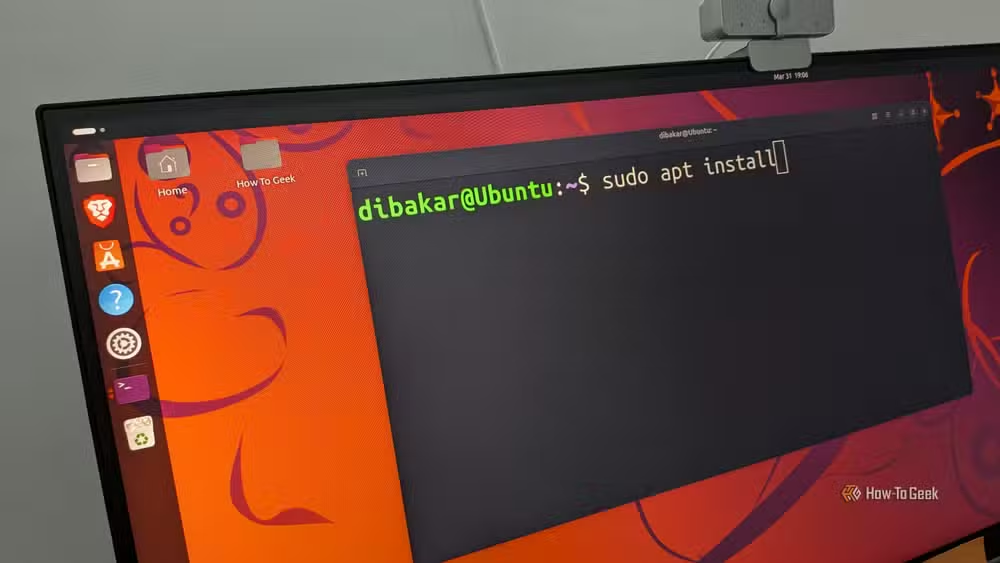
By optimizing for Windows-style navigation, beginner distros bury the terminal. New users click through GUIs instead of learning the commands that would let them automate tasks, troubleshoot faster, and understand how their system actually works.
Most distros are more similar than they look
DistroWatch tracks over 600 active Linux distributions, but the differences are often skin-deep. Many "new" distros amount to Ubuntu with a different wallpaper or desktop environment. Under the hood, they use the same package managers, the same init system, and the same kernel.
Systemd, once controversial, has become the de facto standard for managing system processes. That's the kind of detail most users never see because their distro hides it behind menus. But understanding it matters when something breaks.
Delony's point is that switching from Mint to Fedora to Zorin doesn't teach you Linux. It teaches you different flavors of the same abstraction layer. The real education happens when you strip away the GUI and confront the command line.
Why the command line changes everything
Desktop environments become less relevant once you live in the terminal. Delony now spends most of his time in Python environments like Jupyter and IPython. These tools don't care whether you're running Cinnamon, GNOME, or no GUI at all. They care about your shell proficiency and your ability to chain commands together.
The command line offers composability that GUIs cannot match. Pipe the output of one program into another. Write a script to automate a task you do daily. Search your entire file system with a single grep command. These aren't advanced techniques. They're standard practice for anyone who took the time to learn.
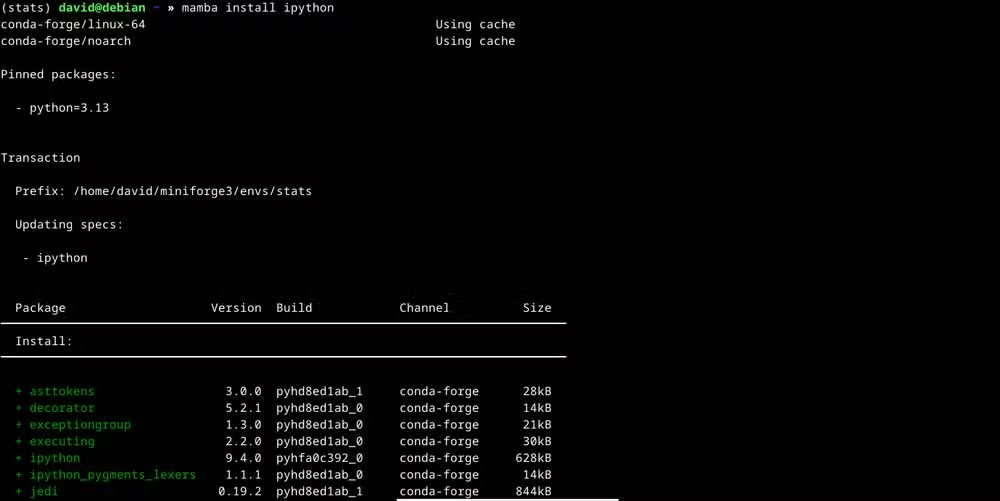
Delony had an advantage: he learned the Unix command line on Mac OS X before switching to Linux. The Mac's BSD underpinnings gave him a head start that many Windows refugees don't have. But the learning curve, while steeper, only needs to be climbed once.
The numbers behind Linux's niche
Linux holds about 4.03% of the global desktop market, according to StatCounter. That's up from roughly 2% in 2020, but it remains a niche. Ubuntu alone claims an estimated 30 million users, making it the most popular desktop distribution by a wide margin.
The picture looks different on servers, where Linux runs 96.3% of the world's top million websites. That dominance exists precisely because system administrators value the control and flexibility that desktop Linux users often skip.
Should you ditch your beginner distro?
Not necessarily. Mint and Ubuntu work fine for people who just want a functioning computer. They're solid choices for web browsing, office work, and media consumption. The issue arises when you want Linux to do more than imitate Windows.
If your goals include development, data science, system administration, or automation, the beginner distro eventually becomes a crutch. You keep clicking through menus for tasks that would take seconds in a terminal. You troubleshoot by searching for GUI solutions instead of reading man pages. The abstraction layer that helped you start now prevents you from going deeper.
Delony's recommendation is Debian, the distribution that underpins Ubuntu and Mint themselves. It's not as polished out of the box. It requires more initial configuration. That's the point. The setup process teaches you what your system is actually doing.
The real barrier isn't difficulty
Linux's learning curve in 2026 is gentler than it was in 2006. Hardware support is vastly better. Installation is often easier than Windows. The commands haven't changed, but the documentation has improved dramatically. The Arch Wiki, in particular, has become one of the best references in open source, useful even for non-Arch users.
The barrier is commitment. Do you want to learn how your operating system works, or do you want it to hide that from you? Both are valid answers. But if you've been on a beginner distro for years and still feel like Linux doesn't quite click, the interface might be the problem.
Logicity's Take
The beginner distro debate often devolves into gatekeeping, but Delony's argument is practical, not ideological. For developers and technical professionals, terminal fluency compounds over time. Every script you write, every shortcut you memorize, saves hours across years. Beginner distros delay that payoff by making the GUI the default interface rather than a convenience you occasionally invoke. If Linux is your daily driver, the investment in learning it properly pays dividends that no desktop environment can match.
Frequently Asked Questions
What is the best Linux distro for beginners who want to learn?
Debian or Fedora offer a balance between usability and exposure to core Linux concepts. They require more initial setup than Mint or Ubuntu, which teaches you the basics during installation.
Is Ubuntu still a good choice in 2026?
Ubuntu remains a solid general-purpose distro with excellent hardware support. It's fine for everyday use but may limit your learning if you rely entirely on its GUI tools.
How long does it take to learn the Linux command line?
Basic proficiency takes a few weeks of regular use. You'll learn commands as you need them. Most users become comfortable within a month of daily terminal work.
Can I use Linux for gaming?
Yes, but with caveats. Steam's Proton layer runs many Windows games on Linux, but compatibility isn't universal. Check ProtonDB before assuming your favorite titles will work.
What's the difference between Linux Mint and Debian?
Mint is built on Ubuntu, which is itself based on Debian. Mint adds more GUI polish and pre-installed software. Debian requires more manual configuration but offers greater control and stability.
If you're building a Linux development machine, the CPU choice matters for compile times and virtualization.
Need Help Implementing This?
Logicity's engineering team has configured Linux workstations for development teams across multiple industries. Whether you're migrating from Windows or optimizing an existing setup, we can help you choose the right distro and build workflows that stick. Contact us at enterprise@logicity.in.
Source: How-To Geek
Manaal Khan
Tech & Innovation Writer
Produced with AI assistance and reviewed by the Logicity editorial team. Learn more in our Editorial Policy.






