Key Takeaways
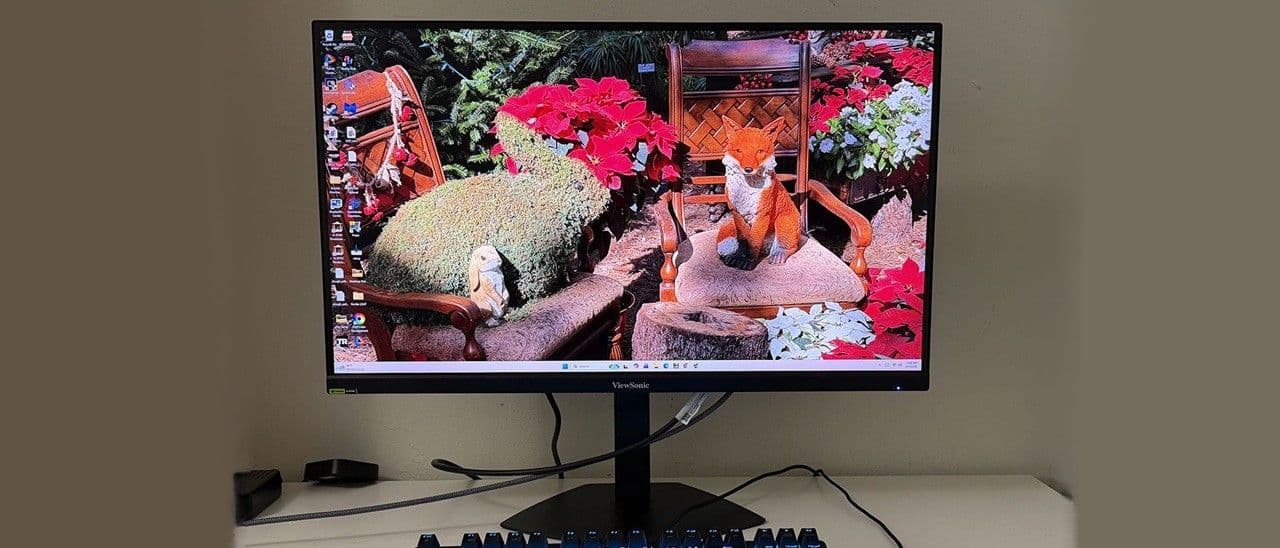
- The VX2730D-4K hits 4K/144Hz and 1080p/288Hz for just $280, undercutting competitors by $100+
- SDR color accuracy is near-professional out of the box with 1,600:1 contrast, but HDR mode has issues
- Dual-refresh switching between resolutions works smoothly with G-Sync and FreeSync Premium support
ViewSonic's VX2730D-4K does something unusual for a $280 monitor: it delivers 4K at 144Hz with a switch that bumps you to 288Hz at 1080p. Tom's Hardware ran it through extensive testing and came away impressed with SDR performance, though HDR tells a different story.
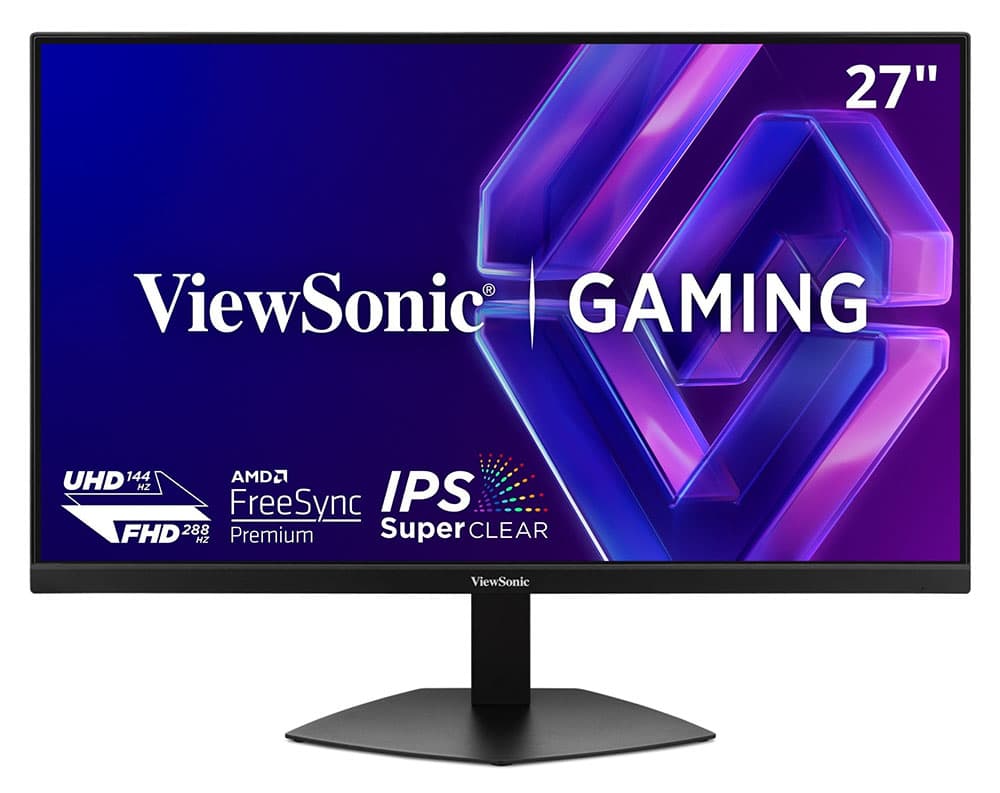
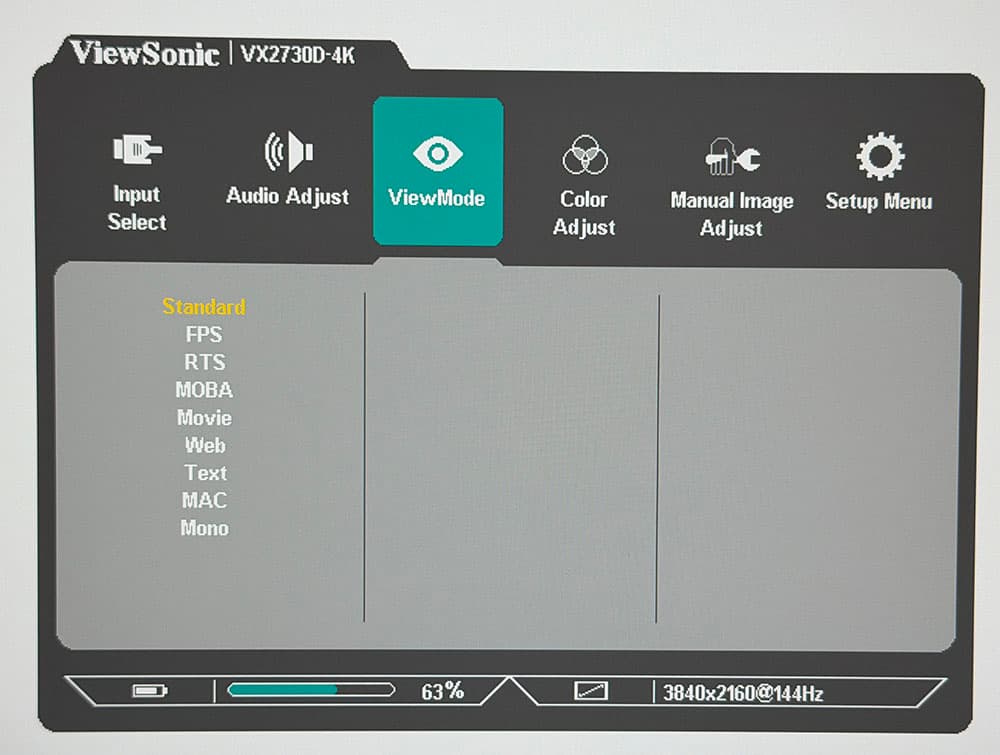
The monitor uses a 27-inch IPS panel with 3840x2160 resolution. That works out to roughly 163 pixels per inch, a density that makes text noticeably sharper than 1440p alternatives at the same screen size. For context, a 4K display at this size cost $3,500 back in 2013. Now you get one with 288Hz capability for less than a nice dinner for four.
What does the VX2730D-4K actually deliver?
The panel hits a claimed 1,500:1 contrast ratio, which Tom's Hardware verified. After calibration, they measured over 1,600:1. That's notably higher than typical IPS monitors, which usually land around 1,000:1. ViewSonic calls their IPS variant "Super Clear," and the numbers back up the marketing.
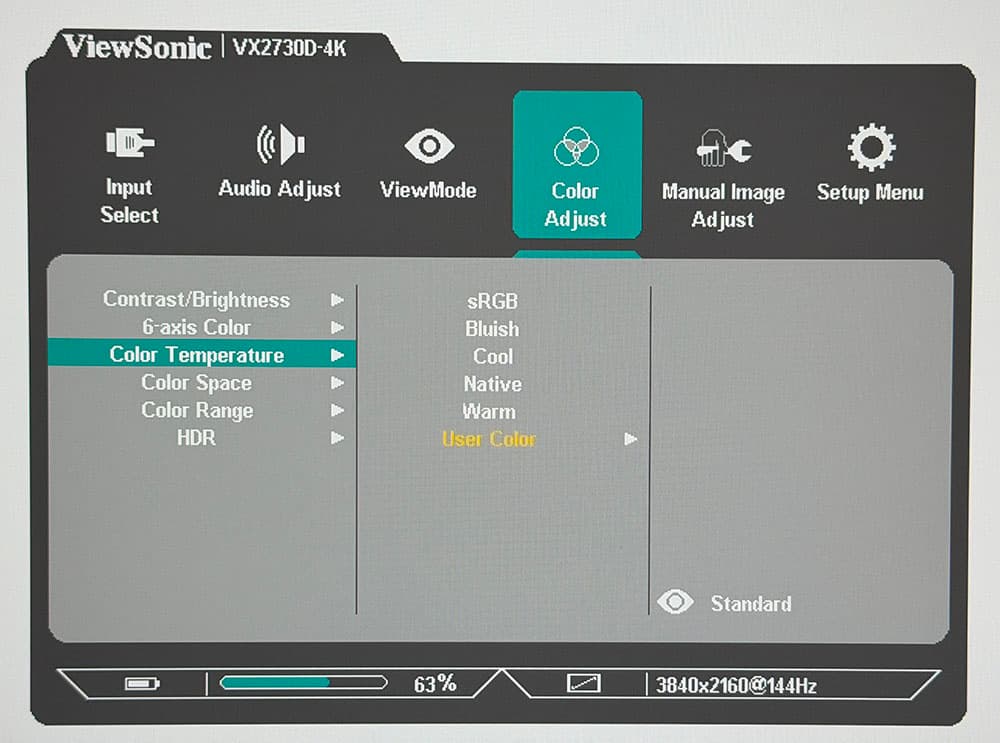
Color coverage reaches 98% of DCI-P3, and here's the kicker: you don't need to calibrate it. The reviewer notes it arrives "nearly pro-level accurate out of the box." For a budget monitor, that's unusual. Most sub-$300 displays need significant adjustment to look their best.
How does the dual-refresh mode work?
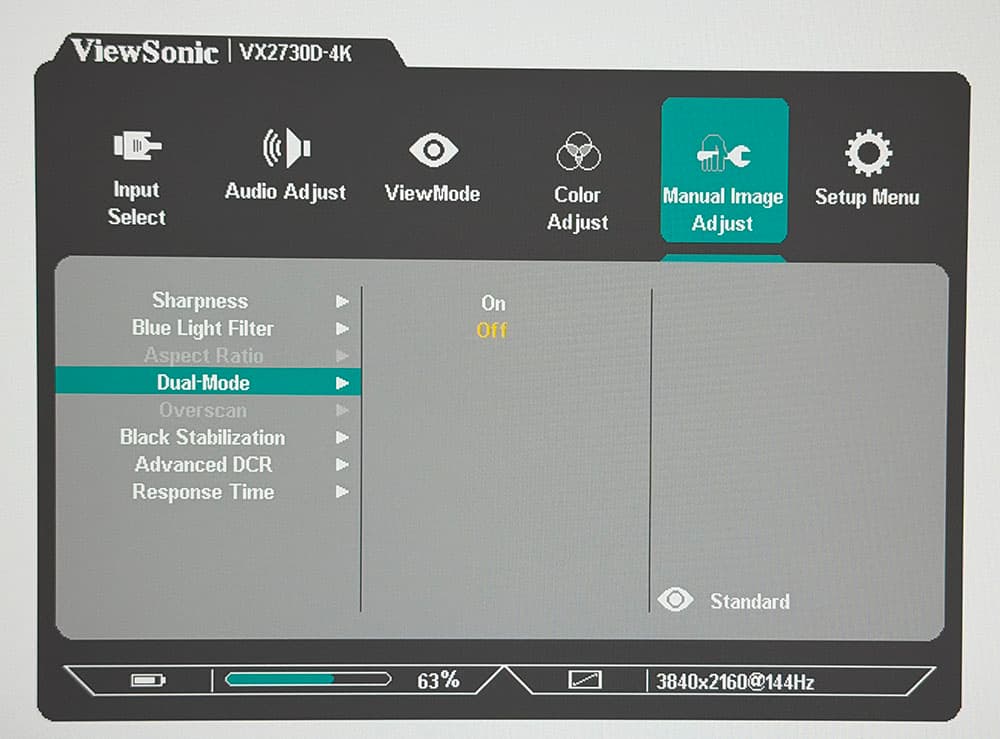
The standout feature is a resolution switch built into the monitor. At native 4K, you get 144Hz. Flip the switch and the monitor drops to 1080p while boosting to 288Hz. This happens without diving through menus or reconnecting cables.
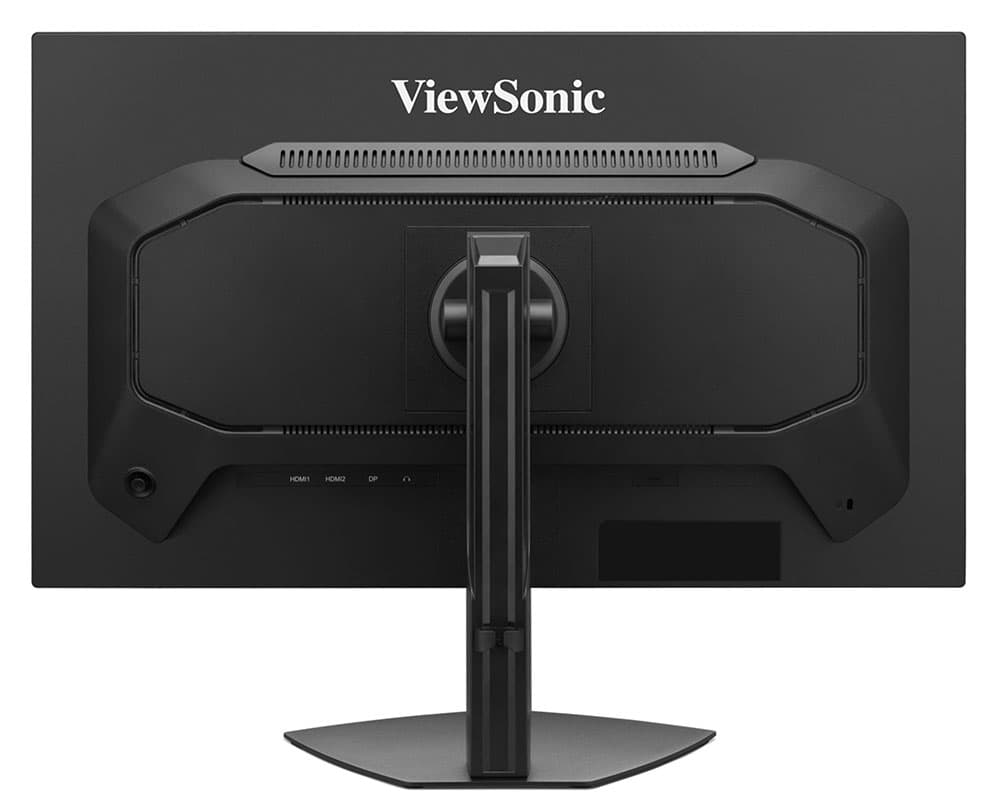
Both modes support G-Sync with Nvidia certification and FreeSync Premium. Console gamers get VRR support over the two HDMI 2.1 inputs. A DisplayPort 1.4 connection handles PC duties. The three-level overdrive smooths motion blur, and MPRT backlight strobing kicks in when frame rates drop below 120fps.
There's a catch with MPRT: Tom's Hardware found significant artifacts when using it at 144Hz. It works better at higher refresh rates, which means the 288Hz mode is where backlight strobing actually shines.
Where does HDR fall short?
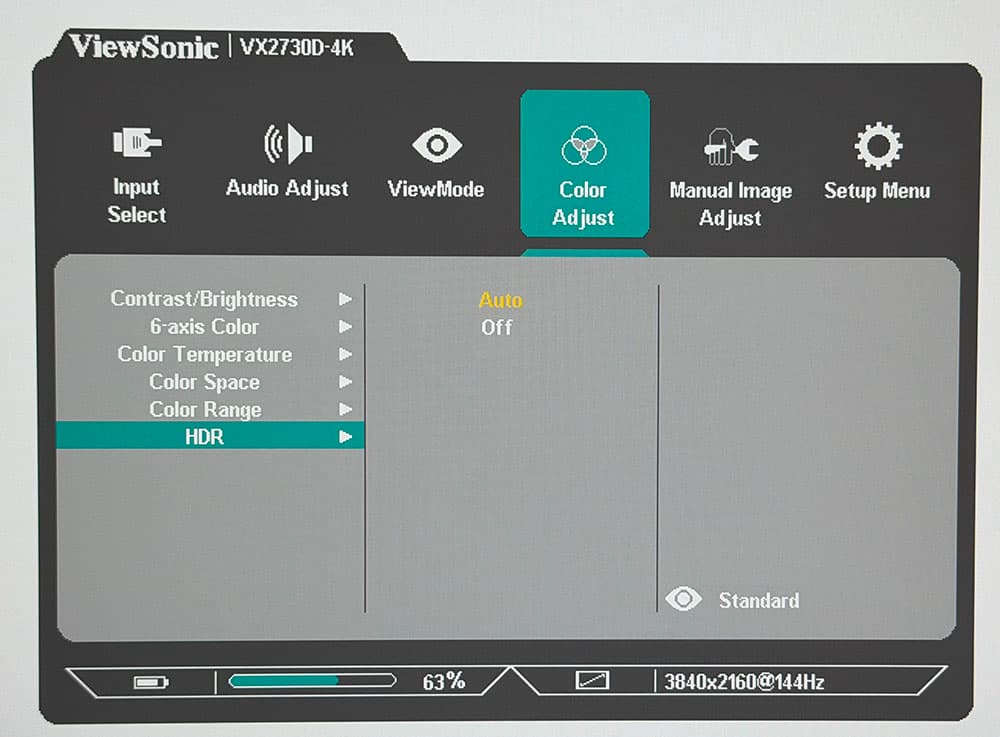
The monitor supports HDR10 signals, but the implementation has problems. Tom's Hardware notes "brightness and color issues in HDR mode" without elaborating on specifics in the summary. This isn't surprising for a $280 display. Proper HDR requires local dimming zones and peak brightness above 600 nits, features that add significant cost.
The base SDR brightness sits at 250 nits claimed, which is adequate for indoor use but won't fight bright ambient light. For SDR gaming and productivity, this works fine. HDR content won't look the way creators intended.

What did ViewSonic cut to hit this price?
The monitor skips USB ports entirely. No hub, no passthrough, no USB-C input. There's no RGB LED lighting, which frankly makes it easier to place in a professional setting. The internal speakers are basic 2-watt units, enough for system sounds but not for actual listening. A 3.5mm headphone jack lets you bypass them.
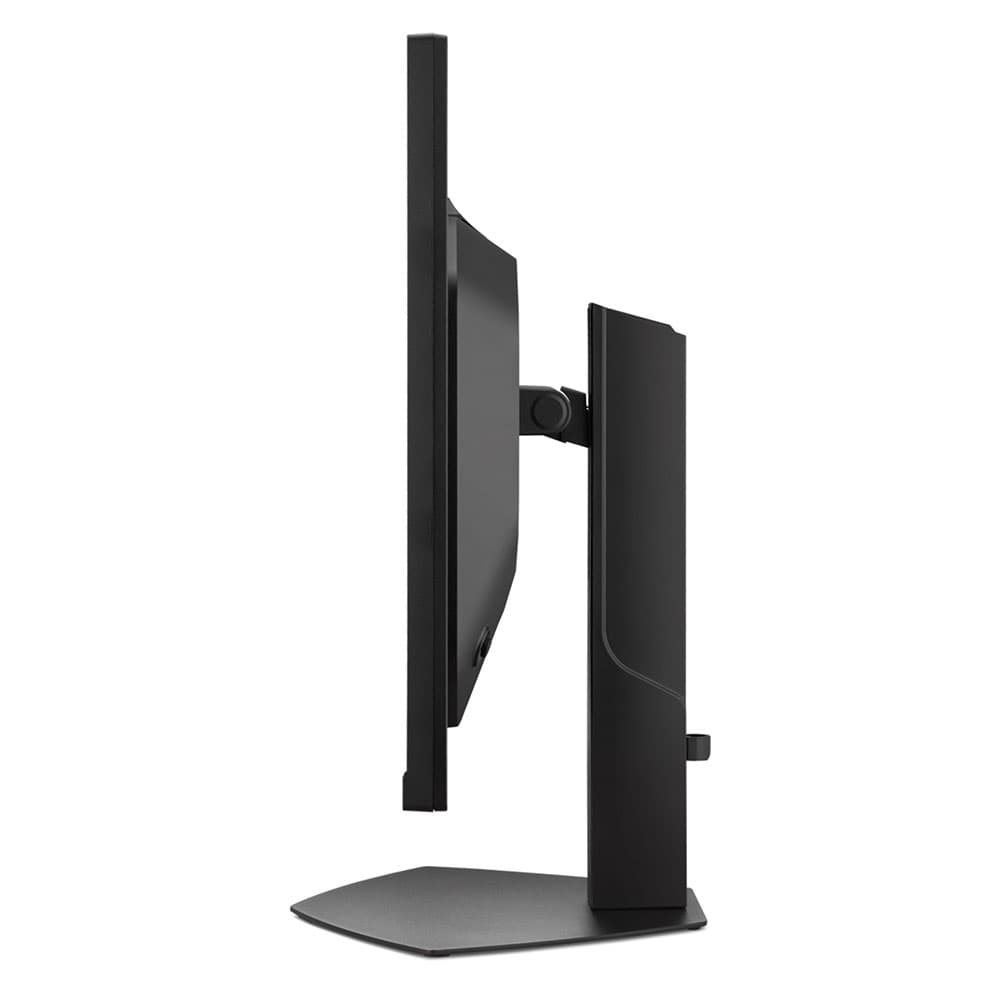
The stand offers 4.7 inches of height adjustment, 90-degree portrait rotation, and 5/20 degrees of tilt. There's no swivel, so you'll pivot the whole base if you need to angle the screen. Assembly requires no tools.
✅ Pros
- • SDR image quality rivals monitors costing twice as much
- • No calibration needed out of the box
- • Low input lag with effective overdrive
- • Dual-refresh switching between 4K/144Hz and 1080p/288Hz
❌ Cons
- • HDR mode has brightness and color issues
- • MPRT strobing shows artifacts at 144Hz
- • No USB ports or hub functionality
Who should buy the VX2730D-4K?
The value proposition is clear: if you want 4K pixel density for productivity and 288Hz for competitive games, this monitor does both for $280. Competing displays from ASUS, LG, and Samsung typically start above $400 for similar specs.
Skip it if you prioritize HDR content. The implementation doesn't justify enabling the mode. Also skip if you need USB connectivity, since you'll need a separate hub.
For everyone else, particularly those building a new system or upgrading from 1080p, the VX2730D-4K punches well above its price class. The combination of accurate out-of-box color, high contrast for IPS, and flexible refresh rates makes it easy to recommend.
Logicity's Take
ViewSonic is making a strategic bet here: most gamers don't have GPUs that can push 4K at high frame rates anyway. The dual-refresh approach lets buyers run demanding games at 1080p/288Hz today, then grow into 4K/144Hz as they upgrade their graphics cards. It's a future-proofing pitch at a budget price point, and the near-professional color accuracy suggests ViewSonic is also chasing the work-from-home crowd who game after hours.
Frequently Asked Questions
Can the ViewSonic VX2730D-4K run 4K at 288Hz?
No. The dual-refresh mode offers 4K at 144Hz or 1080p at 288Hz. You switch between them using a built-in mode selector.
Does the VX2730D-4K work with PS5 or Xbox Series X?
Yes. The two HDMI 2.1 ports support VRR for console gaming at 4K/120Hz.
Is the ViewSonic VX2730D-4K good for color-accurate work?
For the price, yes. It covers 98% of DCI-P3 and arrives calibrated to near-professional accuracy. It's not a reference monitor, but it's better than most budget displays.
What's missing from the VX2730D-4K compared to pricier monitors?
USB ports, proper HDR with local dimming, and higher peak brightness. The MPRT strobing also has artifacts at 144Hz.
Need Help Implementing This?
Building a workstation or gaming setup and not sure which monitor fits your workflow? Reach out to our team at Logicity for vendor-neutral recommendations based on your actual use case.
Source: Latest from Tom's Hardware
Huma Shazia
Senior AI & Tech Writer
Produced with AI assistance and reviewed by the Logicity editorial team. Learn more in our Editorial Policy.