Key Takeaways
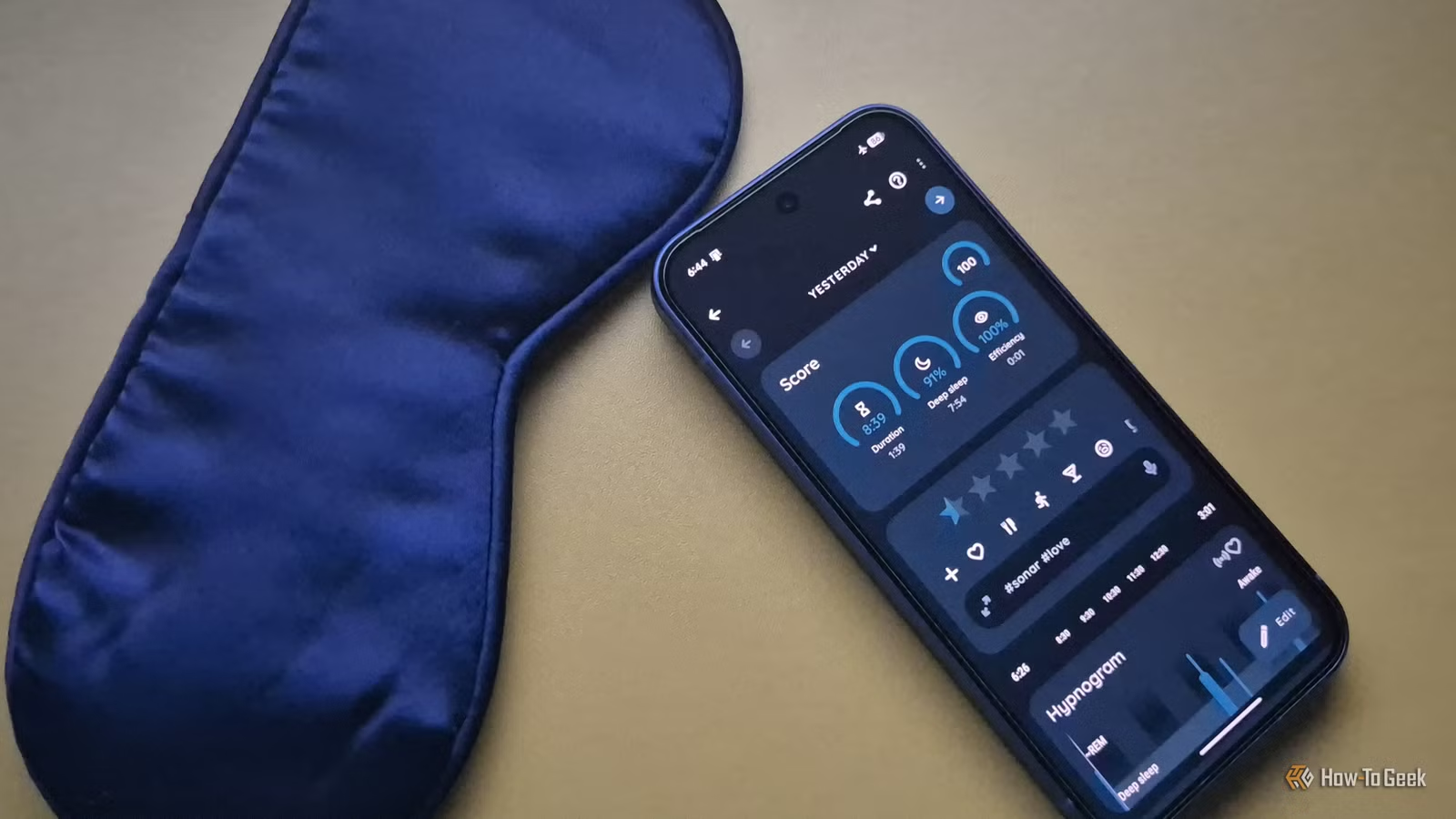
- An old Android phone can track sleep quality using its accelerometer and microphone without any wearable discomfort
- Keeping the device offline and distraction-free prevents doom-scrolling before bed
- Free apps like Sleep as Android use mattress vibrations to detect movement and record snoring patterns
Your old Android phone sitting in a drawer can outperform a smartwatch for sleep tracking. Tech journalist Dibakar Ghosh at How-To Geek turned a Google Pixel 6a into a dedicated bedside sleep companion, and after several optimizations, he found it more practical than wearing his Galaxy Watch 4 to bed.
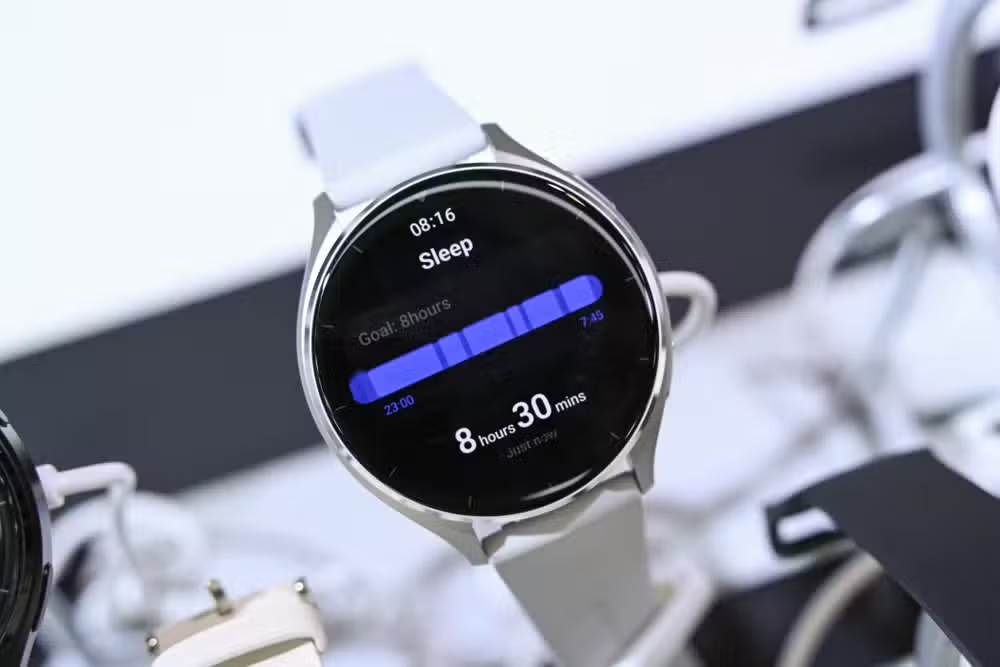
The setup solves two problems smartwatches create: physical discomfort and charging logistics. A watch strapped to your wrist needs skin contact for accurate heart rate readings, but that constant pressure can make falling asleep harder. Loosen it for comfort, and you sacrifice accuracy. Then there's the battery issue. Most Android smartwatches last 20 to 24 hours. Charge in the morning, and it might die at 3am. Charge before bed, and you start the next day at 40 percent.
Why a phone works for sleep tracking
Smartwatches pack dedicated health sensors that phones lack. But most people don't need blood oxygen monitoring while they sleep. What they actually want is simpler: a consistent sleep schedule and insight into sleep quality.
A phone placed on your mattress can detect movement through its accelerometer. Subtle vibrations travel through the bed, and the sensor picks them up. The microphone handles the rest: recording snoring, sleep talking, and ambient noise. You won't get heart rate data, but you'll know if you're waking up repeatedly, tossing around, or showing signs of sleep apnea.
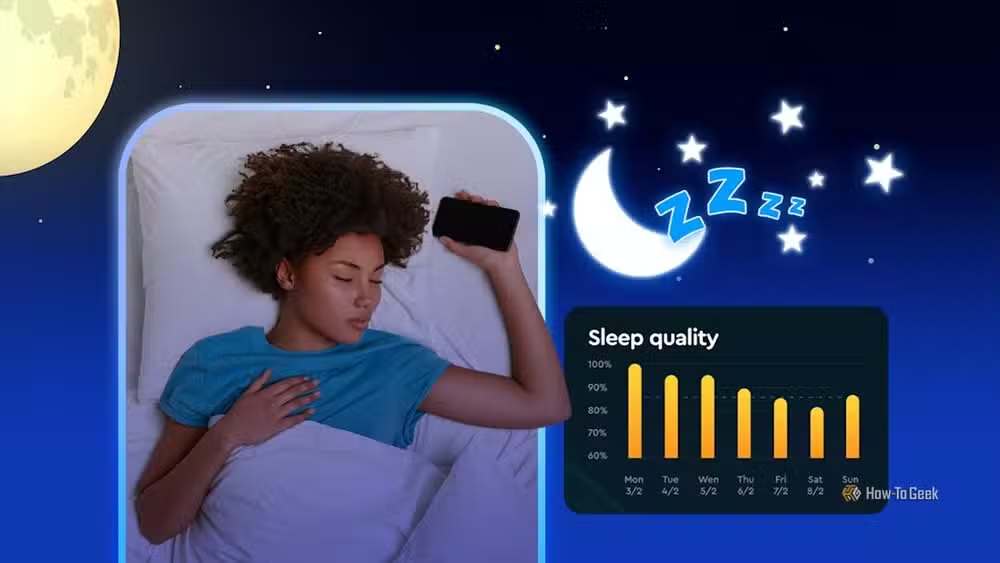
An estimated 400 million unused smartphones sit in American homes according to EPA data. Most are still functional. Repurposing one for sleep tracking keeps it out of the e-waste stream while saving you the cost of a dedicated sleep device, which typically runs between $40 and $300 for products like the Oura Ring or Withings Sleep Mat.
The critical first step: go offline
Ghosh's first move was keeping the Pixel 6a completely offline. No SIM card, no Wi-Fi connection during sleep hours. The reasoning is practical: your daily phone has work apps, social media, and entertainment. Placing that device on your nightstand invites doom-scrolling before bed and the moment you wake up.
A dedicated sleep phone has none of those distractions. It becomes boring by design. That boredom is the point.
Display settings that don't wreck your circadian rhythm
Even a boring phone emits blue light that can suppress melatonin. Two Android settings help. First, enable Night Light on a sunset-to-sunrise schedule. This shifts the display toward warmer tones automatically. Second, turn on grayscale through the Color Correction accessibility settings. A black-and-white screen is far less stimulating than a colorful one.
Bedtime Mode on Android combines these features and can silence notifications during sleep hours. Set it to activate automatically, and the phone becomes a passive monitoring device that won't buzz or flash throughout the night.
Which app to use for tracking
Sleep as Android is the standard recommendation for this setup. The app uses the phone's accelerometer to build a hypnogram showing sleep phases. It detects when you're in light sleep, deep sleep, or awake. The microphone records audio snippets when it detects snoring or talking, so you can review them in the morning.
The app also offers smart alarms. Instead of waking you at exactly 7:00am, it monitors your sleep cycle and wakes you during a light sleep phase within a window you define. Waking during light sleep feels less jarring than being pulled out of deep sleep.
Placement matters
Put the phone on your mattress, not the nightstand. The accelerometer needs to feel mattress vibrations to detect movement. A nightstand won't transfer those vibrations. Position it somewhere you won't knock it off the bed during the night but close enough to your body that it registers your movements.
Keep it plugged in. Unlike a smartwatch that must survive on battery, a phone can stay connected to power all night. This also means the microphone and sensors run continuously without battery anxiety.
More ways to repurpose old hardware for smart home automation
What you give up
This approach has clear limits. No heart rate monitoring. No blood oxygen levels. No skin temperature tracking. If you need clinical-grade data for a health condition, a phone on your mattress won't provide it. But for most people trying to fix an inconsistent sleep schedule, the phone delivers the metrics that actually matter: total sleep time, time spent awake, movement frequency, and audio evidence of snoring.
The bigger win might be psychological. A dedicated, boring device signals to your brain that the bedroom is for sleep, not stimulation. That separation has value no sensor can measure.
Frequently Asked Questions
Can any old Android phone work as a sleep tracker?
Most Android phones from the past five years have the necessary sensors. You need a working accelerometer and microphone. The phone doesn't need cellular service or even an active Google account for basic sleep tracking apps to function.
Is phone sleep tracking as accurate as a smartwatch?
For movement detection and audio recording, phone-based tracking is comparable. For biometric data like heart rate and blood oxygen, smartwatches are more accurate since they have direct skin contact. It depends on which metrics matter to you.
Will keeping my phone on the mattress damage it?
No significant risk if the phone is plugged in and not under blankets where it might overheat. Modern phones have thermal management, but avoid covering the device while it's charging and running sleep tracking apps.
Do I need to pay for Sleep as Android?
Sleep as Android offers a free tier with basic tracking. Advanced features like smart wake and detailed statistics require a one-time purchase or subscription, but the free version covers essential sleep monitoring.
Logicity's Take
The real insight here isn't about sleep tracking accuracy. It's about intentional friction. Using your primary phone as a sleep tracker defeats the purpose because that device is optimized for engagement. A dedicated sleep phone works precisely because it's useless for everything else. The same principle applies to other productivity challenges: sometimes the best tool is the one that can only do one thing.
Need Help Implementing This?
If you're building automation workflows around sleep data or integrating old devices into your smart home setup, reach out to the Logicity team for guidance on connecting these tools to broader productivity systems.
Source: How-To Geek
Manaal Khan
Tech & Innovation Writer
Produced with AI assistance and reviewed by the Logicity editorial team. Learn more in our Editorial Policy.






