Key Takeaways
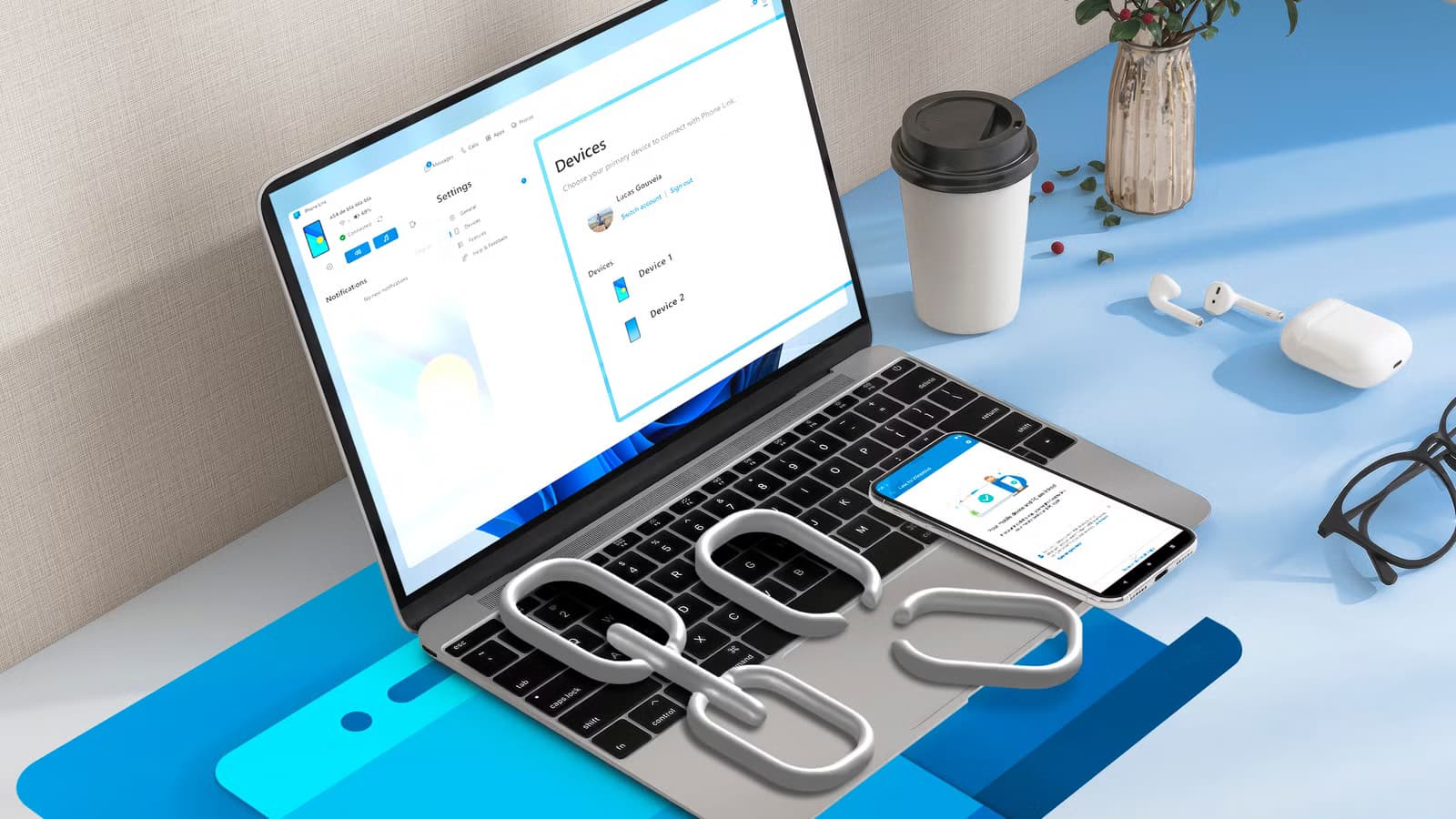
- Sefirah is a free, open-source Phone Link alternative that works on all Android phones without requiring a Microsoft account
- Clipboard sync and file sharing work instantly between PC and phone with no premium device restrictions
- KDE Connect offers similar features with cross-platform support including Apple devices
Windows Phone Link restricts its best features to Samsung devices and demands a Microsoft account. Sefirah, a free open-source alternative, removes both barriers. Clipboard sync, file transfers, and notification mirroring work on any Android phone, and everything stays local to your network.
Faisal Rasool at How-To Geek spent several weeks testing Sefirah alongside KDE Connect to find a better solution for moving files and text between phone and PC. His conclusion: both beat Microsoft's offering, but Sefirah wins on simplicity.
Why Phone Link frustrates most users
Microsoft's built-in Phone Link app has two problems. First, it requires signing into a Microsoft account, which means your data passes through Microsoft's servers. Second, clipboard sync only works on premium Samsung phones. If you own a Pixel, OnePlus, or any other Android device, you're locked out of the feature most people actually want.
This Samsung-exclusive deal has frustrated Windows users since Phone Link's early days. The app technically connects to other phones, but strips away the most useful functionality.
How Sefirah solves the clipboard and file sharing problem
Sefirah is available from the Microsoft Store or GitHub, with a companion app on the Play Store. Setup takes about a minute. Put both devices on the same network, and Sefirah auto-detects them. Tap to connect. No QR code required, though that option exists. No account creation.
The app requests accessibility service permission for clipboard sync and storage access for file transfers. Once granted, copying text on your PC instantly appears in your phone's clipboard. The same works in reverse. Rasool describes it as seamless, which matches the promise Phone Link made but never delivered for non-Samsung users.
File sharing works through the standard Android share menu. Select the Sefirah icon, and files land on your PC without confirmation dialogs. Sefirah treats connected devices as trusted by default. You can configure download paths in settings and receive notification alerts when files arrive.
What else can Sefirah do?
Beyond clipboard and files, Sefirah mirrors phone notifications to your desktop. You can read and reply to text messages without touching your phone. Media playback controls let you pause, skip, and adjust volume remotely. There are also buttons for locking, logging off, rebooting, and shutting down your PC from your phone.
Screen mirroring uses Scrcpy, another open-source project. If you've used Scrcpy before, you know it's fast and reliable. Sefirah integrates it directly, so you don't need to run command-line tools.
KDE Connect: the cross-platform option
KDE Connect has existed for years and the official KDE team maintains it. It runs on Windows, Linux, macOS, Android, and iOS. If you need to sync between an iPhone and a Linux machine, KDE Connect is your only realistic open-source choice.
Features include remote mouse and keyboard control, presentation mode, media sync, notification mirroring, device ringing when you lose your phone, and contact sync. Clipboard sharing requires manually clicking a "Send Clipboard" button, unlike Sefirah's automatic approach.
| Feature | Phone Link | Sefirah | KDE Connect |
|---|---|---|---|
| Microsoft account required | Yes | No | No |
| Clipboard sync (all phones) | Samsung only | Yes | Manual |
| File sharing | Limited | Yes | Yes |
| Screen mirroring | Samsung only | Yes (Scrcpy) | Yes |
| Cross-platform | Windows only | Windows/Android | All major platforms |
| Open source | No | Yes | Yes |
Which should you choose?
For Windows and Android users who want the simplest setup with automatic clipboard sync, Sefirah is the better pick. It does fewer things than KDE Connect but does them with less friction.
KDE Connect makes sense if you work across multiple operating systems or need advanced features like remote keyboard input or presentation control. The manual clipboard button adds an extra step, but the broader device support compensates.
Both apps keep everything on your local network. No cloud sync means no data leaving your home or office, which matters if you're copying passwords, confidential text, or business files.
Logicity's Take
Microsoft's decision to lock useful features behind Samsung partnerships was always short-sighted. It created a vacuum that open-source projects filled. Sefirah and KDE Connect prove that local-first tools can outperform cloud-dependent corporate software. For enterprise IT teams, these apps also offer something Phone Link doesn't: no mandatory Microsoft account means simpler compliance and fewer data-residency concerns.
Frequently Asked Questions
Does Sefirah work without an internet connection?
Yes. Sefirah uses your local network only. Both devices need to be on the same Wi-Fi, but no internet connection is required after installation.
Can Sefirah sync with iPhone?
No. Sefirah currently supports Windows PCs and Android devices only. For iPhone compatibility, use KDE Connect, which has an iOS app.
Is Sefirah safe to use for sensitive data?
Sefirah is open-source with code available on GitHub for inspection. All data stays on your local network and never touches external servers. For most users, this is more private than cloud-synced alternatives.
What Android versions does Sefirah support?
Sefirah works on Android devices running relatively recent versions. Check the Play Store listing for specific minimum requirements, which may change with updates.
Need Help Implementing This?
If you're deploying phone-to-PC sync tools across a team or organization, Logicity can help you evaluate security, compliance, and workflow integration. Contact us for consulting on open-source enterprise tooling.
Source: How-To Geek
Manaal Khan
Tech & Innovation Writer
Produced with AI assistance and reviewed by the Logicity editorial team. Learn more in our Editorial Policy.






