Key Takeaways
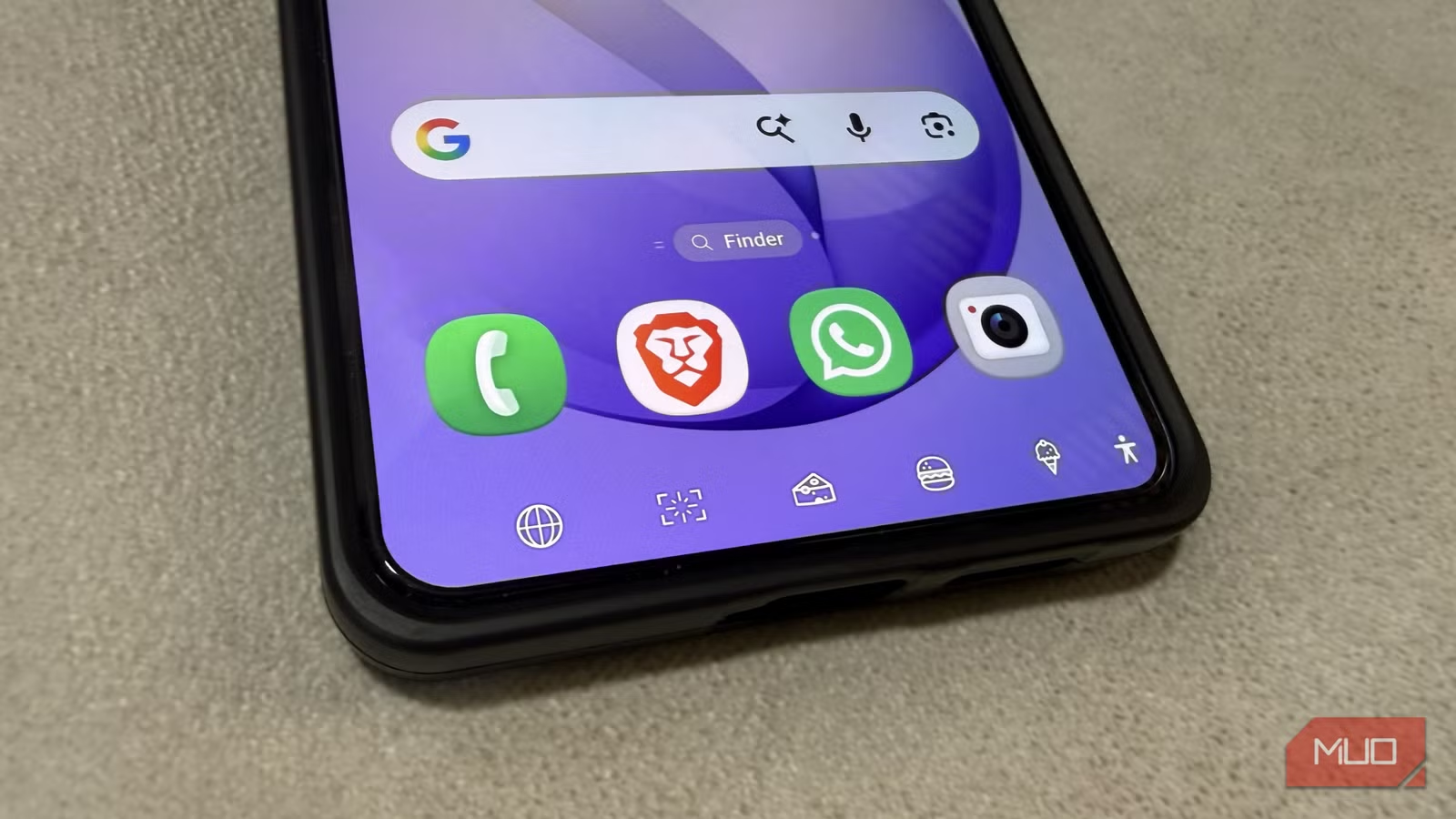
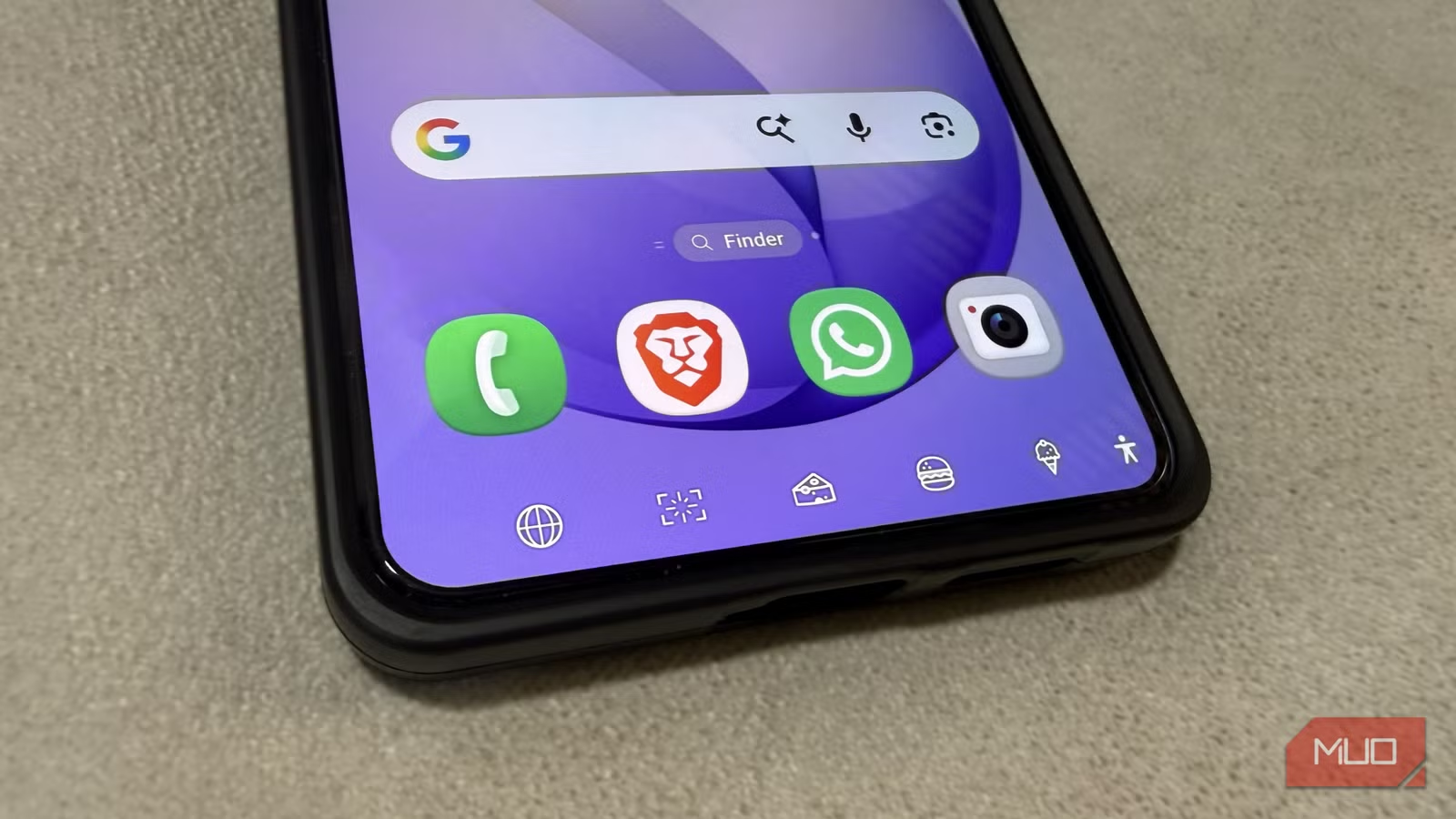
- NavStar lets you add two extra shortcut buttons to the navigation bar for camera, screenshots, volume, or media controls
- You can rearrange buttons, adjust spacing, and swap icons to personalize the navigation bar
- The app is free through Samsung's Good Lock ecosystem, available on Galaxy phones
Why the Classic Navigation Bar Needs an Upgrade
Gesture navigation has become the default on most Android phones. It's faster, takes no screen space, and feels modern. Phone manufacturers have pushed it hard, and most users have made the switch.
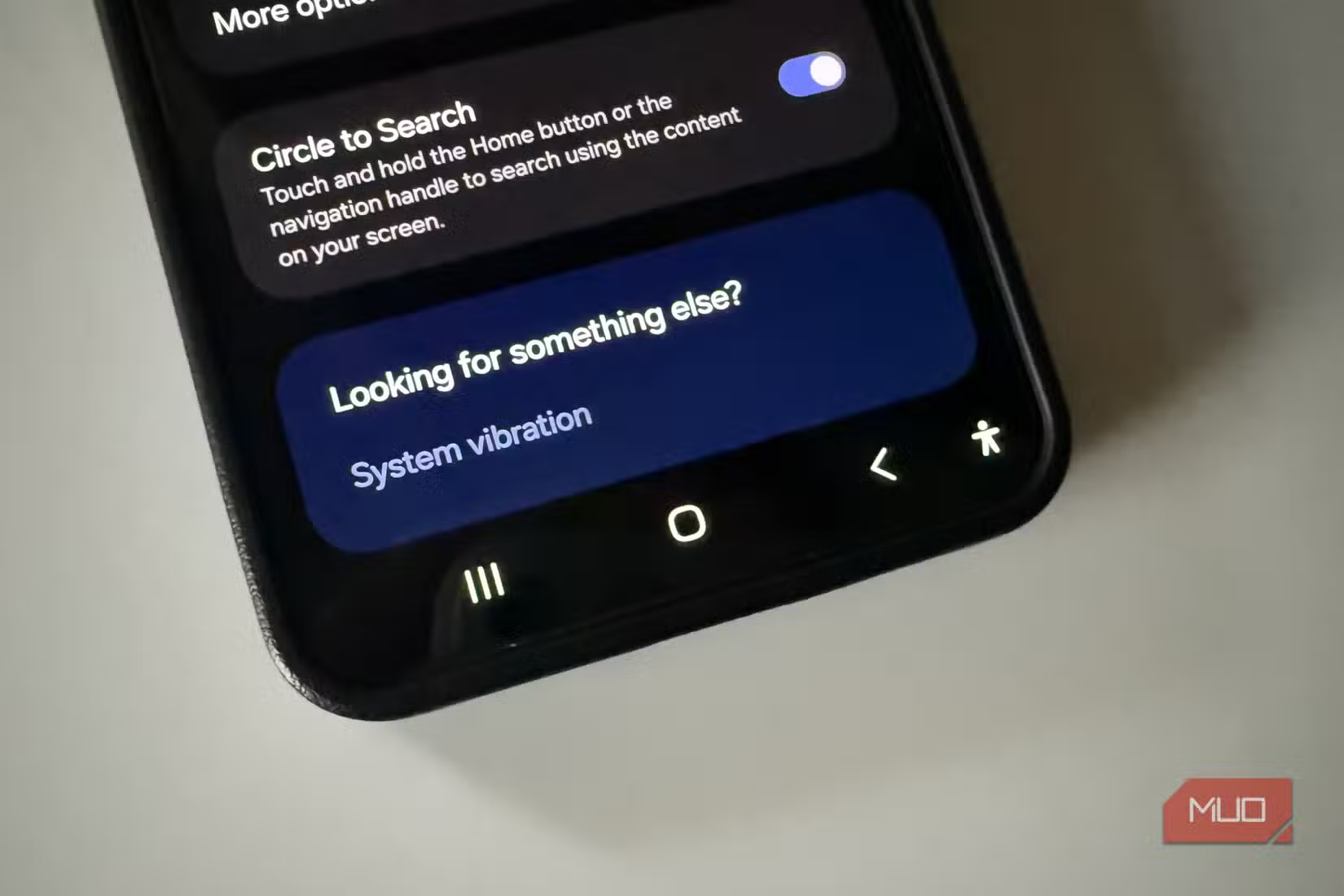
But the old 3-button layout (triangle, circle, square) still has fans. It's familiar and easy to use. The problem is that Android never gave it much room to grow. You can swap the back and recent buttons. That's about it. The bar sits there, eating screen space, doing the bare minimum.
Samsung's NavStar changes that equation. It's part of the Good Lock ecosystem, a collection of free customization tools for Galaxy phones. NavStar takes the navigation bar and turns it into something you might actually want to keep around.
What NavStar Actually Does
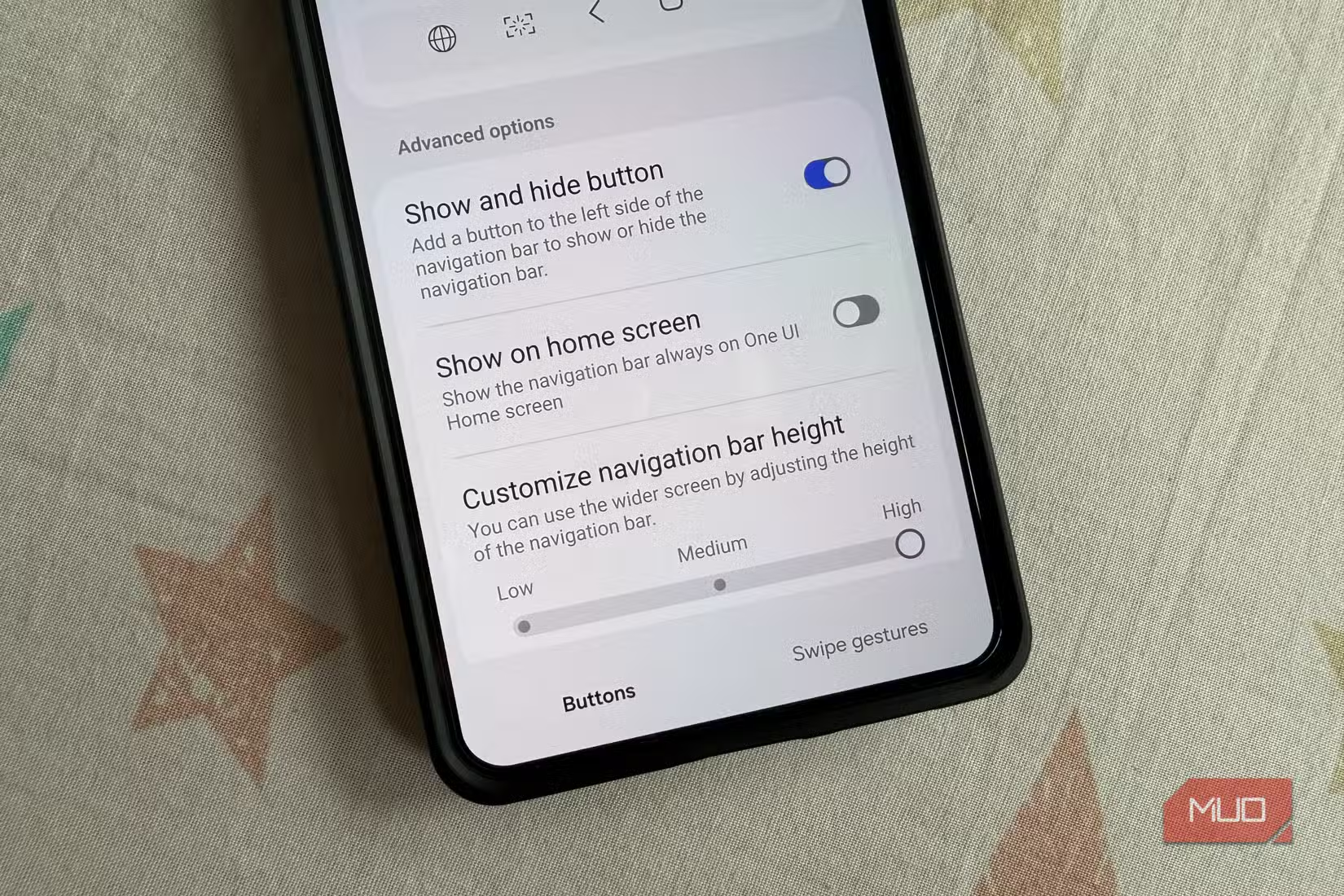
The app lets you customize nearly every aspect of the navigation bar. You can rearrange buttons, tweak spacing, and change icons. But the real draw is adding extra functionality.
NavStar lets you add shortcut buttons to the navigation bar. These can open the camera, take screenshots, launch your browser, turn off the screen, adjust volume, or control media playback. Your Galaxy phone can fit two extra buttons at a time, so you pick the actions that matter most to you.
For most people, the navigation bar does one thing: navigation. It gets you back, home, or to recent apps. NavStar breaks that limitation by turning the bar into a shortcut hub for actions you use constantly.
How to Set Up NavStar
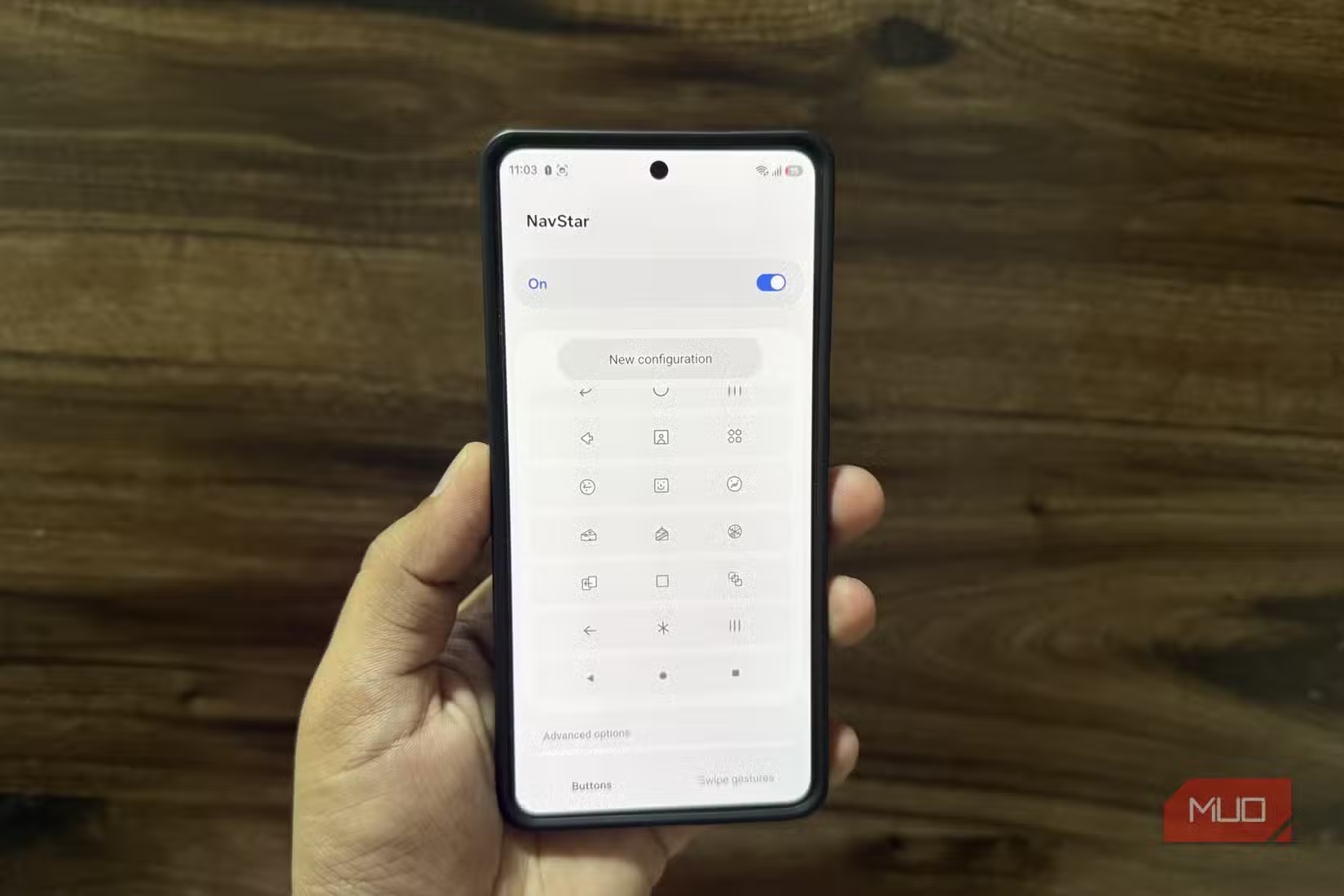
NavStar is available through Samsung's Good Lock app. If you haven't used Good Lock before, it's a free download from the Galaxy Store. Once installed, you'll find NavStar listed among the available modules.
- Open the Galaxy Store and download Good Lock
- Launch Good Lock and find NavStar in the module list
- Install NavStar and open it from within Good Lock
- Toggle on the navigation bar (if you're using gestures)
- Add your preferred shortcut buttons and arrange them
The app gives you a preview of your changes before applying them. You can experiment with different layouts without committing to anything permanent.
When Button Navigation Beats Gestures
Gesture navigation is still faster for pure navigation tasks. Swiping from the edge to go back is quicker than tapping a button. But NavStar shifts the comparison.
If you constantly reach for the same actions, having them one tap away on the navigation bar saves time. Opening the camera from a button is faster than swiping to a home screen and finding the icon. Same for screenshots, volume adjustments, or media controls.
The tradeoff is screen space. The navigation bar takes a strip at the bottom that gesture navigation doesn't need. Whether that's worth it depends on how you use your phone and which shortcuts you'd add.
Another look at how the right plugins can transform default software
Other Good Lock Modules Worth Trying
Good Lock has dozens of modules beyond NavStar. Some of the more useful ones include LockStar for customizing your lock screen, QuickStar for notification panel tweaks, and SoundAssistant for audio controls. Each one addresses something Samsung's default settings don't handle well.
The ecosystem is exclusive to Samsung. If you switch to another Android phone, you lose access to all of it. That's part of the value proposition Samsung is building: software features that keep users on Galaxy hardware.
Logicity's Take
The Bottom Line
NavStar won't convert everyone back to button navigation. Gesture controls still have clear advantages for screen space and speed. But if you've stuck with the 3-button layout out of habit, NavStar gives you a reason beyond nostalgia.
Adding two shortcut buttons to the navigation bar turns it from a legacy feature into a productivity tool. That's a worthwhile upgrade for zero dollars.
Frequently Asked Questions
Is Samsung NavStar free?
Yes. NavStar is a free module within Samsung's Good Lock app, which is also free from the Galaxy Store.
Can I use NavStar on non-Samsung Android phones?
No. NavStar and the entire Good Lock ecosystem are exclusive to Samsung Galaxy devices.
How many extra buttons can NavStar add to the navigation bar?
You can add up to two extra shortcut buttons alongside the standard back, home, and recent buttons.
What shortcuts can I add with NavStar?
Options include camera launch, screenshot, browser, screen off, volume control, and media playback controls.
Will NavStar slow down my phone?
NavStar is lightweight and runs as part of Samsung's system tools. Users report no noticeable performance impact.
Need Help Implementing This?
Source: MakeUseOf
Manaal Khan
Tech & Innovation Writer
Produced with AI assistance and reviewed by the Logicity editorial team. Learn more in our Editorial Policy.






