Key Takeaways
- Good Lock includes 20 separate modules covering cameras, lock screens, navigation, and system animations
- Camera Assistant unlocks a hidden 24MP mode on Galaxy S26 phones not available in the default Camera app
- The app supports over 500 Samsung device models including mid-range A-series phones
Every Android manufacturer puts their own spin on the operating system. Some add bloat. Some add genuine features. Samsung's One UI has evolved from the former camp to the latter, and a lot of that transformation comes down to one app: Good Lock.
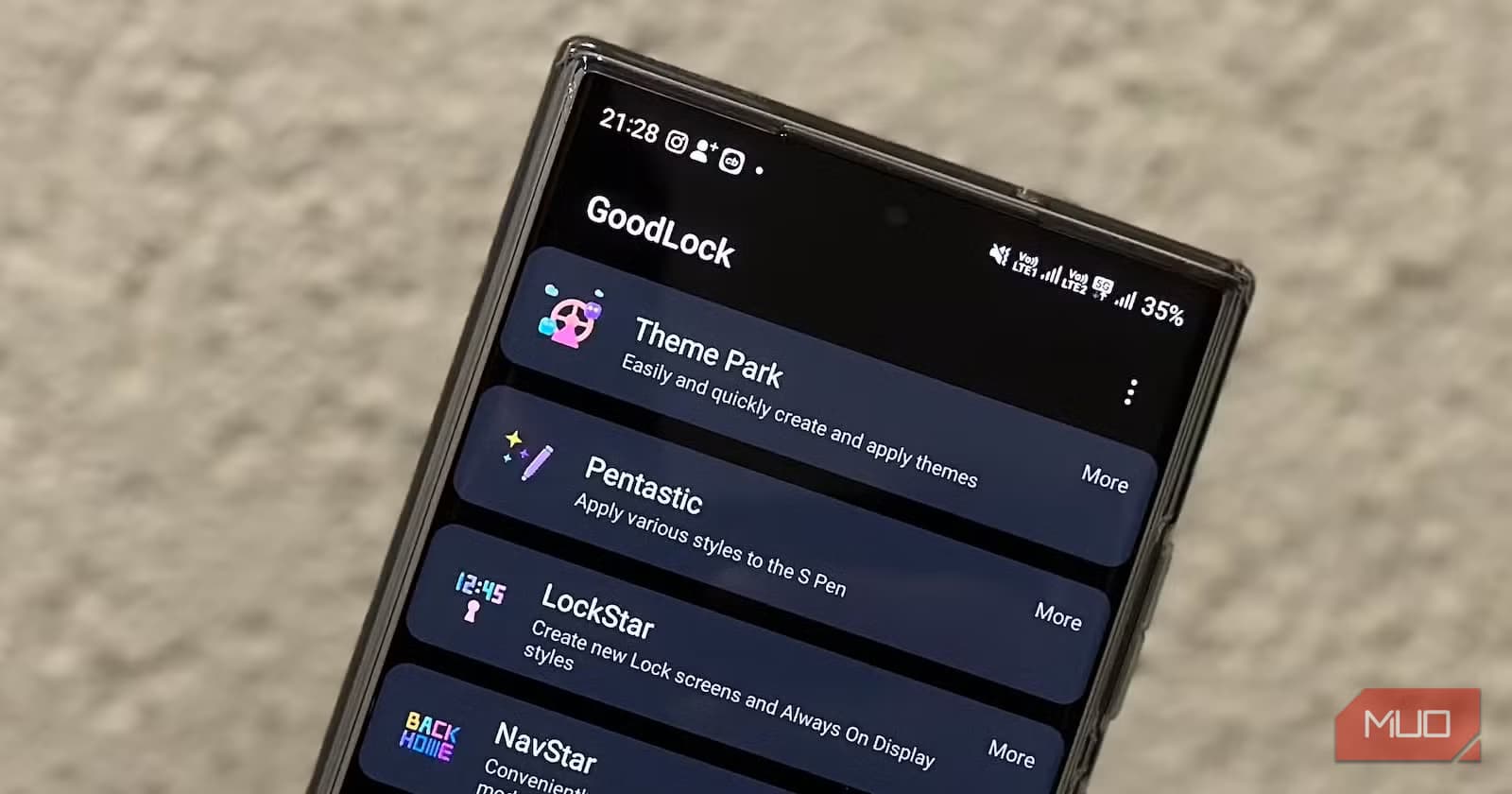
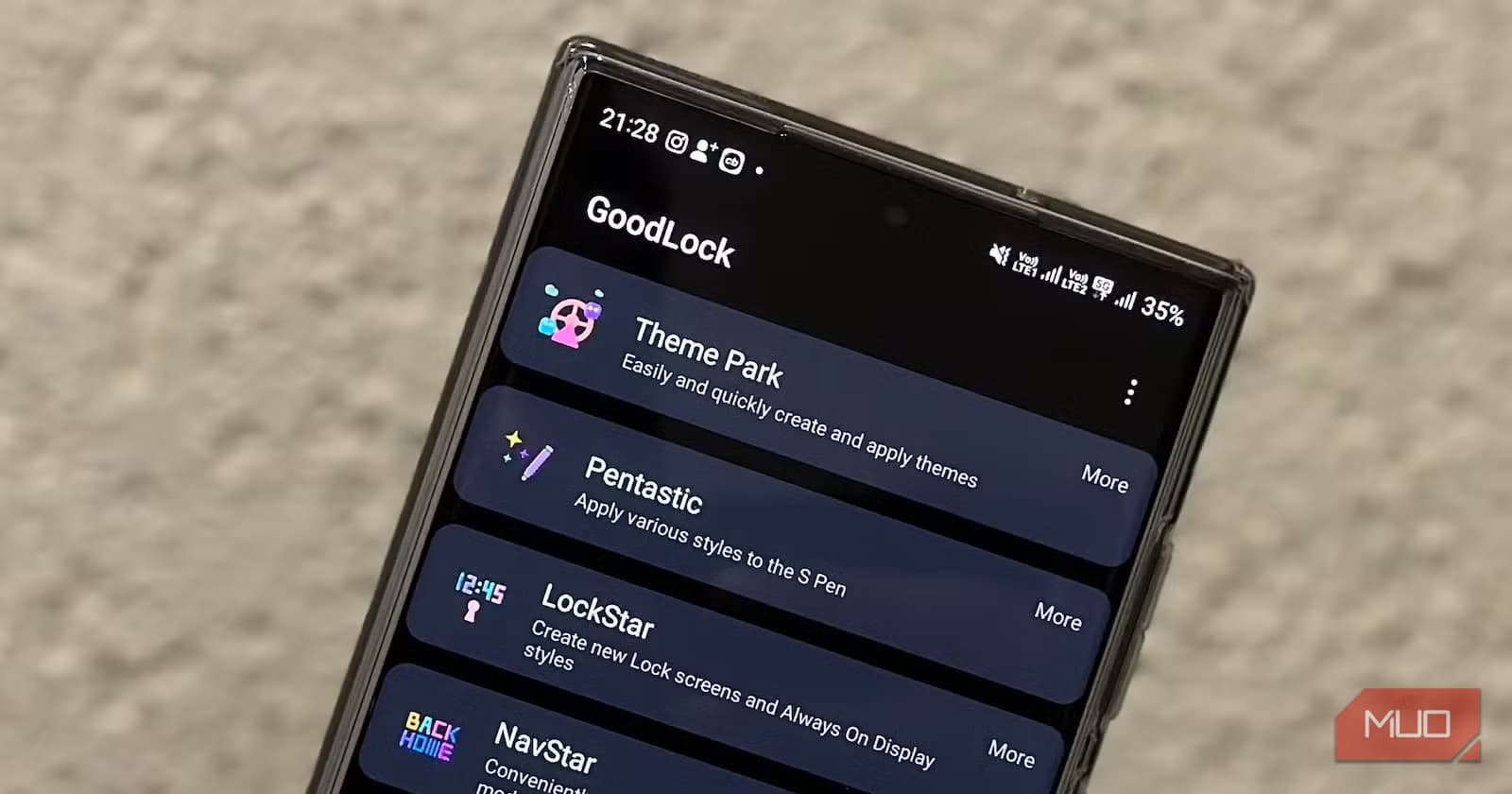
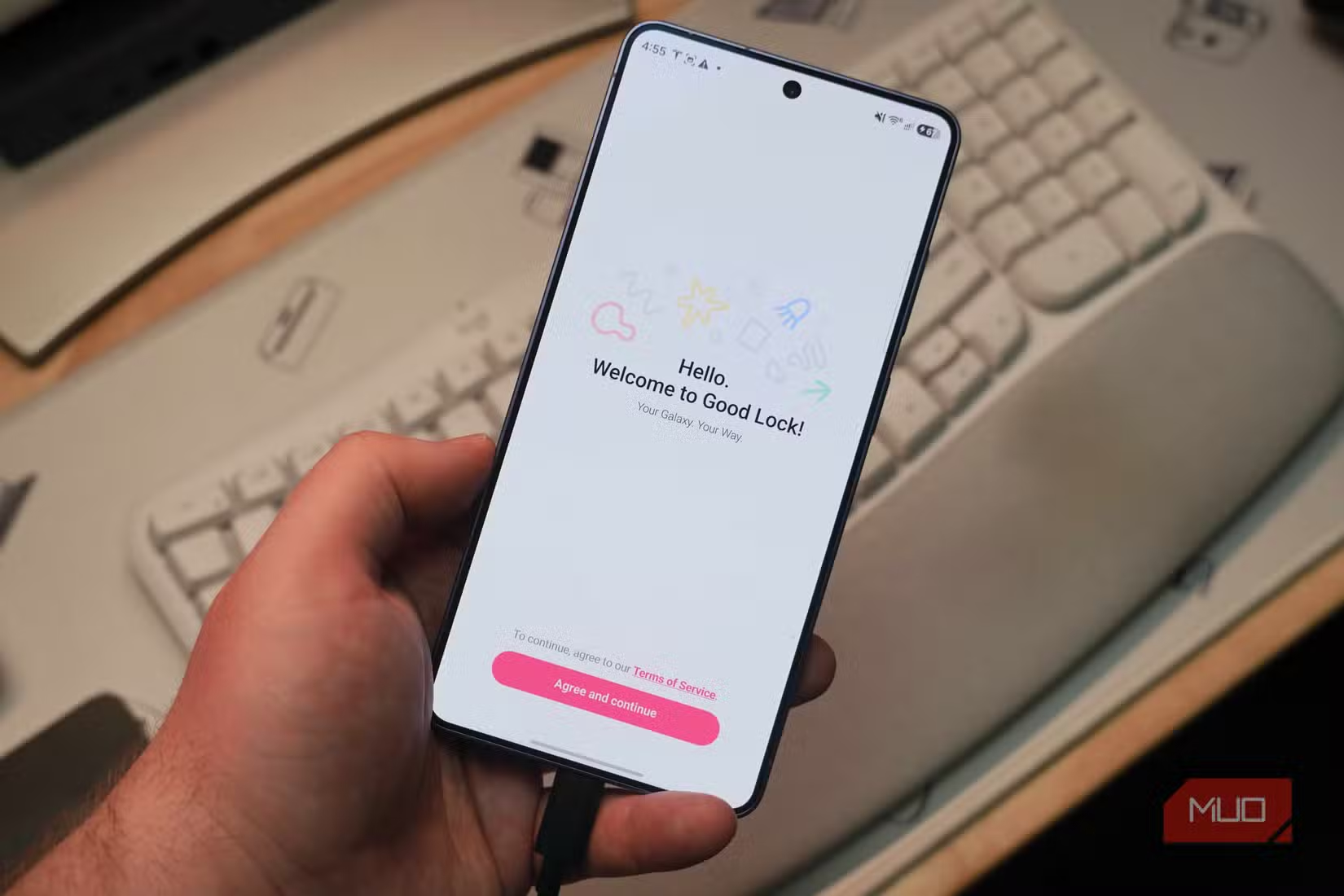
Good Lock is Samsung's official customization toolkit, available free through the Galaxy Store. It contains 20 separate modules, each targeting a specific part of the phone experience. Camera Assistant handles advanced photo settings. Home Up lets you redesign your home screen layout. LockStar overhauls your lock screen with new animations and layouts.
The result? A Galaxy phone that feels like a custom ROM, without the warranty concerns or technical headaches of actually flashing one.
What Good Lock Actually Does
Good Lock works through individual modules. You download the main Good Lock app, then activate whichever modules interest you. Each one modifies a different part of the system.
Camera Assistant, for example, doesn't create a separate camera app. It adds an extra settings page to Samsung's native Camera app with options that aren't available otherwise. On the Galaxy S26 series, this includes a 24MP shooting mode that Samsung built into the hardware but didn't expose in the default interface.
The module approach is intentional. Samsung could bake these features directly into One UI, but keeping them separate serves two purposes. Power users get deep customization options. Casual users don't get overwhelmed by settings they'll never touch.
“Good Lock is no longer a niche tool for power users; it's now the primary differentiator that makes a Samsung phone feel truly *yours*.”
— Alex Rivers, Senior Android Analyst at MobileFocus
The Module Lineup in One UI 8.5
The latest One UI 8.5 release expanded Good Lock's capabilities considerably. Here's what the key modules offer:
- Camera Assistant: Hidden camera modes, shooting behavior tweaks, and advanced settings for over 500 Samsung device models
- LockStar: 10+ unlock animation styles including Spread, Wave, and Warp effects
- Home Up: Custom folder shapes, grid layouts, and home screen configurations
- Game Booster+ 2.0: Gamepad touch mapping and performance tuning for mobile gaming
- Theme Park: 3D icons and color extraction from wallpapers
- Wonderland: Custom animations and motion effects for the interface
Samsung's internal briefing on the update emphasized modularity. The company wants users to have system-level control over animations and performance without needing developer tools or root access.
How to Get Started
Good Lock is available through the Galaxy Store and Google Play Store. The main app is just a launcher for the individual modules. After installing Good Lock, you'll see a list of available modules organized by category.
- Download Good Lock from the Galaxy Store or Play Store
- Open the app and browse available modules
- Tap any module to download and activate it
- Access module settings through Good Lock or the relevant system app
Some modules appear as standalone apps after installation. Others, like Camera Assistant, integrate directly into existing Samsung apps. The integration varies by module, but Good Lock itself serves as a central hub for managing everything.
Why This Matters for Galaxy Owners
The custom ROM community exists because stock Android and manufacturer skins often lack flexibility. Good Lock eliminates most reasons to install a custom ROM on a Samsung phone. You get comparable customization depth with none of the downsides: no warranty voiding, no security concerns, no compatibility headaches with banking apps.
Reddit communities around Samsung phones have noticed. The r/Samsung and r/OneUI subreddits are filled with setup threads where users share home screen designs built with Theme Park's 3D icons and Home Up's folder customization. The general sentiment is that these tools extend device longevity by letting owners refresh their phone's look without buying new hardware.
Camera Assistant's device support is particularly notable. It works on over 500 Samsung models, including mid-range A-series phones. The customization toolkit isn't limited to flagship buyers.
Logicity's Take
The Controversy Around Good Lock
Not everyone loves the module approach. Some Samsung users argue that features like the 24MP camera mode should be built directly into One UI. Why hide useful functionality behind a separate app download?
The counterargument: most people don't want 20 extra settings menus. Good Lock keeps advanced options available without cluttering the main interface. It's optional power, not mandatory complexity.
✅ Pros
- • Deep customization without custom ROMs or root access
- • Modular design lets users install only what they need
- • Wide device support including budget Samsung phones
- • Free with no premium tier or subscriptions
❌ Cons
- • Some features arguably should be in the main OS
- • Module availability varies by region
- • Learning curve to understand what each module does
Another hidden Samsung feature worth enabling
Frequently Asked Questions
Frequently Asked Questions
Is Samsung Good Lock free?
Yes. Good Lock and all its modules are free to download from the Galaxy Store or Google Play Store. There's no premium version or subscription.
Does Good Lock work on mid-range Samsung phones?
Most modules work on a wide range of Samsung devices. Camera Assistant alone supports over 500 models, including A-series phones. Some modules may have device restrictions, but coverage is broad.
Will Good Lock void my warranty?
No. Good Lock is an official Samsung app. Using it doesn't void your warranty or trigger security flags like custom ROMs would.
How do I access the 24MP camera mode on Galaxy S26?
Download the Camera Assistant module through Good Lock, then open your Camera app's settings. The 24MP option appears in the new Camera Assistant settings section.
Is Good Lock available in all countries?
Good Lock is available in most regions, but some modules have geographic restrictions. If a module doesn't appear in your Good Lock app, it may not be available in your country yet.
Need Help Implementing This?
Source: MakeUseOf
Galaxy Watch Ecosystem Integration
The new article introduces features exclusive to pairing a Galaxy Watch with a Samsung phone, specifically focusing on the integration of 'Modes and Routines' between the phone and watch. This adds a new dimension to Samsung's ecosystem capabilities beyond the customization modules discussed in the original article.
Huma Shazia
Senior AI & Tech Writer
Produced with AI assistance and reviewed by the Logicity editorial team. Learn more in our Editorial Policy.