Key Takeaways
- Object Eraser removes background subjects with accuracy rivaling Google Pixel's Magic Eraser
- Lasso tool creates custom WhatsApp stickers from photos in seconds without third-party apps
- Samsung's Gallery now includes Spot Color, Moiré removal, and Style filters powered by generative AI
Most people who post photos to Instagram or WhatsApp keep a folder of editing apps. Snapseed for tone adjustments. CapCut for quick cuts. Canva for stickers. The problem is the friction: you take a photo, close the camera, open another app, import the file, wait for it to load, then start editing.
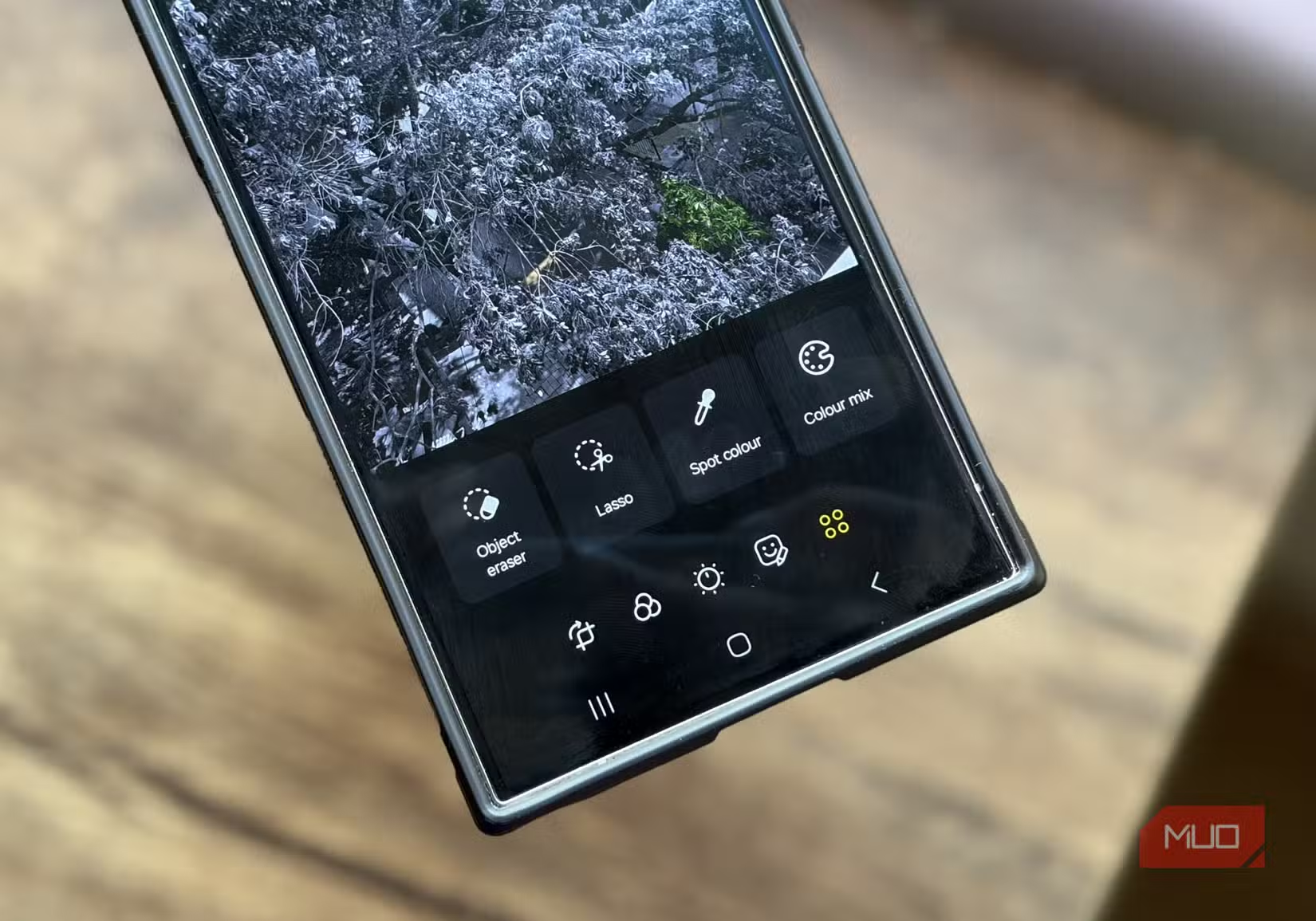
Samsung's Gallery app now handles most of those tasks without the app-switching. Object Eraser removes photobombers. Lasso cuts out subjects for stickers. Spot Color isolates a single hue while desaturating the rest. Moiré smooths screen patterns in photos of monitors. Style applies artistic filters. All of it runs on-device with Galaxy AI.
The company is targeting 800 million Galaxy AI-enabled devices globally by the end of 2026, up from roughly 200 million at the start of 2025. Consumer awareness of Galaxy AI features increased 80% between 2025 and 2026, according to Samsung's internal tracking.
Object Eraser works better than most third-party tools
Object Eraser is the standout feature. It uses generative AI to remove people or objects from the background, then fills the space with synthetic pixels that match the surroundings. You tap what you want gone, and the app does the rest.
After testing similar tools on Android phones from Xiaomi, OnePlus, and Oppo, Samsung's implementation is consistently more accurate. Only Google's Pixel phones come close. The difference shows up in edge cases: removing a person standing in front of a textured wall or erasing a sign partially obscured by a tree branch. Samsung's model handles partial occlusion better than most.
The tool fails when you try to remove large objects that occupy 30% or more of the frame. It also struggles with reflections. If someone appears both in the scene and mirrored in glass, erasing one often leaves artifacts in the other.
Lasso turns photos into WhatsApp stickers
Lasso is a subject-cutout tool. You draw around a person or object, and the app isolates it from the background. The result can be saved as a PNG with transparency, which works as a WhatsApp sticker.
Most people use Lasso for custom emoji-style stickers from photos of friends or pets. The tool offers freeform drawing or shape templates like circles and hearts. Edge detection is automatic once you rough out the boundary.
The speed matters here. Creating a sticker takes 10 to 15 seconds from opening the photo to saving the result. Third-party apps like Sticker Maker require import, manual masking, and export steps that add up to a minute or more.
Spot Color, Moiré, and Style are situational
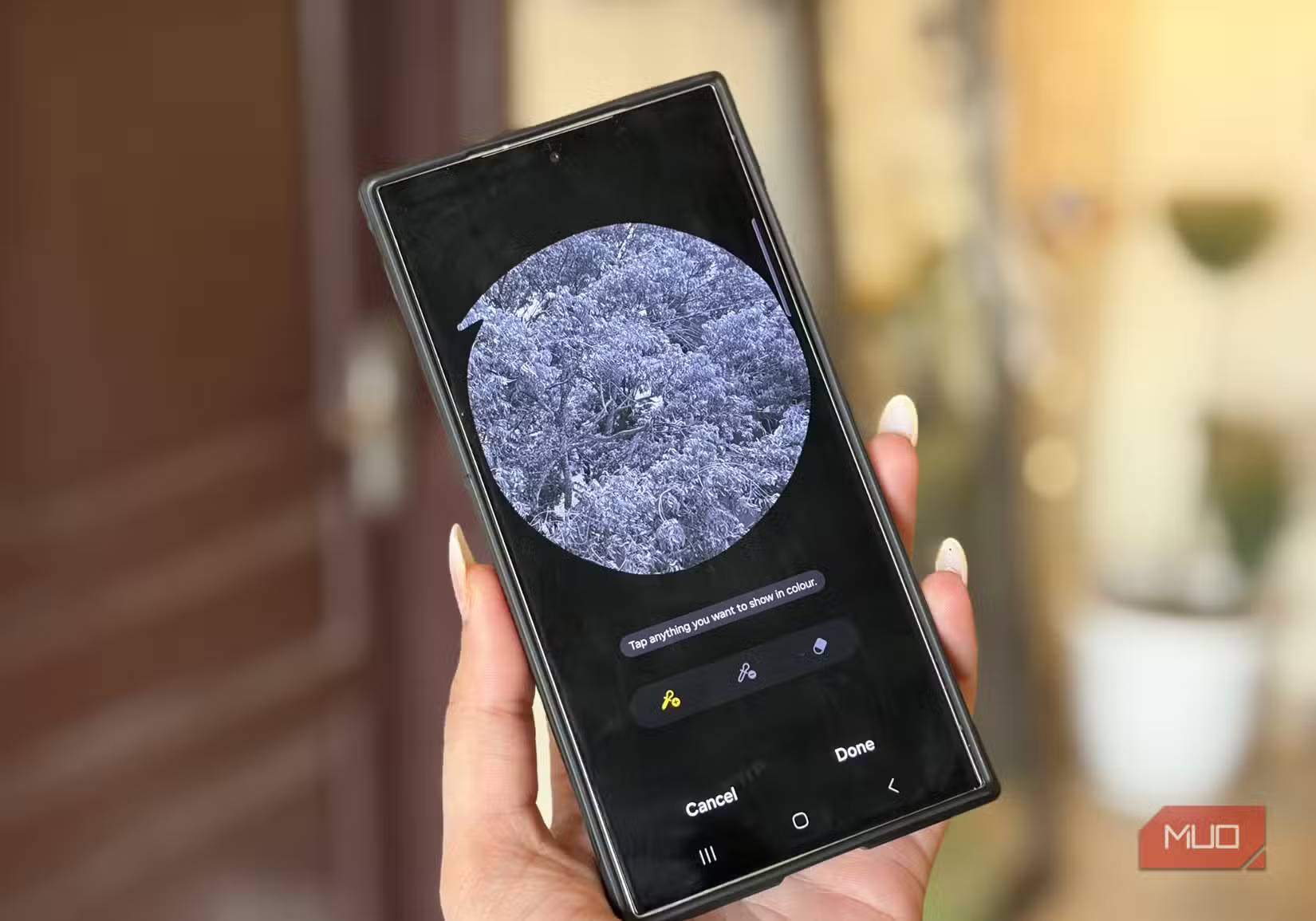
Spot Color desaturates everything except a single hue you select. It's the effect you see in old movies where a red dress stands out in a black-and-white scene. The implementation is clean, but the look is polarizing. Some people love it. Others think it's dated.
Moiré removal smooths the wavy interference patterns that appear when you photograph a screen or fabric with fine lines. The algorithm works by blurring the pattern selectively without softening the rest of the image. It's useful if you take photos of monitors for work documentation.
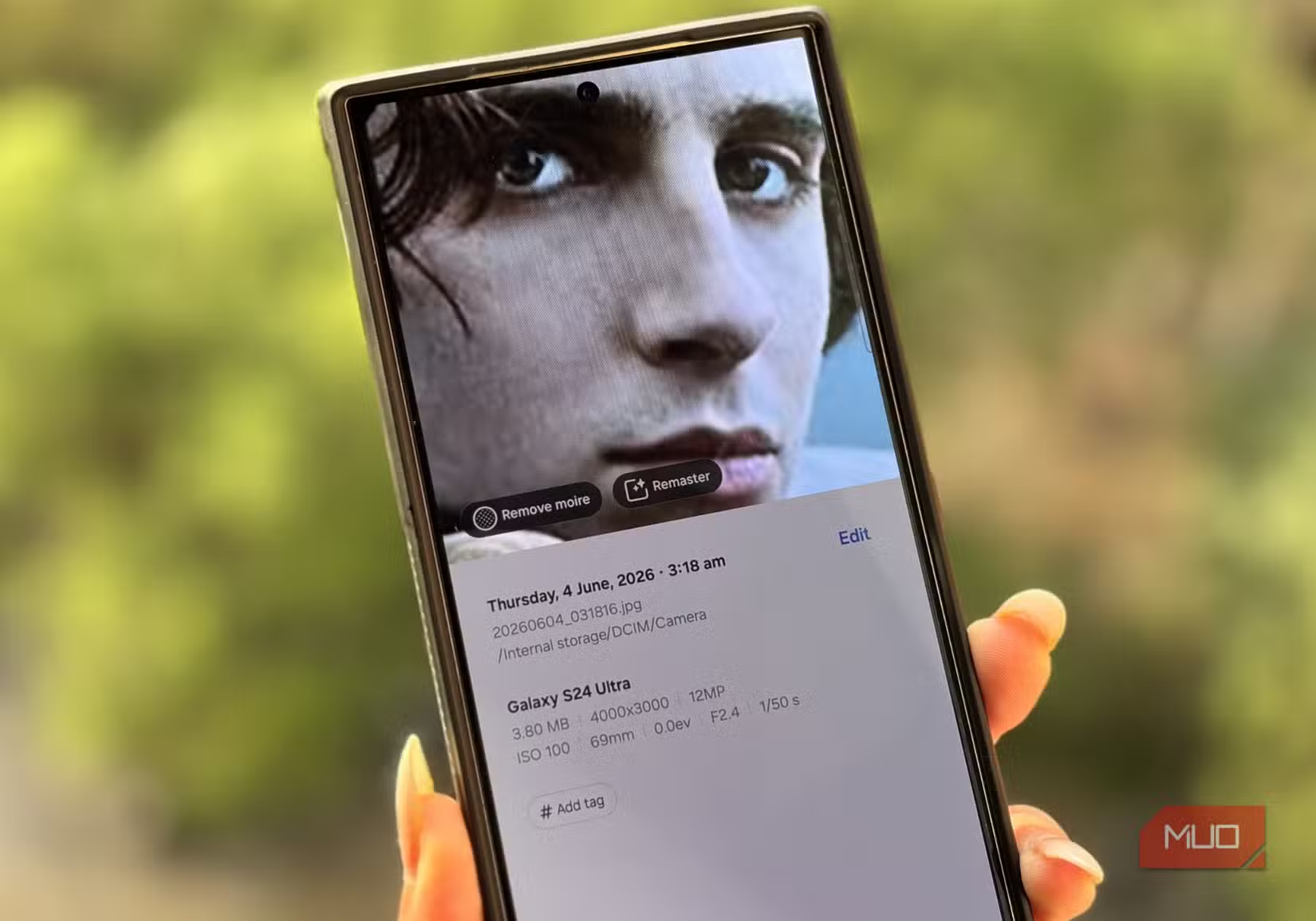
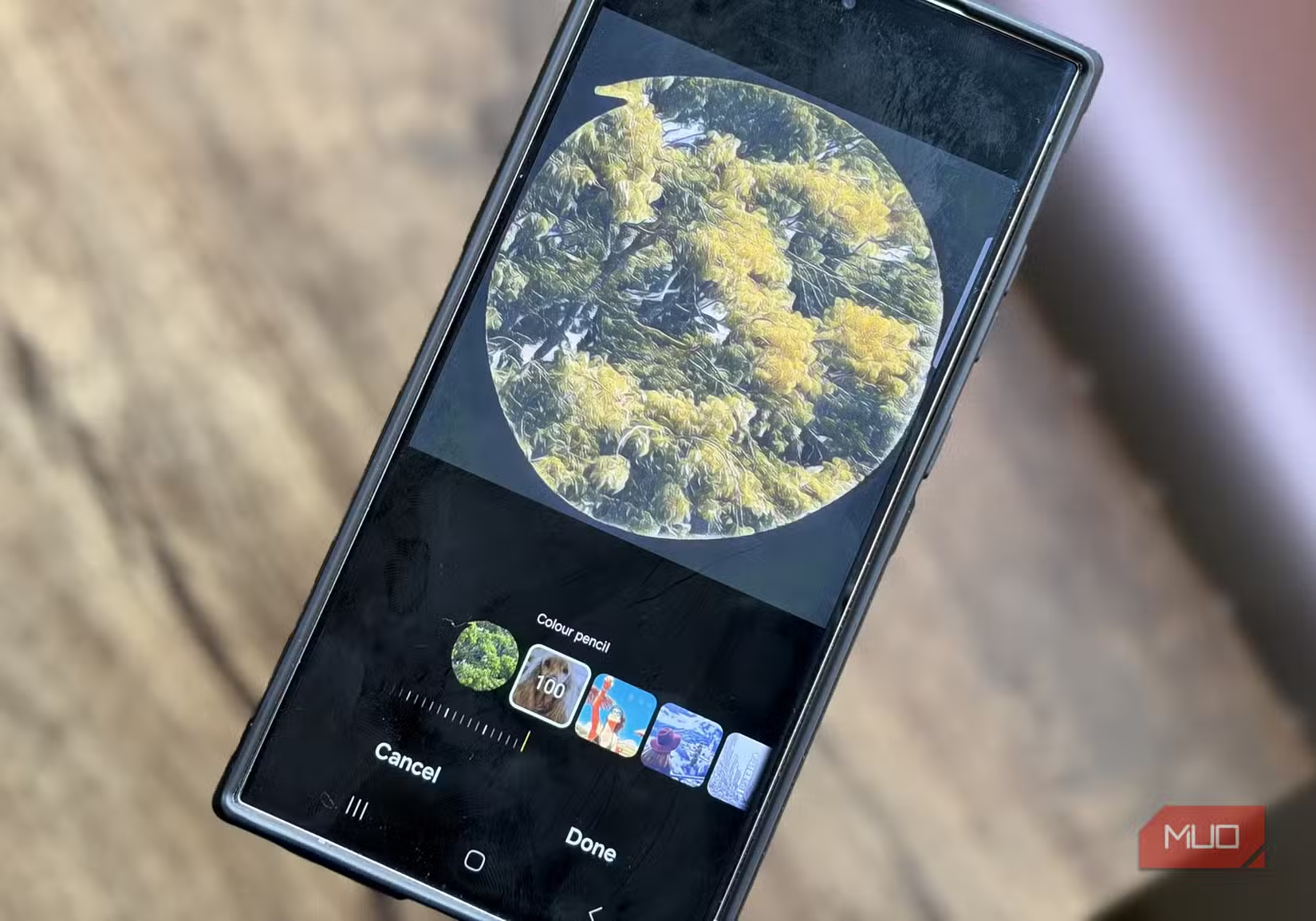
Style applies artistic filters like oil painting, watercolor, or sketch. The results are hit-or-miss. Portraits often work. Landscapes with lots of detail turn muddy. The filters are fun to experiment with, but most people won't use them regularly.
Samsung is betting on onboard AI to replace third-party apps
Samsung's strategy is to make the Gallery app capable enough that most users stop downloading editing software. The company introduced generative AI editing with the Galaxy S24 series in early 2024, then expanded the features to mid-range phones in 2025.
“We are not just enhancing images; we are redefining the creative potential of every smartphone user, making advanced editing tools as intuitive as taking a snapshot.”
— T.M. Roh, President and Head of Mobile eXperience Business at Samsung Electronics
The shift reflects a broader trend. Apple, Google, and Xiaomi all now bundle AI editing into their stock photo apps. The goal is to reduce friction by keeping users inside the native ecosystem.
Samsung's AI infrastructure investments helped drive a record $37.8 billion operating profit in Q1 2026. The bulk of that came from memory chips sold to data centers, but the company also benefits indirectly when AI features increase Galaxy phone sales.
Ethics debates follow AI editing everywhere
Reddit communities like r/samsung and r/Android debate whether heavy AI editing crosses ethical lines. Some users argue that removing people or changing backgrounds creates misleading social media content. Others say it's no different from applying a filter.
The r/GalaxyS24 and r/GalaxyS25 subreddits swap tips for unlocking experimental features in Gallery Labs, a hidden settings menu. Features there include background expansion, which uses generative AI to extend a photo's edges, and portrait relighting, which adjusts light direction after the fact.
The concern is real but hard to regulate. Samsung watermarks AI-edited images in the metadata, but the tag is invisible unless you inspect the file properties. Social platforms don't surface it.
Logicity's Take
Frequently Asked Questions
Does Samsung Object Eraser work offline?
Yes. Object Eraser runs entirely on-device using Samsung's Galaxy AI, so it works without an internet connection. The processing happens on the phone's NPU (neural processing unit) rather than in the cloud.
Which Samsung phones support Gallery's AI editing features?
All Galaxy S24, S25, and S26 series phones include full AI editing. The Galaxy A55 and A56 got Object Eraser and Lasso in a software update in late 2025. Older phones like the S23 series received limited features through One UI 6.1 and later updates.
Can you tell if a photo was edited with Samsung's AI tools?
Samsung embeds a metadata tag in AI-edited images, but it's not visible in the Gallery app or on social media. You have to open the file properties to see it. Instagram, Facebook, and WhatsApp strip the tag when photos are uploaded.
How does Samsung Object Eraser compare to Google Magic Eraser?
Both use generative AI to remove objects and fill the background. Samsung's tool handles partial occlusion slightly better, while Google's works more reliably on large objects. Accuracy is similar in most everyday scenarios.
Are Samsung Gallery edits free or do they require a subscription?
All editing features in Samsung Gallery are free and included with the phone. There are no in-app purchases or subscription tiers. Samsung has not announced plans to paywall any Gallery features.
Need Help Implementing This?
Source: MakeUseOf
Manaal Khan
Tech & Innovation Writer
Produced with AI assistance and reviewed by the Logicity editorial team. Learn more in our Editorial Policy.






