Key Takeaways
- Seaborn reduces boilerplate code by up to 90% compared to raw Matplotlib
- Pixi makes setting up a Python plotting environment painless across macOS, Linux, and Windows
- Python visualizations are reproducible and scriptable, unlike manual Excel chart editing
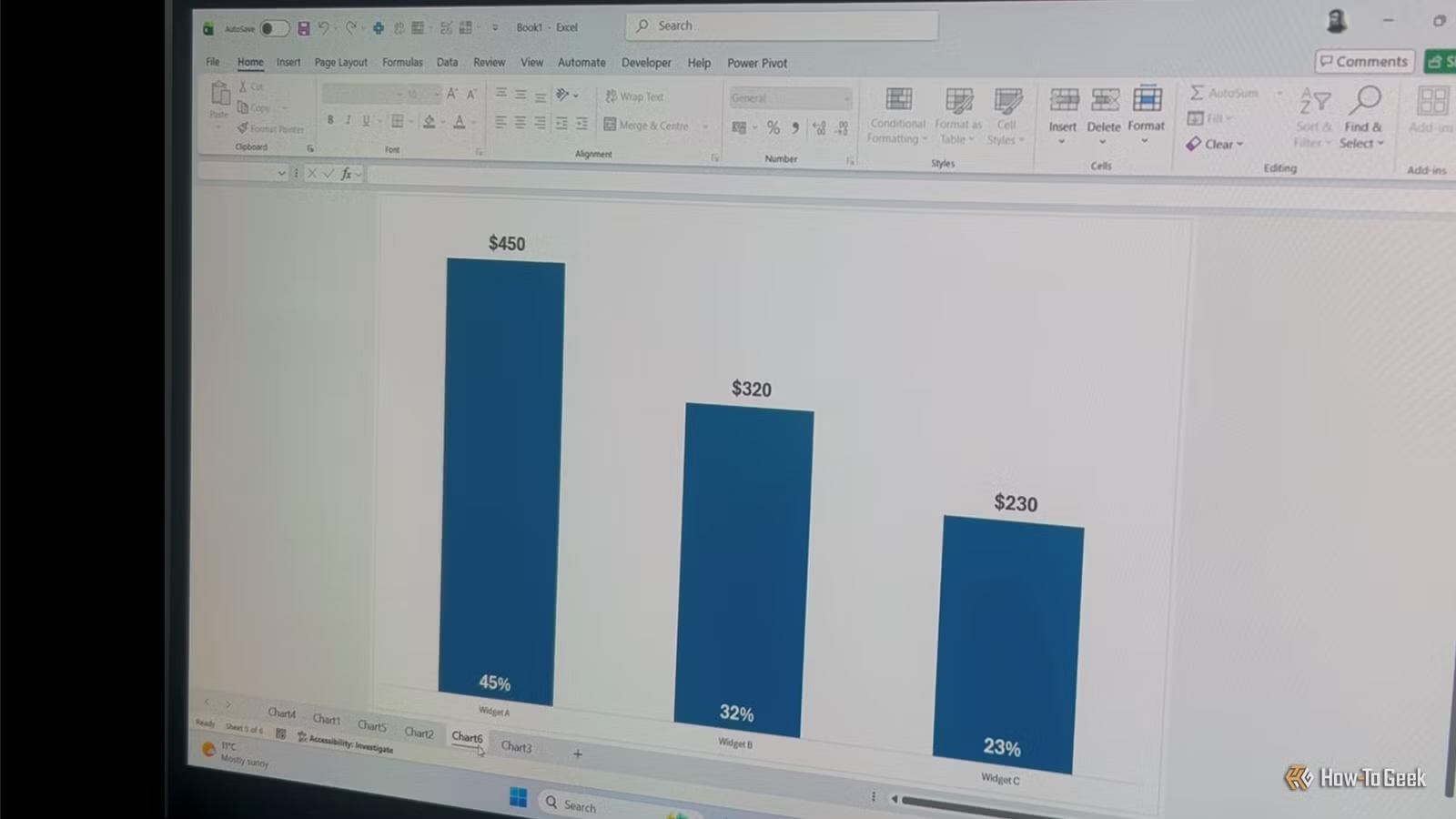
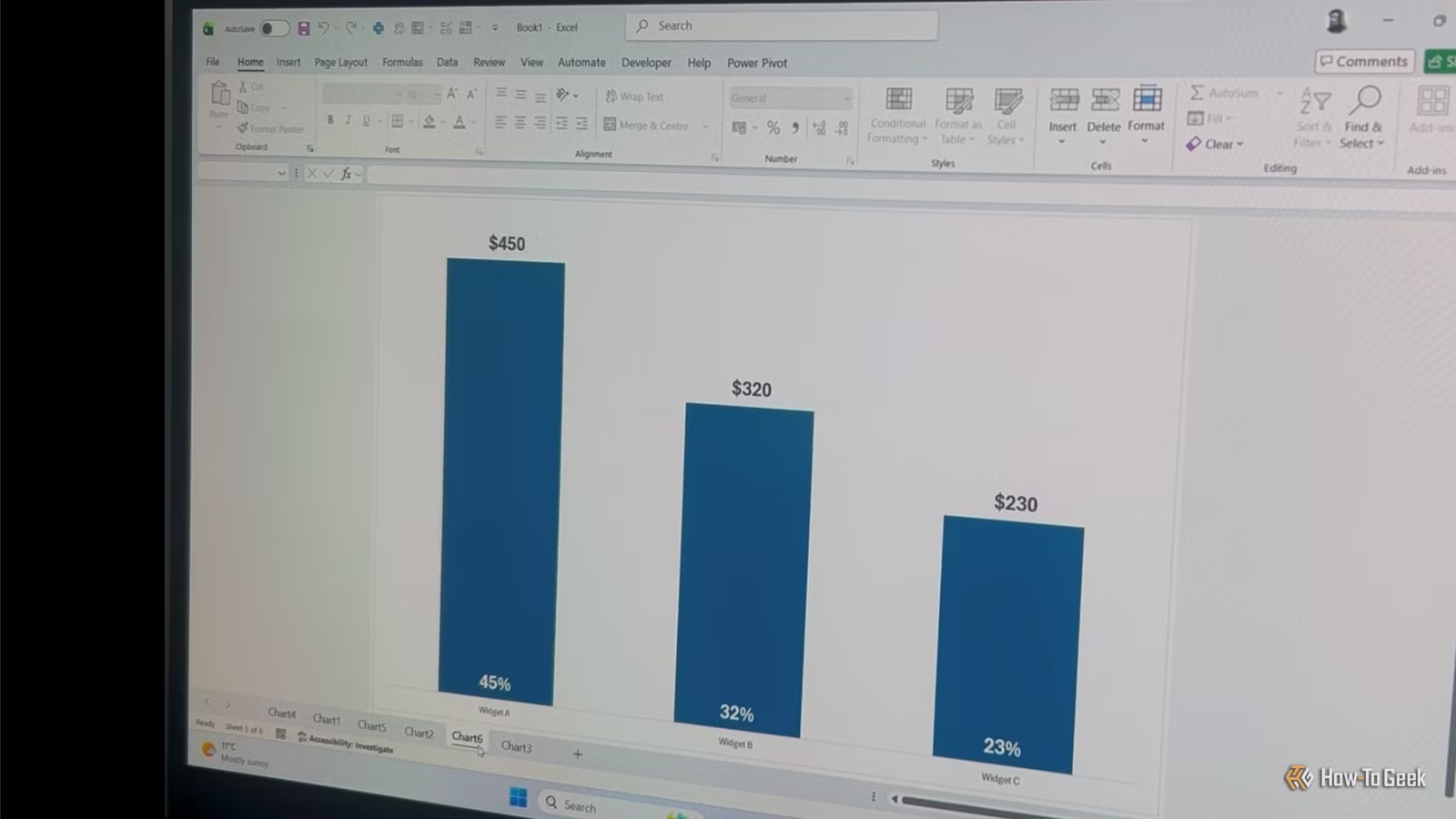
Excel remains the default tool for business charts because it's already on everyone's computer. You can drag some cells, click a chart type, and have something presentable in minutes. But that convenience comes with limits: try updating 50 charts when the data changes, or creating a consistent visual style across a 200-page report.
Python's plotting libraries solve these problems. Scripts run the same way every time. Styles apply consistently. And once you've written the code, regenerating charts with new data takes seconds instead of hours.
The Core Libraries You Need
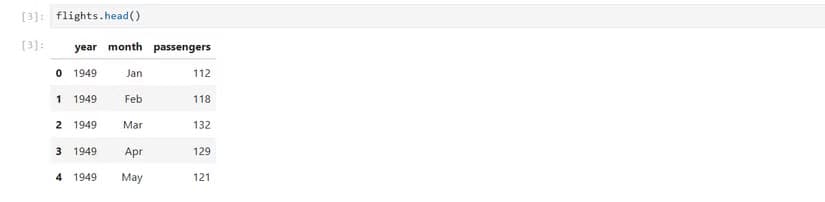
A working Python visualization setup requires four main packages. NumPy handles numerical operations. Pandas manages tabular data through DataFrames. Matplotlib provides the foundational plotting engine. Seaborn sits on top of Matplotlib and makes it easier to create attractive charts with less code.
Two additional tools make the workflow smoother: IPython for interactive coding, and Jupyter Notebooks for documenting your analysis in shareable formats.
Setting Up Your Environment with Pixi
Environment management used to be Python's biggest headache. Pixi simplifies this. It works on macOS, Linux, and Windows PowerShell, and handles package installation without the dependency conflicts that plague pip and conda setups.
Install Pixi following the instructions on the official Pixi website, then run this single command to set up your global graphics environment:
pixi global install --environment graphics --expose jupyter --expose ipython jupyter numpy pandas seaborn matplotlib ipythonThis installs Jupyter, IPython, NumPy, Pandas, Seaborn, and Matplotlib in one shot. The --expose flag ensures IPython's executable is available to Jupyter. Since Matplotlib is a Seaborn dependency, it would install anyway, but explicitly including it guarantees you can issue Matplotlib commands directly when needed.
Why Seaborn Over Raw Matplotlib?
Matplotlib gives you complete control over every pixel. That power comes at a cost: even simple charts require multiple lines of configuration. Seaborn wraps Matplotlib with sensible defaults and a theme-based API that cuts boilerplate code by roughly 90%.
“The goal of visualization is not just to make charts, but to make information accessible, understandable, and actionable for decision-makers.”
— Hadley Wickham, Chief Scientist at Posit
For most business reporting, Seaborn's defaults look better out of the box than what you'd build manually in Matplotlib. When you need pixel-level control, you can drop down to Matplotlib for specific adjustments while keeping Seaborn's aesthetic foundation.
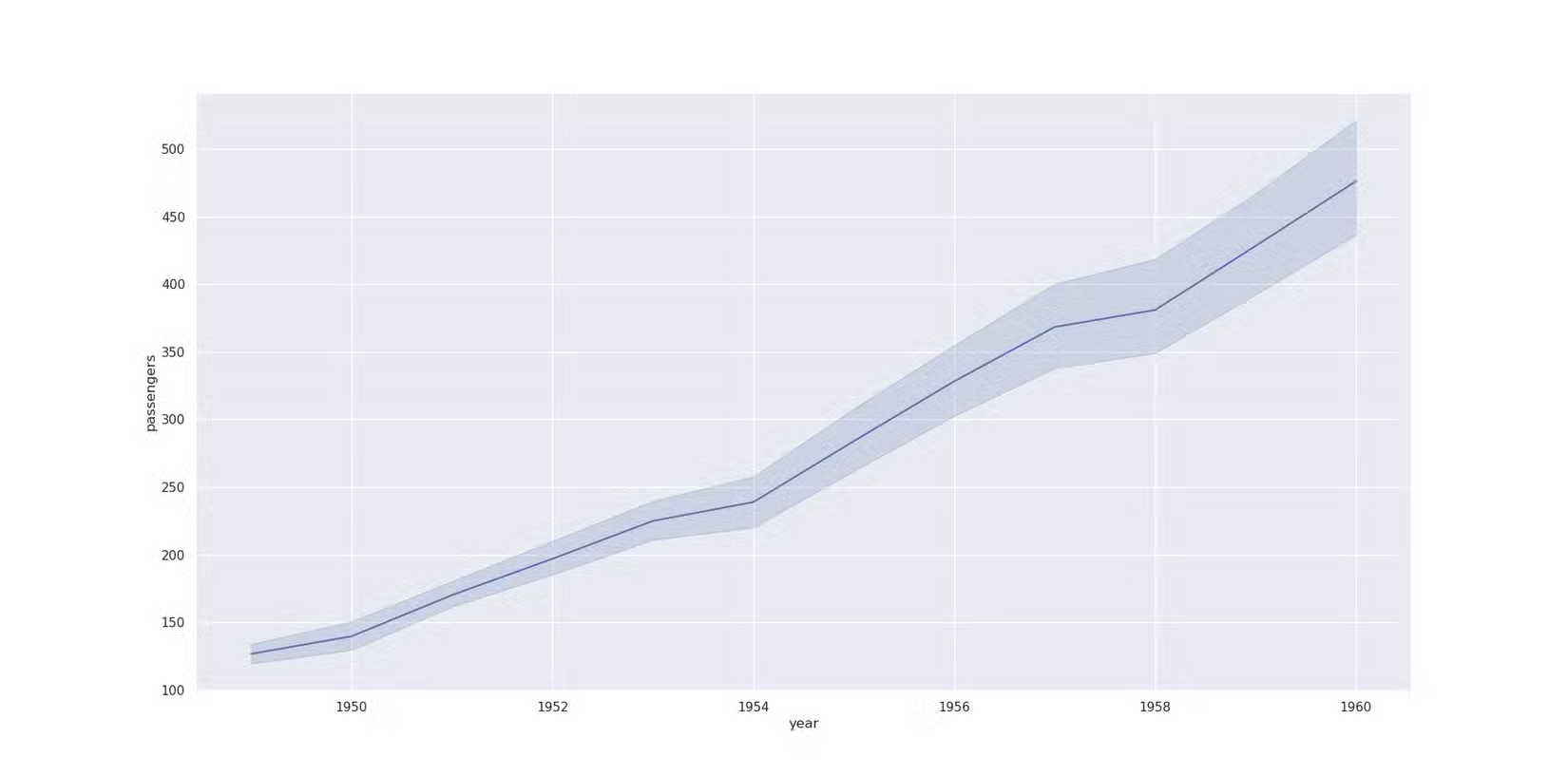
Chart Types That Matter for Business Reporting
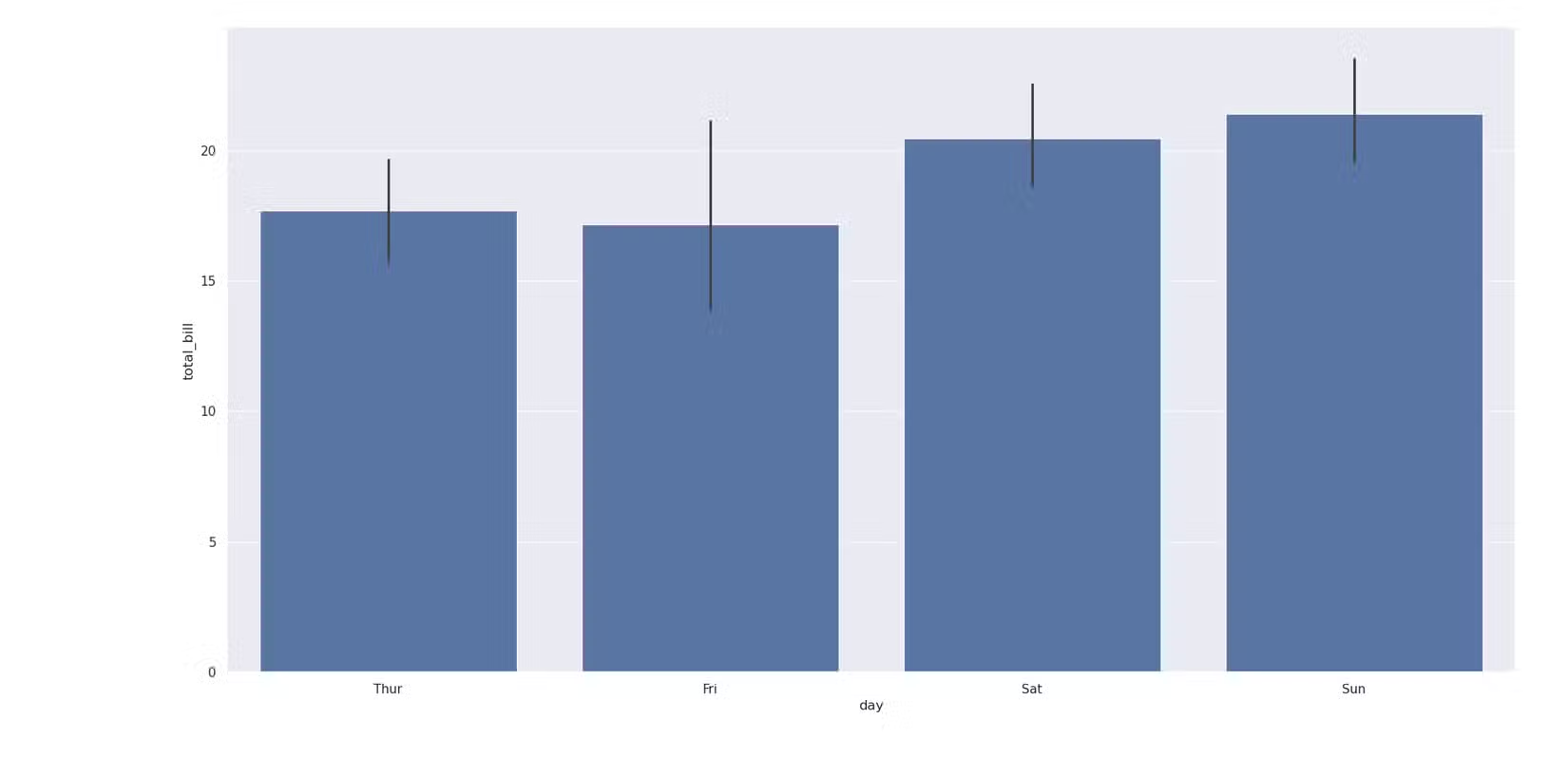
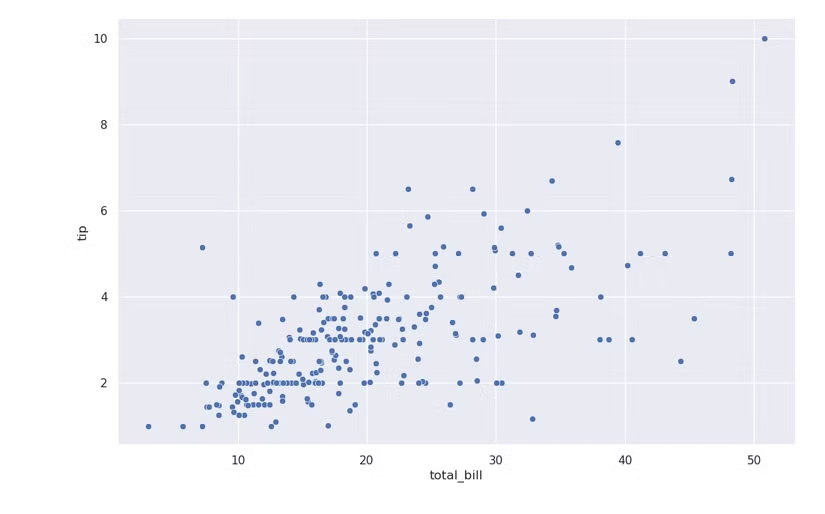
Most business visualizations fall into a few categories: trends over time (line charts), categorical comparisons (bar charts), and relationships between variables (scatter plots). Seaborn handles all of these with minimal code.
Bar plots work well for comparing totals across categories, such as revenue by department or support tickets by region. Scatter plots reveal correlations, like the relationship between advertising spend and conversions. Line charts track metrics over time, from quarterly sales to daily active users.
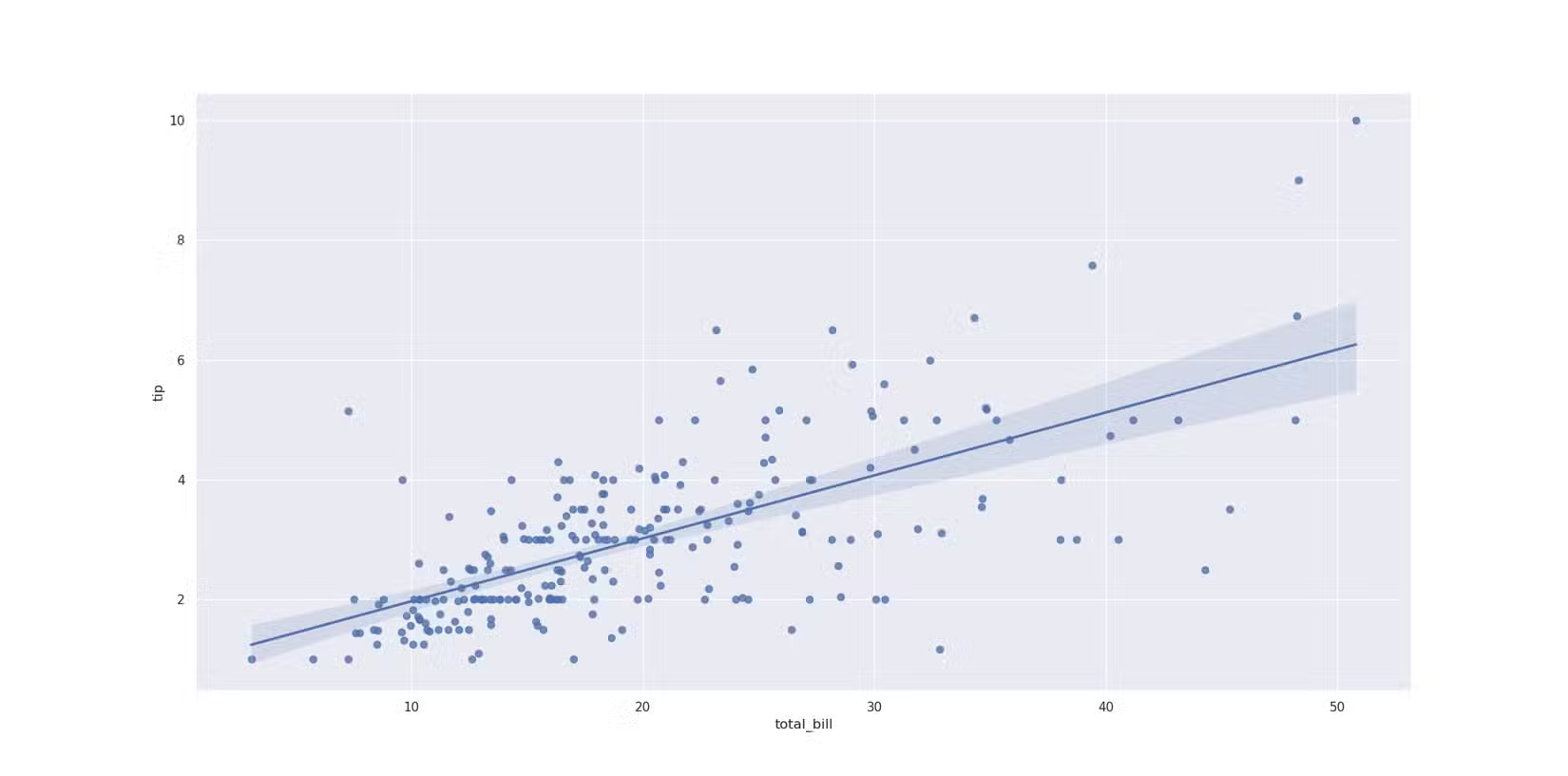
Seaborn also supports regression plots that overlay trend lines on scatter data, making it easy to visualize correlations without switching to statistical software.
The Real Advantage: Automation and Reproducibility
The strongest argument for Python over Excel isn't aesthetics. It's automation. A script that generates 50 charts from a CSV file runs in seconds. When the data updates, you re-run the script. No clicking through menus, no manual reformatting, no risk of forgetting to update one chart in a deck of 200 slides.
Reproducibility matters too. Jupyter Notebooks capture your entire analysis: data loading, transformations, and visualizations. You can share the notebook with colleagues, and they'll see exactly how you built each chart. Try doing that with an Excel file where someone manually adjusted axis labels three weeks ago.
When to Stick with Excel
Python isn't always the right tool. For one-off charts that won't be updated, Excel is faster. For stakeholders who need to manipulate the underlying data themselves, a spreadsheet makes more sense. For quick exploration before you know what visualization you need, Excel's point-and-click interface has lower friction.
The breakeven point comes when you're creating charts repeatedly, need consistent styling across many visuals, or want to automate reporting pipelines. At that point, the upfront investment in Python pays off quickly.
✅ Pros
- • Automated chart generation saves hours on recurring reports
- • Consistent styling across hundreds of visualizations
- • Reproducible analysis via Jupyter Notebooks
- • Handles large datasets that slow down Excel
❌ Cons
- • Steeper learning curve than Excel's GUI
- • Requires environment setup and package management
- • Stakeholders may need training to interpret notebooks
Logicity's Take
Frequently Asked Questions
Do I need to know Python to use Matplotlib and Seaborn?
Basic Python knowledge helps, but visualization code is mostly straightforward. You can get productive with just a few hours of tutorial time.
Can I export Python charts to PowerPoint?
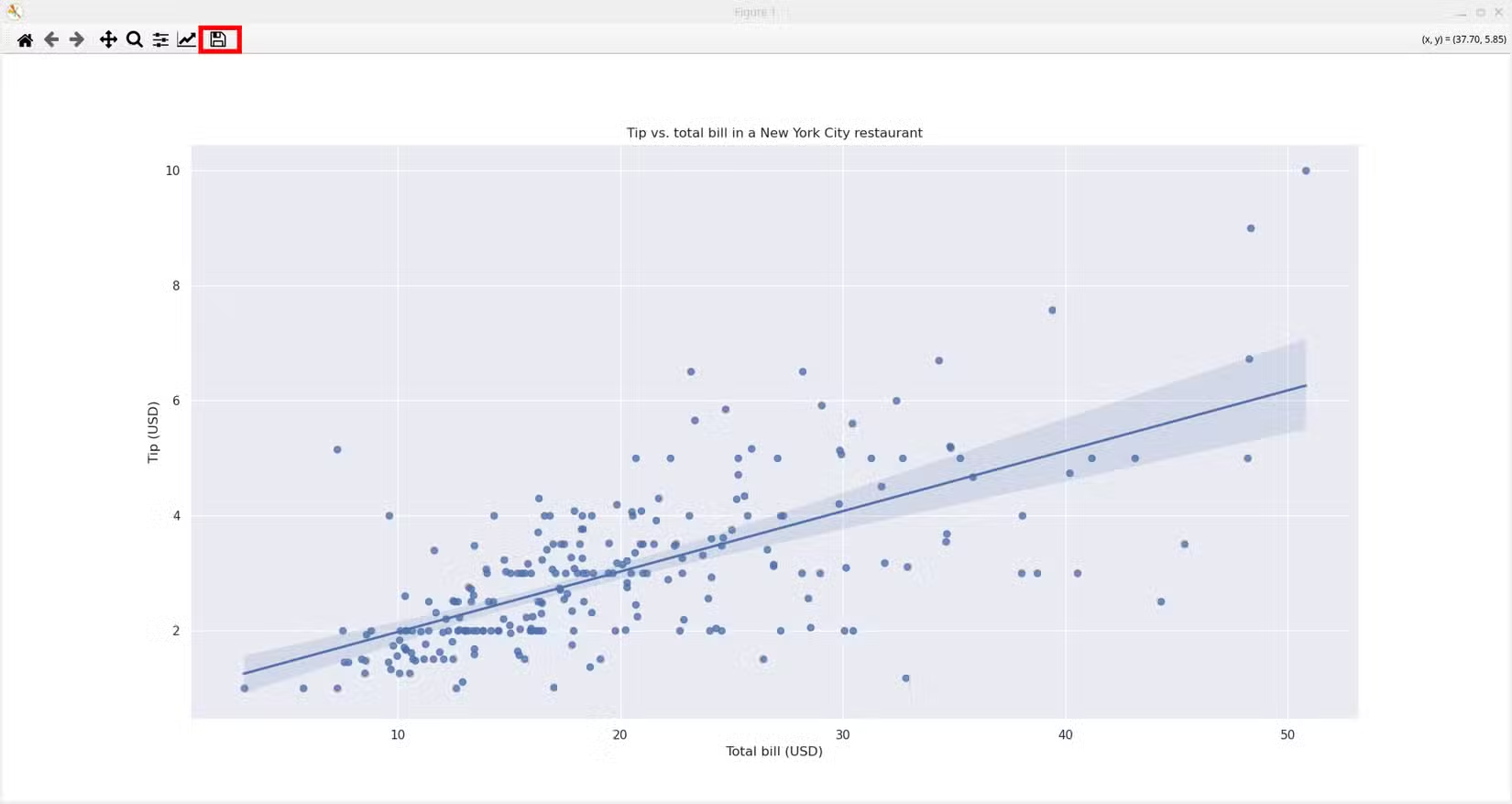
Yes. Matplotlib exports to PNG, PDF, and SVG formats, all of which import cleanly into presentation software.
Is Seaborn better than Matplotlib?
Seaborn builds on Matplotlib with better defaults and less boilerplate. Use Seaborn for most charts; drop to Matplotlib when you need fine-grained control.
What's the learning curve compared to Excel?
Expect 10-20 hours to become comfortable with basic plots. The payoff comes when you reuse that code across multiple projects.
Need Help Implementing This?
Source: How-To Geek
Manaal Khan
Tech & Innovation Writer
Produced with AI assistance and reviewed by the Logicity editorial team. Learn more in our Editorial Policy.






