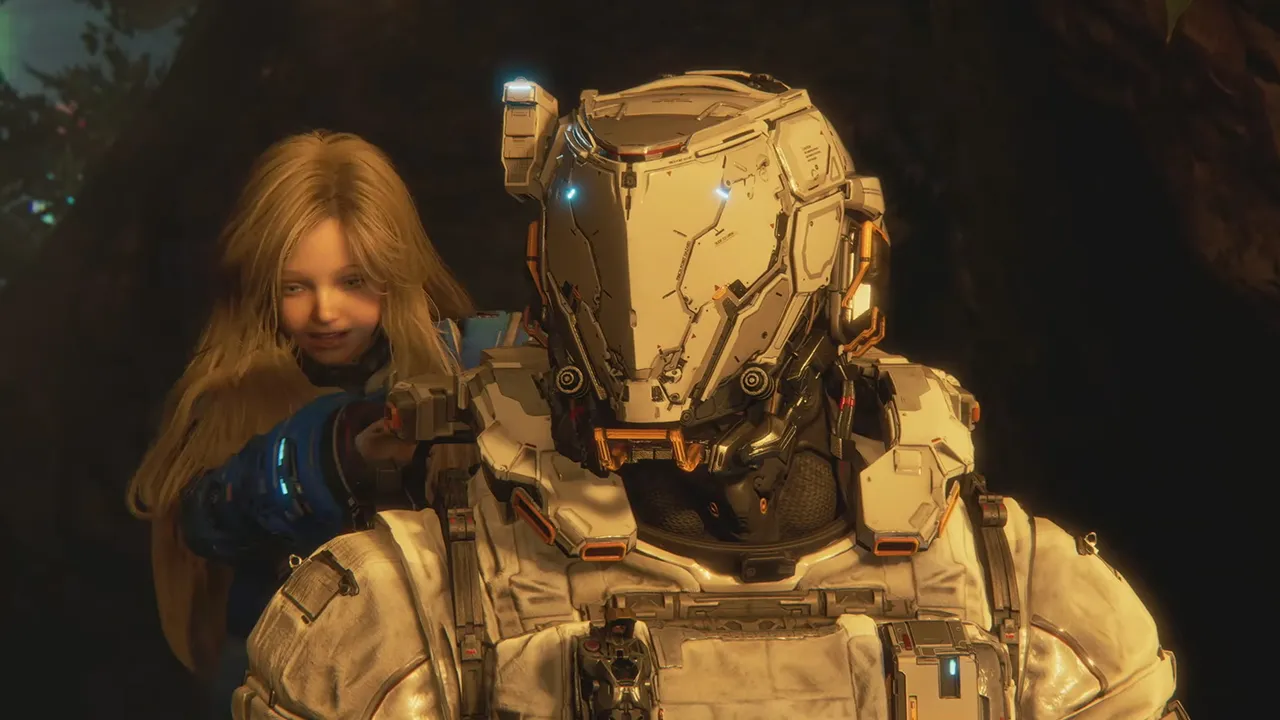
Key Takeaways
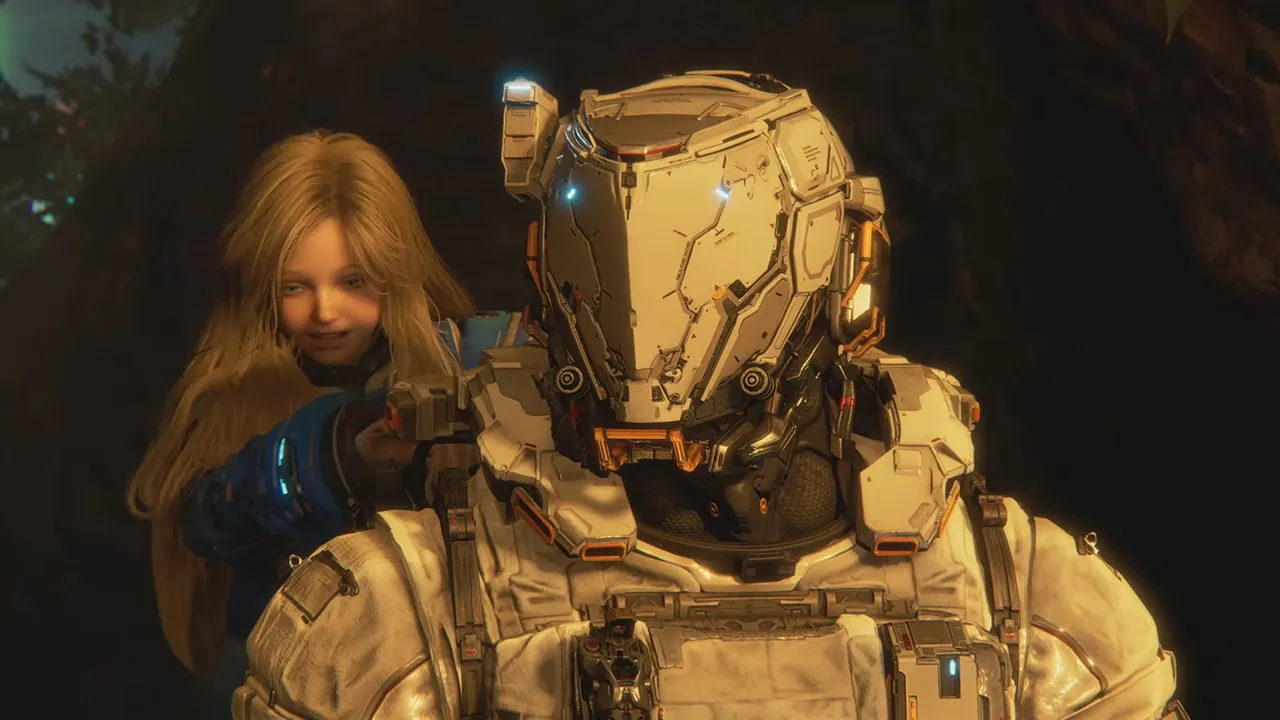
- Mid-range GPUs like RTX 3060 Ti deliver excellent Pragmata performance without premium pricing
- Ray tracing features have diminishing returns below RTX 5080 tier cards
- Path tracing requires top-tier hardware but regular RT settings can actually degrade visuals
Read in Short
Capcom's Pragmata runs exceptionally well on mid-range hardware thanks to RE Engine optimization. For businesses running gaming setups or IT leaders advising on hardware purchases, the sweet spot is the RTX 3060 Ti tier. Ray tracing below RTX 5080 level actually introduces visual artifacts. Skip the premium GPU unless you're committed to path tracing.
Why Pragmata PC Performance Matters for Hardware Decisions
Gaming hardware represents a significant capital expenditure for esports venues, gaming cafes, content creation studios, and corporate entertainment facilities. When a major AAA release like Pragmata launches, it becomes a benchmark for evaluating whether existing hardware needs upgrading or if current investments still deliver value.
Pragmata is Capcom's second RE Engine title in recent months, following their proven track record with the Resident Evil franchise. The engine's reputation for efficient performance scaling makes this game particularly relevant for hardware planning. Unlike titles that demand bleeding-edge specs, Pragmata rewards smart optimization over raw GPU spending.
What GPU Do You Actually Need for Pragmata?
Here's the business case laid bare: most gaming PCs already in service can run Pragmata without hardware refreshes. The game even performs respectably on Nintendo Switch 2, which tells you everything about Capcom's optimization priorities.
For organizations managing multiple gaming systems, this translates directly to extended hardware lifecycles and delayed capital expenditure. That RTX 3060 Ti fleet you deployed two years ago? Still perfectly capable of delivering quality Pragmata experiences.
| GPU Tier | Example Cards | Pragmata Experience | Business Recommendation |
|---|---|---|---|
| Entry | GTX 1660, RX 6600 | Playable at medium settings | Adequate for casual gaming environments |
| Mid-Range | RTX 3060 Ti, RX 9070 | High settings, solid 60fps | Best ROI for most commercial deployments |
| High-End | RTX 5080 | Max settings with path tracing | Content creators and premium venues only |
| Enthusiast | RTX 5090 | Overkill for this title | Poor value proposition for Pragmata alone |
The Ray Tracing Paradox: When Premium Features Backfire
This is where Pragmata's optimization story gets interesting for technology decision-makers. Ray tracing has been marketed as the premium visual feature worth upgrading hardware to experience. In Pragmata, that narrative breaks down in unexpected ways.
The game offers two ray tracing modes: standard RT (global illumination and reflections) and full path tracing. You'd assume the standard RT option would be the sensible middle ground. It isn't.
The Visual Quality Trap
Pragmata's standard ray tracing settings introduce visible noise artifacts on metallic surfaces throughout the game's space station environments. In some areas, reflective floors display a distracting 'raindrop' effect that looks worse than disabled ray tracing. This means spending more on GPU capability can actually deliver inferior visuals unless you reach the path tracing threshold.
For business applications, this creates a clear decision tree. Either commit to RTX 5080-class hardware for proper path tracing, or disable ray tracing entirely and enjoy cleaner visuals with better frame rates. The middle ground wastes money.
How Does Pragmata's RE Engine Affect Long-Term Hardware Planning?
Capcom's RE Engine powers some of the most commercially successful games of the past five years. Understanding its performance characteristics helps predict hardware requirements for future Capcom releases, not just Pragmata.
The engine prioritizes broad hardware compatibility over pushing technical boundaries. This design philosophy means organizations investing in current mid-range hardware can reasonably expect three to four years of compatibility with upcoming RE Engine titles.
- RE Engine titles consistently run 20-30% better than comparable Unreal Engine 5 games on identical hardware
- Capcom's optimization focus reduces minimum spec requirements compared to industry averages
- The engine's scalability means settings tweaks deliver proportional performance gains without dramatic quality cliffs
This predictability has real value for IT budgeting. When you can forecast that current hardware will handle upcoming releases, you avoid reactive emergency upgrades that always cost more than planned refreshes.
Similar optimization-focused approach to getting more value from existing infrastructure
Pragmata Settings Optimization: The Executive Summary
For leaders who need to communicate hardware decisions to stakeholders, here's the condensed guidance for Pragmata deployment:
- Disable ray tracing unless running RTX 5080 or better. The visual artifacts on lesser hardware create a worse experience than rasterized rendering.
- Enable DLSS or FSR frame generation on supported cards. This delivers the smoothness users expect without raw hardware investment.
- Target high preset, not ultra. The visual difference is minimal while the performance headroom provides smoother gameplay across varying scene complexity.
- Path tracing is the only RT worth enabling. If hardware supports it, the full path traced lighting eliminates the noise issues plaguing standard RT modes.
DLSS Ray Reconstruction: The Technical Fix Most Users Won't See
Nvidia's DLSS Ray Reconstruction technology can address some of the noise issues in Pragmata's ray tracing implementation. However, this requires both compatible hardware and proper game support.
For organizations standardized on AMD hardware like the Radeon RX 9070 series, this Nvidia-exclusive feature isn't an option. The practical advice remains: skip standard ray tracing on AMD cards entirely. The performance cost isn't justified when the visual result is arguably worse than disabled RT.
This vendor-specific optimization gap is worth noting for procurement decisions. If ray tracing quality matters for your use case, Nvidia's current generation maintains meaningful advantages in this specific implementation. Whether that justifies the price premium depends entirely on your visual quality requirements.
Another example of extracting maximum value from technology investments through smart optimization
What This Means for Gaming Venue Hardware Budgets
Gaming cafes, esports training facilities, and corporate gaming lounges face recurring decisions about hardware refresh cycles. Pragmata's performance profile offers useful data points for these decisions.
✅ Pros
- • Current mid-range hardware remains viable for major AAA releases
- • RE Engine's optimization focus suggests similar performance characteristics for upcoming Capcom titles
- • Disabling problematic features (standard RT) improves both visuals and performance simultaneously
- • Frame generation technologies extend usable lifespan of existing GPU investments
❌ Cons
- • Path tracing requires top-tier hardware with no mid-range alternative
- • Vendor-specific features (DLSS Ray Reconstruction) create optimization gaps across mixed hardware deployments
- • Visual quality expectations continue rising, eventually requiring hardware refreshes regardless of optimization
Frequently Asked Questions
Frequently Asked Questions
What's the minimum GPU investment for acceptable Pragmata performance?
A GTX 1660 or RX 6600 class card handles Pragmata at medium settings. For commercial deployments where consistent quality matters, RTX 3060 Ti tier hardware delivers high settings with performance headroom. Budget approximately $300-400 for capable cards in today's market.
Is upgrading to RTX 5080 worth it specifically for Pragmata?
Only if path tracing is a priority. The standard ray tracing modes actually look worse than disabled RT on this title. If you're upgrading solely for Pragmata, mid-range cards offer better value. The RTX 5080 makes sense for facilities needing path tracing across multiple titles.
How long will current hardware remain viable for Capcom releases?
Based on RE Engine's optimization history and Pragmata's performance scaling, mid-range 2023-era hardware should handle Capcom releases through at least 2028. The engine prioritizes compatibility over pushing hardware limits.
Should gaming venues standardize on Nvidia or AMD for best Pragmata results?
Nvidia offers advantages through DLSS Ray Reconstruction for addressing RT noise issues. However, since the practical recommendation is disabling standard RT anyway, AMD cards like the RX 9070 deliver equivalent real-world results at potentially better price points. Standardize based on overall portfolio needs, not this single title.
What settings should IT teams configure for optimal user experience?
High preset with ray tracing disabled, DLSS or FSR Quality mode enabled, and frame generation active on supported hardware. This configuration delivers the best balance of visual quality, performance consistency, and hardware longevity across diverse system configurations.
Complementary reading on optimizing technology stacks for maximum efficiency
The Bottom Line for Technology Leaders
Pragmata demonstrates that smart optimization beats hardware spending. Capcom's RE Engine delivers impressive visuals without demanding cutting-edge specifications. For organizations managing gaming hardware investments, this title validates extending current hardware lifecycles rather than chasing incremental upgrades.
The counterintuitive lesson here matters: premium features like ray tracing can actually degrade experience when hardware doesn't fully support them. Sometimes the best technology decision is knowing when not to enable expensive capabilities.
Need Help Optimizing Your Gaming Infrastructure?
Logicity's technology advisory team helps gaming venues, esports organizations, and corporate entertainment facilities make smart hardware decisions. From procurement strategy to deployment optimization, we turn technical complexity into clear business outcomes. Reach out for a consultation on your next hardware refresh cycle.
Source: IGN All
Huma Shazia
Senior AI & Tech Writer
Produced with AI assistance and reviewed by the Logicity editorial team. Learn more in our Editorial Policy.