Key Takeaways
- Power Automate works best for teams already running Microsoft 365 and wants fast, low-code automation
- UiPath is built for heavy RPA work, especially legacy desktop apps without APIs
- Neither tool is universally better; the right choice depends on your existing stack and automation complexity
Power Automate and UiPath overlap enough to confuse buyers, but they solve different problems. Power Automate slots into Microsoft 365 environments and helps business users automate routine workflows without touching code. UiPath handles messier work: legacy desktop apps, systems without APIs, and processes that once required a human clicking through screens. The question isn't which is "better." It's which one fits how your operations actually run.
Disclosure
Some links in this post are affiliate links — Logicity earns a commission if you sign up, at no extra cost to you. We only link products we have used or actively recommend.
Where each tool came from shapes what it does well
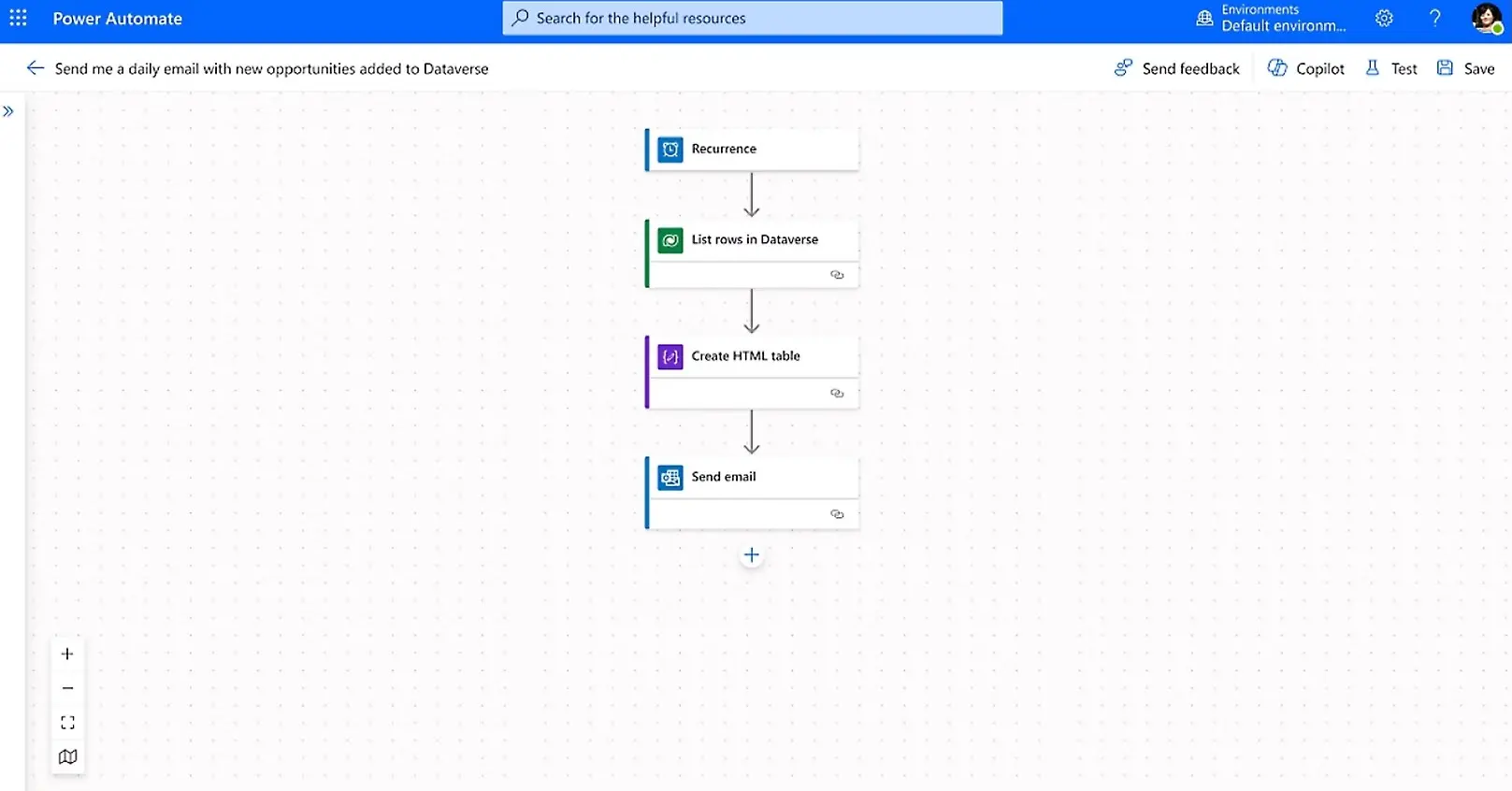
Power Automate was born inside Microsoft's Power Platform. It assumes your team already uses Teams, Outlook, SharePoint, and Excel. If that's your stack, automation feels less like adopting new software and more like discovering features that were always there. The integrations are native. The learning curve is gentle. Your marketing team can build approval workflows without filing IT tickets.
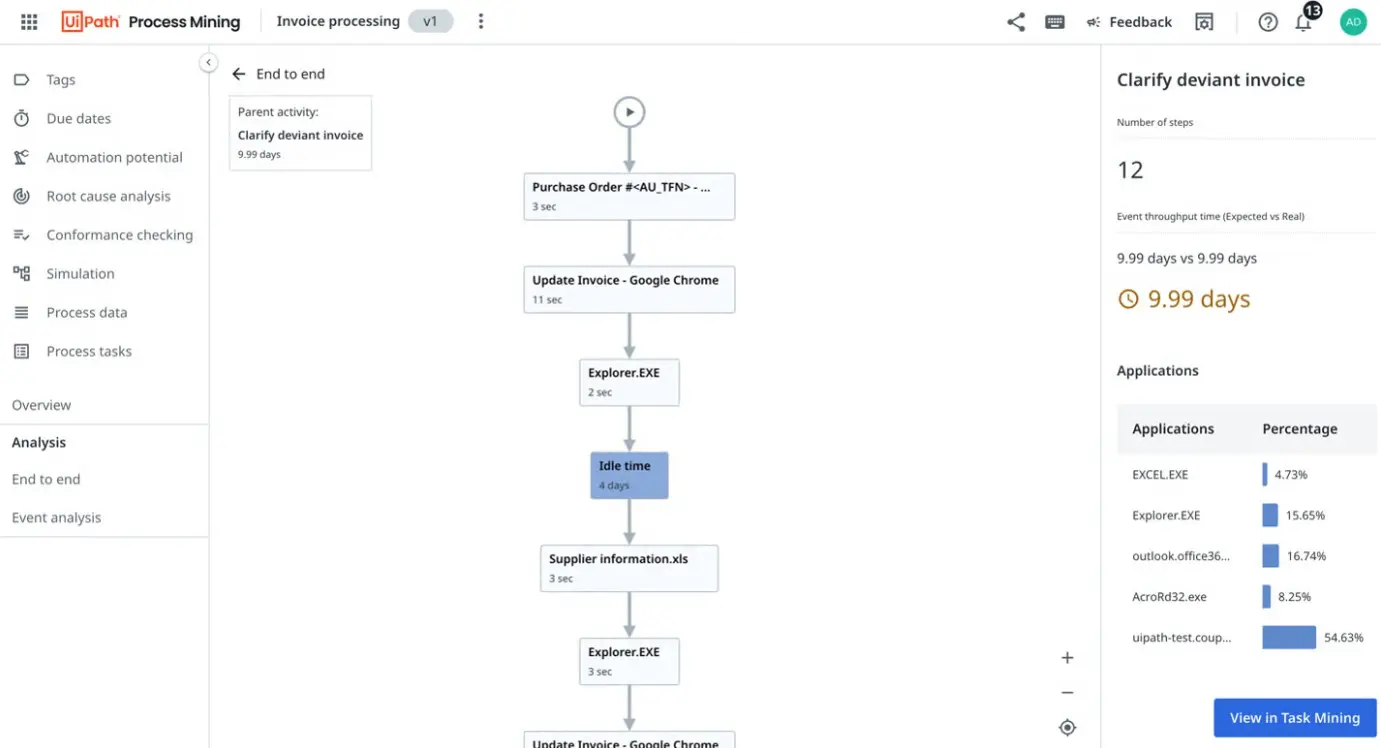
UiPath comes from the robotic process automation (RPA) world, where the real work happens in clunky enterprise systems that predate modern APIs. Think ERP interfaces from 2008, mainframe terminals, or desktop applications that require a human to click through menus. UiPath's strength is simulating those clicks and keystrokes reliably, at scale, across thousands of transactions.
Ease of use: who can actually build the automations?
This is where the platforms diverge most sharply, and it's the difference most likely to bite you after you've committed.
Power Automate is low-code by design. Business users can set up notifications, document approvals, and data-sync flows through a visual builder. Microsoft bundles templates for common scenarios. If your team already navigates SharePoint without needing IT, they can probably handle Power Automate.
UiPath has visual tooling too, but complexity scales up fast. Simple automations feel approachable. The moment you need bots coordinating across systems, handling exceptions, or running on scheduled orchestration, you're in developer territory. That depth is why UiPath can tackle heavy enterprise automation, but it means you need dedicated automation engineers or a formal RPA program.
For teams that want cross-app automation without the enterprise overhead, Zapier sits in the middle. It's not RPA. It connects SaaS apps through APIs with a visual builder that non-technical teams can adopt quickly. Make and n8n offer similar flexibility with more advanced logic for teams that need it.
Pricing: bundled simplicity vs. enterprise scaling
Power Automate pricing is relatively straightforward. Per-user and per-flow plans exist, and many Microsoft 365 licenses already include basic automation. For organizations paying for E3 or E5 licenses, some Power Automate capability comes bundled. That makes it easy to pilot without a separate procurement cycle.
UiPath pricing scales with automation volume and bot usage. It's built for enterprise deals where you're running hundreds of bots across departments. Smaller teams can start on UiPath's community tier, but production deployments with orchestration and governance move into custom enterprise contracts. Expect per-bot licensing and platform fees that grow with your automation footprint.
| Feature | Power Automate | UiPath |
|---|---|---|
| Pricing model | Per-user or per-flow, often bundled with M365 | Per-bot, scales with enterprise usage |
| Ease of use | Low-code, beginner-friendly | Visual builder, but technical at scale |
| Best ecosystem fit | Microsoft 365 and Power Platform | Cross-platform, legacy desktop apps |
| Automation type | Cloud workflows, light RPA | Full RPA, end-to-end automation |
| AI features | Copilot-assisted automation | Agentic automation, orchestration |
| Governance | Microsoft-native controls | Enterprise bot governance |
AI capabilities: Copilot vs. agentic automation
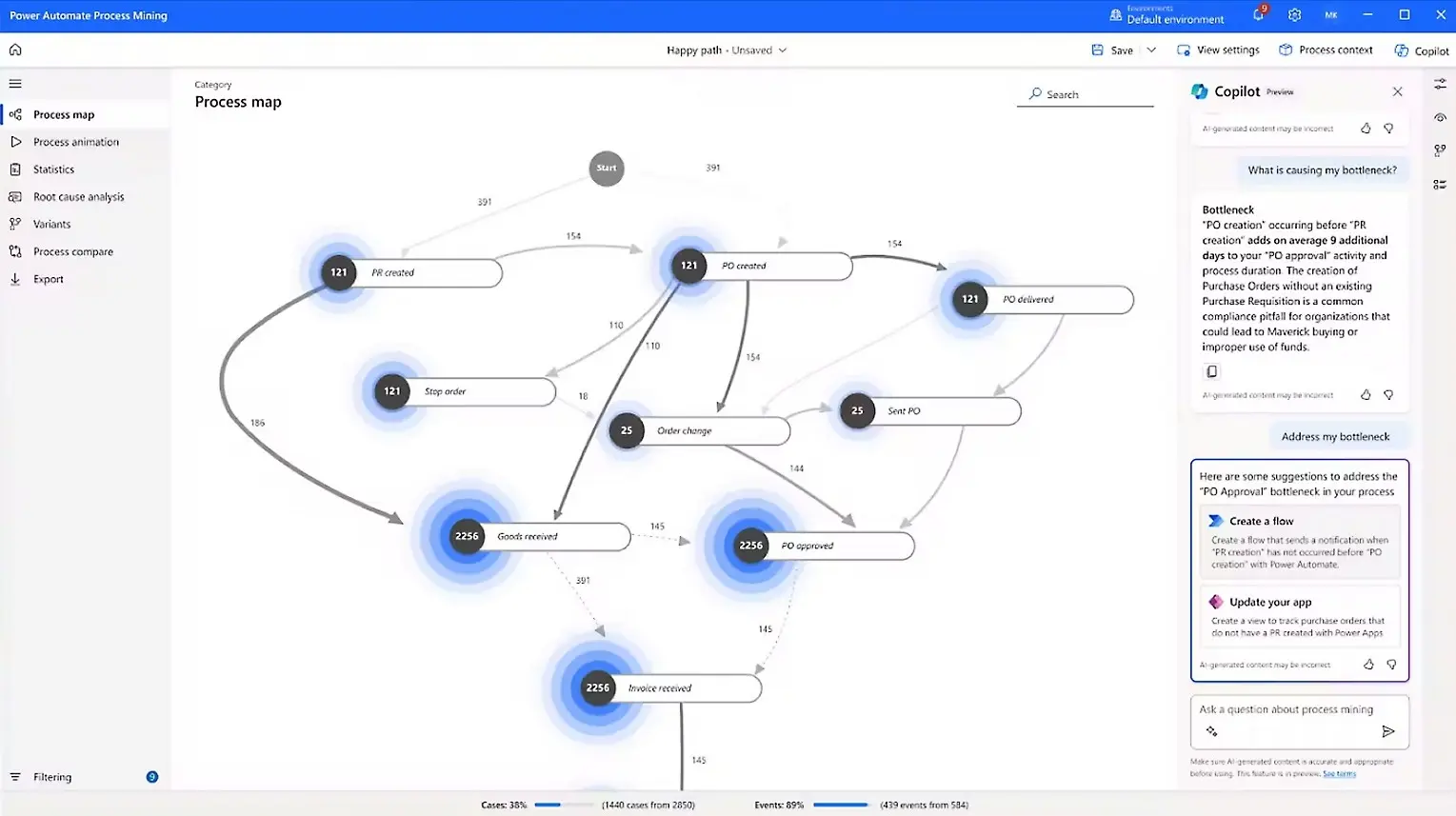
Both platforms are adding AI, but with different goals. Power Automate integrates Microsoft Copilot to help users build flows using natural language prompts. You describe what you want, Copilot suggests the workflow. It's aimed at making automation accessible to more people inside the organization.
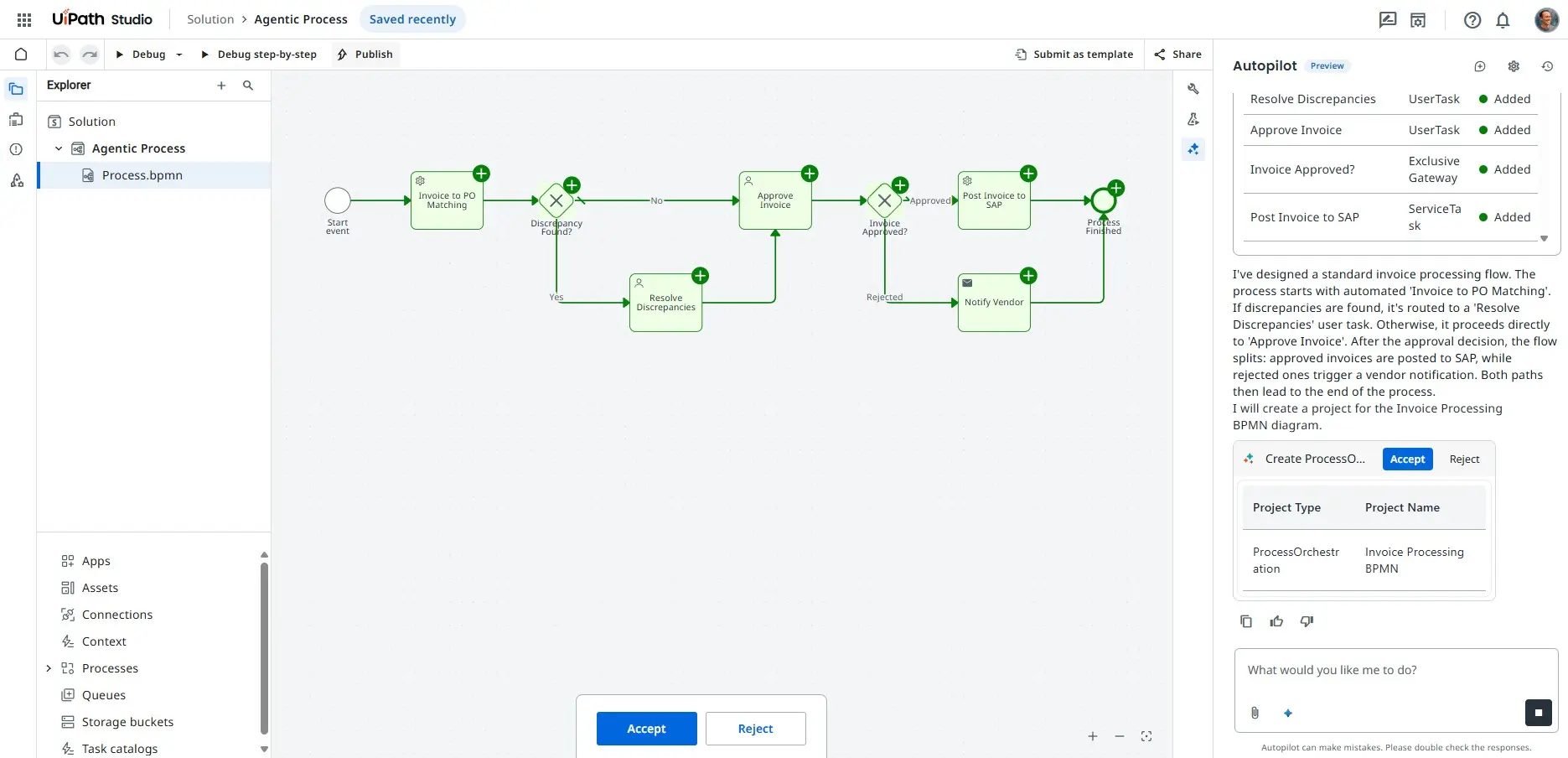
UiPath is betting on agentic automation: AI agents that can handle multi-step processes with minimal human intervention. The platform's orchestration layer coordinates bots and AI models working together. It's more ambitious technically, but also more complex to implement.
"By 2026, organizations combining RPA with AI will achieve three times the business impact of those using RPA alone," according to Gartner Research. Both Microsoft and UiPath are positioning for this convergence, but they're approaching it from opposite directions. Microsoft is adding automation depth to its existing productivity suite. UiPath is adding AI intelligence to its existing automation infrastructure.
When to pick Power Automate
- Your team already lives in Microsoft 365, Teams, SharePoint, and Outlook
- You need document approvals, notifications, and data sync between Microsoft apps
- Non-technical users will build most automations
- Budget is constrained and you can use bundled M365 licensing
When to pick UiPath
- You're automating legacy desktop applications without APIs
- Processes span multiple enterprise systems (ERP, mainframes, custom software)
- You have or can hire dedicated automation engineers
- You need enterprise-grade orchestration with thousands of bot runs
The third option: cross-app automation without the RPA complexity
Neither Power Automate nor UiPath covers every use case. If your stack is a mix of SaaS tools, not Microsoft-dominated and not legacy-heavy, API-based automation platforms like Zapier, Make, or n8n often fit better. They connect apps through native integrations, skip the bot infrastructure, and let RevOps teams build workflows without an automation engineering team.
The RPA market is expected to reach $13.5 billion by 2026, according to Gartner projections. But RPA isn't the right tool for every automation problem. The cleanest answer is usually the simplest architecture that solves the problem.
Logicity's Take
For most operations and RevOps teams running modern SaaS stacks, Power Automate or UiPath are overkill. Power Automate shines if you're 80%+ Microsoft. UiPath makes sense if you're automating legacy systems that can't be replaced. For everything else, Zapier (starting at $19.99/month) or Make (free tier available, paid from $9/month) will get you to production faster with less maintenance overhead. Don't buy RPA infrastructure to solve what's really an integration problem.
Understanding agent types helps you evaluate where automation ends and AI orchestration begins
UiPath's agentic automation approach relates directly to multi-agent system design
Frequently Asked Questions
Is Power Automate free with Microsoft 365?
Some Power Automate features are included with Microsoft 365 E3 and E5 licenses. Basic cloud flows and standard connectors are often bundled. Premium connectors, attended RPA, and per-flow plans require additional licensing.
Can UiPath automate web applications or only desktop apps?
UiPath handles both. It started with desktop RPA but now supports web automation, API integrations, and cloud-based workflows. Its core strength remains legacy desktop applications that lack modern APIs.
Which is better for a small operations team?
Power Automate or Zapier are usually better fits for small teams. UiPath's strength is enterprise-scale RPA with dedicated automation engineers. Small teams without that expertise will find Power Automate or Zapier faster to implement.
Can I use Power Automate with non-Microsoft apps?
Yes. Power Automate has connectors for Salesforce, Google Workspace, ServiceNow, and hundreds of other apps. But its deepest integrations and smoothest experience are with Microsoft products.
What's the difference between RPA and workflow automation?
RPA (robotic process automation) simulates human actions like clicking, typing, and reading screens. Workflow automation connects apps through APIs and triggers. RPA is for systems without APIs; workflow automation is cleaner when APIs exist.
Need Help Implementing This?
Choosing between Power Automate, UiPath, or API-based tools depends on your existing stack and automation complexity. Logicity helps operations teams audit their workflows and select the right automation architecture. Reach out to discuss your specific use case.
Source: The Zapier Blog
Manaal Khan
Tech & Innovation Writer
Produced with AI assistance and reviewed by the Logicity editorial team. Learn more in our Editorial Policy.






