
Key Takeaways

- Pipedrive offers faster time-to-value for sales teams with a cleaner pipeline experience
- HubSpot provides 2,000+ native integrations versus Pipedrive's 500+, with deeper cross-functional automation
- AI prospecting agents and intelligent sales feeds now factor into the decision between these platforms
A year ago, picking between Pipedrive and HubSpot was straightforward. Pipedrive served sales-focused teams with tighter budgets. HubSpot worked for larger organizations that needed marketing, sales, service, and operations to connect natively. That simple divide has gotten messier.
Both platforms now include AI prospecting agents and intelligent sales feeds. These features change what each tool can do, and what you'll pay to access them. Zapier's latest comparison tested both apps extensively to sort out which makes sense for different teams.
The Core Difference: Specialist vs Platform
HubSpot is an end-to-end business platform with a CRM at its core. It covers marketing, content, sales, service, data, and commerce in connected modules called Hubs. Pipedrive focuses narrowly on what sales teams need to close deals.
This distinction shapes everything from the interface to the pricing model. Pipedrive delivers a cleaner pipeline experience and faster time to value. HubSpot's sales CRM is capable, but it's one feature among many in a much larger system.
CRM and Sales Features
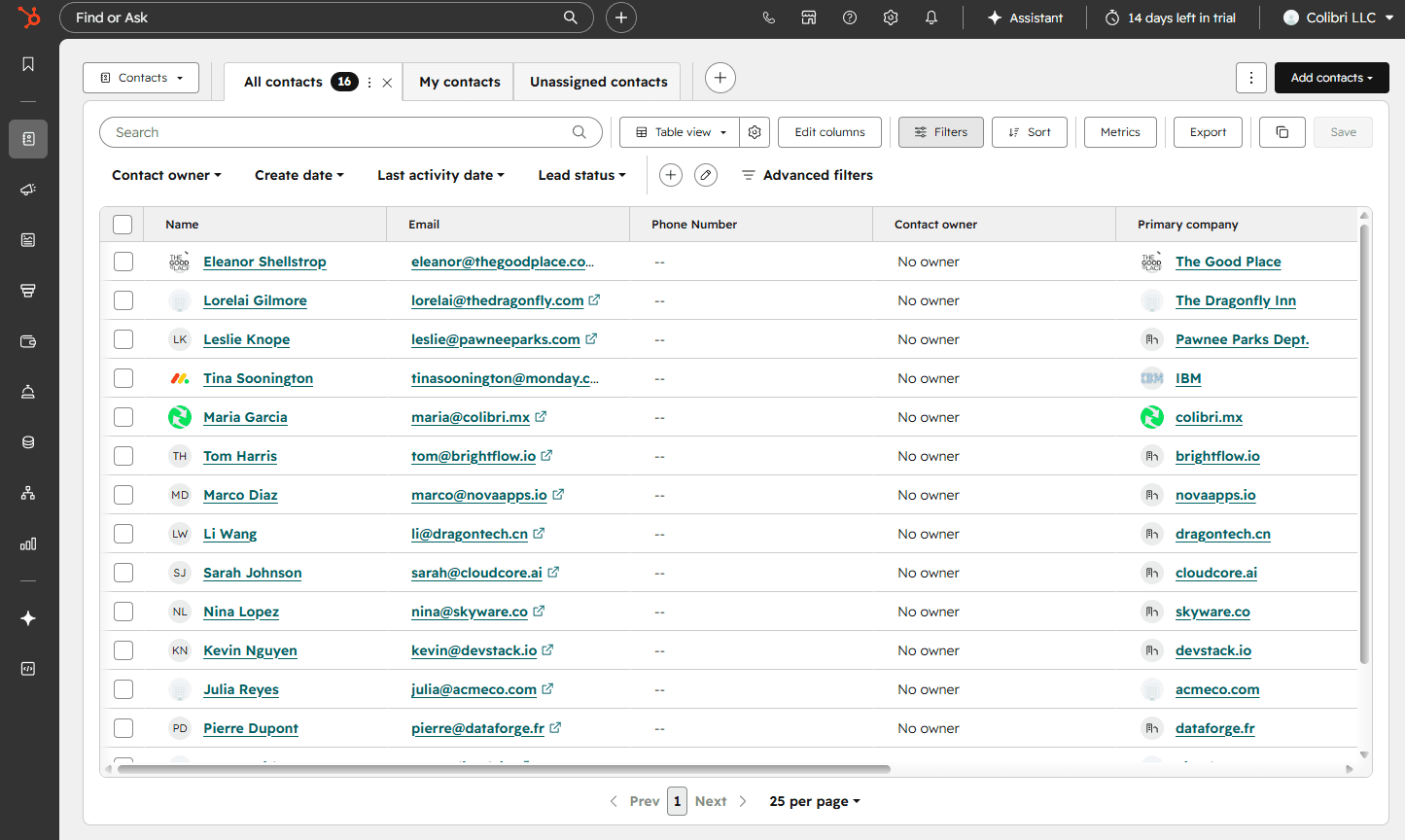
Pipedrive earns higher marks for pure sales functionality. The testing found it delivers faster time to value with an interface built specifically for managing deals and contacts. Sales reps can get productive quickly without wading through features they won't use.
HubSpot's CRM handles the same core tasks. You can track contacts, manage deals, log activities, and move prospects through your pipeline. But the experience reflects HubSpot's broader ambitions. The interface accommodates marketing campaigns, service tickets, and content management alongside sales tools.
For teams that only need sales capabilities, Pipedrive's focused approach removes friction. For organizations where sales, marketing, and service teams share customer data, HubSpot's integrated platform can eliminate manual data transfers between systems.
Automation and Integration
HubSpot offers over 2,000 native integrations. Pipedrive provides more than 500. Both numbers are large enough that most teams will find their essential tools covered, but HubSpot's catalog runs significantly deeper.
The automation gap is more meaningful. HubSpot's workflow builder uses Breeze Assistant to help construct sophisticated cross-functional automations. You can trigger marketing sequences based on sales activities, route service tickets based on deal history, or sync data across departments without building custom integrations.
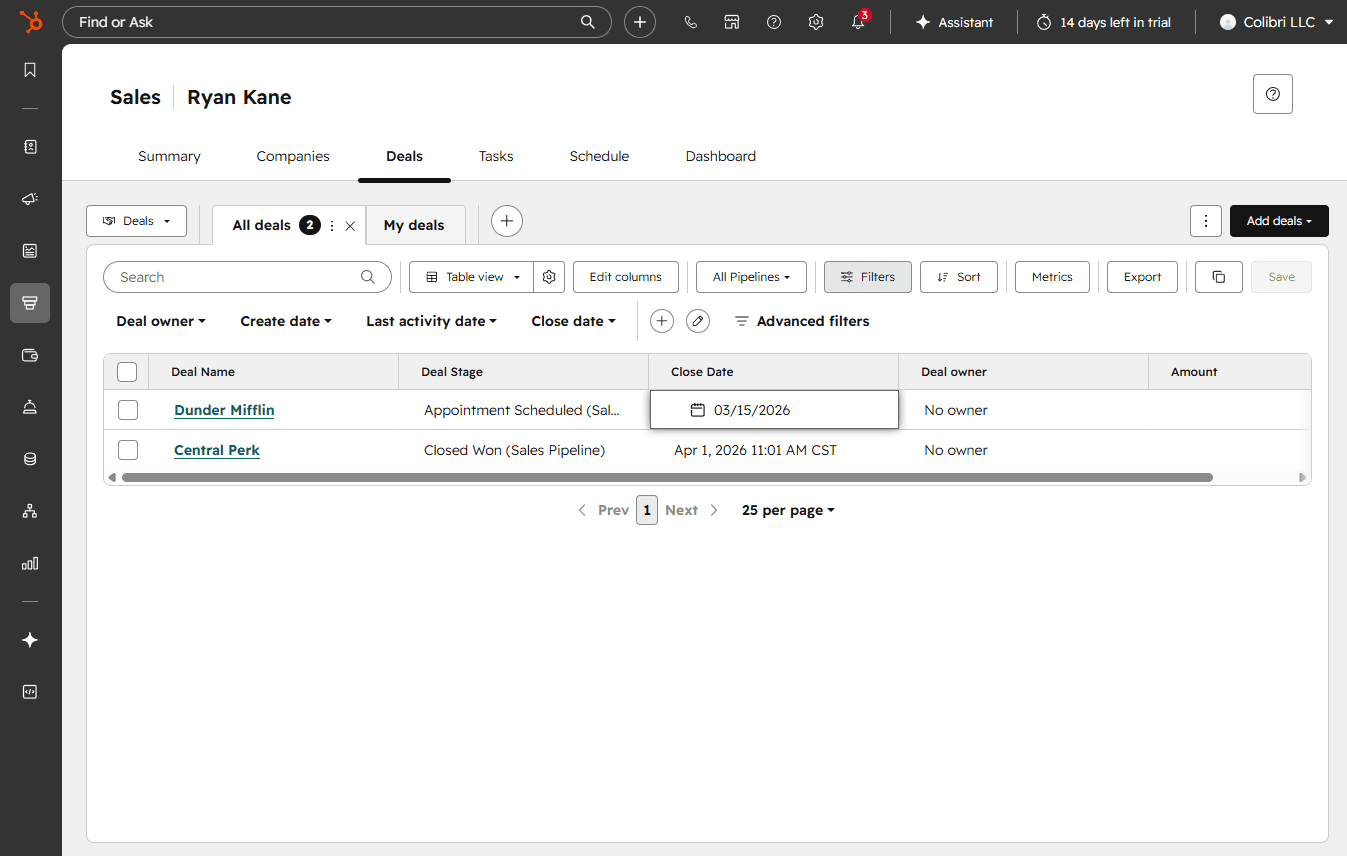
Pipedrive's automation focuses on sales workflows. Its Sequences feature handles multi-touch outreach campaigns. The workflow automation is solid for sales processes but doesn't extend across departments the way HubSpot's does.
Analytics and Reporting
Pipedrive's reports are easier to use. The dashboards come with solid premade reports that work out of the box. AI-assisted reporting helps teams get answers without building custom queries from scratch.
HubSpot's analytics go deeper but take longer to understand. Reports can span all the Hubs, connecting marketing performance to sales outcomes to service metrics. This cross-functional visibility is powerful for organizations that need it. But accessing the full feature set gets expensive, and the learning curve is steeper.
AI Features: The New Differentiator
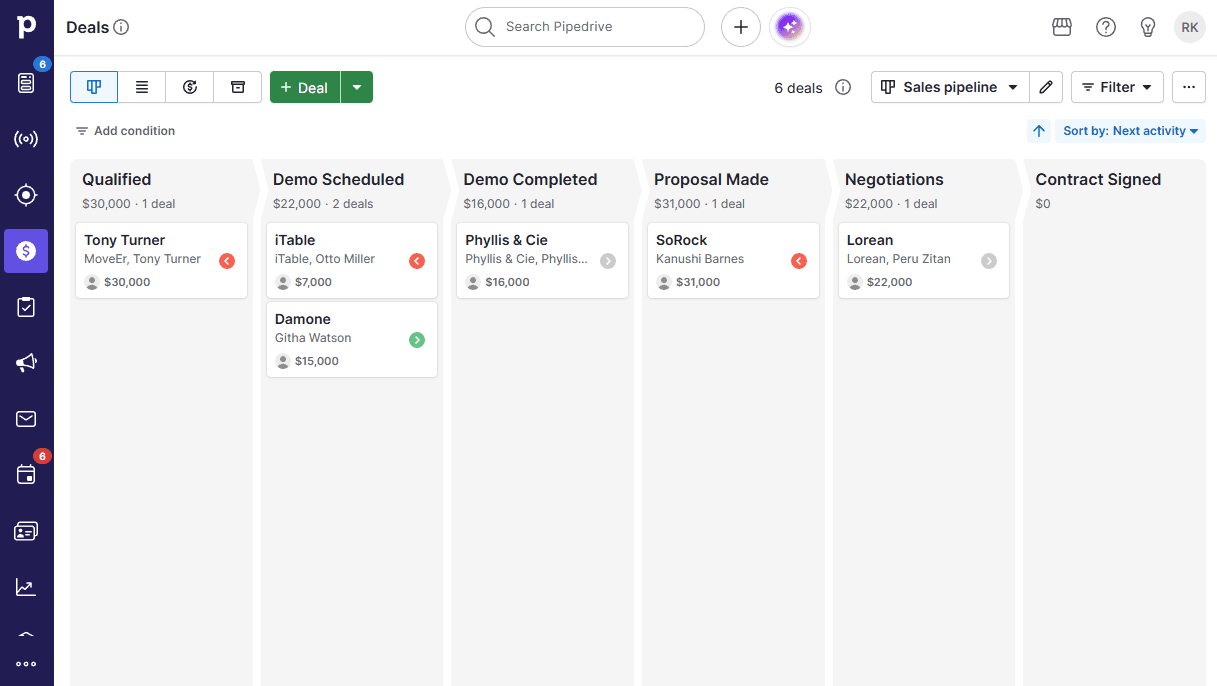
This is where the 2026 comparison diverges from previous years. HubSpot has more impressive AI features according to the testing. The Breeze Assistant powers the workflow builder, and AI prospecting agents can identify and prioritize leads across the platform.
Pipedrive's AI capabilities focus on sales tasks. The AI assist helps with forecasting, email composition, and deal insights. It's useful, but the scope is narrower than what HubSpot offers.
Intelligent sales feeds now appear in both platforms, surfacing relevant activities and next steps for sales reps. But HubSpot's AI can pull context from marketing engagement, service interactions, and website behavior. Pipedrive's AI works with sales data.
Pricing: Predictable vs Generous-Then-Complex
Pipedrive has no free plan. HubSpot offers a generous free forever tier that lets teams try the platform without commitment. This makes HubSpot attractive for startups and small teams testing CRM options.
The dynamic reverses as you scale. Pipedrive's pricing is more affordable at every paid tier and simpler to predict. You know what you're paying and what you're getting.
HubSpot's pricing gets confusing as you grow. Adding seats, upgrading tiers, and accessing advanced features across multiple Hubs can produce bills that surprise finance teams. The free plan is a trial, not a permanent solution for serious usage.
Add-Ons and Platform Scope
Pipedrive extends beyond core CRM through paid add-ons: LeadBooster for lead generation, Projects for task management, Web Visitors for tracking site traffic, Campaigns for email marketing, and Smart Docs for proposal automation. Some add-ons come included on higher-tier plans.
HubSpot's approach bundles more functionality into its Hubs. The Marketing Hub, Content Hub, Sales Hub, Service Hub, Operations Hub, and Commerce Hub each contain substantial feature sets. You don't buy individual add-ons as much as you subscribe to entire functional areas.
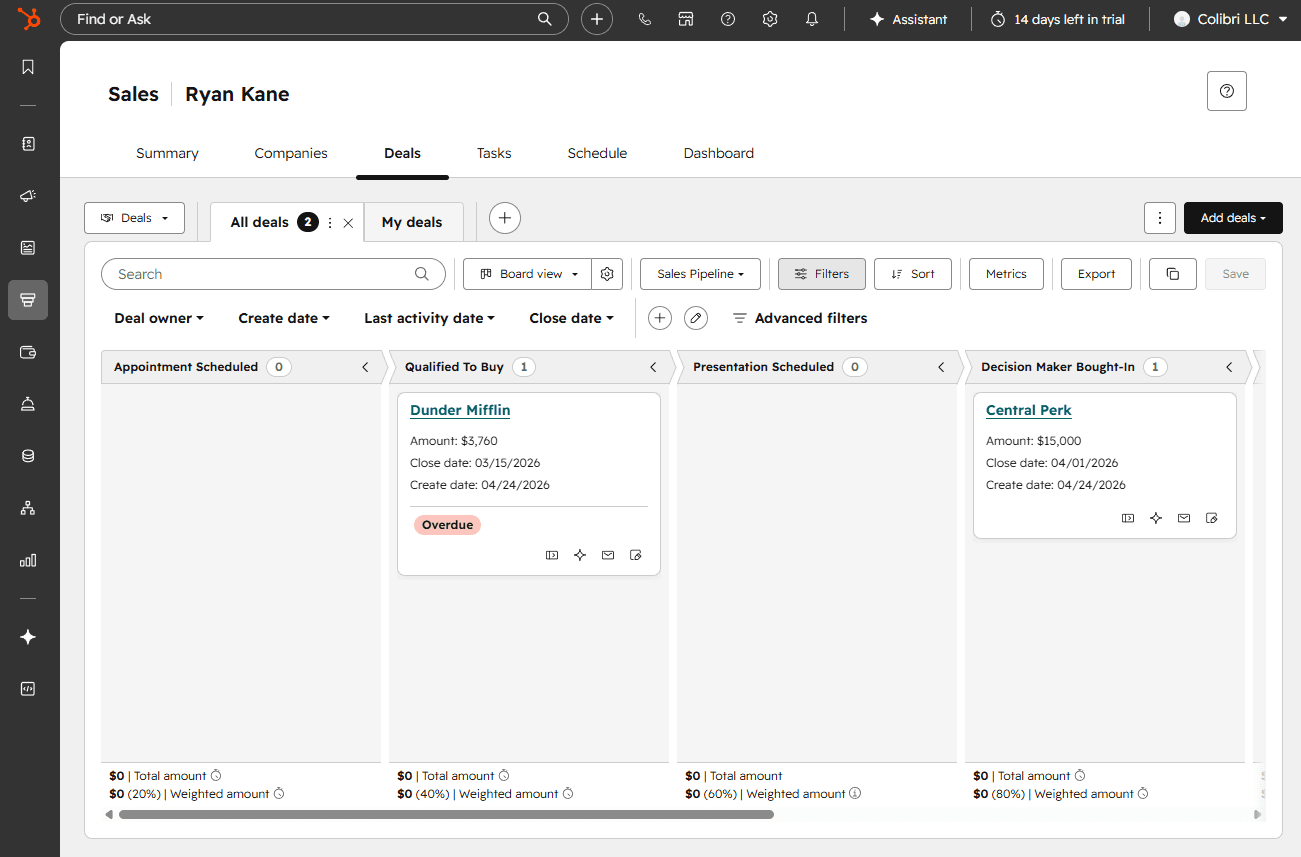
| Feature | Pipedrive | HubSpot |
|---|---|---|
| CRM & Sales | ⭐⭐⭐⭐⭐ Built for sales teams | ⭐⭐⭐⭐ Capable but broader focus |
| Native Integrations | 500+ | 2,000+ |
| Automation | Sales-focused workflows, Sequences | Cross-functional with Breeze Assistant |
| Free Plan | No | Yes, generous tier |
| Paid Pricing | More affordable, predictable | Gets complex and expensive at scale |
| AI Features | Sales-focused AI assist | More advanced, cross-platform AI |
| Analytics | Easier to use | Deeper but steeper learning curve |
| Platform Scope | Sales plus paid add-ons | Full suite across business functions |
Which Should You Choose?
The decision comes down to what problems you're solving. Pipedrive makes sense for teams where sales is the primary use case. You'll get a cleaner interface, faster onboarding, predictable costs, and features designed specifically for closing deals.
HubSpot makes sense when you need departments to share customer data without manual syncing. Marketing can see sales outcomes. Service can see deal history. Revenue operations can report across the full customer lifecycle. That integration has real value, but you pay for it in complexity and cost.
The AI factor tilts toward HubSpot for organizations that will actually use cross-functional intelligence. If your marketing, sales, and service teams operate independently, Pipedrive's sales-focused AI covers what you need at lower cost.
Logicity's Take
Frequently Asked Questions
Frequently Asked Questions
Is Pipedrive or HubSpot better for small sales teams?
Pipedrive is typically better for small sales teams. It offers a cleaner pipeline experience, faster time to value, and more predictable pricing. HubSpot's free tier is tempting, but costs rise quickly as you add features.
Does HubSpot's free CRM include enough features to be useful?
Yes, HubSpot's free tier is genuinely functional for basic contact and deal management. It works well for teams testing CRM concepts, but you'll likely need paid tiers for automation, advanced reporting, and AI features.
Which CRM has better AI features in 2026?
HubSpot has more advanced AI features, including the Breeze Assistant for workflow building and AI prospecting agents that work across marketing, sales, and service data. Pipedrive's AI focuses specifically on sales tasks.
Can Pipedrive handle marketing automation?
Pipedrive offers Campaigns as a paid add-on for email marketing. It's functional for basic campaigns but doesn't match HubSpot's Marketing Hub in depth or native integration with sales workflows.
How do the integration ecosystems compare?
HubSpot offers over 2,000 native integrations versus Pipedrive's 500+. Both cover most common business tools, but HubSpot's larger catalog provides more options for specialized software.
Need Help Implementing This?
Source: The Zapier Blog
Manaal Khan
Tech & Innovation Writer
Produced with AI assistance and reviewed by the Logicity editorial team. Learn more in our Editorial Policy.






