Key Takeaways
- EPUB files preserve chapter structure, footnotes, and headings that PDFs flatten into unstructured text
- Users can now upload 50+ books to a single NotebookLM project and query across all of them with chapter-level precision
- The update enables accurate data extraction, study guides, and timelines from full-length books without manual pre-processing
NotebookLM now supports EPUB files natively, and the change solves a problem that plagued the tool since launch: books uploaded as PDFs lost their structure entirely. Chapters, footnotes, headings, page numbers. All of it became undifferentiated text. The LLM behind NotebookLM couldn't tell where Chapter 12 began or whether a number at the top of a page was a page marker or part of a sentence.
EPUB preserves that structure. The file format stores semantic information about what each piece of text actually is. A heading is tagged as a heading. A footnote is marked as a footnote. When NotebookLM ingests an EPUB, it can now parse an entire book and know, programmatically, where each section begins and ends.
This matters because every feature in NotebookLM inherits the upgrade. Audio Overviews, video summaries, slide decks, mind maps, flashcards, quizzes, data tables. All of them now work correctly with full-length books instead of forcing users to manually carve books into excerpts or chapters before uploading.
Why PDFs broke NotebookLM's book workflow
The PDF format was designed for printing, not semantic parsing. When you convert a book to PDF, the file preserves visual layout but discards structural metadata. To the embedding model and the LLM, the words "Chapter 12" are just text sitting on a page, indistinguishable from any other line of body text.
This created two problems. First, book-length PDFs are massive uploads that consume significant context window space. Second, the lack of structure meant NotebookLM couldn't reliably answer questions like "summarize Chapter 11" because it didn't know where Chapter 11 was. It would have to guess based on proximity to the words "Chapter 11" appearing in the text.
The EPUB format fixes this because it's essentially a structured container. The file includes a spine that defines reading order, a table of contents with navigation points, and semantic markup for headings, paragraphs, footnotes, and other elements. When NotebookLM reads an EPUB, it can parse all of this metadata and build an accurate internal representation of the book's structure.
What changes for power users
The most immediate benefit is efficiency. A single EPUB takes up far less room in a notebook than an equivalent PDF, which means users can load more books into a single project. According to early testing, users can now manage 50+ books in a single NotebookLM project when using EPUB files.
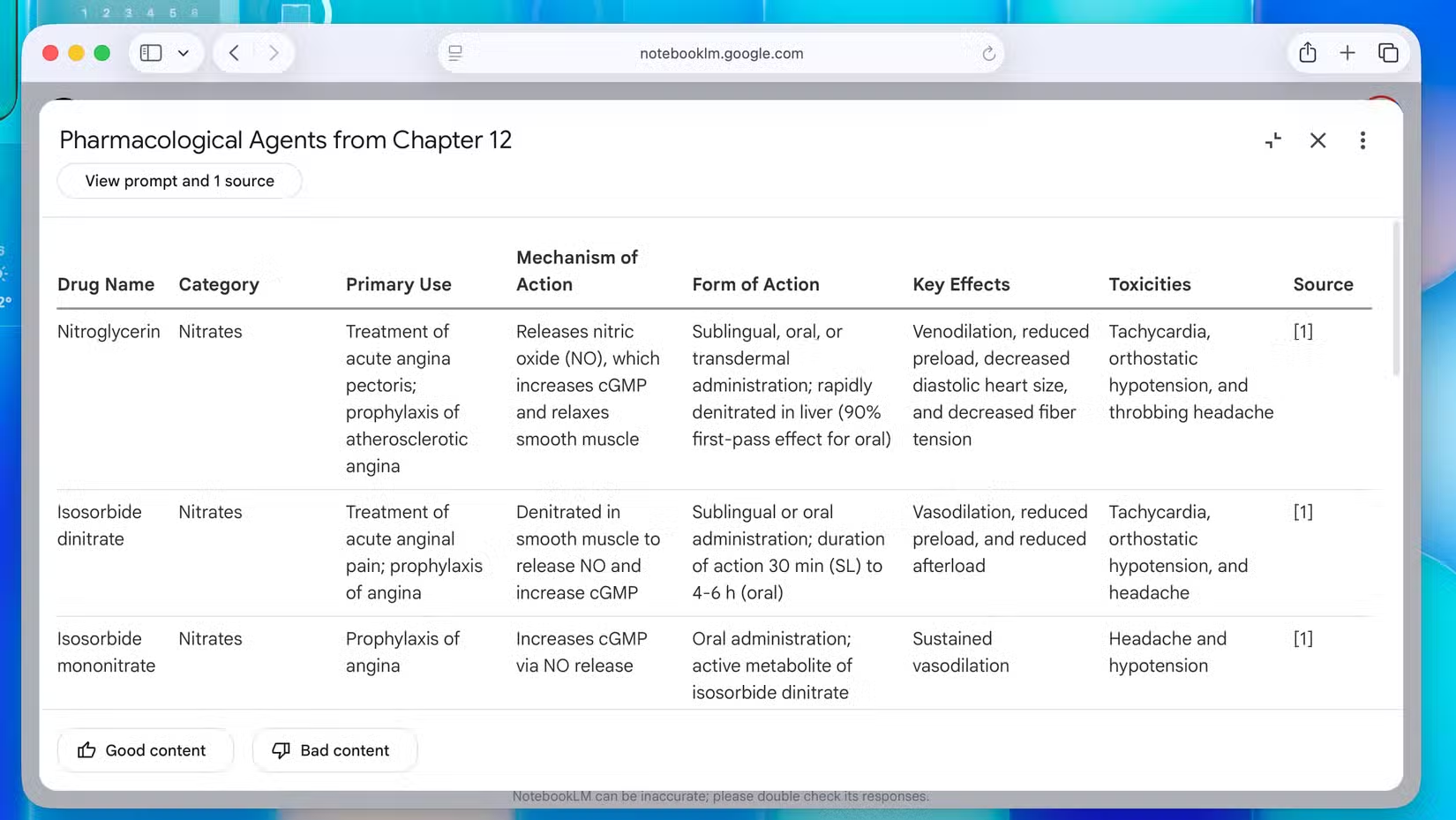
The data table feature benefits significantly. Books contain structured information buried in prose: historical events, character relationships, key concepts, cited studies. NotebookLM's data table tool already pulled structured data from documents, but with PDFs it often missed context or misattributed information. With EPUBs, users can ask for "every event mentioned in Chapter 8" and get accurate results because the tool finally knows where Chapter 8 begins and ends.
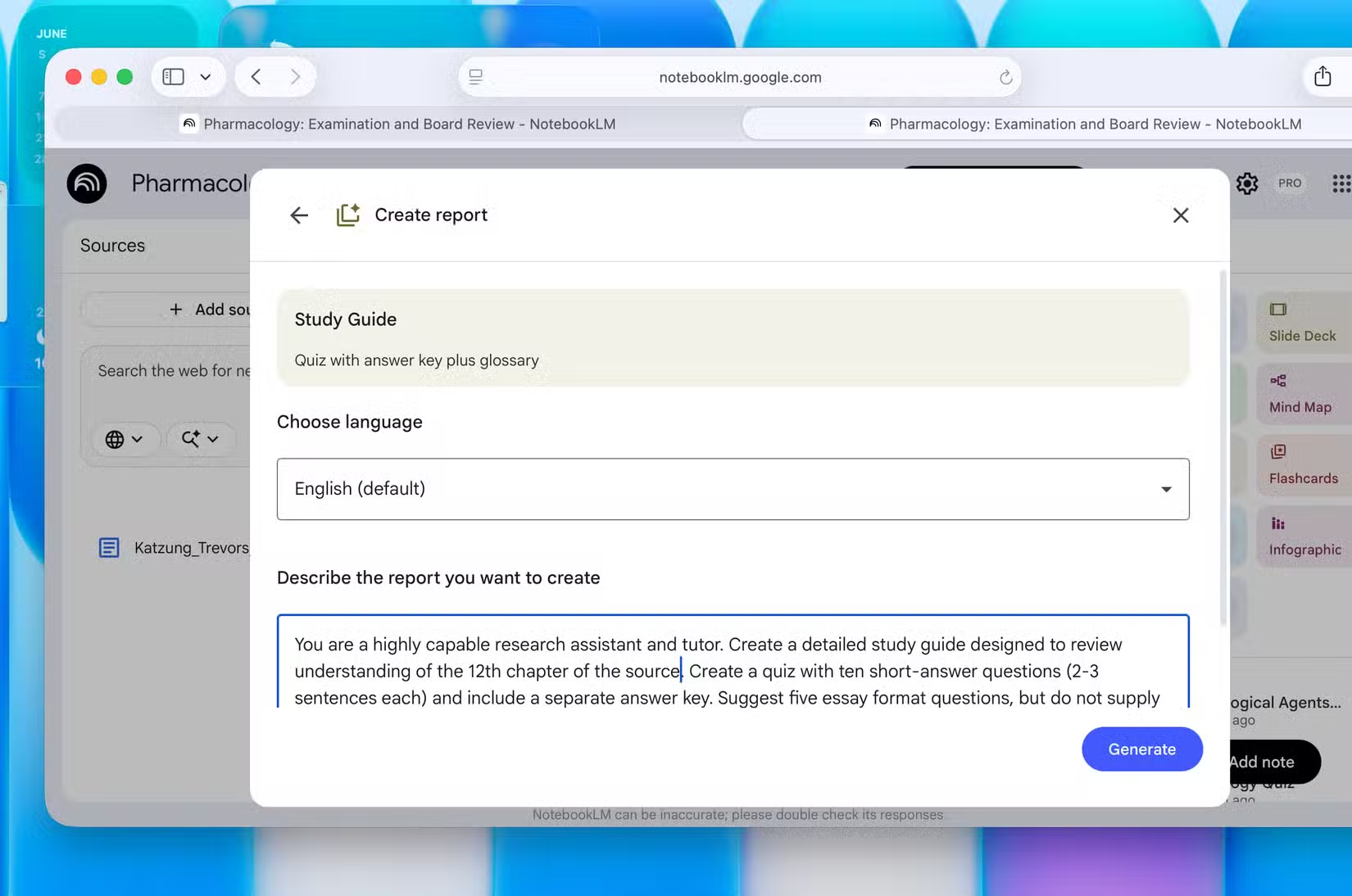
The same precision applies to study guides and reports. Users can upload multiple textbooks, specify which chapters they need to study, and NotebookLM builds a guide that understands those chapters in the context of the whole book. It can sequence material from fundamentals to advanced topics because it understands the book's internal structure.
The context window upgrade that makes this practical
EPUB support alone wouldn't matter much if NotebookLM couldn't process long books. The June 2026 upgrade to a 1,000,000 token context window for paid users changed that. For reference, the entire Wheel of Time series clocks in at roughly 4.4 million words. While that still exceeds a single session, the new context window means most individual books fit comfortably, and multi-book projects are now practical.
This eliminates an old trade-off. Previously, users had to choose between building a general notebook with broad context but less focus, or a narrow notebook locked onto specific excerpts. With full books loaded as single files, users get both: broad context and precise targeting.
How the community is using it
Reddit communities, particularly r/NotebookLM and r/ArtificialIntelligence, have celebrated the update as the "end of PDF hell." The most creative use case gaining traction: AI-hosted debates between historical figures. Users upload the collected works of two philosophers or thinkers, then prompt NotebookLM to generate a debate on a specific topic. Because the tool now understands chapter-level structure, it can cite specific passages accurately instead of paraphrasing loosely.
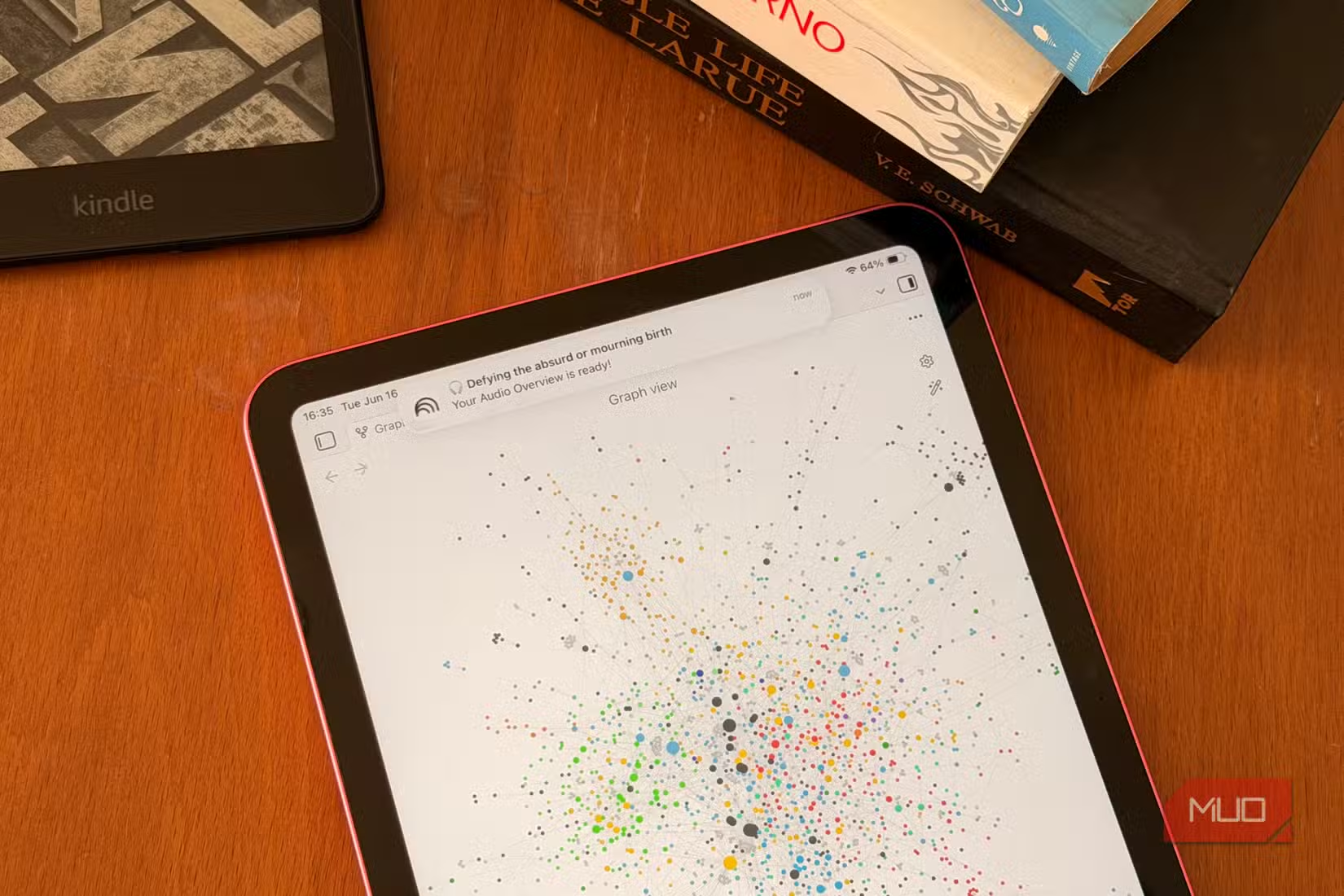
Students are using the feature for coursework. Load a semester's worth of textbooks, ask for a comprehensive study guide covering specific chapters across multiple sources, and NotebookLM builds it. The chapter-level citation accuracy provided by EPUBs is significantly higher than previous PDF implementations, which means fewer errors and less manual verification.
What this means for AI-assisted reading
The update positions NotebookLM as the default tool for what Google is calling "AI-assisted reading." The combination of native EPUB support, a million-token context window, and the existing suite of output formats (audio overviews, video summaries, flashcards, mind maps) creates a complete workflow for processing long-form written content.
The competition will respond. Open-source alternatives like the one MakeUseOf's Bohlooli mentioned already offer more customization. But NotebookLM's integration with Google's infrastructure gives it an edge on raw processing power and context length that open-source projects will struggle to match without significant compute resources.
Another practical feature buried in a Google product that most users don't know about
Frequently Asked Questions
Does NotebookLM support DRM-protected EPUB files?
No. Like most tools that process EPUB files, NotebookLM requires DRM-free files. Most purchased eBooks from major retailers include DRM and would need to be converted first.
How many books can I upload to a single NotebookLM project?
With EPUB's efficiency compared to PDF, users report managing 50+ books in a single project. The practical limit depends on total token count and your subscription tier.
Is EPUB support available on the free tier?
EPUB upload is available to all users. The 1,000,000 token context window that makes processing multiple full-length books practical is limited to paid subscribers.
Can NotebookLM convert my PDFs to EPUB?
No. You'll need to use an external tool like Calibre to convert PDFs to EPUB before uploading. The conversion quality depends on the original PDF's structure.
Does this work with audiobooks?
Not directly. Audiobook formats like M4B or MP3 aren't supported. You would need the EPUB version of the same book.
Logicity's Take
This update seems small but addresses a genuine structural problem. PDF was never designed for semantic parsing, and forcing AI tools to extract meaning from a format optimized for printing created predictable failures. EPUB isn't perfect either. Formatting inconsistencies between publishers, especially for technical books with code samples or complex diagrams, will still cause issues. But for narrative text, the upgrade from "everything is flat text" to "the tool understands document structure" is substantial.
Need Help Implementing This?
Building AI-powered document workflows for your team? Logicity works with engineering and product teams on research tooling and knowledge management systems. Reach out at logicity.in/contact to discuss your use case.
Source: MakeUseOf
Huma Shazia
Senior AI & Tech Writer
Produced with AI assistance and reviewed by the Logicity editorial team. Learn more in our Editorial Policy.






