Key Takeaways
iOS 27 Public Beta Is Out! - How To Install!
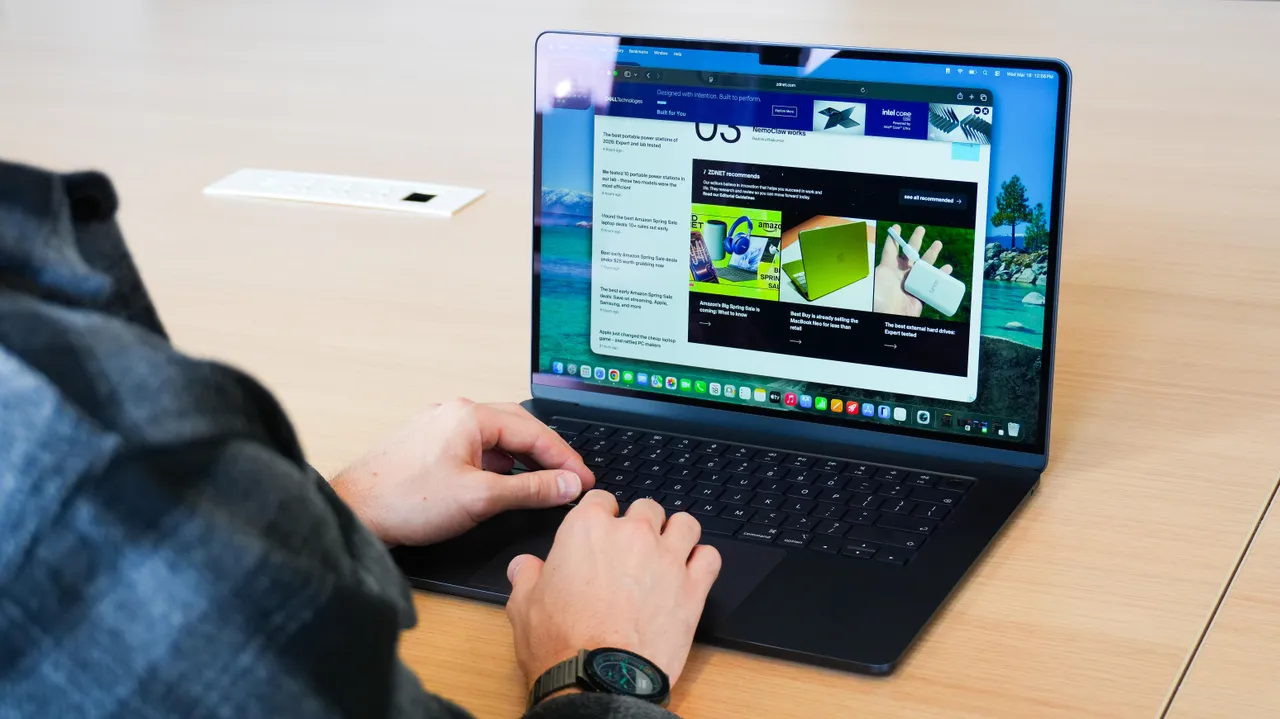
- macOS 27 Golden Gate public beta is available now for Apple Silicon Macs only
- Intel-based Macs are no longer supported, marking the end of an era
- The headline feature is a redesigned Siri with its own dedicated app and deeper Mac integration
Apple's macOS 27 Golden Gate public beta went live on July 14, opening the new operating system to anyone willing to test pre-release software. The update focuses on performance improvements, visual polish, and a significantly more capable Siri. If you're running an Apple Silicon Mac, you can install it today.
First announced at WWDC 2026, macOS 27 drops support for Intel-based Macs entirely. That means M1 or newer. If you bought your Mac before late 2020, this update isn't for you.
Which Macs can run macOS 27?
Compatibility requires Apple Silicon. Here's the full list:
- MacBook Air M1 and later
- MacBook Pro M1 and later
- MacBook Neo
- iMac M1 and later
- Mac mini M1 and later
- Mac Studio M1 and later
- Mac Pro M2/2023 and later
The MacBook Neo appears on Apple's compatibility list, suggesting a new product line. Apple hasn't officially announced this model, but beta documentation often leaks upcoming hardware.
What's new in macOS 27 Golden Gate?
Siri is the headline. It now runs as a standalone app rather than a floating overlay, and it can search through your files, emails, and messages to answer questions in natural language. Ask Siri to find that contract you discussed with a client last month, and it will actually look through your data to find it.
Beyond Siri, Apple says Golden Gate brings performance optimizations and visual design refinements. The company hasn't published specific benchmarks, but developer beta testers have reported faster app launches and smoother animations on M1 and M2 machines.
How to install the macOS 27 public beta
Back up your Mac first. Time Machine works. So does cloning your drive to an external SSD. Beta software breaks things.
- Go to Apple's beta software program site and sign in with your Apple ID. Registration is free.
- Open System Settings > General > Software Update on your Mac.
- Click the (i) icon next to Beta Updates.
- Select macOS Public Beta from the dropdown menu.
- Click Done, then Update Now.
The download size varies by machine, but expect 10-15 GB. Installation takes 30 to 45 minutes on most Macs.
Should you install it on your main Mac?
No. Public betas are more stable than developer betas, but they still contain bugs that can corrupt data, crash apps, or drain battery faster than normal. If you have a secondary Mac gathering dust, that's your beta machine. If not, wait for the general release in September.
Apple includes a Feedback Assistant app in the beta for reporting bugs. Use it. That's the entire point of the program.
When will the final version ship?
Apple hasn't announced a specific date. If past years hold, macOS 27 will launch in late September or early October, shortly after the iPhone 18 announcement event. The public beta will receive several updates between now and then.
Logicity's Take
Dropping Intel support was inevitable, but it still stings for anyone holding onto a 2019 MacBook Pro. Apple gave Intel Macs a six-year runway from the M1 launch, which is reasonable by industry standards. The more interesting signal is the MacBook Neo appearing on compatibility lists. That name hasn't appeared in any official Apple communications, and beta documentation leaking unreleased products is a recurring pattern. For IT departments managing mixed Mac fleets, this beta period is the time to audit which machines will need replacement before the fall rollout.
Frequently Asked Questions
Is the macOS 27 public beta free?
Yes. Unlike the developer beta, the public beta requires only a free Apple account registration at beta.apple.com.
Can I downgrade from macOS 27 beta to macOS 26?
Yes, but you'll need a Time Machine backup made before installing the beta. Downgrading without a backup requires erasing your Mac and reinstalling macOS.
Will my apps work on macOS 27?
Most apps built for macOS 26 should work, but some may have compatibility issues until developers release updates. Check with your critical software vendors before installing.
How do I report bugs in the macOS 27 beta?
Use the Feedback Assistant app included with the beta. It's in your Dock after installation and lets you send reports directly to Apple's engineering teams.
Microsoft also rolled out a beta feature this week for Windows users
Need Help Implementing This?
Planning a fleet-wide macOS upgrade? Logicity helps IT teams test compatibility, build rollout timelines, and manage the transition. Get in touch with our team for a consultation.
Source: Latest news
Manaal Khan
Tech & Innovation Writer
Produced with AI assistance and reviewed by the Logicity editorial team. Learn more in our Editorial Policy.




