Key Takeaways
- Claude Code's context window fills up fast, causing it to forget project details between sessions
- Memory Vault connects Postgres to Claude via MCP, giving it persistent memory outside the context window
- Setup requires cloning a GitHub repo and running three Docker commands
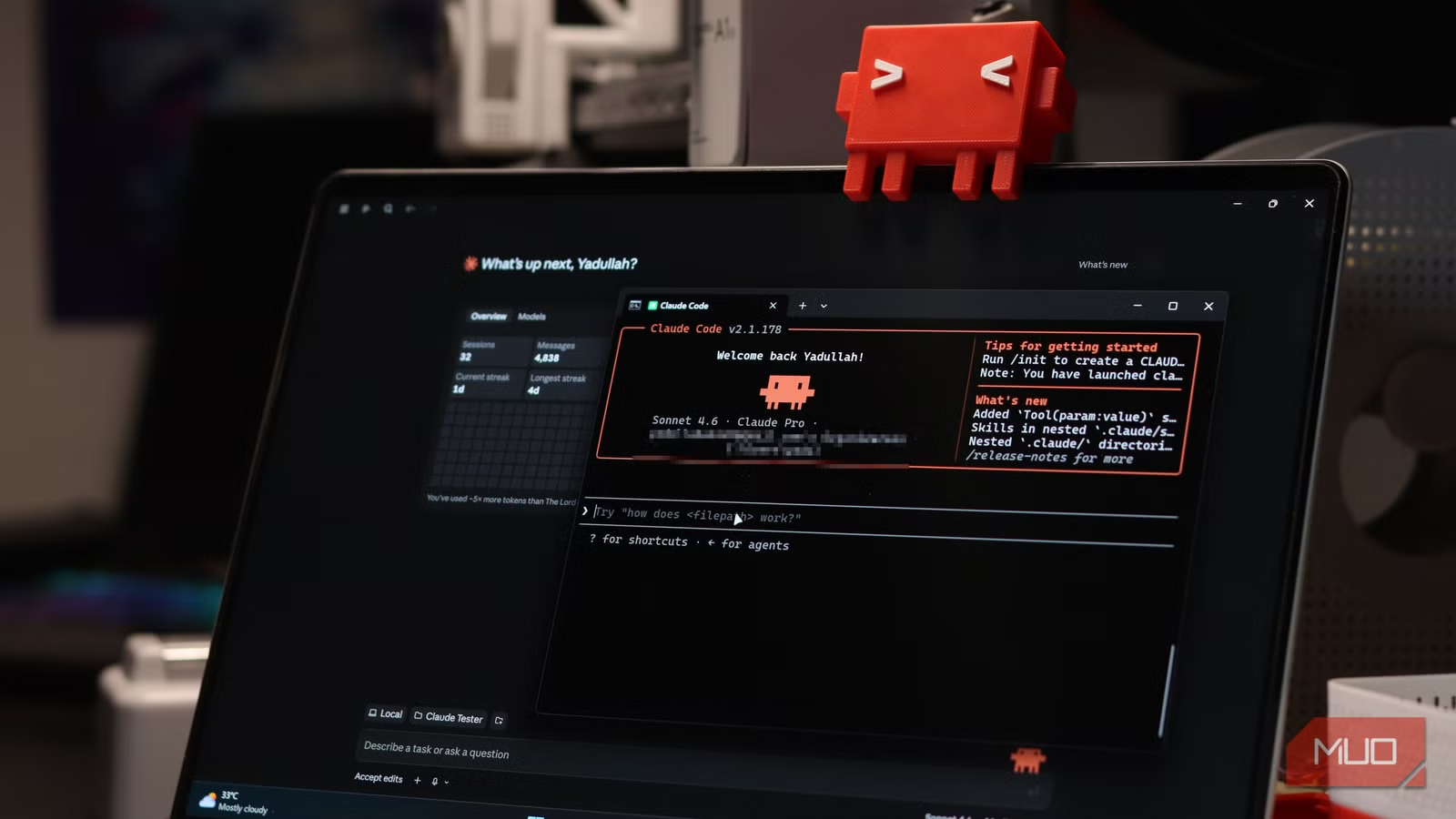
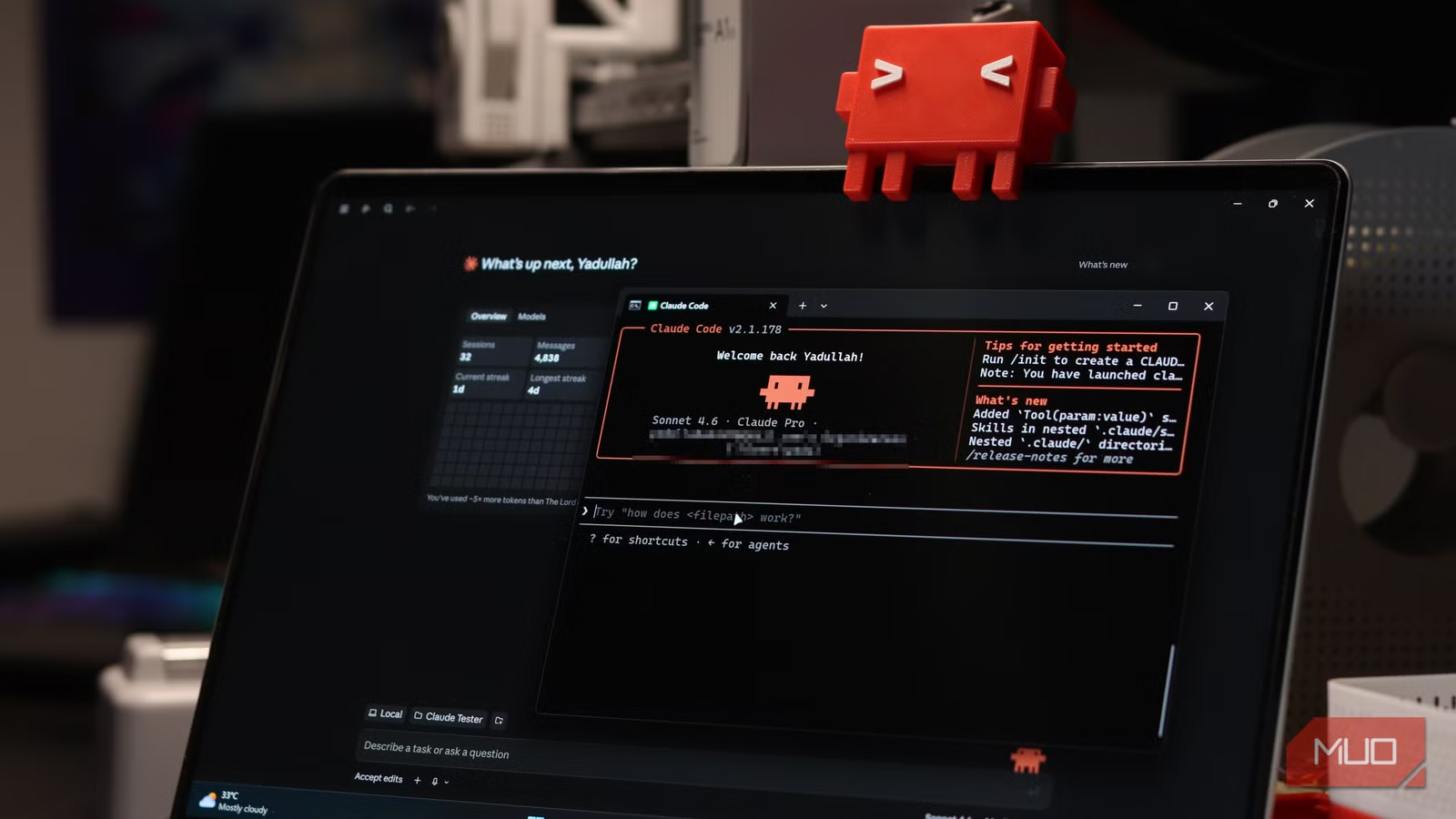
Claude Code's biggest frustration isn't its reasoning or coding ability. It's the forgetting. You spend twenty minutes explaining your project structure, your coding conventions, why you chose a particular library. Next session? Gone. You start over.
A developer named Yadullah Abidi documented a fix that sidesteps the problem entirely: wire Claude Code to a Postgres database using an open-source tool called Memory Vault. The result is persistent memory that survives session clears, restarts, and even switching machines.
Why Claude Code keeps forgetting your project context
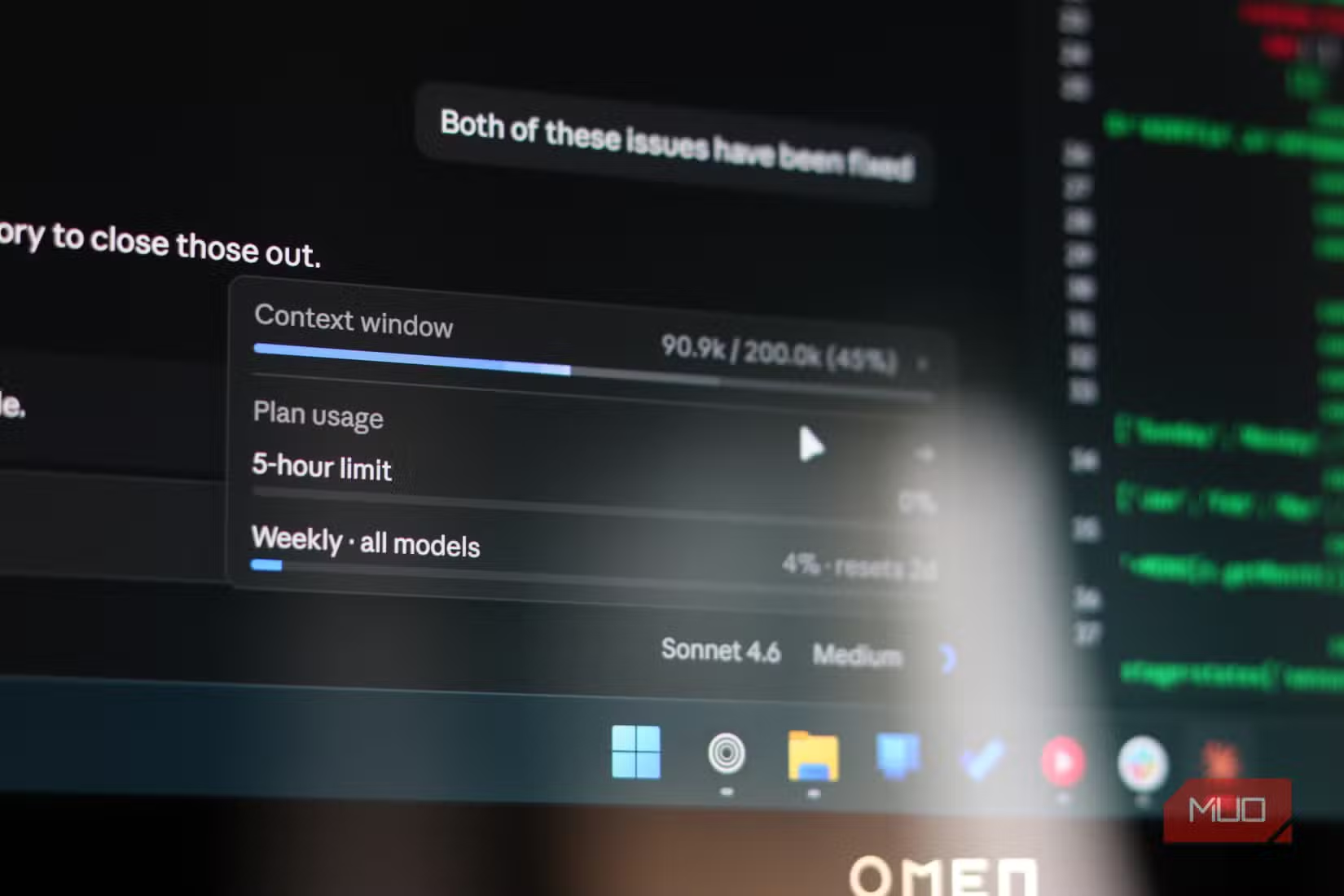
Claude Code operates on a context window, a working memory that holds your current conversation, file reads, tool outputs, and instructions. Depending on your plan, that window ranges from 200,000 tokens to a million. Sounds huge. It fills faster than you'd expect.
Every file Claude opens, every bash command it runs, every back-and-forth exchange eats into that space. When the window approaches capacity, Claude automatically starts compacting. It deletes older tool outputs first, then summarizes earlier conversation.
The problem: compaction is lossy. Detailed instructions and decisions from earlier in the session quietly disappear. You don't get a warning. You just notice Claude suddenly doesn't remember that you prefer async/await over callbacks, or that you're using a specific database schema.

The manual workaround: save summaries to files
One approach is to ask Claude to manually save a summary of everything important to a separate file. At the start of each new session, you tell it to read that file. It works, but it's clunky. You're managing memory by hand, and the summaries themselves can drift from what actually matters.
For a long-running project, a team environment, or any codebase where context drift costs you hours and thousands of tokens, you want memory that lives completely outside Claude's context window.
How Memory Vault gives Claude real persistent memory
Memory Vault is an open-source project that connects Postgres to Claude via MCP (Model Context Protocol), an open standard that lets AI tools connect to external services. In this case, it gives Claude read and write access to a Postgres database where it can save and fetch information.
The tool combines Postgres with pgvector for hybrid search. That means semantic similarity and keyword matching together. Claude can find the right memory even when you don't remember the exact words you used when saving it.
Setup: three commands and a Docker container
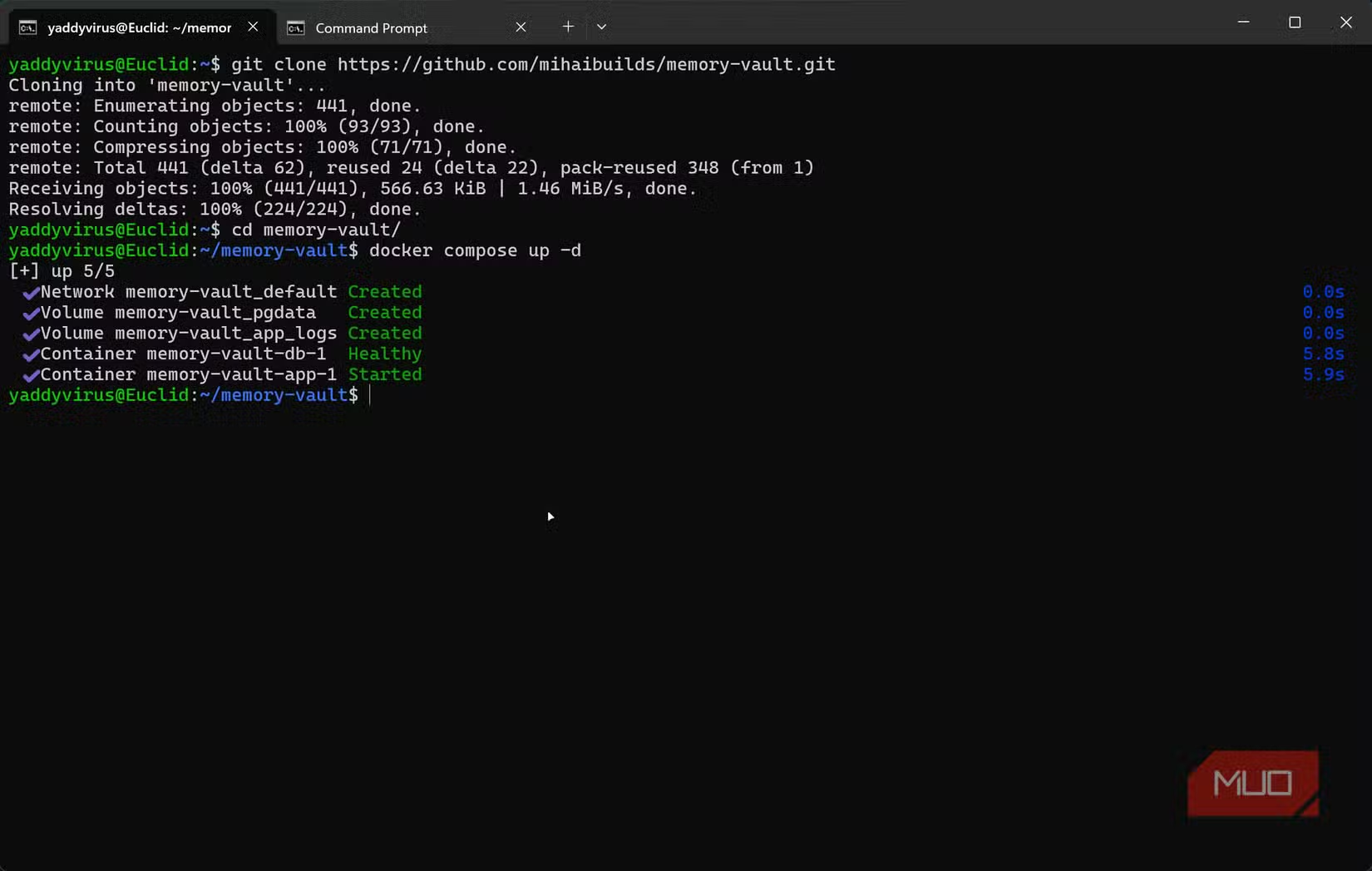
Installation requires cloning the GitHub repository and spinning up a Docker container. Run these commands in sequence:
git clone https://github.com/mihaibuilds/memory-vault.git
cd memory-vault
docker compose up -d
Docker pulls the images, runs migrations, and starts everything automatically. To verify the setup:
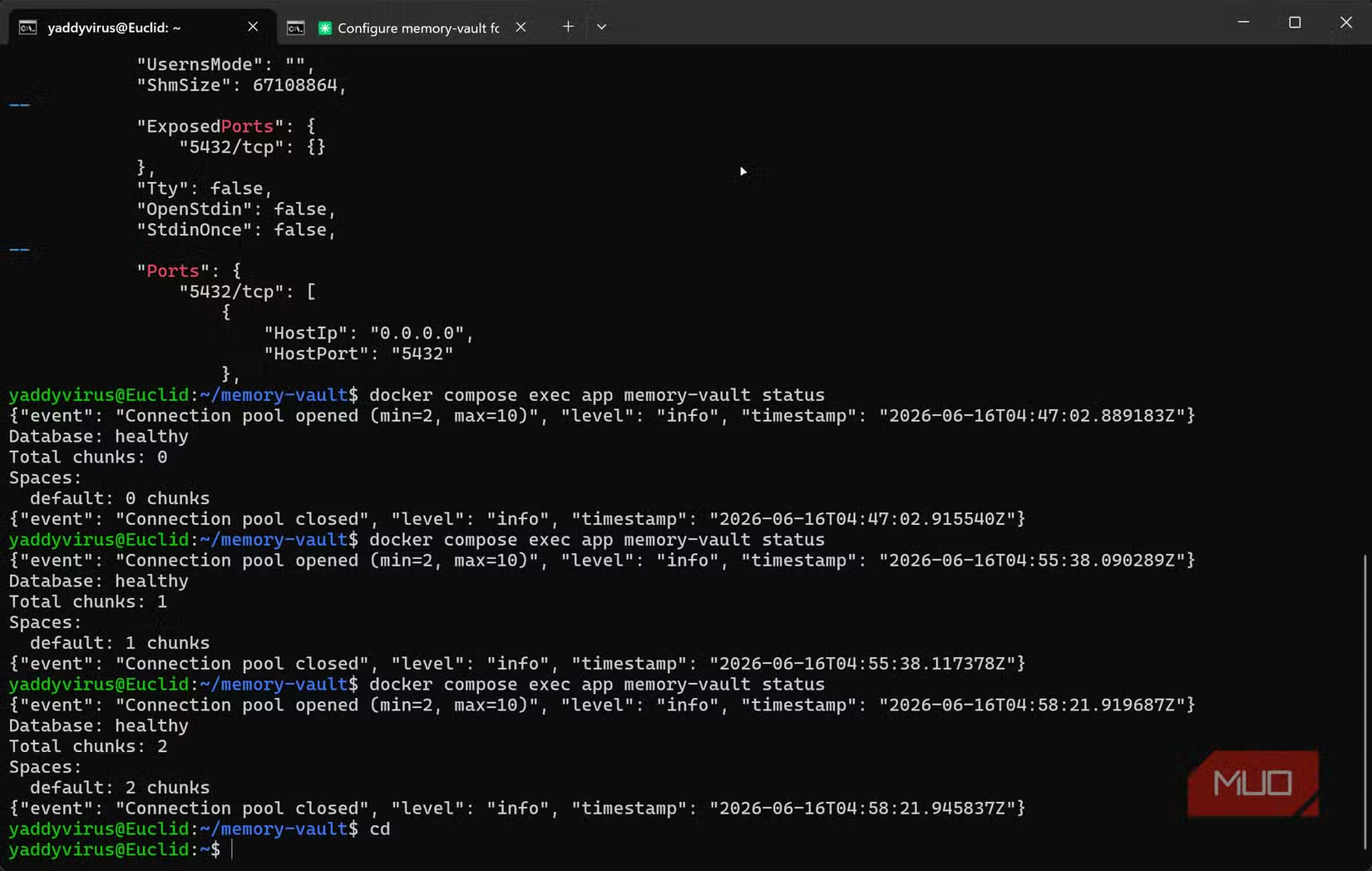
docker compose exec app memory-vault statusYou should see "Database: healthy" and a chunk count of zero for fresh installations. As you save things to memory, the chunk count rises.
Memory Vault also spins up a web dashboard at http://localhost:8000 where you can browse, search, and manage stored memories directly. From there, you wire it to Claude Code through the MCP configuration.
What changes once Claude has persistent memory
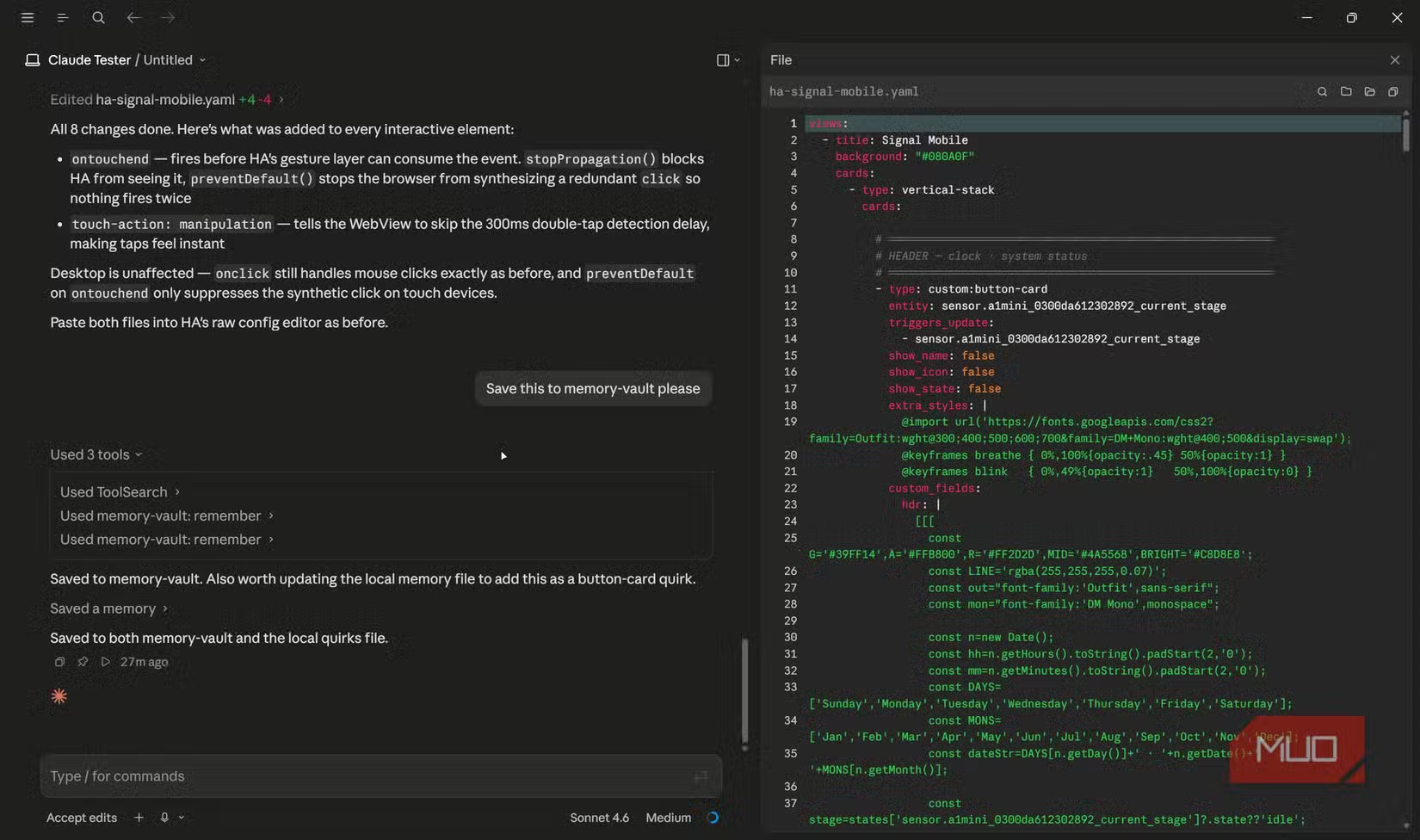
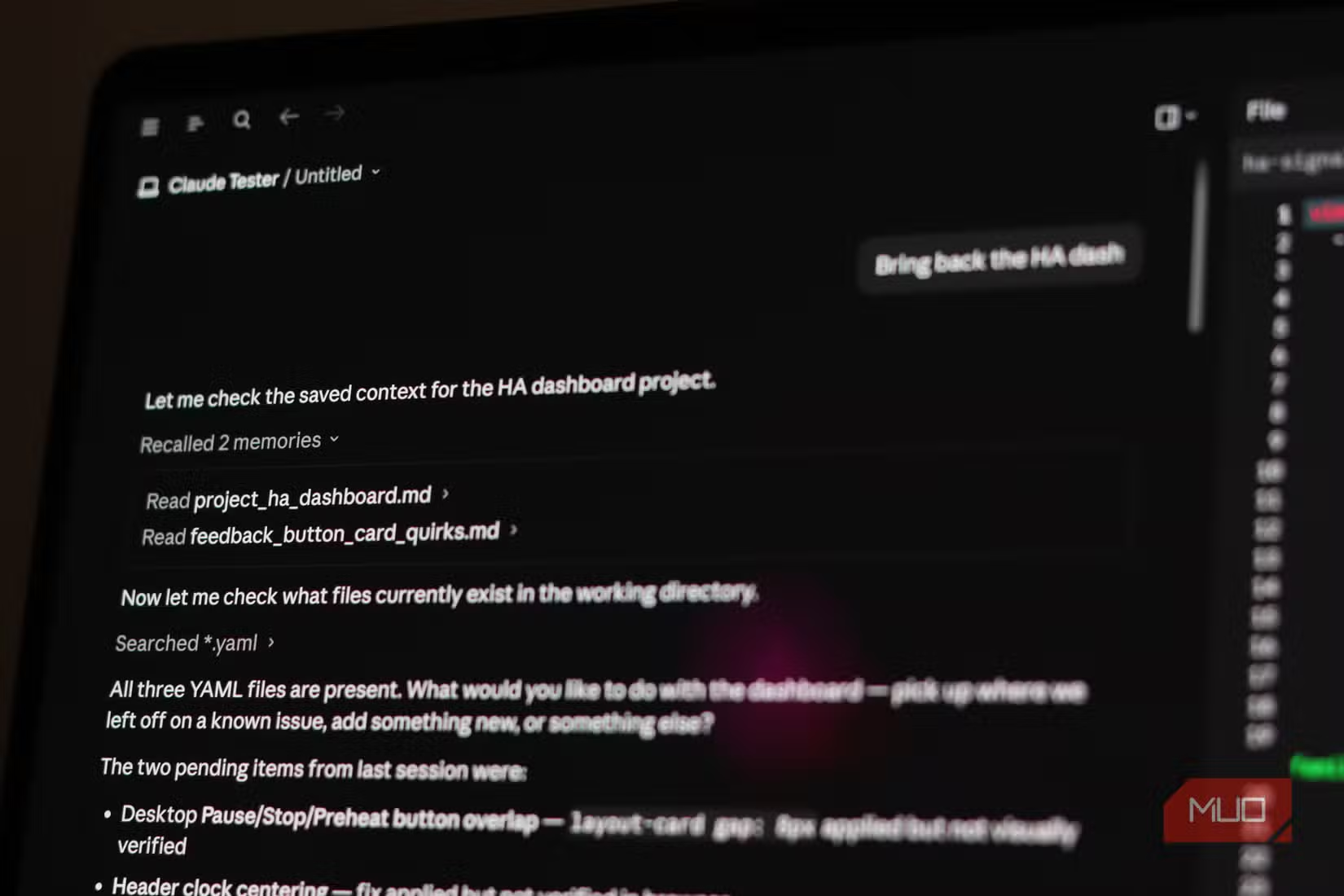
With Memory Vault connected, Claude can save project context, coding decisions, and architectural choices to the database. When you start a new session, it retrieves what it needs. No re-explaining. No drift.
The hybrid search matters here. If you saved a note about "preferring React Server Components over client-side rendering," you can ask about "server-side React patterns" and still find it. The semantic search handles the synonym gap.
For teams, this opens another possibility: shared project memory. Multiple developers can contribute to the same database, and Claude picks up context from everyone's sessions.
Automate Memory Vault maintenance tasks with scheduled jobs
Useful for building custom memory search scripts
Logicity's Take
Memory Vault solves a real problem, but it's also a preview of where AI coding tools are headed. The current context window model forces users to treat every session as a fresh start. External memory systems like this will become standard infrastructure, not workarounds. Expect Anthropic, OpenAI, and others to build native persistent memory into their tools within the next year.
Frequently Asked Questions
Does Memory Vault work with Claude Desktop or only Claude Code?
Memory Vault uses MCP, which works with both Claude Code and Claude Desktop. Any Claude interface that supports MCP can connect to it.
How much storage does the Postgres database need?
For most individual projects, a few hundred megabytes is sufficient. Memory is stored as text chunks with vector embeddings, which are compact. Team environments with years of history might grow to a few gigabytes.
Can Claude automatically save important context or do I have to tell it?
You need to instruct Claude to save specific information. It won't automatically decide what's worth remembering. The best practice is to tell Claude to save project conventions and architectural decisions at natural breakpoints.
Is Memory Vault secure for sensitive codebases?
Memory Vault runs locally on your machine. Data stays in your Docker container and Postgres instance. It never leaves your system unless you configure external access.
What happens if I clear Claude's context window?
The database retains all saved memories. Claude can retrieve them in the new session. That's the entire point: memory lives outside the context window.
Need Help Implementing This?
Setting up Memory Vault takes about ten minutes, but optimizing what to save and when requires thought. If you're building AI-assisted development workflows for a team, reach out to the Logicity team for guidance on memory architecture and MCP integrations.
Source: MakeUseOf
Manaal Khan
Tech & Innovation Writer
Produced with AI assistance and reviewed by the Logicity editorial team. Learn more in our Editorial Policy.






