Key Takeaways
- Three connection methods exist: copy-paste (free), Copilot plugin (API credits), and MCP server (most powerful)
- The MCP server approach gives Claude read-and-write access to your entire vault
- AI works best as connective tissue between notes, not as a search engine replacement
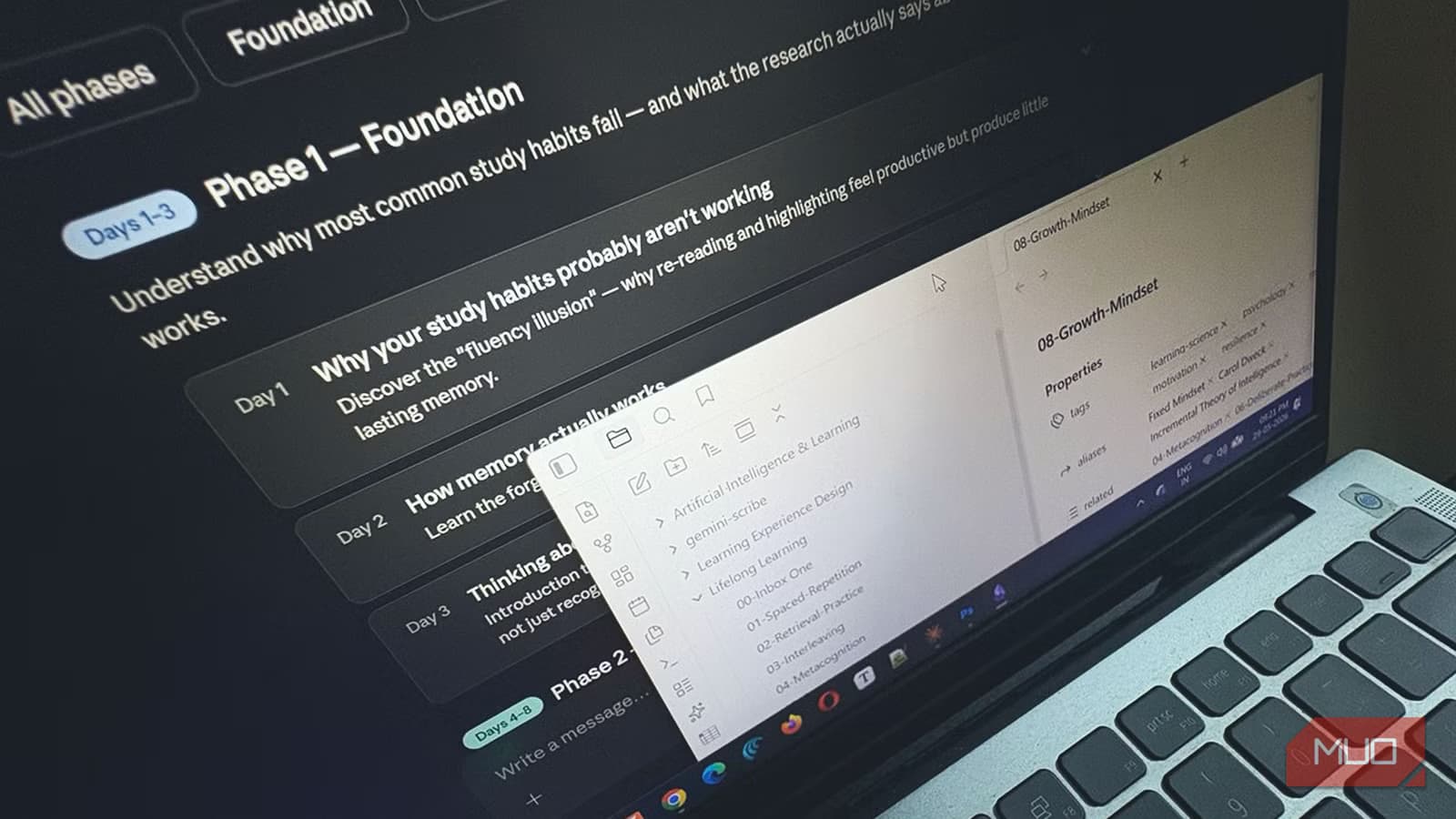
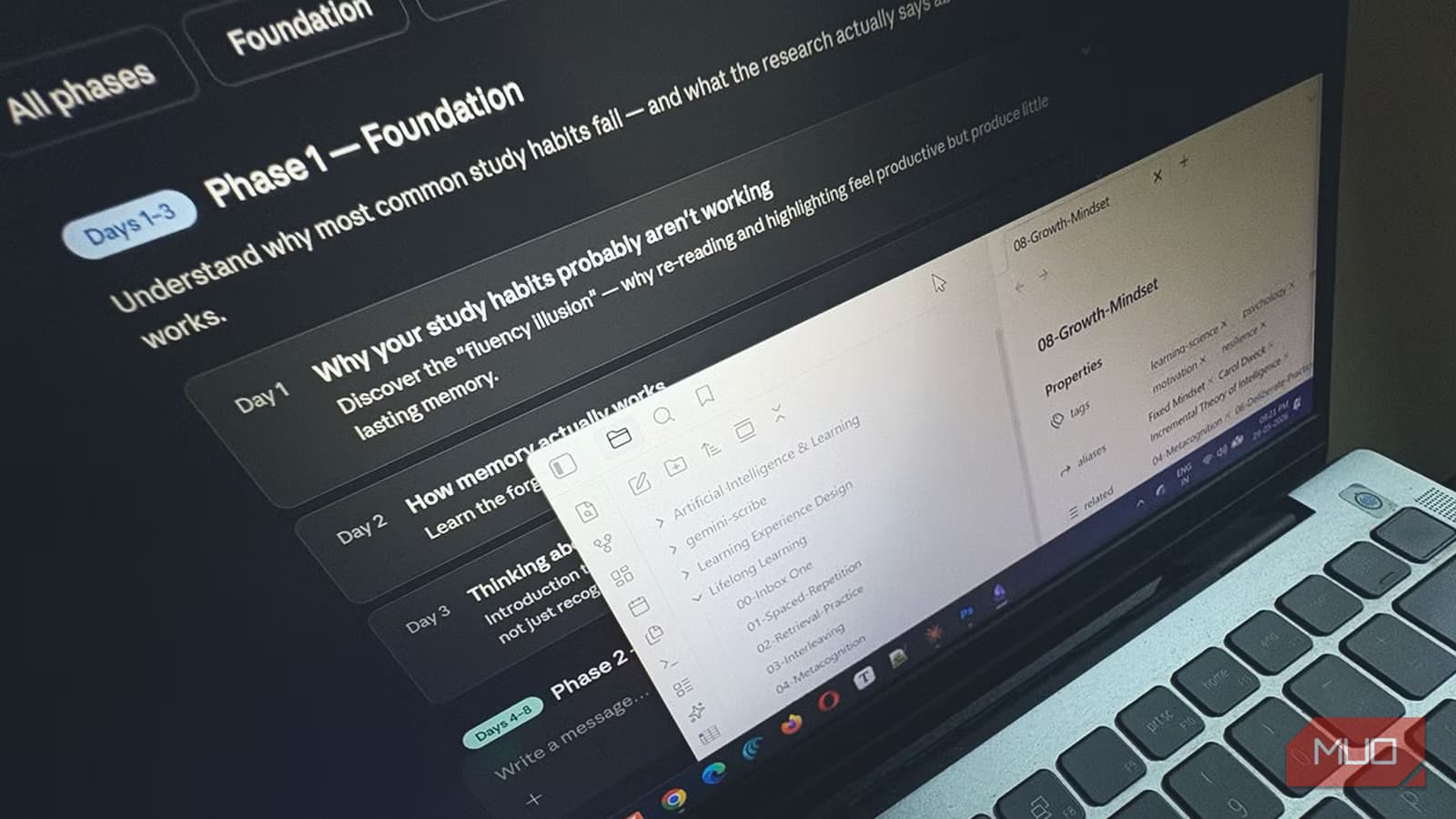
Most note-taking problems aren't about collection. They're about comprehension. You capture hundreds of ideas across months or years, and they sit in folders doing nothing. Saikat Basu, a productivity writer at MakeUseOf, ran an experiment to fix this: he connected his Obsidian vault to Claude AI.
"The problem with note-taking isn't collecting information," Basu writes. "It's making sense of everything jotted down."
His goal wasn't to turn Claude into a search engine for his notes. Instead, he wanted the AI to act as "connective tissue" between existing ideas. After experimenting with Claude's Deep Research feature and Obsidian together, he found three practical ways to make the integration work.
Three Ways to Connect Claude to Obsidian
The complexity scales with what you need. Pick the method that matches your technical comfort and budget.
Method 1: Copy and Paste (Free)
The simplest approach requires no setup. Copy notes from Obsidian and paste them directly into Claude.ai. You can also point Claude Desktop to a specific folder on your computer. This costs nothing beyond a Claude subscription, and it works immediately.
The limitation is manual effort. Every time you want Claude to reference a note, you're copying and pasting. For occasional use or small vaults, this works fine.
Method 2: Obsidian Copilot Plugin (API Credits)
The Copilot plugin adds a chat sidebar directly inside Obsidian. It connects to Claude through your Anthropic API key, so you pay per use rather than a flat subscription.
Setup takes a few minutes:
- Open Obsidian's Settings and navigate to Community Plugins
- Search for and install the Copilot plugin
- Open the plugin settings and paste your Anthropic API key
- The chat panel appears in your sidebar, ready to reference notes by name
This method suits non-technical users who want AI inside their workflow without touching configuration files. You'll need to purchase API credits from Anthropic, which adds up based on usage.
Method 3: MCP Server (Most Powerful)
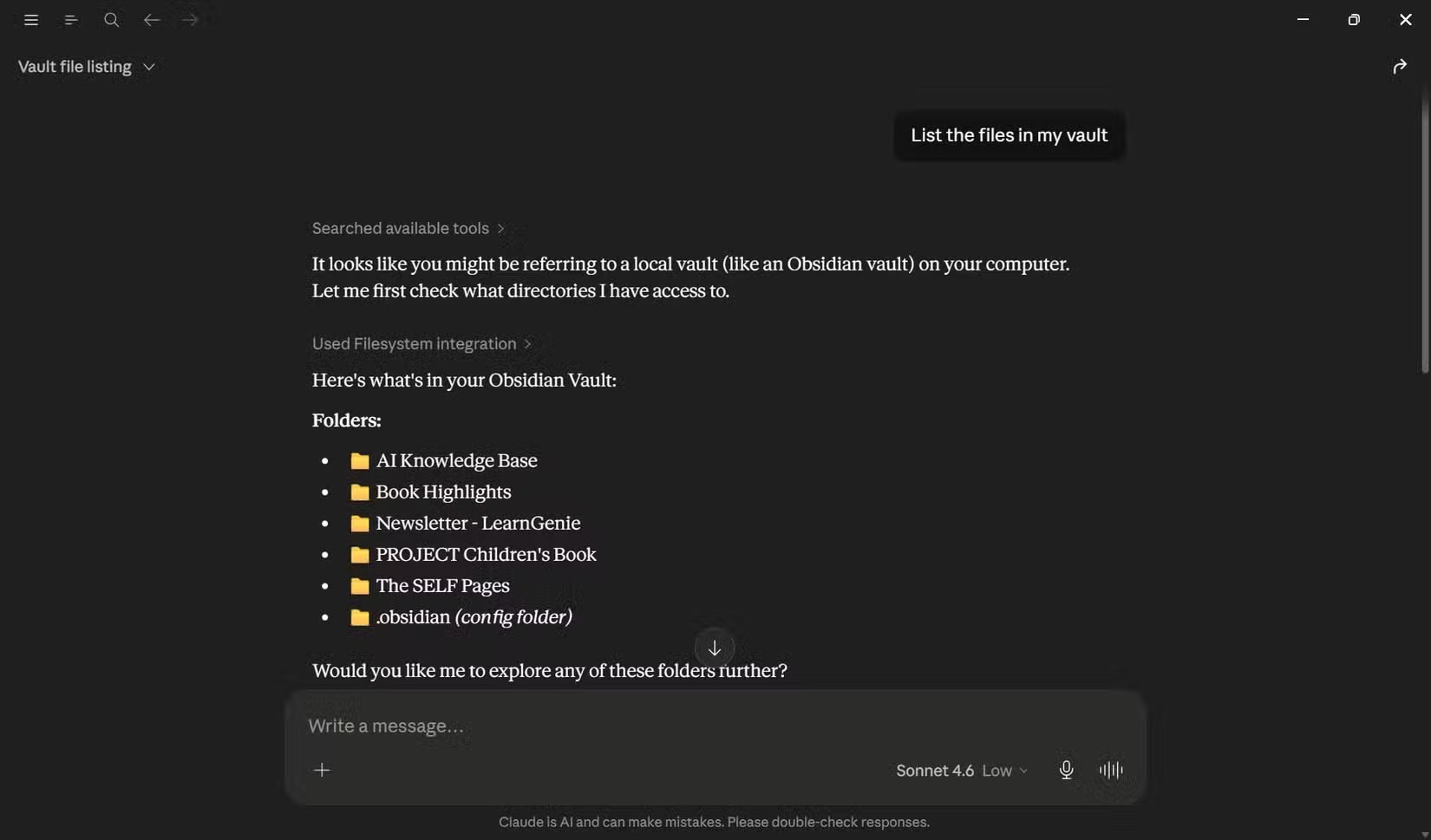
The Model Context Protocol (MCP) server gives Claude Desktop direct read-and-write access to your vault files. Claude can browse your notes autonomously, find connections you missed, and even create or edit files.

Basu uses this approach with Claude Desktop and the Filesystem extension. It requires more setup than the plugin method, but the payoff is significant. Instead of manually pointing Claude to specific notes, the AI can explore your vault and surface relevant information on its own.
What Claude Actually Does With Your Notes
Once connected, Claude stops being a chatbot and starts being a research partner. Basu describes several use cases that emerged from his experiments.
Finding Hidden Connections
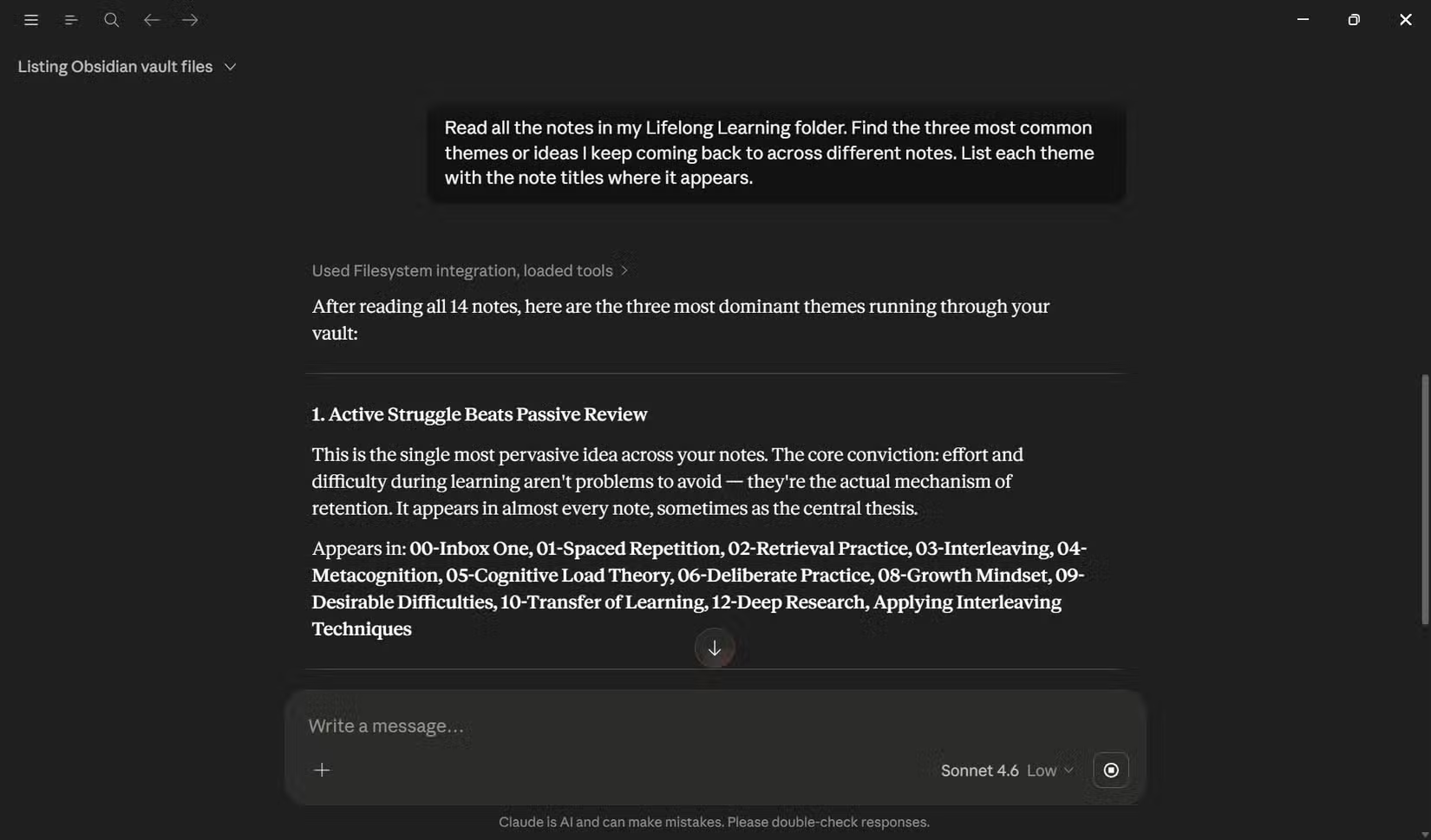
Obsidian's Graph View shows links between notes, but only the ones you created manually. Claude can read the content of all your notes and identify thematic connections you never explicitly linked.
For a vault with years of notes across different projects, this alone justifies the setup. Ideas from a 2022 project might connect to something you wrote last week. Without AI, you'd never find it.
Reformatting and Cleanup
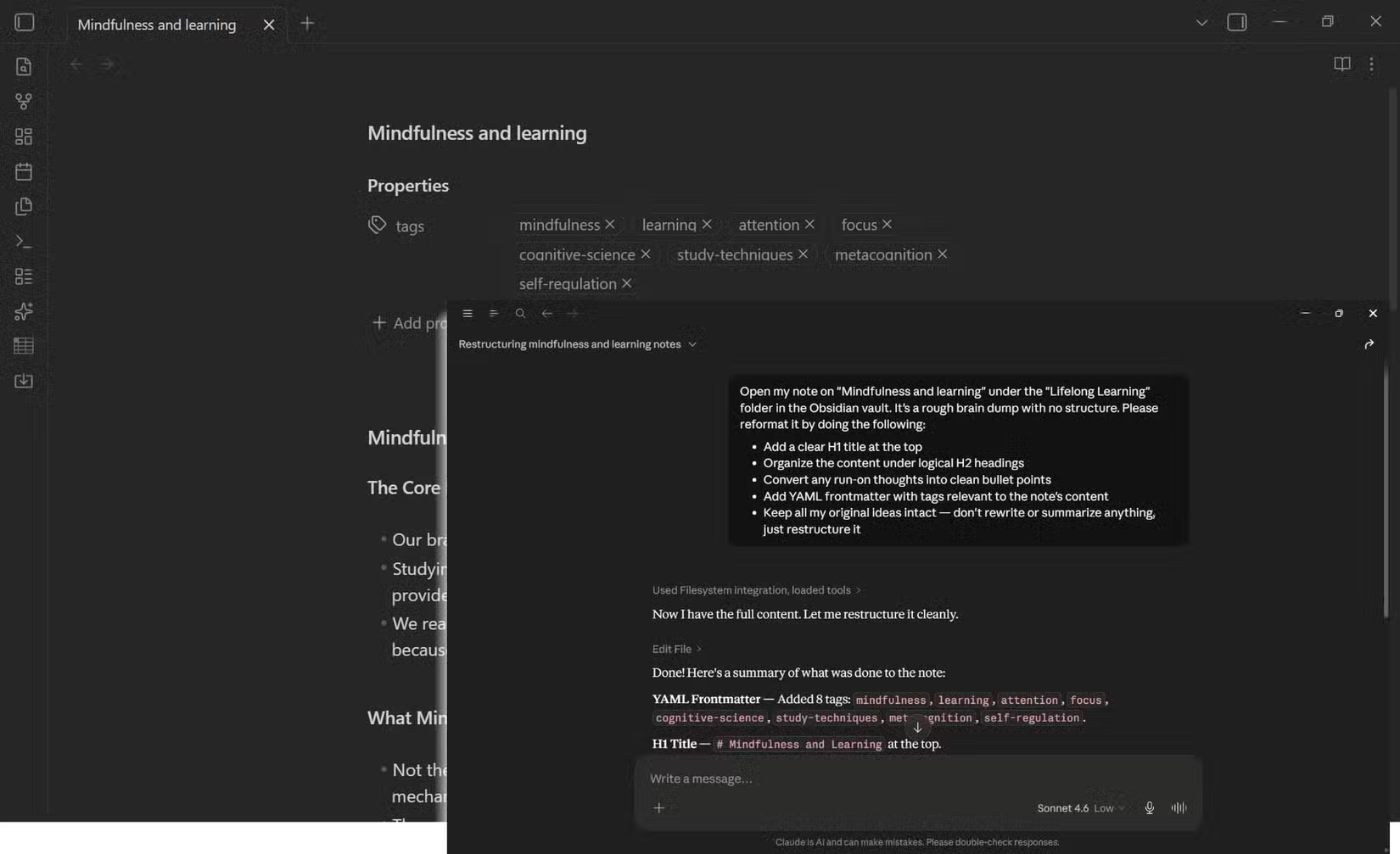
Notes taken quickly often lack structure. Claude can reformat messy markdown, add consistent headers, and organize bullet points. With MCP server access, it can write these changes directly to your files.
Study Guides and Summaries
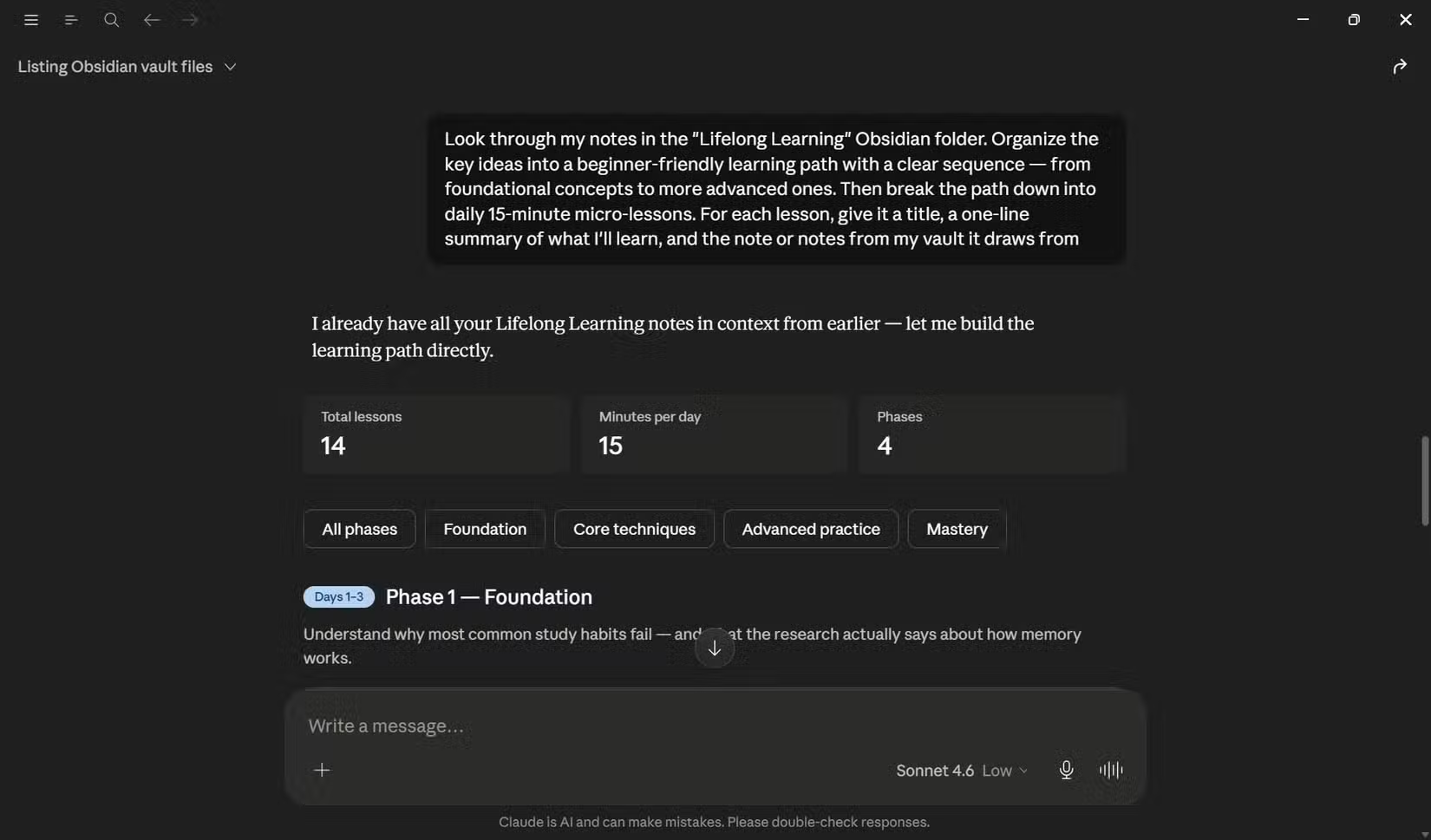
Point Claude at a folder of notes on a topic and ask for a study guide. The AI synthesizes your scattered thoughts into a structured overview. Basu found this particularly useful for thinking through projects and understanding his own ideas better.
Privacy Concerns Are Real
Feeding a personal vault into a cloud-based AI raises obvious questions. Reddit's r/ObsidianMD community frequently debates the tradeoffs. Some users recommend local-first AI tools like Ollama instead of Claude for sensitive notes.
Hacker News threads on AI-assisted research emphasize a different concern: hallucination. Claude might confidently "find" a connection that doesn't exist or misread what you wrote. Power users stress human-in-the-loop validation for any AI-synthesized content.
The copy-paste method avoids some privacy issues since you control exactly what Claude sees. The MCP server approach exposes your entire vault, which may not suit everyone.
Logicity's Take
Apple's approach to AI assistants compared to Anthropic's
Which Method Should You Pick?
Start with copy-paste if you're testing the concept. It costs nothing and shows you what Claude can do with your notes. Move to the Copilot plugin if you want tighter integration without technical setup. Graduate to MCP server if you're comfortable with configuration and want Claude to work autonomously across your vault.
The value isn't in the AI itself. It's in finally using the notes you've been collecting for years.
Frequently Asked Questions
Does Claude need an internet connection to work with Obsidian?
Yes. All three methods require internet access since Claude runs on Anthropic's servers. Local AI alternatives like Ollama exist but require different setup.
How much does the Anthropic API cost for the Copilot plugin?
API pricing varies by model and usage. Check Anthropic's pricing page for current rates. Heavy users may spend $10-50 per month.
Can Claude edit my Obsidian notes directly?
Only with the MCP server method. The Copilot plugin and copy-paste approaches are read-only. Claude suggests changes, but you apply them manually.
Is my vault data used to train Claude?
Anthropic's data policies apply. Check their current terms. Many users create separate vaults for AI-assisted work to limit exposure.
Does this work with other AI models like GPT-4 or Gemini?
The Copilot plugin supports multiple AI providers. MCP server is currently Claude-specific. Copy-paste works with any chatbot.
Need Help Implementing This?
Source: MakeUseOf
Manaal Khan
Tech & Innovation Writer
Produced with AI assistance and reviewed by the Logicity editorial team. Learn more in our Editorial Policy.