Key Takeaways
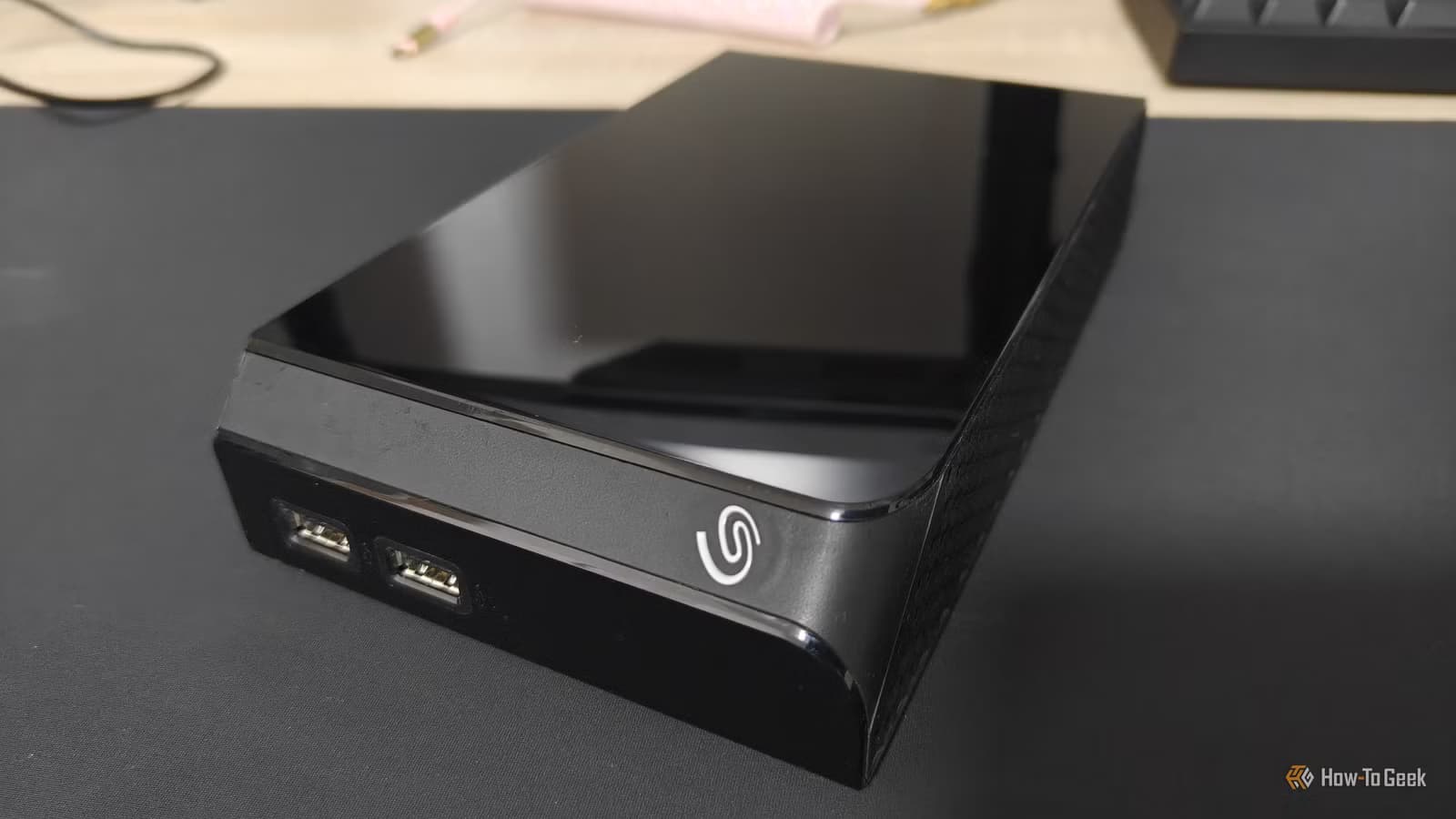
- External HDDs average 3-5 years lifespan, but usage patterns matter more than calendar age
- CrystalDiskInfo reveals S.M.A.R.T. data including reallocated sectors, pending sectors, and power-on hours
- A drive that's been dropped, constantly plugged in, or carried unprotected ages faster than one stored properly
Your external hard drive will fail. The question is whether you'll catch it first or lose your data. Monica J. White at How-To Geek breaks down the practical steps to monitor drive health before catastrophic failure, and the approach is simpler than most people assume.
External drives don't have a printed expiration date, but they do have one. The average lifespan sits between 3-5 years under normal conditions. Backblaze data shows a cumulative failure rate of roughly 22% after four years of continuous operation. Those numbers shift dramatically based on how you treat the drive.
Why calendar age tells only half the story
A drive sitting in a drawer for five years is not the same as one permanently plugged into a NAS. Power-on hours matter more than purchase date. An external HDD that's been dropped, carried in a bag without protection, or used as the sole location for critical files will degrade faster than one handled carefully.
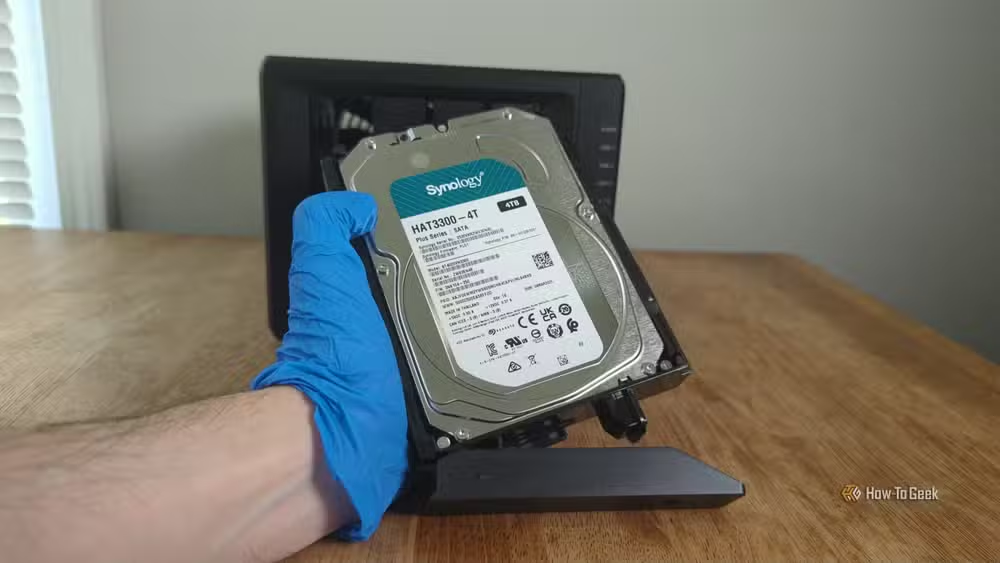
The practical move: write down what you know. Purchase date, warranty status, power-on hours, and what's currently stored on the drive. This baseline makes the decision obvious when problems start appearing.
How to check warranty status and serial numbers
Start with the serial number on the drive itself, in the manufacturer's software, or through a warranty lookup page on the manufacturer's website. Warranty status won't tell you if the drive is healthy, but it tells you something useful: if the manufacturer no longer considers it worth covering, you probably shouldn't trust it with irreplaceable files.
Most consumer drives carry 2-3 year warranties. Once that window closes, your risk profile changes. The drive might run perfectly for another five years, or it might fail tomorrow. The point isn't to panic. It's to know where you stand.
S.M.A.R.T. data: your drive's warning system
S.M.A.R.T. (Self-Monitoring, Analysis, and Reporting Technology) is built into modern drives. It tracks internal health metrics that can signal trouble before total failure. CrystalDiskInfo, a free Windows tool, reads this data and presents it in a dashboard.
For external HDDs, focus on four metrics: reallocated sectors, pending sectors, uncorrectable errors, and command timeouts. Reallocated sectors mean the drive found bad spots and moved data elsewhere. A few is normal. A rising count is a red flag. Pending sectors are areas the drive suspects are failing but hasn't confirmed. Uncorrectable errors speak for themselves.
Command timeouts indicate communication problems between the drive and your system. Occasional timeouts happen. Frequent ones suggest the drive is struggling to respond, either from mechanical wear or controller issues.
Physical warning signs you shouldn't ignore
Clicking sounds from an HDD are bad. The read/write head is struggling to position correctly. Random disconnections, especially if consistent across multiple USB ports and cables, point to drive-level problems rather than cable issues. Slow file transfers that weren't slow before suggest the drive is working harder to read data.
An older drive with clean S.M.A.R.T. data and no strange behavior is one thing. An older drive that's out of warranty, running slowly, clicking, or showing bad sectors is something else entirely. Trust the combination of signals, not any single metric.
When to replace versus when to retire
A drive showing rising reallocated sectors or frequent errors should be retired from critical storage duty immediately. Copy everything off while you still can. The drive might work fine for another year as a scratch disk or temporary storage, but it's no longer trustworthy for important files.
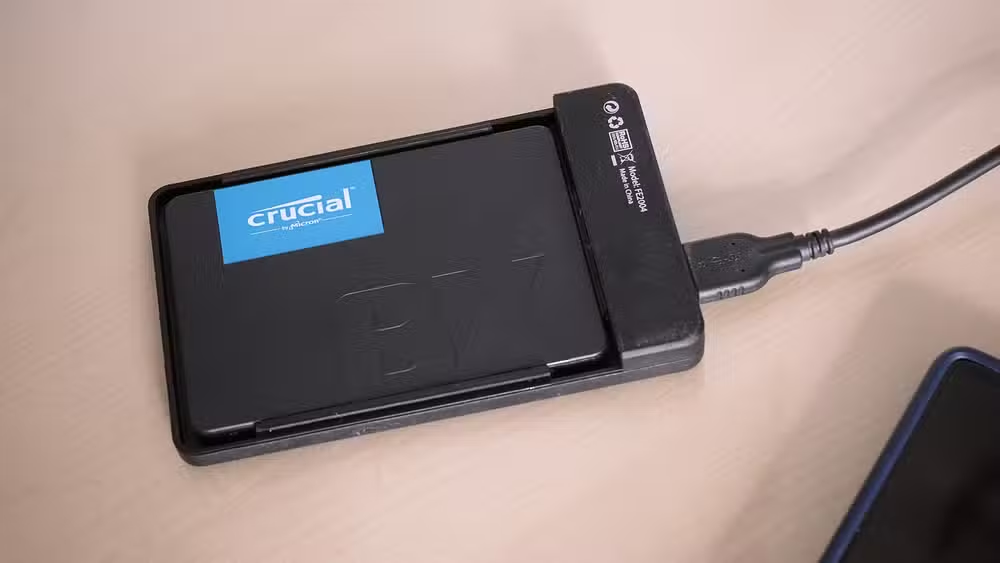
SSDs make excellent replacements for aging external HDDs. They're faster, more durable (no moving parts to fail from drops), and prices have dropped significantly. The SanDisk Extreme Portable SSD runs around $189 for a reliable, fast external option.
The backup rule external drives can't replace
An external drive that's always plugged in isn't a backup. It's a second copy that fails along with your primary when malware hits or a power surge fries both. Real backup strategy means at least one copy offline or offsite. Monitoring drive health protects against gradual failure. It doesn't protect against sudden disasters.
Simple hardware fixes often beat expensive replacements
Logicity's Take
Most data loss isn't dramatic. It's a drive that threw warnings for months while the owner never checked. CrystalDiskInfo takes 30 seconds to install and run. Schedule a quarterly check the same way you'd schedule an oil change. The 22% four-year failure rate means roughly one in five drives won't make it to year five. Know which category yours falls into before it decides for you.
Frequently Asked Questions
How long do external hard drives typically last?
Most external HDDs last 3-5 years under normal use. Drives used continuously or handled roughly fail sooner. Power-on hours matter more than calendar age.
What does reallocated sector count mean in CrystalDiskInfo?
Reallocated sectors are spots on the drive that failed and were replaced with spare sectors. A small number is normal. A rising count indicates the drive is actively degrading.
Can S.M.A.R.T. data predict exactly when a drive will fail?
No. S.M.A.R.T. data shows trends and warning signs but can't give an exact failure date. Drives sometimes fail at 100% reported health. Use the data as one input alongside physical symptoms and age.
Should I replace my external HDD with an SSD?
SSDs are more durable, faster, and resistant to physical shock since they have no moving parts. They cost more per gigabyte but make sense for portable drives that travel frequently.
Is an external drive plugged in constantly a valid backup?
No. A permanently connected drive is vulnerable to the same threats as your primary storage: malware, power surges, accidental deletion. Real backup requires at least one offline or offsite copy.
Need Help Implementing This?
Setting up proper backup monitoring for your organization's external storage? Contact Logicity's technical team for guidance on enterprise drive health monitoring, backup strategy audits, and data protection consulting.
Source: How-To Geek
Manaal Khan
Tech & Innovation Writer
Produced with AI assistance and reviewed by the Logicity editorial team. Learn more in our Editorial Policy.






