Key Takeaways
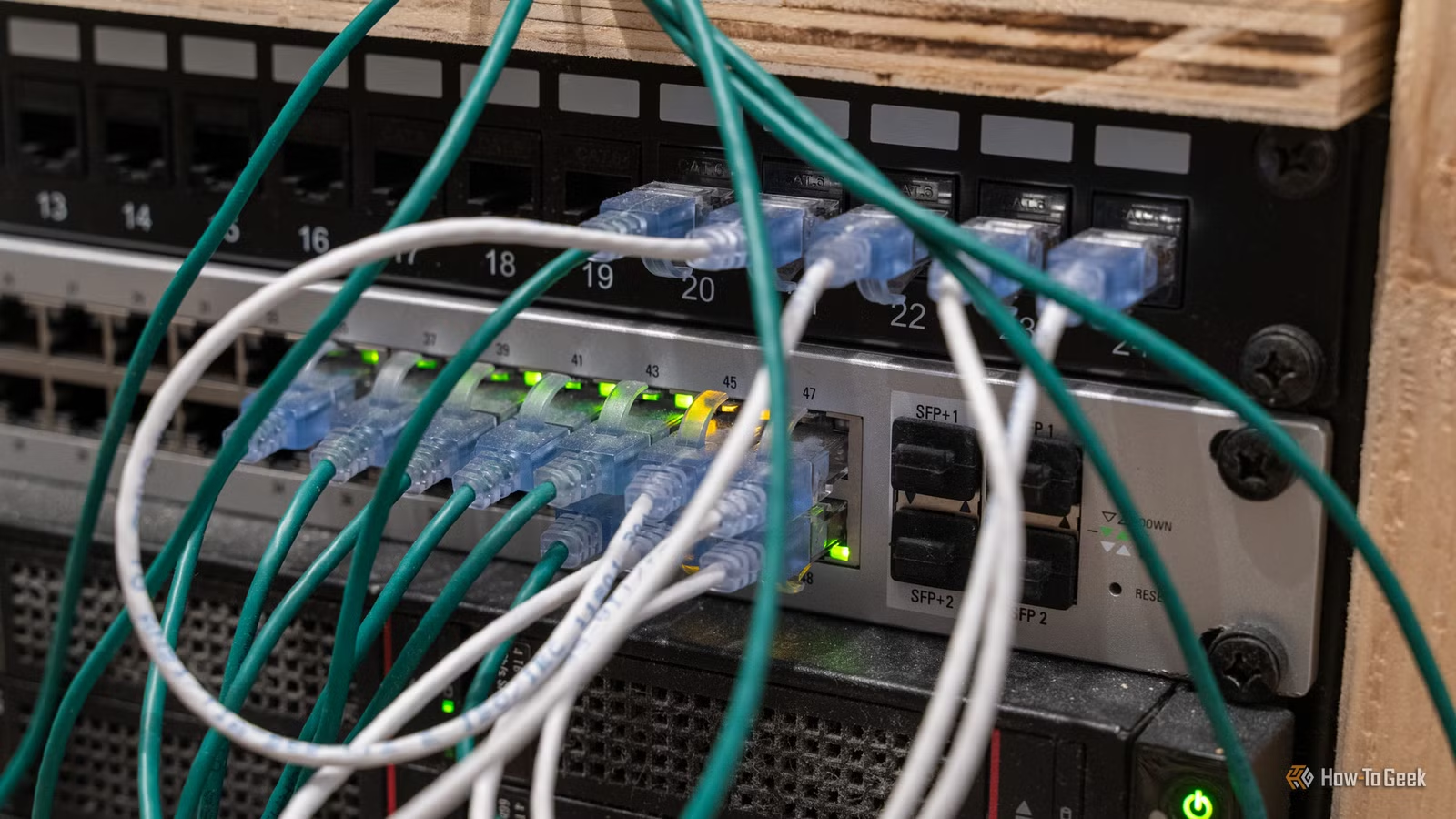
- A $5 RJ45 inline coupler can solve cable-length problems that $600 routers cannot
- Most home networking issues stem from physical cable limitations, not router capability
- Combining existing Ethernet cables with couplers avoids buying new cables or expensive equipment
An RJ45 inline coupler costing less than $5 solved a home networking problem that a $600 router never could. The fix is embarrassingly simple: a small female-to-female adapter that joins two Ethernet cables together. No signal boosting, no fancy features. It just makes two short cables into one long run.
Monica White at How-To Geek discovered this after years of accumulating networking gear, expensive routers included. Her problem was mundane: devices that were slightly too far from the router to use her existing cables, but not far enough to justify buying a 50-foot run. So those devices stayed on Wi-Fi when they should have been wired.
Why your cable drawer is the problem
Most people who tinker with home networks have a drawer full of Ethernet cables. Some are 6 feet, some are 25 feet, a few are ancient Cat5 relics. None of them are ever the exact length you need. White's bedroom TV sat on Wi-Fi for months because the closest Ethernet cable was a few feet too short.
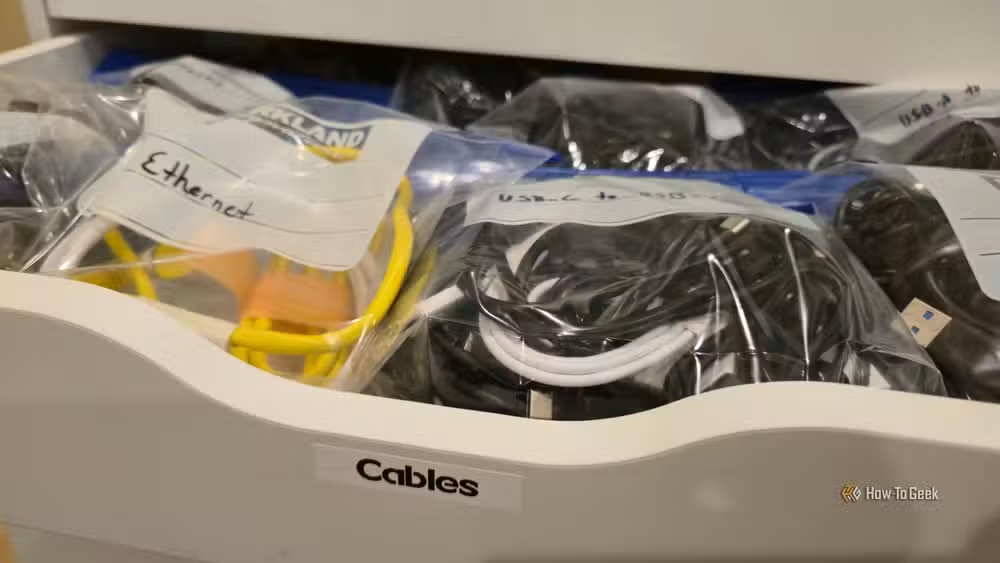
The standard solution is to buy another cable. But that means measuring the exact distance, ordering the right length, and waiting for it to arrive. Then it joins the drawer graveyard when you rearrange your setup six months later.
An RJ45 coupler sidesteps this entirely. Plug a 10-foot cable into one end, a 15-foot cable into the other, and you have a 25-foot run. The two cables you already own become useful again.
What an RJ45 coupler actually does
The device is passive. It has no electronics, no power, no processing. It simply provides a physical connection point between two RJ45 plugs. The Ethernet signal passes through unchanged.
That means it can't boost weak signals or add network ports. It also means there's nothing to break, configure, or update. A three-pack costs about $5 on Amazon.
Ethernet standards support cable runs up to 328 feet (100 meters) before signal degradation becomes a problem. As long as your combined cable length stays under that limit, a coupler introduces no performance penalty. Most home runs are well under 50 feet total.
Couplers let you test before committing
White makes a good point about experimentation. Before drilling holes or running cables through walls, you can test whether wired connectivity actually improves performance for a given device. Snap together two cables with a coupler, run them along the baseboards, and see if your smart TV stops buffering or your game console gets lower latency.
If the improvement is noticeable, then you can invest in a proper cable run. If not, unplug the coupler and put the cables back in the drawer. You've spent nothing but a few minutes.
Buying the right coupler
Not all couplers are equal. Match the coupler's rated speed to your cables. A Cat5e coupler works fine for gigabit connections. If you're running Cat6a cables and want 10 Gbps throughput, get a Cat6a-rated coupler.
The cheapest no-name couplers sometimes have poor pin alignment, which can cause intermittent connection drops. Stick to recognized brands or at least check reviews. At $5 for a three-pack, even the quality options are cheap.
Expensive routers solve different problems
This isn't an argument against good routers. A $600 router handles Wi-Fi coverage, manages multiple devices, provides security features, and processes traffic. But none of that matters if your problem is a cable that's three feet too short.
People tend to blame the router first. The Wi-Fi is slow, so they upgrade the router. But if the device could have been wired in the first place, no router upgrade would match the stability of a direct Ethernet connection.
Network professionals repeat this advice constantly: check the physical layer first. Before spending money on processing power or wireless range, make sure your cables are actually reaching where they need to go.
Logicity's Take
The home networking industry loves selling complex solutions. Mesh systems, tri-band routers, powerline adapters. But the simplest fixes get ignored because they're not exciting. A coupler is the networking equivalent of duct tape: unsexy, cheap, and often exactly what you need. If you have unused Ethernet cables and devices stuck on Wi-Fi, try a $5 coupler before spending $200 on a mesh node.
Frequently Asked Questions
Does an RJ45 coupler reduce internet speed?
No, as long as you stay under the 328-foot (100-meter) Ethernet limit and use a coupler rated for your cable category. The coupler is a passive connection that doesn't process or degrade the signal.
Can I use an RJ45 coupler for outdoor cable runs?
Standard indoor couplers aren't weatherproof. For outdoor use, look for waterproof or shielded couplers designed for exterior installation.
What's the difference between Cat5e and Cat6 couplers?
Cat5e couplers support speeds up to 1 Gbps. Cat6 and Cat6a couplers support higher frequencies and can handle 10 Gbps. Use a coupler that matches or exceeds your cable rating.
How many couplers can I use in one Ethernet run?
Technically multiple, but each connection point introduces a tiny potential failure point. For home use, one or two couplers in a run is fine. More than that, consider buying a proper-length cable.
Need Help Implementing This?
Planning a home network upgrade and unsure whether you need a $5 coupler or a $500 router? Reach out to our team at Logicity.in for practical, no-nonsense guidance on networking setups that actually solve your problem.
Source: How-To Geek
Huma Shazia
Senior AI & Tech Writer
Produced with AI assistance and reviewed by the Logicity editorial team. Learn more in our Editorial Policy.






