Key Takeaways
- Uploading a full owner's manual PDF to Claude can surface features buried in hundreds of pages
- The technique works for any vehicle with a digital manual
- AI assistants excel at extracting practical information from dense technical documents
Nobody reads the owner's manual. We all know this. The 2021 Ford F-150's manual runs 788 pages. That's longer than most novels, and considerably less entertaining.
Carl Anthony, Automotive Lead at How-to Geek, decided to try something different. Instead of thumbing through nearly 800 pages of fine print, he uploaded the entire PDF to Claude and asked a simple question: "Tell me what features I might be missing that are 'hidden' in my owner's manual."
The results were immediate and practical. Claude identified three features Anthony had no idea his truck included.
Why This Works
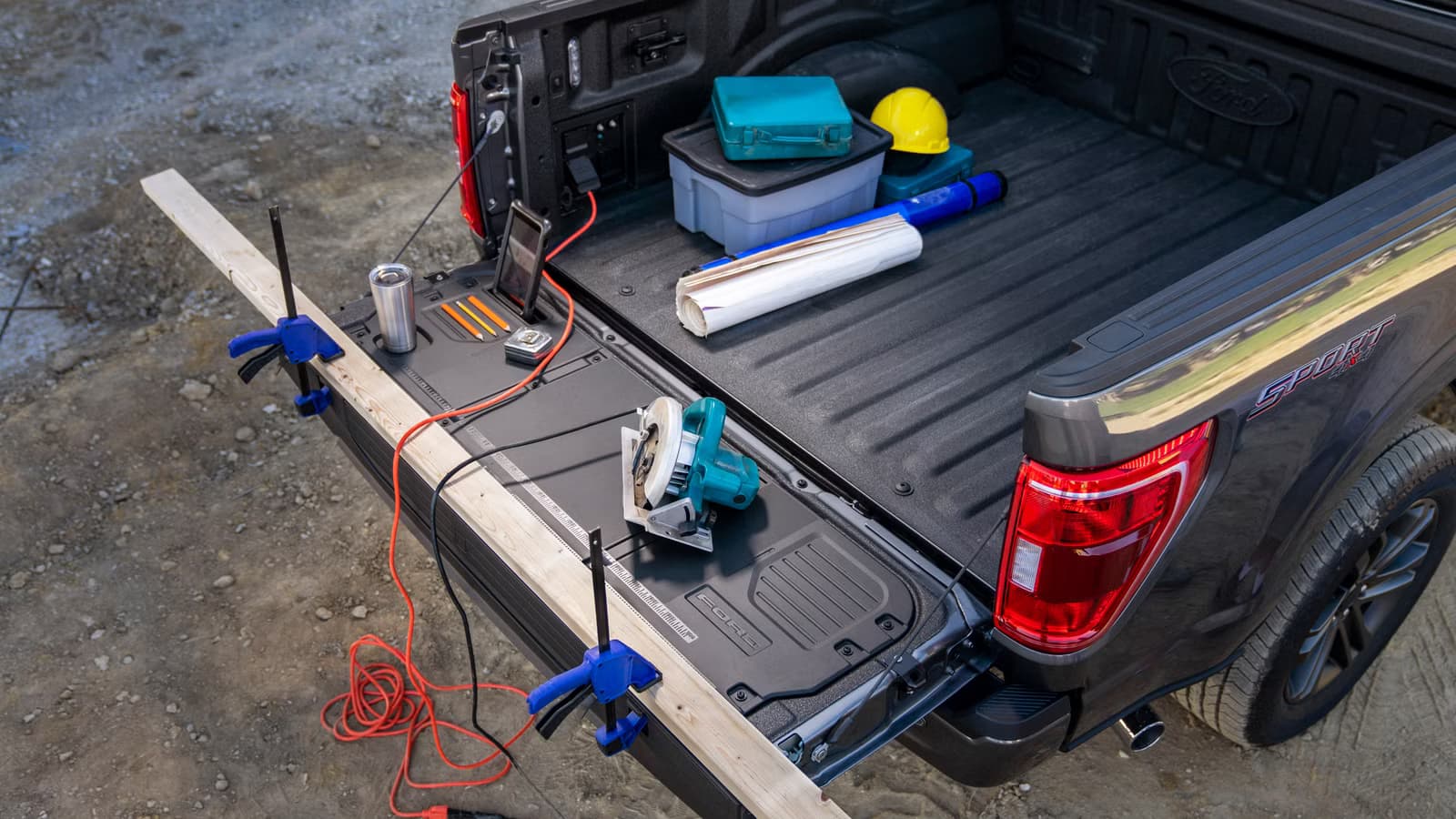
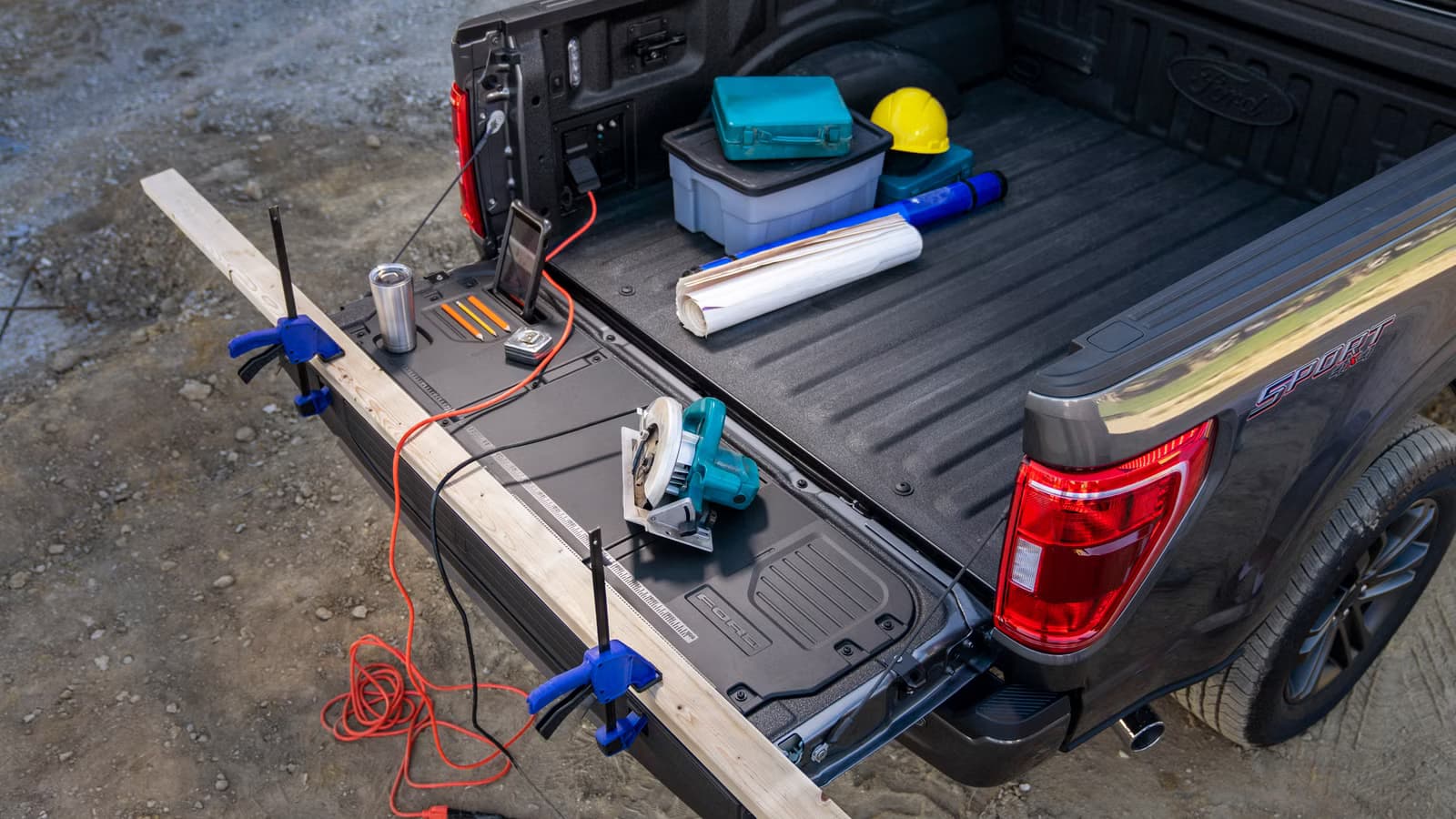
Modern vehicles are software platforms with wheels. The 2021 F-150 alone shipped with SYNC 4, an optional 12-inch touchscreen, wireless Apple CarPlay, Android Auto, a built-in 4G LTE Wi-Fi hotspot, FordPass Connect for remote start and lock, Max Recline Seats that fold nearly flat, an interior work surface from the center console, and a 360-degree camera system.
That's one paragraph of features. Now multiply by 788 pages of documentation covering six different powertrain options, from the 3.3-liter V6 to the 430-horsepower PowerBoost Full Hybrid.
When you buy a used vehicle, you rarely get a full delivery walkthrough. The dealer hands you the keys, maybe shows you how to pair your phone, and sends you on your way. The manual sits in the glovebox, unread.
The Method
Anthony's approach was simple. He located the PDF version of his owner's manual, uploaded it to Claude, and asked about hidden features. Claude processed the entire document and returned a list of capabilities buried in the text.
The key insight here isn't the specific features Claude found. It's that AI assistants can compress hours of reading into seconds of conversation. A 788-page manual becomes a searchable, queryable knowledge base.
This works for any vehicle with a digital manual. Most manufacturers publish PDFs on their websites. Many used vehicles also have manuals available through third-party archives.
Beyond Vehicle Manuals
The same technique applies to any dense documentation. Software licenses, product specs, equipment guides, warranty terms. Anything that would take hours to read and understand becomes accessible through a few targeted questions.
The limitation is obvious: you need the PDF. Claude can't access your vehicle's specific configuration or connected features. It can only work with what you provide. But for the static documentation that comes with any product, this approach turns reference material into a conversation.
Logicity's Take
Another practical guide to using AI tools for everyday tasks
How to Try This Yourself
- Find your vehicle's owner's manual PDF. Check the manufacturer's website or search for your year, make, and model plus "owner's manual PDF."
- Upload the PDF to Claude or another AI assistant that accepts document uploads.
- Ask specific questions: "What features might I not know about?" or "How do I use the remote start?" or "What maintenance does the manual recommend at 50,000 miles?"
The broader point is that documentation exists for a reason. We just don't read it. AI assistants can bridge that gap, turning reference materials into answers.
Frequently Asked Questions
Can Claude read any PDF owner's manual?
Yes. Claude can process PDF documents you upload, including vehicle owner's manuals. The file needs to be a text-based PDF, not a scanned image.
Does this work with other AI assistants?
Any AI assistant that accepts document uploads can process owner's manuals. The quality of responses may vary between different models.
Where can I find my vehicle's owner's manual PDF?
Most manufacturers publish digital manuals on their websites. Search for your vehicle's year, make, and model plus "owner's manual PDF." Third-party sites like Owner's Manual Online also archive many models.
What questions should I ask about my owner's manual?
Start with "What features might I not know about?" Then ask about specific functions you want to use, maintenance schedules, or warning light meanings.
Need Help Implementing This?
Source: How-To Geek
Manaal Khan
Tech & Innovation Writer
Produced with AI assistance and reviewed by the Logicity editorial team. Learn more in our Editorial Policy.






