Key Takeaways
- Rambler converts rambling speech into concise text messages, stripping filler words automatically
- The feature supports mid-sentence language switching for bilingual users
- Google is betting users will offload more thinking to AI, not just transcription
From Wake Words to Rambling
A decade ago, Amazon Alexa and Google Assistant trained millions of people to speak to AI in a specific way. Clear commands. Short phrases. Wake words. The goal was precision: say exactly what you want, and the assistant does it.
Google I/O 2026 suggests the company is abandoning that model. Several new features shown at the event expect users to speak loosely, even messily, and let Gemini sort out the intent. The user rambles. The AI interprets.
Rambler: Speak Loosely, Send Polished
The clearest example is Rambler, an update to Gboard's speech-to-text feature demoed during The Android Show on May 12. Unlike traditional dictation, Rambler does not transcribe your words verbatim. It strips out filler. Ums, ahs, false starts, repetition. The output is a cleaned-up version of what you meant to say.
“With Rambler, you don't have to worry about getting your words exactly right before you start. You can speak naturally and it will take the important parts, then fit them all together into a concise message.”
The feature runs on-device and works on anything running Android 17. It also handles language switching mid-sentence, which is how many bilingual speakers actually talk with family and friends. You can start in English, switch to Spanish, and Rambler will sort it out.
From an accessibility standpoint, this matters. You can compose and edit a message without touching a keyboard. If your hands are full, or a keyboard is difficult to use, Rambler handles both steps at once.
Docs Live: Gemini Conversations Inside Google Apps
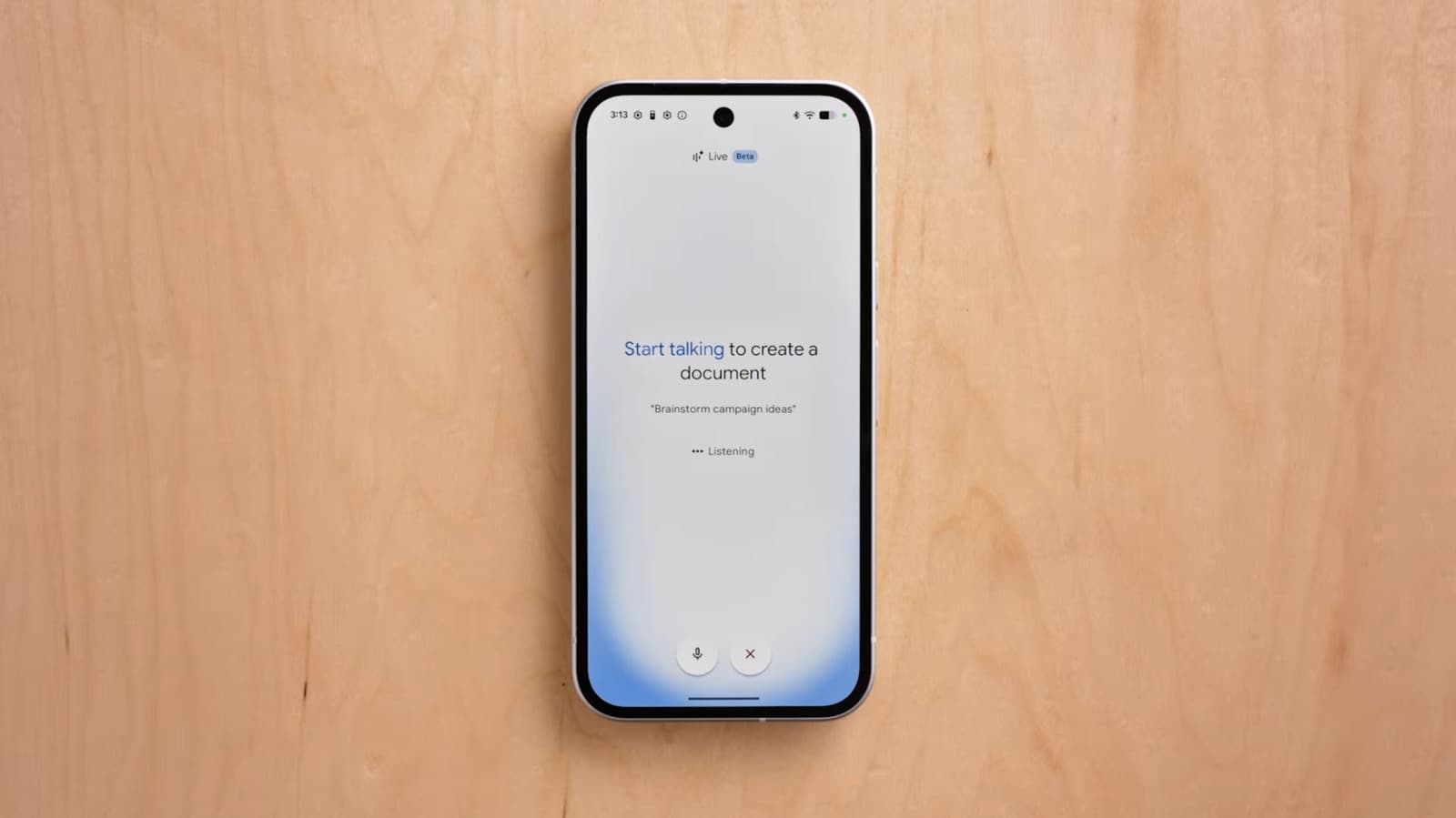
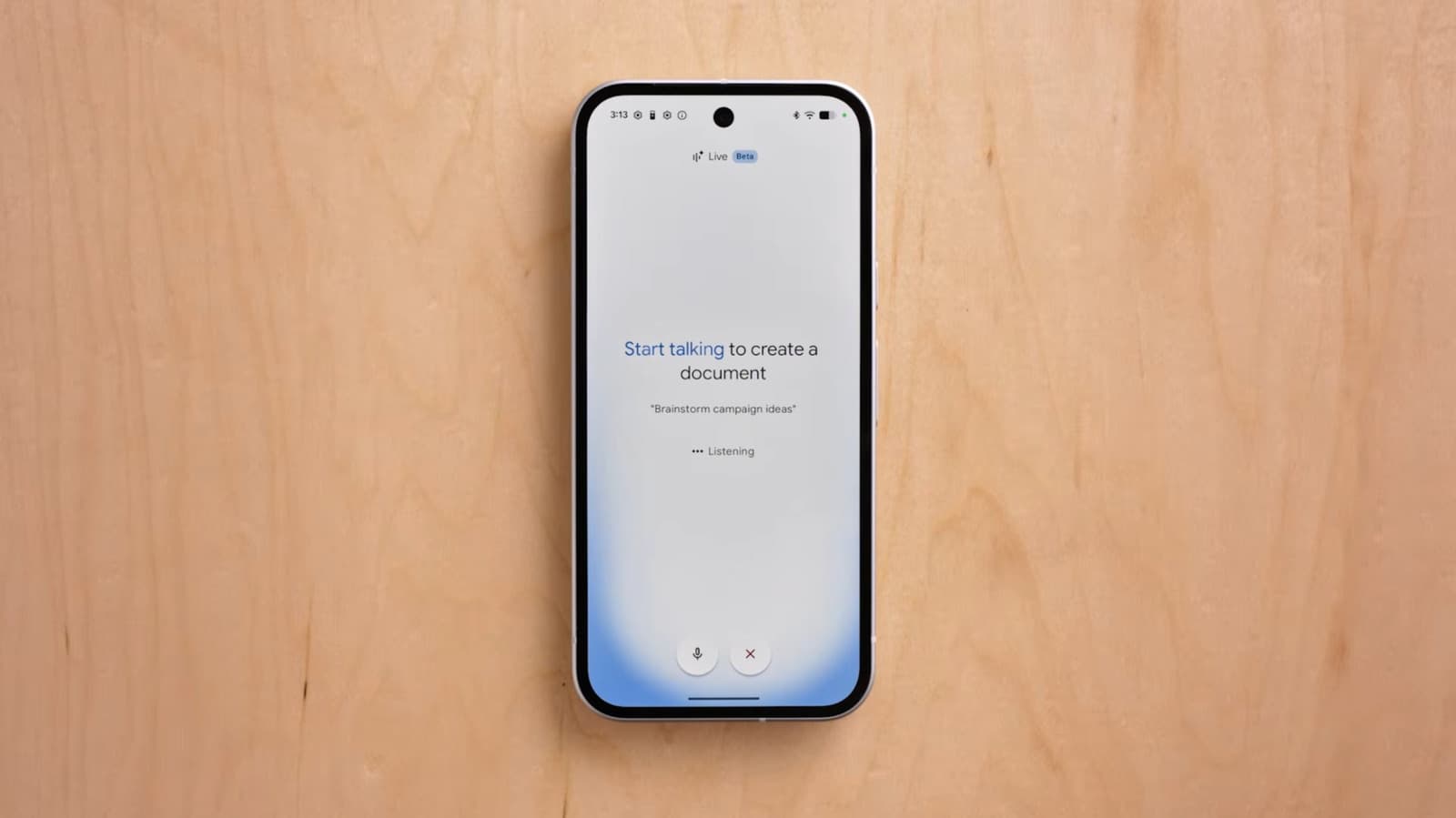
Rambler is not the only voice-first feature Google announced. Docs Live brings the Gemini Live experience into Google Docs. Instead of typing prompts or commands, you have a live voice conversation with Gemini while working on a document.
The pattern is the same: speak loosely, let the AI figure out what you want. Google is betting that users will find this faster and more natural than typing. But it also means users are offloading more cognitive work to the model. You don't have to organize your thoughts before speaking. Gemini does that for you.
A Broader Trend in Voice Dictation
Google is not the only company moving this direction. The Wall Street Journal has documented a shift toward voice dictation in corporate workspaces. Apps like Wispr Flow and Monologue let users speak or whisper to their computers, converting speech to text and automatically adjusting tone depending on the app.
In healthcare, doctors have adopted AI transcription tools to take notes during appointments. The appeal is the same: speak naturally, let the AI handle formatting and structure.
Todoist, the task-tracking app, offers a similar feature called Ramble. You rattle off things you need to do. The AI creates and sorts the tasks.
Google's pitch is that it offers these benefits without a third-party subscription or extra app. If you have Android 17, you have Rambler.
The Trade-Off: Convenience vs. Cognitive Work
There is a tension in these features that Google has not fully addressed. The convenience is real. Speaking is faster than typing for many people. Not having to edit your own filler words saves time.
But the flip side is that organizing your thoughts before you speak has value. It forces clarity. When you let the AI interpret your intent, you may save a few seconds, but you also skip the mental step of figuring out what you actually mean.
Ian Carlos Campbell, writing for Engadget, put it bluntly: Google wants users to ramble to AI to get things done, but in the process they might do a lot less thinking in general.
Whether this trade-off matters depends on the task. For a quick text message, it probably does not. For a work document or a complex request, the stakes are higher.
Another look at how AI tools are reshaping workflows
What This Means for AI Interaction Design
Google's bet is that users will prefer this looser, more conversational interface. That may be true. But it also raises questions about how much interpretation we want AI to do on our behalf.
With wake words and precise commands, the user controlled the interaction. The AI was a tool that did what you said. With Rambler and Docs Live, the AI becomes a collaborator that decides what you meant. That is a meaningful shift in how we relate to these systems.
For now, these features are optional. You can still type. You can still edit your own messages. But the direction is clear: Google thinks the future of AI interaction is less typing, more talking, and a lot more interpretation by the model.
Logicity's Take
Frequently Asked Questions
What is Google Rambler?
Rambler is an updated Gboard feature that transcribes your speech while stripping out filler words like 'um' and 'ah,' producing a cleaned-up message without verbatim transcription.
Does Rambler work offline?
Yes. Rambler uses an on-device model, so it does not require an internet connection to process your speech.
What Android version do I need for Rambler?
Rambler requires Android 17 or later.
Can Rambler handle multiple languages in one sentence?
Yes. Rambler can accommodate language switching mid-sentence, which is useful for bilingual speakers.
What is Docs Live?
Docs Live integrates Gemini Live voice conversations into Google Docs, letting you speak to Gemini while working on a document.
Need Help Implementing This?
Source: Engadget
AI Avatars and the Omni Video Model
The new article introduces Gemini AI Avatars and the Omni video model, which allow users to create digital clones for AI-generated videos. It provides specific details on the avatar setup process, such as facial scanning and reading prompts, as well as pricing and usage limits for the AI Pro plan.
Huma Shazia
Senior AI & Tech Writer
Produced with AI assistance and reviewed by the Logicity editorial team. Learn more in our Editorial Policy.




