Key Takeaways

- The GitHub Copilot App is a standalone desktop application designed around autonomous AI agents, not just code completion
- Early testers report a 35% reduction in time-to-PR when using agent workflows
- Each developer can run 20+ concurrent agent-driven sessions in the app
From Assistant to Agent Command Center
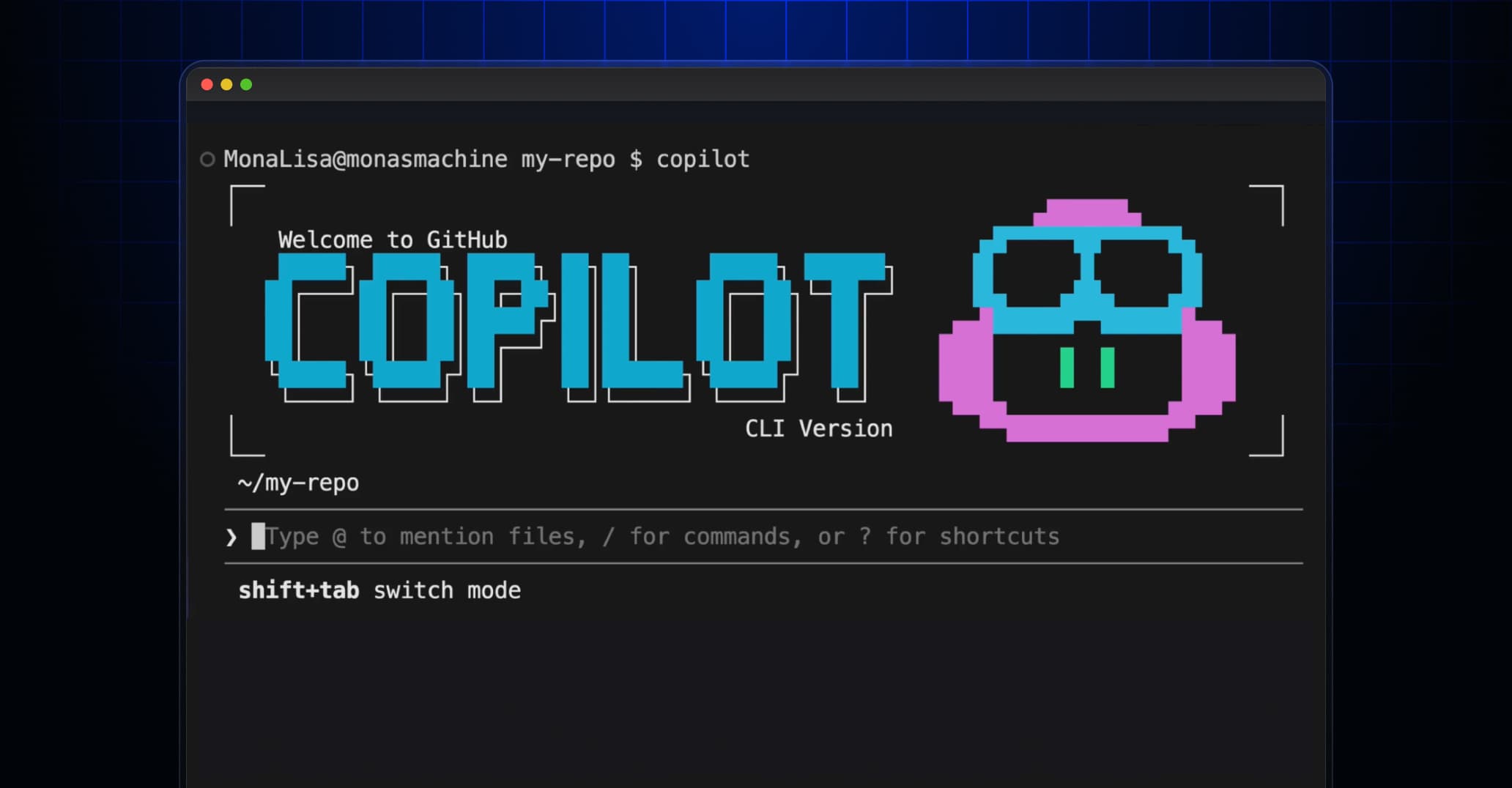
GitHub has released the GitHub Copilot App, a standalone desktop application that reimagines the IDE as a hub for autonomous AI agents. The app moves beyond Copilot's origins as a code completion tool. Instead of suggesting the next line, agents can now handle entire workflows: triaging issues, fixing bugs, and managing pull requests without constant human input.
“The era of the IDE as a text editor is over; the future is the IDE as a command center for autonomous agents that execute the entire SDLC.”
— Mario Rodriguez, Chief Product Officer at GitHub
The shift reflects GitHub's broader bet that developers will spend less time writing code and more time directing AI systems. With 50 million+ Copilot users as of Q1 2026, the company has a massive base to migrate toward this agent-first model.
What the App Actually Does
The Copilot App integrates terminal, browser, and issue tracker into a single interface. GitHub CEO Thomas Dohmke described it as an "agent-native cockpit" rather than a plugin layered on top of existing tools.
“We aren't just building a plugin; we are building an agent-native cockpit that finally brings the terminal, browser, and issue tracker together.”
— Thomas Dohmke, CEO of GitHub
Key capabilities include:
- Support for 20+ concurrent agent-driven sessions per developer
- Repository-aware context that lets agents understand project structure
- Multi-step task delegation covering triage, bug fixes, and PR management
- Remote agent management via GitHub Mobile
The remote management feature has drawn particular attention. Developers can kick off agent tasks from the desktop app and monitor progress from their phone. Community reactions have called this integration "wild," noting it fundamentally changes when and where coding work happens.
Early Performance Numbers
Early testers report a 35% average reduction in time-to-PR when using the autonomous agent workflows. That metric matters because pull request velocity is one of the few widely tracked proxies for developer productivity. A 35% improvement in a controlled test environment is significant, though real-world results will vary by team size, codebase complexity, and how much context agents need to be effective.
The Prompt Engineering Bottleneck
Community discussion on Hacker News and Reddit has been enthusiastic but cautious. The recurring theme: the bottleneck is shifting. When AI handles more of the coding, the constraint becomes how well you can instruct the AI.
This raises questions about junior developer roles. If entry-level work involves less hands-on coding and more prompt engineering and code review, the skill progression changes. Some commenters see this as an opportunity for juniors to ship more. Others worry it removes the repetitive work that builds foundational understanding.
What This Means for Existing Workflows
The Copilot App does not replace VS Code, JetBrains, or other IDEs. You can still use Copilot as a plugin in those environments. The desktop app is a separate offering for teams that want the full agent-native experience.
For enterprise teams already using Copilot, the transition path is straightforward. The app connects to existing repositories and respects organizational permissions. The question is whether teams want to restructure workflows around agent delegation or stick with assisted autocomplete.
Logicity's Take
Security implications as AI agents gain access to more development workflows
Pricing and Availability
GitHub has not announced separate pricing for the Copilot App. Based on the company's past approach, it will likely be included in existing Copilot subscriptions, with enterprise tiers potentially offering higher agent concurrency limits or priority compute.
Frequently Asked Questions
Is the GitHub Copilot App free?
GitHub has not announced standalone pricing. The app will likely be included in existing Copilot subscriptions, though enterprise tiers may have additional features.
Does the Copilot App replace VS Code?
No. It is a separate desktop application for agent-native workflows. You can continue using Copilot as a plugin in VS Code, JetBrains, and other IDEs.
How many AI agents can run at once in the Copilot App?
The app supports 20+ concurrent agent-driven sessions per developer.
What tasks can Copilot agents handle autonomously?
Agents can handle multi-step tasks including issue triage, bug fixing, and pull request management within a repository-aware environment.
Can I manage Copilot agents from my phone?
Yes. The app integrates with GitHub Mobile, letting you start and monitor agent tasks remotely.
Need Help Implementing This?
Source: The GitHub Blog / Mario Rodriguez
Manaal Khan
Tech & Innovation Writer
Produced with AI assistance and reviewed by the Logicity editorial team. Learn more in our Editorial Policy.