Key Takeaways
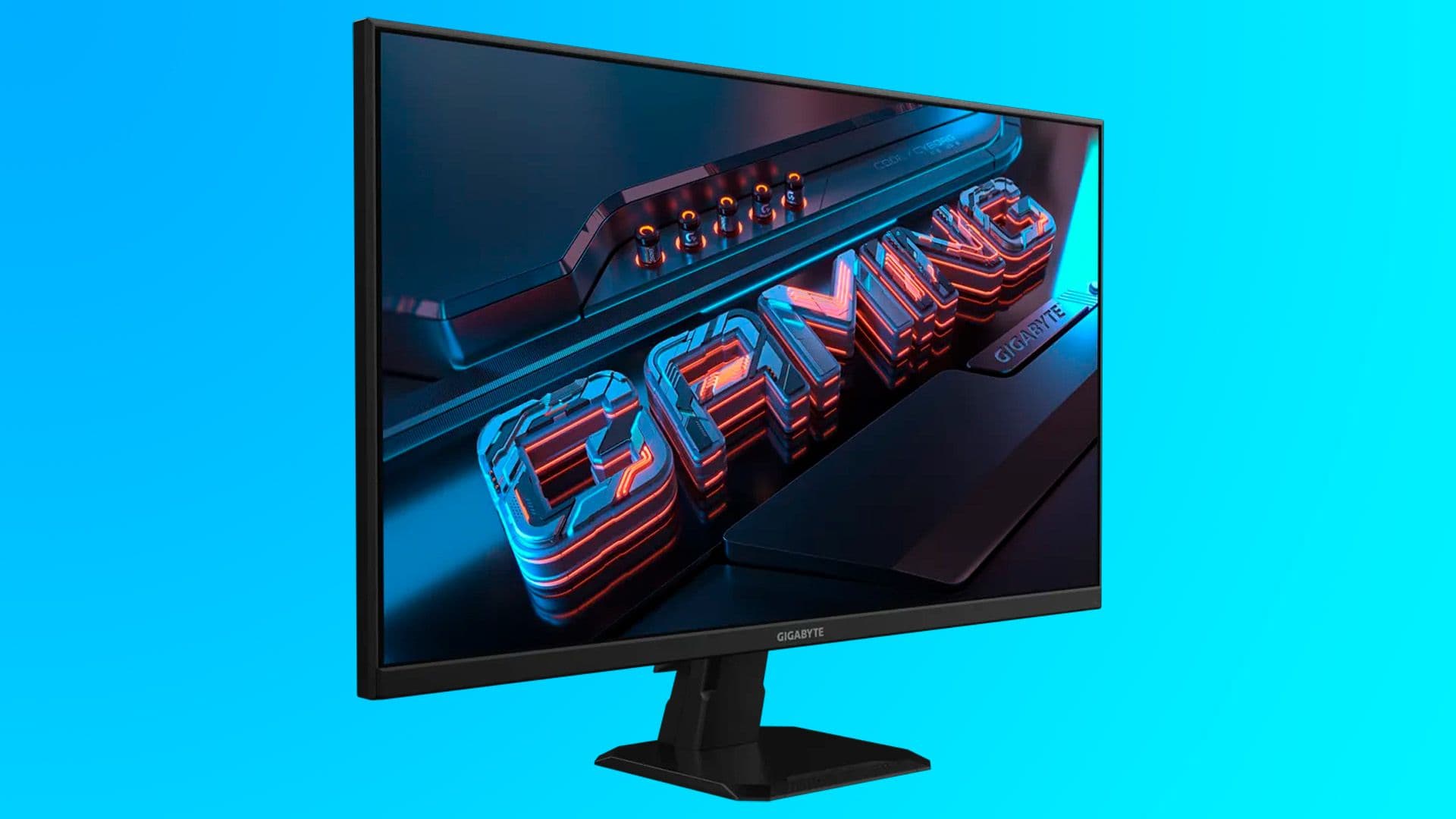
- Gigabyte GS27QA now $159.99 at Newegg, down 36% from its $249.99 list price
- 27-inch IPS panel with 2560x1440 resolution and 180Hz refresh rate suits mid-range GPUs like the RTX 5070
- Stand only tilts; buyers should budget an extra $20-30 for a VESA mount if ergonomics matter
Newegg has cut the Gigabyte GS27QA to $159.99, a 36% discount from its $249.99 list price. The 27-inch IPS gaming monitor runs at 2560x1440 resolution with a 180Hz refresh rate, specs that were firmly premium territory two years ago. Now they're entry-level money.
This deal lands at an interesting moment. Graphics cards like Nvidia's GeForce RTX 5070 and AMD's Radeon RX 9070 push high frame rates at 1440p without breaking a sweat, making monitors like this the natural pairing for mid-range gaming builds. The old 1080p standard is fading fast.
What does the Gigabyte GS27QA actually offer?
The core spec sheet is straightforward. You get a 27-inch IPS panel outputting QHD resolution, roughly 77% more pixels than 1080p. Response time sits at 1ms MPRT, and AMD FreeSync Premium handles variable refresh rate duties to eliminate screen tearing.
Gigabyte bundles several software features. OSD Sidekick lets you adjust monitor settings through keyboard and mouse rather than fumbling with physical buttons. Game Assist overlays timers and crosshairs. Black Equalizer brightens dark areas, the kind of feature competitive players use to spot enemies hiding in shadows.
The panel uses what Gigabyte calls Super Speed IPS technology. In practice, this means color accuracy comparable to standard IPS displays but with faster pixel response. It splits the difference between the vivid colors of IPS and the speed advantages of VA or TN panels.
The ergonomics problem nobody mentions
Here's the catch. The GS27QA's stand only tilts. No height adjustment, no swivel, no pivot to portrait mode. At $159, that's expected. But if you plan to use this monitor for long sessions, you'll want a VESA-compatible arm or stand.
Hardware forums like r/buildapcsales consistently flag this limitation when recommending the monitor. The consensus: budget $20-30 for a third-party mount. That still keeps total cost under $200, well below comparable monitors with built-in ergonomic stands.
Who should buy at this price?
The GS27QA makes sense for three groups. First, gamers moving from 1080p 60Hz setups who want a noticeable upgrade without spending GPU money on a monitor. Second, anyone building a budget gaming PC around a mid-range graphics card. Third, people who need a secondary display for gaming and don't want to pay flagship prices.
If you already own a 1440p 144Hz monitor, this isn't a meaningful upgrade. The jump from 144Hz to 180Hz is perceptible in direct comparison but won't transform your gameplay. Stick with what you have.
For competitive players who prioritize raw speed over resolution, a 1080p 240Hz or 360Hz panel might still make more sense. The GS27QA targets the middle ground: sharp visuals and smooth motion, neither fully optimized for esports nor for cinematic single-player games.
How long will this deal last?
Newegg hasn't specified an end date. Monitor deals at this price point tend to run until stock clears or a promotional period ends. The retailer has featured this monitor in past sales events, so if you miss this window, similar pricing will likely return.
That said, $159 for these specs represents unusually strong value. The GS27QA regularly appears on best budget gaming monitor lists precisely because the price-to-performance ratio holds up even at its standard $249 price. At $159, it's harder to argue against.
Frequently Asked Questions
Is the Gigabyte GS27QA good for competitive gaming?
Yes. The 180Hz refresh rate and 1ms response time handle fast-paced titles well. AMD FreeSync Premium prevents screen tearing. However, dedicated esports players might prefer a 240Hz 1080p monitor for maximum responsiveness.
Does the GS27QA work with Nvidia G-Sync?
It's officially FreeSync Premium certified, but most FreeSync monitors work with Nvidia GPUs through G-Sync Compatible mode. Check Nvidia's tested monitor list for confirmation.
What graphics card do I need for 1440p 180Hz?
For modern AAA games at high settings, an RTX 4070 or RX 7800 XT and above will consistently hit 100+ fps. Esports titles run at 180fps on much weaker hardware. An RTX 5070 or RX 9070 handles demanding games comfortably at this resolution.
Can I mount the Gigabyte GS27QA on a monitor arm?
Yes. The monitor supports 100x100mm VESA mounting. Given the limited stand adjustments, a third-party mount is a worthwhile addition.
Is IPS better than VA for gaming monitors?
IPS offers wider viewing angles and generally better color accuracy. VA provides deeper blacks and higher contrast. For most gamers, IPS is the safer choice unless you play primarily in dark environments.
Logicity's Take
This deal reflects a broader market shift. What counted as enthusiast-grade specs in 2022 now lands in the budget category. Expect 1440p 180Hz to become the baseline for gaming monitors within the next 18 months, with manufacturers pushing 240Hz and 4K as the new premium tier. If you're still gaming at 1080p 60Hz, this is a reasonable time to upgrade.
Need Help Implementing This?
Building a gaming setup around a new monitor? Logicity covers PC hardware deals, graphics card pricing, and build guides regularly. Subscribe to our newsletter for weekly roundups of the best tech deals.
Source: Latest from Tom's Hardware
Huma Shazia
Senior AI & Tech Writer
Produced with AI assistance and reviewed by the Logicity editorial team. Learn more in our Editorial Policy.