Key Takeaways
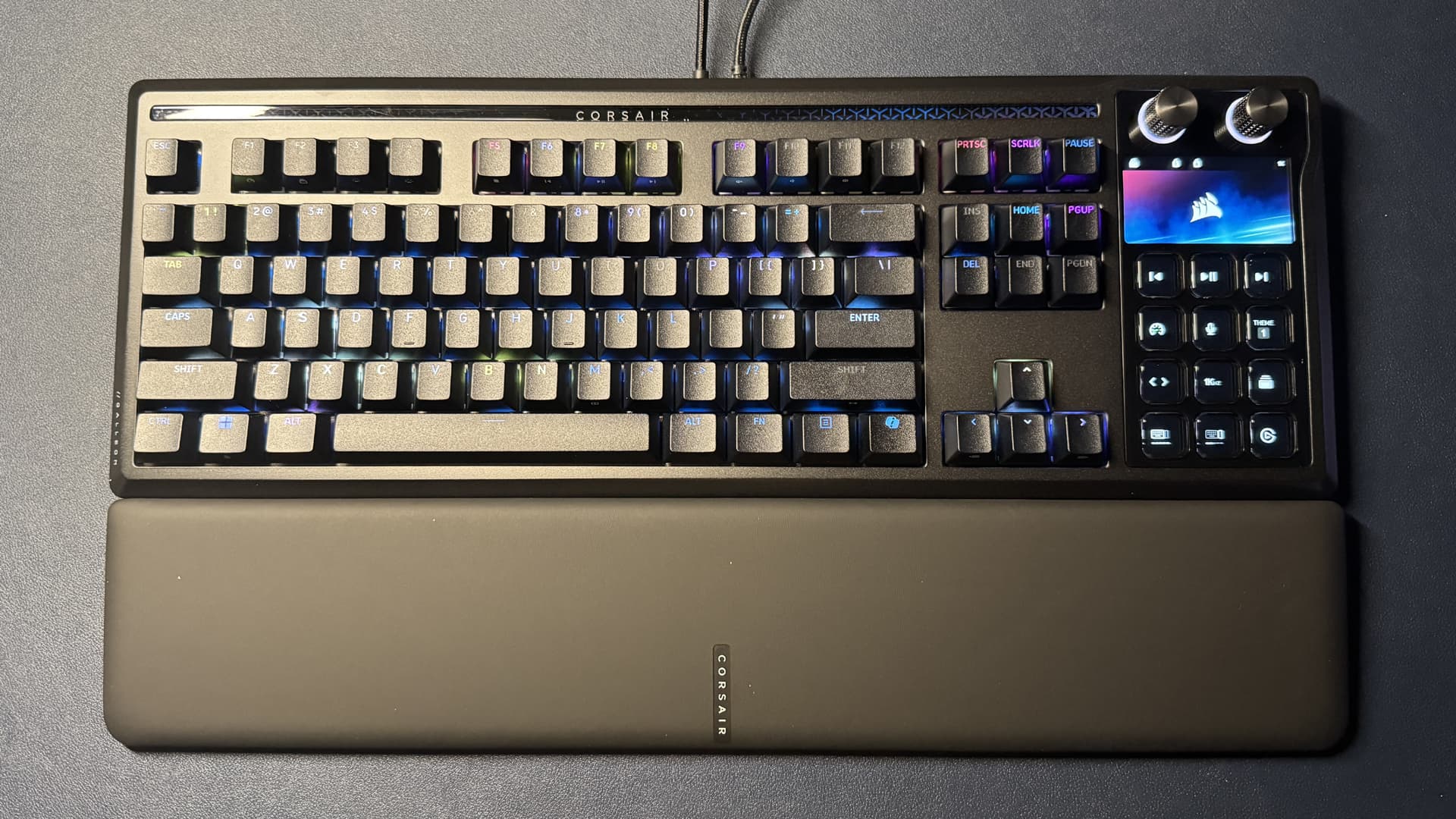
- The Corsair Galleon 100 SD combines a TKL mechanical keyboard with a 12-key LCD Stream Deck module and dual rotary knobs
- Pre-lubed MLX purple linear switches with 45g actuation force deliver an unusually satisfying typing experience for linears
- The integrated Stream Deck can replicate numpad functionality while offering programmable shortcuts, though keycaps show minor wear after three months
After years of testing mechanical keyboards, a Tom's Hardware senior editor has settled on the Corsair Galleon 100 SD as their daily driver. The verdict: a built-in Stream Deck can functionally replace a dedicated numpad for most workflows.
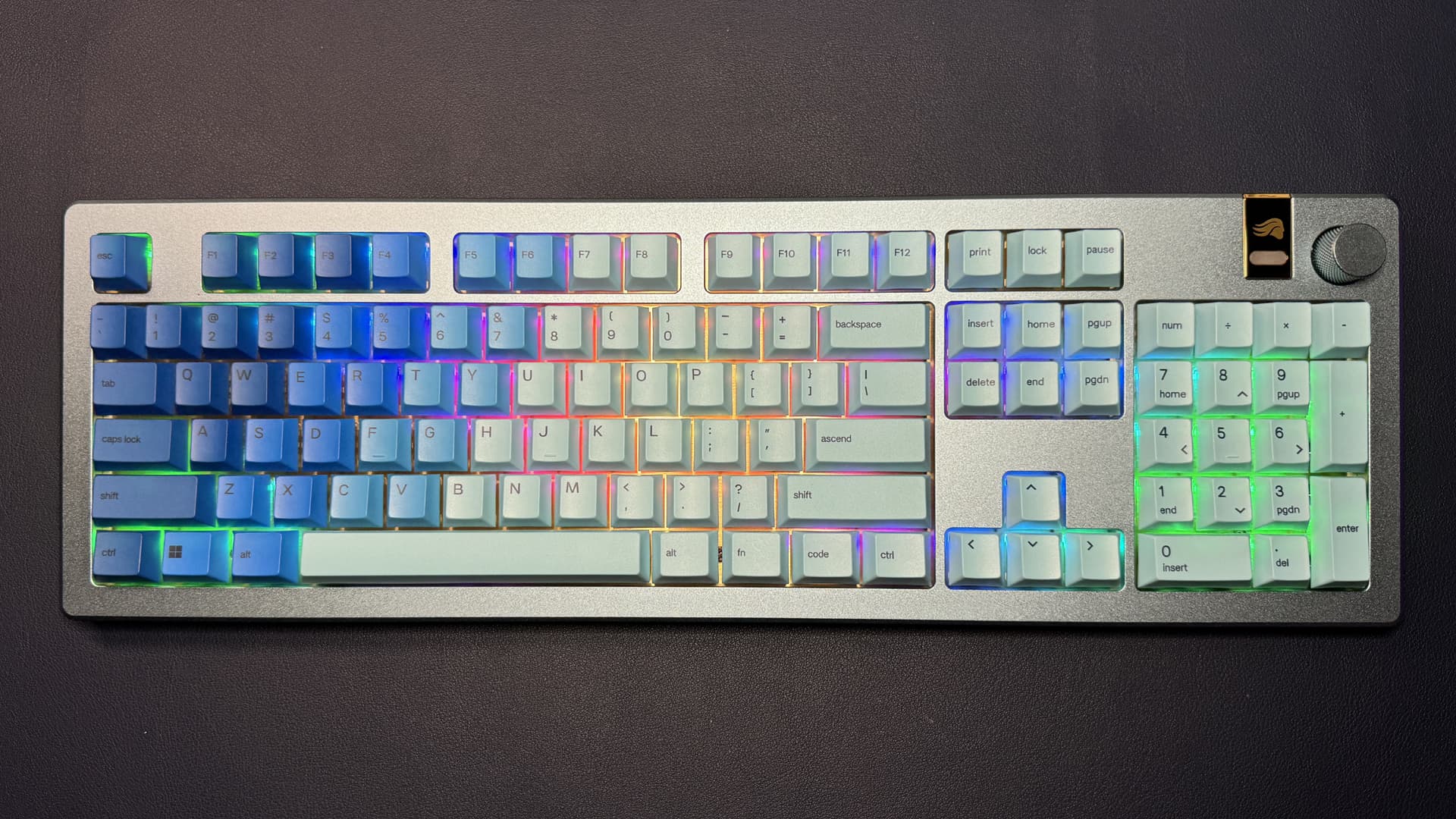
Sarah Jacobsson Purewal, who reviews keyboards professionally, has used the Galleon 100 SD consistently since February. Her setup previously required two keyboards: a full-size Glorious GMMK 3 for its numpad and a Wobkey Crush 80 Reboot Pro for better typing feel. The Corsair consolidates both roles into one device.
What makes the Galleon 100 SD different from standard TKL keyboards?
The Galleon 100 SD is technically a TKL layout. It has a full function row, navigation cluster, and arrow keys, but no numpad. Where it diverges: a built-in Stream Deck module sits to the right of the main keyboard. This module includes 12 customizable LCD keys, two rotary knobs, and a full-color non-touch screen.
Purewal programs the 12 LCD keys to act as a numpad when running free camera software in games. When not gaming, she swaps to pages of shortcuts and special characters she would normally enter via Alt codes. The flexibility makes the missing numpad less painful than expected.
How do the MLX purple switches perform for typing?
The keyboard ships with Corsair's MLX purple linear switches. They have a 45g actuation force and come pre-lubed. Purewal, who typically dislikes linear switches, finds these an exception. They are smooth, stable, and lightweight. More surprising: they produce a satisfying thocky sound at bottom-out, uncommon for linears.
The PCB is hot-swappable, but Purewal has not bothered to change the stock switches. That is a meaningful endorsement from a reviewer who has access to dozens of alternatives.
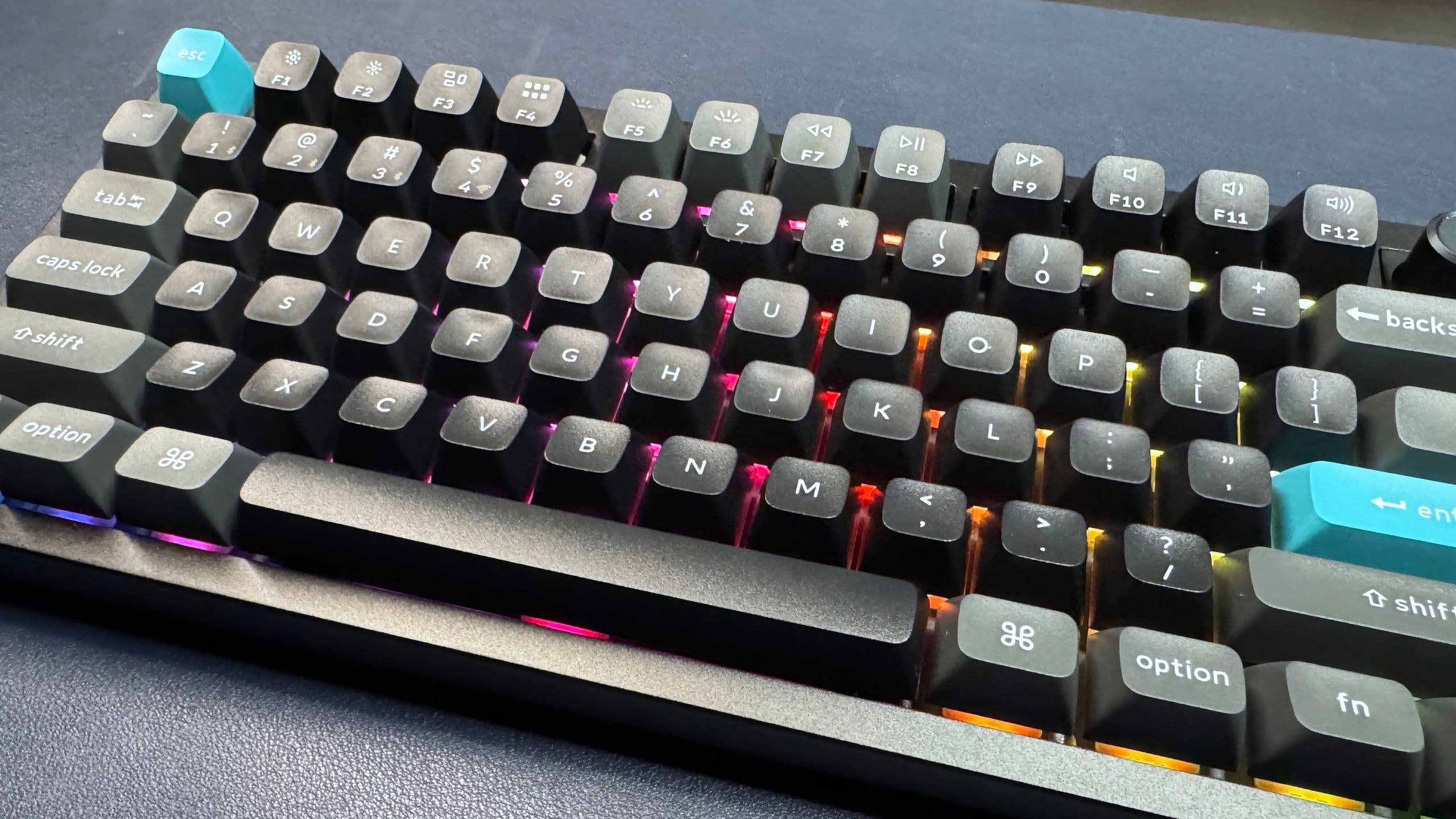
The keycaps are double-shot PBT with a lower profile close to Cherry height. One caveat: after three months of consistent use, the alphanumeric keys are developing a minor shine. That is faster than expected for PBT.
Why did she stop using the Glorious GMMK 3?
Before the Galleon 100 SD, Purewal relied on a custom-built wireless GMMK 3. It had a full aluminum case, magnetic tactile switches, and was beautifully constructed. The typing experience, however, did not match the build quality.
The GMMK 3 also has practical problems. It is one of the heaviest keyboards she owns, and its flared base makes it difficult to pick up and move. She would swap in the Wobkey Crush 80 Reboot Pro for extended typing sessions, and occasionally the Razer DeathStalker V2 Pro for easier switching between boards.
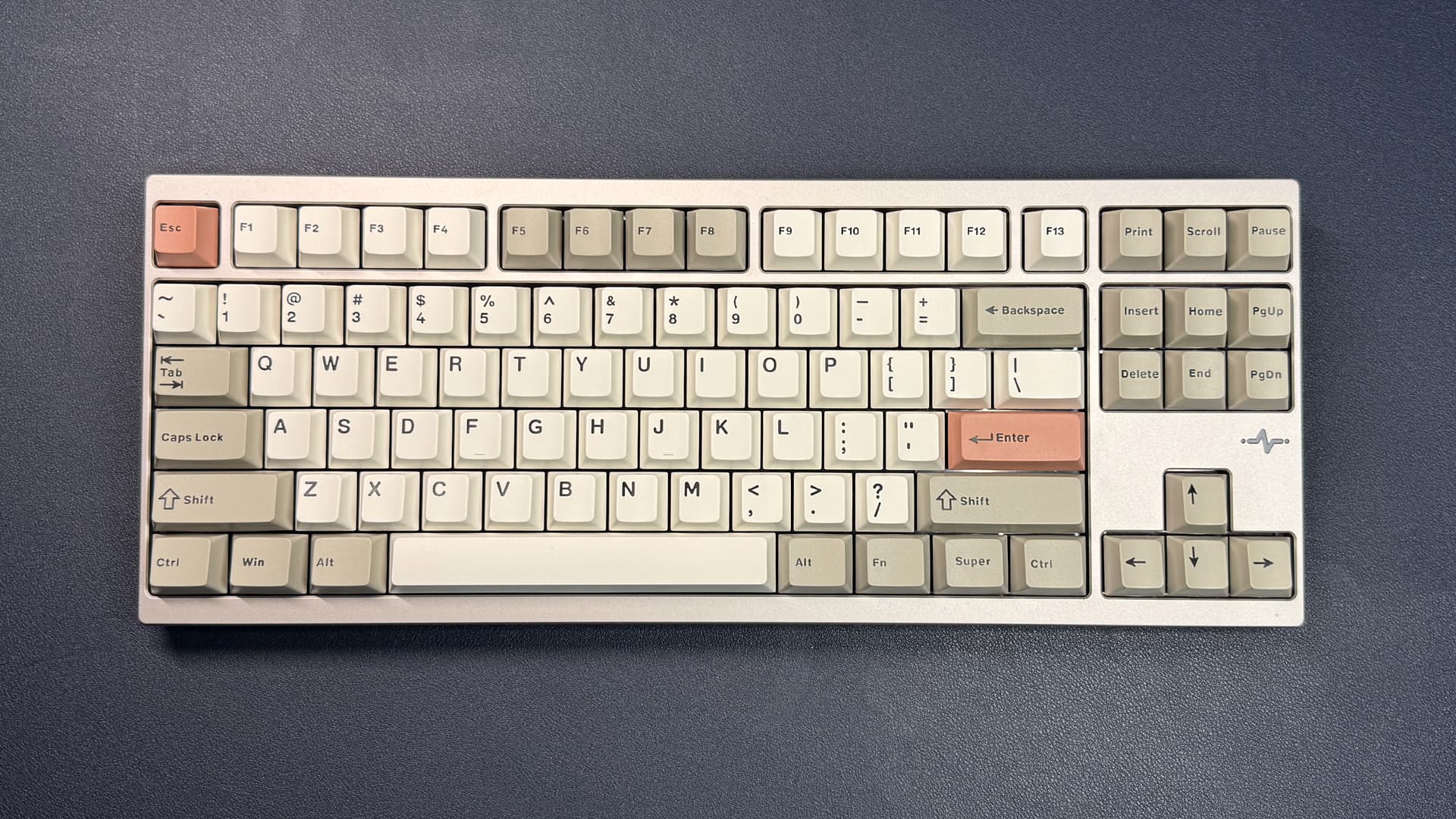
What about the Wobkey Crush 80 Reboot Pro?
Purewal describes the Crush 80 Reboot Pro as one of the best feeling and sounding keyboards she has used. It remains a go-to when she needs to type for extended periods without gaming. The pure typing experience still edges out the Galleon 100 SD for sustained writing.
But for daily use that mixes writing, gaming, and workflow management, the Galleon 100 SD wins on versatility.
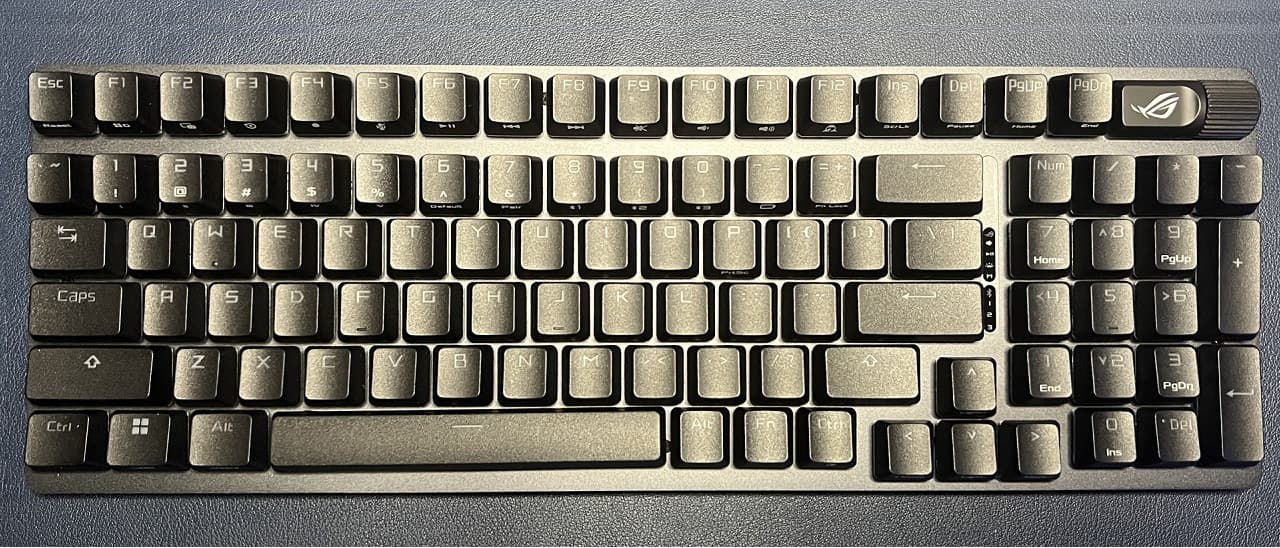
Is an integrated Stream Deck worth it over buying separately?
A standalone Stream Deck runs around $150. The Galleon 100 SD retails at approximately $320, which is expensive for a TKL but competitive when you factor in the integrated module. You save desk space and cable management headaches.
Reddit's r/MechanicalKeyboards community is split. Enthusiasts question the non-standard layout and lack of Hall Effect switches for competitive gaming. Content creators praise the workflow integration. Your priorities determine which camp you fall into.
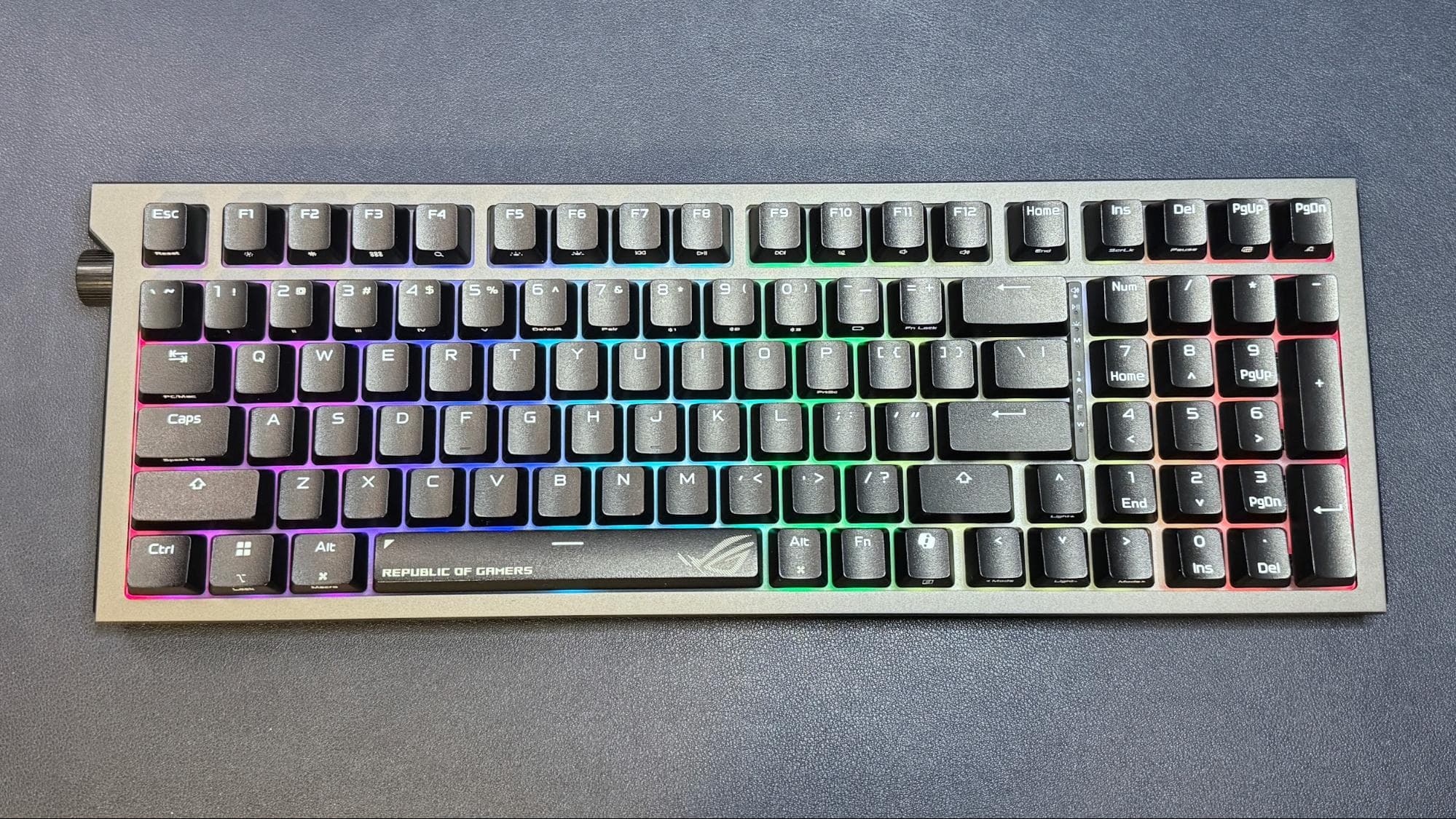
Purewal is not fully convinced a built-in Stream Deck beats a numpad. But she likes the Galleon 100 SD's keyboard quality enough that she is willing to adapt. That is a pragmatic verdict: this keyboard is good enough to change her habits.
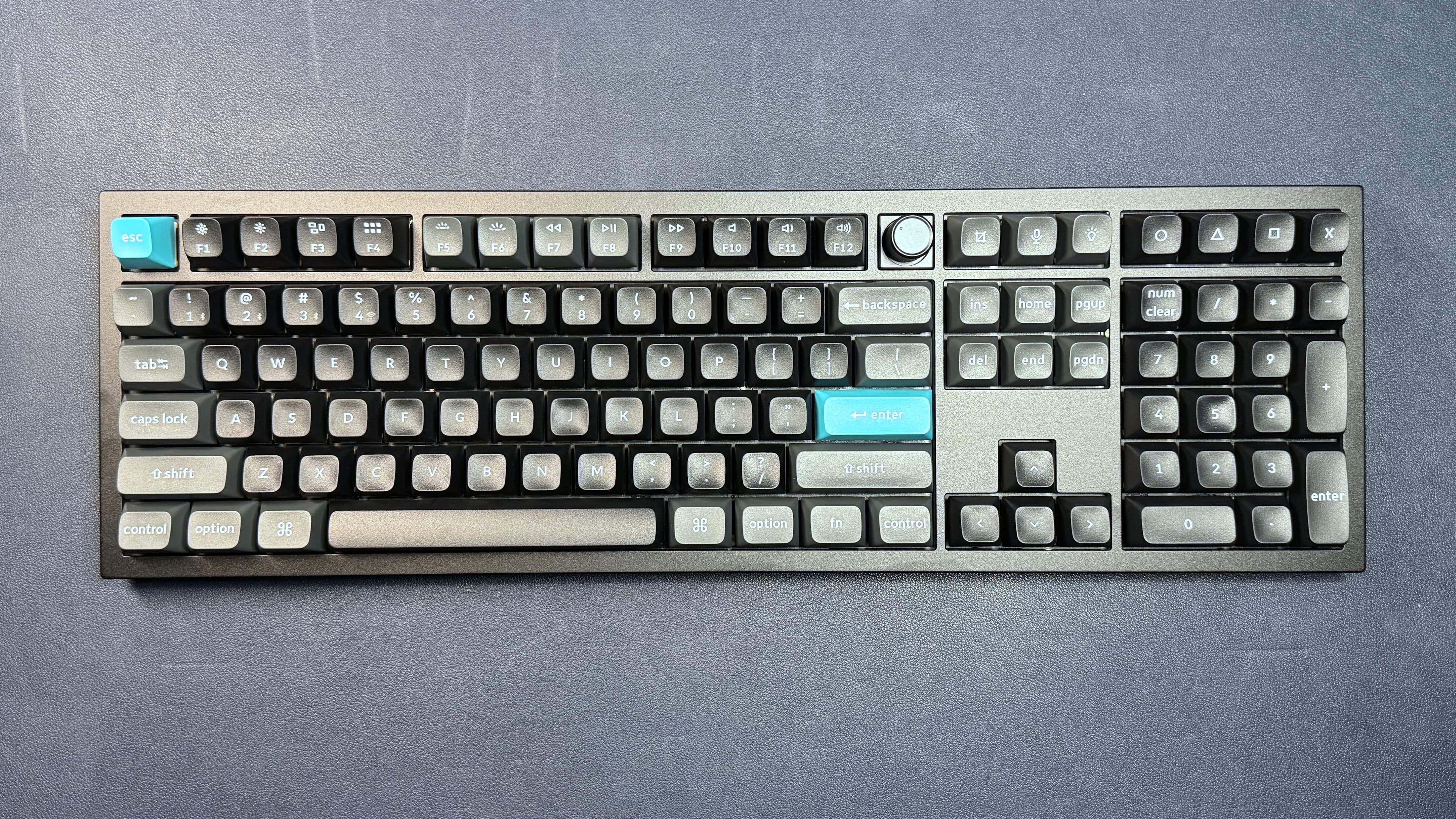
Where does this leave full-size keyboard fans?
Full-size gaming keyboards with quality typing feel are rare. The trend pushes toward compact layouts. If you genuinely need a numpad, options like the Keychron Q6 Ultra exist, but integrating macro controls means buying additional hardware.
The Galleon 100 SD represents a different tradeoff: sacrifice the numpad for a more flexible control surface that can mimic numpad functionality when needed. For power users who mix gaming, streaming, and productivity, the math works.
Another ROG peripheral hitting a price milestone
Frequently Asked Questions
Does the Corsair Galleon 100 SD have a numpad?
No. It uses a TKL layout without a numpad, but the 12 programmable LCD Stream Deck keys can be configured to function as a numpad.
What switches does the Corsair Galleon 100 SD use?
It ships with Corsair's pre-lubed MLX purple linear switches with 45g actuation force. The PCB is hot-swappable if you want to change them.
Is the Corsair Galleon 100 SD good for typing?
Yes. A veteran keyboard reviewer describes the linear switches as smooth, stable, and unusually satisfying, with a thocky sound at bottom-out.
How much does the Corsair Galleon 100 SD cost?
The keyboard retails around $320, which includes the integrated Stream Deck module that would otherwise cost approximately $150 separately.
Logicity's Take
The Galleon 100 SD signals where premium keyboards are heading: consolidation. Streamers and power users already run multiple peripherals. Baking a Stream Deck into the keyboard is not gimmickry but genuine space and workflow optimization. The real question is durability. If PBT keycaps shine after three months, how will the LCD keys hold up after a year? Corsair needs to prove this is built for the long haul, not just the unboxing video.
Need Help Implementing This?
Looking for advice on keyboard setups for your team or studio? Contact Logicity's editorial team at editors@logicity.in for vendor-neutral recommendations.
Source: Latest from Tom's Hardware
Huma Shazia
Senior AI & Tech Writer
Produced with AI assistance and reviewed by the Logicity editorial team. Learn more in our Editorial Policy.