Key Takeaways
- Claude's million-token context window makes it ideal for planning, brainstorming, and catching logical inconsistencies across large codebases
- Codex excels at writing functional code and handling logic better than general-purpose models
- Using both tools together produced a working calculator app in under 10 minutes
The Setup: Competition Becomes Collaboration
Jorge Aguilar, a developer and editor at How-To Geek, set out to pit Anthropic's Claude against OpenAI's Codex in a coding showdown. The goal was simple: find which AI coding assistant reigns supreme. The result was unexpected.
Rather than crowning a winner, Aguilar discovered that the two tools complement each other. He built a working calculator app in under 10 minutes by using Claude for planning and Codex for execution.
"I've never assumed any one tool can do everything, and neither should you," Aguilar writes. "These AIs are trying to do the same thing, but they are done in very separate ways. You should be using those strengths to make your own apps better."
What Claude Does Best: The Technical Lead
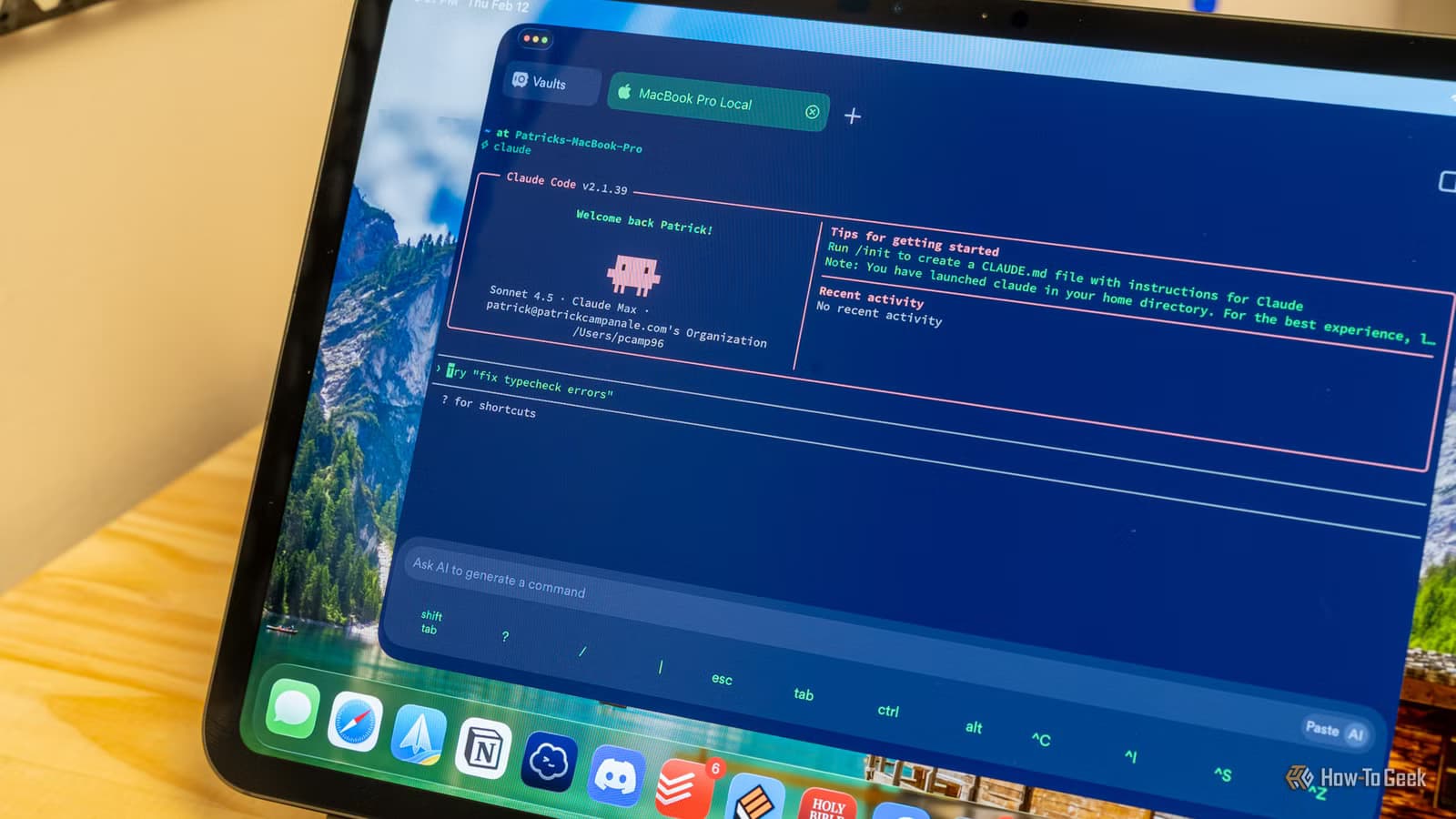
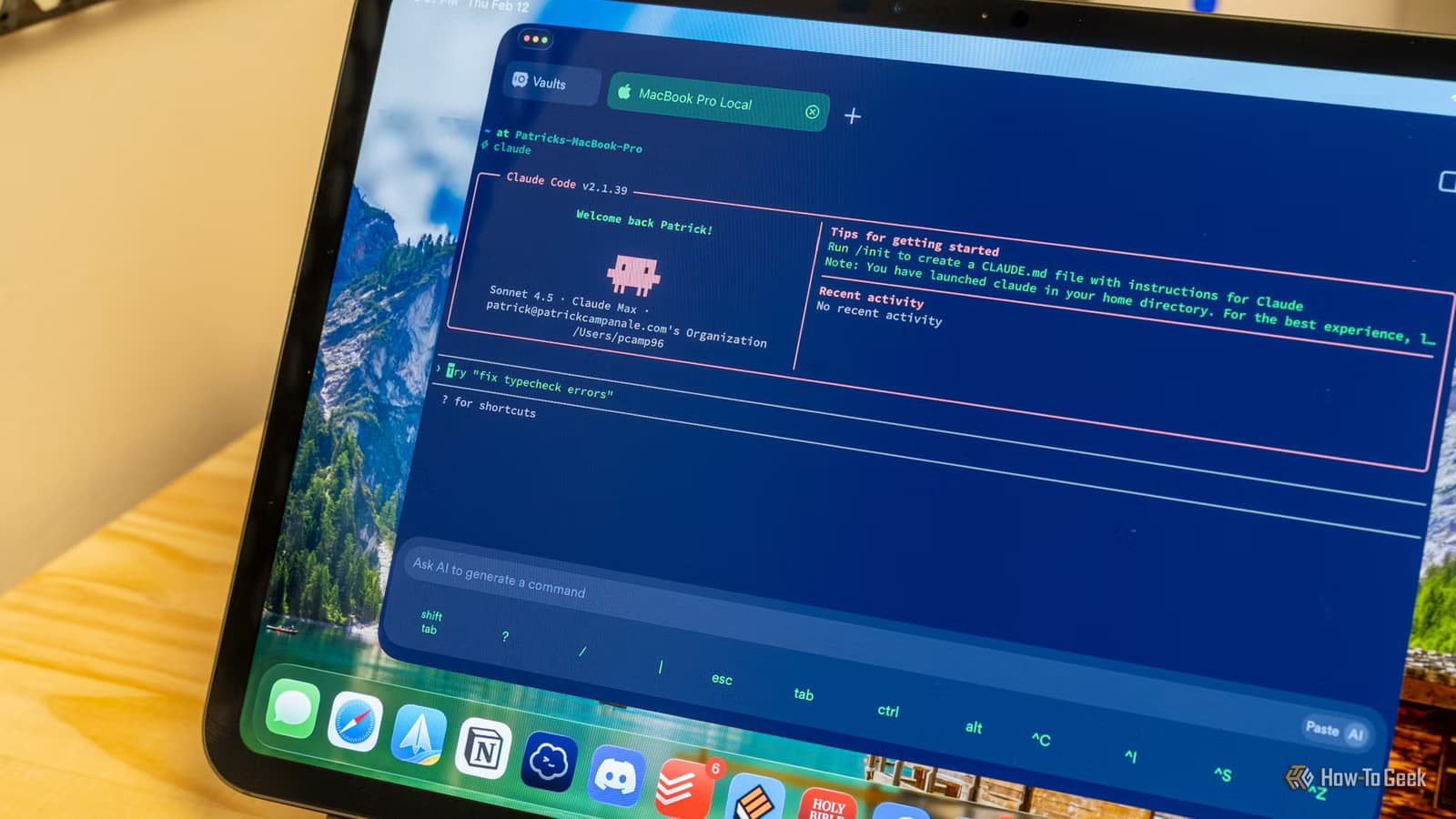
Claude operates like an experienced technical lead. It wants to understand the whole picture before writing any code. This makes it useful for brainstorming and planning at the start of a project.
With a context window of one million tokens, Claude can ingest entire repositories, remember design decisions from hours earlier, and catch subtle logical inconsistencies that other models miss. When your AI is built only to execute, Aguilar notes, it struggles to understand where things are going wrong or where it's missing the user's idea.
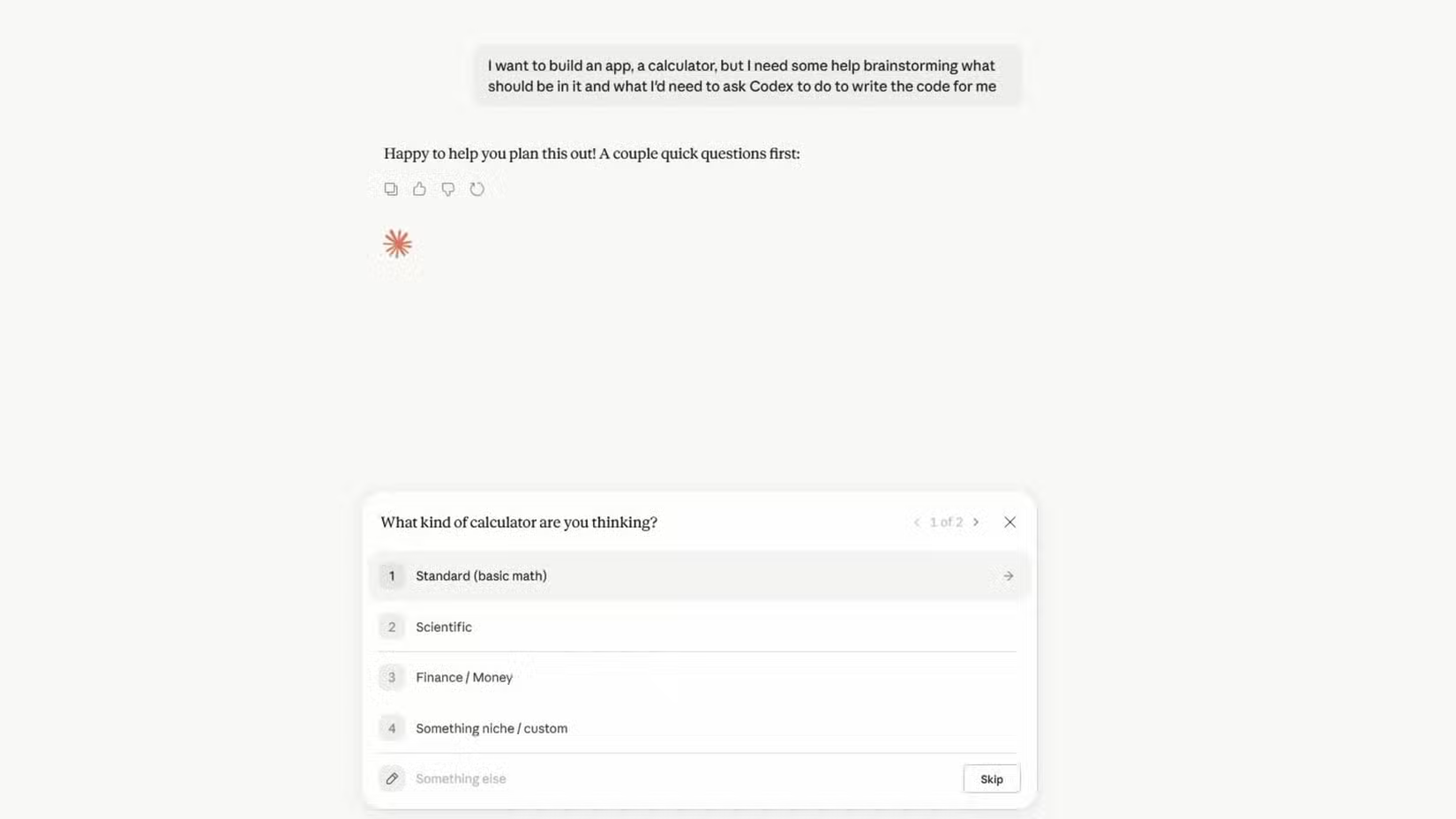
Claude asks clarifying questions and discusses trade-offs instead of rushing into execution. This deep reasoning makes it effective for mapping out new features or auditing messy codebases for structural flaws without losing the project's core intent.
Aguilar shares a practical example: "I let Claude look through my projects to see if I've screwed up any code or if there's something that could be better. In fact, I have a zoom feature on my image editor because Claude brought it up before I was even in a position to need it. I totally forgot that would be a necessity and wouldn't have remembered until I was knee-deep in making images."
What Codex Does Best: Fast, Functional Code
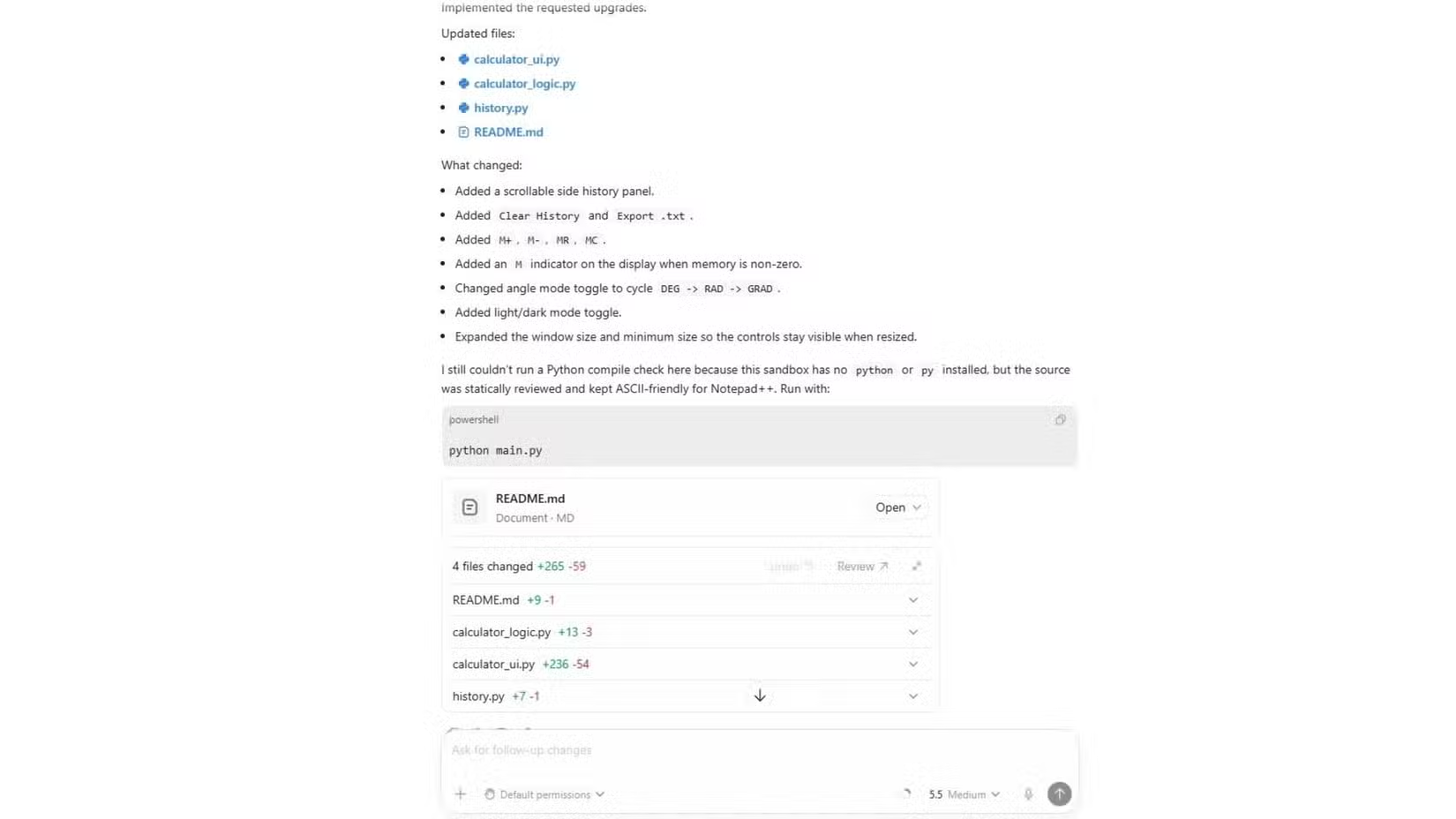
Codex takes a different approach. It writes functional code and handles logic better than most general models that try to do too much.
Where Claude excels at understanding context and asking the right questions, Codex shines at turning requirements into working code quickly. It's a specialist, not a generalist.
Aguilar contrasts this with Gemini, which he says "has a habit of trying to do things that I never told it." The implication is clear: specialized tools that stay in their lane often outperform all-in-one solutions trying to be everything to everyone.
The Workflow: Plan with Claude, Build with Codex
The practical takeaway is a two-stage workflow. Use Claude at the start of a project to brainstorm, plan architecture, and identify potential issues. Then hand off to Codex for the actual code generation.
This mirrors how human development teams often work. A senior architect designs the system. Junior developers execute the implementation. The calculator app that took under 10 minutes to build suggests this AI pairing can be remarkably efficient.
The approach also helps with ongoing maintenance. Claude's ability to review existing code and spot improvements makes it useful for periodic audits. Codex can then implement the fixes Claude identifies.

Logicity's Take
Another look at how AI tools perform on complex reasoning tasks
When to Use Each Tool
- Use Claude when starting a new project, brainstorming features, or reviewing existing code for improvements
- Use Claude when you need an AI that asks clarifying questions instead of making assumptions
- Use Codex when you have clear requirements and need functional code quickly
- Use Codex for logic-heavy implementations where precision matters more than conversation
Frequently Asked Questions
Is Claude or Codex better for coding?
Neither is universally better. Claude excels at planning, understanding context, and catching logical issues across large codebases. Codex is faster at writing functional code when requirements are clear. Using both together often produces better results than either alone.
What is Claude's context window size?
Claude has a context window of one million tokens, allowing it to ingest entire code repositories and remember design decisions from earlier in long conversations.
Can I use Claude and Codex together?
Yes. A practical workflow uses Claude for initial planning, brainstorming, and code review, then hands off to Codex for actual code generation. One developer built a calculator app in under 10 minutes using this approach.
What makes Claude different from other AI coding tools?
Claude asks clarifying questions and discusses trade-offs before executing. This makes it behave more like a technical lead who wants to understand the full picture rather than an assistant that immediately starts coding.
Need Help Implementing This?
Source: How-To Geek
Huma Shazia
Senior AI & Tech Writer
Produced with AI assistance and reviewed by the Logicity editorial team. Learn more in our Editorial Policy.






