Key Takeaways
- Thunderbolt tunnels PCIe over USB-C, making desktop GPUs technically compatible with MacBooks
- macOS lacks native NVIDIA/AMD drivers for Apple Silicon, requiring custom engineering
- tinygrad's eGPU drivers exist but run AI inference 10x slower than native Metal on M4 Pro
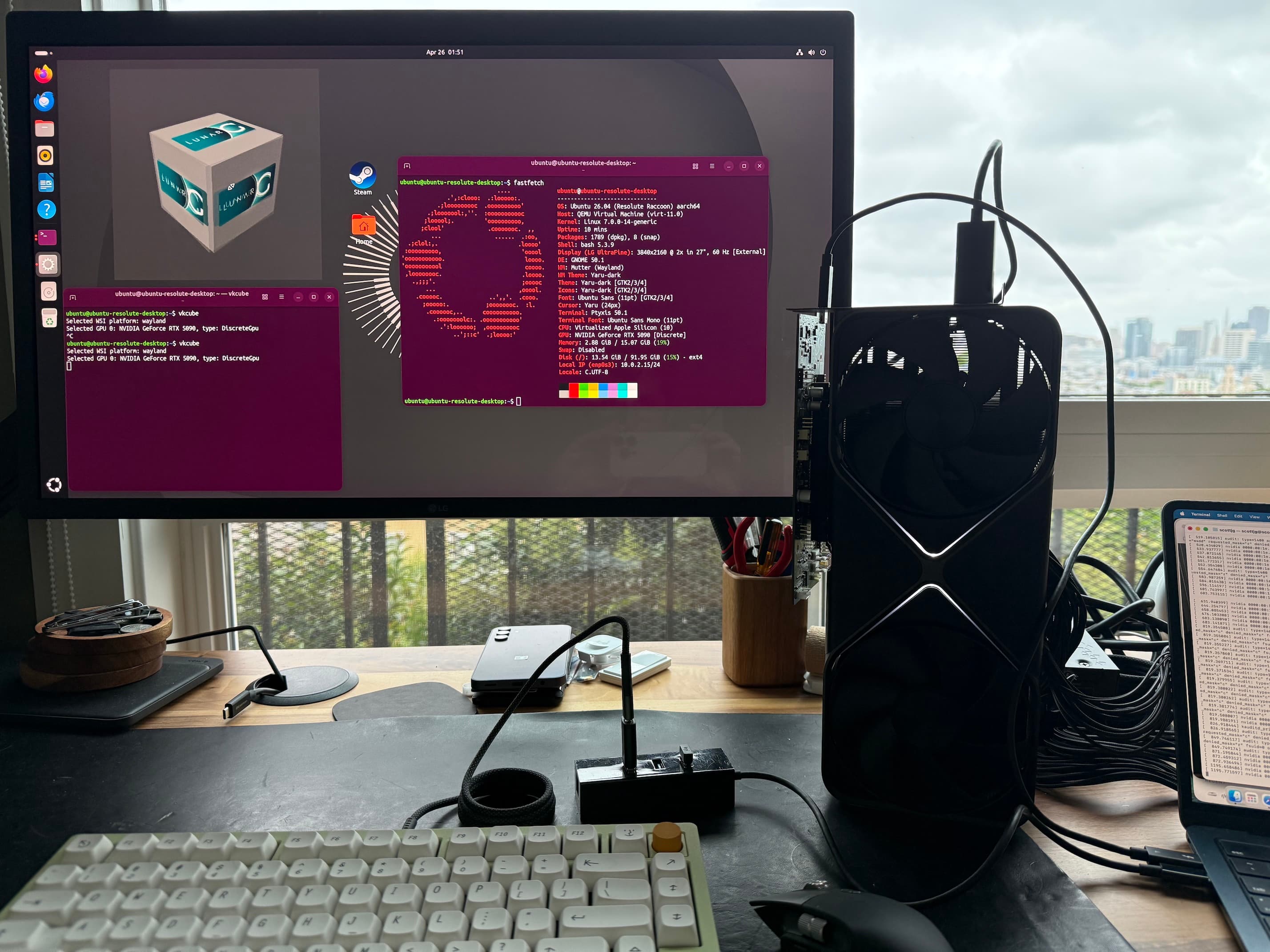
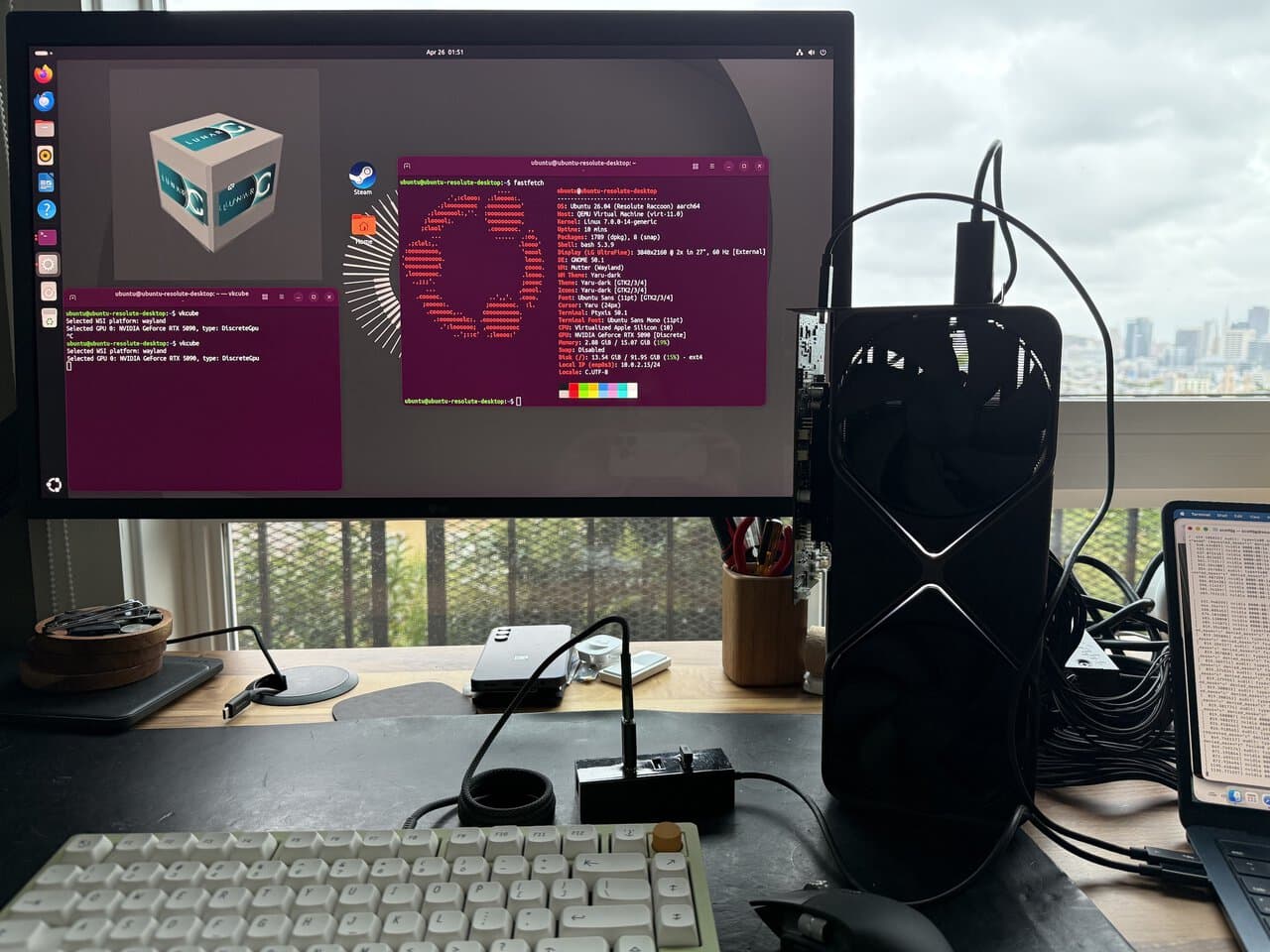
What happens when you plug a 600W desktop GPU into a laptop that draws 22W? Developer Scott Jurgenson decided to find out. He connected an NVIDIA RTX 5090 to his M4 MacBook Air using a Thunderbolt eGPU dock, then spent months engineering the software to make it actually work.
The project sounds absurd. When Jurgenson asked AI about the feasibility, the response was skeptical. But as he puts it, "borderline-impractical is kind of my thing."
How Thunderbolt Makes This Possible
Thunderbolt tunnels PCIe over a USB-C cable. From the computer's perspective, a Thunderbolt device is a PCIe device, not a USB one. You get 4 PCIe lanes at up to 40Gbps on Thunderbolt 4, with a small performance penalty for the tunneling.
USB4 includes the same PCIe tunneling as an optional feature. Some non-Thunderbolt USB4 ports support this too. The setup is straightforward in hardware terms: Thunderbolt from the laptop plugs into the GPU dock, and the GPU connects to a monitor via DisplayPort.
On Linux and Windows, eGPUs work out of the box. You can even use one on a Raspberry Pi with Oculink. The catch is that macOS doesn't ship drivers for NVIDIA or AMD GPUs on Apple Silicon. That's where the engineering challenge begins.
Why tinygrad Isn't the Answer
tinygrad recently released macOS eGPU drivers. It's a complete AI stack with open source driver support for NVIDIA and AMD hardware. But if your goal is gaming or general AI inference, it's not the solution.
YouTuber Alex Ziskind demonstrated that eGPU inference via tinygrad runs about 10 times slower than native Metal inference directly on an M4 Pro. You can only use tinygrad's eGPU driver within the tinygrad stack. It won't work for games or other applications.
Model support is also limited. Getting NVIDIA PTX code running on the GPU is only part of the challenge. For general-purpose eGPU use, you need something else entirely.
The Engineering Deep Dive
Jurgenson's project required building PCI passthrough on macOS, something Apple doesn't officially support. The work involved understanding PCI device basics, mapping PCI BARs (Base Address Registers), and solving DMA (Direct Memory Access) challenges specific to Apple Silicon.
Apple's DMA implementation for PCI devices has its own quirks. NVIDIA hardware adds another layer of complexity with specific alignment requirements. Jurgenson had to work around these by coalescing memory mappings and addressing other performance concerns.
- PCI BAR mapping for device memory access
- Apple-specific DMA implementation (apple-dma-pci)
- NVIDIA alignment quirk workarounds
- Memory mapping coalescing for performance
- Scheduling and total store ordering considerations
Benchmark Results
Jurgenson tested the setup across several demanding titles. The benchmarks included Cyberpunk 2077 at 720p Low, 1080p, and 4K resolutions. He also ran GravityMark, Shadow of the Tomb Raider, Horizon Zero Dawn Remastered, and Doom (2016).
The obligatory question: Can it run Crysis? Jurgenson included that benchmark too. Results varied based on resolution and game optimization, but the setup proved surprisingly capable despite the bandwidth limitations of Thunderbolt.
AI Inference Performance
Beyond gaming, Jurgenson tested AI inference with Qwen 3.6 and Gemma 4 models. This is where an external RTX 5090 could theoretically offer advantages over integrated Apple Silicon, though the Thunderbolt bandwidth bottleneck affects performance here too.
Practical Considerations
This isn't a plug-and-play solution. You need custom software, patience for debugging, and acceptance that macOS isn't designed for this use case. Apple removed official eGPU support when transitioning to Apple Silicon, and there's no indication they plan to bring it back.
The power mismatch alone is worth considering. A 22W laptop CPU feeding a 600W GPU creates obvious thermal and power delivery challenges. The Thunderbolt dock handles the GPU power separately, but you're still limited by the MacBook's processing capabilities and the 40Gbps Thunderbolt bandwidth.
Logicity's Take
Who Should Care?
For most Mac users, this project is interesting but not actionable. The engineering required puts it out of reach for casual users. But for developers working on macOS driver development, PCIe passthrough, or GPU virtualization research, Jurgenson's work provides a roadmap.
It also highlights a gap in Apple's ecosystem. Professional users who need NVIDIA CUDA capabilities or specific GPU compute features are stuck with workarounds or different hardware entirely.
Another deep technical project pushing platform boundaries
AI hardware investment context
Frequently Asked Questions
Can you use an eGPU with a MacBook Air M4?
Technically yes, but macOS doesn't include native drivers for NVIDIA or AMD GPUs on Apple Silicon. You need custom software like the solution Jurgenson engineered.
Does Apple support external GPUs on Apple Silicon?
No. Apple removed official eGPU support when transitioning from Intel to Apple Silicon processors.
How fast is Thunderbolt for GPU use?
Thunderbolt 4 provides 4 PCIe lanes at up to 40Gbps. This is slower than a direct PCIe x16 connection but usable for gaming at reasonable settings.
Is tinygrad's macOS eGPU driver good for gaming?
No. tinygrad's driver only works within the tinygrad AI stack and runs about 10x slower than native Metal for inference tasks.
What GPU works best as a Mac eGPU?
Currently, any desktop GPU requires custom drivers on Apple Silicon. Jurgenson tested an RTX 5090, but the software engineering required makes this impractical for most users.
Need Help Implementing This?
Source: Hacker News: Best
Manaal Khan
Tech & Innovation Writer
Produced with AI assistance and reviewed by the Logicity editorial team. Learn more in our Editorial Policy.