DigitalOcean now offers a managed Knowledge Bases service that lets you wire retrieval-augmented generation into Hermes Agent without standing up your own vector store. The integration gives an LLM grounded answers from your documents, PDFs, or markdown files, and the setup takes about 20 minutes if you already have a DigitalOcean account.
Disclosure
Some links in this post are affiliate links — Logicity earns a commission if you sign up, at no extra cost to you. We only link products we have used or actively recommend.
Hermes Agent is an open-source Python framework for building tool-using LLM agents. Out of the box it supports function calling, memory, and multi-step reasoning. What it lacks is built-in retrieval. DigitalOcean's Knowledge Bases fills that gap by handling chunking, embedding, and vector search on their infrastructure.
What you need before you start
A DigitalOcean account with billing enabled. Knowledge Bases is billed per GB stored and per query, with a free tier covering the first 1 GB and 10,000 queries per month. You also need Python 3.10 or later and the Hermes Agent library installed locally.
Gather the documents you want the agent to reference. Supported formats include plain text, markdown, PDF, and HTML. Larger corpora work, but start small to validate the pipeline.
Creating a Knowledge Base in the DigitalOcean console
- Log in to the DigitalOcean control panel and navigate to AI / ML > Knowledge Bases.
- Click Create Knowledge Base. Name it something descriptive, like "product-docs" or "support-kb".
- Select your data source: upload files directly, link a Spaces bucket, or connect a Git repository.
- Choose your embedding model. DigitalOcean offers OpenAI's text-embedding-3-small by default; you can also bring your own endpoint.
- Set chunking preferences. The defaults (512 tokens, 50-token overlap) work for most use cases. Adjust if your documents have long code blocks or tables.
- Click Create. Indexing begins immediately; small corpora finish in under a minute.
Once indexing completes, the console shows a status of "Ready" and reports the document count and total chunks.
Connecting Hermes Agent to the Knowledge Base
DigitalOcean exposes each Knowledge Base through a REST endpoint. You authenticate with a personal access token scoped to read:knowledge_base.
import os
import requests
from hermes_agent import Agent, Tool

DO_API_TOKEN = os.getenv("DO_API_TOKEN")
KB_ID = "your-knowledge-base-id"

def search_kb(query: str, top_k: int = 5) -> list[dict]:
    """Retrieve relevant chunks from the DigitalOcean Knowledge Base."""
    url = f"https://api.digitalocean.com/v2/knowledge_bases/{KB_ID}/query"
    headers = {"Authorization": f"Bearer {DO_API_TOKEN}"}
    payload = {"query": query, "top_k": top_k}
    resp = requests.post(url, json=payload, headers=headers)
    resp.raise_for_status()
    return resp.json()["results"]
Wrap that function as a Hermes Tool so the agent can call it during reasoning:
retrieval_tool = Tool(
    name="search_knowledge_base",
    description="Search internal documents for information relevant to the user's question.",
    function=search_kb,
)

agent = Agent(
    model="gpt-4o",
    tools=[retrieval_tool],
    system_prompt="You are a helpful assistant. Use search_knowledge_base before answering questions about company policies or product features.",
)
When a user asks a question the agent now retrieves context first, then generates a grounded response.
Testing and iterating
Run the agent in debug mode to see which chunks it pulls. If answers are off-target, adjust top_k or revisit chunking. Overlapping chunks help when answers span paragraphs; shorter chunks work better for FAQ-style content.
DigitalOcean's console includes a "Test Query" panel. Use it to spot-check retrieval quality before wiring the agent.
Logicity's Take
Managed vector stores are becoming table stakes. DigitalOcean's pricing (free up to 1 GB) undercuts Pinecone's starter tier and removes the ops burden of self-hosted Qdrant or Weaviate. For teams already on DigitalOcean infra, this is the path of least resistance. Alternatives worth comparing: Supabase pgvector (free tier, SQL interface) and Cloudflare Vectorize (tight Workers integration).
Deploying the agent
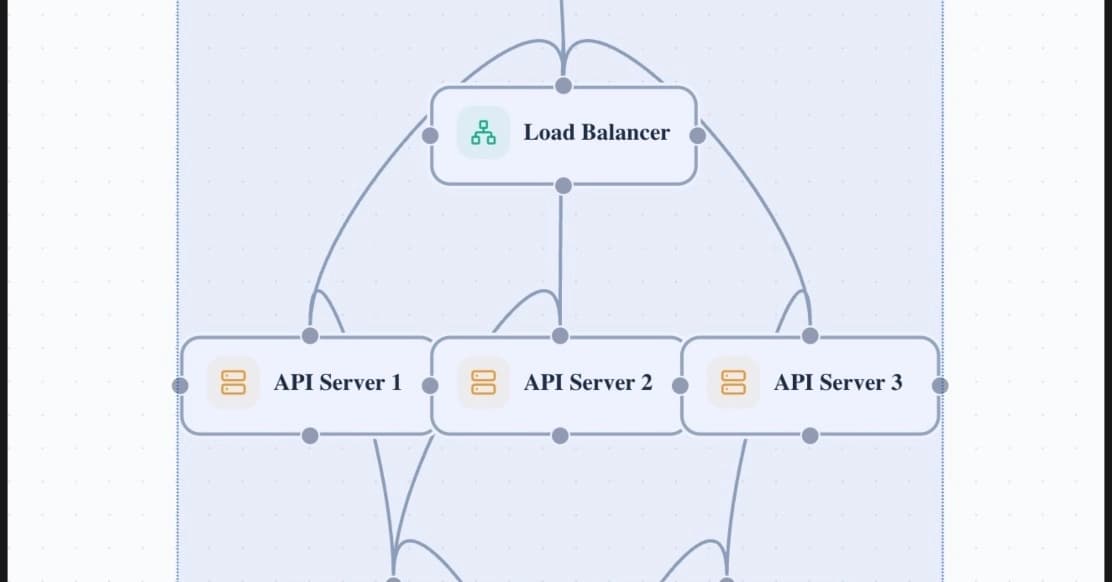
Hermes Agent runs anywhere Python runs. For production, consider DigitalOcean App Platform or a Droplet behind a load balancer. Set your API token as a secret, enable HTTPS, and rate-limit the endpoint to avoid runaway query costs.
If latency matters, deploy in the same region as your Knowledge Base. DigitalOcean currently hosts Knowledge Bases in NYC and SFO.
Frequently Asked Questions
Does DigitalOcean charge per query?
Yes. After the free 10,000 queries per month, pricing is $0.0001 per query. Heavy usage adds up; monitor via the billing dashboard.
Can I use a local embedding model instead of OpenAI?
Yes. Point the Knowledge Base to any OpenAI-compatible embedding endpoint, including a self-hosted model on a GPU Droplet.
What happens if I update my source documents?
Re-index from the console or trigger a sync via the API. DigitalOcean re-embeds changed files automatically.
Is Hermes Agent required, or can I use LangChain?
Any framework works. The Knowledge Base exposes a REST API; call it from LangChain, LlamaIndex, or plain Python.
Need Help Implementing This?
Logicity's consulting arm helps teams ship RAG pipelines on DigitalOcean, AWS, or hybrid infra. Reach out at consulting@logicity.in.
Manaal Khan
Tech & Innovation Writer
Produced with AI assistance and reviewed by the Logicity editorial team. Learn more in our Editorial Policy.