Key Takeaways
- AI presentation tools now handle structure, content, and design in one step, cutting first-draft time by 70-80%
- Zapier integration lets RevOps teams auto-generate decks from CRM activity, pipeline updates, or form submissions
- The real differentiator in 2026 isn't AI presence but how well tools integrate with existing workflows
The AI presentation maker category has matured fast. Tools that once just suggested templates now generate entire decks from a single prompt, handling structure, visuals, and initial copy. For operations and RevOps teams drowning in QBR prep, board decks, and pipeline reviews, this shift matters: the bottleneck moves from creation to review.
Zapier's latest roundup tested eight tools over a month, focusing on how quickly each produces a usable first draft. The verdict? All of them beat manual slide-building by a wide margin. But the differences in output quality, customization depth, and integration potential determine which ones fit a business workflow versus which ones stay novelty toys.
What separates a useful AI deck tool from a gimmick?
Three factors emerged from the testing. First, prompt flexibility. Some tools demand a specific format; others accept a pasted document, a URL, or a rambling description and figure it out. Second, design output. A deck that needs two hours of reformatting saves nothing. Third, automation hooks. Can the tool trigger from a CRM update, a form submission, or a Slack command? For ops teams, this is the difference between a one-off productivity bump and a repeatable system.
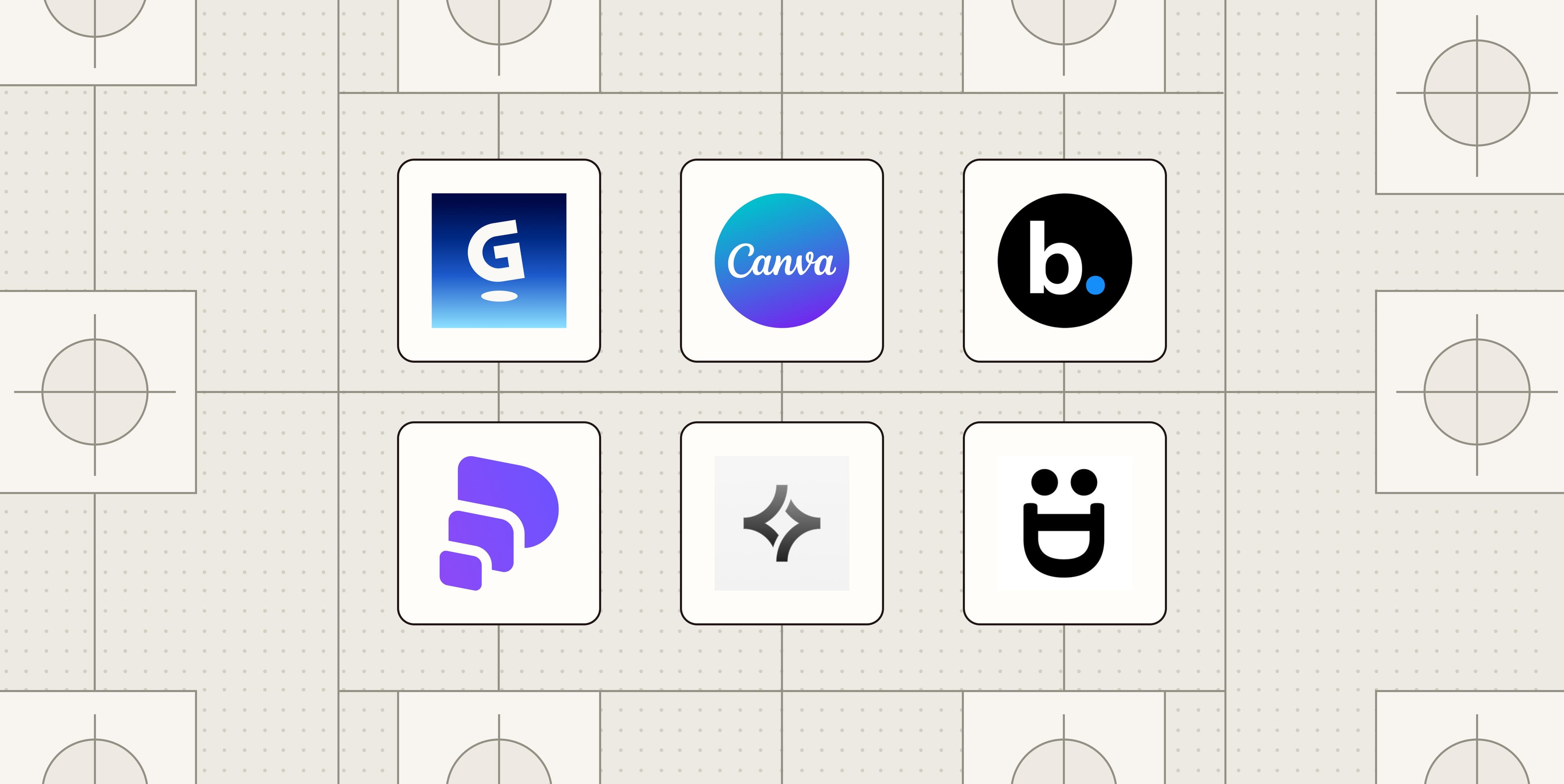
Zapier's testing highlighted tools like Gamma, Tome, Beautiful.ai, and Canva's Magic Design as leading options. Each approaches the problem differently. Gamma leans heavily on AI-native design, producing polished output from minimal input. Tome focuses on narrative structure, useful for investor decks or strategic presentations. Beautiful.ai enforces design rules automatically, preventing the misaligned-logo disasters that haunt most corporate decks. Canva integrates AI into its broader design ecosystem, helpful if your team already lives there.
How much time does AI presentation software actually save?
The common claim is 70-80% reduction in first-draft creation time. That holds up in practice for straightforward decks: company overviews, project updates, basic pitch materials. A 20-slide deck that took three hours to build from scratch takes 30-40 minutes with AI handling the initial pass.
The catch: complex decks with custom data visualizations, brand-specific layouts, or heavy compliance requirements still need significant human editing. AI tools excel at structure and filler slides. They struggle with the two or three slides that carry your actual argument.
Where does automation fit for RevOps workflows?
The real leverage for operations teams isn't generating one deck faster. It's generating dozens of decks without manual work. Zapier's integration layer connects AI presentation tools to CRM systems, databases, and communication platforms. A closed deal in Salesforce can trigger a customer onboarding deck. A weekly pipeline snapshot can auto-generate a sales review presentation. A product launch checklist completion can build the go-to-market deck.
This shifts the ops role from deck production to deck review and approval. You define templates, set triggers, and review outputs. The repetitive assembly disappears.
Canva's 500 million users and $1.7 billion ARR signal market appetite for these tools. But the integration question matters most for RevOps: does your AI presentation tool connect to your stack, or does it sit in isolation?
Which tools work best for different use cases?
For quick internal decks and updates, Gamma and Tome produce clean outputs with minimal fuss. For brand-controlled environments where design consistency matters, Beautiful.ai's guardrails prevent off-brand slides. For teams already using Canva for other design work, Magic Design adds presentation capability without another tool login.
Pricing varies significantly. Most tools offer free tiers with watermarks or limited exports. Paid plans typically run $10-25 per user per month, with enterprise tiers adding collaboration features and admin controls. For a five-person RevOps team, budget $600-1,500 annually for a solid AI presentation tool.
Logicity's Take
The AI presentation market has hit a plateau of capability: all the major tools produce acceptable first drafts. The differentiation now sits in workflow integration. RevOps teams should evaluate these tools not on AI quality but on API access, Zapier compatibility, and template programmability. Gamma offers robust Zapier triggers. Beautiful.ai provides strong brand controls for enterprise. Canva has the broadest ecosystem but less automation depth. If you're building 10+ presentations per week, the integration layer matters more than the AI engine.
What about quality control and accuracy?
AI-generated slides need review. The tools sometimes hallucinate statistics, misattribute quotes, or make logical leaps that don't hold up. For external-facing presentations, especially investor decks or client deliverables, human review remains mandatory.
The workflow that works: let AI generate structure and boilerplate, then replace placeholder content with verified data. Treat the AI output as a starting framework, not a finished product. This mindset prevents the embarrassing moment when a client asks about a statistic your AI invented.
Frequently Asked Questions
Can AI presentation makers connect to CRM data automatically?
Yes, through integration platforms like Zapier. You can trigger deck generation from Salesforce updates, HubSpot deals, or pipeline changes, pulling live data into template slides.
How accurate are AI-generated presentation statistics and claims?
Unreliable. AI tools often fabricate or misremember data points. Always verify any statistic, quote, or factual claim before presenting externally.
What's the typical cost for AI presentation software?
Most tools charge $10-25 per user monthly for paid tiers. Free versions exist but usually include watermarks or export limits. Enterprise plans add collaboration and brand controls.
Which AI presentation tool is best for brand consistency?
Beautiful.ai enforces design rules automatically, preventing layout and branding mistakes. Canva offers brand kits for teams already in its ecosystem.
How long does it take to create a presentation with AI tools?
First drafts of 15-20 slides typically take 10-15 minutes including prompt refinement. Editing to final quality adds 20-60 minutes depending on complexity.
The custom chip development signals where AI infrastructure costs are heading, relevant context for any AI tool pricing discussion
Need Help Implementing This?
Building automated presentation workflows requires connecting your CRM, data sources, and AI tools. If you're evaluating options for your RevOps stack, reach out to the Logicity team for implementation guidance and vendor comparisons.
Source: The Zapier Blog
Manaal Khan
Tech & Innovation Writer
Produced with AI assistance and reviewed by the Logicity editorial team. Learn more in our Editorial Policy.






