Key Takeaways
- UiPath excels at legacy system automation, but most modern teams don't need full RPA capabilities
- Zapier, Make, and n8n offer faster time-to-value for API-connected tools
- Enterprise options like Workato and MuleSoft prioritize compliance and hybrid deployment
UiPath built its reputation automating systems that don't play nice with modern integrations. Mainframes, Citrix environments, desktop apps that predate APIs. But if your tech stack was built in this decade, deploying enterprise RPA is like hiring a specialized electrician to install a kitchen light. The alternatives worth considering depend on what you're actually trying to automate.
Disclosure
Some links in this post are affiliate links — Logicity earns a commission if you sign up, at no extra cost to you. We only link products we have used or actively recommend.
The global RPA market is projected to reach $13.8 billion by 2025, growing at roughly 25-30% annually. UiPath alone serves over 10,800 enterprise customers. But growth in the category doesn't mean every company needs the same tool. Operations and RevOps teams increasingly find that lighter, API-first platforms get them from idea to live automation in days rather than months.
When UiPath makes sense (and when it doesn't)
UiPath's bots interact with interfaces directly, clicking, typing, and navigating like a human would. That's invaluable when you're stuck with legacy software that has no API to plug into. The platform has expanded beyond RPA into document processing, AI agents, and low-code apps. It's comprehensive, but it's designed for IT teams and dedicated automation developers, not the average business user.
The tradeoff? UiPath rollouts can take months before anyone sees a working bot. Developer seats, IT overhead, licensing, and infrastructure add up fast. If your team's tools are cloud-native and API-connected, you're paying for capabilities you won't use.
Zapier: AI-governed automation for modern stacks
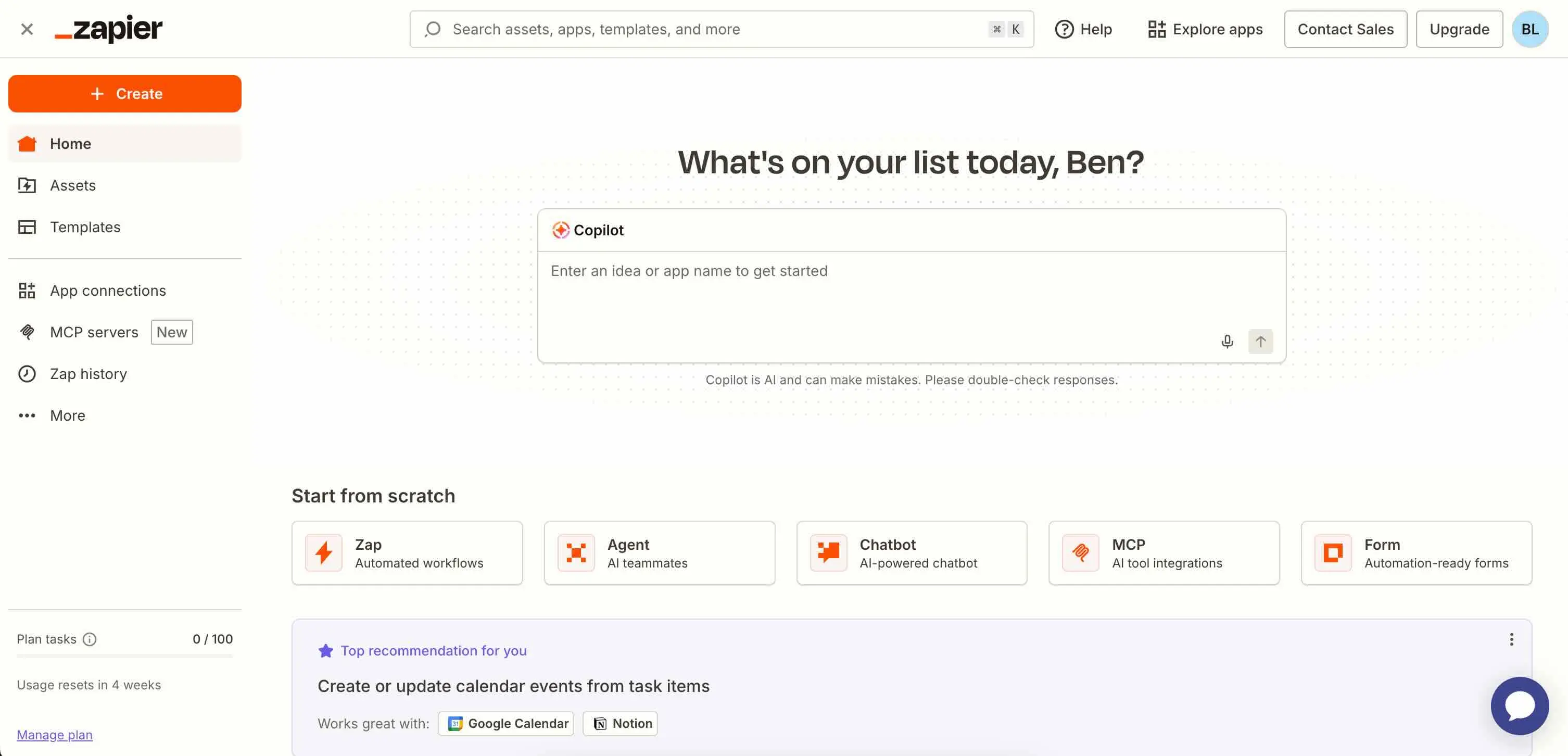
Zapier connects over 9,000 apps through APIs, not screen scraping. The differentiator for 2026 is Zapier MCP, which gives AI agents governed access to those integrations. Instead of bolting AI onto old-school bots, the intelligence is built into the automation itself.
For ops teams, that means you can deploy workflows without filing an IT ticket first. Free plans are available, with paid tiers starting at $19.99 per month. Compare that to UiPath's enterprise licensing model, and the cost structure makes sense for smaller teams or those testing automation before scaling.
Similar options in this space include Make for visual workflow building and n8n for teams that want self-hosted, open-source automation. Make starts at $9/month; n8n offers a free tier with paid cloud hosting available.
Automation Anywhere: agentic process automation
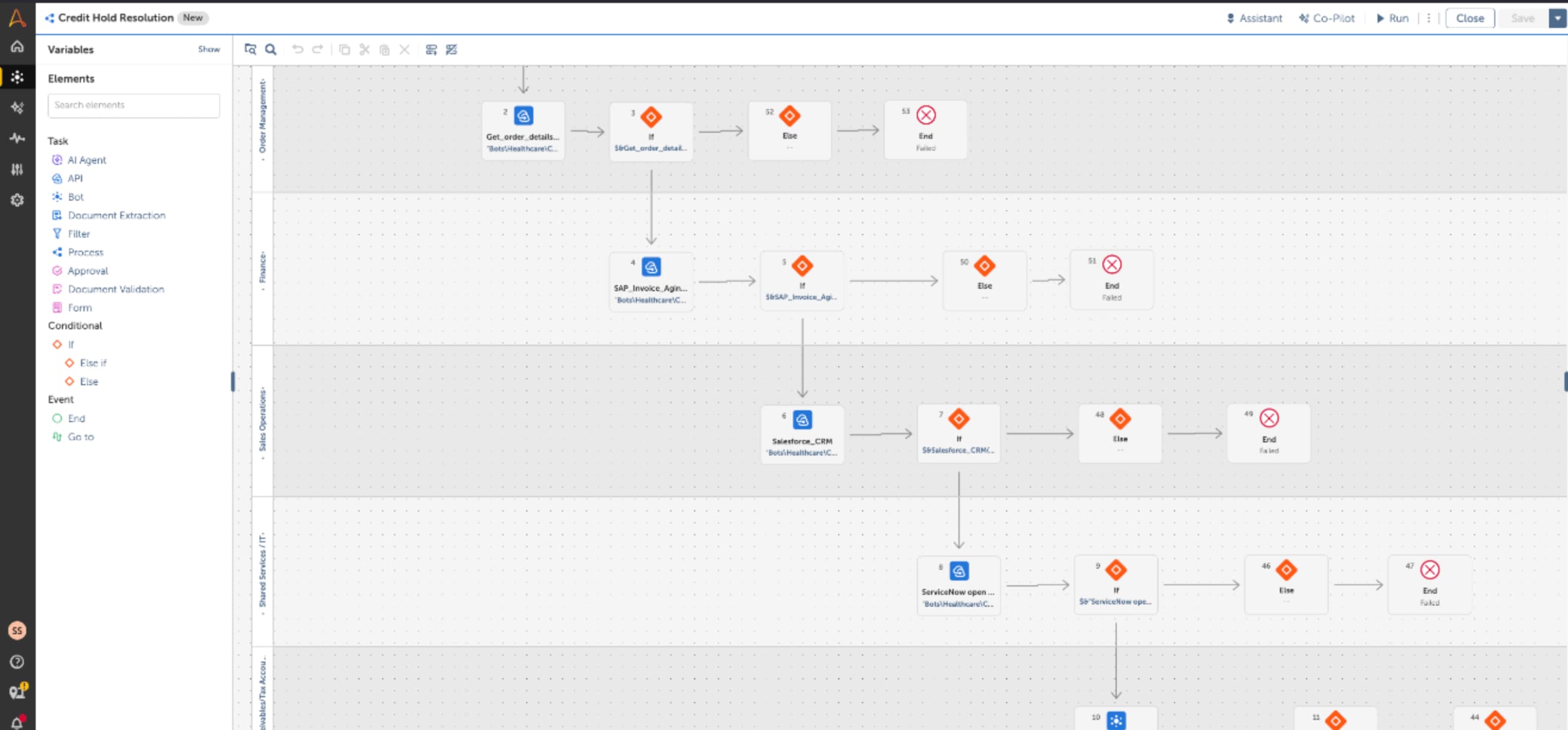
Automation Anywhere combines RPA, intelligent document processing, and process discovery in a single platform. Its AI agent architecture handles orchestrating tasks and making decisions, not just executing scripts. This is the closest direct competitor to UiPath for enterprises that genuinely need RPA capabilities.
The difference is positioning. Automation Anywhere has leaned harder into AI orchestration, while UiPath emphasizes its broader platform play. For RevOps teams evaluating both, the choice often comes down to existing vendor relationships and which sales team offers better implementation support.
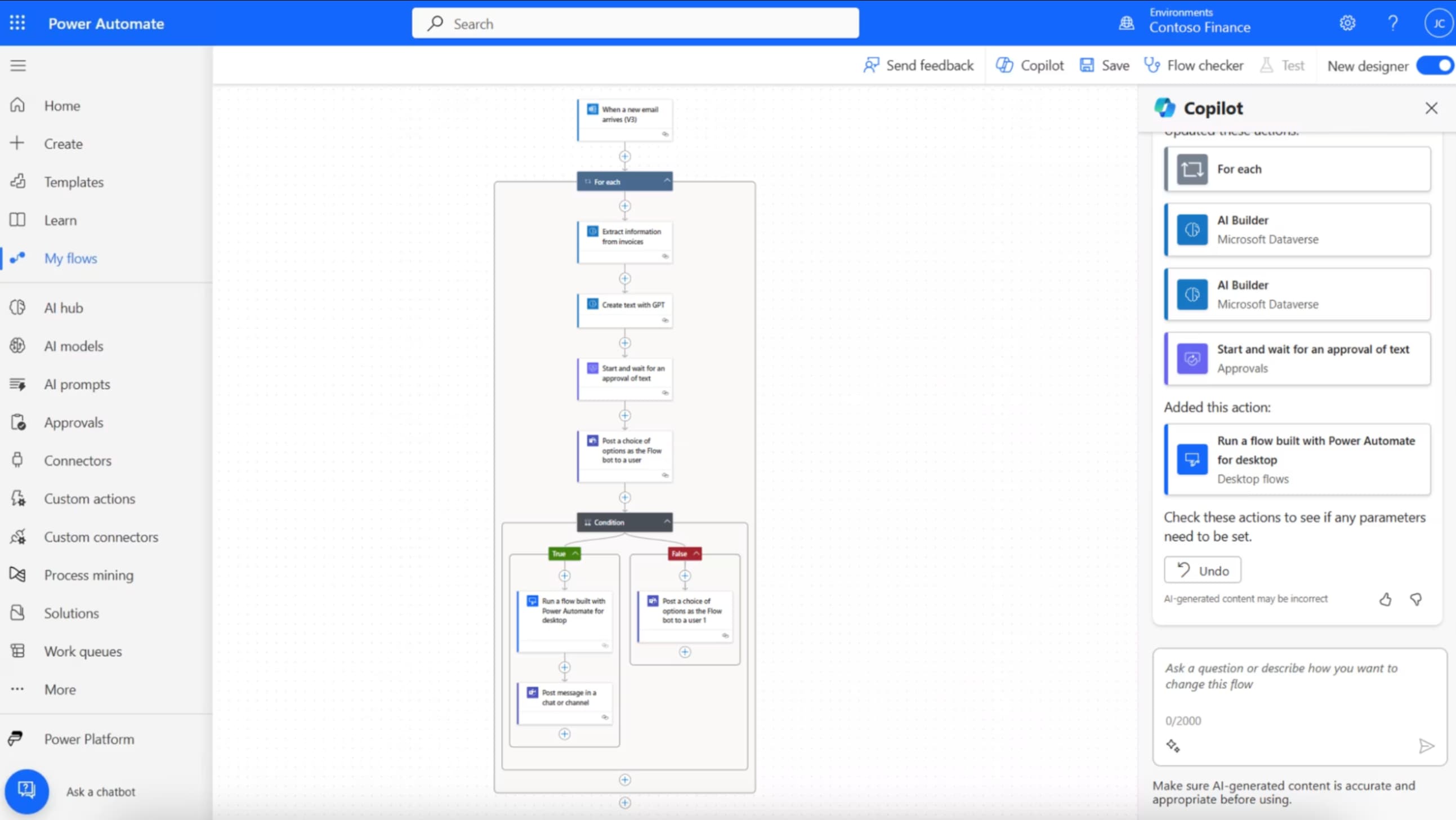
Power Automate: the obvious choice for Microsoft shops
If your company already runs on Microsoft 365, Power Automate is bundled into licenses you're already paying for. It handles both cloud flows (API-based) and desktop flows (RPA-style), covering the spectrum from modern to legacy automation.
The platform integrates natively with Dynamics 365, SharePoint, Teams, and the rest of the Microsoft ecosystem. For operations teams embedded in that world, there's little reason to look elsewhere. The learning curve is gentler than UiPath, and IT governance tools are built in.
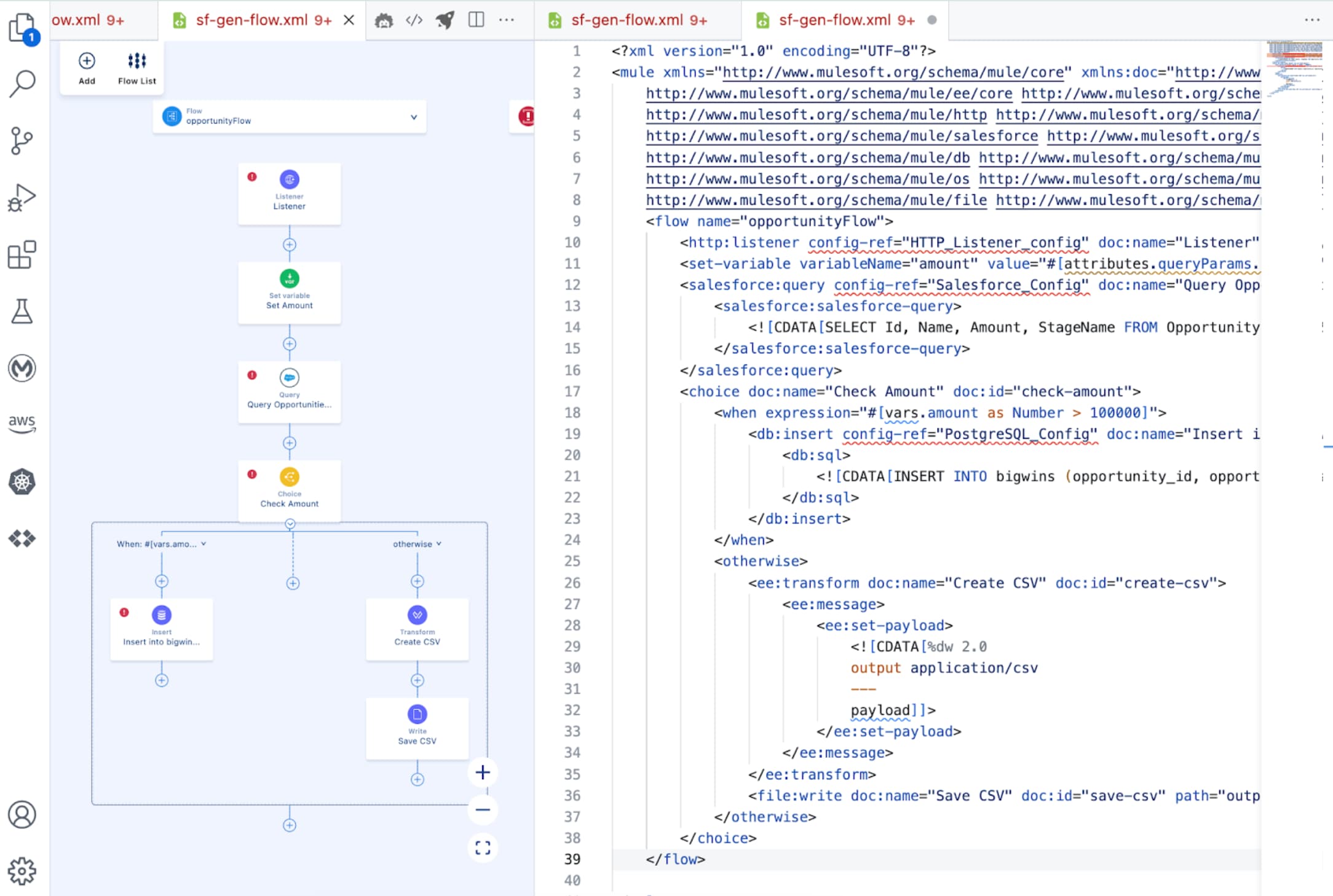
MuleSoft: compliance-first integration
MuleSoft takes an API-led connectivity approach rather than RPA. The platform is built for organizations with strict compliance and security requirements, including healthcare, financial services, and government. If you need audit logs, role-based access, and IT oversight, MuleSoft delivers.
The tradeoff is complexity. MuleSoft implementations typically require dedicated developers and longer timelines. It's a strategic platform investment, not a quick win for an ops team trying to automate invoice processing.
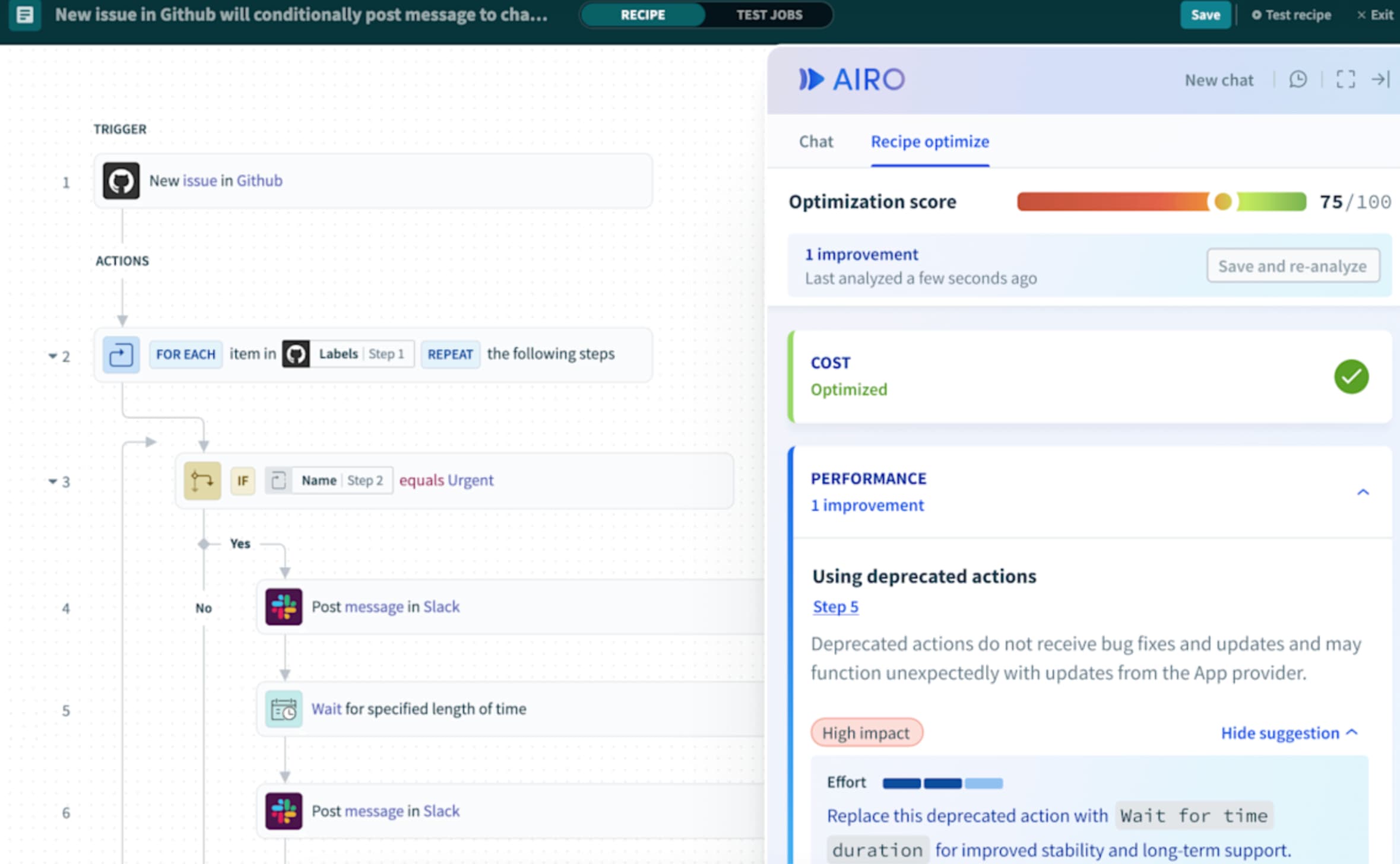
Workato: enterprise iPaaS with low-code access
Workato positions itself as enterprise-grade integration that business teams can actually use. The platform offers pre-built connectors for common enterprise apps, with a visual builder that doesn't require coding knowledge. IT maintains governance; ops teams build workflows.
Pricing is enterprise-tier (custom quotes, annual contracts), so Workato makes most sense for mid-market and above. Companies running Salesforce, HubSpot, or similar CRMs will find deep integrations out of the box.
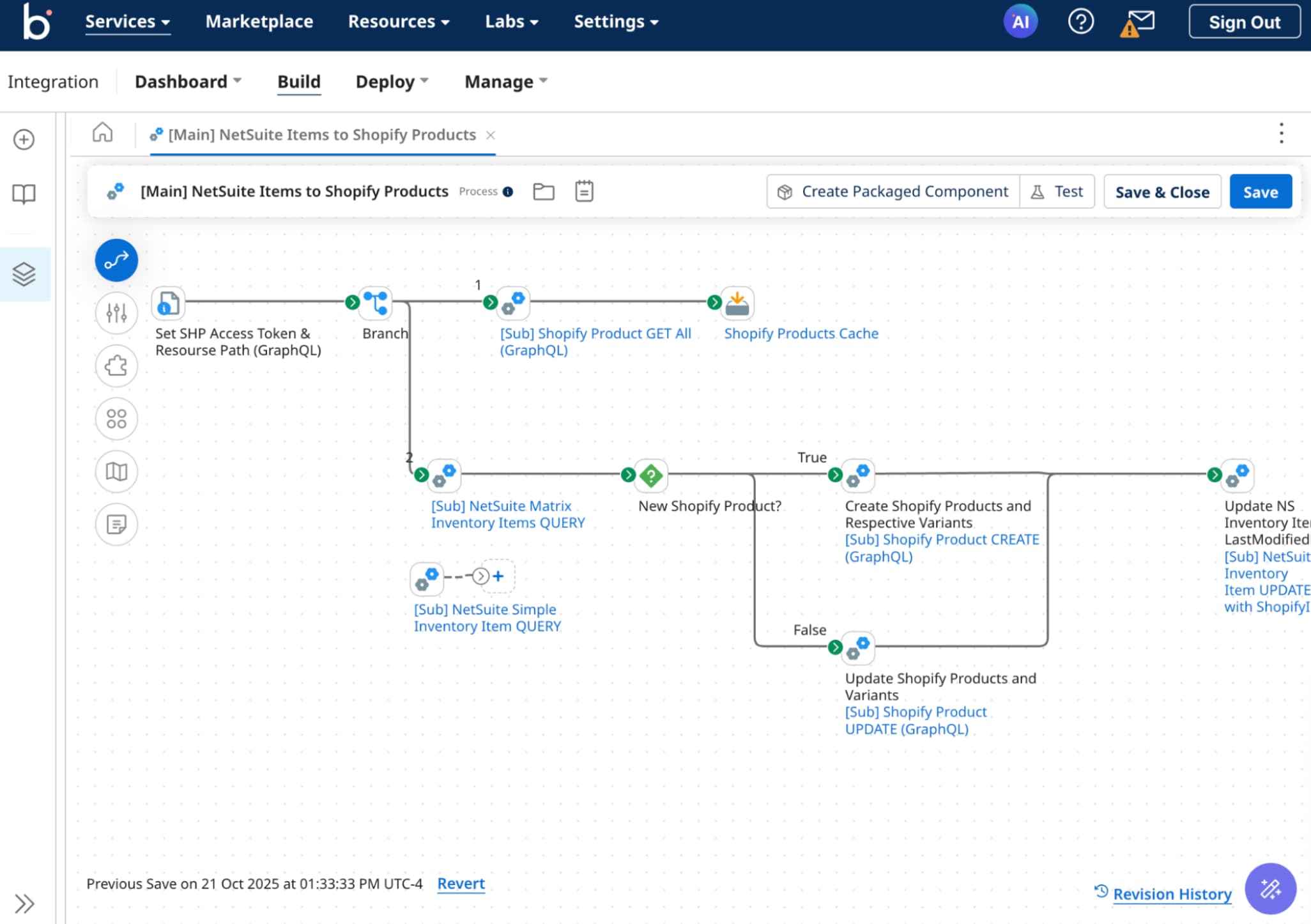
Boomi: hybrid and on-prem integration
Boomi specializes in connecting cloud applications with on-premises systems. If your organization maintains data centers alongside SaaS tools, Boomi's hybrid deployment options fill a gap that pure cloud platforms can't.
The platform includes master data management and API management alongside integration flows. For enterprises with complex data residency requirements, that breadth matters. Like MuleSoft and Workato, expect enterprise pricing and implementation timelines.
How to choose the right UiPath alternative
Start with your systems, not the vendor's feature list. If you're automating legacy desktop applications without APIs, you need RPA capabilities. Automation Anywhere or Power Automate's desktop flows are your options. If your tools are cloud-native, API-first platforms like Zapier, Make, or Workato will get you live faster.
Consider who builds and maintains automations. UiPath and MuleSoft require dedicated developers. Zapier and Workato let ops teams self-serve with IT oversight. Power Automate sits somewhere in between. Match the platform to your team's skills and your IT department's tolerance for citizen development.
Finally, price the total cost of ownership. UiPath's licensing might be justified if you're automating 50 legacy processes. For five modern integrations, you're overpaying dramatically.
Logicity's Take
The RPA market oversold itself to companies that didn't need it. UiPath remains the right choice for genuine legacy system automation, but operations teams running HubSpot, Salesforce, and modern SaaS tools should start with Zapier or Make. You can always scale up to enterprise iPaaS if your automation program outgrows API connectors. Starting with UiPath because it's 'enterprise-grade' is backwards. Match the tool to the problem.
Frequently Asked Questions
Is Zapier a real alternative to UiPath for enterprise use?
For enterprises with modern, API-connected tools, yes. Zapier lacks RPA capabilities for legacy systems but offers faster deployment and lower costs for cloud-native automation.
Can Power Automate replace UiPath?
Power Automate includes both cloud flows and desktop RPA flows. For Microsoft-heavy organizations, it covers most UiPath use cases at a lower total cost, though UiPath has deeper legacy system support.
What's the difference between RPA and iPaaS platforms?
RPA automates by mimicking human actions on screens. iPaaS platforms like Workato and MuleSoft connect systems through APIs. RPA works with legacy apps; iPaaS works with modern, API-enabled software.
Which UiPath alternative has the fastest time to value?
Zapier and Make typically show results within days. Enterprise platforms like Workato and MuleSoft take weeks to months. UiPath implementations often run 3-6 months before production.
Governance and trust are critical when deploying AI-powered automation at scale
Need Help Implementing This?
Evaluating automation platforms for your ops stack? Logicity can connect you with implementation partners who specialize in Zapier, Workato, and enterprise iPaaS. Contact us at hello@logicity.in.
Source: The Zapier Blog
Huma Shazia
Senior AI & Tech Writer
Produced with AI assistance and reviewed by the Logicity editorial team. Learn more in our Editorial Policy.