Key Takeaways
- Shift+Delete bypasses the Recycle Bin for instant permanent deletion
- Shift+Ctrl+T reopens closed browser tabs in Chrome, Edge, and Firefox
- Shift+right-click reveals the full context menu Windows 11 hides by default
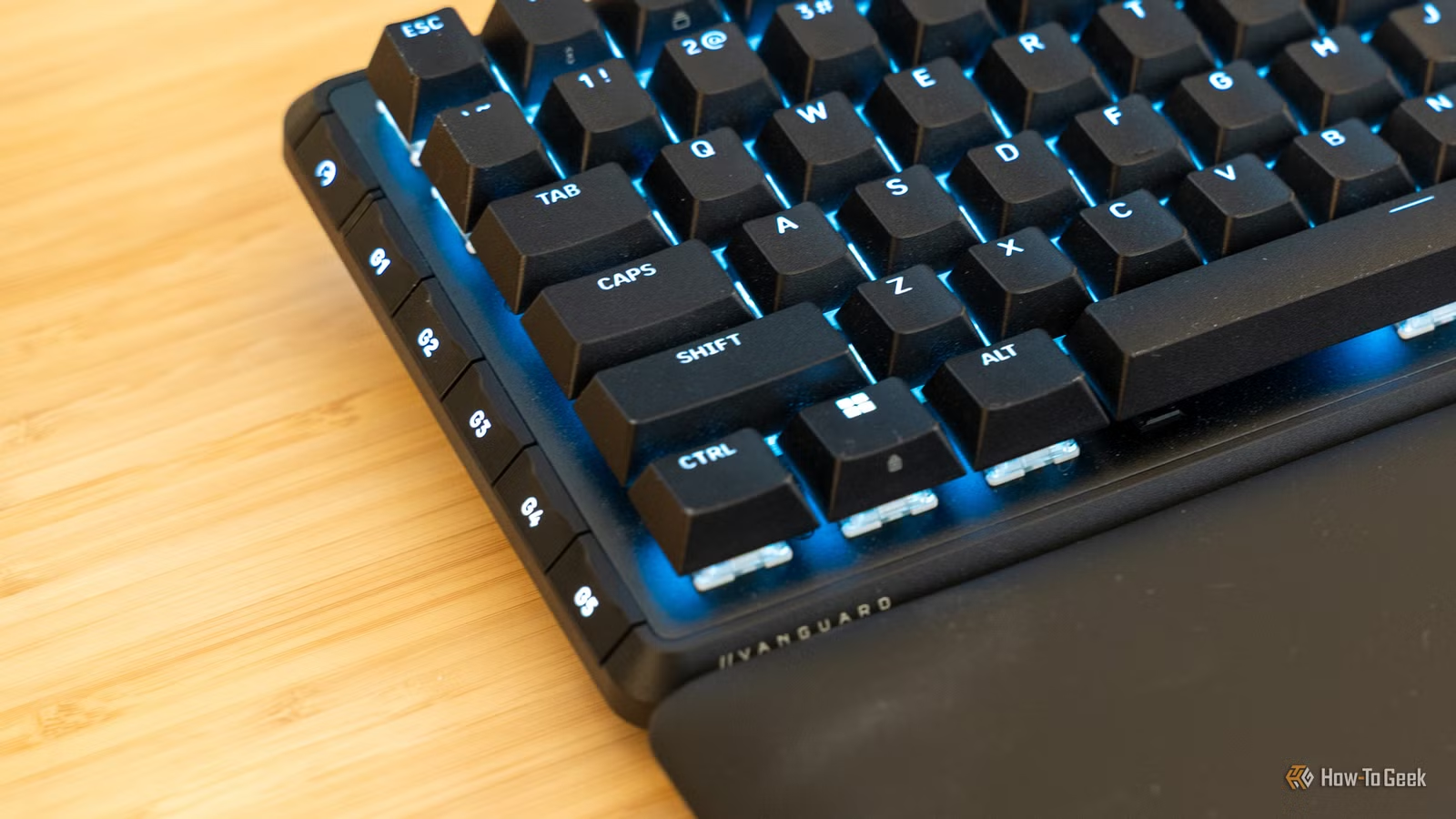
The Shift key does more than capitalize letters. In Windows 11, holding Shift while pressing other keys unlocks a set of shortcuts that bypass menus, speed up file management, and fix common annoyances. Most users never learn these combinations, which is a shame. They work immediately and require no configuration.
How-To Geek recently compiled six Shift key shortcuts that genuinely save time. Some have existed since Windows 95; others address Windows 11's specific quirks. Here's what each does and when to use it.
Shift+Delete: Skip the Recycle Bin entirely
Pressing Delete sends files to the Recycle Bin. Shift+Delete skips that step and removes them permanently. You still get a confirmation dialog, so accidental deletions aren't a serious risk.
This shortcut shines when you're clearing out large files. AI model weights, video renders, disk images. Sending 20GB files to the Recycle Bin just clutters it with data you'll never restore. Shift+Delete is cleaner.
Shift+Click: Select entire file ranges at once
Click the first file. Hold Shift. Click the last file. Windows selects everything in between. It sounds basic, but an alarming number of people still select files one by one with Ctrl+Click.
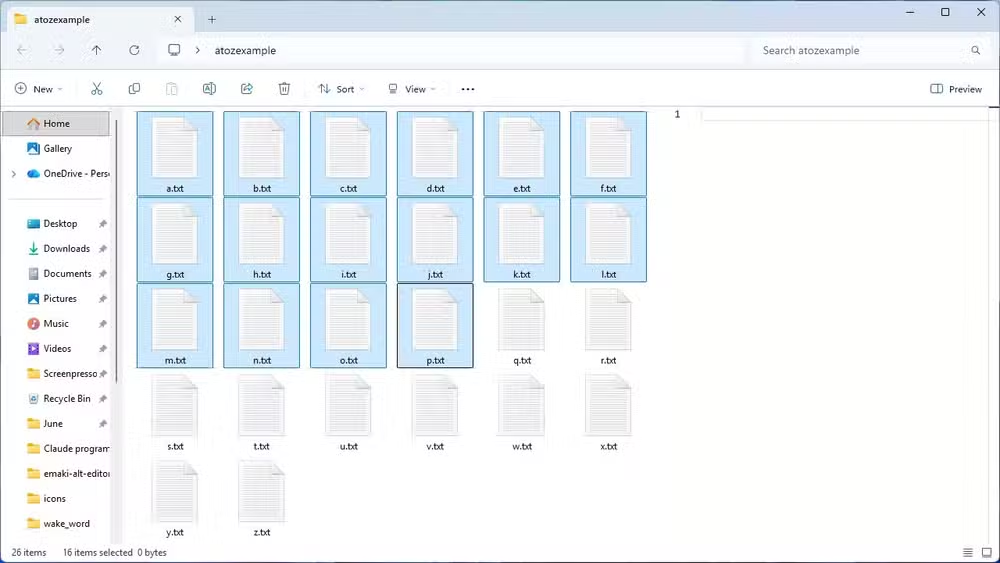
The selection respects your current sort order. Sort by date modified, and Shift+Click grabs files from a specific time range. Sort by size, and you can quickly select everything above a certain threshold. One practical use: pulling large video files out of a backup folder to move them to a different drive.
Shift+Ctrl+T: Reopen closed browser tabs
You close a tab by accident. Press Shift+Ctrl+T. The tab reappears. Keep pressing the combination and you'll walk backward through your recently closed tabs in order.
This works in Chrome, Edge, Firefox, and nearly every Chromium-based browser. It's one of those shortcuts that, once learned, you'll use daily.
Shift+Alt+Tab: Cycle backward through open windows
Alt+Tab cycles forward through open applications. Add Shift and you cycle backward. If you overshoot the app you wanted, Shift+Alt+Tab takes you back without looping through your entire window stack again.
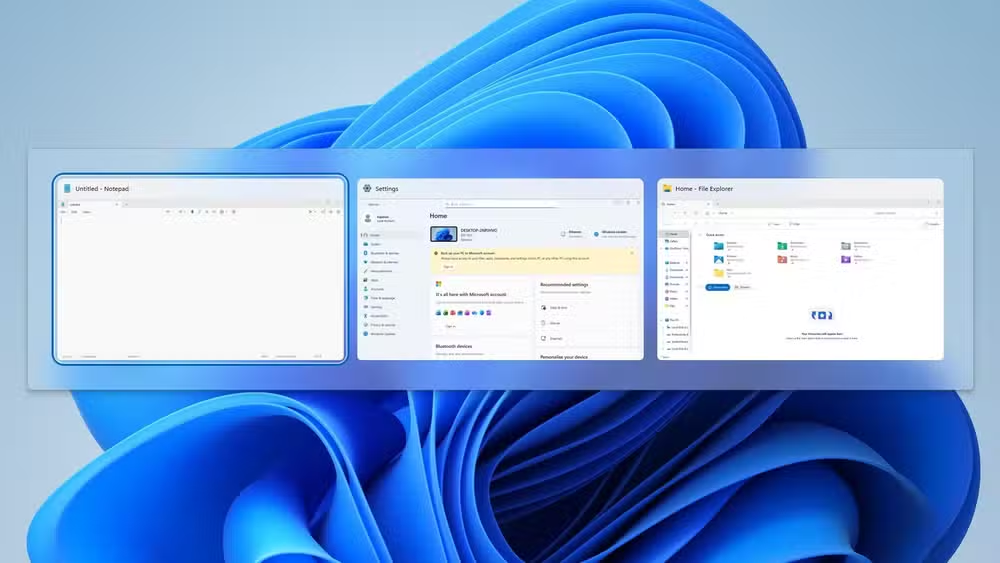
For keyboard-centric users juggling a dozen windows, this small change removes real friction.
Shift+Right-Click: Restore the full context menu
Windows 11 truncated the right-click context menu. Many options now hide behind "Show more options." Shift+right-click bypasses this and displays the full legacy menu immediately.
This is particularly useful if you rely on third-party tools that add context menu items. Without Shift, you're always clicking through two menus to reach them.
Why these shortcuts matter for productivity
Microsoft's own usability research suggests the majority of Windows users don't know most keyboard shortcuts. That's a missed opportunity. Each shortcut might save only a few seconds per use, but those seconds compound. Over a year of daily work, you're talking about hours.
The Shift key has been a modifier since typewriters. Windows extends its function far beyond capitalization, but the operating system doesn't advertise these combinations prominently. You have to seek them out.
The shortcuts listed here work across Windows 10 and Windows 11. They don't require administrator privileges or registry edits. They just work.
Logicity's Take
These shortcuts are genuinely useful, but the real story is Windows 11's design regression. Microsoft hid the full context menu behind an extra click, then users discovered Shift+right-click to get it back. The OS created a problem and the Shift key became the workaround. That's not power-user elegance. It's friction that shouldn't exist.
Frequently Asked Questions
Does Shift+Delete permanently delete files?
Yes. Shift+Delete bypasses the Recycle Bin and removes files permanently. A confirmation dialog still appears to prevent accidents.
How do I reopen a closed tab in Chrome?
Press Shift+Ctrl+T. This works in Chrome, Edge, Firefox, and most other browsers. Pressing it repeatedly reopens older closed tabs in order.
What does Shift+right-click do in Windows 11?
It opens the full legacy context menu instead of Windows 11's truncated version, giving you immediate access to all options without clicking "Show more options."
Does Shift+Click work outside File Explorer?
Yes. Many applications support Shift+Click for range selection, including most email clients, spreadsheet programs, and media libraries.
Need Help Implementing This?
Want to train your team on Windows productivity shortcuts or build custom automation workflows? Contact Logicity for consulting on enterprise productivity tooling.
Source: How-To Geek
Manaal Khan
Tech & Innovation Writer
Produced with AI assistance and reviewed by the Logicity editorial team. Learn more in our Editorial Policy.






