Key Takeaways
Build Faster with MuleSoft Vibes
- MuleSoft is built for IT-led API governance projects; most alternatives trade some enterprise depth for faster time-to-value
- Zapier covers 9,000+ apps and lets business teams build without developer tickets; Boomi and Workato stay closer to the enterprise end
- Pricing transparency varies wildly: Zapier publishes rates starting at $19.99/month while MuleSoft requires a sales call
MuleSoft is the integration platform you call when you need to stitch SAP, Oracle, and Salesforce into regulated infrastructure with governed, reusable APIs. Salesforce paid $13.9 billion for it in 2018, and the platform earns that price tag in banking, healthcare, and ERP-heavy enterprises. But implementations routinely stretch into months, pricing stays hidden until you're deep in a sales cycle, and the architecture-first approach assumes you have integration architects on staff. If your workflows live mostly in modern SaaS apps, or your marketing team wants to automate something without opening an IT ticket, you're shopping for a different tool.
Disclosure
Some links in this post are affiliate links — Logicity earns a commission if you sign up, at no extra cost to you. We only link products we have used or actively recommend.
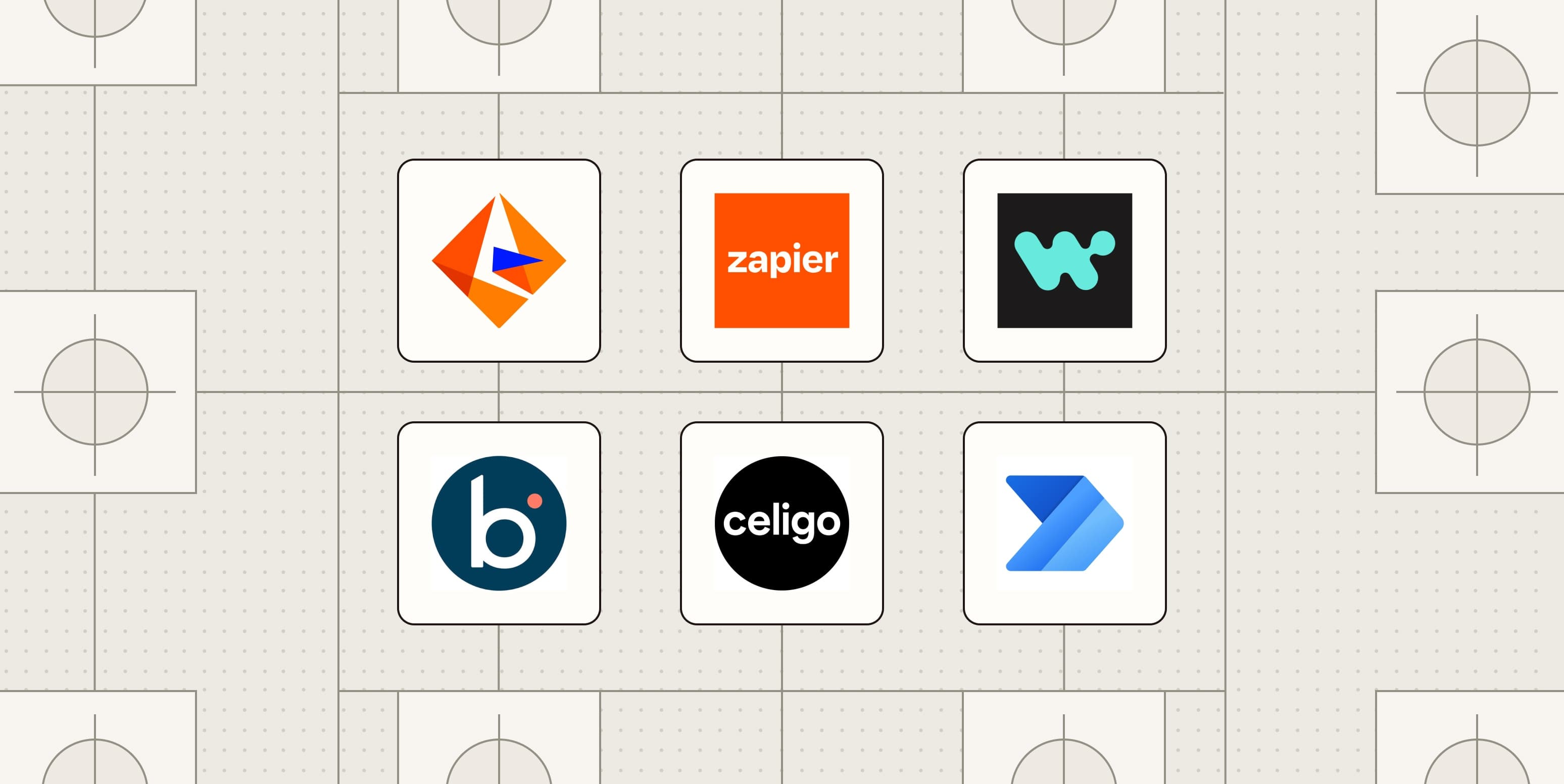
The iPaaS market is projected to hit $32.8 billion by 2028, growing at roughly 25% annually. That growth reflects a simple reality: over 60% of enterprises now run multiple integration platforms simultaneously, picking specialized tools for different jobs rather than forcing everything through one vendor. Here's a breakdown of six platforms worth evaluating if MuleSoft isn't the right fit.
What makes a strong MuleSoft alternative?
MuleSoft's core strength is API governance for IT-led projects. A genuine alternative needs to be honest about which of those jobs it replaces and which it doesn't. Five variables matter most:
- Who can build: Does the platform require developers, or can business analysts touch it?
- Integration coverage: MuleSoft connects SAP, Oracle, and Salesforce well but has a modest connector library. Does the alternative match that enterprise depth or cover the long tail of SaaS tools?
- Time to value: MuleSoft projects take weeks to months. Faster alternatives should say so clearly.
- Governance without gatekeeping: Audit logs, role-based access, compliance certifications, without routing every workflow through a developer queue.
- Pricing transparency: MuleSoft hides pricing until you're deep in evaluation. Published rates let you build a business case before committing.
Zapier: 9,000+ apps and AI-assisted builds
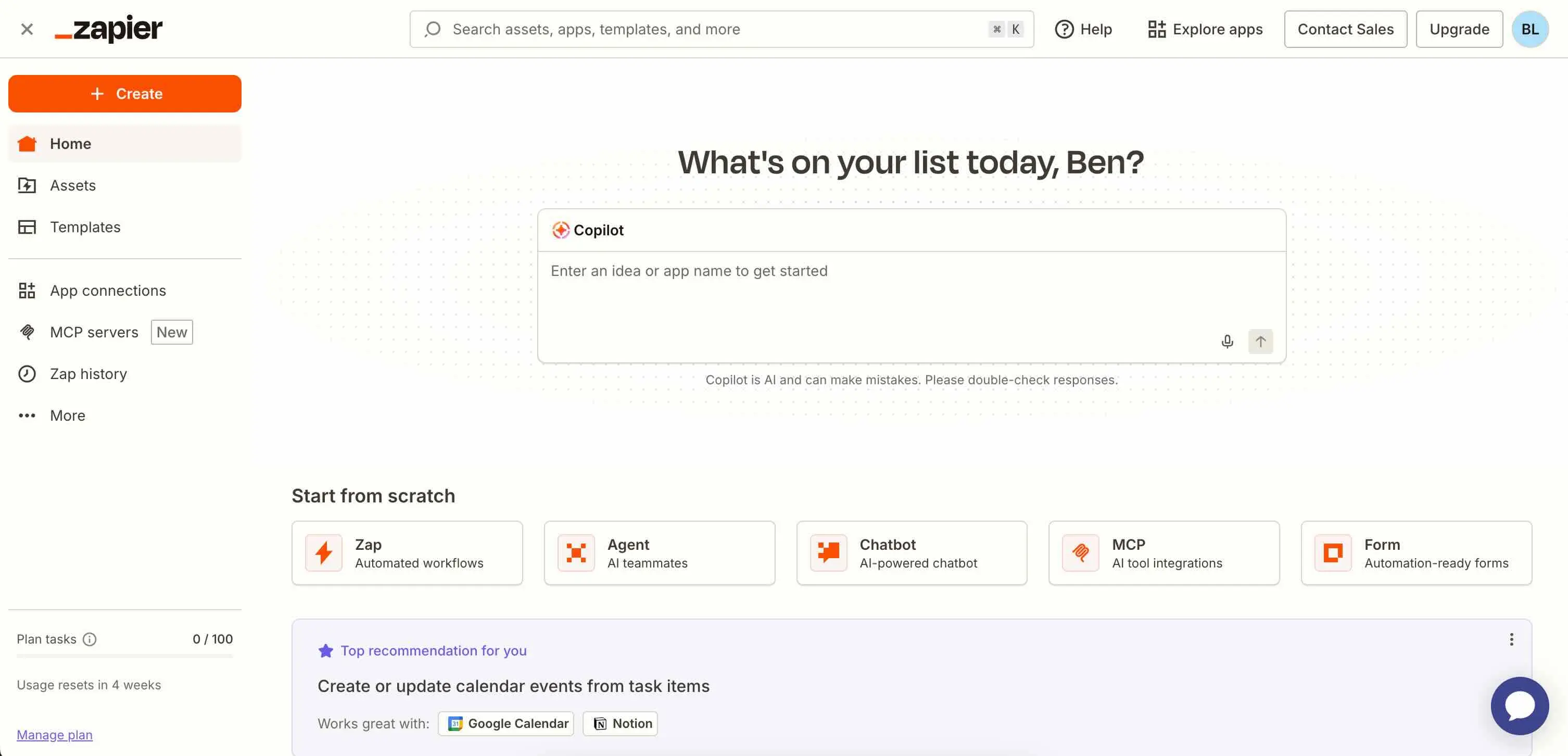
Zapier covers the widest connector library in this list: over 9,000 app integrations, from enterprise staples to niche SaaS tools your RevOps team discovered last quarter. The Copilot AI assistant lets users describe what they want in plain language and generates a working automation. Zapier MCP and the SDK add governed access for AI agents, a feature that matters more as companies experiment with agentic workflows.
The tradeoff: Zapier is built for cloud-native SaaS, not on-prem databases or legacy ERP systems. If your core integration challenge involves SAP running in a data center, Zapier won't solve it. But if most of your automations connect HubSpot to Slack to Notion, it will ship in hours, not months. Free plans exist; paid tiers start at $19.99/month.
Boomi: Hybrid cloud and on-prem integration
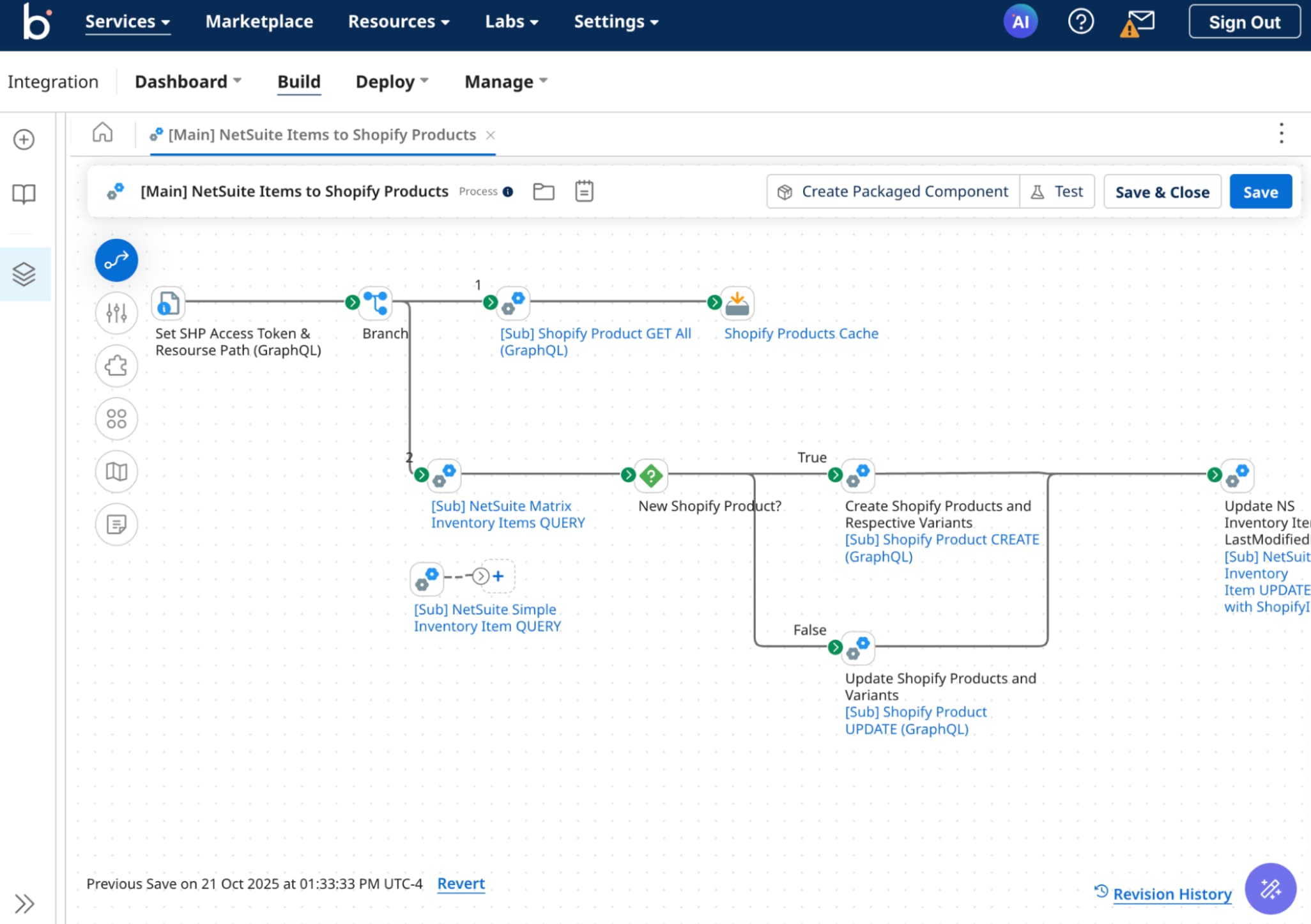
Boomi's AtomSphere platform offers a visual builder that sits closer to MuleSoft's IT-led model but moves faster for teams that don't need full API governance. The platform handles hybrid deployments well. If you're connecting cloud SaaS to an Oracle database running on-prem, Boomi's Atom runtime deploys locally without exposing data to the public internet.
Pricing requires a sales conversation, but implementation timelines typically run shorter than MuleSoft's. Boomi fits mid-market and enterprise teams with some technical resources who want governance features without the full MuleSoft commitment.
Workato: Enterprise recipes for business teams
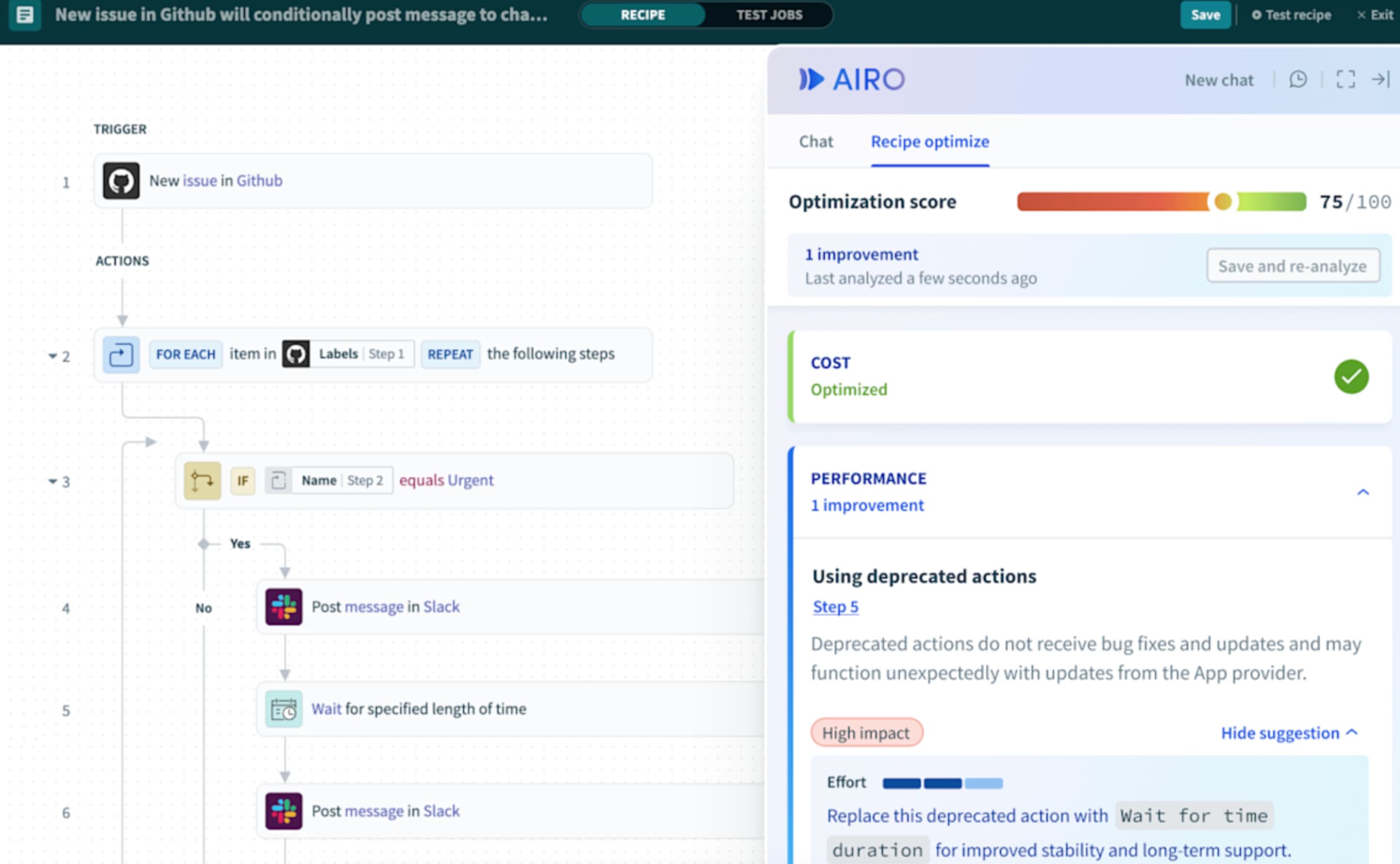
Workato calls its automations "recipes" and positions itself as enterprise-grade automation that business teams can actually build. The platform connects major enterprise systems, including SAP and NetSuite, while keeping the interface accessible enough for operations teams to create workflows without developer handoffs.
The governance model includes audit logs, role-based access, and SOC 2 compliance. Workato doesn't publish pricing, but it's generally positioned below MuleSoft's cost and above Zapier's. For RevOps teams that need to connect CRM, ERP, and finance systems without waiting for IT capacity, Workato hits a useful middle ground.
Informatica: Data governance at scale
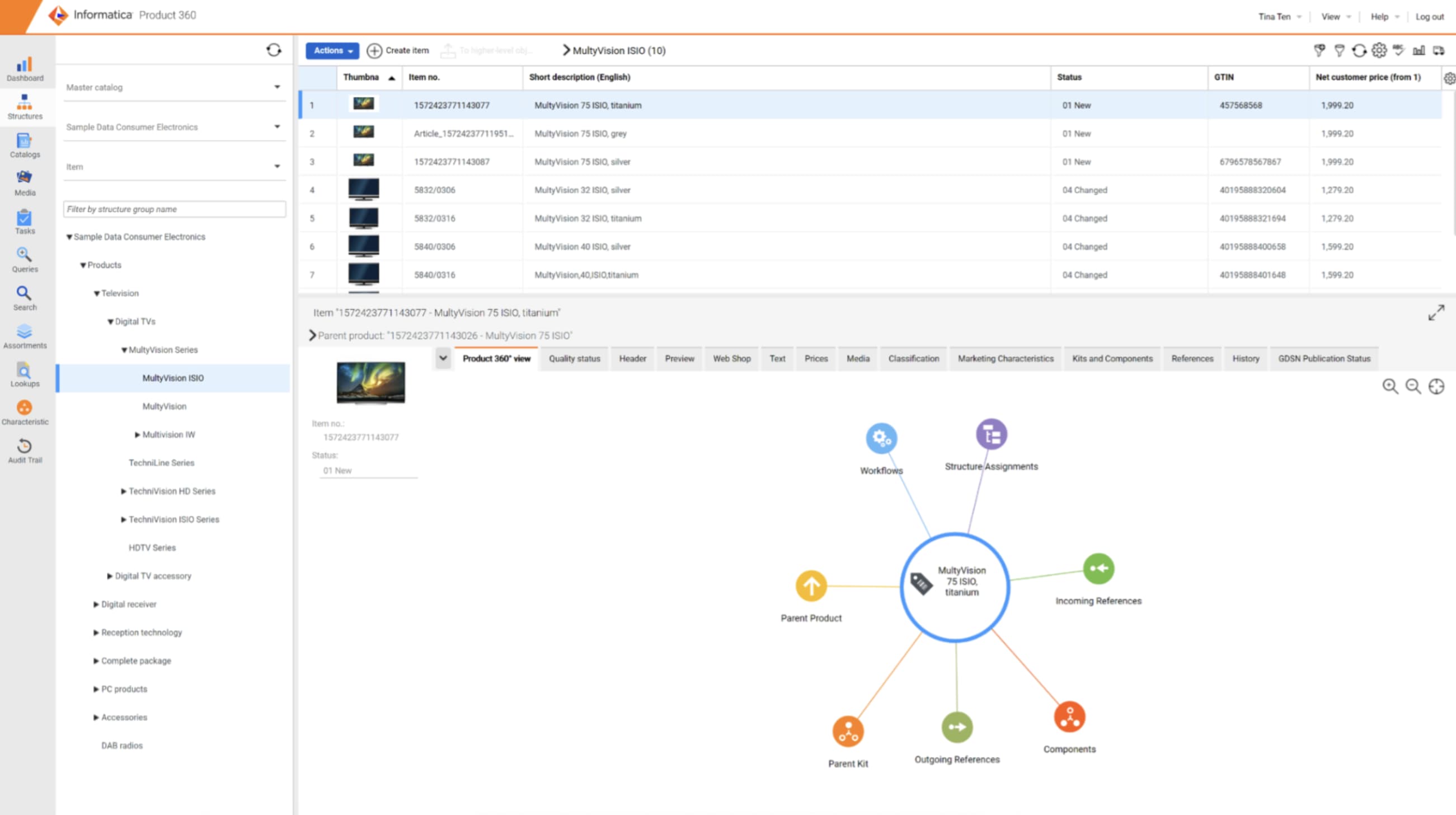
Informatica predates the iPaaS category and still leads in data management and governance. If your integration challenge is fundamentally a data quality problem, with duplicate records, schema mismatches, and compliance requirements around PII, Informatica's tooling addresses the root issue rather than just moving data between systems.
The platform requires technical resources to implement and maintain. It's not competing with Zapier for quick SaaS automations; it's competing with MuleSoft for large-scale data infrastructure projects where governance is non-negotiable.
Microsoft Power Automate: For Microsoft-centric stacks
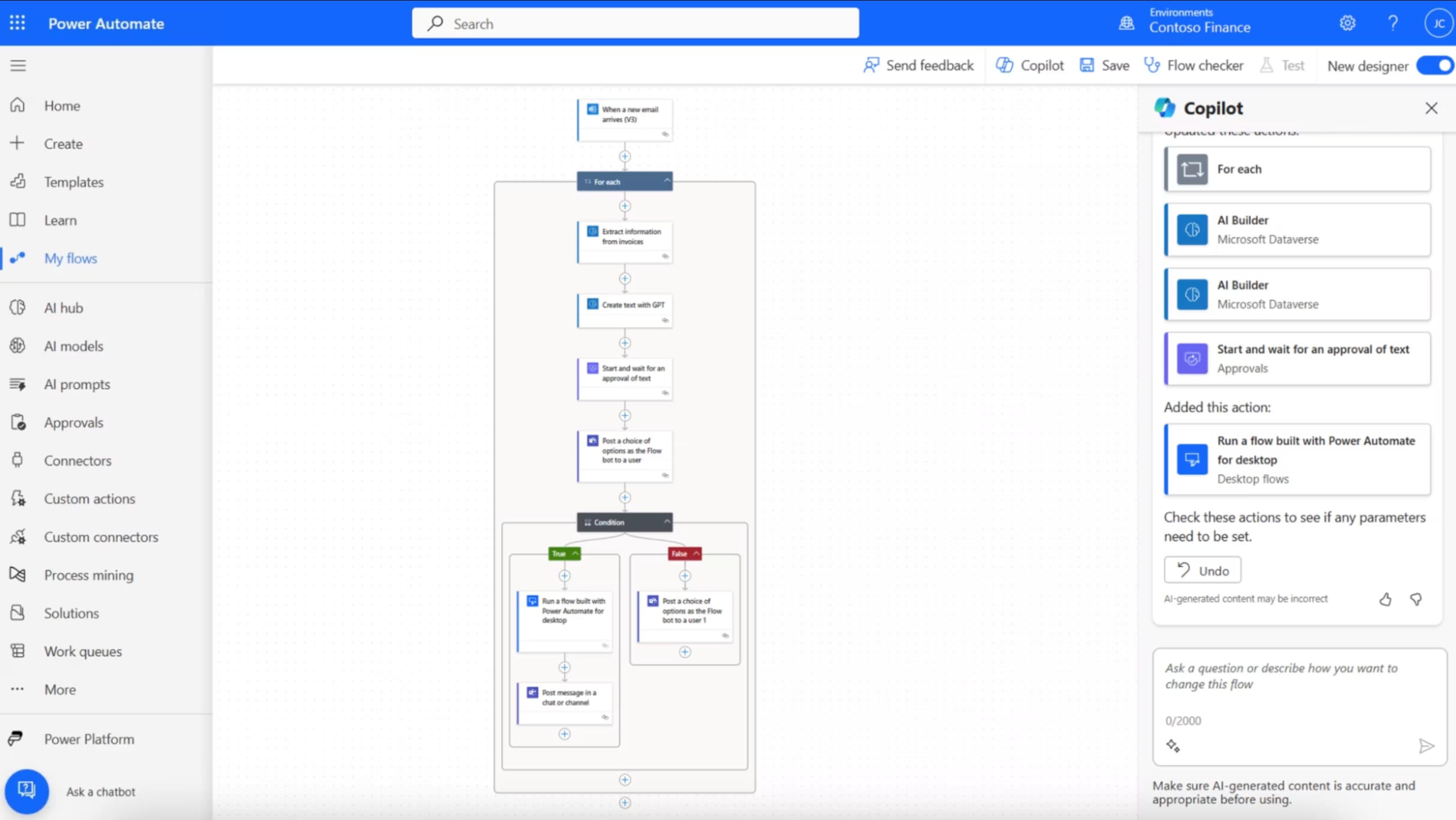
Power Automate ships inside Microsoft 365 subscriptions, which makes it effectively free for organizations already paying for the productivity suite. The integration with Teams, SharePoint, Dynamics 365, and Azure services is seamless. If 80% of your automation needs involve Microsoft products, Power Automate is the obvious choice.
Outside the Microsoft ecosystem, the experience degrades. Third-party connectors exist but feel like afterthoughts compared to native integrations. Power Automate works best as a complement to another iPaaS, handling internal Microsoft workflows while Zapier or Make covers everything else.
Celigo: ERP and e-commerce integration
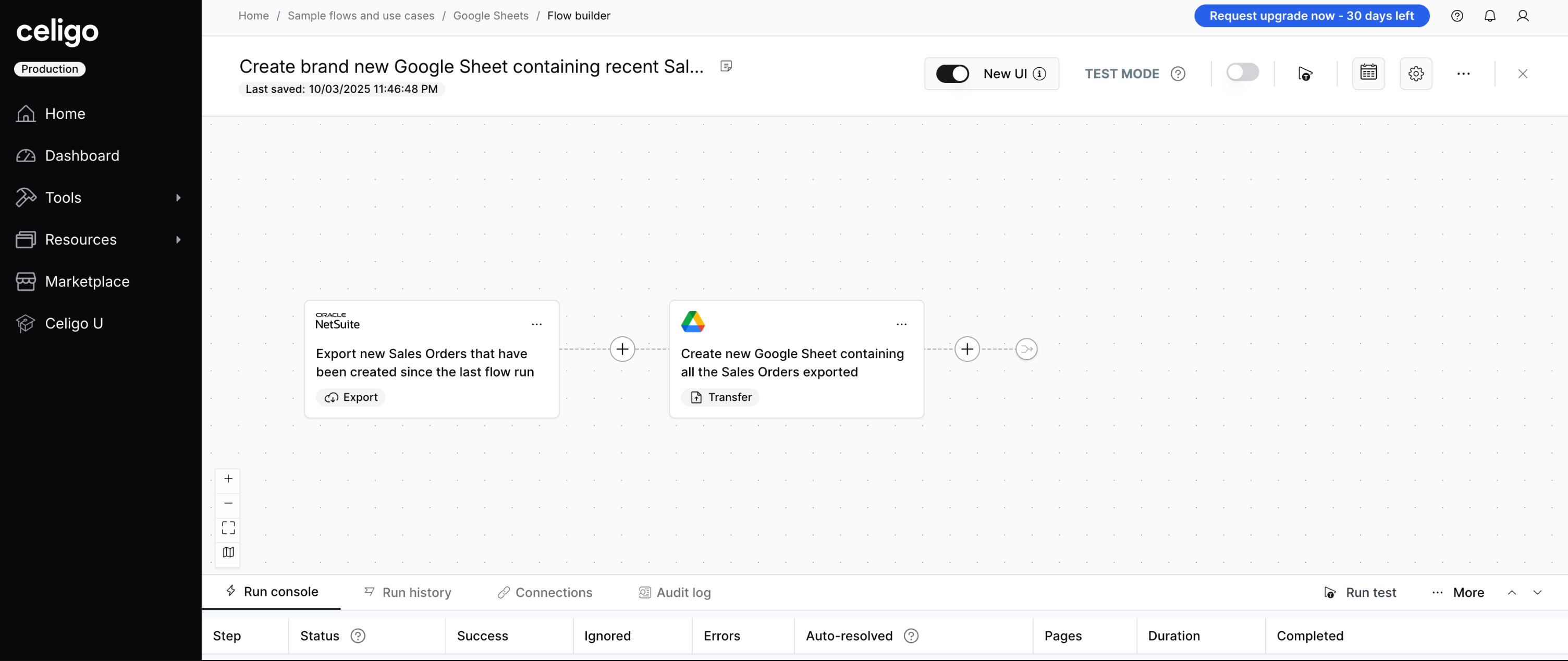
Celigo specializes in connecting ERP systems like NetSuite to e-commerce platforms like Shopify. The prebuilt integration templates handle common patterns: syncing orders, inventory, and customer records between commerce and finance systems. For operations teams running multi-channel retail, Celigo solves a specific, painful problem faster than general-purpose iPaaS tools.
The narrow focus is both strength and limitation. Celigo won't replace your broader integration strategy, but it can eliminate months of custom development for commerce-to-ERP workflows.
How to choose between these platforms
The decision tree is simpler than the marketing suggests. Start with your constraints:
- Do you have integration architects on staff and regulated API requirements? MuleSoft or Informatica.
- Do you need on-prem connectivity with visual tooling? Boomi.
- Do you want business teams to build without IT tickets? Zapier or Workato, depending on whether you prioritize app breadth or enterprise system depth.
- Is your stack 80% Microsoft? Power Automate first, supplement as needed.
- Is your core problem syncing commerce and ERP? Celigo.
Most growing companies end up with two or three integration tools. That's not a failure of strategy; it's recognition that different problems need different approaches. The goal isn't consolidation for its own sake. It's shipping automations that actually work for the people who use them.
Logicity's Take
For RevOps teams, the real question isn't which platform is "best" but which one your ops analysts can ship with this week. Zapier at $19.99/month lets a revenue operations manager connect HubSpot to Slack to a spreadsheet in an afternoon. Workato (pricing requires sales contact, but typically mid-five-figures annually) adds SAP and NetSuite depth for teams that need it. The productivity gap between "ops team builds it today" and "IT builds it in Q3" is worth more than any feature comparison. Start with the fastest path to a working automation, then add enterprise depth when the use case demands it.
| Platform | Best For | Builder Profile | Pricing |
|---|---|---|---|
| Zapier | SaaS automation breadth | Business teams | Free; from $19.99/mo |
| Boomi | Hybrid cloud/on-prem | IT + power users | Contact sales |
| Workato | Enterprise recipes | Ops teams | Contact sales |
| Informatica | Data governance | IT/data teams | Contact sales |
| Power Automate | Microsoft stack | Microsoft 365 users | Included in M365 |
| Celigo | ERP + e-commerce | Operations teams | Contact sales |
Frequently Asked Questions
Is Zapier a real replacement for MuleSoft?
For cloud SaaS integrations, yes. For regulated API governance with on-prem systems, no. Zapier covers different use cases, not the same ones cheaper.
Why doesn't MuleSoft publish pricing?
Enterprise software vendors typically negotiate based on deployment size, connector requirements, and contract length. Published pricing would anchor negotiations lower and complicate custom deals.
Can I use multiple integration platforms together?
Yes, and most enterprises do. Over 60% run multiple iPaaS tools simultaneously. Common patterns include Zapier for SaaS automation plus Boomi or Workato for ERP connectivity.
Which alternative is fastest to implement?
Zapier and Power Automate can ship basic automations in hours. Workato and Boomi typically take days to weeks. Informatica implementations run closer to MuleSoft's timeline of weeks to months.
Need Help Implementing This?
Logicity helps operations teams select and deploy integration platforms without the consultant markup. Contact us for vendor-neutral guidance on your automation stack.
Source: The Zapier Blog
Huma Shazia
Senior AI & Tech Writer
Produced with AI assistance and reviewed by the Logicity editorial team. Learn more in our Editorial Policy.